
AI Product Video Generator
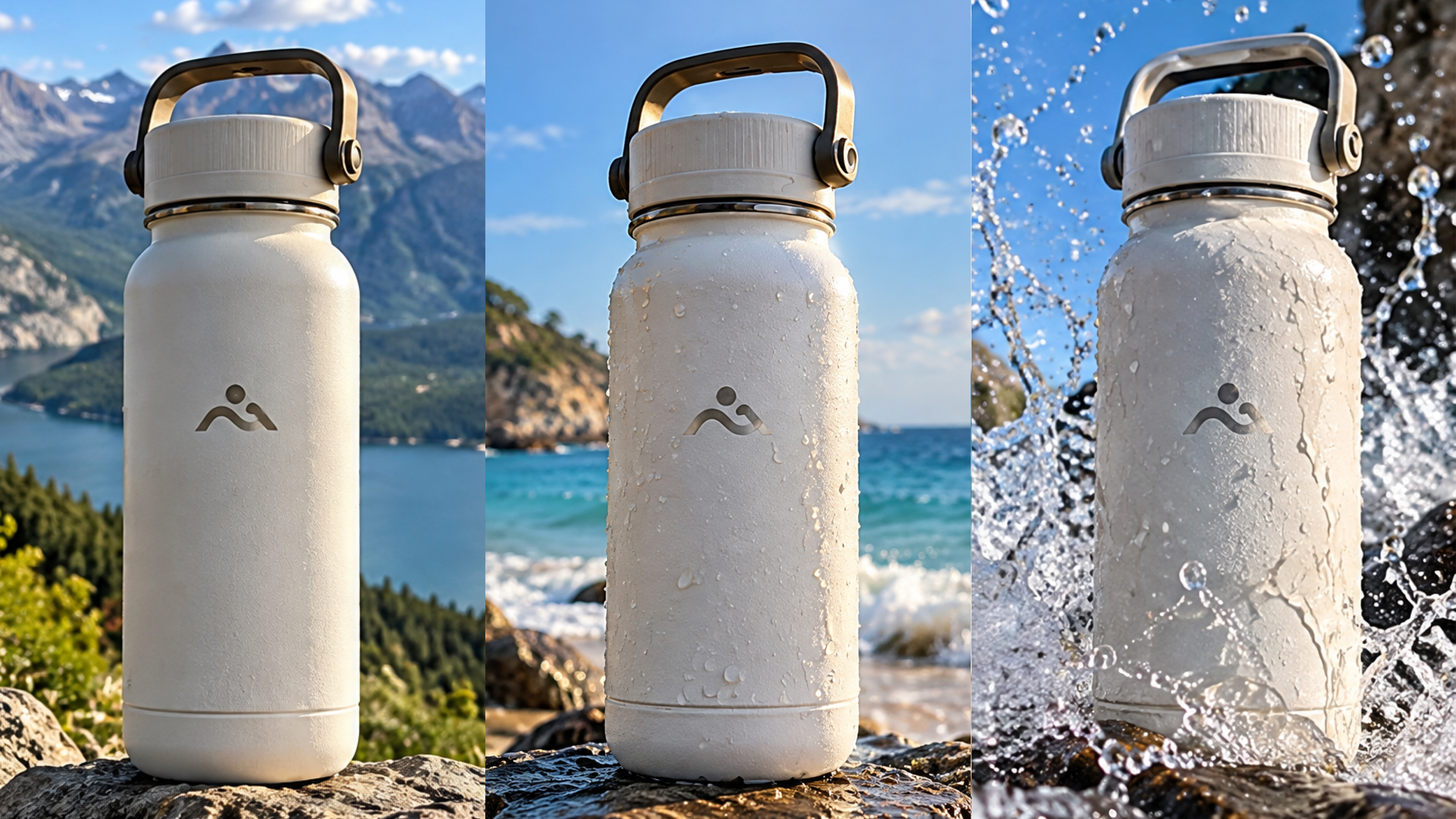
Your product photos can do more than sit on a page. Turn them into scroll-stopping ads, launch clips, and social videos with the RoboNeo AI product video generator, without filming every new creative idea.
How to Use the AI Product Video Generator
Start a Project in RoboNeo
Go to RoboNeo and start a new project, or open one you are already working on. Enter the canvas where you can bring together your product assets and video generation workflow.
Add Your Product Assets
Upload the product images, videos, or other reference materials you want to use. Then add a Video Node and connect the assets that will guide the product video.
Choose a Generation Mode
Select text to video, image to video, Universal Reference, Motion Control, or Start and End Frame based on the product assets and type of video you want to create.
Set the Model and Output
Choose a compatible video model, then adjust the available aspect ratio, resolution, duration, audio, and output quantity for the final product video.
Generate and Refine
Generate the video and review the result. Adjust the prompt, model, or settings as needed, then regenerate until the product video is ready to use.
More Control Over Product Video Creation
Start With Product Images or Mixed Media
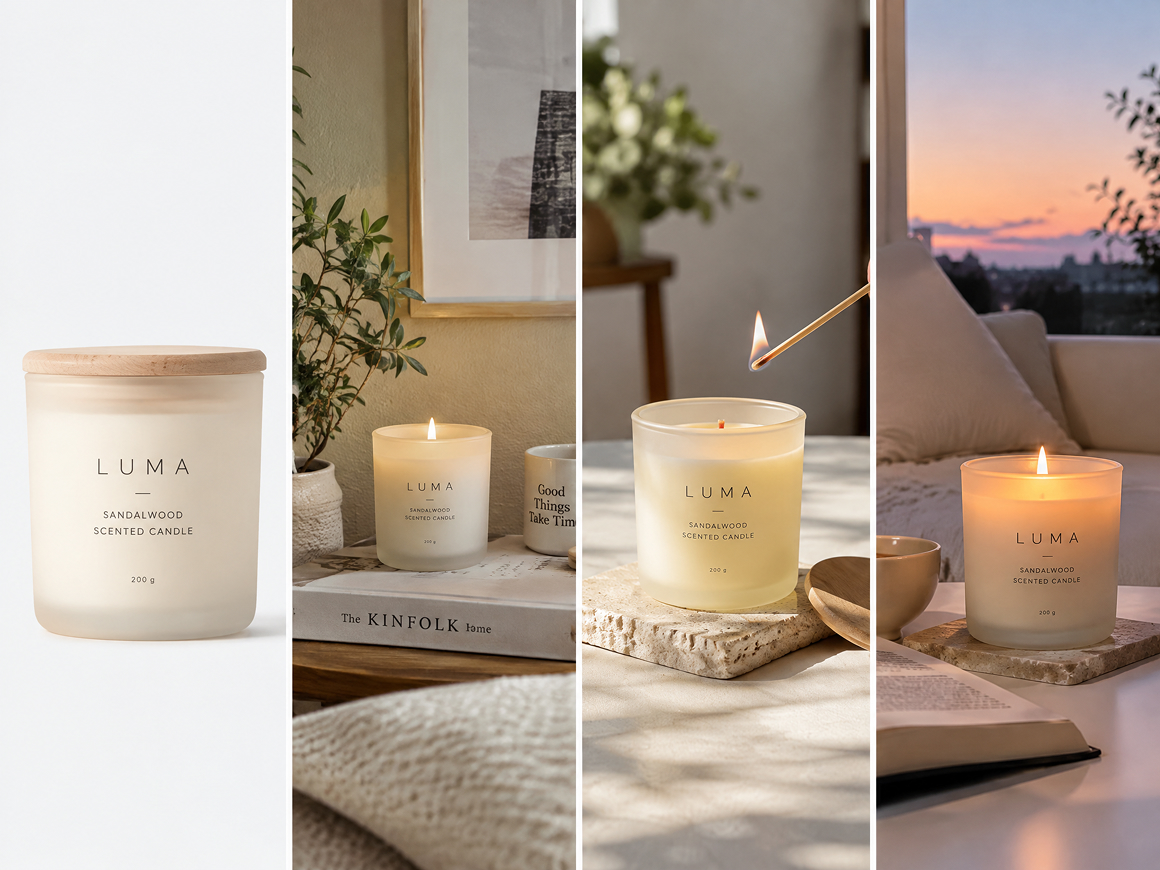
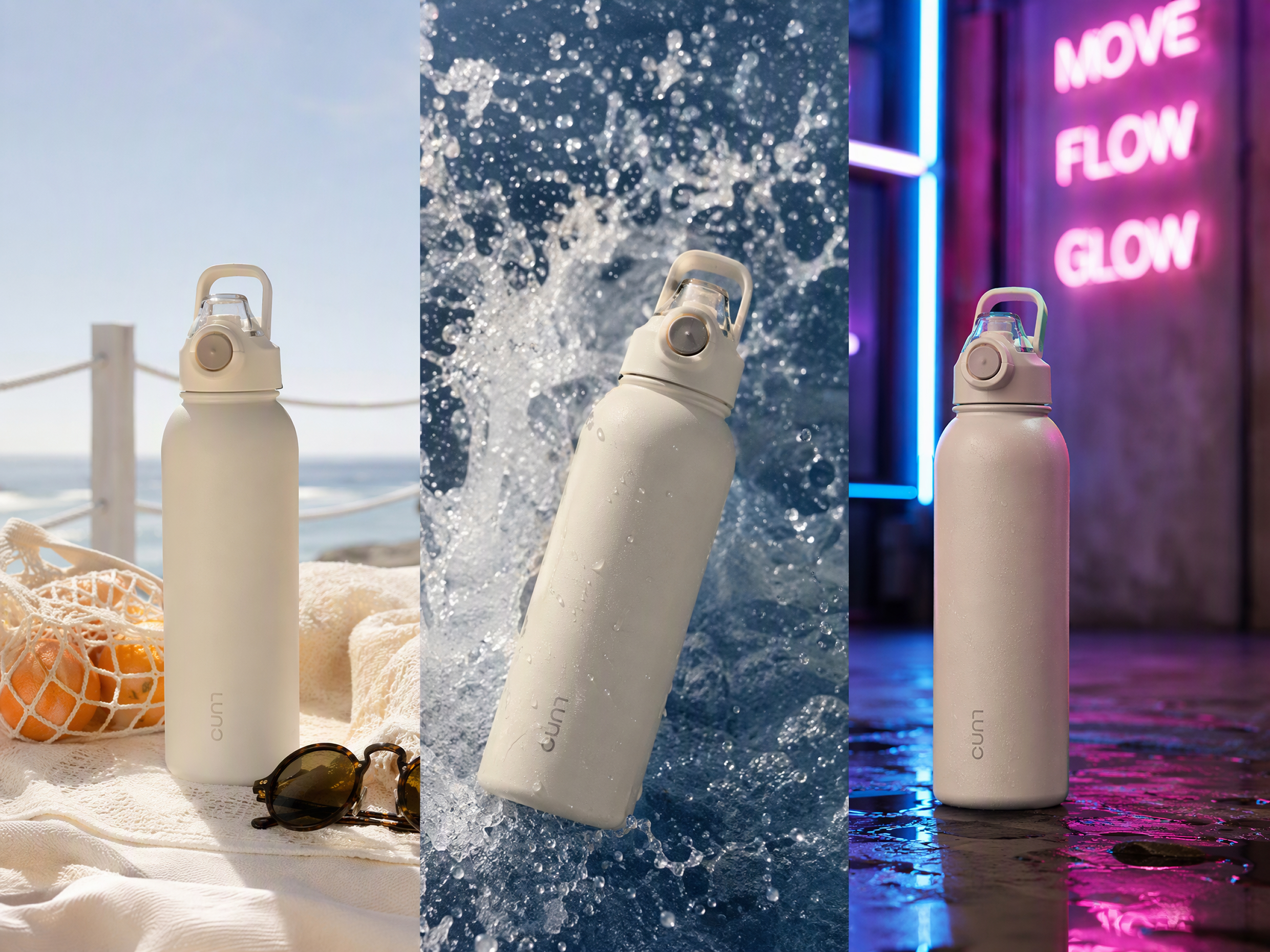
Use a single product photo for image to video, write a prompt from scratch, or combine text, images, video, and audio through Universal Reference. This gives ecommerce teams more ways to create product scenes from the materials they already have across different campaigns.
Pick the Video Model That Fits Each Shot
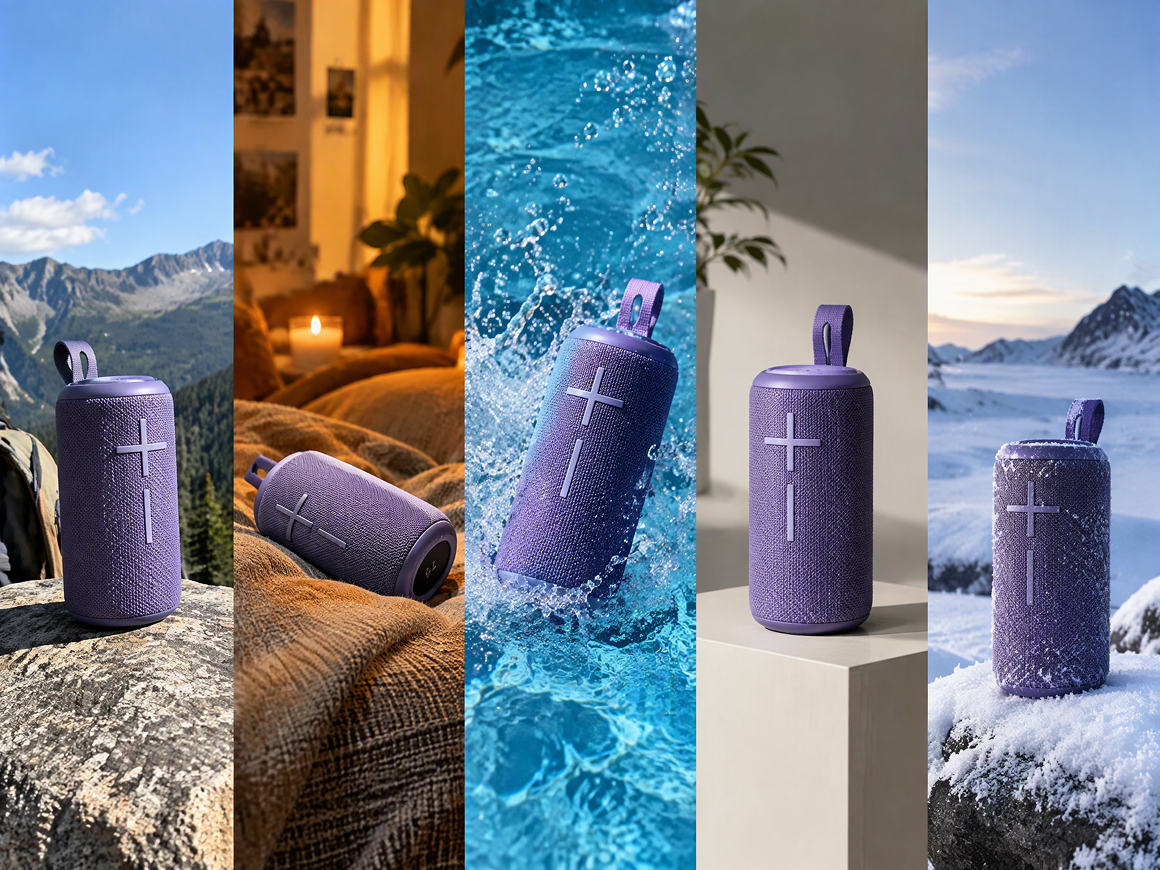
Different shots may need different motion, camera behavior, or reference handling. RoboNeo lets you choose from multiple supported video models inside the Video Node, so you can match the generation approach to the product clip you are trying to make.
Set Video Format, Quality, and Output First
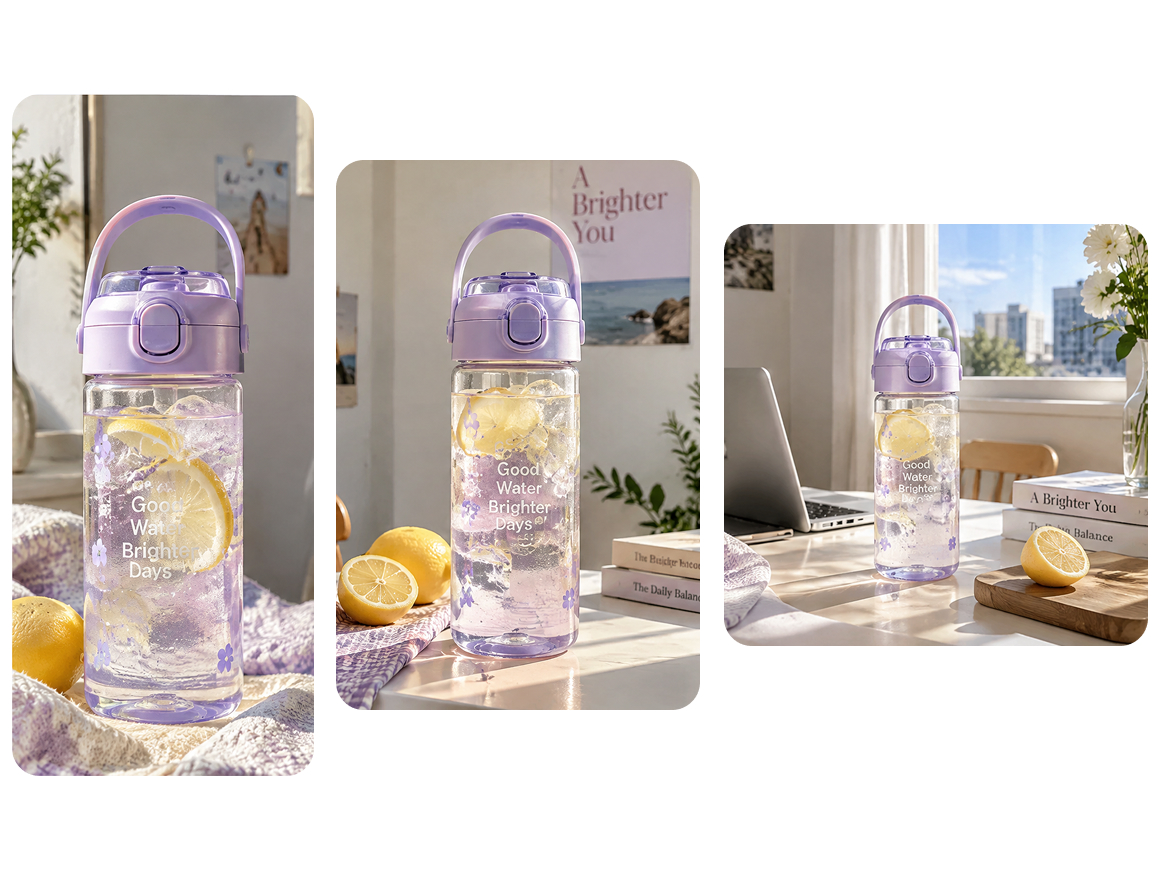
Set the aspect ratio, resolution, duration, audio output, and batch quantity available for the selected model before generating. That makes it easier to prepare product videos for ads, product pages, and social channels without rebuilding the same idea each time.
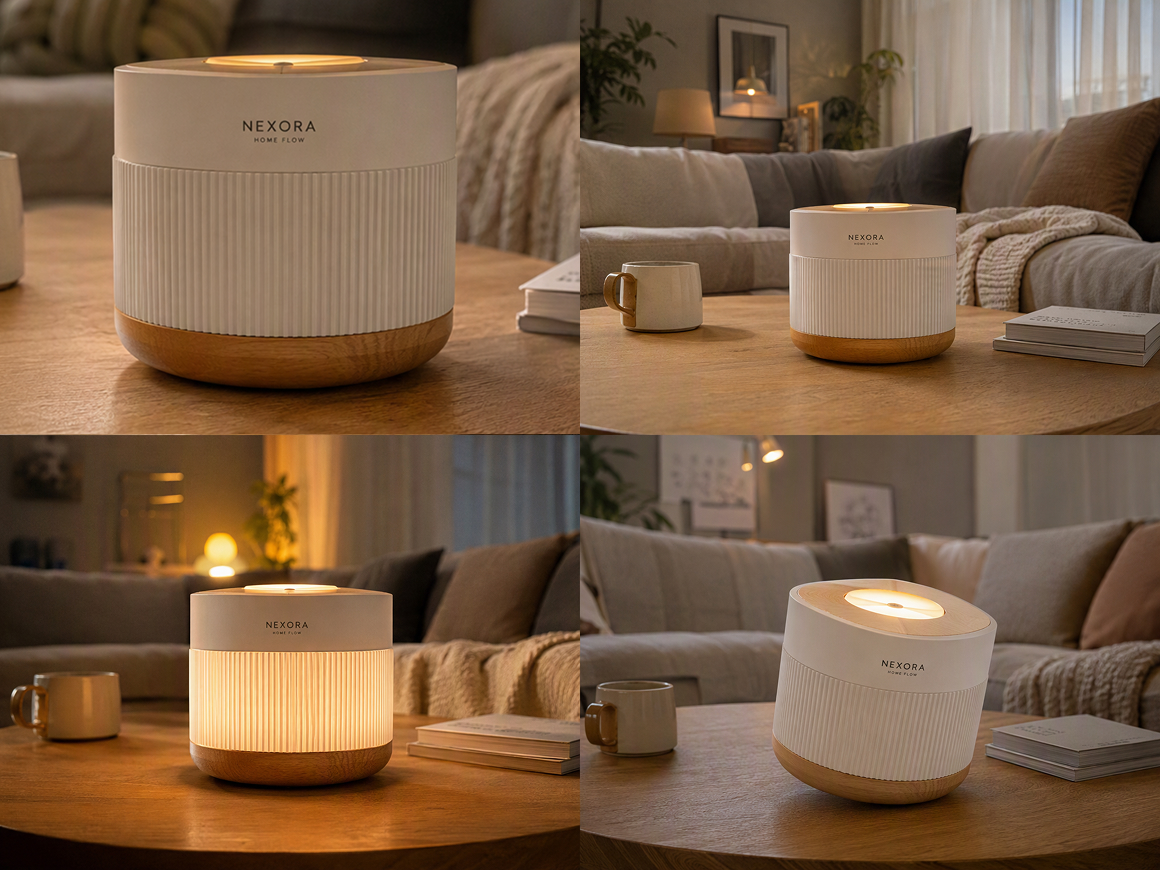
Refine Product Clips Without Starting Over
If the first result is not right, adjust the prompt, switch the model, change video parameters, or regenerate the clip. You can keep improving the same product concept instead of discarding the setup and rebuilding the project from the beginning.
Where to Use an AI Product Video Generator
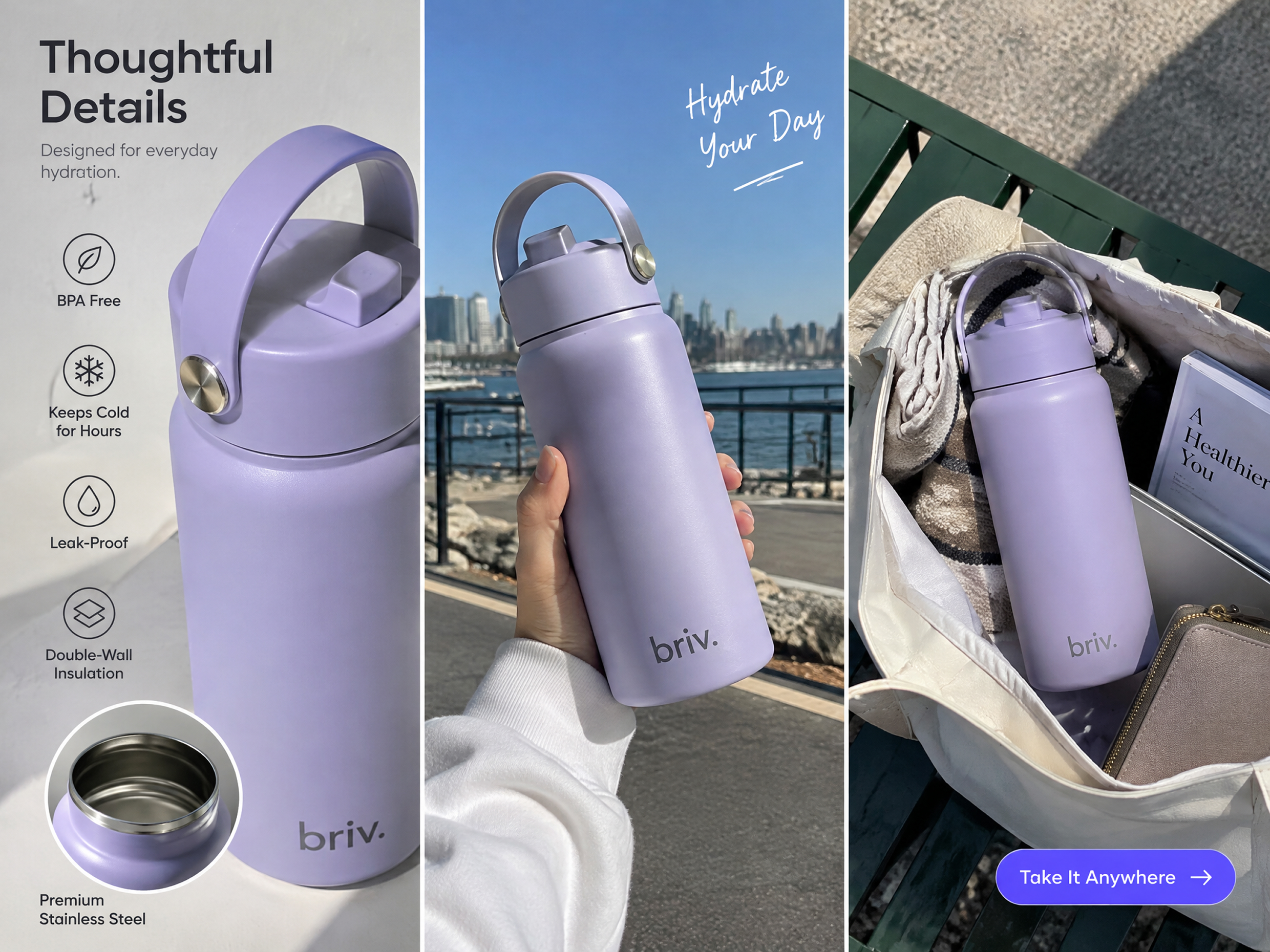
Ecommerce Product Listings
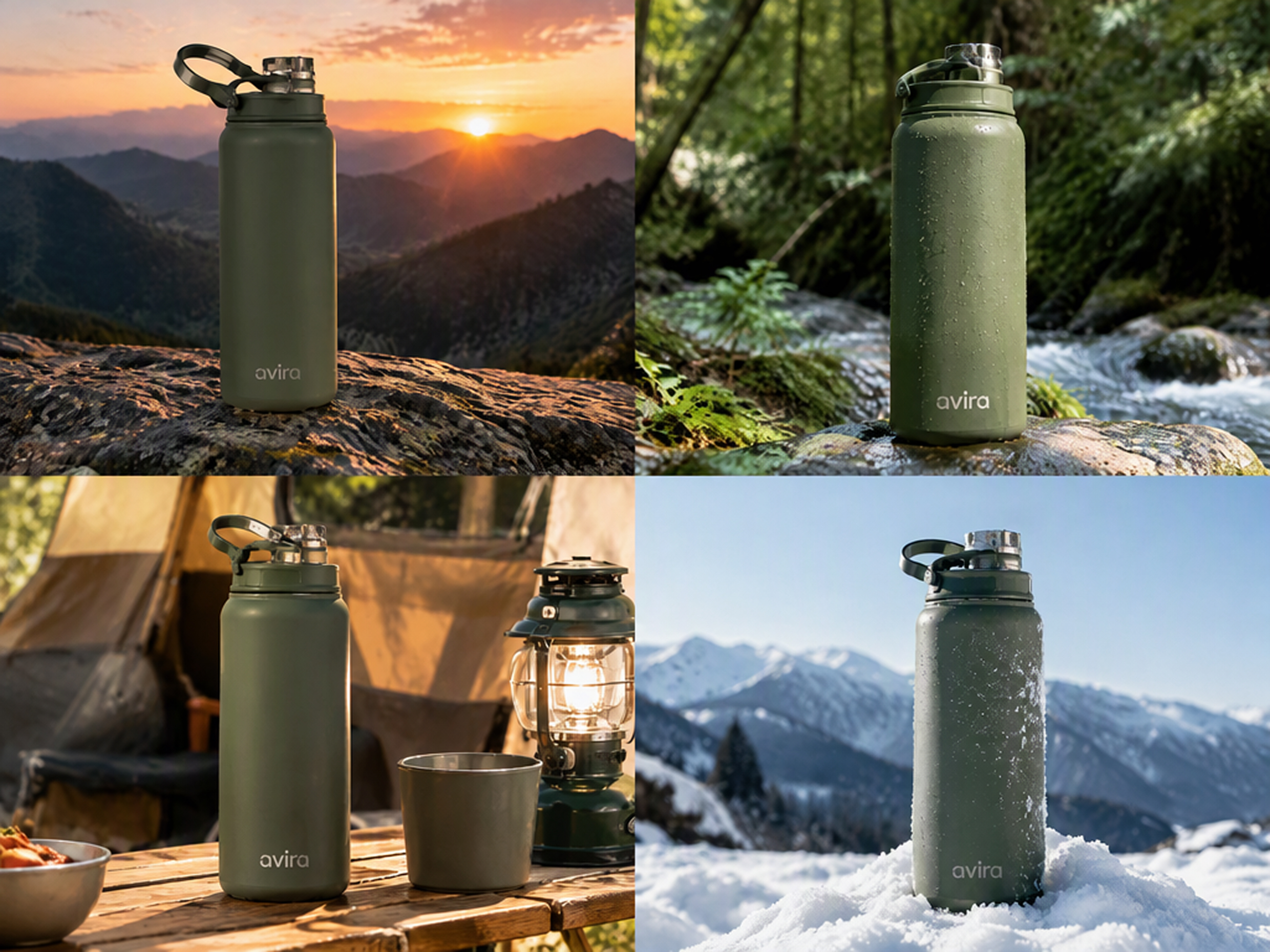
Turn static product photos into short clips that show texture, movement, scale, or context on product pages and marketplace listings. For ecommerce teams, this product video generator can add more visual variety when a full product shoot is not practical for every item.
Frequently Asked Questions
How to make an AI video for a product?
Can you get in trouble for making AI product videos?
Potentially, especially if you use copyrighted assets without permission, copy protected branding, or present misleading product claims. Use materials you have the right to use and review the finished video for anything that could misrepresent the product.
Can I use AI product videos for ads and social media?
Yes. AI product videos can be used for social posts, paid ads, product launches, and ecommerce campaigns. Platform rules still apply, and the final video should accurately reflect the product being promoted.
Will the AI change how my product looks?
It can. AI-generated motion may alter small details such as shape, color, labels, logos, or packaging. Clear reference images and simpler motion can help reduce these changes, but the finished clip should still be reviewed carefully.
Are AI product videos good enough for paid ads?
They can be, particularly for testing concepts and producing short product-focused creatives. Before launching the ad, review the product details, branding, text, and claims so the generated footage matches what customers will actually receive.
How much motion should I add to a product video?
For most product videos, one clear camera move or product movement per shot is enough. Slow push-ins, gentle turns, and subtle background motion can add energy without distracting from the product or introducing unnecessary visual changes.
Take Your Product Video Further
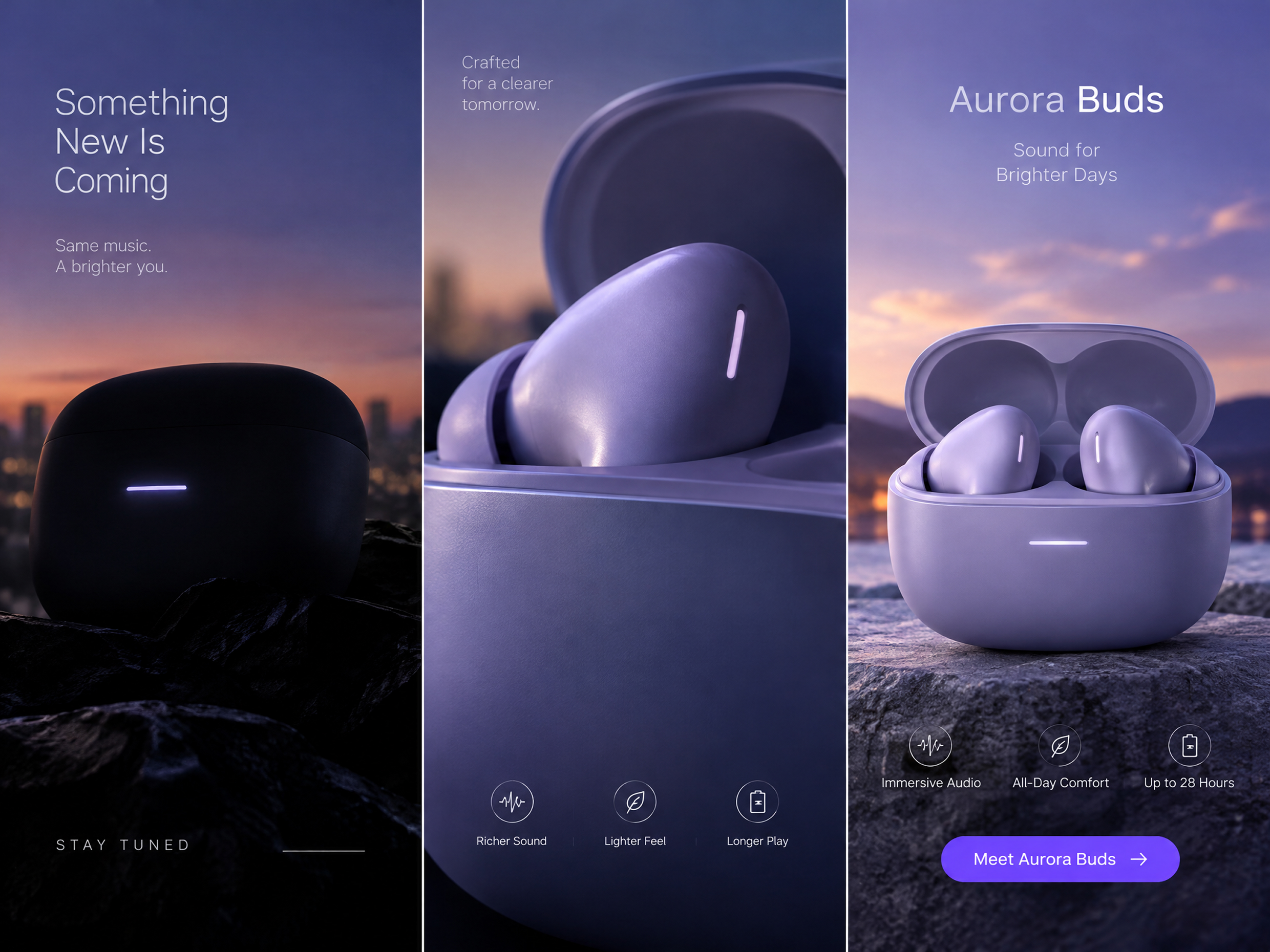
RoboNeo gives you room to test a product idea beyond the first generation. Compare different models, adjust the creative direction, and keep refining the result until you have a version that fits the campaign you are working on.
What Users Say About RoboNeo Product Videos
We already have good product photography, so I do not want to rebuild every campaign from zero. Starting from the images we already use and testing a few motion ideas makes it much easier to see which direction is worth developing.
I usually need several versions of the same product concept for different placements. Being able to change the format, prompt, or model without setting up a new project each time makes testing less repetitive.
The useful part for me is being able to start with one product image and try a few different scenes before committing to a full campaign. I can compare the clips, keep the stronger direction, and move on from there.