
AI Short Story Generator for Short-Drama Videos
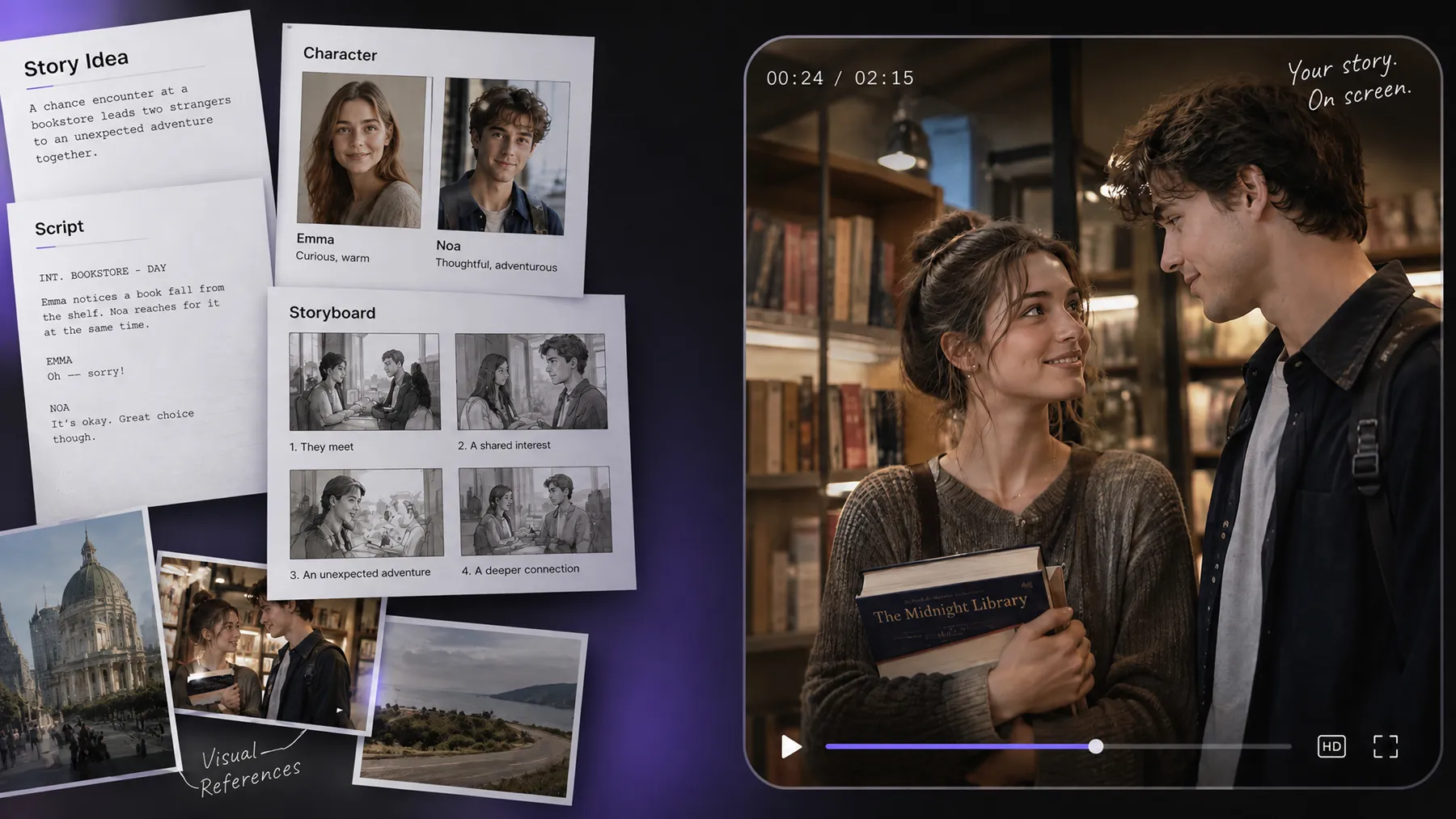
Have a story idea but aren't sure how to bring it to life? RoboNeo helps you develop your plot, write a script, design characters, and turn key scenes into video clips. It’s a practical way to move from an early concept to a visual story without planning every production step yourself.
How to Turn a Story Idea into a Short Video
Enter Your Story Idea
Enter your story idea in the text box on RoboNeo’s homepage. Describe the plot, main characters, or type of story you want to create. If you’re not sure where to start, choose a sample template for inspiration.
Choose a Style and Develop the Script
Choose a visual style that fits your story and review the proposed story structure and script. RoboNeo’s AI Agent coordinates the creative process, allowing you to request changes before moving on to character and scene design.
Create Characters and Storyboards
Once the story structure is confirmed, the Art Director generates character designs and other visual assets based on the script. RoboNeo then creates a storyboard with shot details, scene descriptions, camera movements, sound, and pacing to guide video production.
Generate and Refine Your Video
Review the storyboard and adjust shots, dialogue, or prompts as needed. Once the storyboard is confirmed, RoboNeo generates video clips from the storyboard frames, helping you turn your short story into a visual narrative.
From Short Story Ideas to Video-Ready Scenes
Turn a Short Story Idea Into a Clear Script
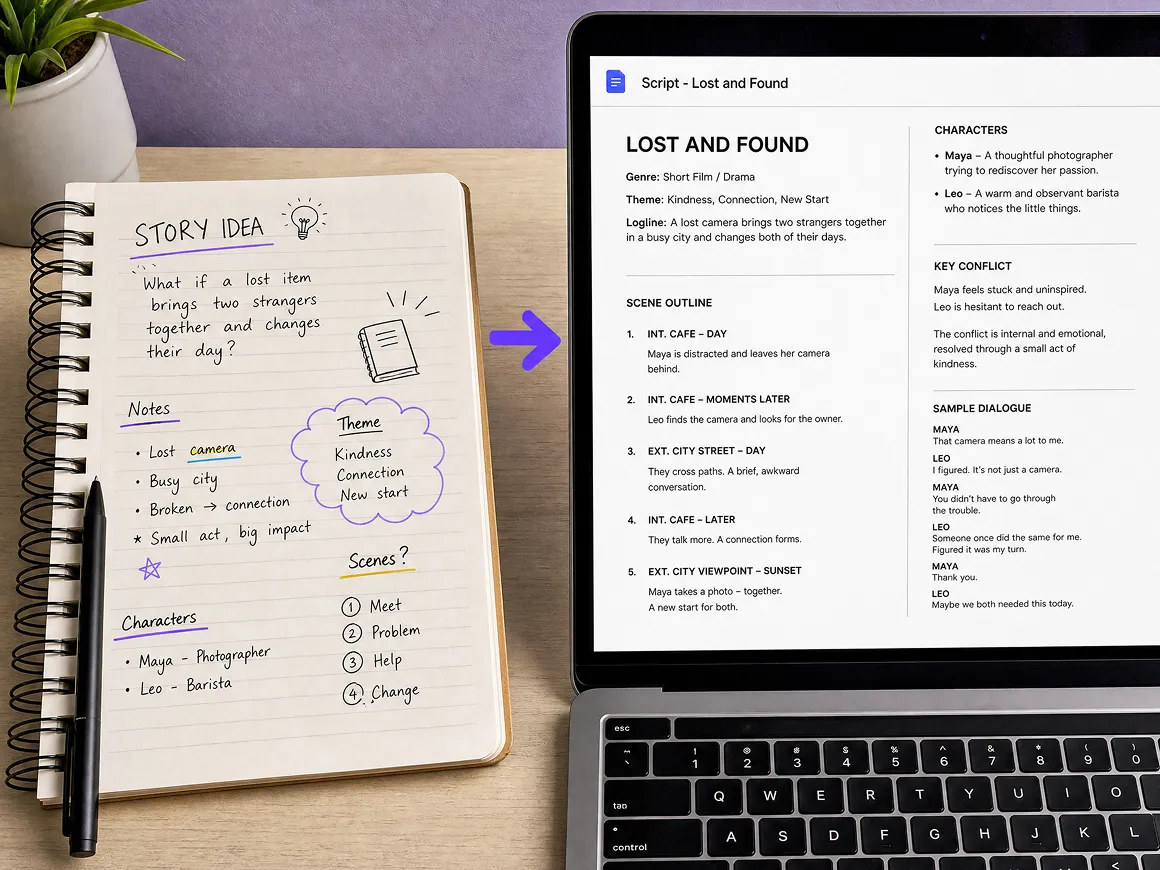
A short story idea generator can help you get started, but turning that idea into a video takes more planning. With RoboNeo, you can develop your concept into a structured script with clear character motivations, conflicts, and key scenes. Review the story and refine the pacing before moving on to storyboarding.
Build Storyboards Without Starting From Scratch
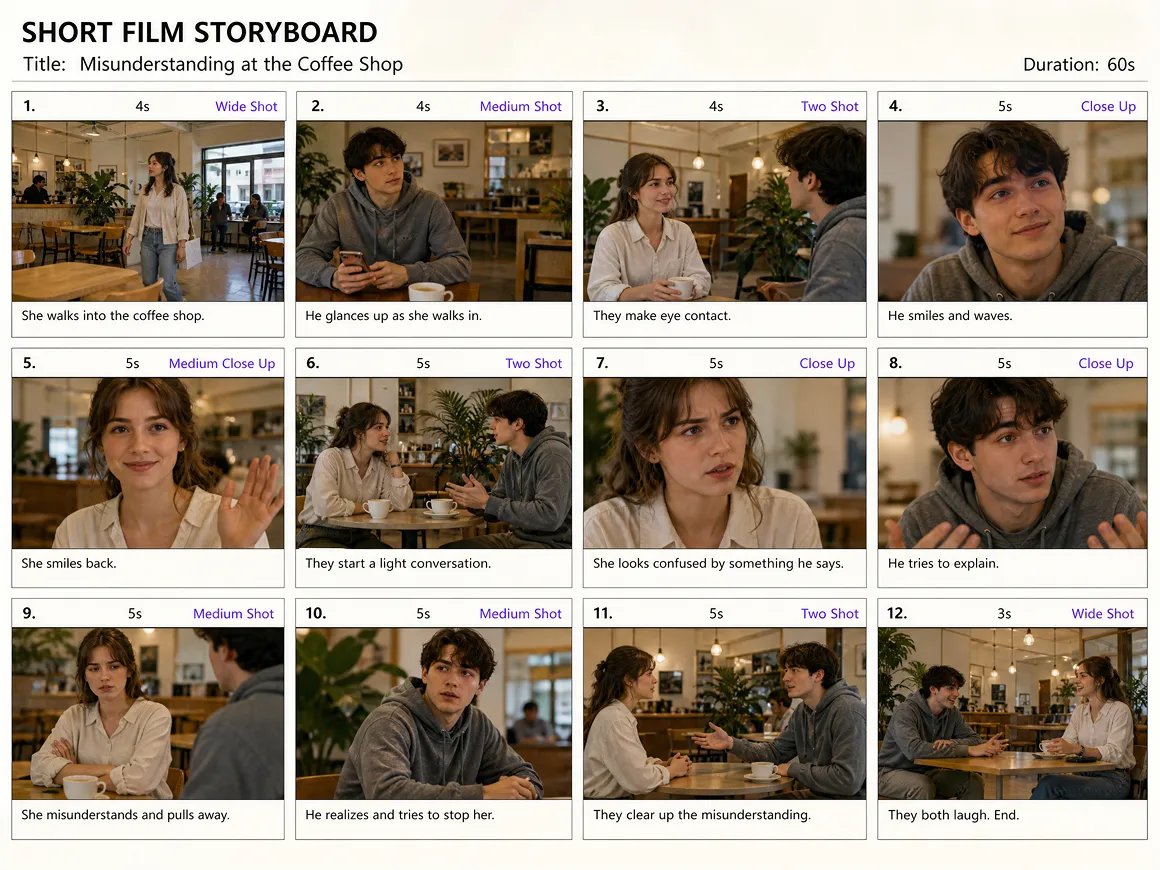
A finished script still needs a visual plan. RoboNeo converts screenplay content into storyboard scripts with shot numbers, durations, frame descriptions, dialogue, and camera movement. This gives creators a clearer production roadmap before generating clips, reducing the need to plan every shot manually.
Create Visuals for Characters and Key Scenes
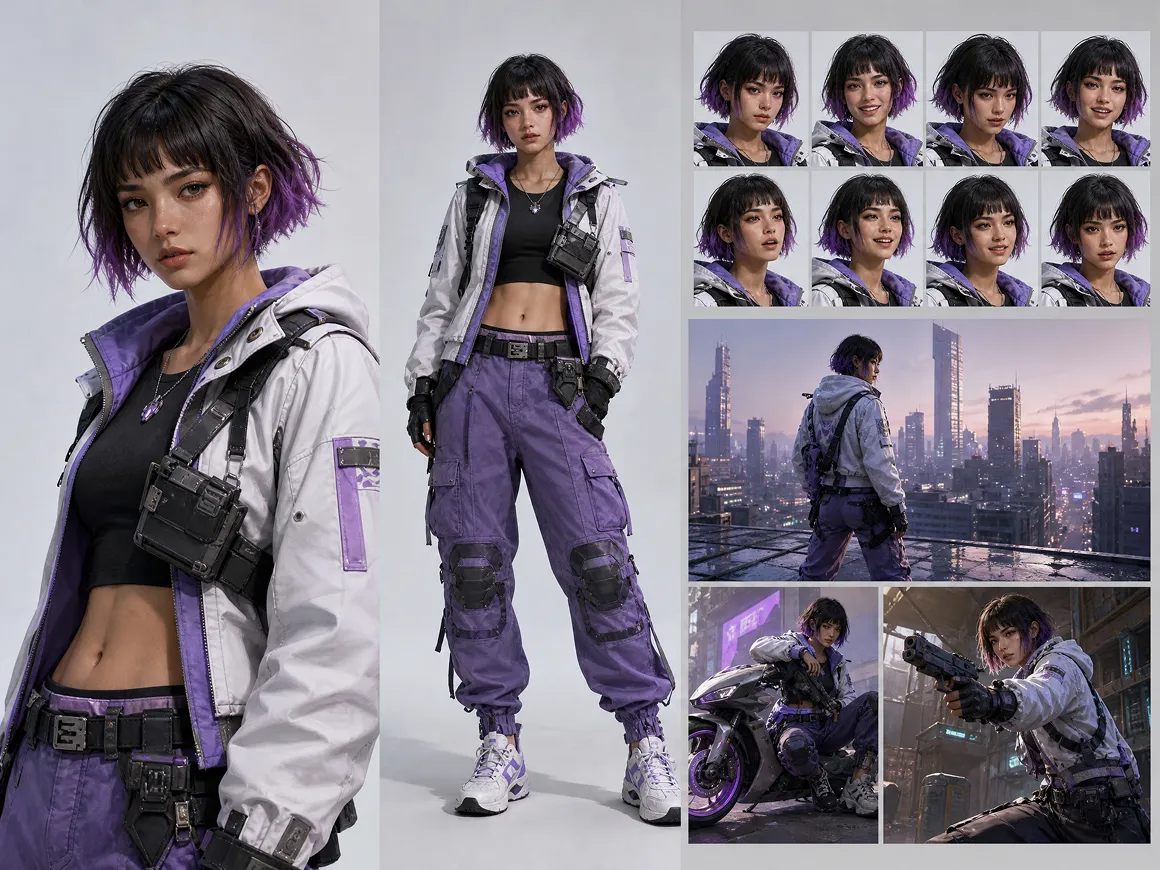
Character appearance and scene design help viewers follow a story across multiple shots. RoboNeo can generate character references, scene assets, and storyboard frames based on the screenplay. Adjustable image angles, lighting, and visual styles give creators more ways to shape the mood and presentation.
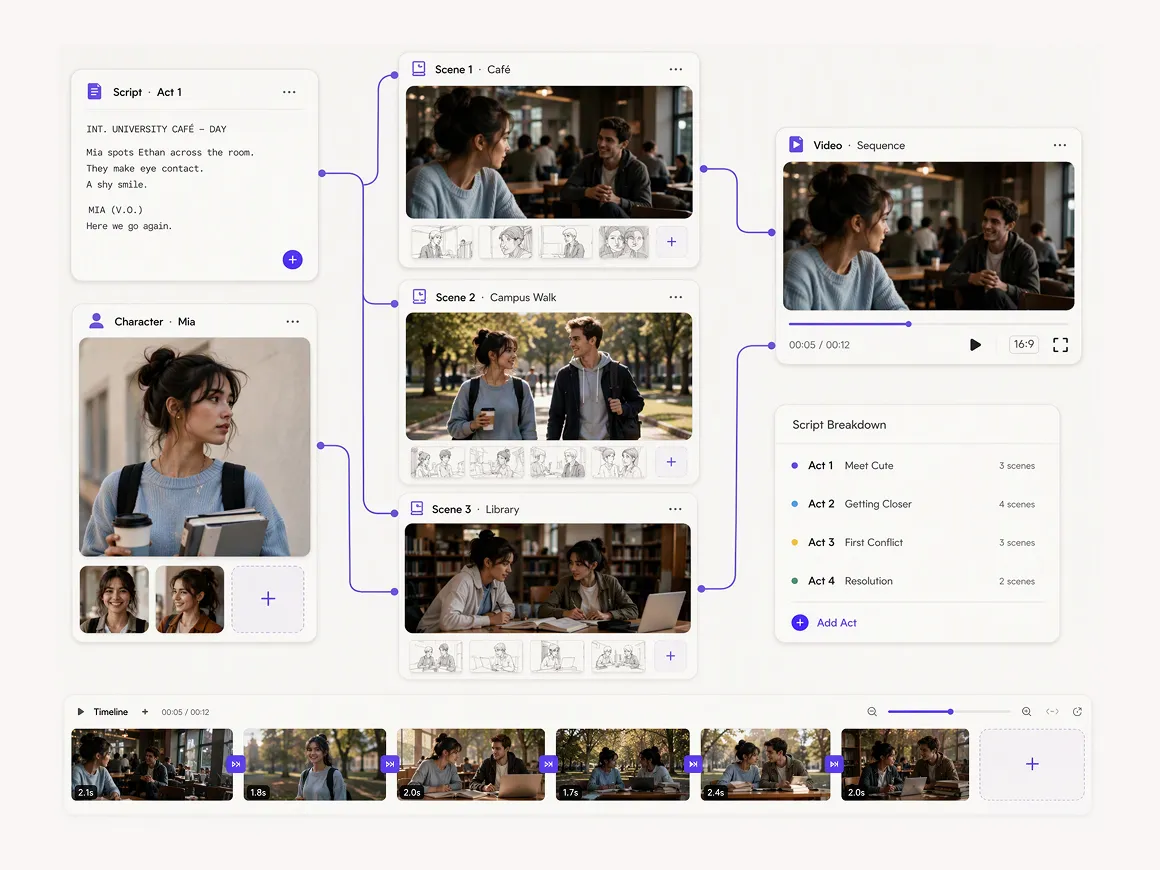
Revise Story Details in One Connected Workspace
Changes to a character or scene may affect later shots. RoboNeo's visual canvas brings scripts, images, videos, and other creative assets into one connected workspace. Creators can edit individual nodes or request Agent-assisted revisions, then review the updated materials as the project develops.
Short-Drama Story Types Creators Build in RoboNeo
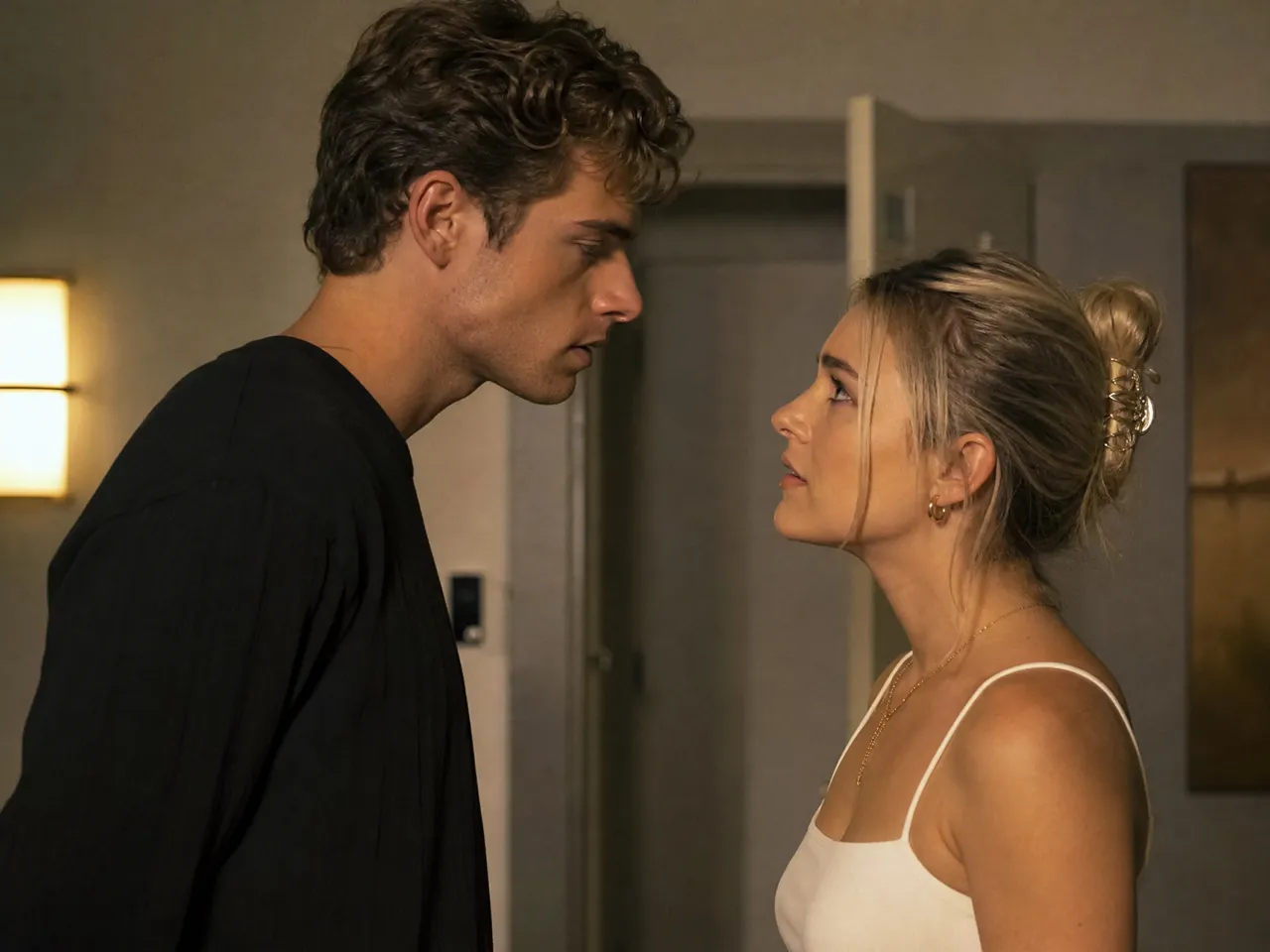
Romance and Relationship Stories
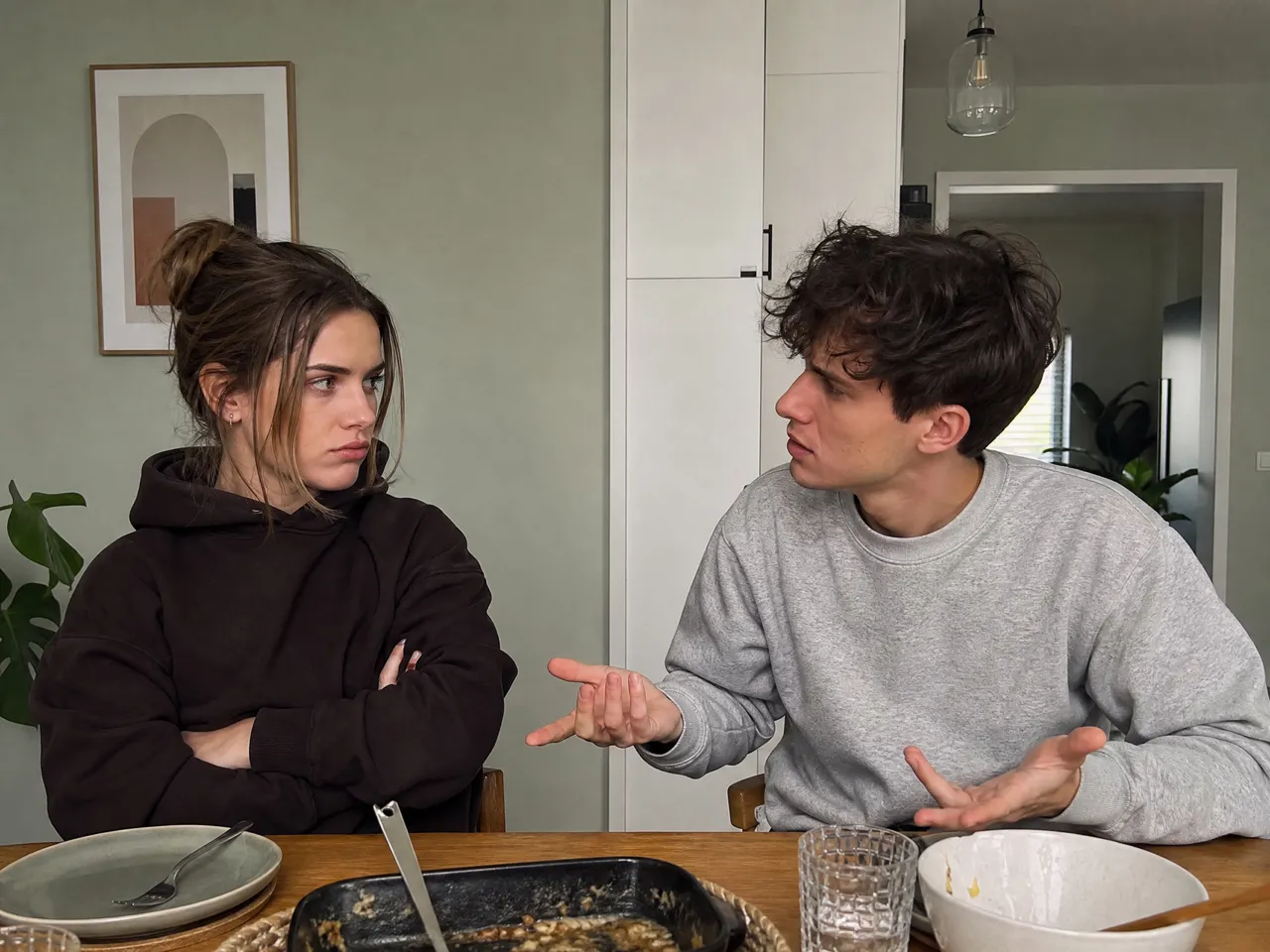
Creators making relationship short dramas can use RoboNeo to turn a meet-cute, misunderstanding, or breakup into scripted scenes. Character references and storyboards help plan emotional exchanges, while generated video clips can be arranged into vertical episodes for TikTok or Instagram Reels.
Frequently Asked Questions
What is an AI short story generator in RoboNeo?
How can I turn a short story idea into a script?
Start with your premise, main characters, and central conflict. RoboNeo's AI Agent can help develop your concept into a story structure and script, which you can review before moving on to storyboarding.
What types of short stories can I generate with AI?
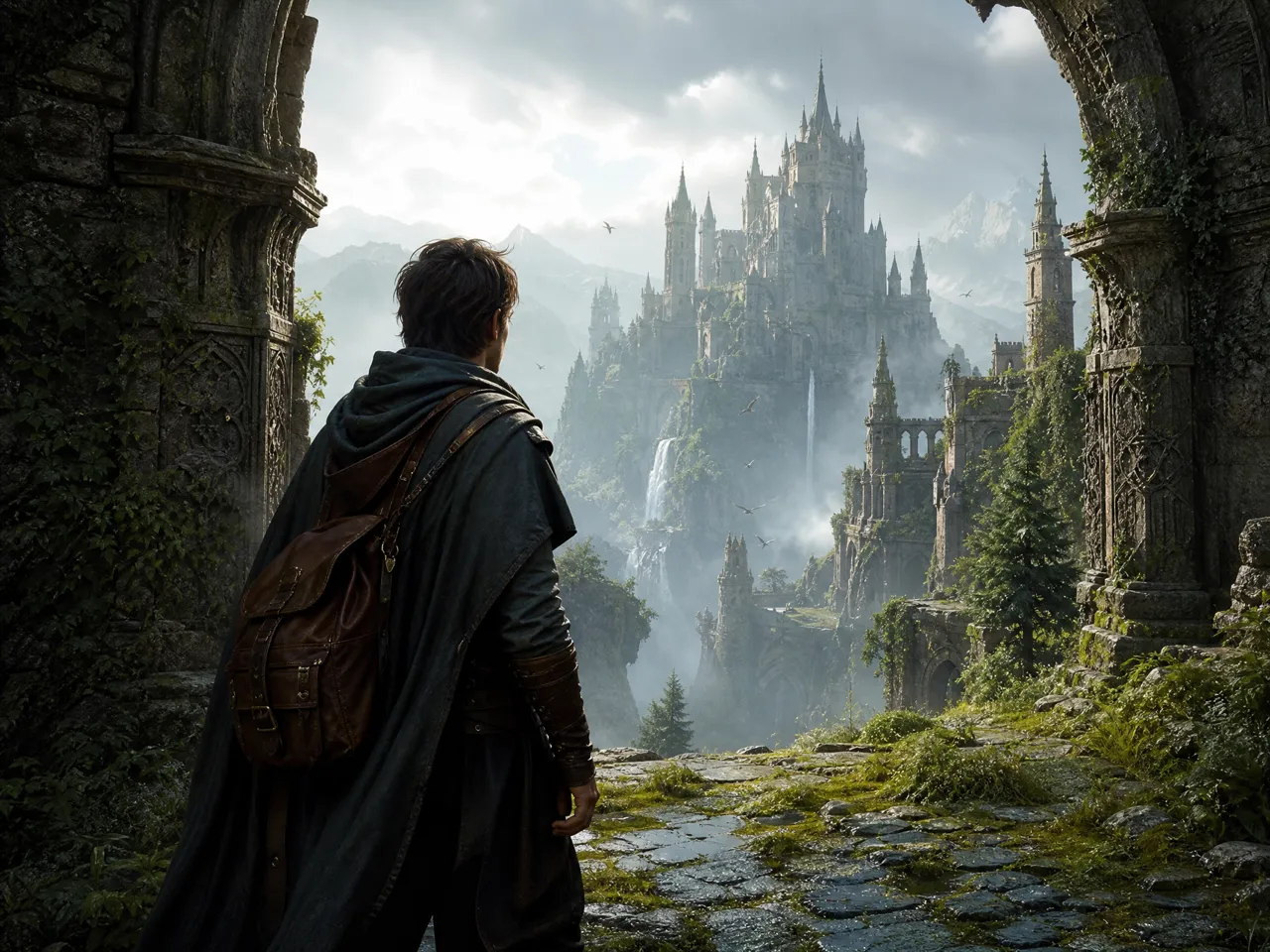
With RoboNeo, you can create short dramas built around character conflicts, social media story videos featuring quick twists or humor, and episodic videos with recurring characters and settings. Each format can follow a different storyline, from a single dramatic moment to a continuing series.
How can I make an AI generated short story less repetitive?
Review the story's pacing, dialogue, and storyboard scenes in RoboNeo. You can ask the Agent to revise repetitive plot beats or character exchanges, then adjust individual shots on the canvas. Give each scene a new action, clue, or reaction to avoid repeating the same information across video clips.
What if the AI-generated story doesn't follow my prompt?
Clarify the plot points, character actions, and details that must remain unchanged. RoboNeo lets you edit canvas content or request revisions through its AI Agent, helping bring the results closer to your original idea.
How can I keep characters consistent across different story scenes?
Use character reference images and reusable visual assets to guide character design. RoboNeo supports these tools during visual development, but generated appearances may still vary and require review.
How can I turn a short story into a TikTok video?
Develop your story into a script and storyboard, then use RoboNeo's video generation tools to create clips. Review the results and adapt the framing and pacing for TikTok's vertical, short-form format.
Your Next Short Story Starts Here
Your next great short story begins with an idea. RoboNeo helps shape that idea into a script, storyboard, and video clips, giving your characters and plot a path from the page to the screen.
What Creators Value About RoboNeo
I had this mystery story where the ending was clear in my head, but everything in the middle felt messy. Breaking it into scenes helped me figure out where the clues should appear and which parts weren't really adding anything.
I make little relationship dramas for social media, usually with a twist at the end. The handy part is being able to try a scene in 9:16 before spending time on the rest of the video. Some ideas just don't work as well on screen.
A client changed the main character's look halfway through a project. I was able to update the reference images and work on the affected shots rather than redo everything. Still took a bit of tweaking, but that was manageable.
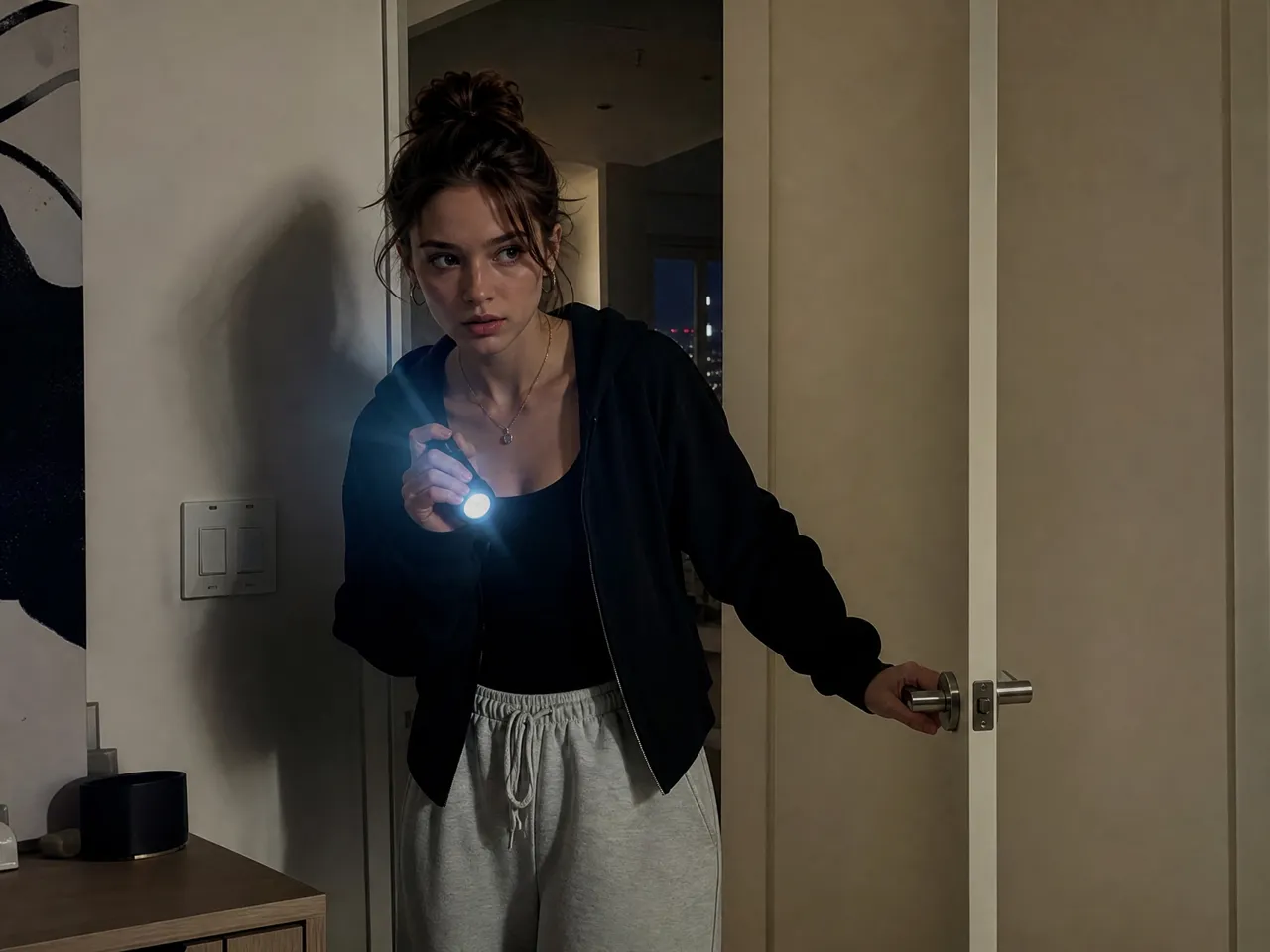
I tried making a scene where someone hears footsteps in an empty apartment. The first version showed too much, so I changed the framing to keep the hallway mostly out of view. That worked much better for the tension I wanted.
Jason W.
I've been testing short comedy stories with the same two characters. Keeping their appearance similar across episodes takes some checking, but I like being able to reuse the references instead of designing them again every time.