
AI Explainer Video Generator Online
Complex ideas become easier to understand when explained through clear visuals. RoboNeo helps turn your concepts into structured scripts, storyboards, and video scenes for product demos, educational content, and step-by-step explanations. You can also combine multiple clips to create longer explainer videos.
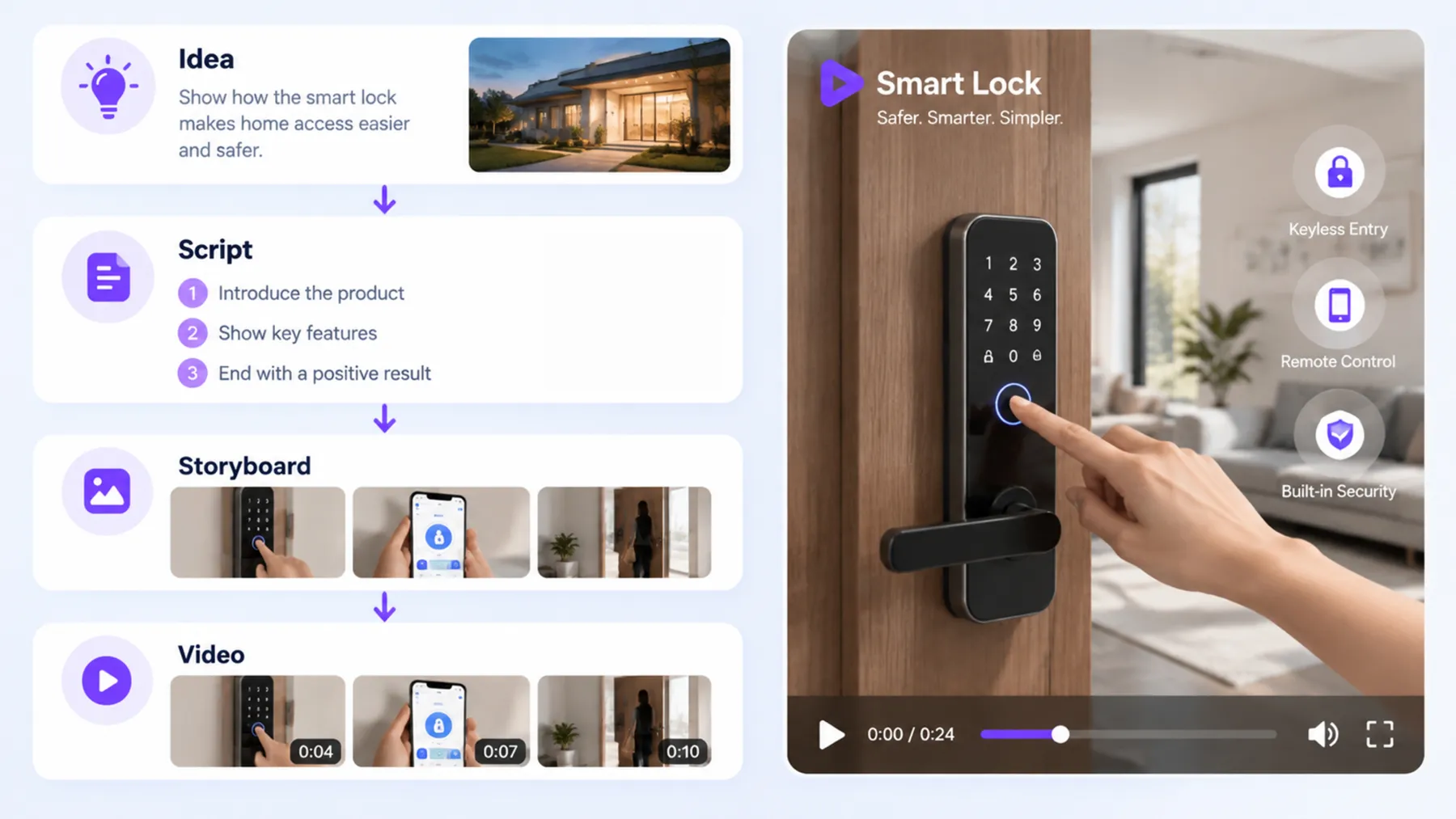
How to Create an AI Explainer Video
Describe Your Explainer Video Idea
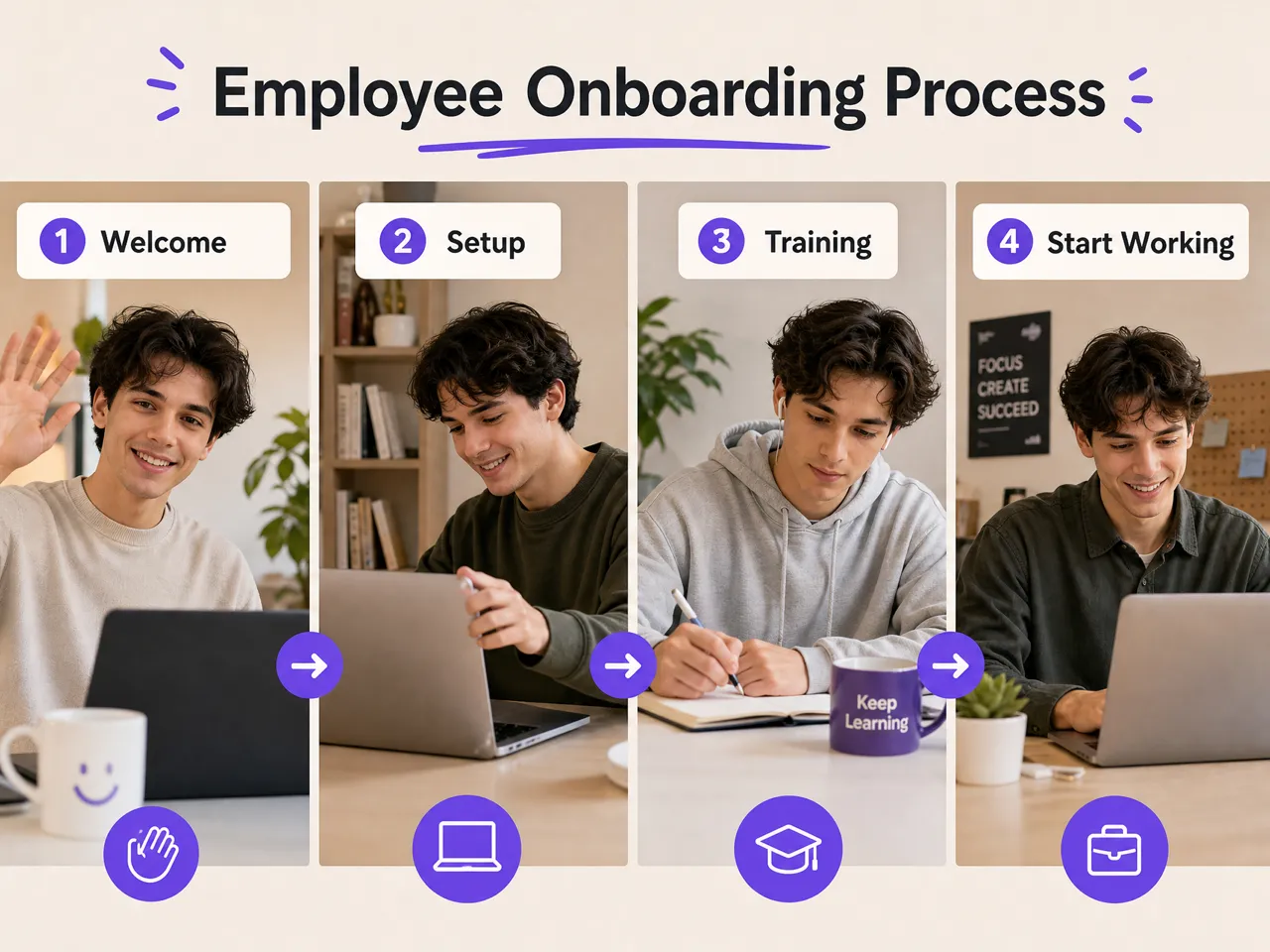
Enter your topic, target audience, and key message into RoboNeo. Explain what viewers should learn, whether it's a product feature, a business process, or an educational concept.
Develop Your Explainer Script
RoboNeo helps organize your topic into a clear script. Review the explanation, simplify complex points, and adjust the sequence so each section is easy for viewers to follow.
Create Visuals and Storyboards
Choose a visual style and generate scenes that illustrate each part of your explanation. Review the storyboard to check that the visuals match the script and help communicate the key points.
Generate and Refine Video Clips
Turn your storyboard scenes into video clips. Check whether each scene clearly explains its intended point, and revise prompts or regenerate clips where needed. Combine multiple clips for longer explainer videos.
Add Voiceovers, Subtitles, and Export
Generate narration from your explainer script using RoboNeo's text-to-speech tool, then sync it with the video clips. Add subtitles to make key information easier to follow, review the final video, and export it.
An AI Explainer Video Workflow From Idea to Clip
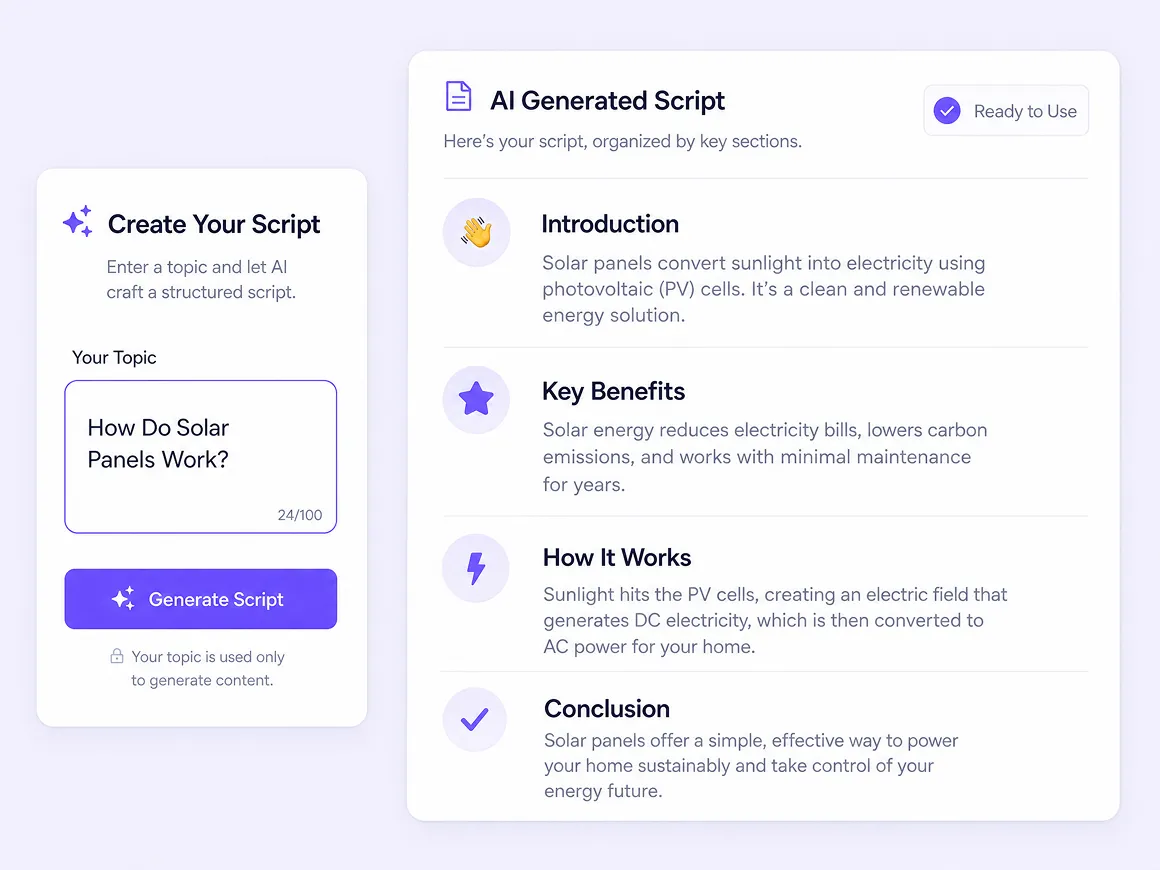
Turn a Written Idea Into a Clear Explainer
Start with a rough concept instead of a finished script. The AI Agent can help organize your message, develop the story structure, and prepare script content. This gives you a clearer starting point for explaining a product, process, or unfamiliar topic.
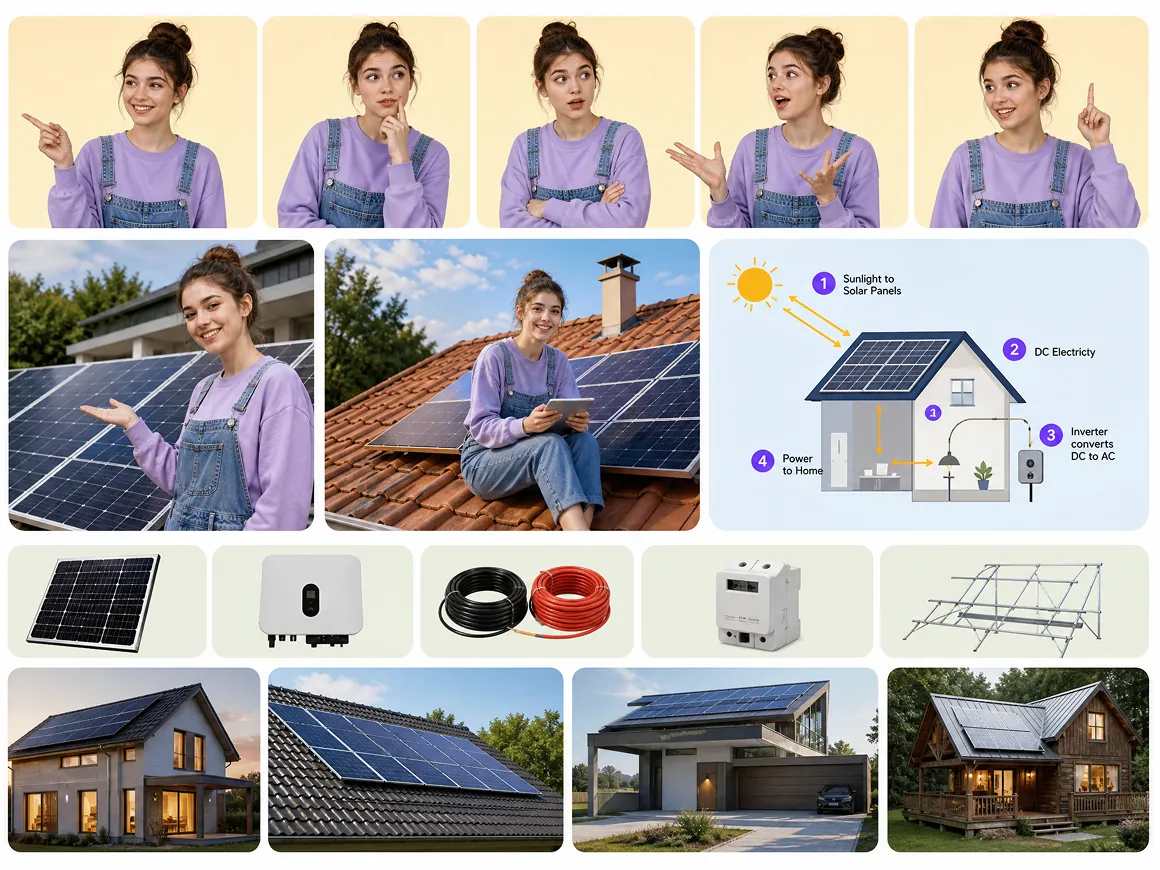
Build Visuals That Match Your Key Message
Choose photography or animation styles to suit your subject, then generate character references, scenes, and props from your script. Visual assets can help make abstract concepts easier to follow while giving your AI explainer videos a more cohesive look.
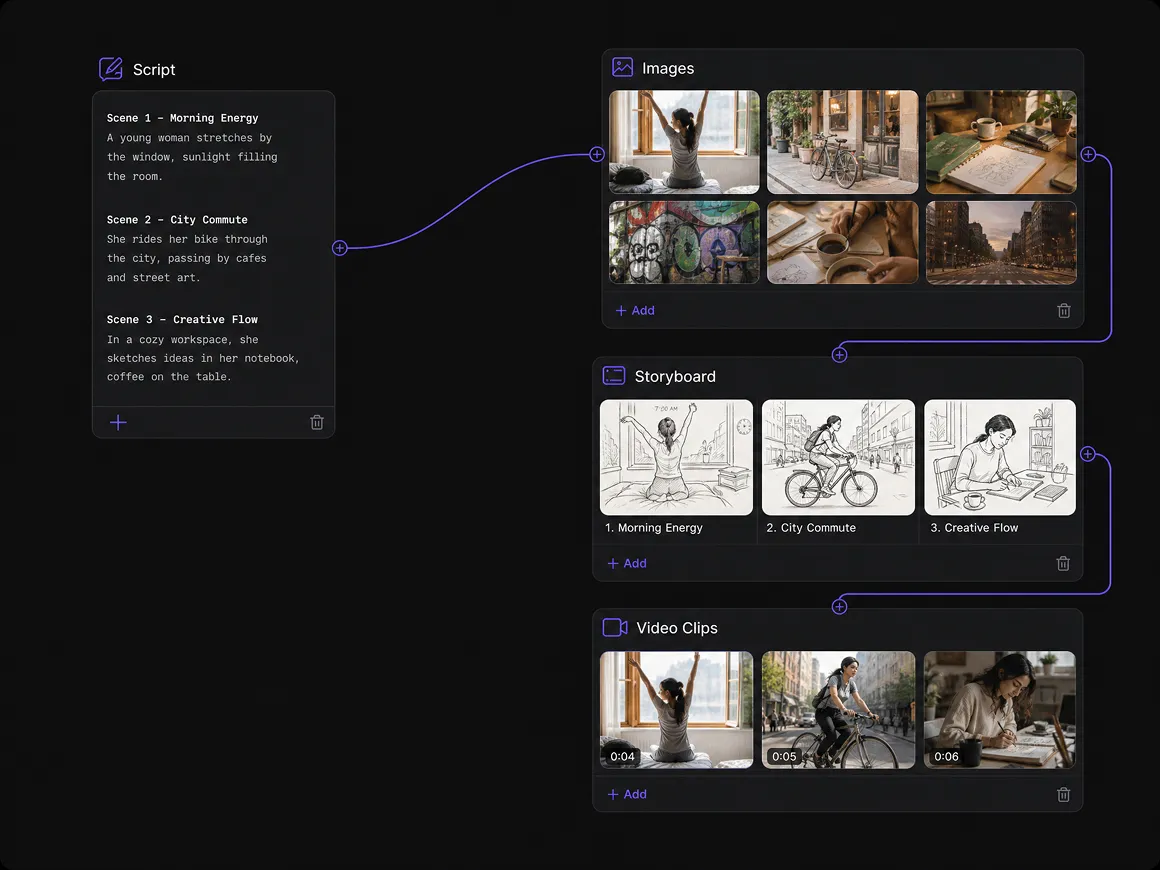
Keep Scenes Connected on One Visual Canvas
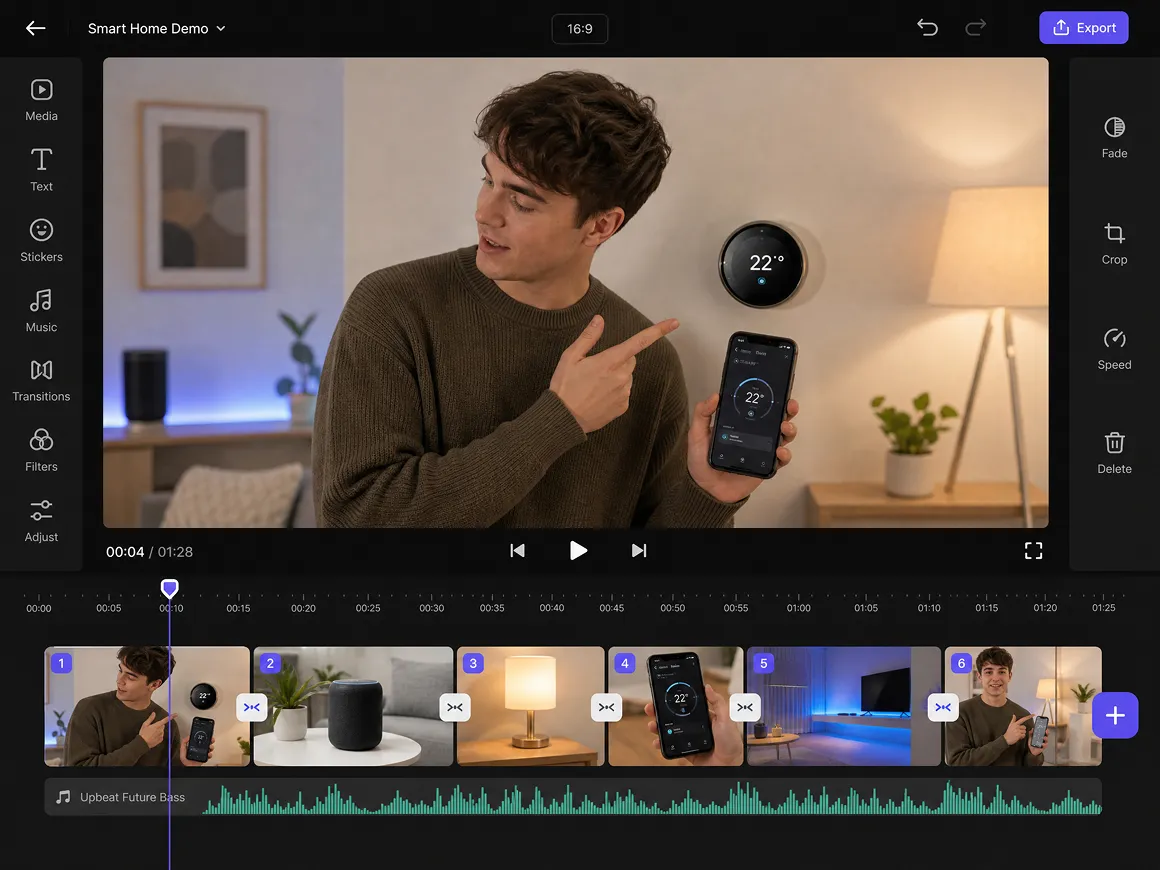
Manage scripts, images, storyboard frames, and video clips in one workspace. The visual canvas lets you connect creative elements, review how each stage fits together, and return to individual nodes when a scene or part of the explanation needs revision.
Refine Video Clips Before Sharing Your Story
Review generated content and adjust prompts, visual references, or scene details when the first result misses the mark. Text-to-video and image-to-video generation provide different ways to develop footage, while supported editing tools help prepare clips for reuse.
AI Explainer Videos for Work, Learning, and Marketing
Product Demos Made Clear
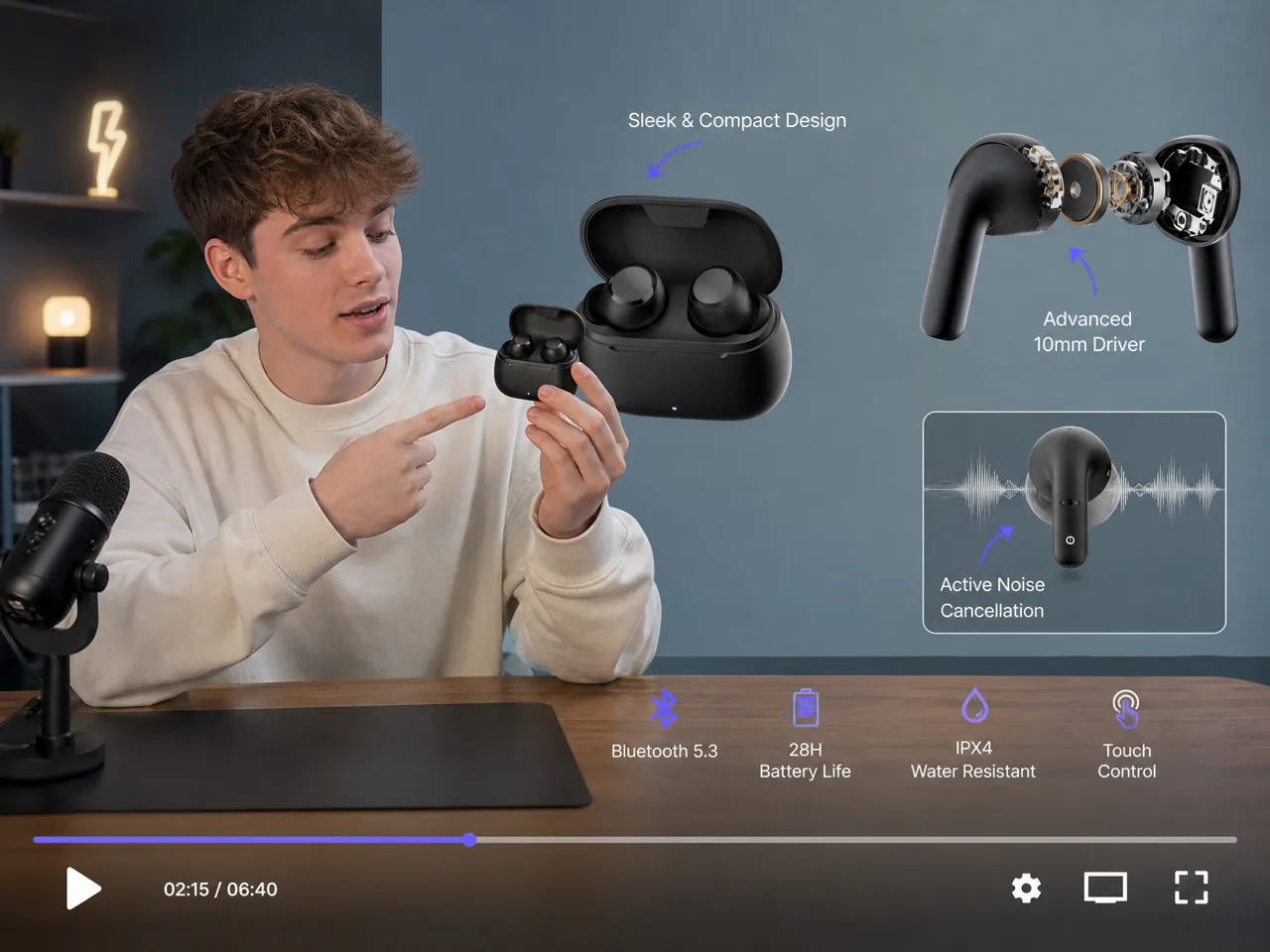
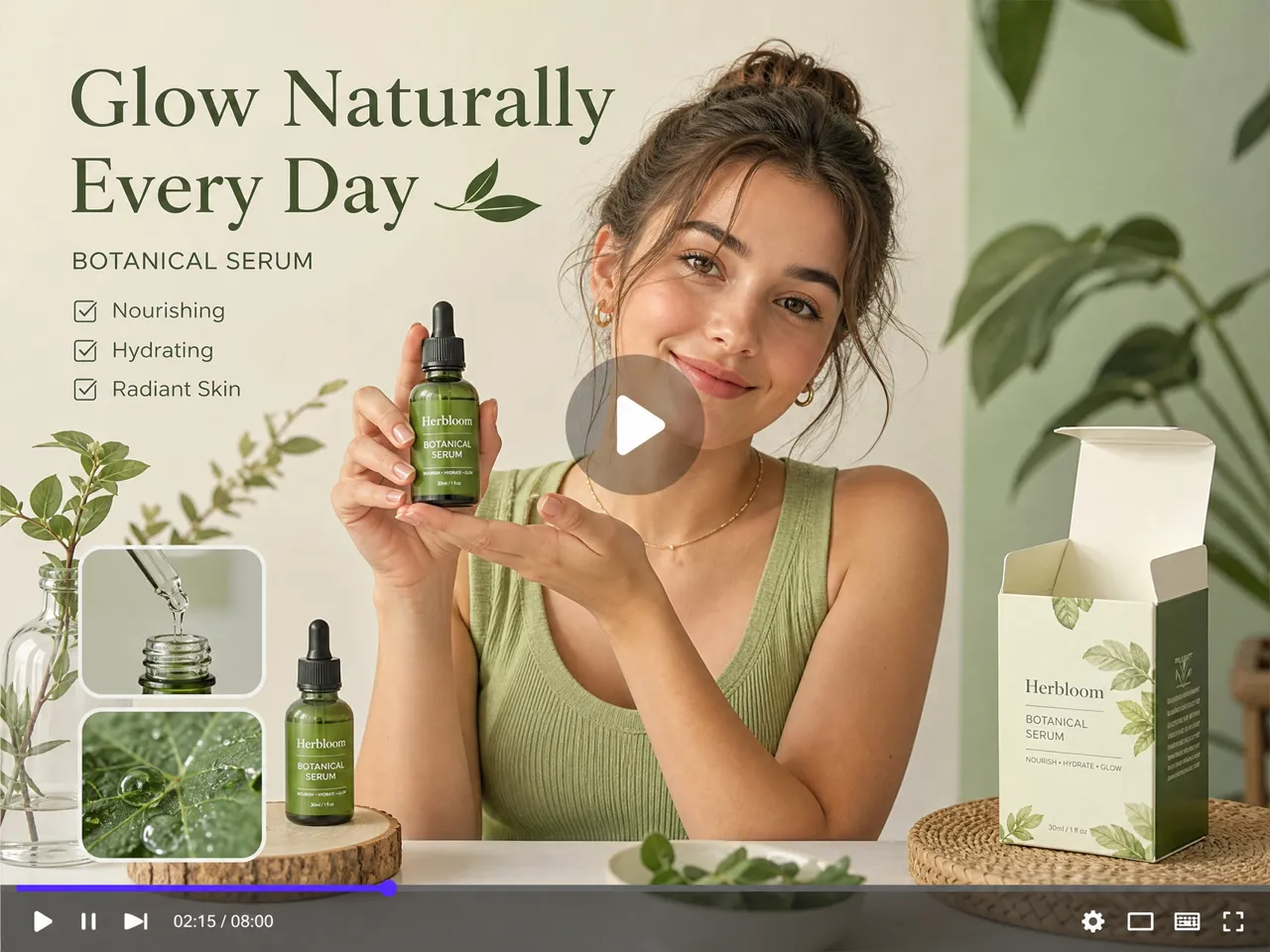
Product marketers and small business teams can use AI explainer videos to introduce products, highlight key features, and demonstrate how things work. A clear script paired with relevant scenes and video clips helps potential customers understand a product’s value without relying entirely on text.
Frequently Asked Questions
How do I generate an explainer video with AI on RoboNeo?
Can AI generate an explainer video from a PowerPoint presentation?
RoboNeo supports script, image, and video creation, but its manual does not confirm direct PowerPoint-to-explainer-video conversion. You can use your presentation content as a starting point for a new video project.
How to make AI generated explainer videos with consistent visuals?
Develop the script and character or scene references first. RoboNeo lets you reuse reference assets in image and video generation, helping maintain a more consistent visual direction across scenes.
Can I use my own images in an AI explainer video?
Yes. Upload images to RoboNeo and use them as references for image generation or as source material for image-to-video creation. The available options depend on the selected model.
How to add voiceovers to an AI explainer video?
RoboNeo's text-to-speech tool generates voiceover audio from your script, which you can then sync with your video clips. Some video models also support audio generation, but whether your chosen model can generate synchronized speech should be confirmed in the editor.
Can I edit an AI explainer video after generating it?
Yes. RoboNeo supports video trimming through splitting, aspect-ratio changes, and media adjustments. You can also revise prompts and regenerate individual assets when a scene needs improvement.
Is RoboNeo AI explainer video generator free?
RoboNeo offers free credits when you sign up and log in, allowing you to try AI explainer video creation. Different AI models use different amounts of credits, so the number of videos you can generate depends on your available balance and selected settings.
Have an Idea to Explain?
Whether it's a product feature, a classroom topic, or a process that's hard to describe, RoboNeo gives you tools to explore different ways of presenting it. Start with your concept and see how it develops.
What Users Say About RoboNeo
I used RoboNeo to make a short explainer about an app feature. The camera movement looked a little off at first, but changing the prompt helped me get a better result.
I like having image and video tools in one place. I can test different visuals for a campaign and turn the ones that work best into short promotional videos.
The storyboard workflow helps me see how different shots fit together before generating the video. It's especially useful when I need to experiment with camera angles or scene transitions.
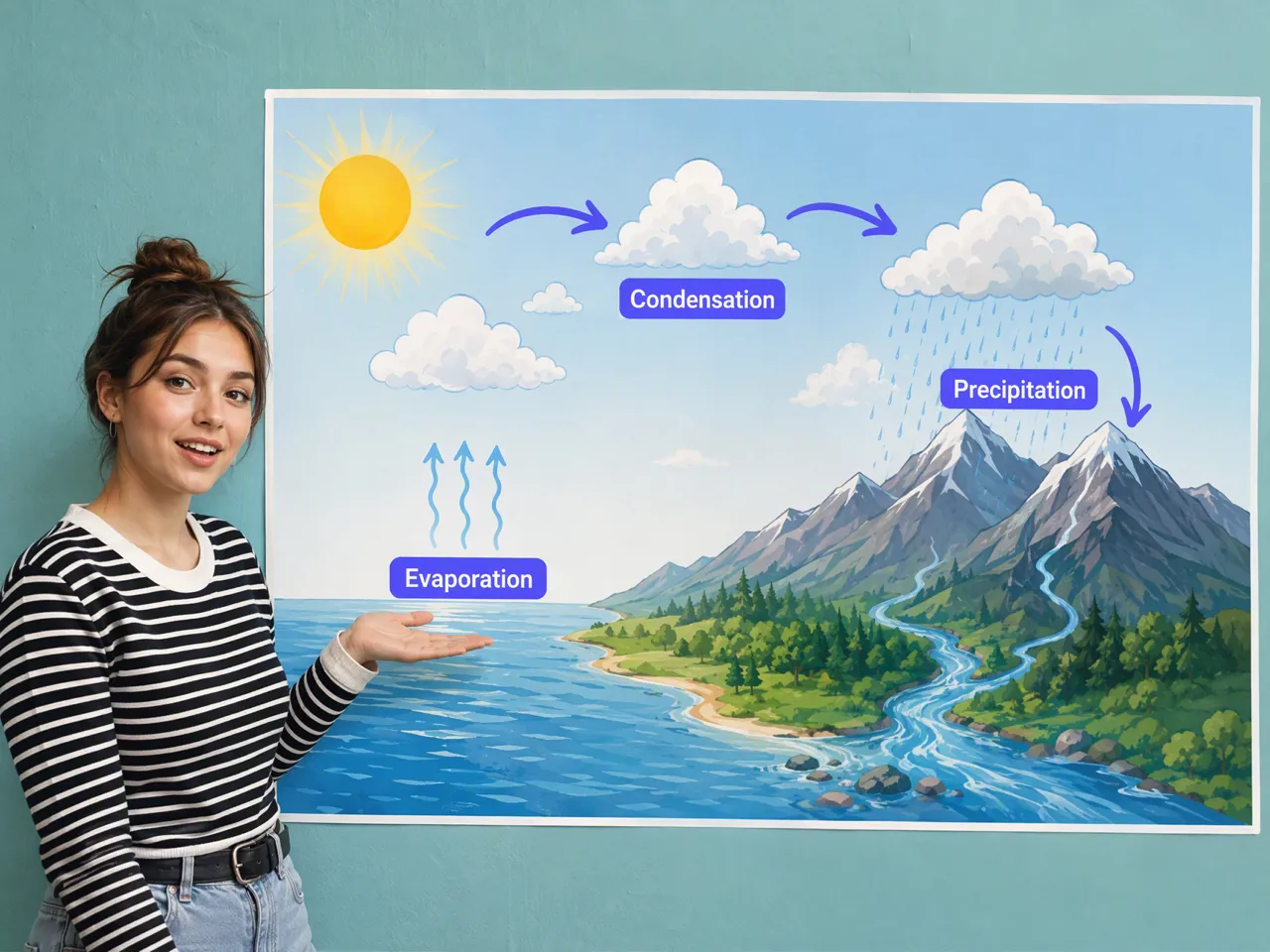
I tried making a short video to explain the water cycle. Breaking the topic into separate visual scenes made the process easier, especially for concepts that are hard to explain with text alone.
I use RoboNeo to make short videos explaining how my products work. Sometimes I need to adjust the prompts to show a feature more clearly, but it's useful for demonstrating products without filming every scene myself.