
Free AI Banner Generator Online
Make a campaign-ready banner without rebuilding the same Canva file every week. Describe the look, or upload a product or reference image, and generate a banner maker-style result for website heroes, social squares, or channel headers on a RoboNeo canvas. Sign in for free credits to try, then remix sizes for the slots you actually ship.
Banner Ideas Worth Shipping
How to Make a Banner in 3 Steps
Describe the banner or upload a reference
Write subject, mood, and placement (hero, square, header, story) or drop a product or reference still. You are generating a banner, not only swapping fonts on a stock template.
Generate on the canvas
RoboNeo runs the look. Send a short follow-up if crop, contrast, or hierarchy is off. Keep logos, prices, and legal lines accurate before you publish.
Export and remix sizes
Download for the slot you ship. Remix related sizes on the canvas when the same campaign needs more than one placement. Common options include 16:9, 9:16, and 1:1.
What Powers This Banner Generator
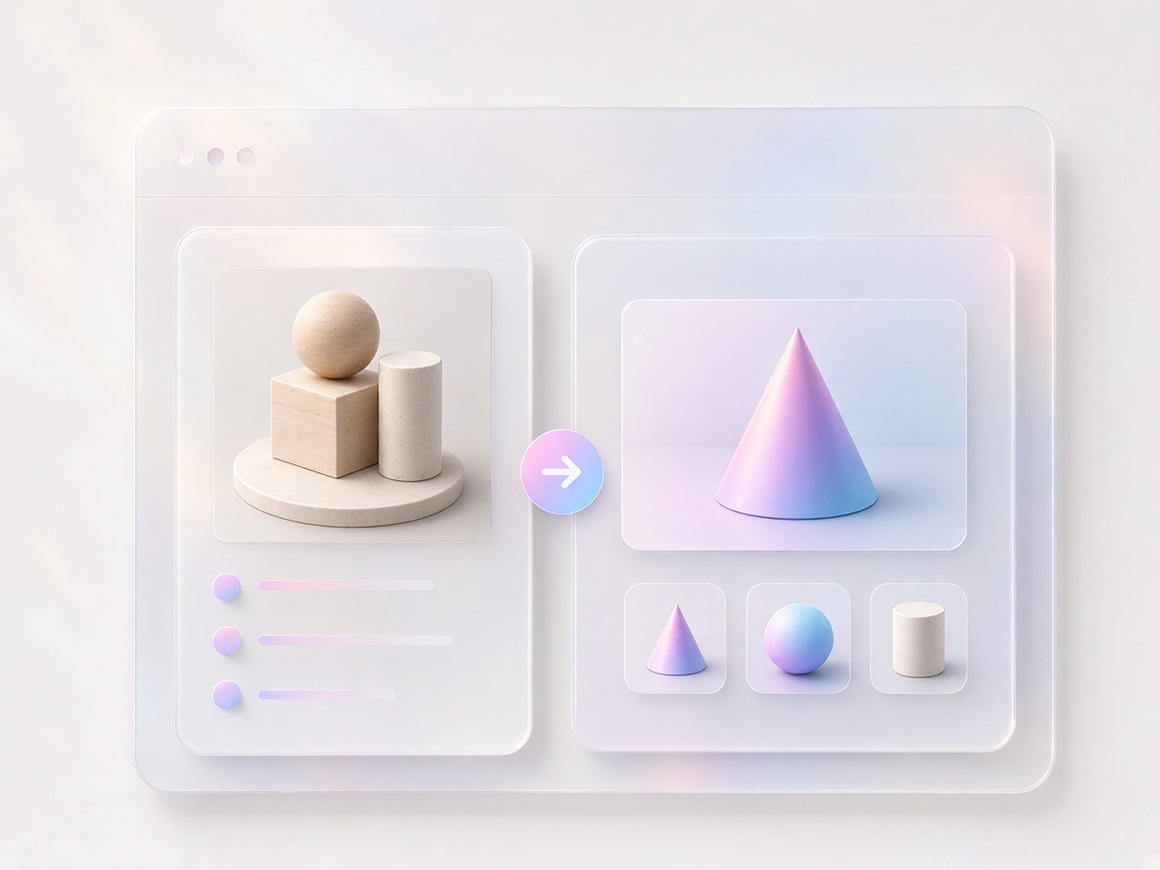
Start from a prompt or a reference image
When you have no designer on call, describe the scene and placement and generate on the canvas. When you already have packshots or brand stills, upload them and build the banner around the subject instead of hunting stock.
Keep brand look consistent across placements
Lock colors, character, or product presentation once, then wrap new headlines around the same system for hero, square, header, and story without a new brand every graphic.
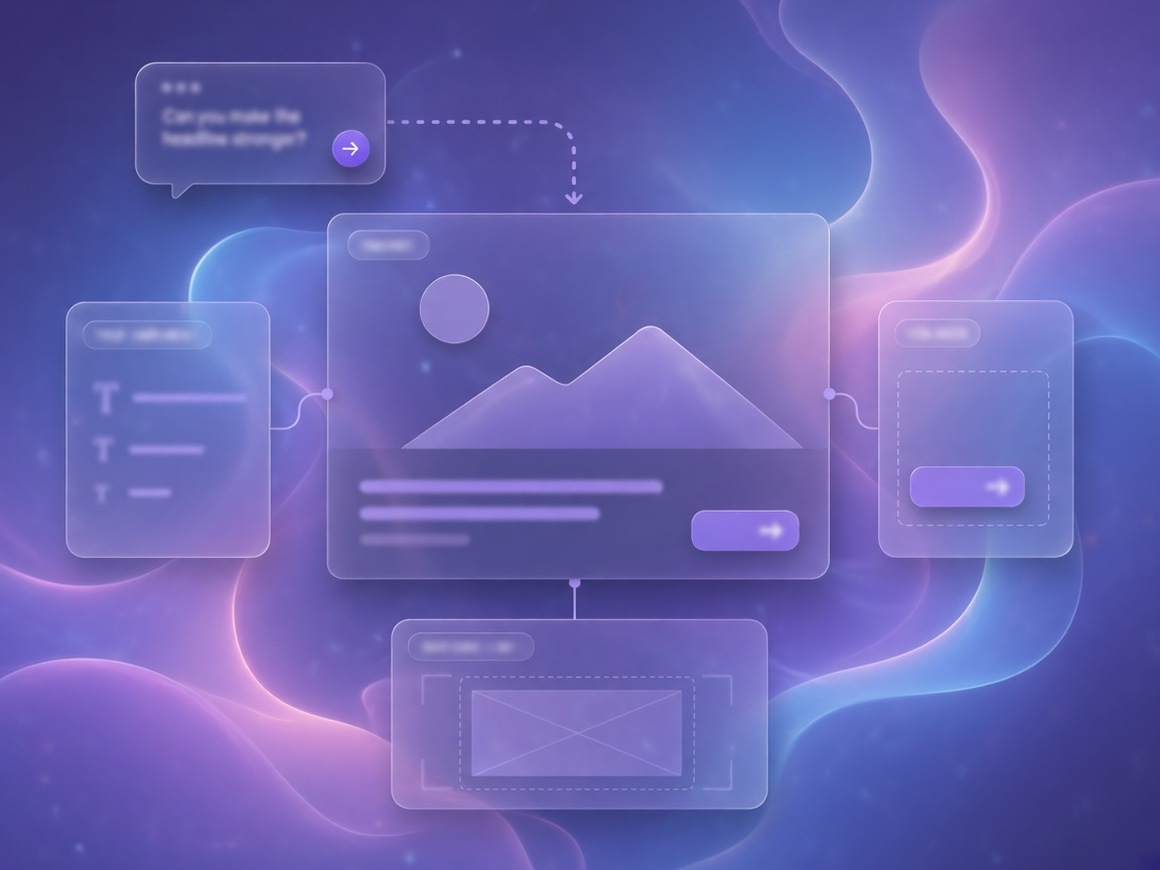
Agent Teams keep hierarchy and art on one canvas
A banner brief is rarely finished in one pass. You may need louder type, safer margins, or a cleaner crop. Linked steps keep revisions on one board.
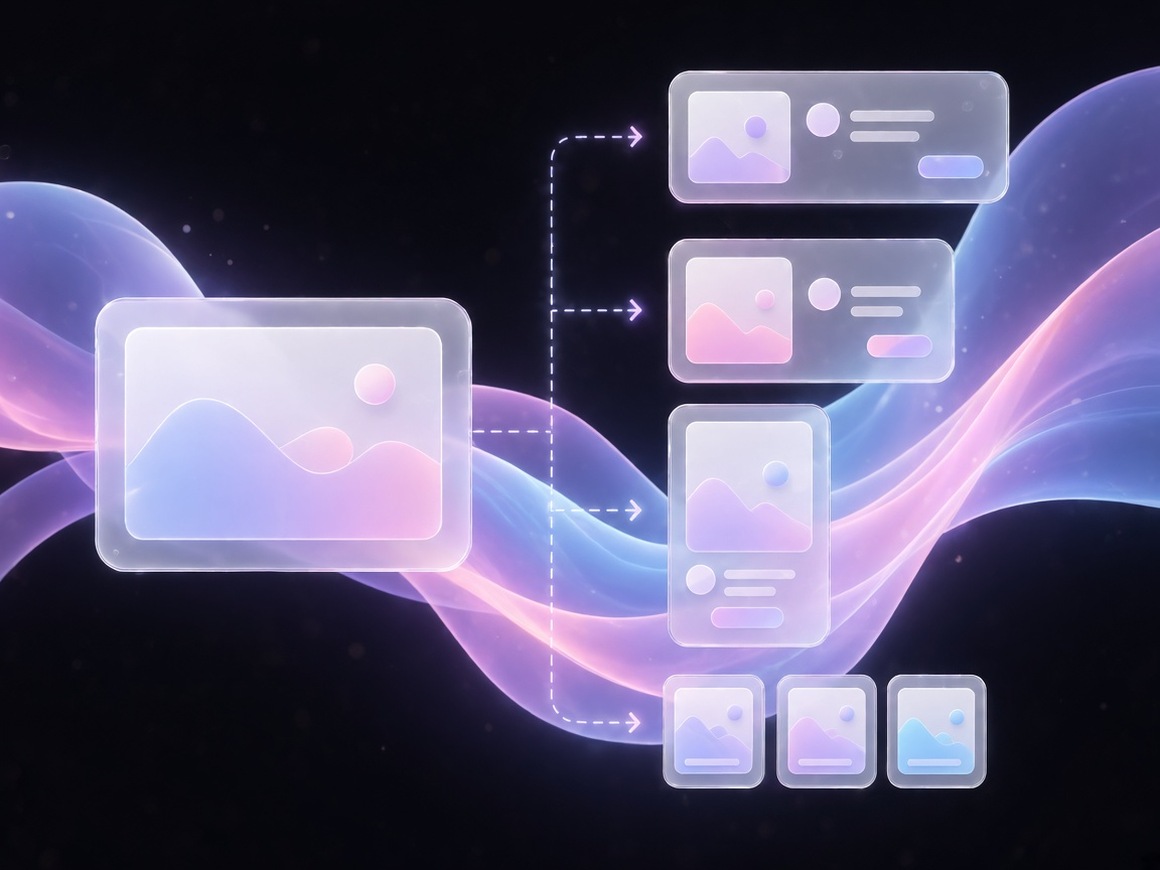
Remix one campaign into multiple banner sizes
Keep the subject and campaign look in your asset library, then spin website, social, and header variants from the same base instead of blank-file restarts.
Who This Banner Workflow Is For
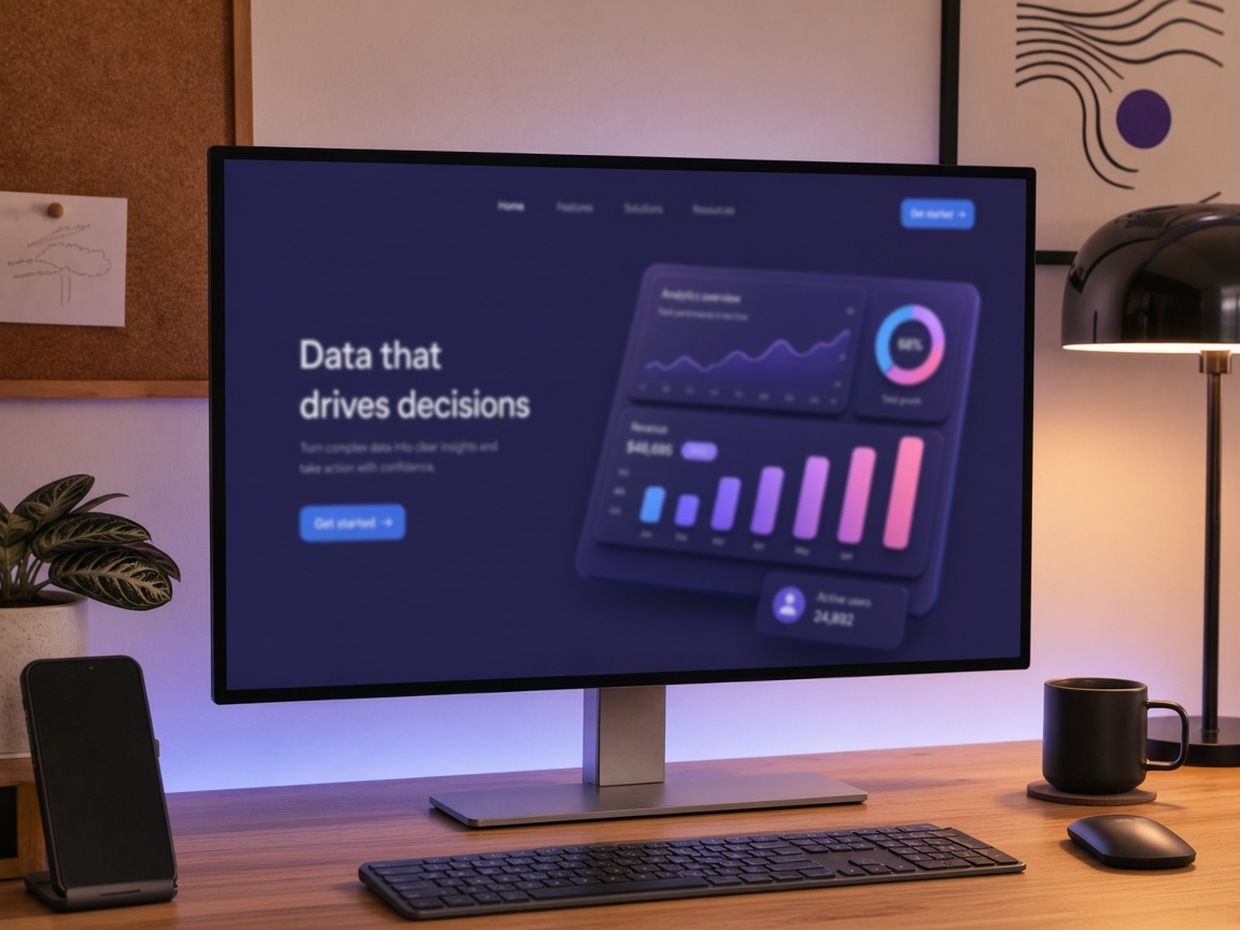
Site and brand marketers refreshing heroes
When the homepage still shows last month's campaign and a design ticket will miss the launch, RoboNeo turns a short brief or product still into a fresh 16:9 hero without a long handoff.
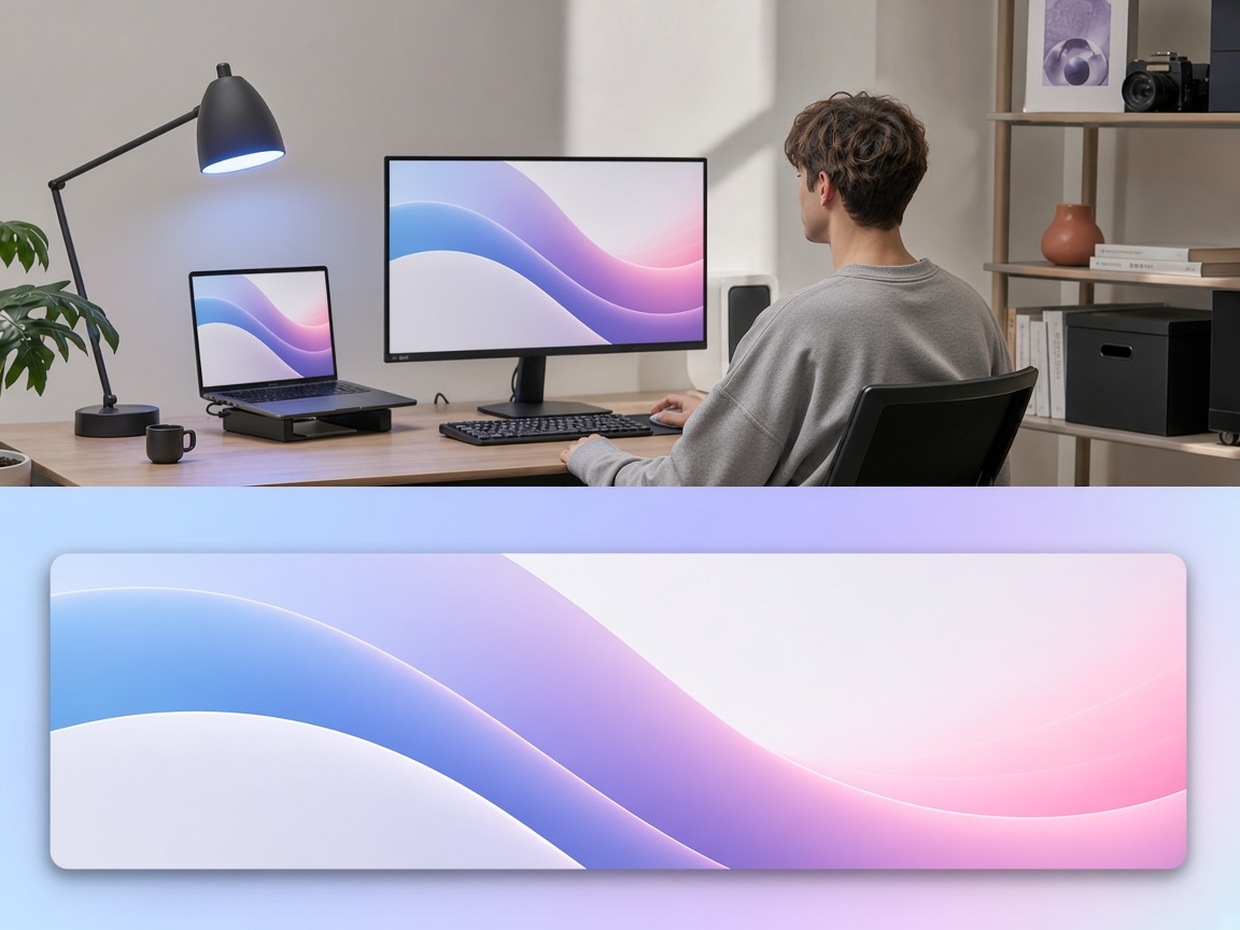
Why Choose RoboNeo for Campaign Banners
You keep subjects and brand assets for the whole campaign, instead of burning disposable renders on no-signup toys that cannot revise on a real canvas.
Change safer header margins or larger CTA type in conversation. The board updates with the job.
Move from hero to square to header variants from one campaign base. Export options include 16:9, 9:16, and 1:1.
Frequently Asked Questions
What is an AI banner generator?
Is this just Canva or a no-signup free toy?
No. This page is positioned for AI generation and revision on RoboNeo. Competing unlimited-free or no-watermark tools exist. Our Free means login credits to try, not unlimited exports. Treat it as a durable banner maker when you need to revise, not only restyle a template.
Do I need a designer?
Not for a first pass. Describe the banner or upload a reference, generate, then fix logos, spelling, and legal lines before you publish.
What sizes can I make?
Common shapes include 16:9 heroes, 1:1 social, wide headers, and 9:16 stories. Remix related sizes on the canvas. Exact platform pixel lists vary, so always check the live crop on device.
Can I upload my own product or brand image?
Yes. Use clear rights-cleared references. Keep trademarks and claims accurate.
Are free credits unlimited?
No. Sign in for free credits. Usage depends on model and plan.
What about watermark and commercial use?
AIGC watermark settings can apply by product settings and plan. Commercial use follows RoboNeo terms and plan, not a blanket free-commercial or no-watermark promise like many SERP free tools claim.
Can one campaign become multiple banners?
Yes. Keep the subject or campaign base and remix for other placements rather than starting from a blank file each time.
Explore More
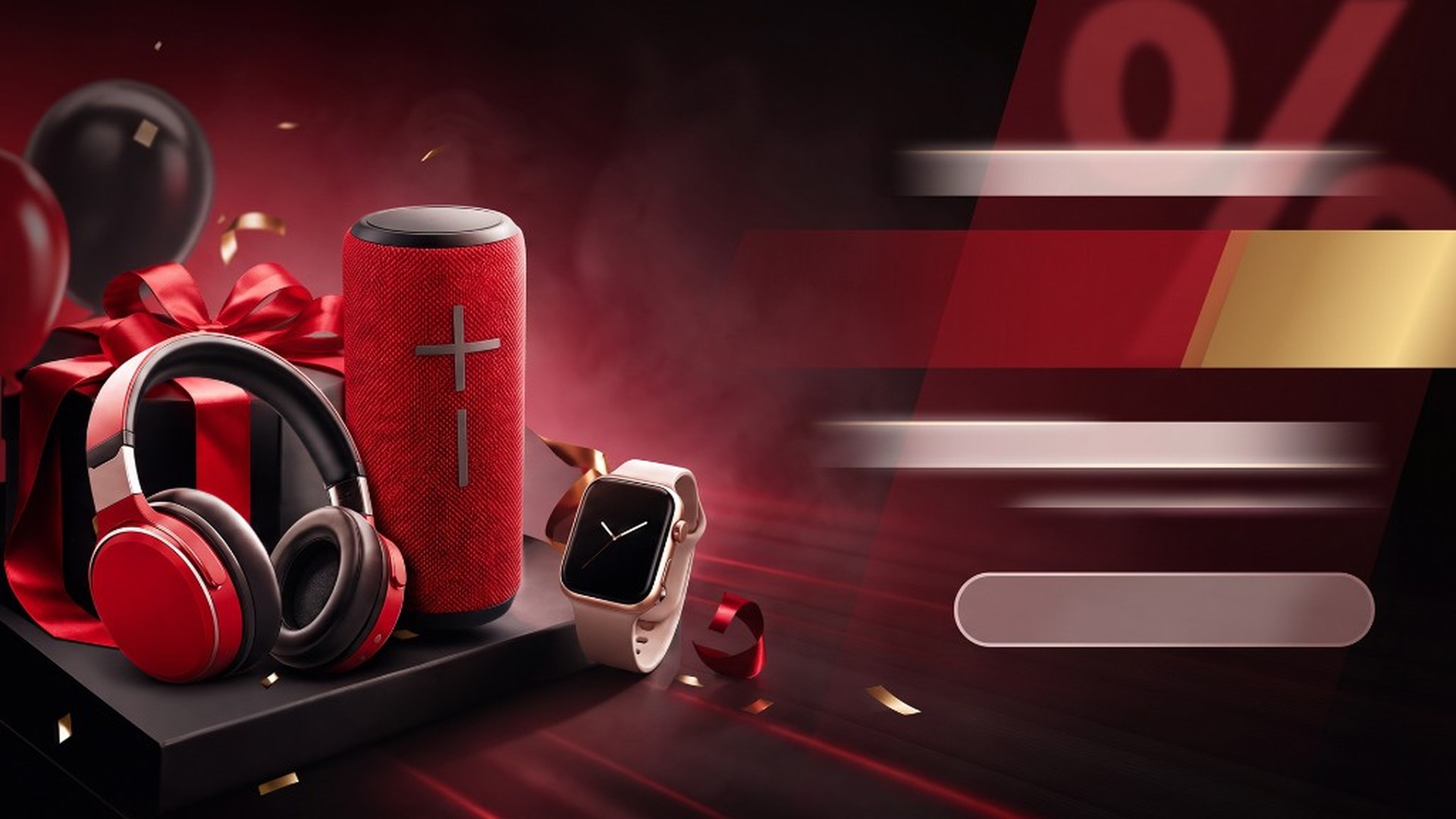
Black Friday Banner Maker
Black Friday Promo Video

AI Promo Video Maker
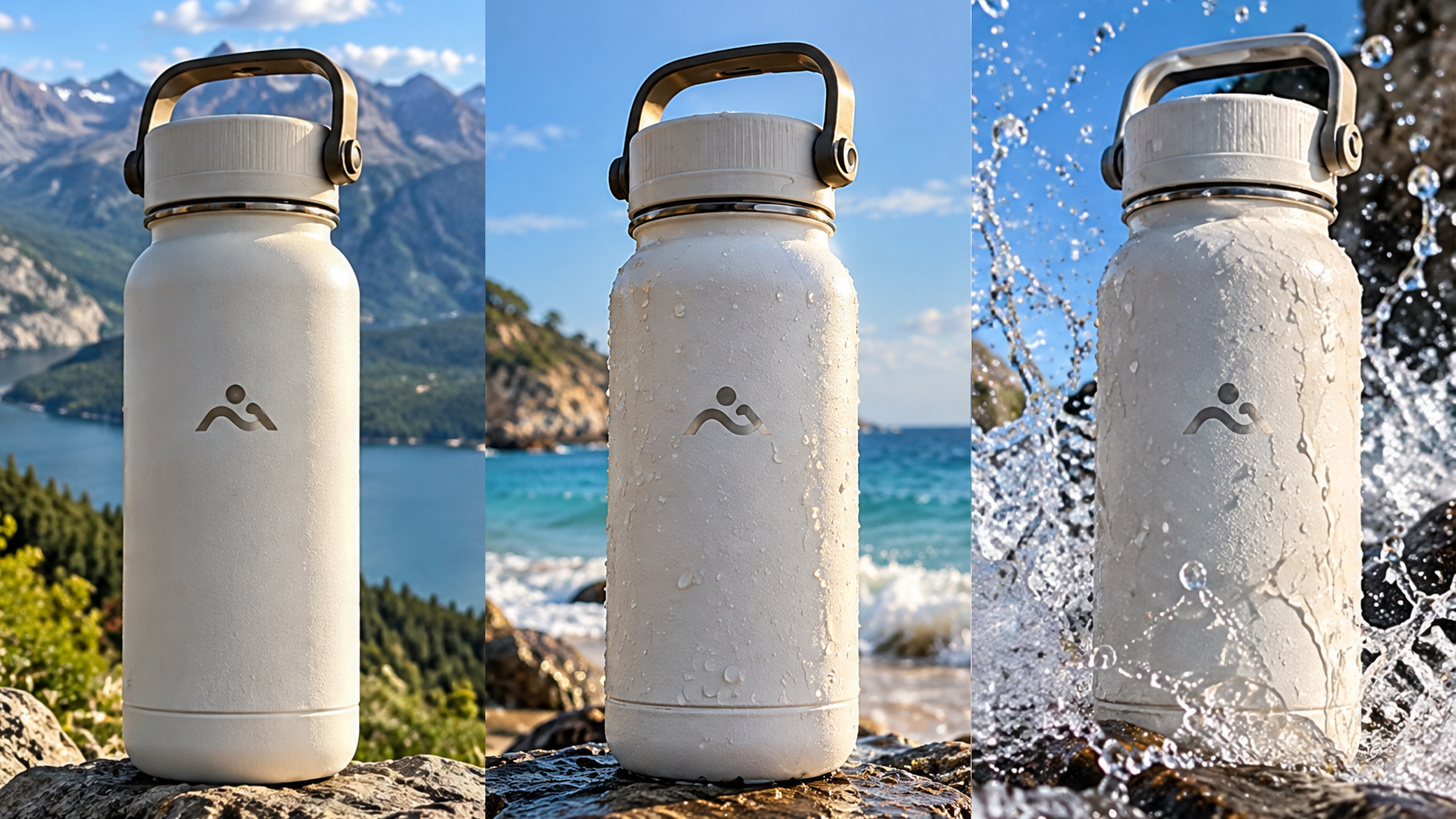
AI Product Video Generator

AI Advertising Creation

AI Ecommerce Marketing Agent

AI Creative Generator

AI Explainer Video Generator
Make Your Banner with an AI Banner Generator
Describe a look or upload a reference, sign in for free credits, and remix placements on canvas without living inside a template-drag-only or unlimited-free dead-end.
What People Make With RoboNeo Banners
Our site homepage still showed last quarter's campaign the morning paid traffic was set to ramp. I uploaded one product still in RoboNeo, generated a fresh 16:9 hero on canvas, and published before standup without waiting on a design ticket.
My channel cover looked stale while a new series launched the same week. I generated a wide header and a matching square from one base in RoboNeo, checked the live crop on phone and desktop, and swapped both without booking a second design pass.
Three clients needed different tones and size packs for the same launch week. I kept each offer and art linked on a RoboNeo canvas, remixed hero and story crops per brand, and handed off variants the same afternoon instead of rebuilding Canva files from scratch.