
AI Horror Movie Generator
RoboNeo helps turn your horror story ideas into AI horror movies, from scripts and character designs to storyboard scenes and video clips. A scene might feature an 8-second hallway shot in 9:16 with a slow camera push-in, while the same ghost reference can be reused across shots to maintain a consistent appearance.
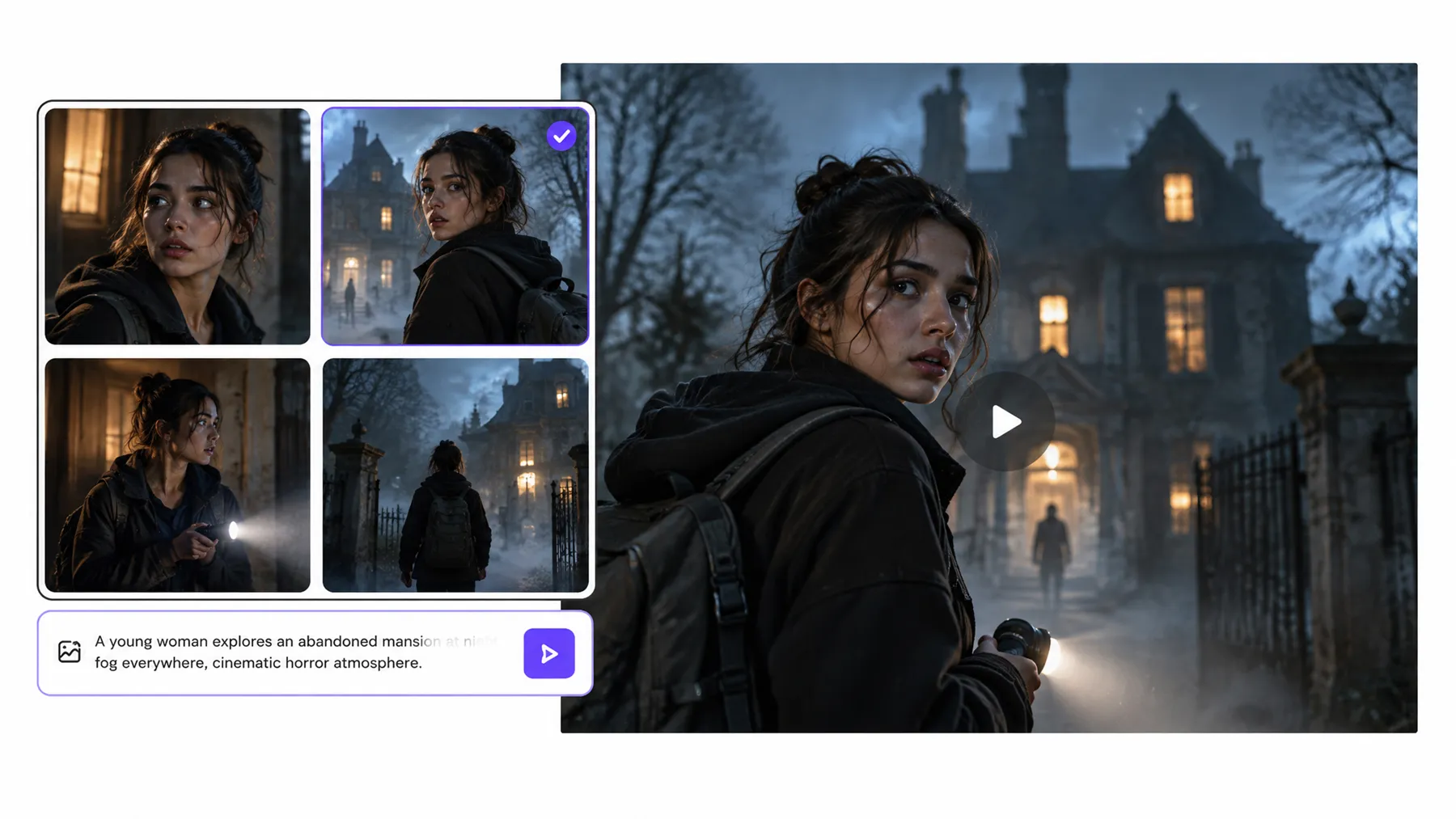
How to Create an AI Horror Movie
Describe Your Horror Idea
Enter your horror movie concept into RoboNeo, including the setting, main characters, central mystery, and atmosphere. Start with a simple premise, such as a figure appearing outside an abandoned house at night.
Develop the Story and Script
RoboNeo helps turn your idea into a structured horror script. Review the plot, character motivations, and suspenseful moments, then adjust the story directly on the canvas or request revisions.
Design Characters and Storyboards
Generate character references, eerie locations, and props based on your script. Arrange storyboard shots with camera angles, lighting, and scene pacing to plan how each frightening moment unfolds.
Generate and Refine Your Horror Video
Turn your storyboard scenes into video clips using text-to-video or image-to-video generation. Review character consistency, camera movement, and lighting, then adjust prompts or regenerate shots that need improvement.
Add Sound Effects and Export
Add eerie background music, footsteps, whispers, or sudden sound effects to build tension. Use the video editor to adjust clip timing, combine scenes, and export your finished AI horror movie.
Create Your Own Horror Movies with AI
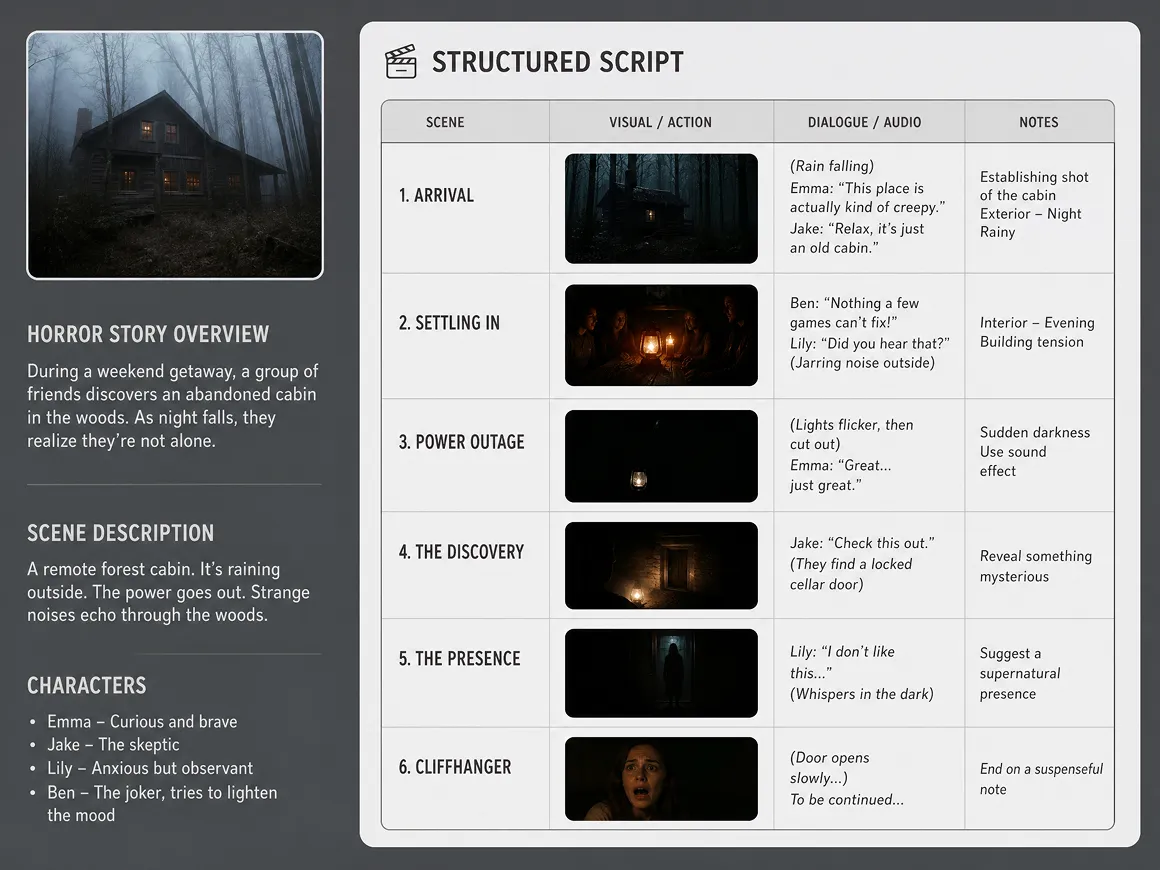
Turn Horror Ideas into Structured Movie Scripts
An unsettling premise needs more than a scary image to become a compelling story. RoboNeo's AI Agent helps develop plots, characters, and scripts, then coordinates the next creative stages. You can review the story direction and request changes before moving into visual creation.
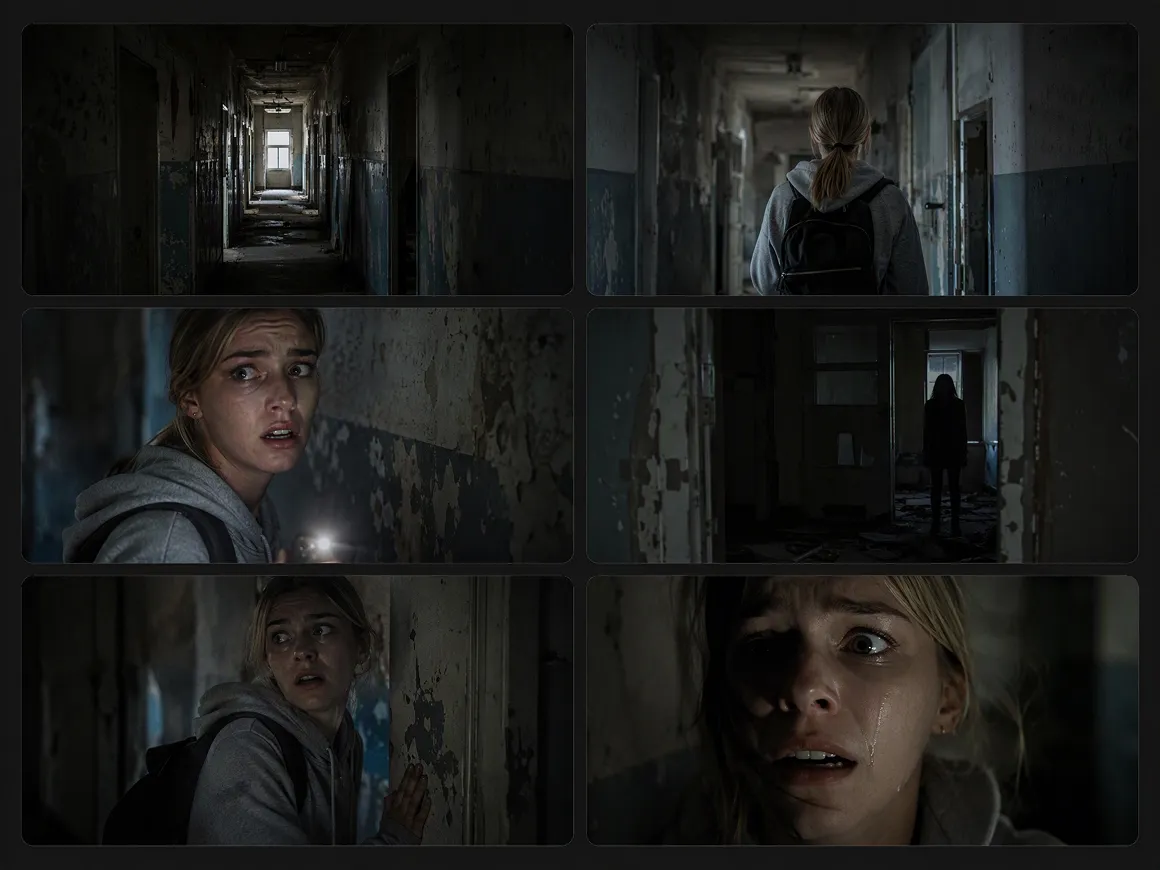
Create Suspense with Cinematic Lighting and Shots
Build tension through shadowy settings, unusual camera angles, and carefully planned compositions. RoboNeo supports multi-angle image generation, adjustable lighting effects, and storyboard creation, helping you explore different visual approaches to supernatural encounters, psychological horror, and suspenseful reveals.
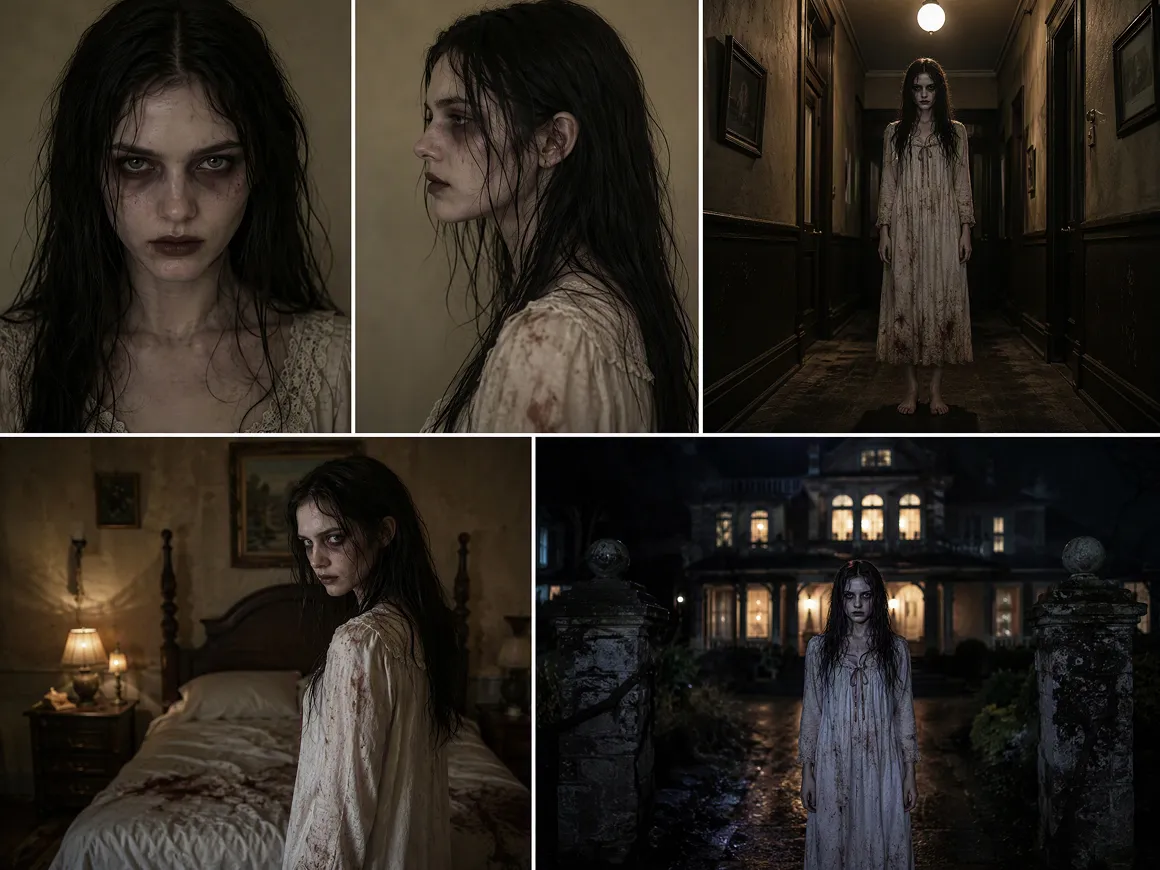
Keep Horror Characters and Scenes Visually Consistent
Recurring characters and locations can be difficult to keep consistent across multiple scenes. Reuse character references, props, and backgrounds throughout your workflow, and review generated shots to help maintain a coherent visual style from one scene to the next.
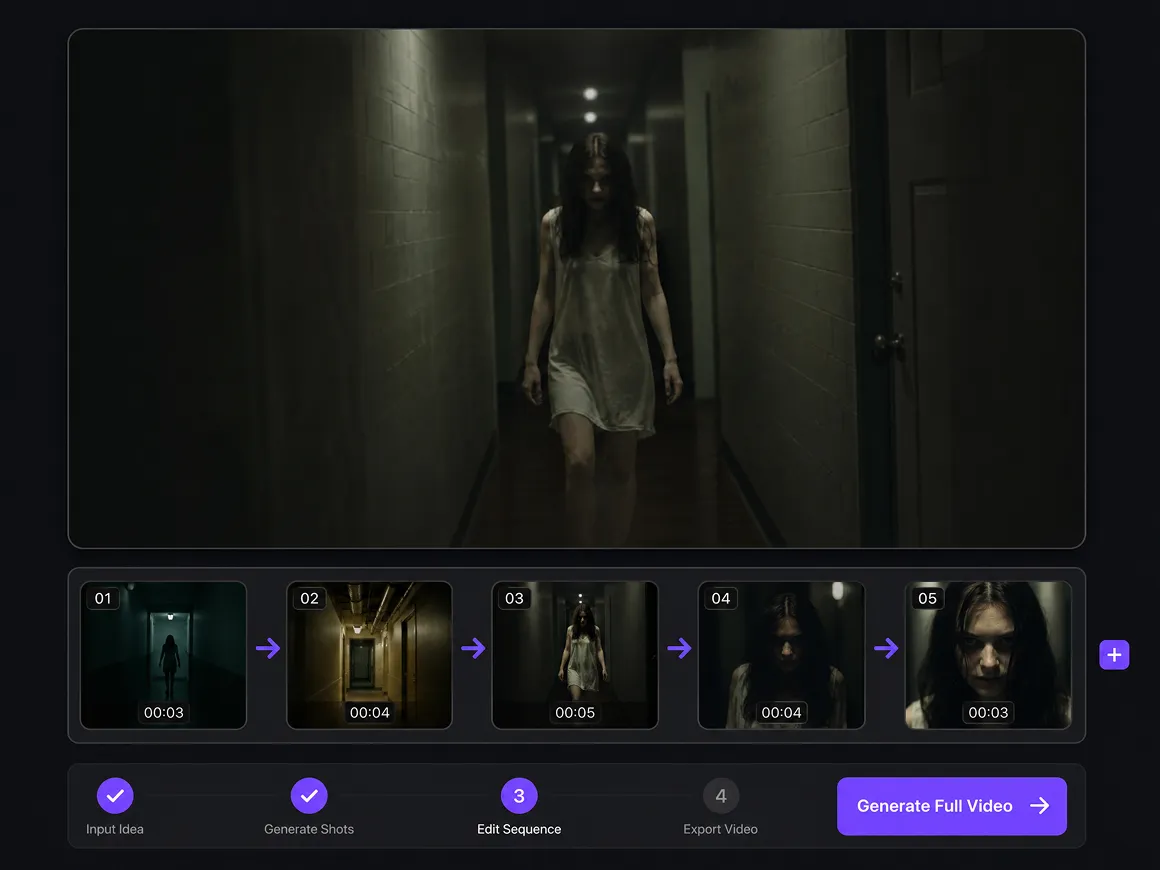
Generate and Refine Horror Video Clips
Bring storyboard shots to life with text-to-video and image-to-video generation. Adjust supported models, aspect ratios, resolutions, durations, and audio settings, then regenerate clips that need work.
What Kind of Horror Movies Can You Create with AI
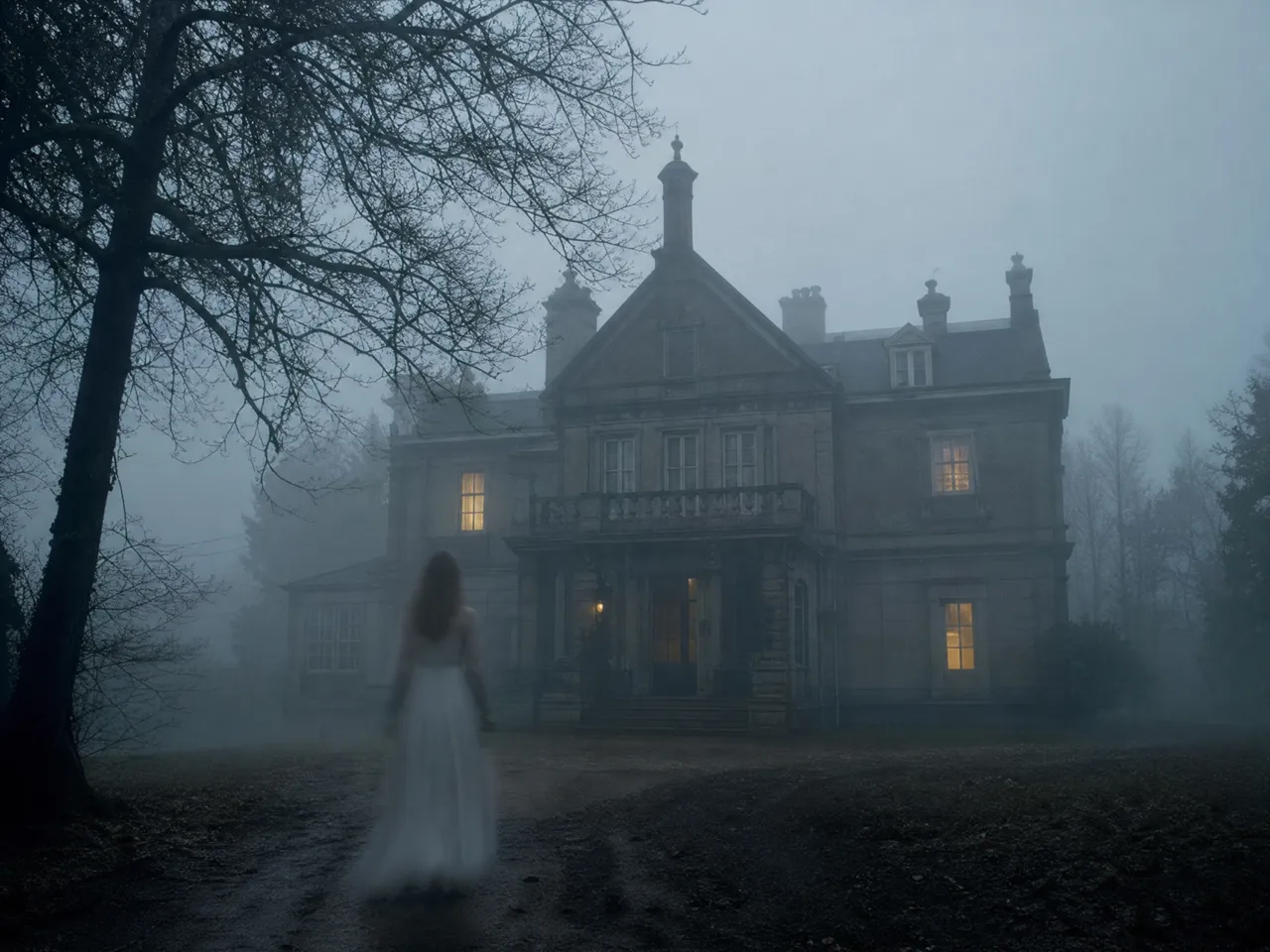
Supernatural Horror Movies
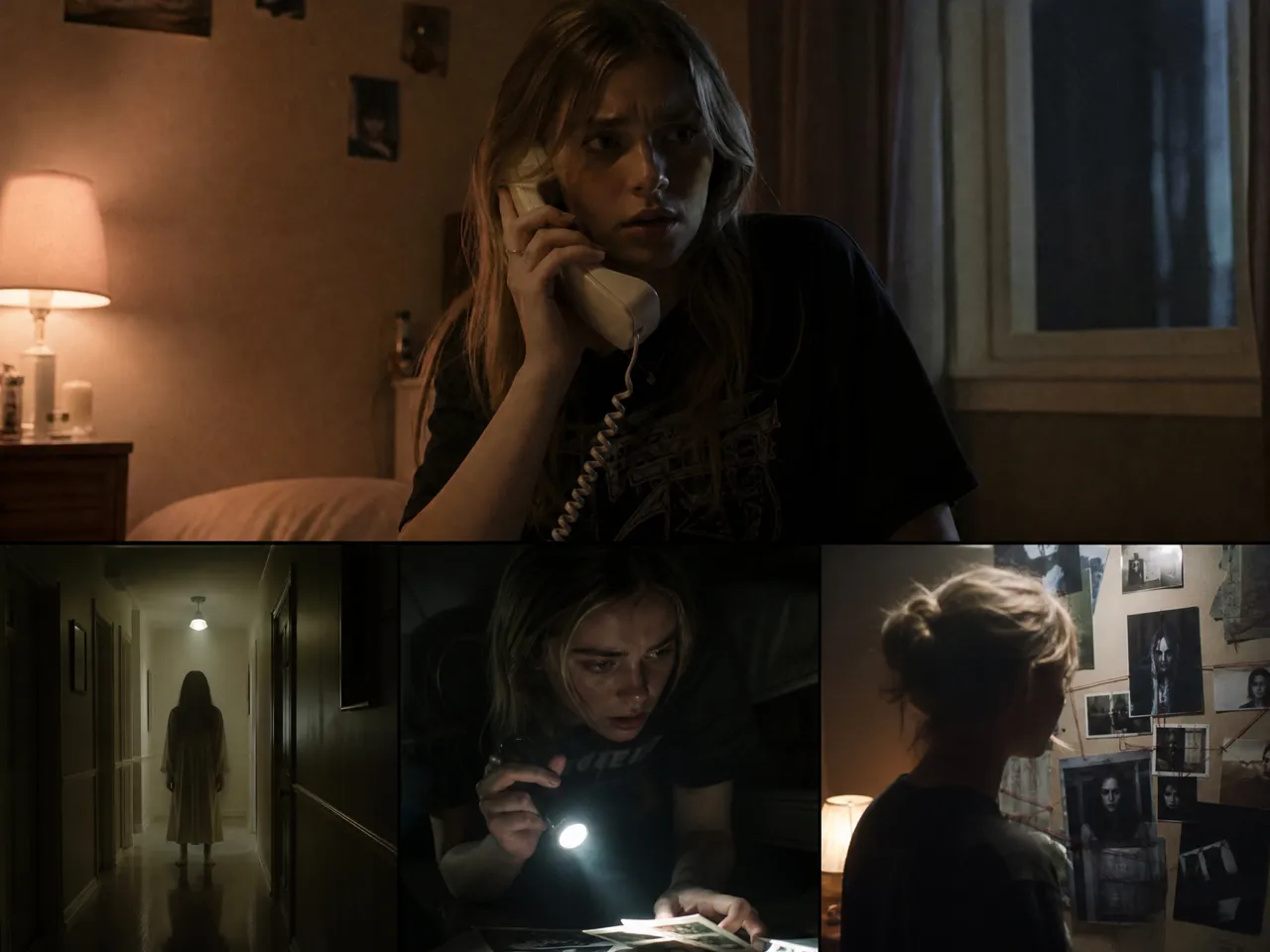
Haunted houses, unexplained voices, cursed objects, and mysterious apparitions all offer plenty of material for a supernatural horror story. RoboNeo helps turn these ideas into scripts, eerie locations, and video clips that build suspense before a supernatural reveal.
Frequently Asked Questions
What is an AI horror movie generator?
How do I stop an AI horror movie from looking like a bunch of random clips?
Plan the story around a clear sequence of events, such as introducing a haunted location, revealing strange clues, and building toward a final confrontation. In RoboNeo, organize these moments into storyboard shots and reuse character and location references. Keep lighting, camera direction, and scene transitions consistent so each clip feels connected to the same story.
How do I make an AI-generated monster look the same in every shot?
Create a reference image of your monster in RoboNeo before generating multiple scenes. Include recognizable details such as glowing eyes, uneven horns, torn clothing, or distinctive scars. Reuse the image as a reference in subsequent shots and describe the features that must remain unchanged. Different camera angles and lighting conditions may still require adjustments.
How do I make an AI-generated horror movie look more like a real film?
Focus on composition, lighting, camera movement, and continuity rather than adding dramatic effects to every shot. For example, use a slow camera movement down a dark hallway before switching to a close-up of a character's reaction. RoboNeo lets you adjust prompts and regenerate shots to maintain a consistent visual style across the movie.
How do I create a convincing jump scare with AI video?
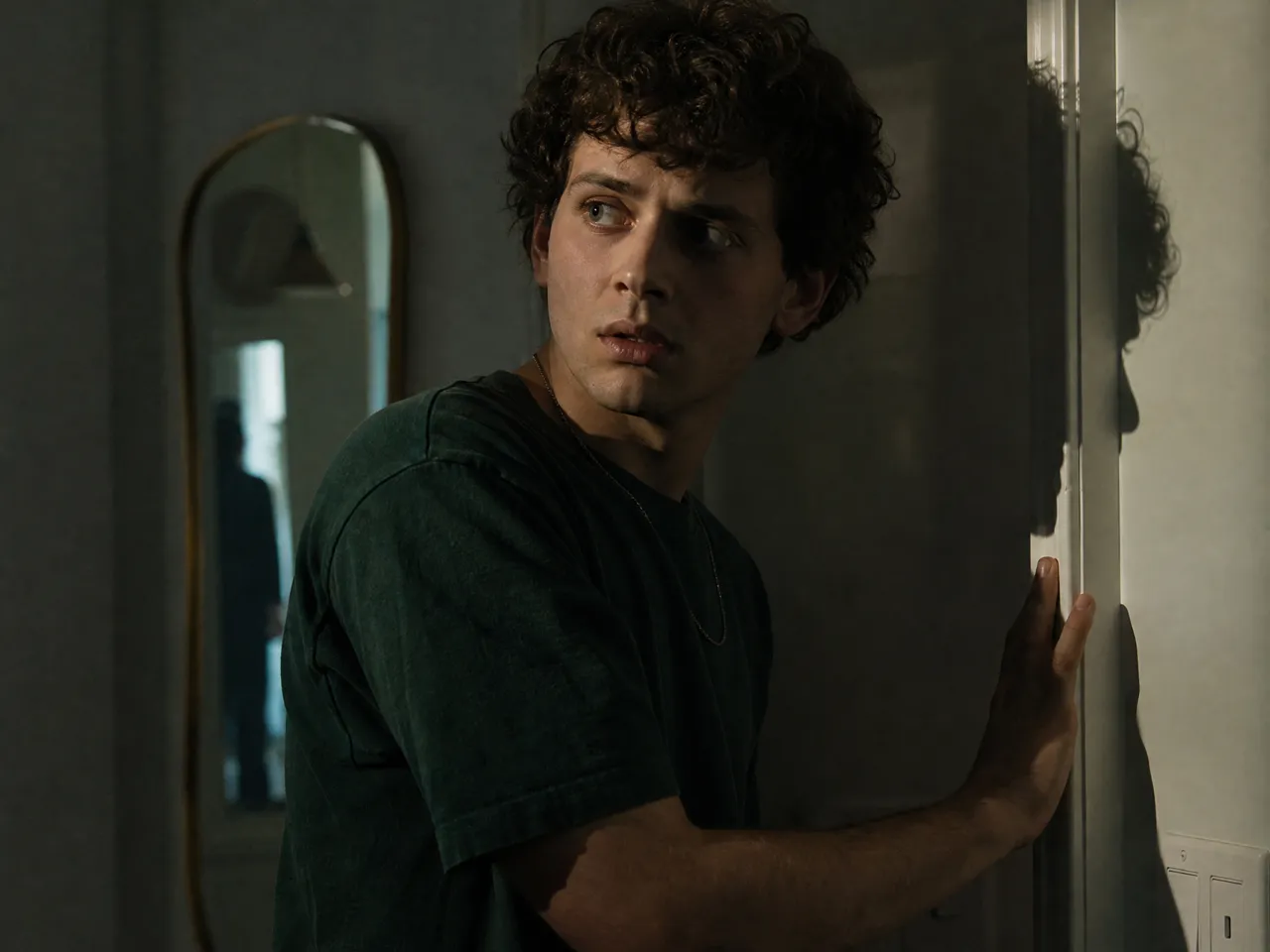
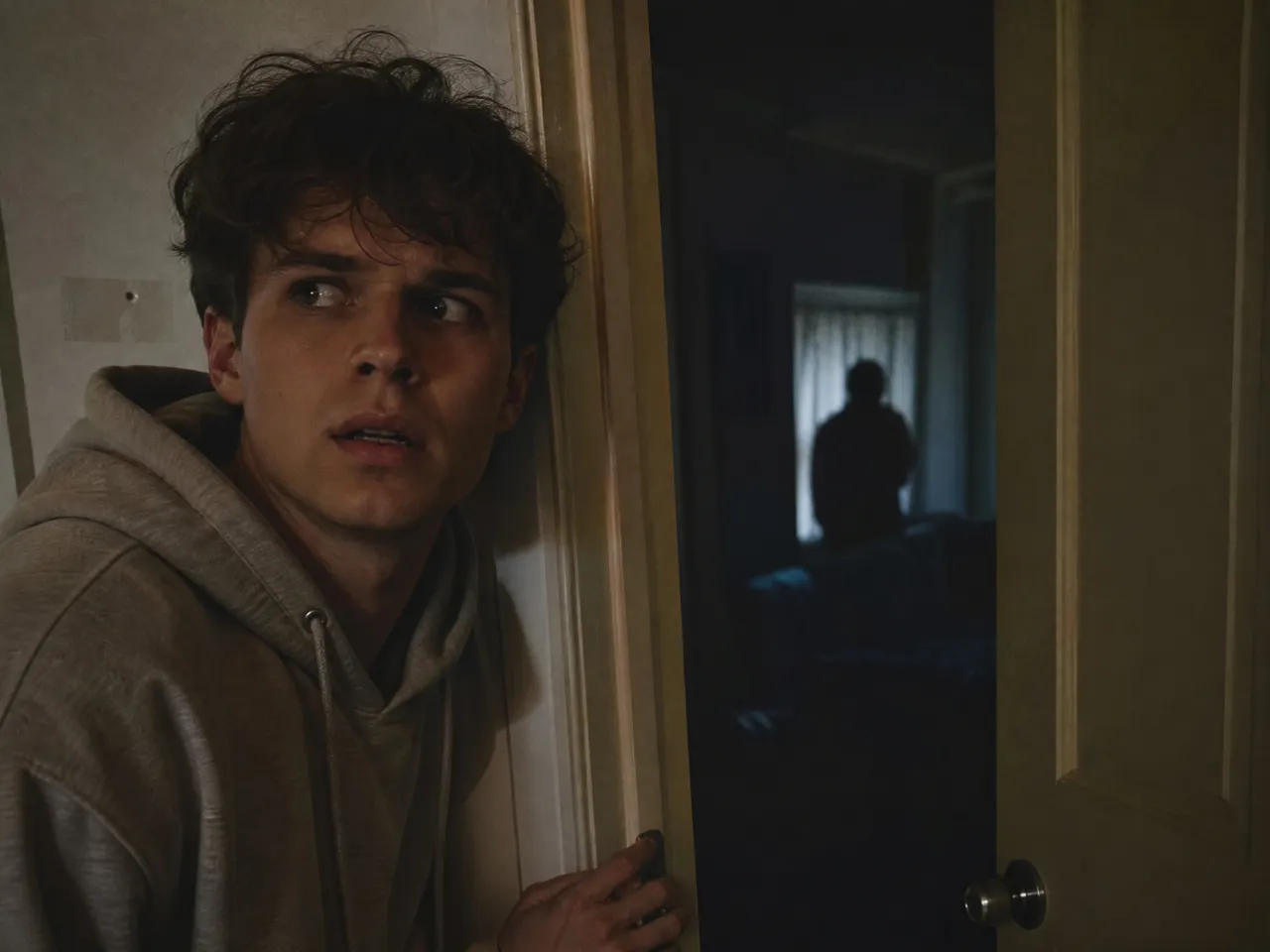
Build anticipation with a quiet scene before introducing a sudden threat. For example, show an empty doorway, hold the shot briefly, then reveal a figure moving into the frame. In RoboNeo, generate the buildup and reveal as separate clips, then adjust their timing in the video editor. A sudden sound effect can strengthen the scare.
How do I make an AI horror movie when I only have a basic story idea?
Start with a simple premise, such as someone receiving a phone call from a person who disappeared years ago. Describe the main character, location, central threat, and desired ending in RoboNeo. The platform can help develop the idea into a script and storyboard, breaking the story into scenes that can be generated and refined individually.
How do I keep AI-generated horror scenes dark without losing important details?
Use directional lighting and controlled shadows instead of making the entire frame uniformly dark. RoboNeo's image lighting tools let you experiment with cool blue tones, backlighting, and different light positions. For example, a dim window light can outline a monster's silhouette while keeping its face hidden. Review the results to ensure important actions remain visible.
Does generating horror videos use credits?
Yes. RoboNeo uses credits for AI video generation, and the amount varies by model and settings. New users can receive free credits after signing up and logging in to try creating horror scenes. Since regenerating clips also consumes credits, it's worth reviewing your storyboard and testing a short scene before producing multiple shots.
Are my scripts and uploads private?
RoboNeo lets you upload scripts, character images, reference videos, and other creative assets to your workspace. You can manage generated content and project materials through the canvas and asset library. However, how uploaded materials are stored, processed, or shared depends on RoboNeo's privacy policy and terms. Review these before uploading confidential scripts or unreleased footage.
Your Horror Story, Brought to Life
RoboNeo makes it easier to turn your horror concepts into scripts, eerie scenes, and AI-generated video clips. From supernatural mysteries to psychological thrillers, your ideas can take shape through custom characters, unsettling settings, and cinematic visuals.
What Users Say About RoboNeo
Turned my haunted house idea into a script and storyboard without having to figure out every scene from scratch.
The lighting and camera angle options helped me get the creepy atmosphere I wanted for my horror short.
Great for testing monster designs and turning character images into horror video clips.
Made it easier to develop horror concepts, plan scenes, and generate clips for my videos.
Being able to revise individual shots helped me get closer to the look and mood I had in mind.