
Boomerang Video Maker: Recreate Viral Loop Videos With AI
RoboNeo’s boomerang video maker recreates trending boomerang-style clips with your own product or character in them. Instead of simply reversing your footage, it follows the motion of a viral reference video and swaps in your subject. Upload a reference, add your images, and get an on-trend loop without filming from scratch.
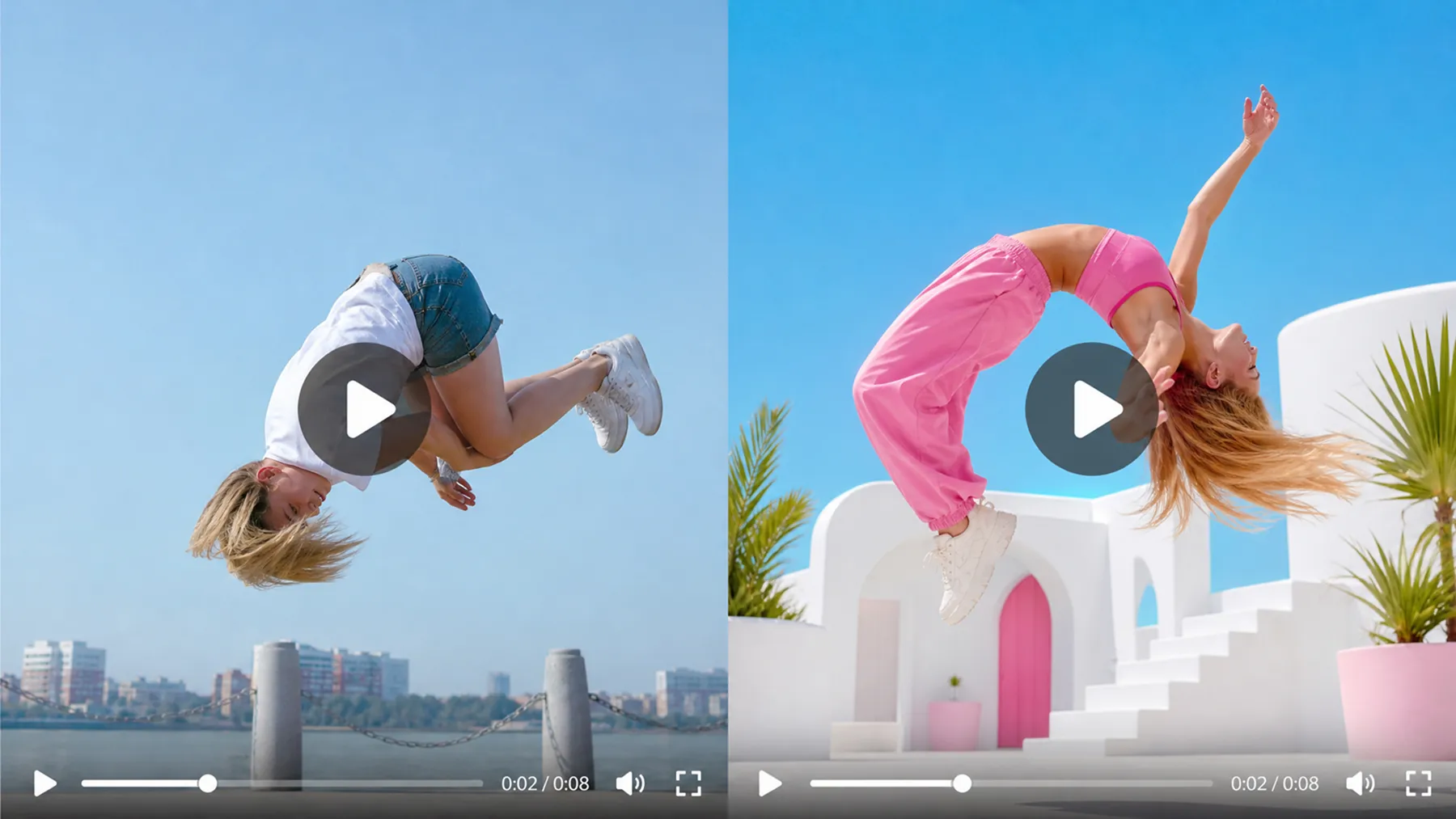
How to Make a Boomerang Video With AI in 3 Steps
Add a Reference Boomerang Clip
Swap In Your Product or Character
Generate and Download
Make Boomerang Videos From Any Trending Clip
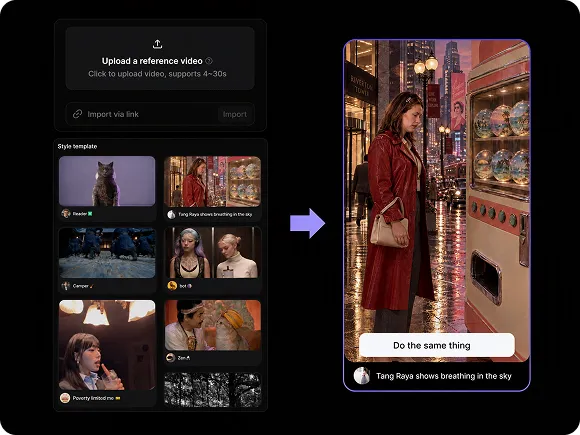
Start From a Clip, a Link or a Style Template
Join a trend without filming a new boomerang. Upload a 4–30 second reference video, paste a link in Import via Link, or pick a ready Style Template. Whatever the starting point, RoboNeo uses it as the blueprint for your own boomerang video.
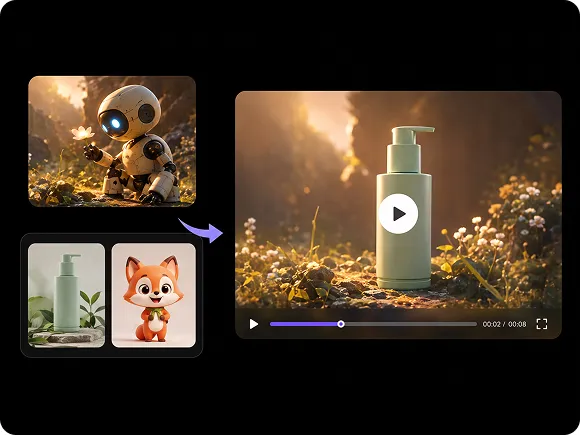
Swap In Your Own Product or Character Images
Add up to 5 product, mascot or IP character images to replace the subject in the reference. One trending loop becomes your own branded version, so the motion people already love now shows your sneaker, bottle or character instead of someone else’s.
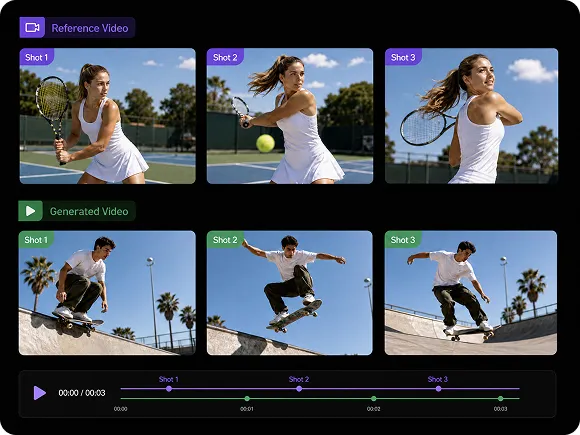
Keep the Rhythm and Shot Flow of the Original
Reversing a clip only gives you a back-and-forth loop. RoboNeo follows the reference’s pacing and shot flow and generates a new clip with your subject, so it recreates the motion of the trend instead of rewinding your own footage.
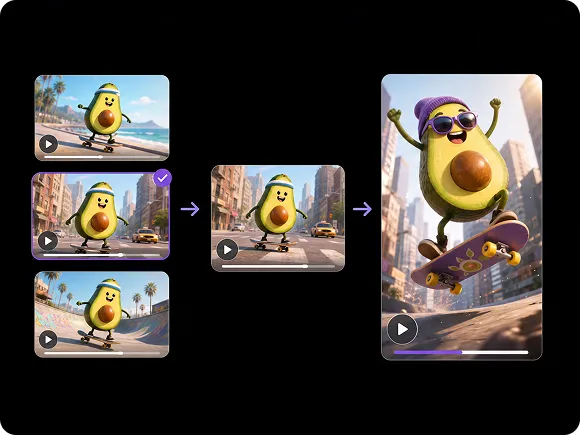
Make Several Versions and Refine Any of Them
Generate multiple versions from one reference for different products or channels. Then refine any result on the canvas or remix it without starting over, so a single trending clip turns into a full set of boomerang videos for your feed.
Who Uses RoboNeo’s Boomerang Video Maker
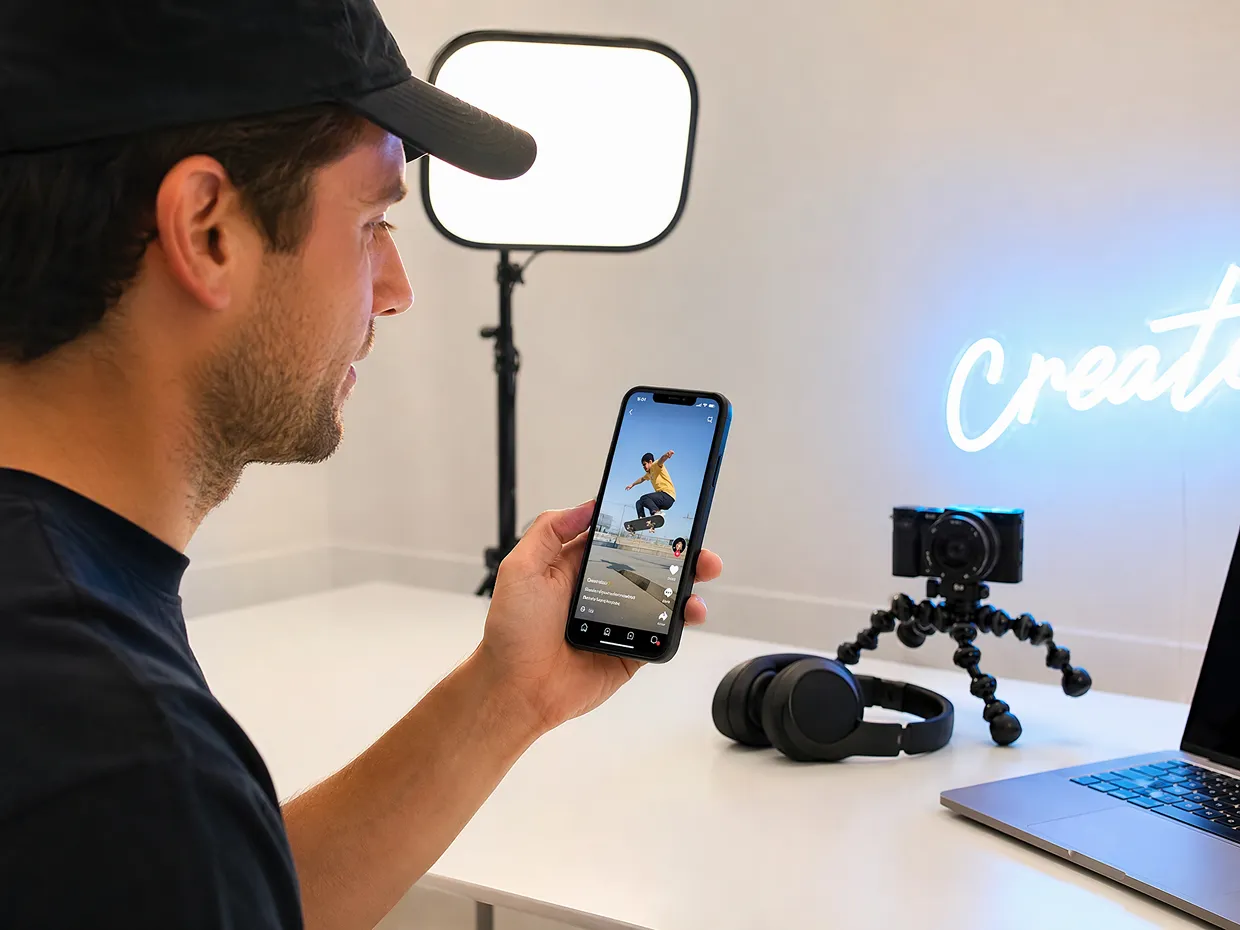
Social Media Creators Chasing Trends
When a boomerang trend peaks on TikTok or Reels, creators have hours, not days, to join in. They upload the trending clip, swap in their own look or product, and post their version the same day, before the trend fades from the feed.
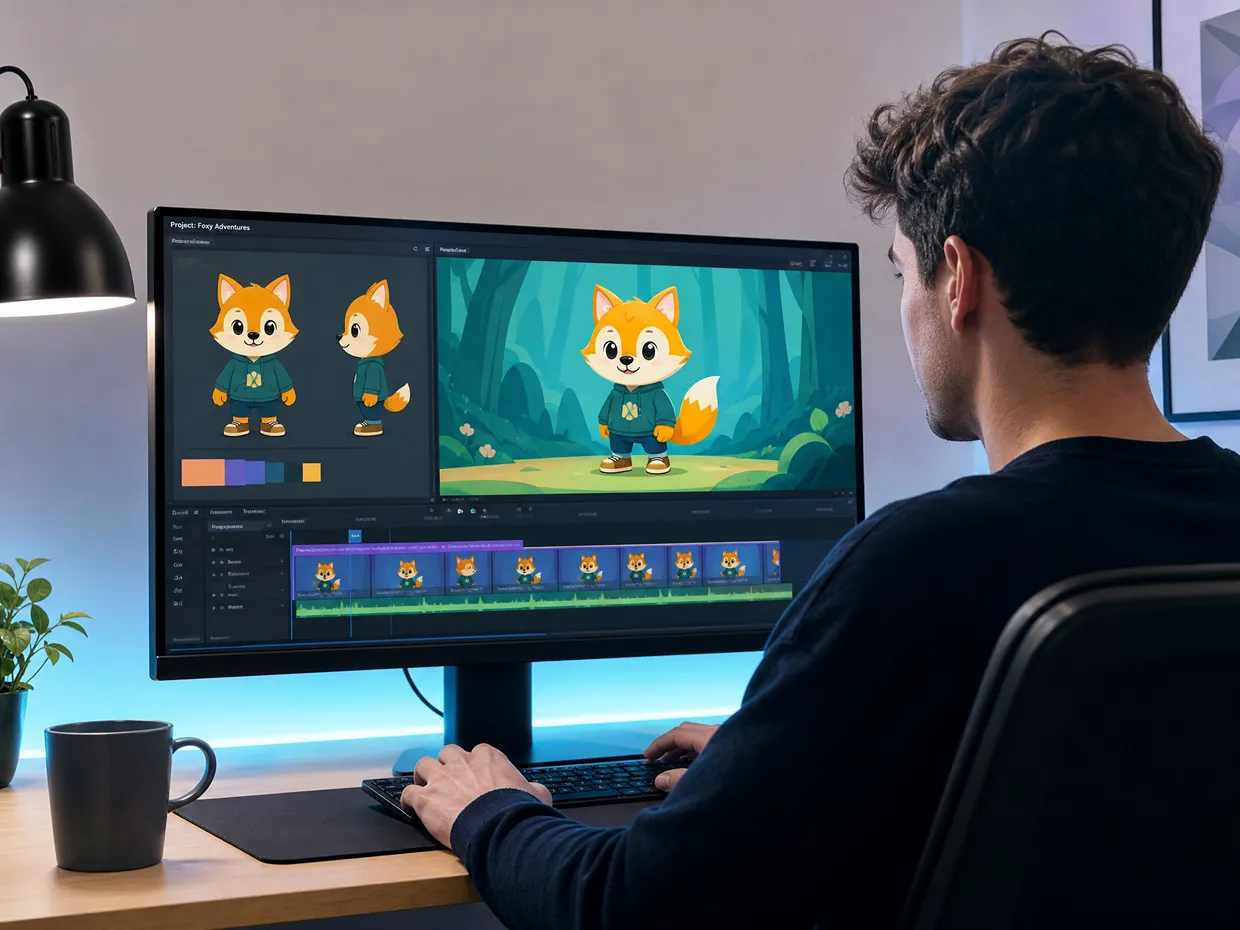
Why Choose RoboNeo for Boomerang Videos
Frequently Asked Questions
What is a boomerang video maker?
How do I make a boomerang video from a trending clip?
How long can the reference video be?
Can I make boomerang videos for free?
Can I keep the original sound?
Does RoboNeo just reverse my video?
Explore more AI tools

AI Short Video Maker

Say Thanks Video Maker
Black Friday Promo Video Maker
Thanksgiving Video Maker

AI Explainer Video Generator

Kling AI Video Generator

Remove Background From Video

Text to Video AI Models
Turn Any Trending Clip Into Your Own Boomerang
The next viral loop could star your product. Pick a trending clip, swap in your product or character, and RoboNeo’s boomerang video maker recreates the motion in minutes. Make several versions for different channels, then download the ones you like and post while the trend is still climbing.
What Users Say About RoboNeo’s Boomerang Video Maker
A boomerang trend blew up on a Friday and I had my own version posted that night. I didn’t film anything new, just swapped my outfit photo into the clip.
I put our water bottle into a viral spin clip and it looked like we had shot it in a studio. It’s now the first video on our product page.
I have zero editing skills. I uploaded a reference, added two product photos and clicked Generate. That was the whole process.
Keeping the original sound made the clip feel native to the trend. Our recreated version fit right into the feed.
From one reference clip we made five versions for different products and channels. It saved us a full week of production.