
Free Say Thanks Video Maker Online
Make a thank you video or gratitude video without living inside a template timeline. Describe who you are thanking, or upload a photo, and generate a share-ready clip for family chats, clients, or your audience. This is AI generation on a RoboNeo canvas, not a VEED-style trim-only editor. Sign in for free credits to try, then export 16:9, 9:16, or 1:1.
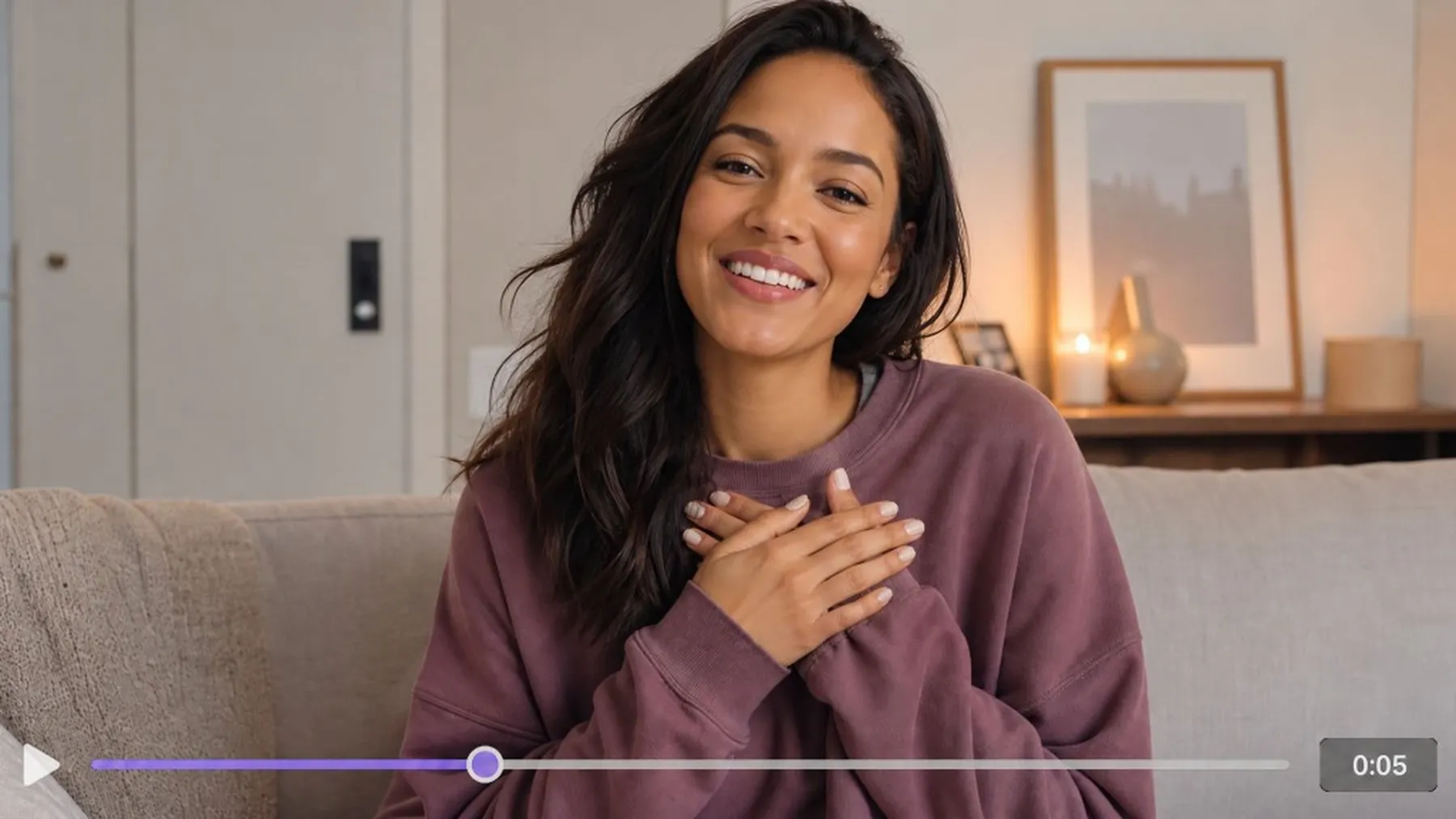
Thank You Video Ideas Worth Sending
How to Make a Say Thanks Video in 3 Steps
Describe the thanks or upload a photo
Write who you appreciate and the tone, or drop a portrait or event photo. You are generating a clip, not only dropping footage onto a trim timeline.
Generate on the RoboNeo canvas
Run the gratitude look; send a short follow-up if the mood, framing, or pacing drifts. Agent-linked steps stay on one board.
Export for chat, email, or social
Export as 16:9, 9:16, or 1:1 depending on the channel. Share to chat, email, Feed, or Stories.
What Powers This Say Thanks Video Maker
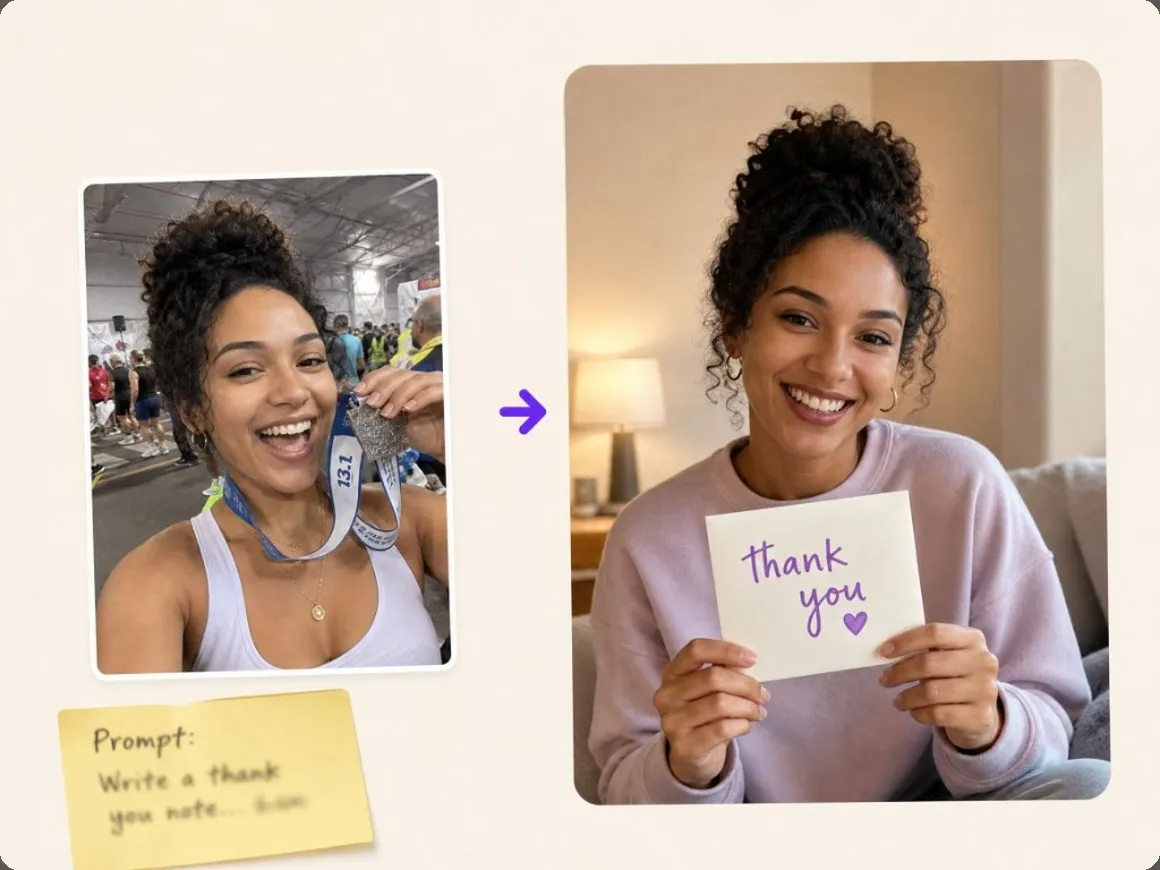
Start from a prompt or a photo
When you only have the message, describe a warm thanks scene and generate. When you have a face or event still, upload it and push it into a thank you video on the canvas.

Lock one host look for a thanks week
Build one original host or brand face once, then wrap family, client, and audience thanks looks around it without a new identity every send.
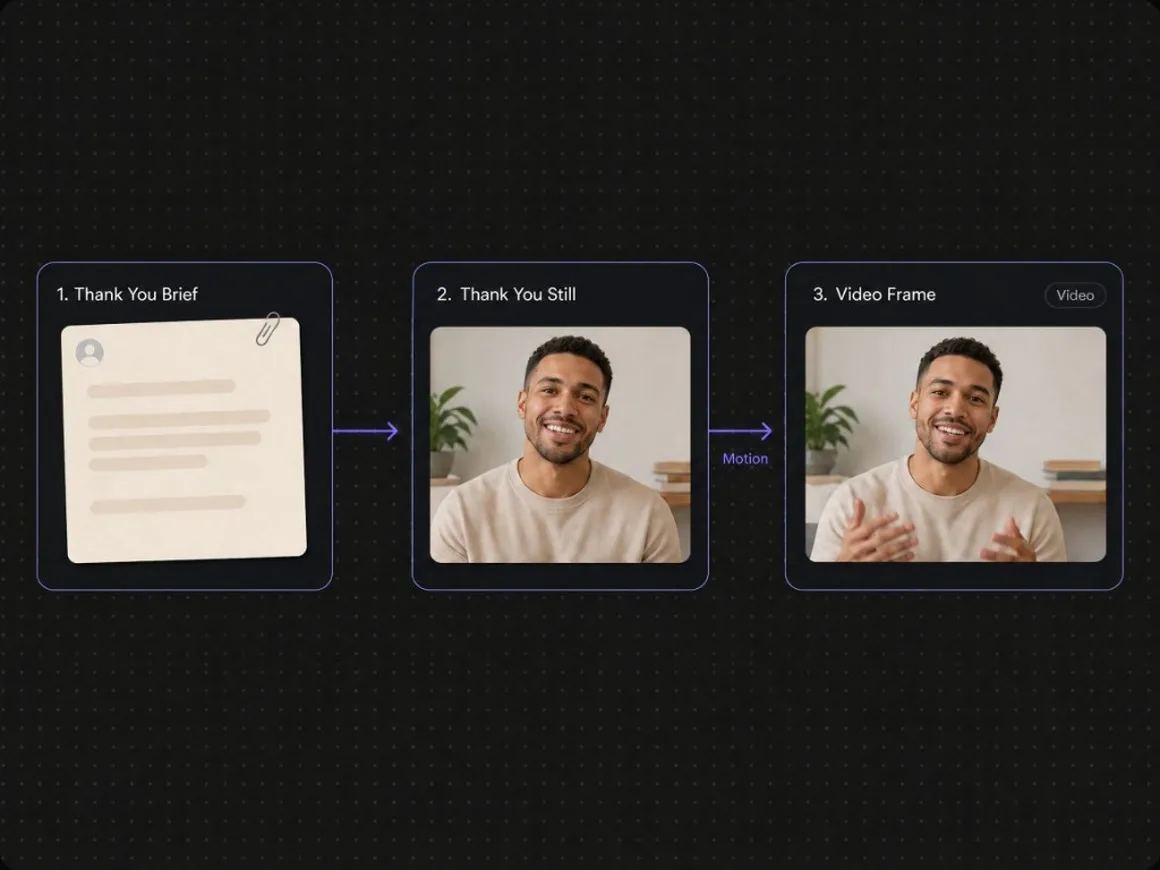
Agent Teams keep message, stills, and video on one canvas
A thanks brief rarely finishes in one render: softer grade, clearer face, or a second social crop. Linked steps keep follow-ups on one board.
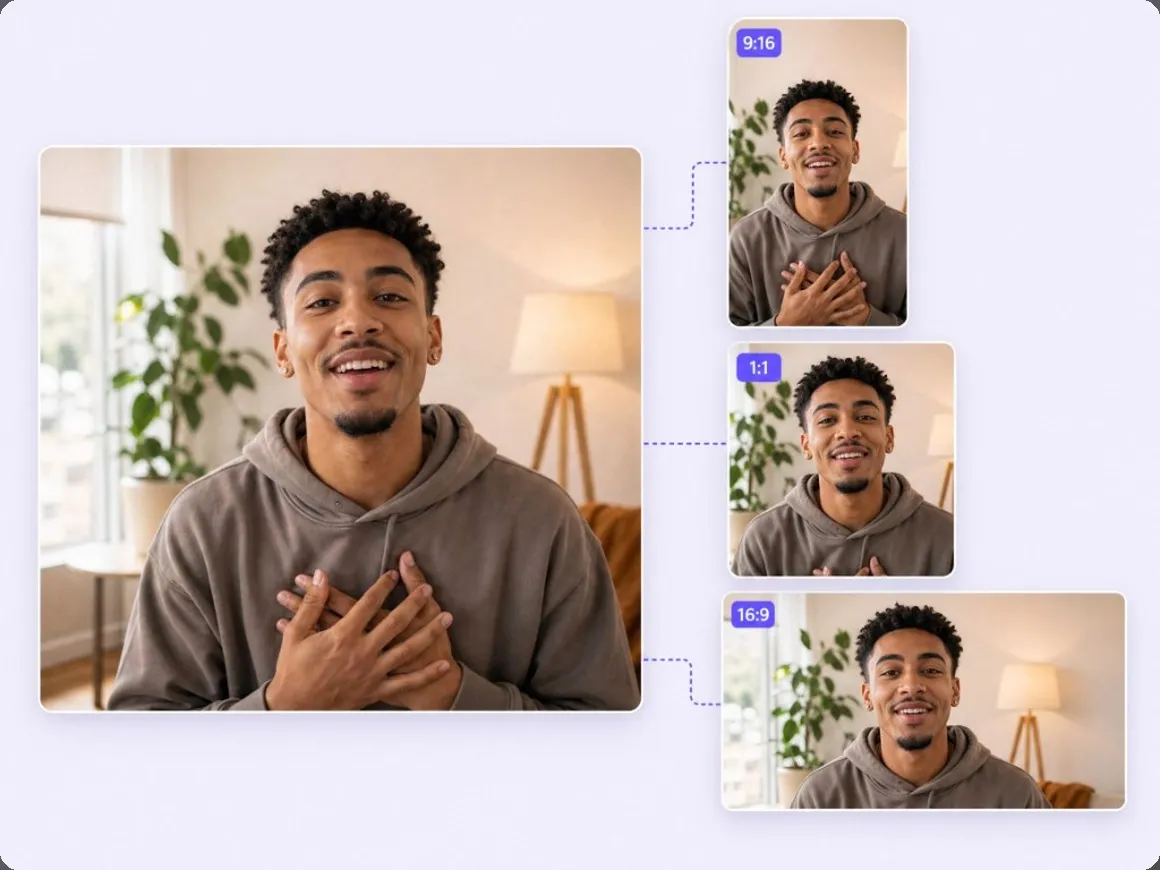
Remix one thanks still into chat, Feed, and email sizes
Keep the approved frame, then spin Stories, Reels, or wider greeting crops. Some models can generate audio with the clip when that switch is on; otherwise add music in your publishing app.
Who This Say Thanks Video Maker Is For
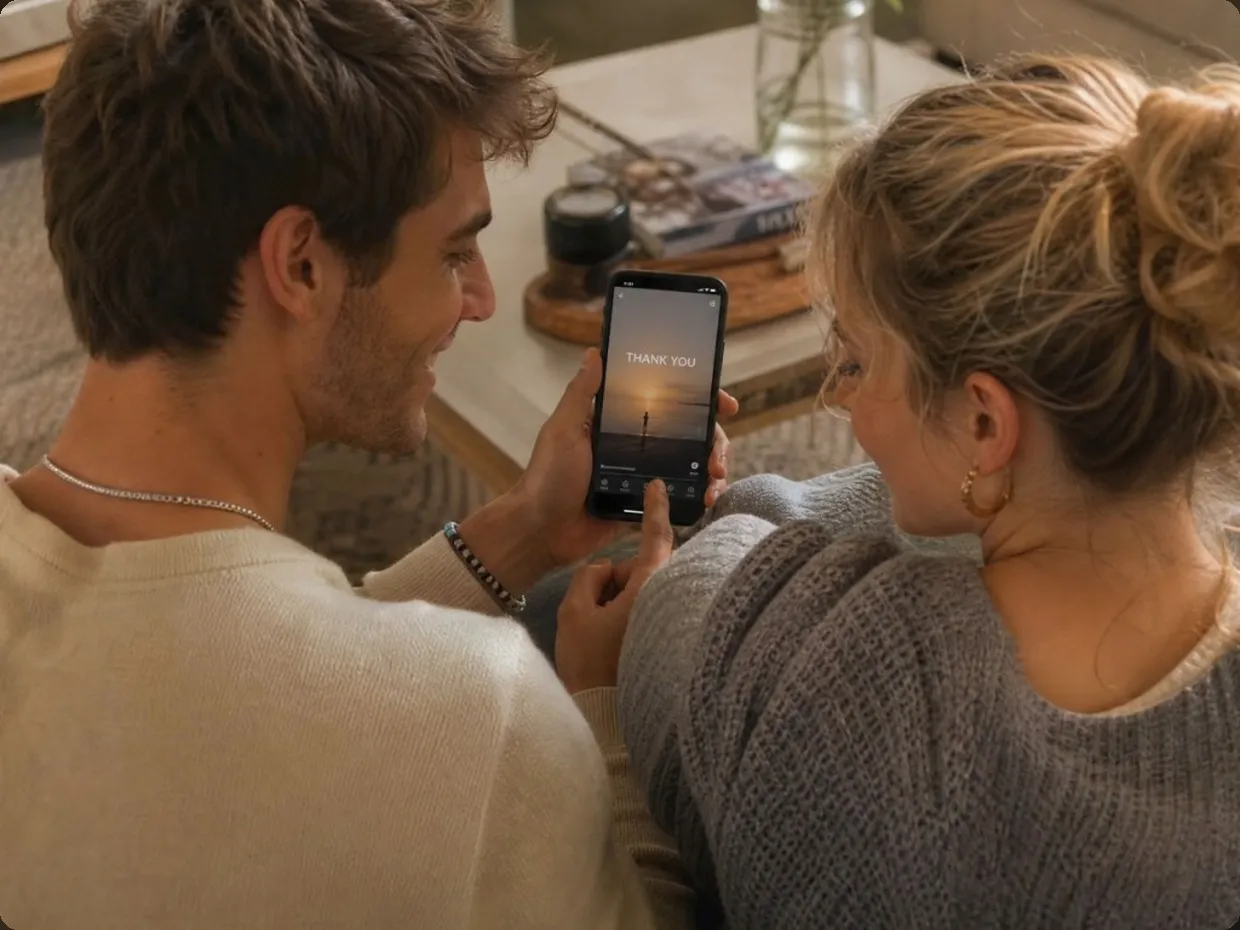
Families sending a real thank-you
When a text feels thin after the holiday, generate a short gratitude video from a prompt or a table photo for the group chat.
Why Choose RoboNeo for Say-Thanks Videos
You get a new gratitude clip on a canvas, not just text swapped on a stock template.
Change tone or crop in follow-up; the board updates with the job.
Export 16:9, 9:16, or 1:1 from the same approved still so chat, Feed, and email stay on-brand.
Frequently Asked Questions
Is this like VEED or CapCut thank-you templates?
Do I need filmed footage?
No. Describe the thanks or upload a photo and generate a new thank you video.
What format should I export?
Export as 16:9, 9:16, or 1:1 depending on the channel. Other ratios may be available by model.
Are free credits unlimited?
No. Sign in for free credits (carrots). Generation can consume credits by model and plan.
Watermark or commercial use?
AIGC watermark settings can apply by plan. Commercial use follows RoboNeo terms.
Can I add music or VO?
Visual generation is core. Some video models can generate audio when enabled; otherwise add music in your publishing app.
Is this only for Thanksgiving?
Peak overlaps November greetings, but the same flow works for launch thanks, teacher thanks, and everyday gratitude sends.
Will faces stay recognizable?
Upload a clear portrait and say keep the face the same in follow-up if needed. Only use photos you have rights to.
More Thanksgiving AI Tools
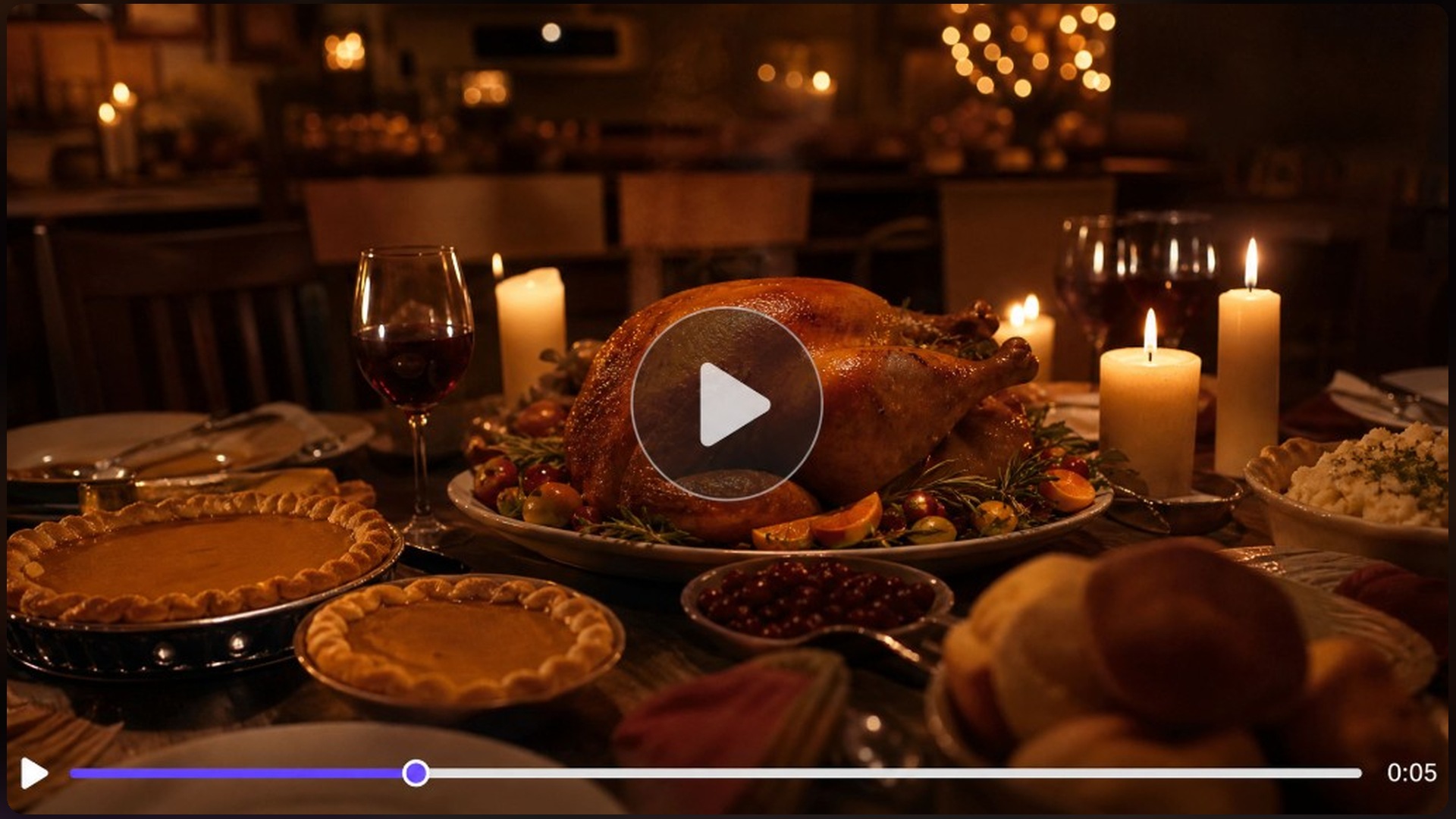
Thanksgiving Video Maker
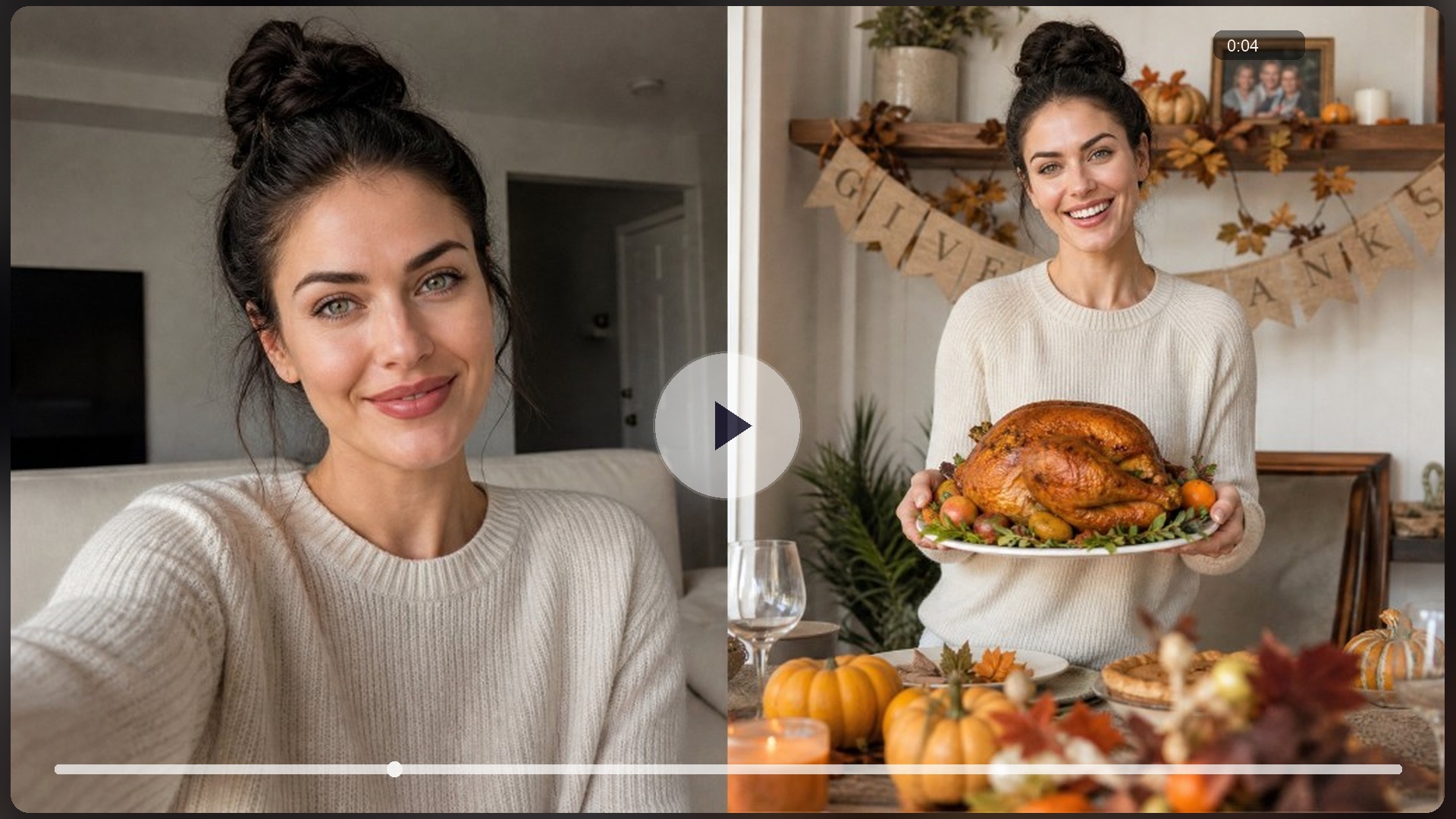
AI Turkey Effect
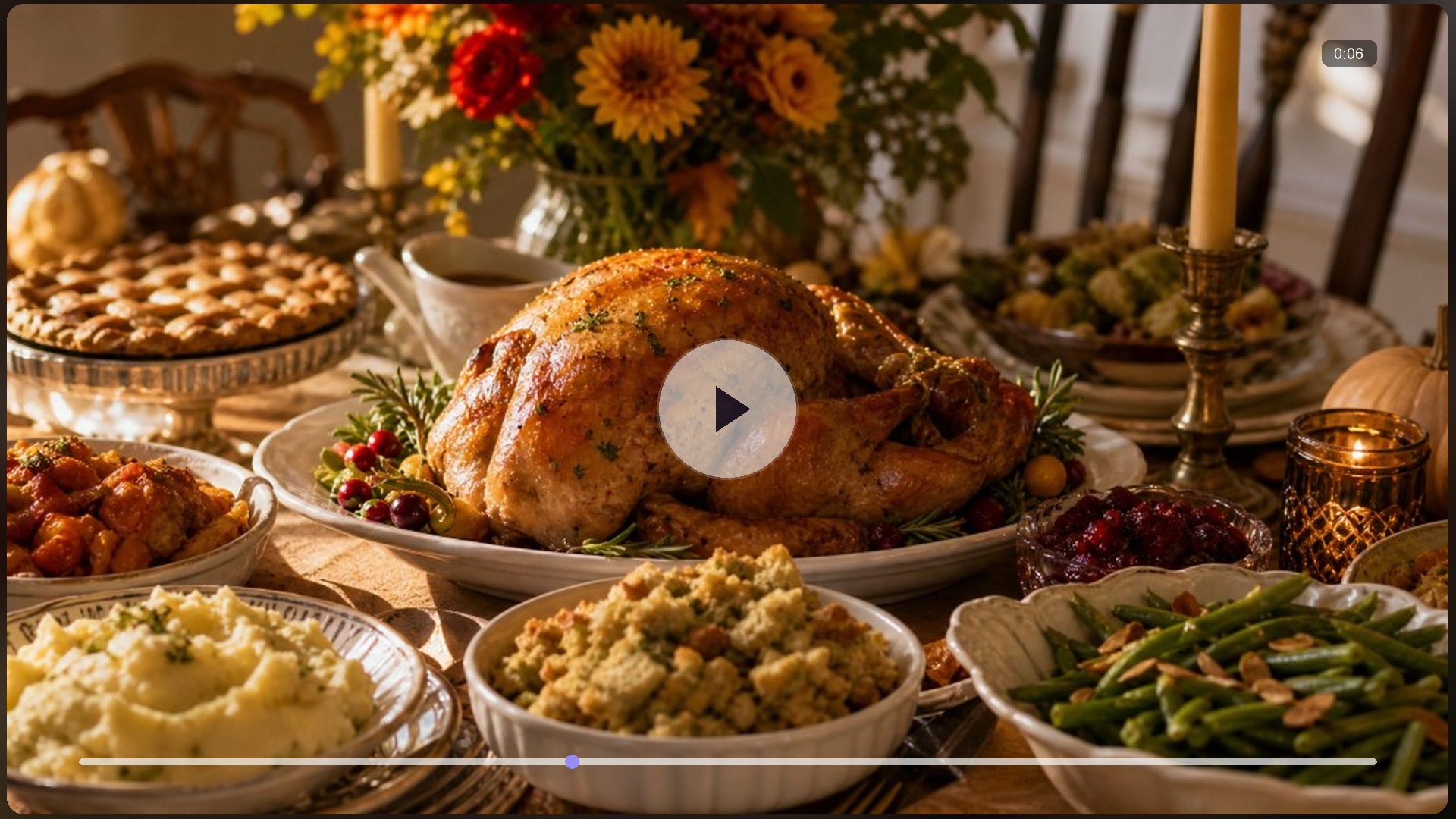
Thanksgiving AI Dinner
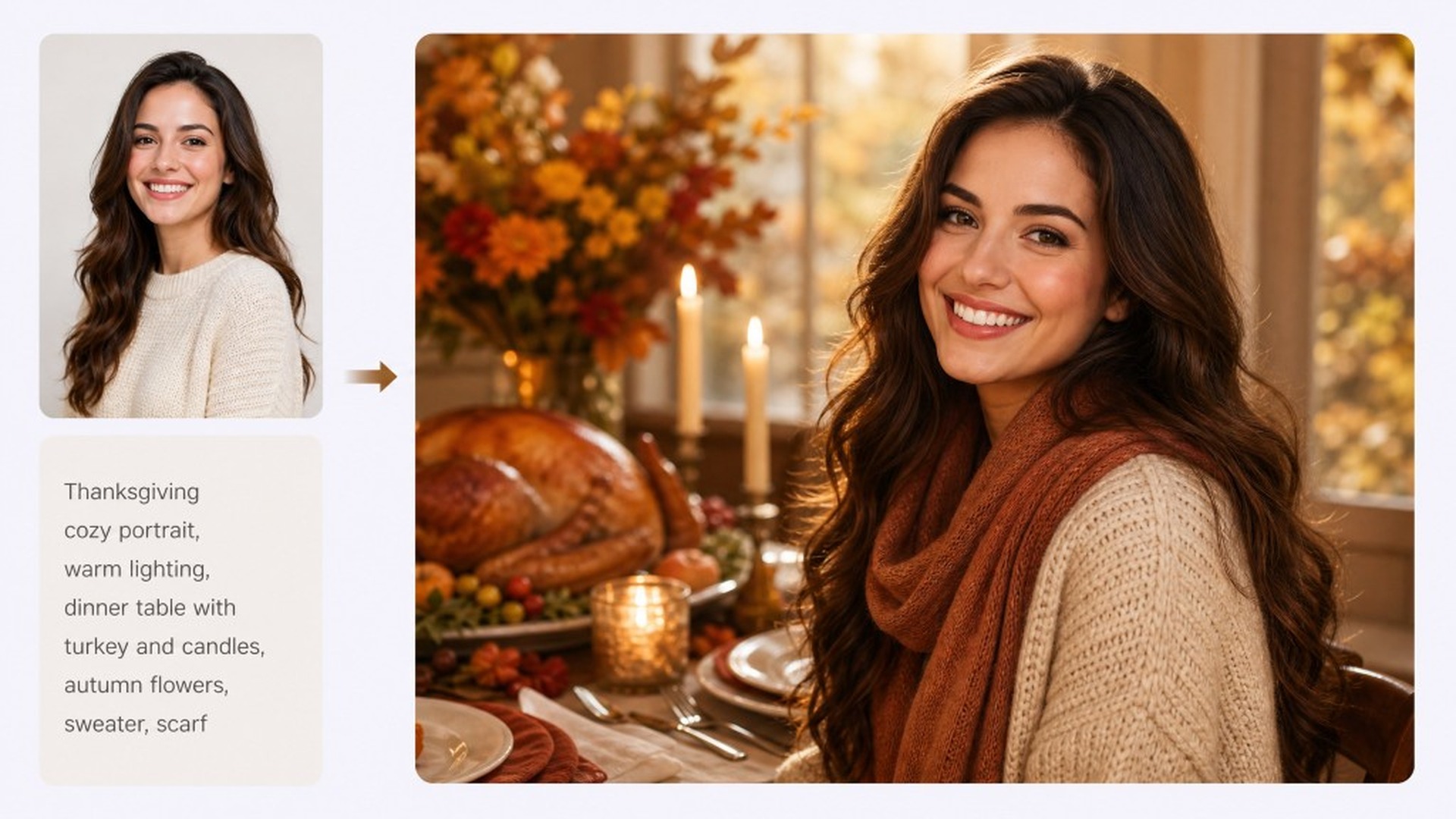
Gemini Thanksgiving AI Prompts
AI Video Generator

AI Image Generator
AI Character Generator

AI Image to Video
Make Your Say Thanks Video Now
Describe a thanks or upload a photo, sign in for free credits, and export 16:9, 9:16, or 1:1 without living inside a trim-only template editor.
What People Make With Thanks Clips
Needed a face-forward thanks before a milestone Reel the same night, but had no filmed footage. Described the audience shout-out on RoboNeo, generated a short gratitude clip, and posted 9:16 before the feed cooled off.
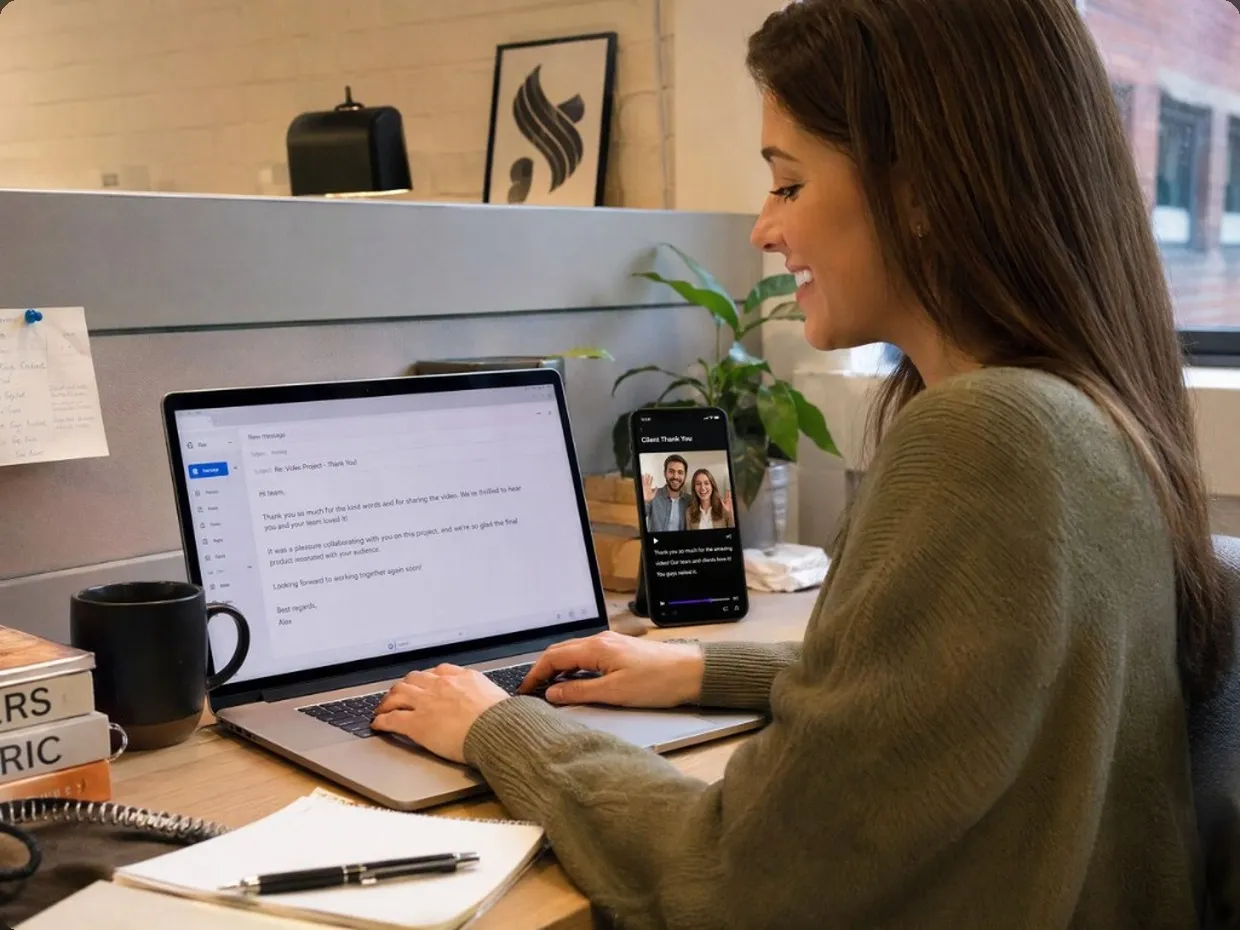
Post-launch email felt cold after a busy retail week and stock thank-you templates looked fake. Generated a sincere client thanks clip on RoboNeo, kept the discount code in the email body, and sent it the same afternoon.
Family group chat needed more than a plain text after dinner, with no time to film a polished greeting. Uploaded a table photo into RoboNeo, made a short gratitude send, and dropped it in the chat that night.