
Free Black Friday Promo Video Maker Online
Describe a flash deal, hero SKU, or last chance offer, or upload a product photo. RoboNeo builds the clip on a canvas so you are not stuck trimming a stock sale template. Sign in for free credits, then choose 16:9, 9:16, or 1:1 before sale week peaks.
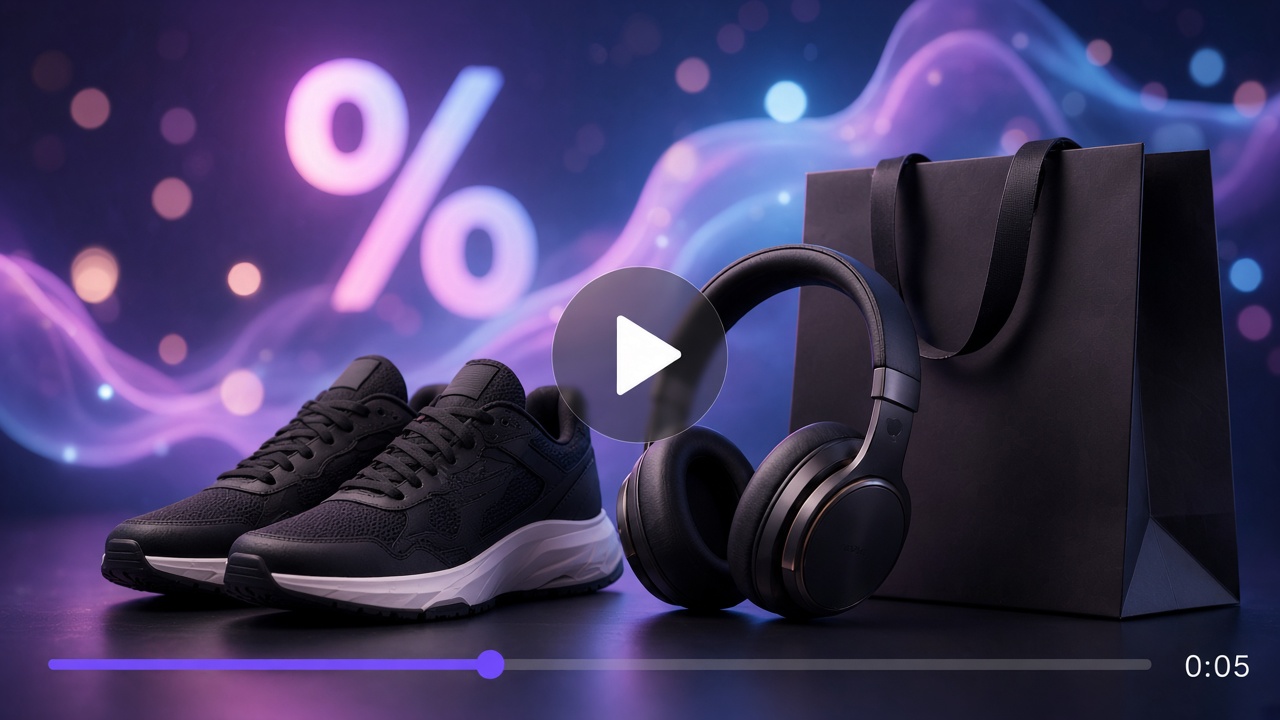
Black Friday Video Maker Ideas Worth Copying
How to Make a Black Friday Promo Video in 3 Steps
Describe the offer or upload a product photo
Write the deal vibe (flash percent, hero SKU, storewide, last chance) or drop a product still. You are generating a promo clip, not swapping text on a stock holiday template.
Generate on the canvas
RoboNeo runs the clip on the canvas. Send a short follow up if grade, pacing, or framing is off. Linked agent steps stay on one board.
Export in the ratio you need
Choose 16:9, 9:16, or 1:1 for ads, social, or a landing page. Pick the ratio that matches the slot, then share the clip.
What You Can Build for Sale Week
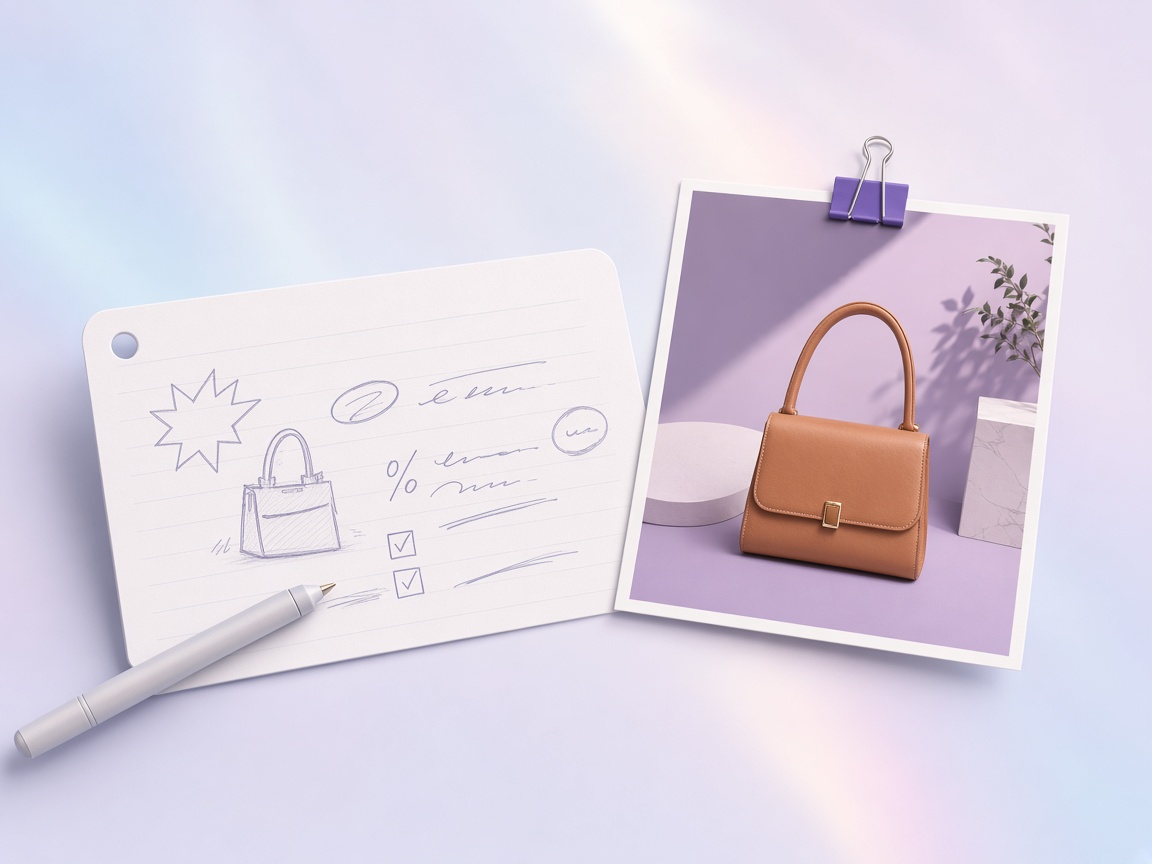
Start from a prompt or a product photo
No footage yet? Describe neon sale light, a hero SKU, or countdown energy and generate on the canvas. Already have a product shot? Upload it and push it into a promo clip instead of rebuilding the scene on a timeline. Dual entry covers both idea only and photo in hand days, the same path you want from a Black Friday Promo Video creator.
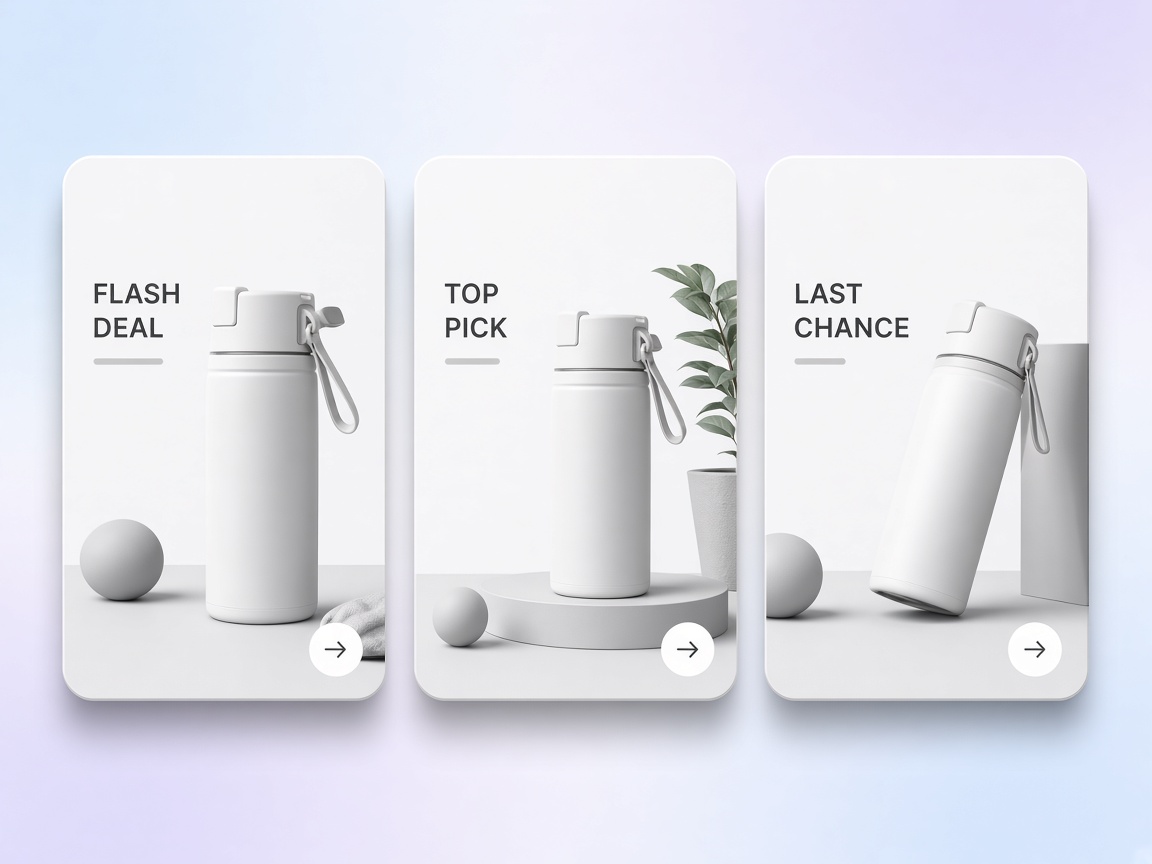
Lock a brand look for the whole sale week
Build one brand host or visual system once, then reuse it across flash, hero, storewide, and last chance posts. RoboNeo keeps that look as a reusable IP asset so you do not reinvent identity every day.
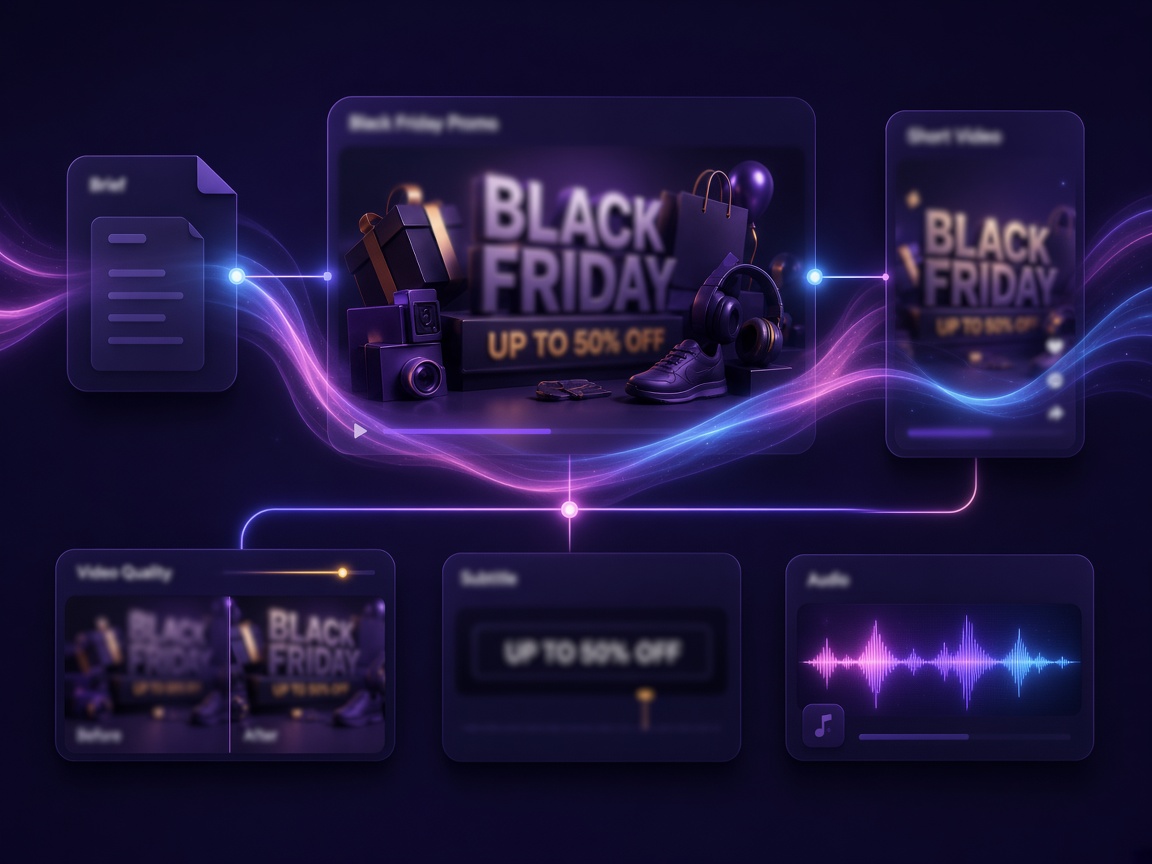
Keep offer copy, art, and video on one canvas
A promo brief rarely ends after one render. You may need a louder percent mark, a cleaner product crop, or a second cut in another ratio. Agent Teams split the work across linked steps so revisions stay on the board instead of scattered chat threads and export folders.

Remix sale assets across formats
Keep the product, room, or offer look in your asset library, then spin Stories, Reels, feed posts, or ad cuts from the same base. On the video node you can run text to video, image to video, omni reference, motion control, or first and last frame continuity. A Black Friday Promo Video generator fits when each placement needs its own ratio: choose 16:9, 9:16, or 1:1 for each cut. Some models can generate audio with the clip when that option is on. Otherwise add music in your ads stack.
Who This Black Friday Promo Video Maker Is For
DTC teams flooding ad accounts
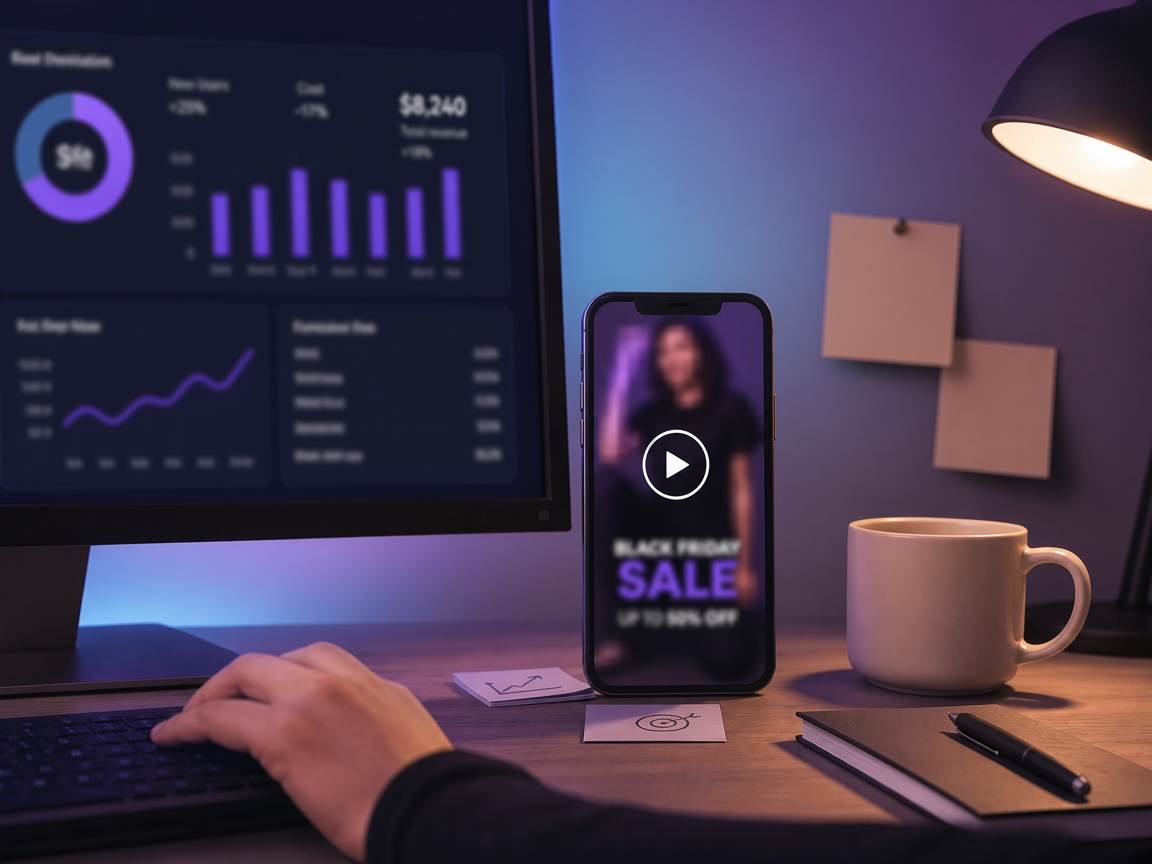
Meta and TikTok need fresh ad cuts every few days, and timeline edits stall the calendar. Describe the deal or upload a SKU still, then batch promos on the canvas before sale week peaks. Export 16:9, 9:16, or 1:1 as the placement needs.



Why Choose RoboNeo for Black Friday Videos
Use a Black Friday Promo Video generator to keep brand looks and product assets for the whole sale week instead of restyling the same stock template pack every November.
Ask for a louder discount or a cleaner product crop in conversation. The board updates with the job, which helps when you work like a Black Friday Promo Video creator across linked steps.
Choose the ratio for each placement. Use 9:16 for TikTok and Reels, 16:9 for wider site or email slots, and 1:1 for feed posts.
Frequently Asked Questions
Is RoboNeo a Black Friday Video Maker or only a template trimmer?
Do I need filmed footage if I use a Black Friday Promo Video creator?
No. Describe the offer or upload a product photo and generate a new sale clip.
How is a Black Friday Promo Video generator different from editing a CapCut template?
You generate on a canvas from a brief or product still. You are not limited to swapping text on a stock holiday pack.
What format should I export?
You can choose 16:9, 9:16, or 1:1. Match the ratio to the placement: social ads, site embeds, email headers, or feed posts. Other options may appear on the video node depending on the model.
How do I show the discount, code, or end time?
Put the real offer lines in your prompt or on canvas follow up, and keep the final code and end date accurate in captions or landing copy. Do not invent countdowns you cannot honor.
Are the free credits unlimited?
No. Sign in for free credits (carrots) to try looks. Generation can consume credits by model and plan. Check in product balance and pricing.
Will my clip have a watermark? Can I use it commercially?
AIGC watermark settings can apply depending on product settings and plan. Commercial use follows RoboNeo terms and plan. There is no blanket free commercial, no watermark promise.
Can I add music or a voiceover?
Visual generation is the core of this page. Some video models can generate audio with the clip when that option is on. Otherwise add music or VO in your ads or publishing app.
Is this only for Black Friday Day?
Peak runs late October through Cyber Week. The same promo flow works for early access, Cyber Monday, and leftover sale pushes if you remix assets.
Explore More

AI Promo Video Maker
AI Product Video Generator

AI Advertising Creation

AI Ecommerce Marketing Agent

AI Video Generator

AI Creative Generator

AI Explainer Video Generator

AI YouTube Shorts Generator
Ship Sale Clips Before the Feed Peaks
Describe a deal or upload a product photo, sign in for free credits, and export in 16:9, 9:16, or 1:1. RoboNeo works as a Black Friday Video Maker when you need new cuts, not another trim pass on a stock template.
What People Make With RoboNeo Sale Clips
Meta needed a fresh flash-deal cut before noon and we only had a SKU still on hand. I generated the clip in RoboNeo the same afternoon instead of waiting on a timeline edit that would have slipped the flight.
We had no crew for flash and last-chance posts in the same week. RoboNeo kept one brand look on the canvas so we remixed both cuts from the same base instead of rebuilding a new template every day.
Lifecycle email needed a storewide motion header and a reshoot was off the table. I generated the spot in RoboNeo and dropped it into the email slot the same day without booking another production pass.