
Short Video Maker Online
Create short videos with RoboNeo. Start with an idea, your own images or videos, and a preferred video length. RoboNeo helps turn your creative direction and assets into engaging shorts videos for social media.
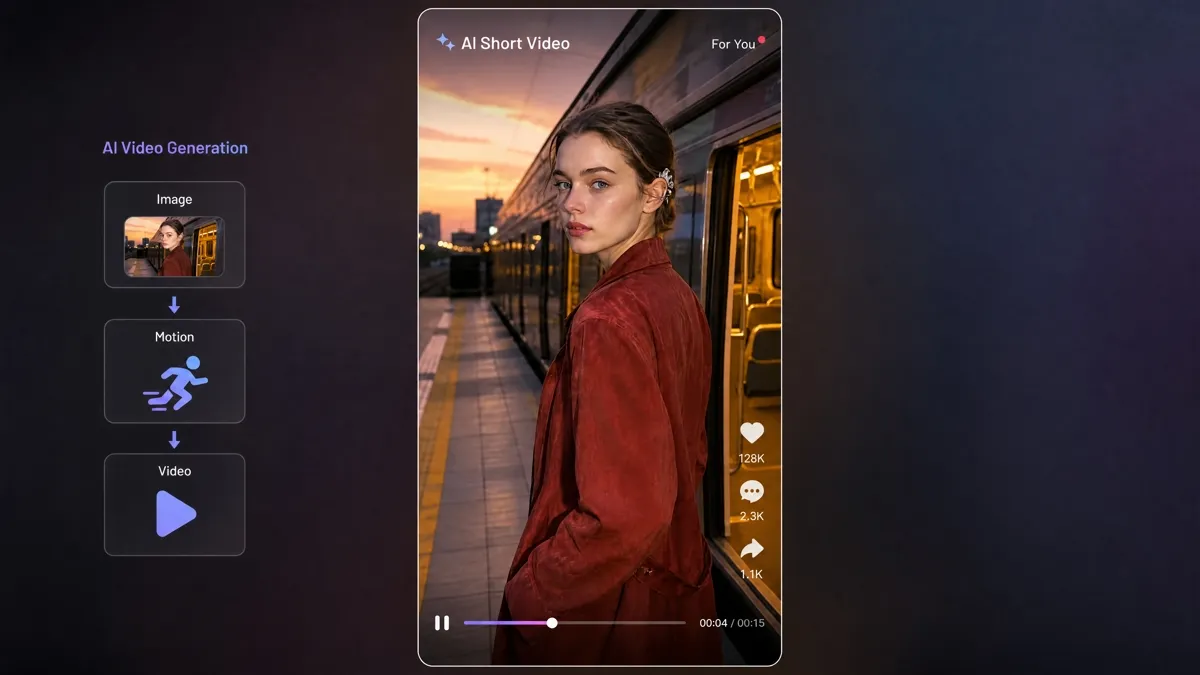
How to Make a Shorts Video with RoboNeo AI
Start with an Idea, Product, or IP
Select an existing IP from your project or create a new one, then share the topic, story, product, or short-video idea you want to develop.
Choose Your Shorts Length
Set the video length to 15, 30, 45, or 60 seconds based on the content you want to create and where you plan to use it.
Add Your Images and Video Clips
Upload your own images or videos, or use materials already available in your RoboNeo workspace.
Review and Refine Your Short
RoboNeo brings your IP, content direction, selected length, and materials together in a short video. You can review the result and continue making adjustments in the same workflow.

Create Short Videos Around Your IP and Ideas
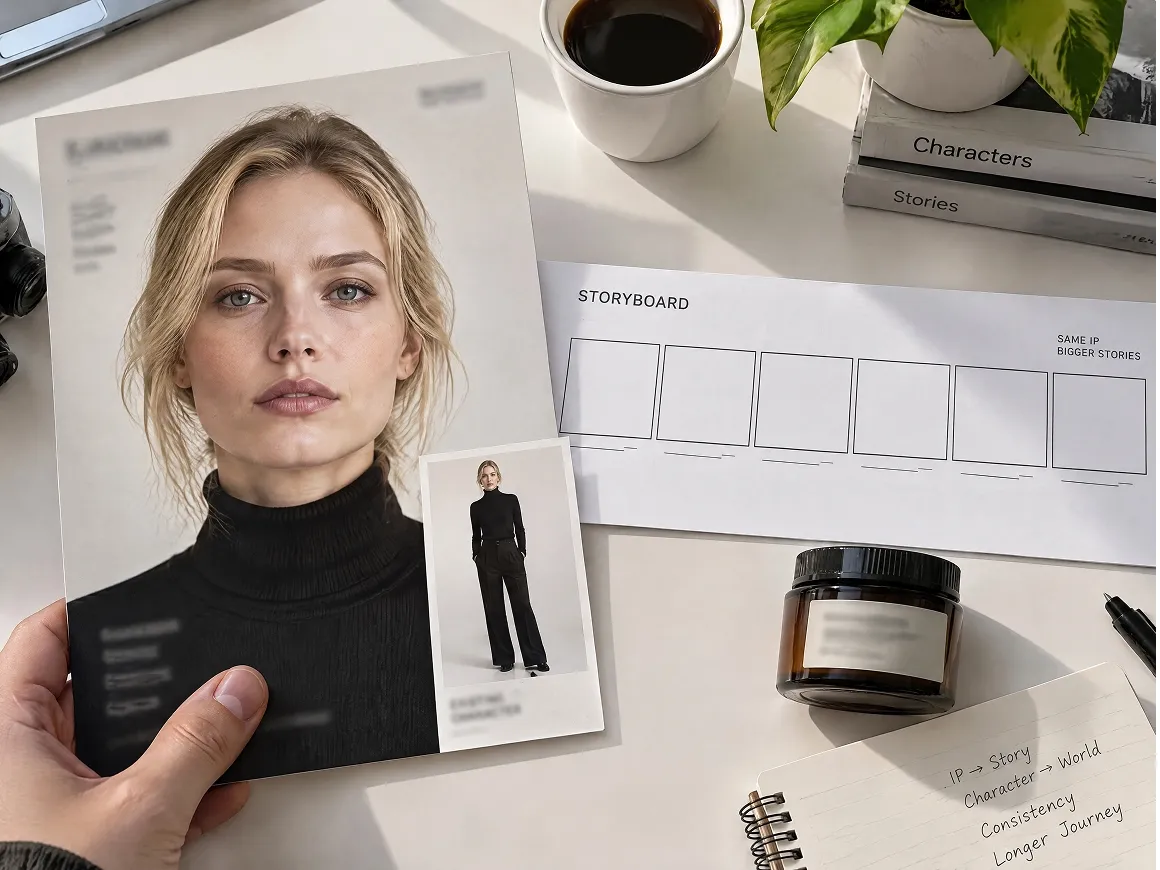
Your IP Stays Part of the Idea
Use an existing IP or create a new one for the project. Characters, products, and other recognisable assets can stay tied to the creative direction from the beginning.
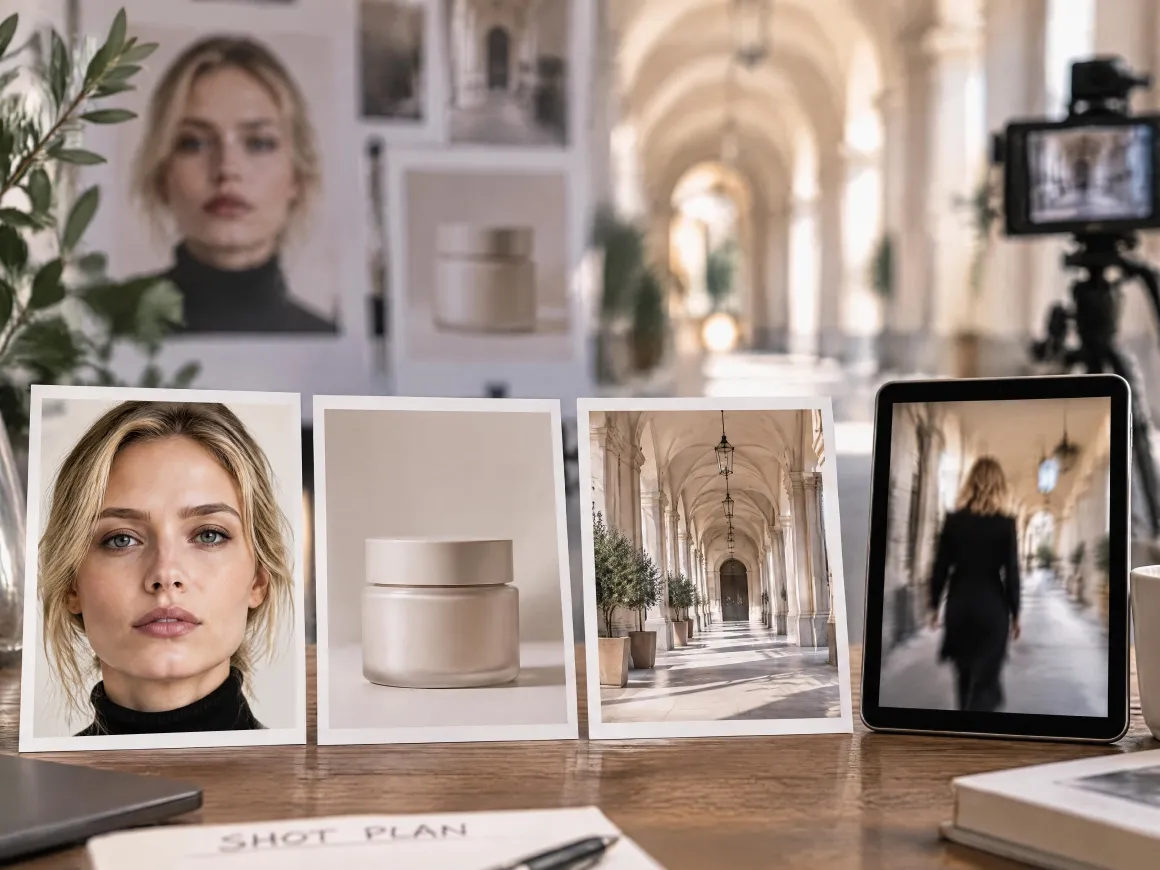
References Shape More Than the Look
Images and clips can help define the character, product, setting, style, or other visual details you want the video to follow.
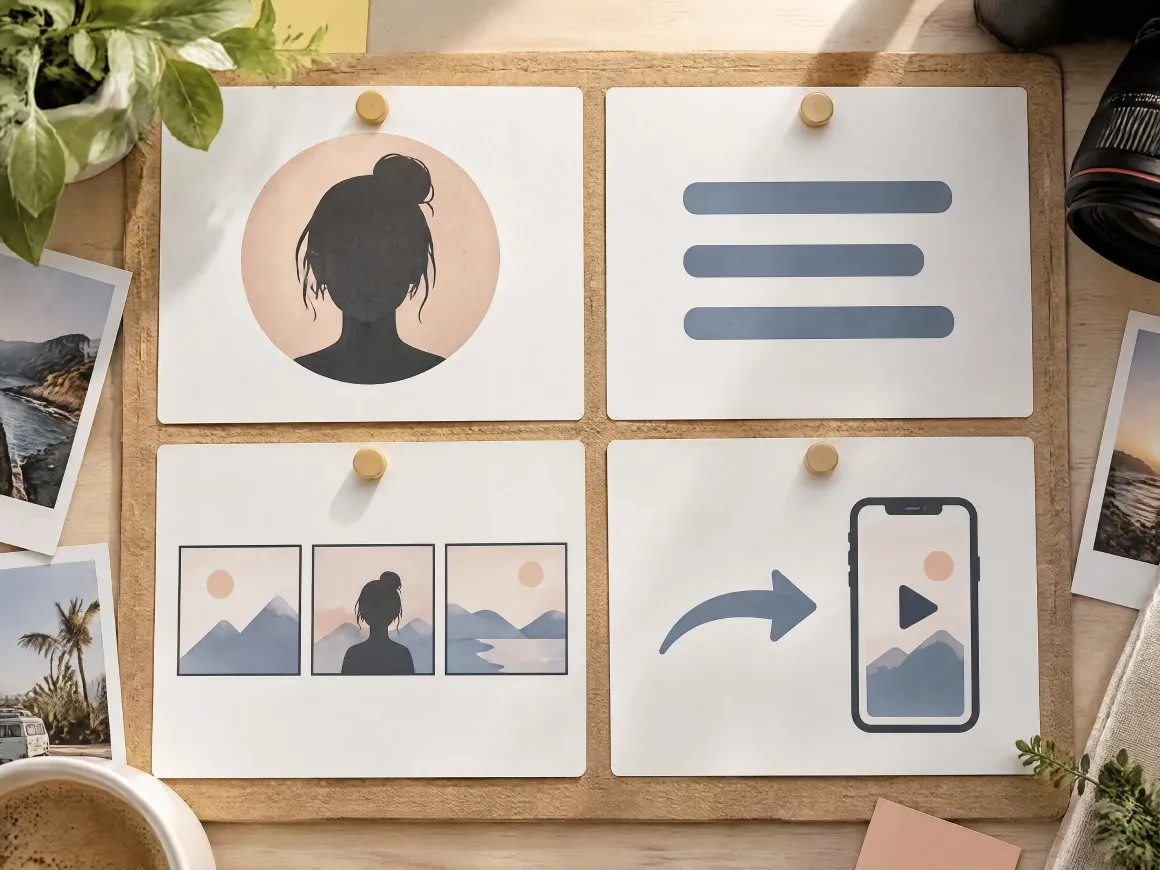
More Context Behind Each Video
Your topic, story, purpose, IP, and other details can remain part of the same project, so you do not have to force everything into one long prompt.
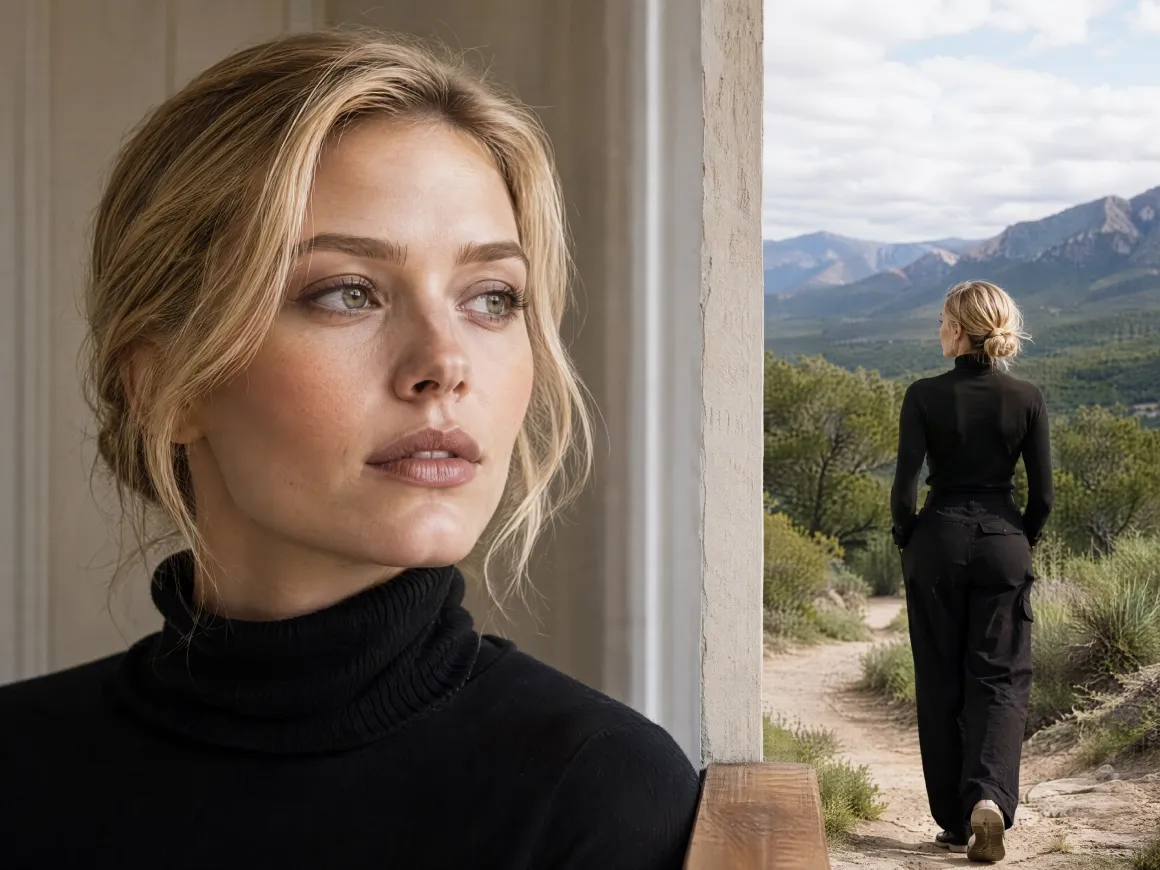
One Idea, More Video Directions
The same IP or core concept can be explored through different scenes, angles, and short-video versions without rebuilding the idea from the beginning.
Short Videos for Different Stories and Ideas
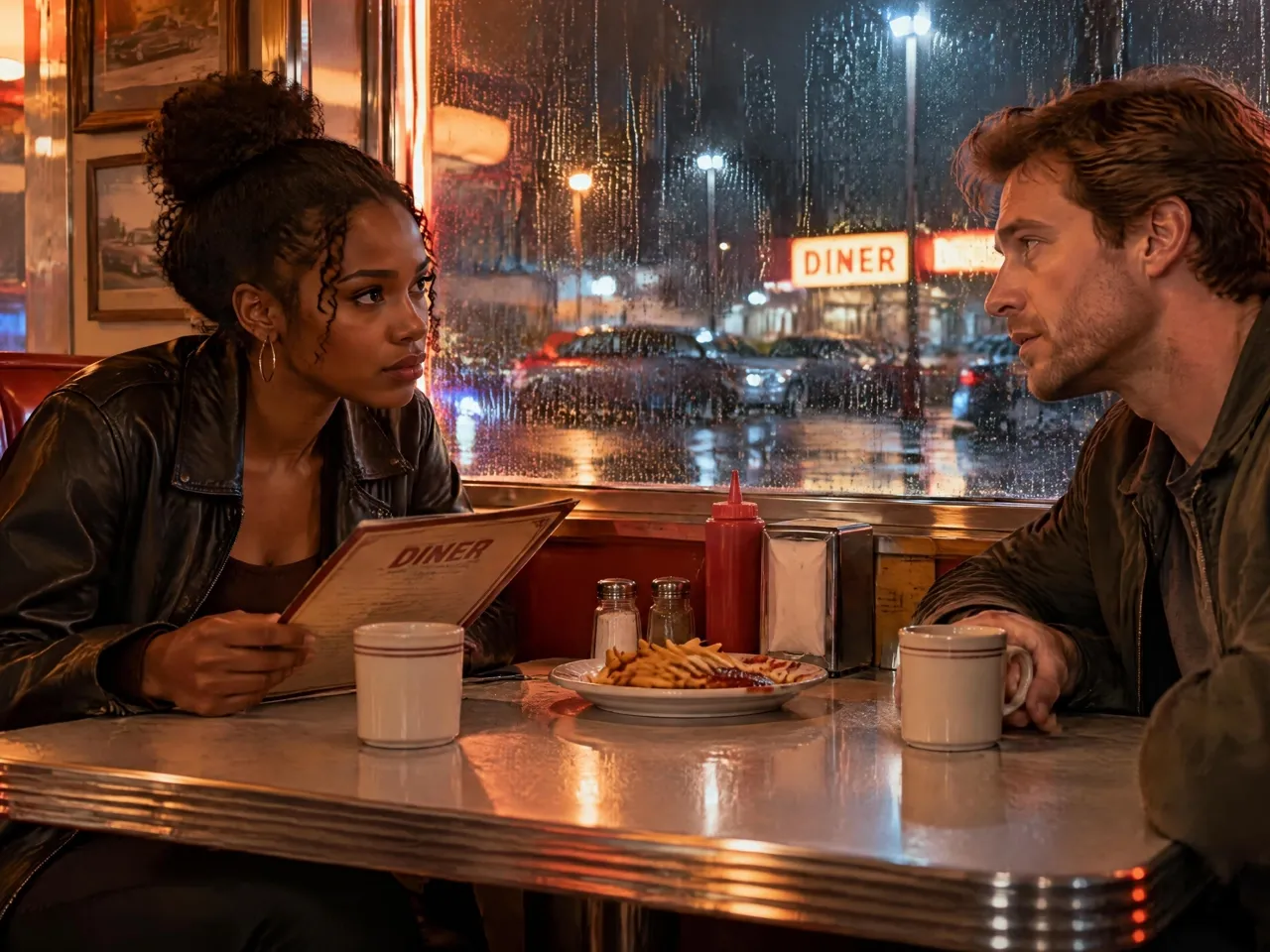
Mini Dramas and Short Stories
Create short narrative videos with characters, scenes, and a clear storyline, whether it is a single short story or a mini drama told across several clips.

Frequently Asked Questions
What can I use RoboNeo's Shorts video creator for?
Is RoboNeo a Shorts video generator?
Yes. RoboNeo can generate short-form videos from your ideas, IP, products, images, videos, and other creative assets.
How do I make a YouTube Short with RoboNeo?
Start with an idea, topic, product, or IP. Add your images or video clips, choose your preferred video length, and let RoboNeo turn your creative direction and assets into a short video. You can then review and refine the result in the same workflow.
How long can my Shorts video be?
The Shorts video workflow includes options such as 15, 30, 45, and 60 seconds, so you can choose a length that fits the content you are creating.
What Creators Say About RoboNeo
I can start with a rough idea instead of planning the whole video first. RoboNeo helps me shape the story, characters, and direction as I go.
I like being able to bring an existing IP into a new project and build another short story around the same character without starting from scratch.
I already had the product images and brand assets, so I could use them directly in the project and turn them into a short video much faster.
Keeping the IP, references, and generated videos in the same project makes it much easier to explore different scenes and versions of one idea.