
Wedding Photo Editor: Create Your Dream Wedding Photos With AI
RoboNeo’s wedding photo editor fixes the shots you can’t retake. Describe the edit in the prompt box, or use one-click tools to erase photobombers, restore blurry shots and swap backgrounds. Clean up harsh light, dress wrinkles and dull color without Photoshop skills, then download album-ready photos.
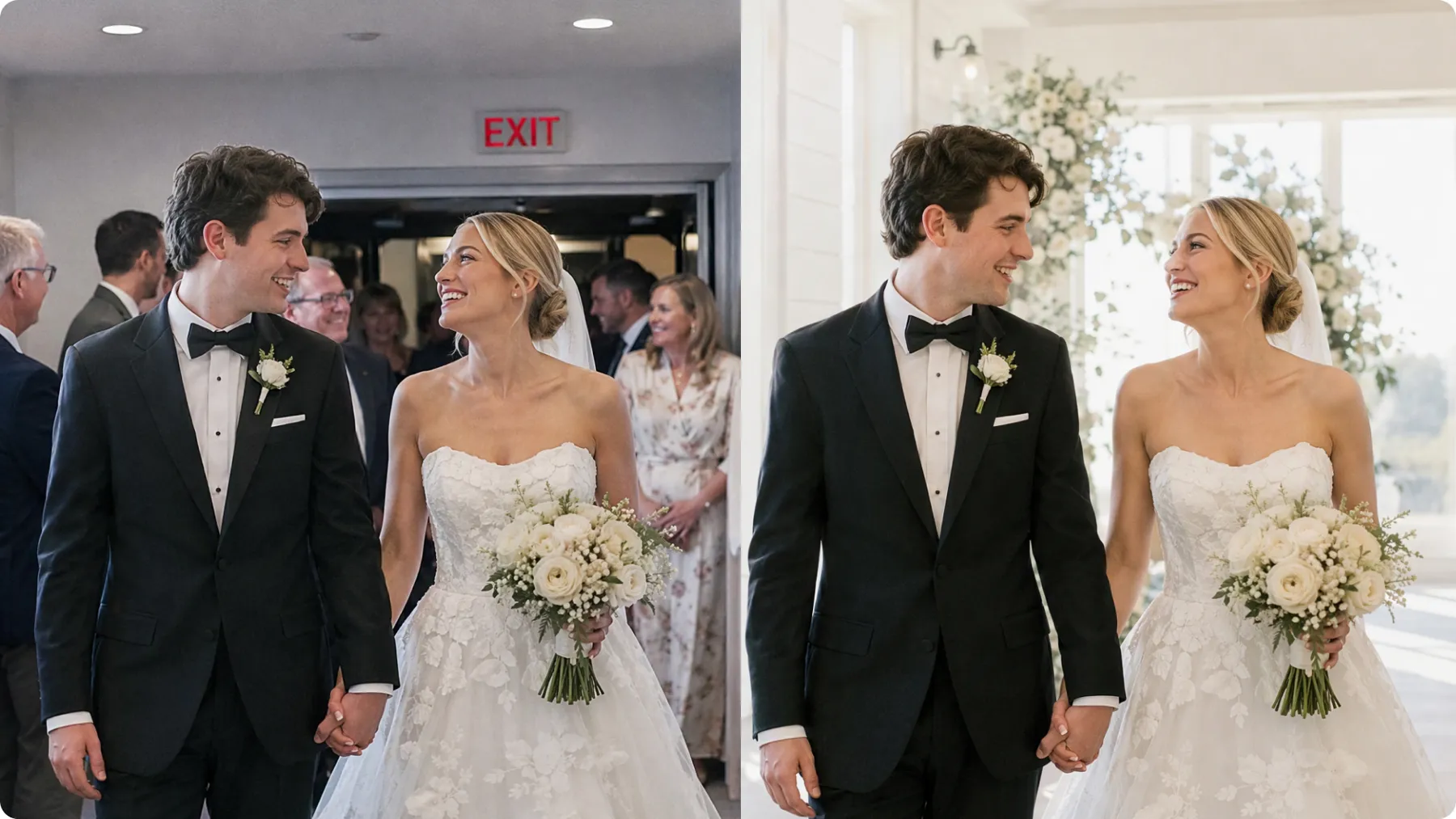
How to Edit Wedding Photos With AI in 3 Steps
Upload Your Wedding Photo
Describe the Edits and Pick a Model
Finish With One-Click Tools
Edit Every Wedding Photo From One AI Workspace
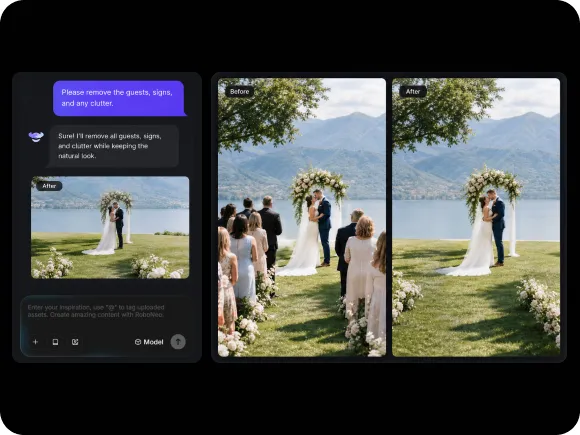
Remove Guests, Signs and Clutter in One Click
Photobombers, exit signs and clutter can ruin moments you can’t reshoot. AI Eraser detects people and text automatically, and you can use Swipe or Select for anything it misses. The background fills in naturally, and Bulk Upload handles up to 30 images, so wedding photo editing goes faster.
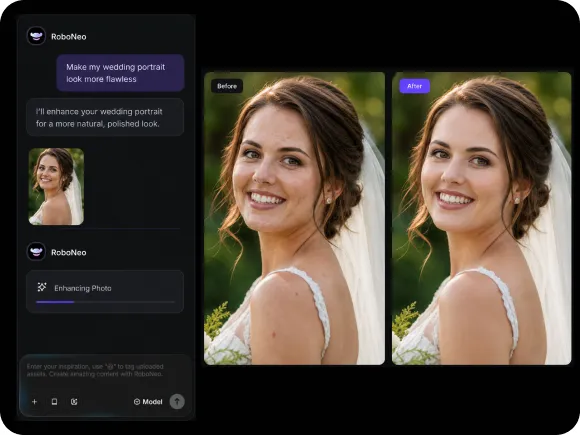
Retouch Bridal Portraits by Describing Edits
Retouching every portrait by hand takes hours and skill. Describe the edit in plain words, such as softer shadows, smoother dress fabric or warmer color, and keep faces natural. Choose Auto or a model such as Nano Banana Pro or GPT Image under Model for your wedding photography editing.
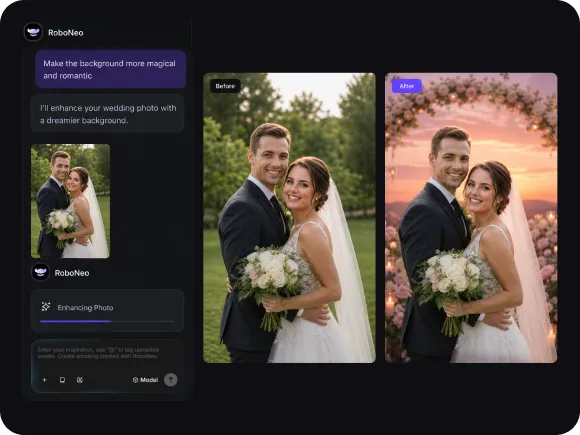
Swap Backgrounds and Skies for Dreamy Scenes
Rain, grey skies or a messy venue can spoil outdoor shots. Background Remover cuts out the couple, then you can add a new background from a prompt or reference image, or use a solid color. Wedding picture editing like this turns a dull scene into one you want to frame.
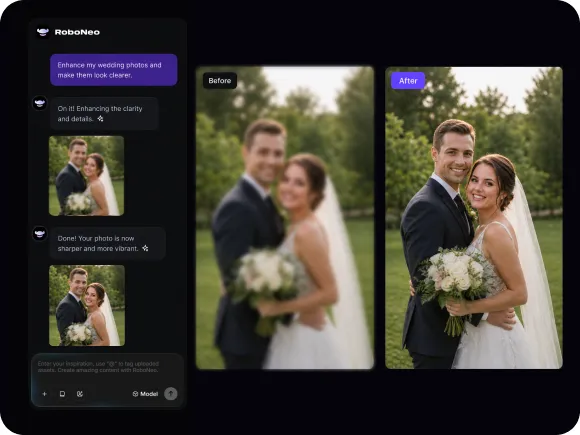
Sharpen and Restore Blurry Wedding Photos
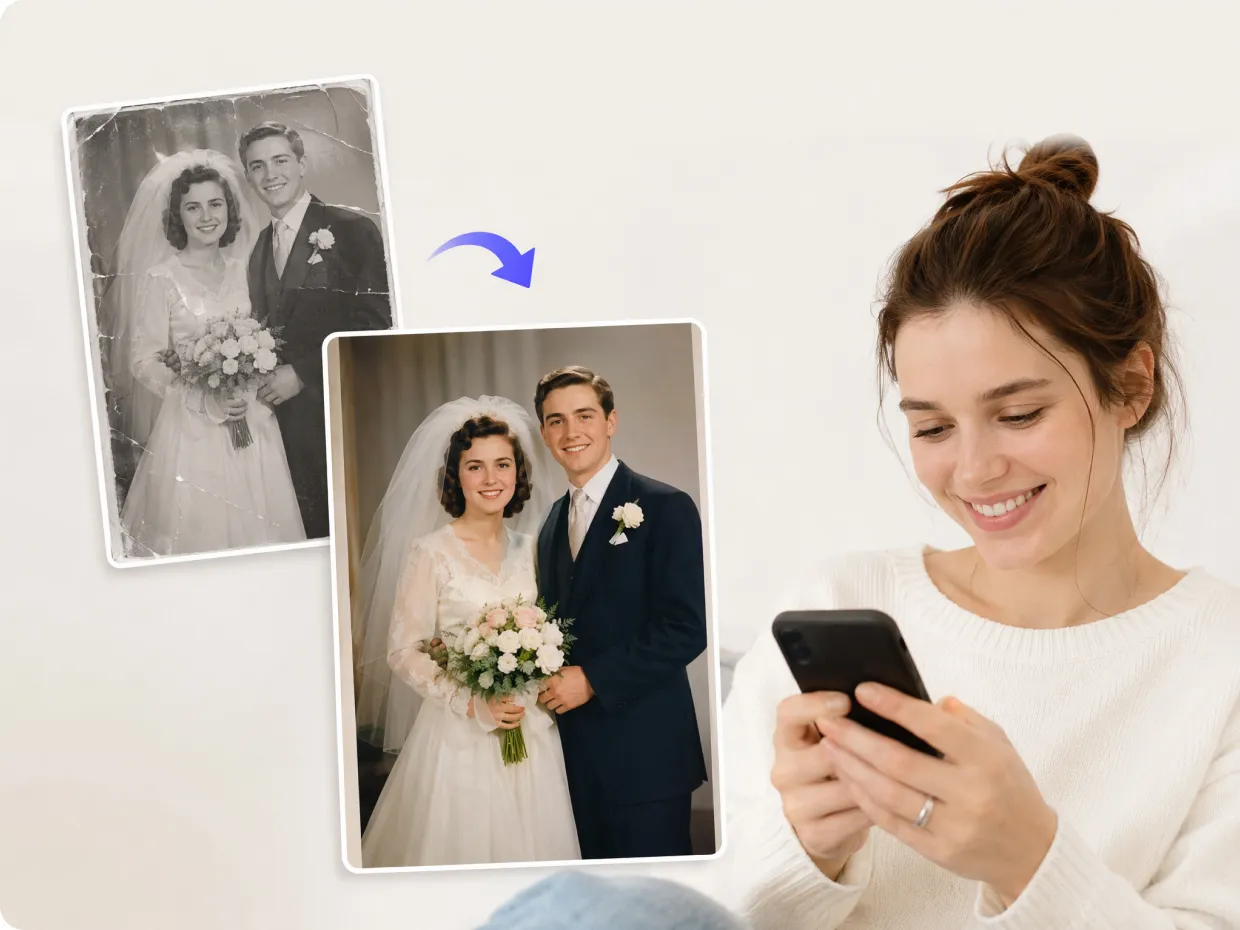
Low-light candids and old prints often look soft or faded. Image Restoration improves clarity and upscales the image, so details like lace, flowers and faces read clearly again. Batch upload a whole album and finish your wedding photos editing in one session instead of photo by photo.
Who Uses RoboNeo’s Wedding Photo Editor
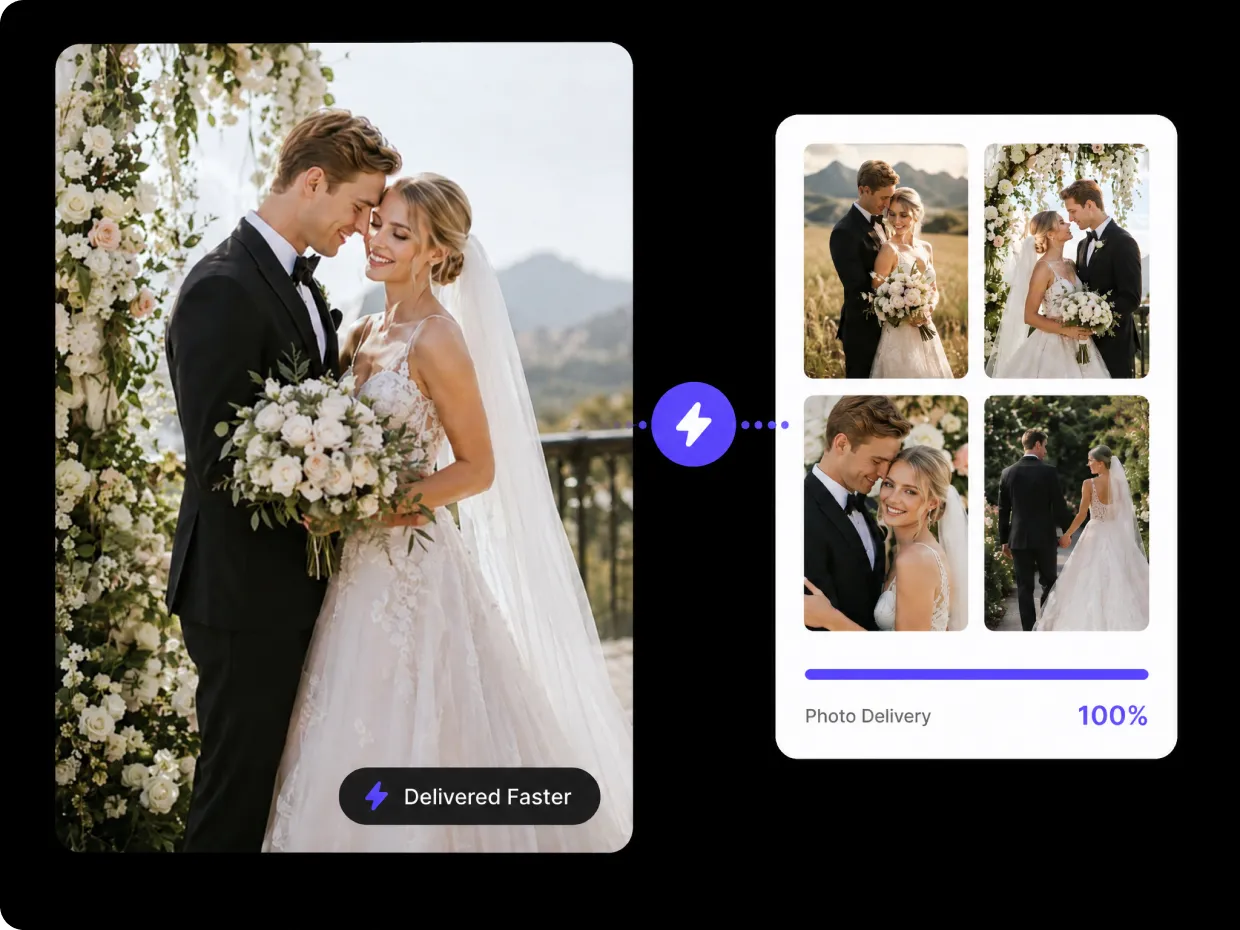
Wedding Photographers Delivering Galleries Faster
After each wedding, photographers face hundreds of shots to cull and clean. They batch-remove stray guests and signs, sharpen low-light candids, and retouch key portraits by describing the edit. As a photo editor for wedding pictures, RoboNeo helps them deliver the gallery sooner.
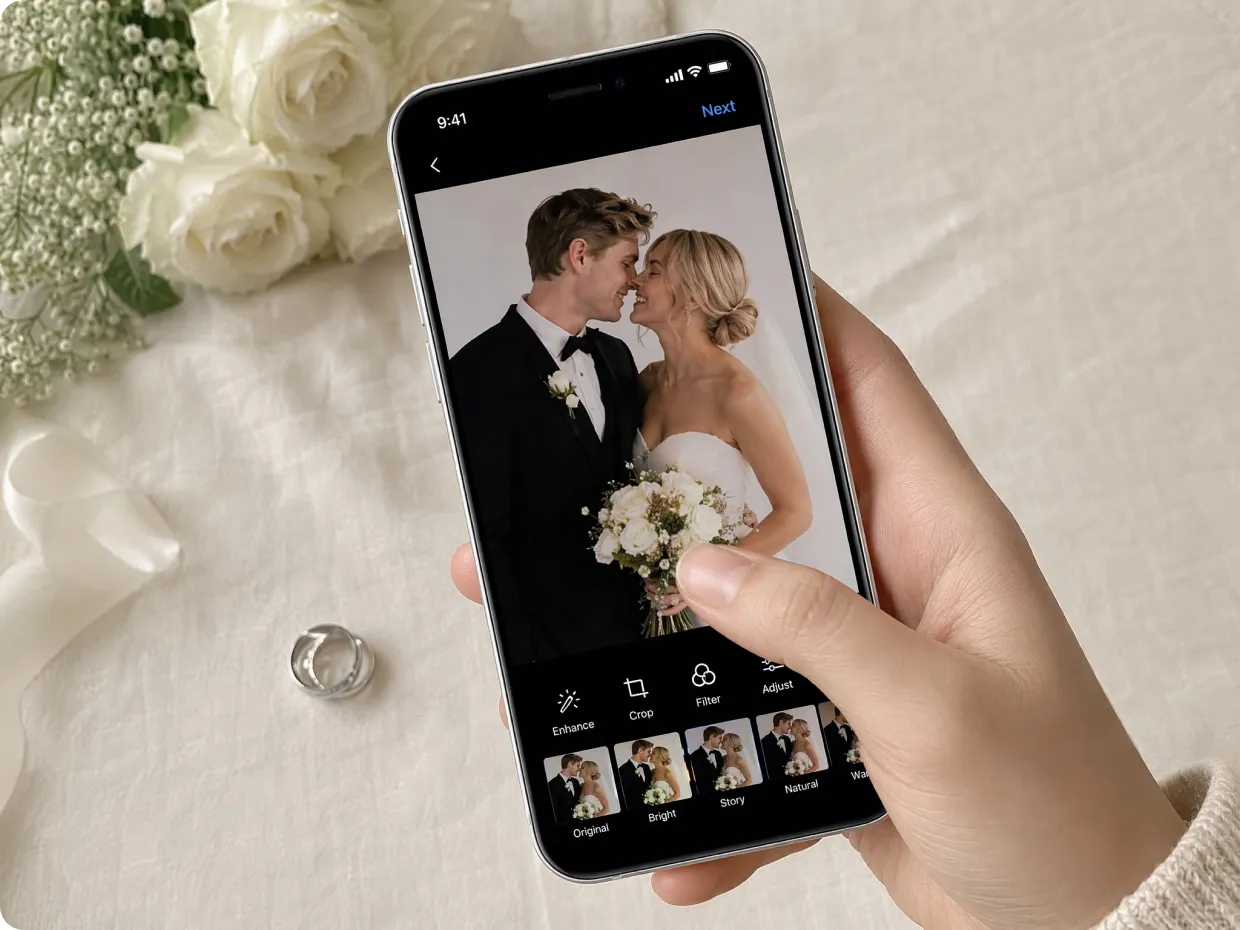
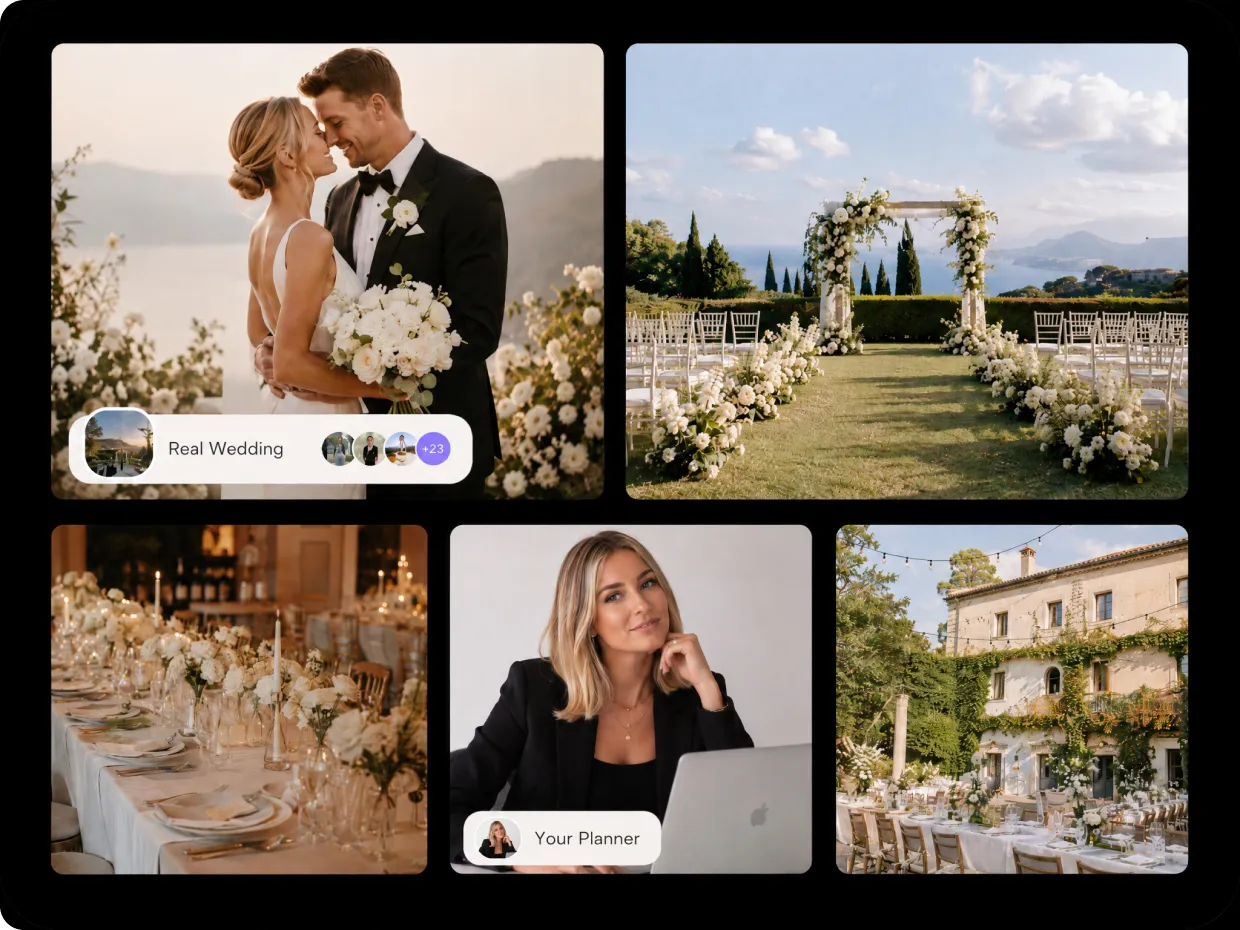
Why Choose RoboNeo for Wedding Photo Editing
Frequently Asked Questions
What is an AI wedding photo editor?
Can I remove people from my wedding photos?
Can I edit many wedding photos at once?
Will AI retouching make faces look fake?
Can I restore old wedding photos?
Is RoboNeo’s wedding photo editor free?
Explore more AI tools

Add Background to Photo

AI Headshot Generator

Black Background Remover Online

Change Background Color of Photos
AI Anime Generator - Photos

Kling AI Image to Video
Photo Restoration
Edit your ID Photo with Roboneo
Make Every Wedding Photo Album-Ready
The shots you can’t retake still deserve to look their best. Upload a wedding photo, describe what to fix, and RoboNeo’s AI wedding photo editor removes distractions, retouches portraits and restores old shots. Refine until it looks right, then download photos ready for your album, wall or anniversary gift.
What Users Say About RoboNeo’s Wedding Photo Editor
A guest walked right behind us during our first kiss. I erased him in seconds and the arch behind us looked untouched. That photo is now on our wall.
Bulk upload saves me hours after every wedding. I clean exit signs and stray guests from a whole batch at once, then spend my time on the shots that matter.
I asked for softer shadows and smoother fabric, and the bride still looked like herself. No plastic skin, just a cleaner version of the real moment.
It rained all day of our wedding. I swapped the grey sky for a warm sunset in our outdoor portraits, and now they look like the day we planned.
My parents’ 1990s wedding print was faded and blurry. After restoration I could see my mom’s veil and the flowers clearly. I printed it for their anniversary.