
Black Background Remover
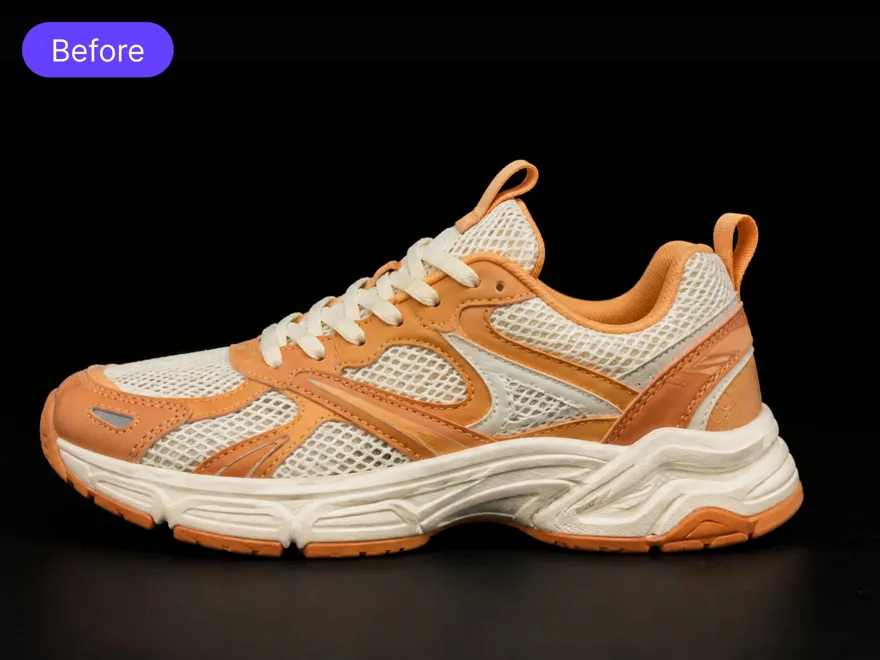
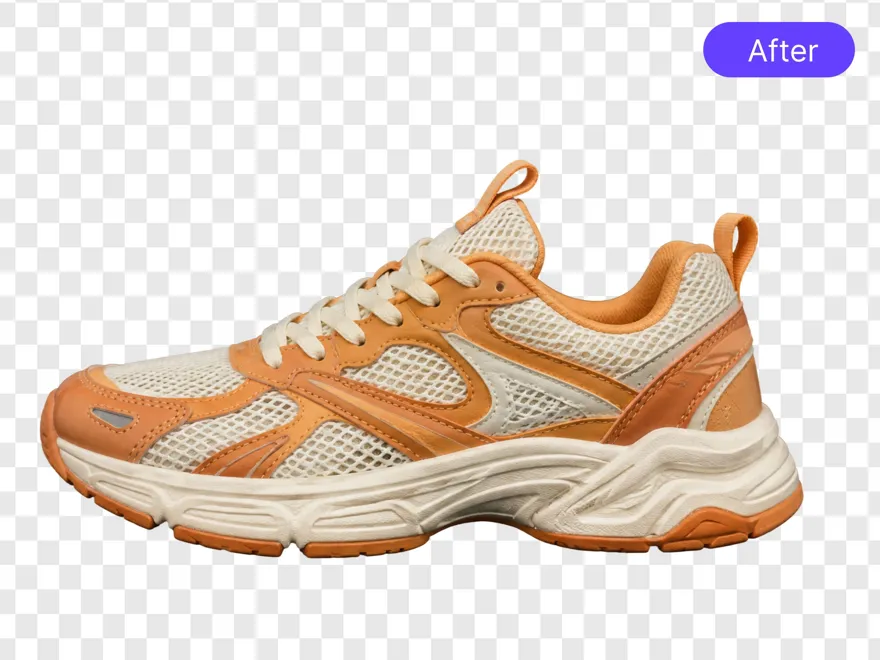
How to Remove a Black Background From an Image
Upload Your Image
Upload your JPG or PNG image to RoboNeo AI Cutout. Clear images with a visible subject can help the tool separate the foreground from the black background.
Remove the Black Background
Let RoboNeo AI Cutout remove the background automatically. Preview the result and check dark clothing, fine edges, and other details against a light or checkerboard background to ensure the cutout looks clean.
Download a Transparent PNG
Download the result as a transparent PNG to remove the black box around your subject. Check that the background is transparent rather than filled with solid black before using the image in other designs.
Continue Editing if Needed
If you want a different look, continue in RoboNeo to add a solid colour or an AI-generated background using the background editing workflow.
Powerful Features of RoboNeo Black Background Remover
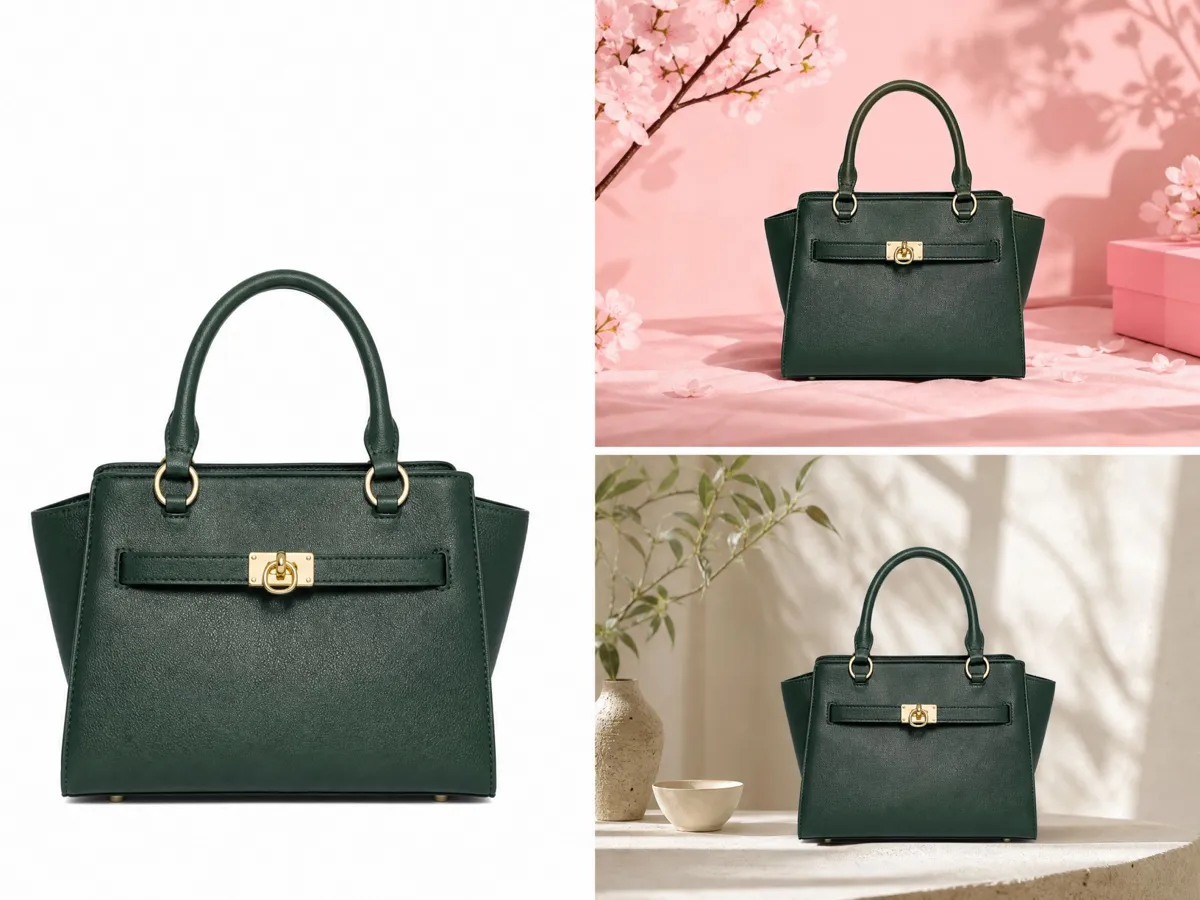
Fast Black Background Removal With Clean Results
Remove black backgrounds from images quickly while keeping the main subject clear and detailed. The tool automatically separates objects from dark areas, helping create polished product photos, portraits, and creative assets without manual masking or complicated editing steps.

Create Custom Backgrounds With AI Options
Replace removed backgrounds with AI-provided background options or enter text prompts to create new scenes. Customize visuals for ecommerce products, advertisements, social media content, and creative projects while keeping the subject naturally blended with the updated background.

Ready Product & Portrait Cutouts for Listings
Remove black backgrounds while preserving product contours and portrait details such as hair, clothing, and accessories. Place the clean cutouts on white, branded, or custom backgrounds for ecommerce product pages, marketplace listings, profile images, and promotional banners.

Process Multiple Images for Faster Workflows
Process up to 30 images at once with batch upload support. Upload JPG, JPEG, or PNG files and simplify black background removal for larger image collections. This faster workflow helps sellers, teams, and creators handle repetitive editing tasks efficiently.
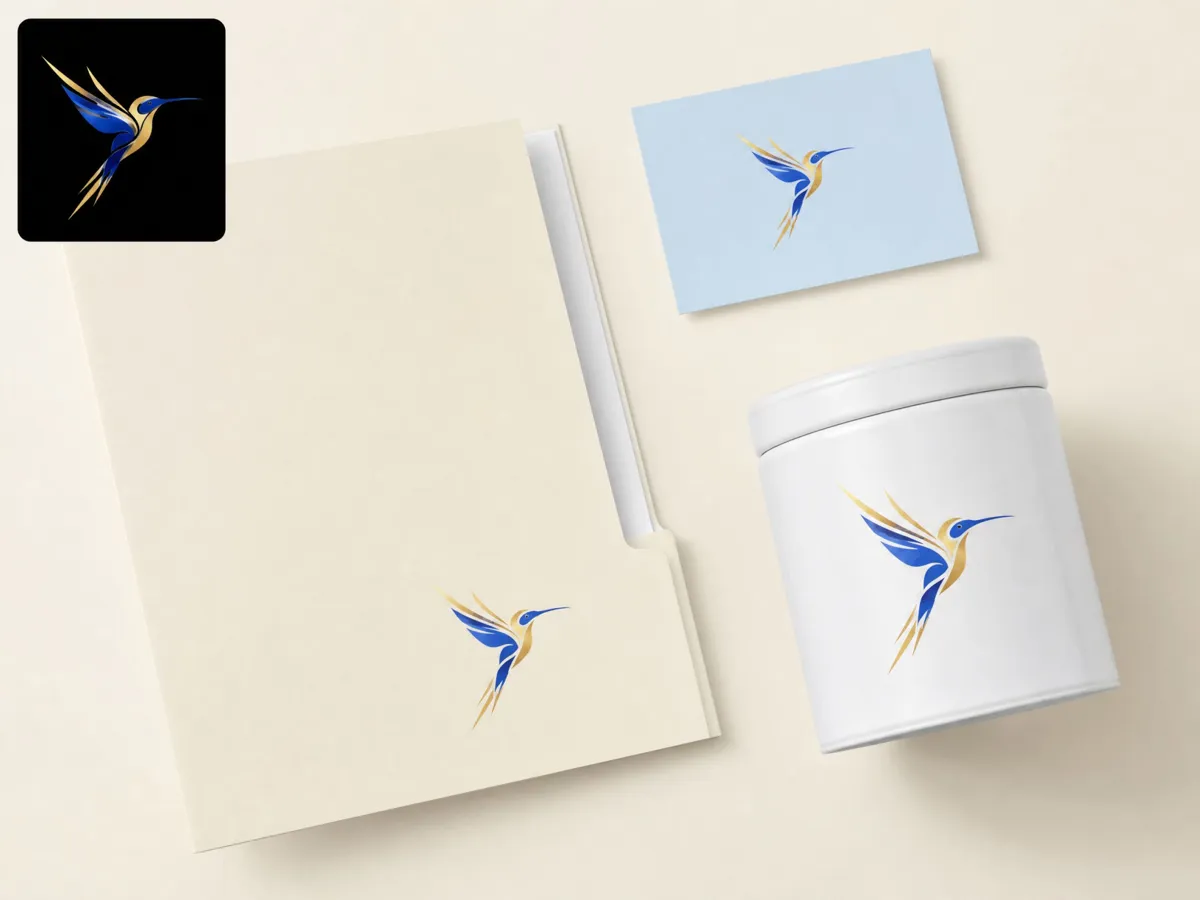
Remove Once, Reuse Across Workflows
Use RoboNeo Black Background Remover to create a clean cutout once, then reuse it across product scenes, ads, social posts, and other RoboNeo workflows without removing the background again.
Where Black Background Removal Makes a Difference

Product Photos That Stand Out Online
A dark background may not always fit every store or campaign. Remove black backgrounds from product images and create cleaner visuals that work better for ecommerce listings, promotional banners, and seasonal marketing campaigns.



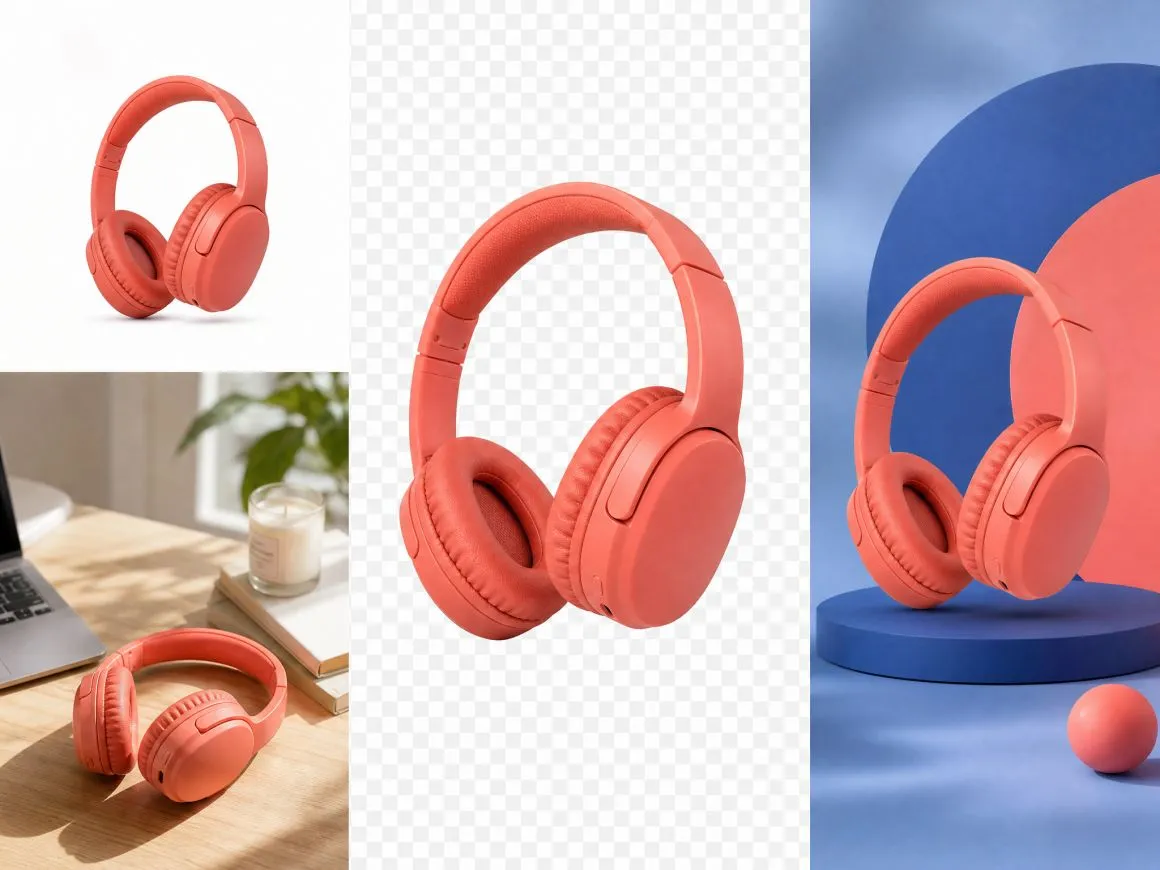
Frequently Asked Questions About Removing Black Backgrounds
What is a black background remover?
How does a black background remover work?
A black background remover uses AI-powered image processing to detect the main subject and separate it from the background, helping create cleaner images without manual editing.
Can I remove black background from image files online?
Yes. Upload your image to the online tool, and it can automatically identify dark backgrounds. The black background remover helps you remove black background from image files while keeping the main subject clear.
Can I use this tool for product photos?
Yes. Many sellers use black background removal to prepare product images for ecommerce stores, advertisements, and marketing materials.
Does the tool keep image details after removing backgrounds?
Yes. The tool focuses on preserving important edges and details while removing unwanted background areas.
How can I get rid of black background from a photo?
Upload your photo, let the tool process the image, review the result, and download the edited version without the unwanted black background.
Is it possible to delete black background without Photoshop?
Yes. An online black background remover provides a simpler way to edit images without learning complex software or manually delete black background areas.
Is RoboNeo's black background remover free?
Yes. Removing a black background and downloading a transparent PNG are free, as is changing the background to a solid colour provided by RoboNeo. If you use a text prompt to generate a customised AI background, each generation costs 8 credits.
Turn Black Background Photos Into Versatile Visuals
Your original images can do more than one job. Remove unwanted black backgrounds, refresh your visuals, and create content that works across different platforms, designs, and campaigns with RoboNeo AI Cutout.
Real Results From Image Creators and Sellers
I had a batch of jewellery photos taken against a black studio background, and some pieces were difficult to use on our lighter product pages. RoboNeo helped remove the black background so I could prepare cleaner product images without editing every photo manually.
We often receive product photos with black backgrounds that don't fit the look of a campaign. RoboNeo makes it easier to remove those backgrounds and place the products into our promotional designs without having to edit each image from scratch.
I had a portrait with a dark background that looked almost black against my thumbnail design. Removing the background made it much easier to use the photo with a brighter layout without the dark block standing out.
Many of my product photos were taken with dark backgrounds that did not fit marketplace guidelines. The black background remover helped me update those images quickly and keep my listings looking more consistent.
A client sent me a logo on a black background, and I needed to place it on a light-coloured presentation slide. RoboNeo helped remove the black area so I could use the logo in the layout without the original background showing.