
Free Thanksgiving AI Dinner Visuals Online
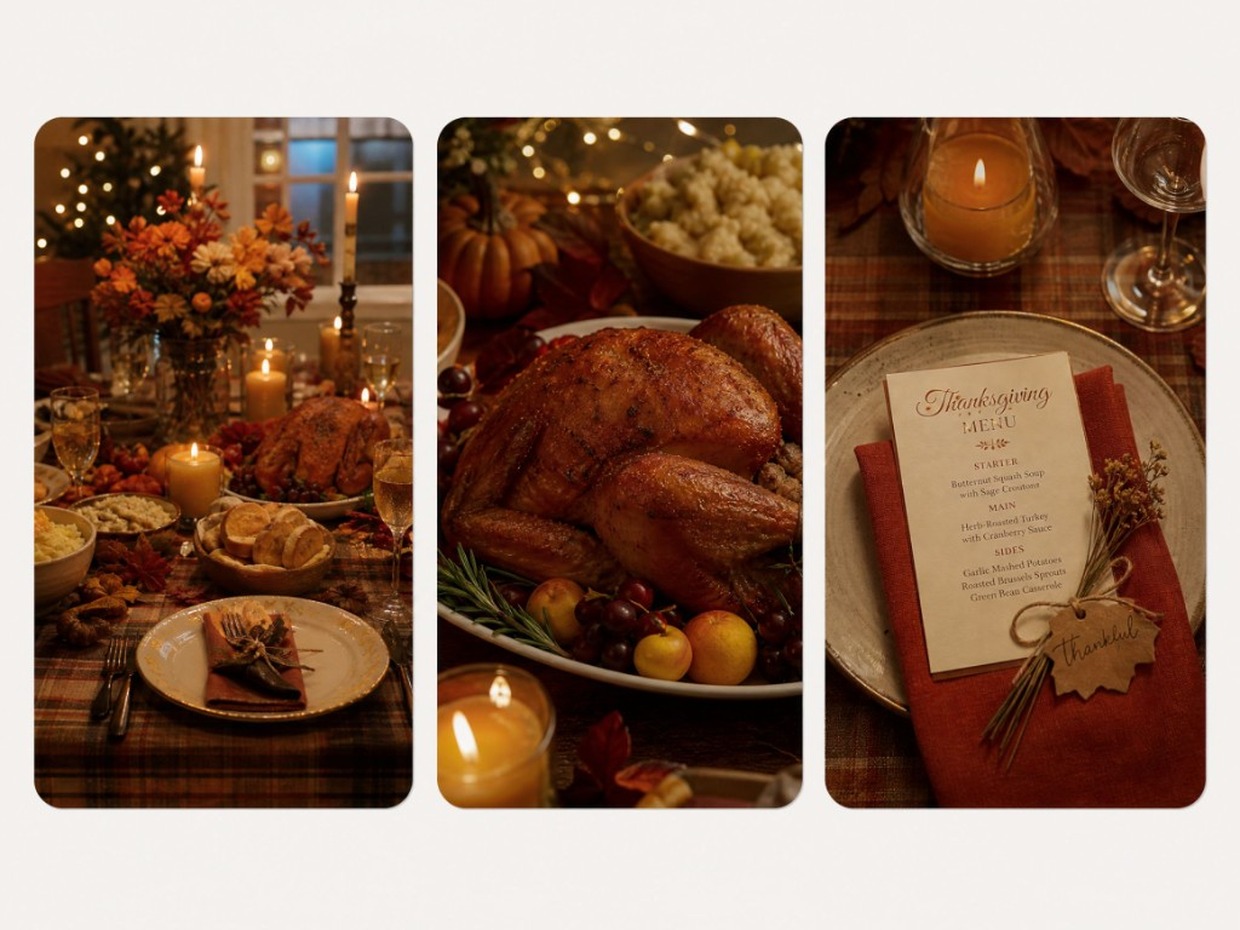
Create ai thanksgiving dinner visuals for invites, Feeds, or restaurant posts: full table scenes, dish close-ups, menu cards, from a prompt or a food photo. This is AI generation on a RoboNeo canvas, not a cooking-timeline chatbot and not a food-safety calculator. Sign in for free credits to try, then export 16:9, 9:16, or 1:1 before the holiday week peaks.
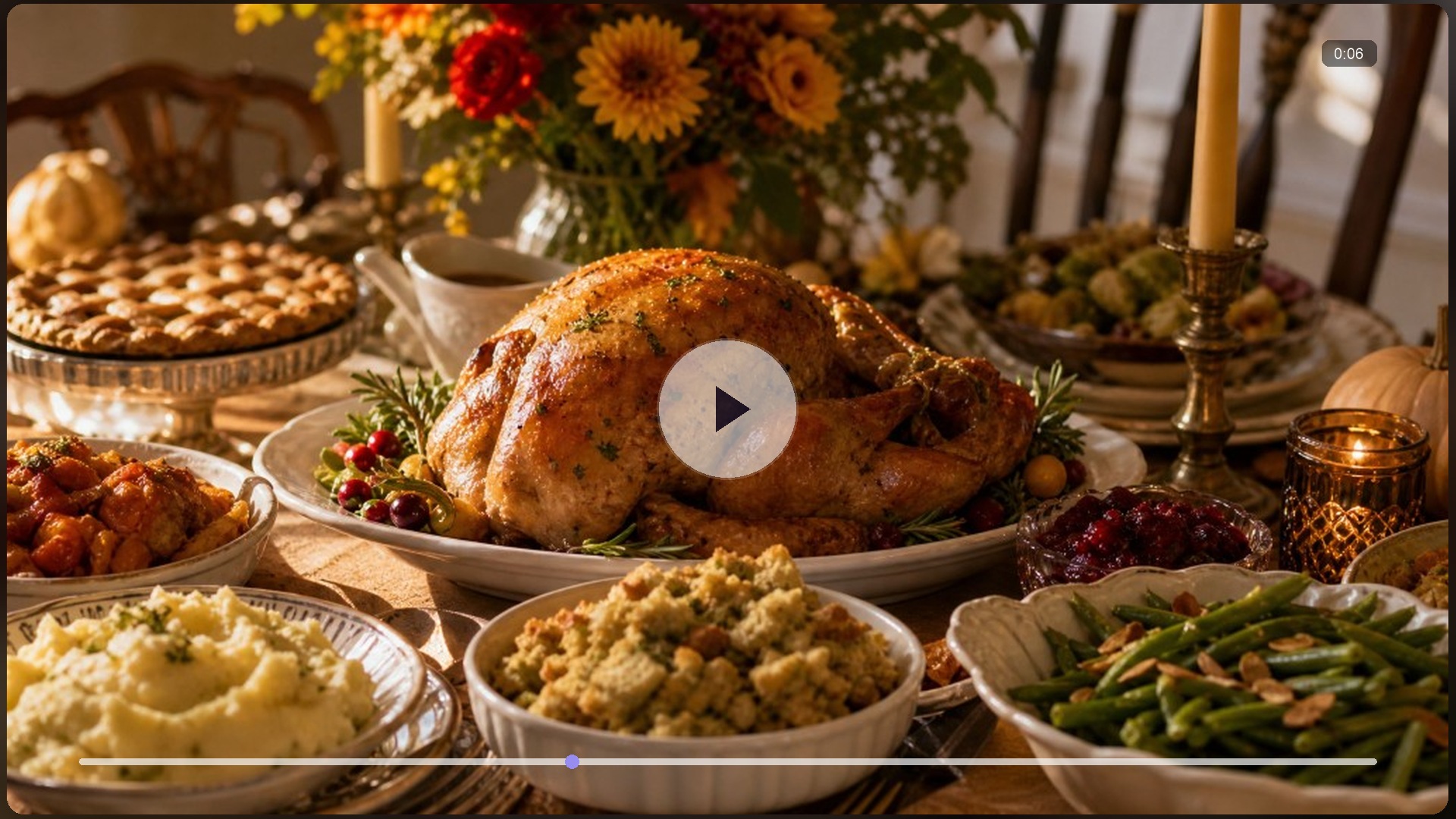
Thanksgiving AI Dinner Ideas You Can Copy
How to Make Thanksgiving AI Dinner Visuals in 3 Steps
Describe the feast, or upload a dish photo
Write the table vibe (guest count feel, candles, turkey steam) or drop a real dish or table photo. You are generating visuals, not asking for a USDA cook clock.
Generate on the canvas
RoboNeo builds the still, or a short reveal motion later. Follow up if the plating, light, or crop is off; edits stay on one board.
Export for invites and feeds
Download 16:9, 9:16, or 1:1 for invites, posts, and Stories. Pick the ratio on export, not inside the prompt.
What Powers These Thanksgiving AI Dinner Visuals
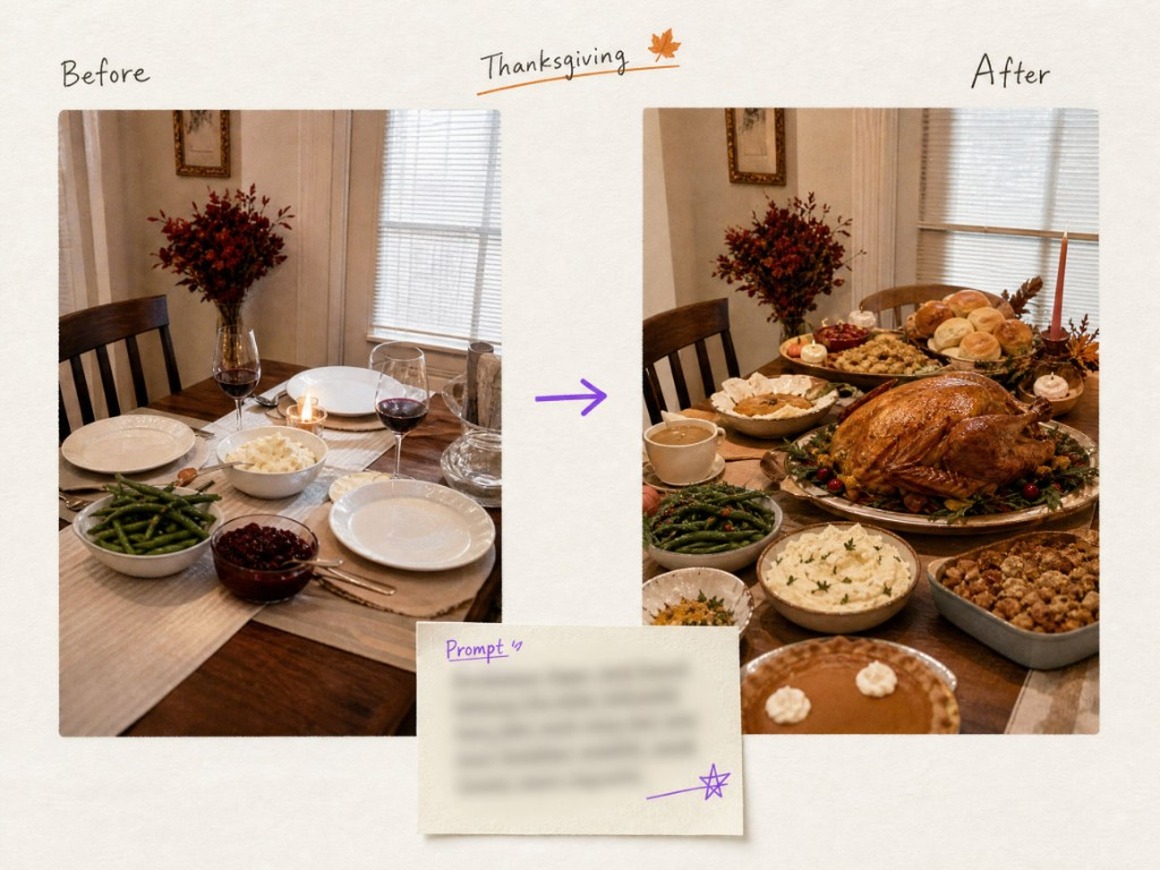
Start from a prompt or a food photo
Describe a full table or upload a plated dish and push it into a holiday scene on the canvas. Dual entry covers idea-only and photo-in-hand hosting days.
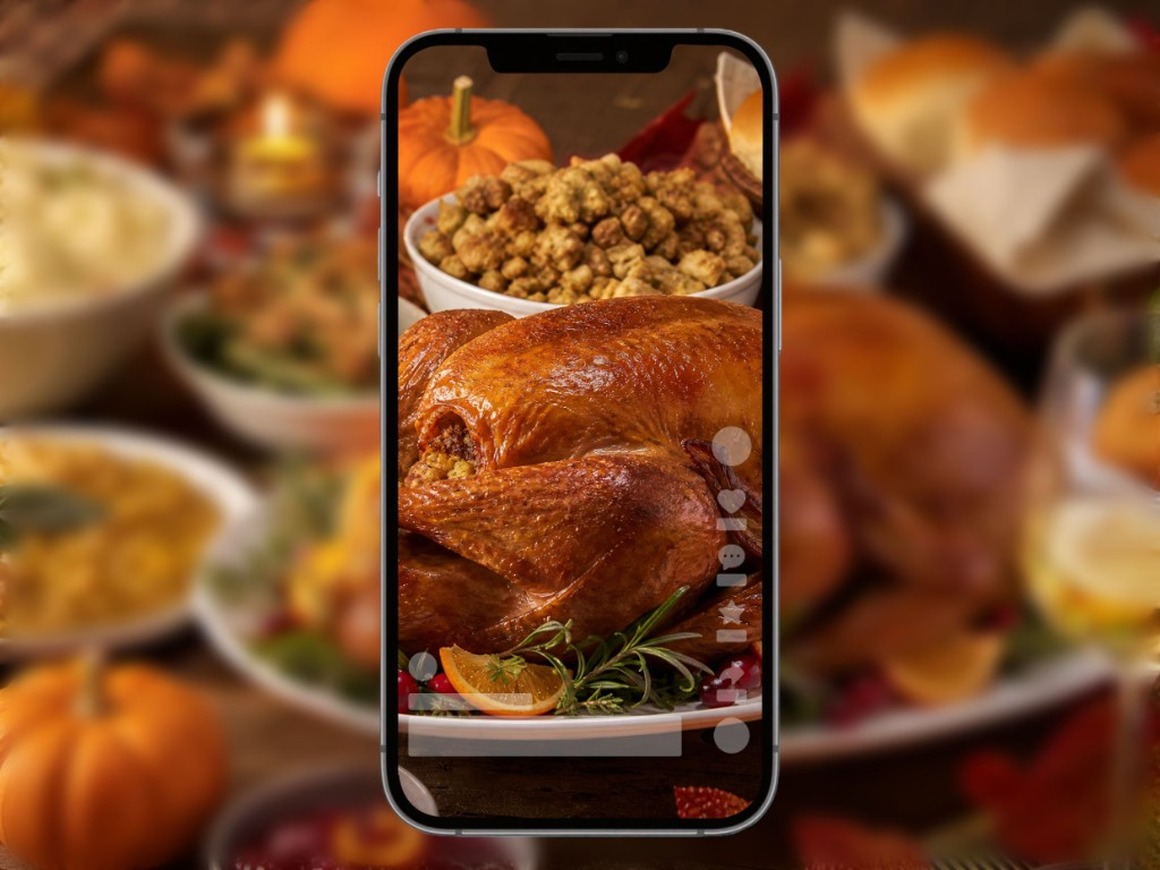
Lock one tablescape look for the whole week
Keep the same table style, candle grade, and dish look as a reusable holiday asset, then drop that tablescape into invites and phone-ready posts without rebuilding the room every time.
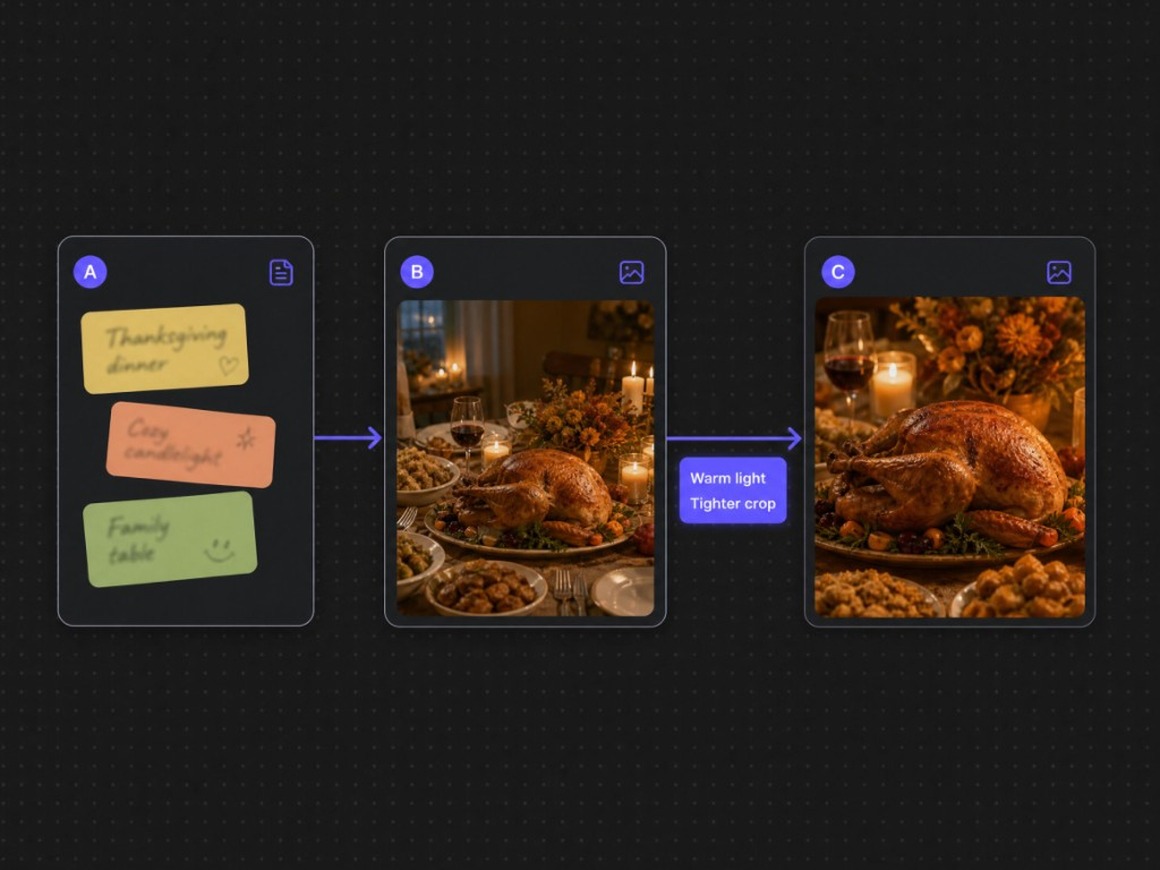
Agent Teams keep menu art and video on one canvas
A dinner brief rarely ends in one render. Agent Teams keep copy, stills, and motion linked so warmer light or tighter crop revises the board instead of scattering exports.
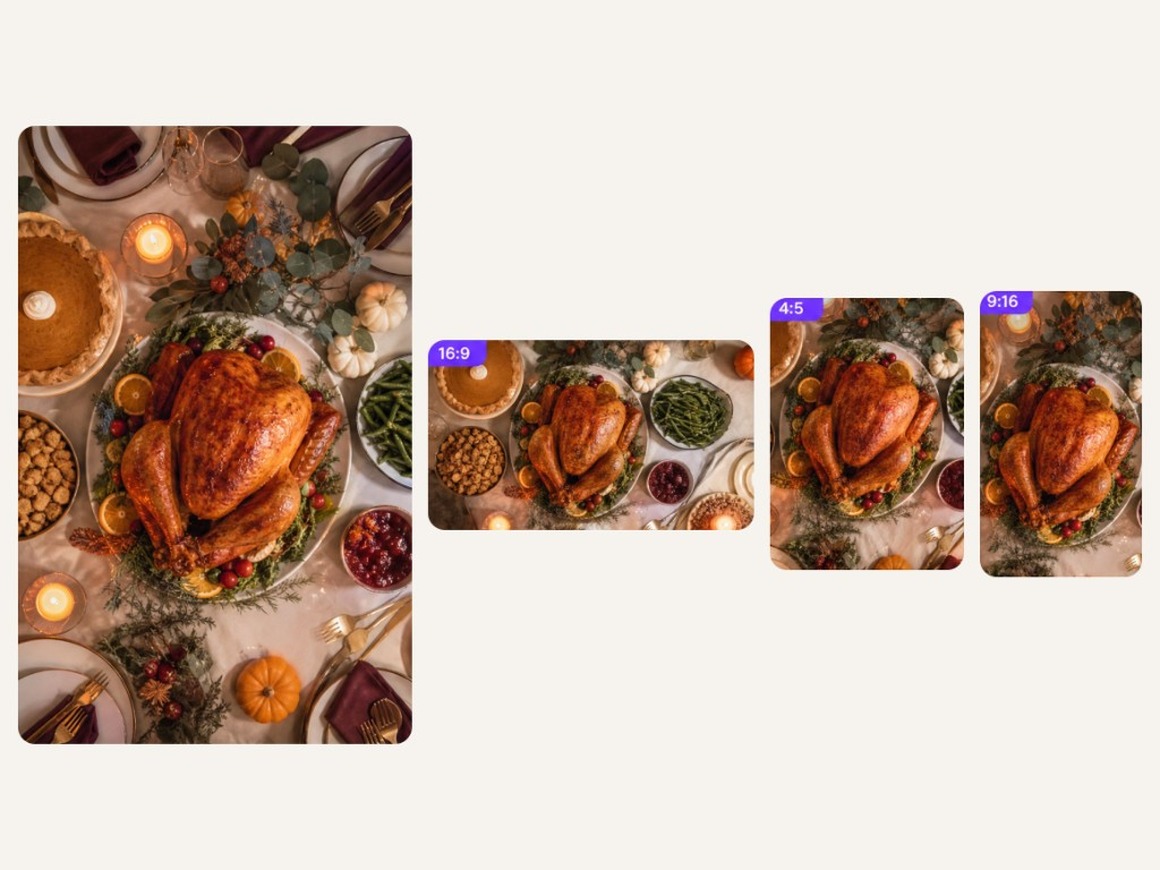
Remix feast assets into invites and clips
Keep the approved feast still in your library, then spin wide, portrait, and vertical crops for Feed, Stories, and cards. Add short motion when the invite needs a soft push-in.
Who Thanksgiving AI Dinner Visuals Are For
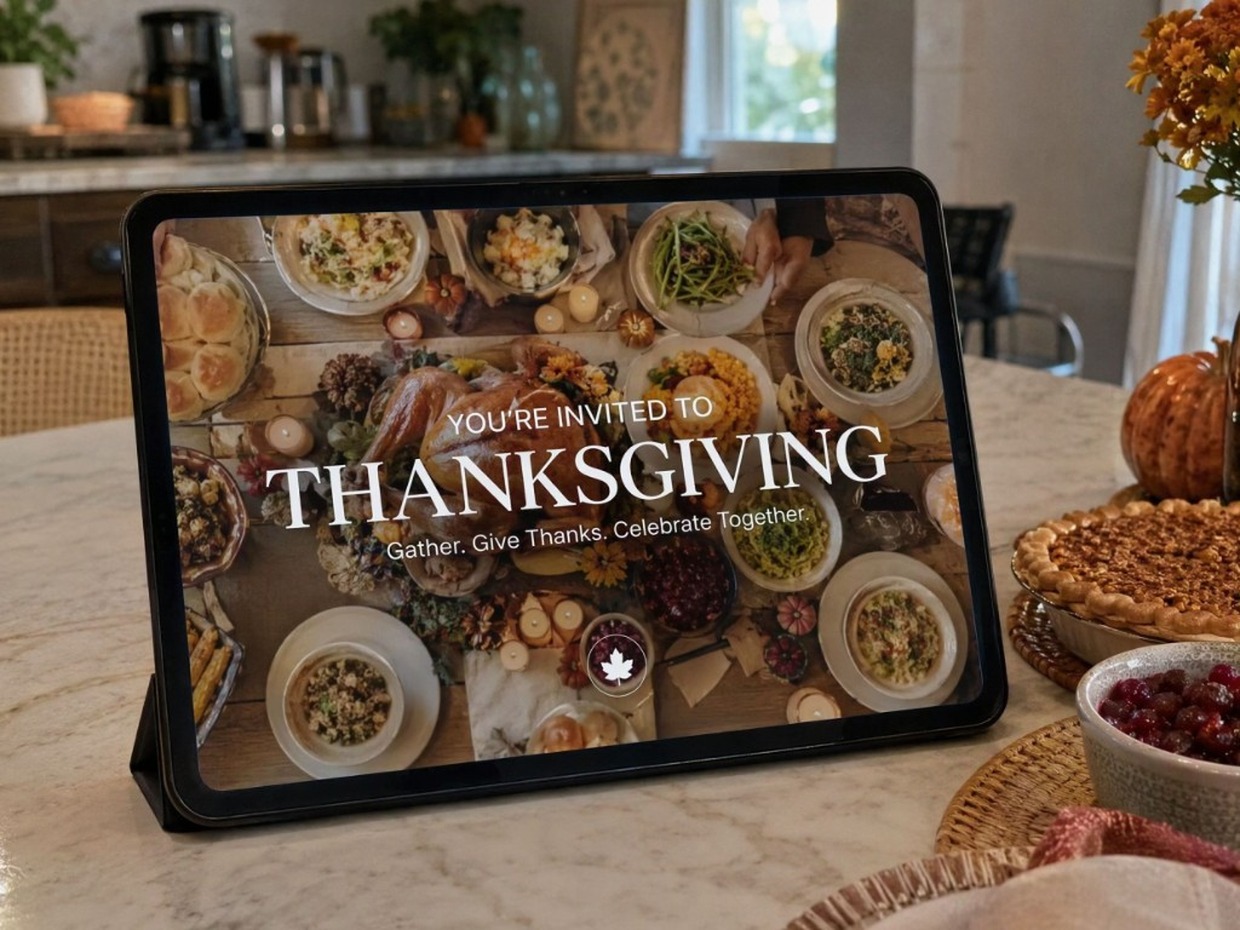
Hosts sending invites and table previews
When you need a warm feast image before the shopping is done, generate a table hero from a prompt instead of hunting stock that looks generic.
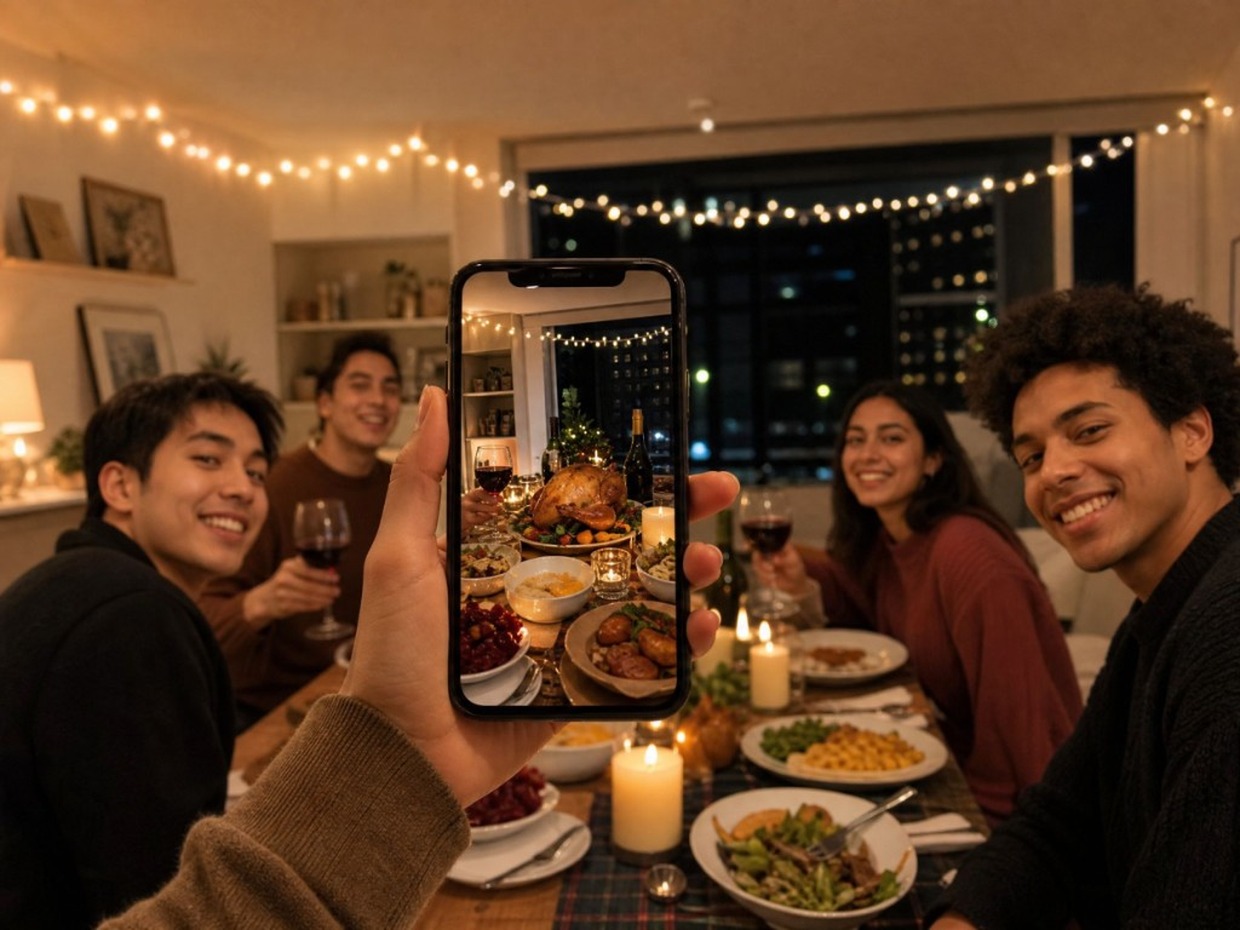
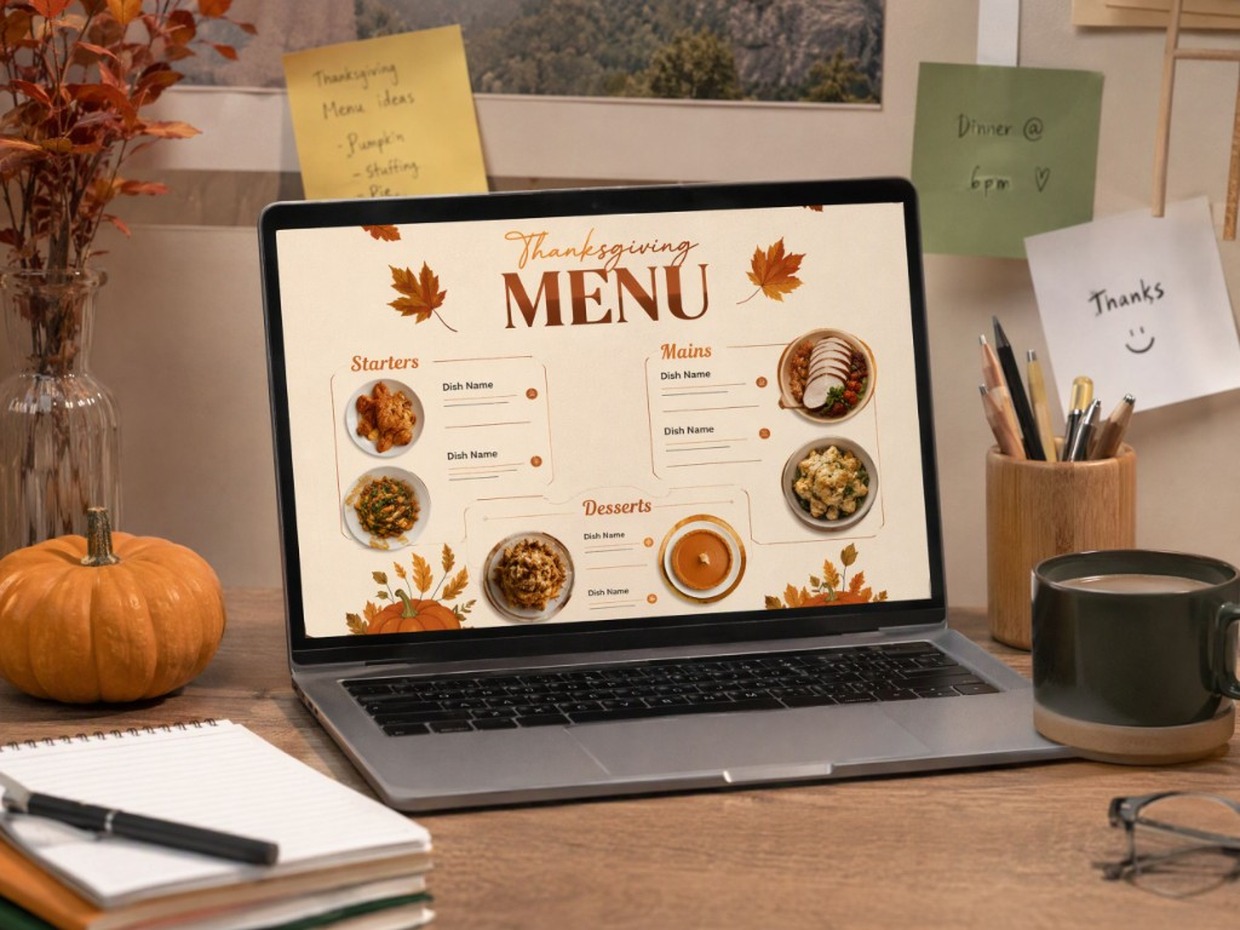
Why Choose RoboNeo for Thanksgiving AI Dinner Visuals
You leave with table and dish frames, not a thaw spreadsheet. Check USDA guidance yourself for temperatures and timing.
Change plating, light, or crop in conversation; the board updates with the job instead of starting a new chat thread.
Export 16:9, 9:16, or 1:1 from the node you ship, instead of locking a single frame size inside the prompt.
Frequently Asked Questions
Is this an AI Thanksgiving meal planner?
How do I create dinner visuals?
Describe the table or dish, or upload a food photo, generate on the canvas, then export.
Do I need a real cooked turkey photo?
No. Prompt-only works. Upload helps when you want a specific plate or room to stay recognizable.
What format should I export?
Export 16:9, 9:16, or 1:1 depending on where you post. Keep ratios out of the prompt and choose them on export.
Are the free credits unlimited?
No. Sign in for free credits (carrots) to try looks. Generation can consume credits by model and plan; see in-product balance and pricing.
Will my clip have a watermark? Can I use it commercially?
AIGC watermark settings can apply depending on product settings and plan. Commercial use follows RoboNeo’s terms and plan, not a blanket free-commercial, no-watermark promise.
Can I use this as a cooking temperature guide?
No. This page does not give thaw timers, oven schedules, or safe internal temperatures. Follow USDA food-safety guidance for cooking.
How is this different from a ChatGPT menu list?
A text chat can draft a menu. RoboNeo generates table, dish, and menu-card visuals you can revise on a canvas and export for invites or feeds.
Explore More
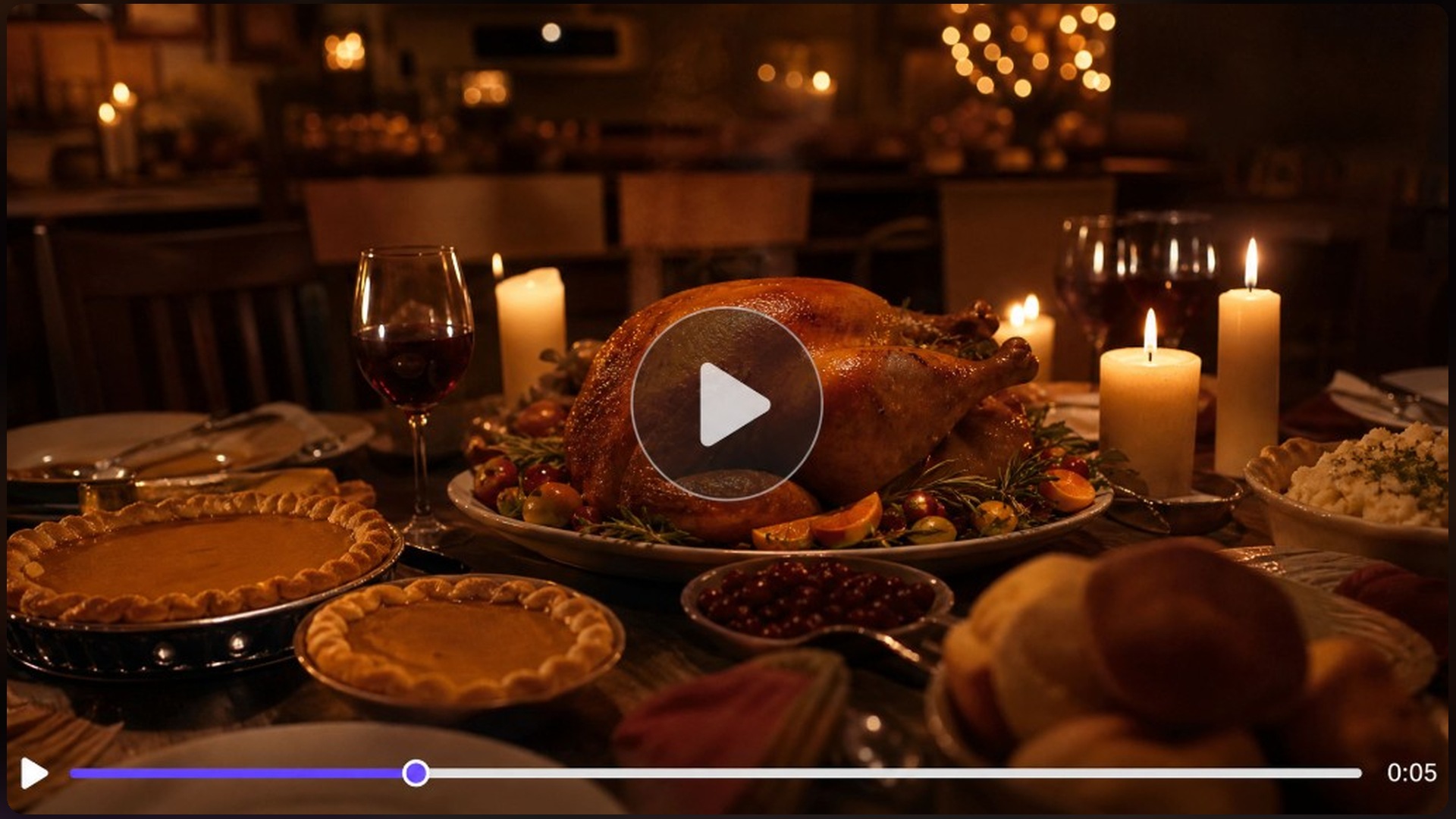
Thanksgiving Video Maker
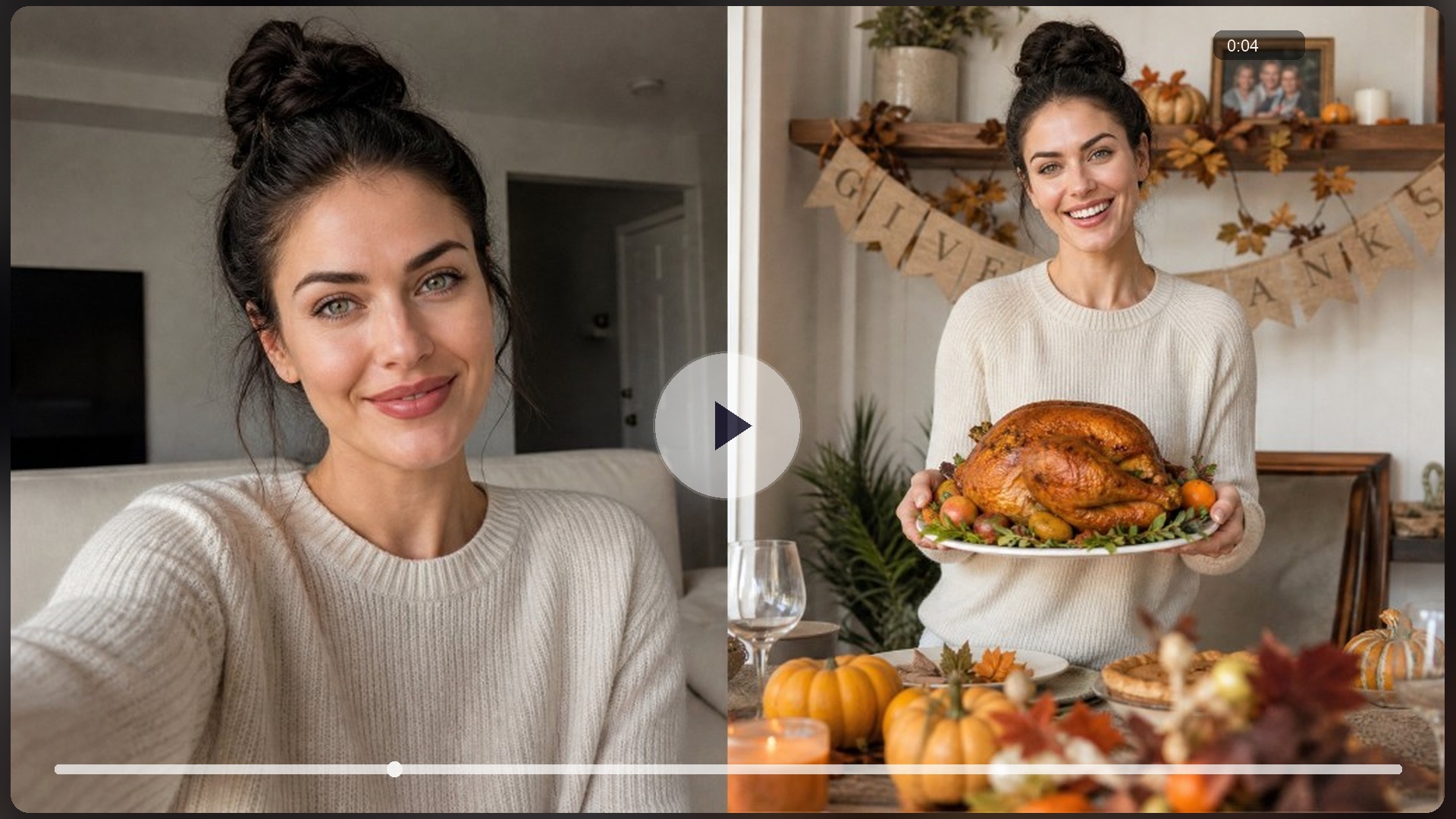
AI Turkey Effect
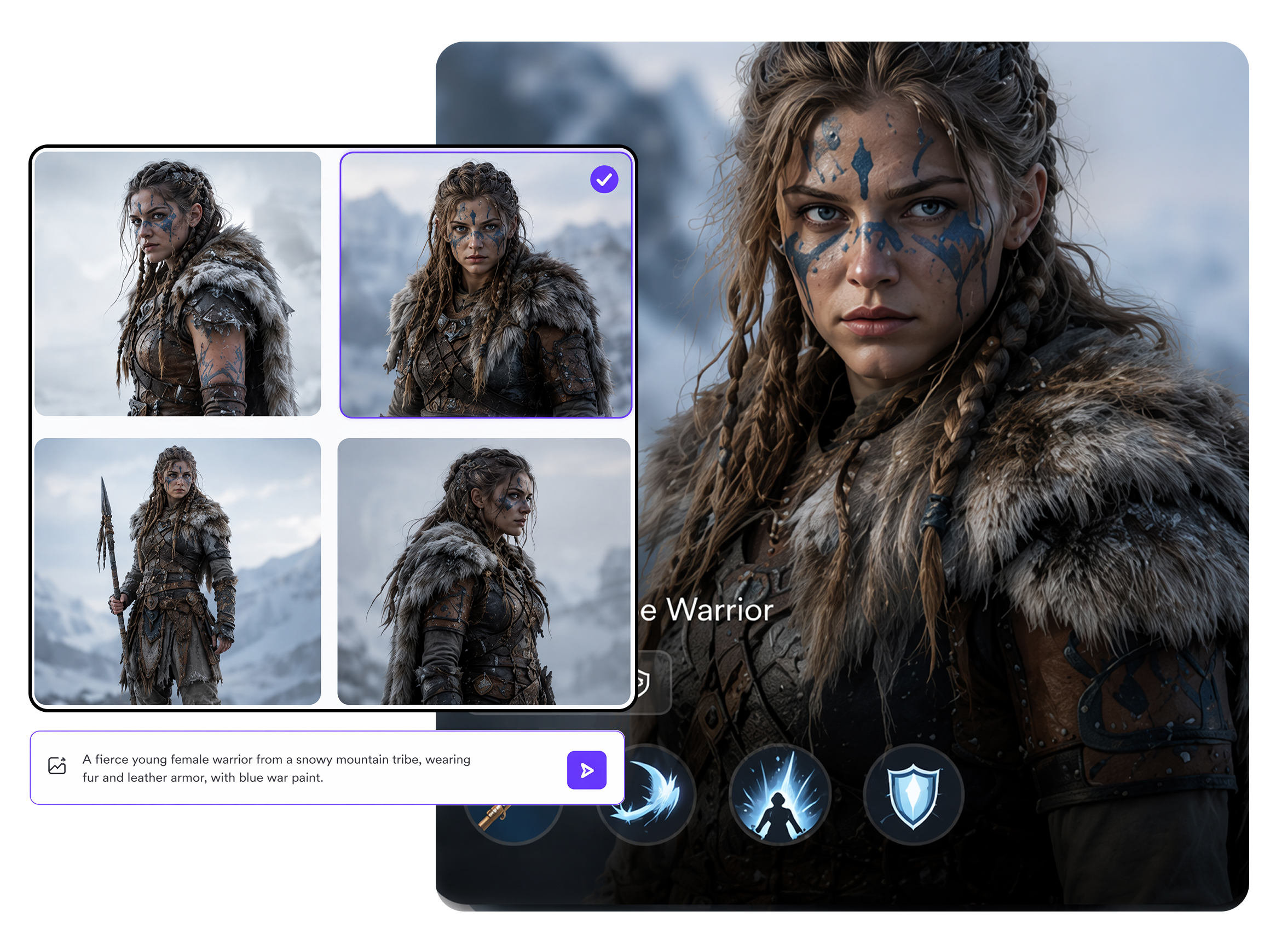
AI Character Generator
AI Meme Generator
AI Video Generator
AI Image Generator

AI YouTube Shorts Generator

AI Image to Video
Make Your Thanksgiving AI Dinner Visual Now
Describe a feast or upload a dish photo, sign in for free credits, and export 16:9, 9:16, or 1:1 table, dish, or menu-card frames before hosting week peaks, without treating this page as a cook-timer.
What People Make With Dinner Visuals
Needed an invite hero the same afternoon before groceries landed, and stock feast photos looked generic. Described the table on RoboNeo, generated a full-table Thanksgiving AI Dinner still, and dropped it into the invite that night.
Had one pie photo and a Reels deadline, but no time to replate the whole spread. Uploaded the pie into RoboNeo, remixed dish close-ups and a short dinner reveal frame, and posted before the weekend feed peaked.
Peak catering week left no studio day for the holiday set menu. Generated menu-card and table visuals from plated shots on RoboNeo, then reused the same tablescape look across Stories and email without another shoot.