
Free Gemini Thanksgiving AI Prompts Online
Copy a thanksgiving prompt, or upload a clear photo, and generate a holiday portrait, feast still, or card-ready frame on a RoboNeo canvas. These are Gemini-style Thanksgiving AI prompts you can paste and run here, not a Google Gemini help page and not a blog you only read. Sign in for free credits to try, then export 16:9, 9:16, or 1:1 before the November feed fills up.
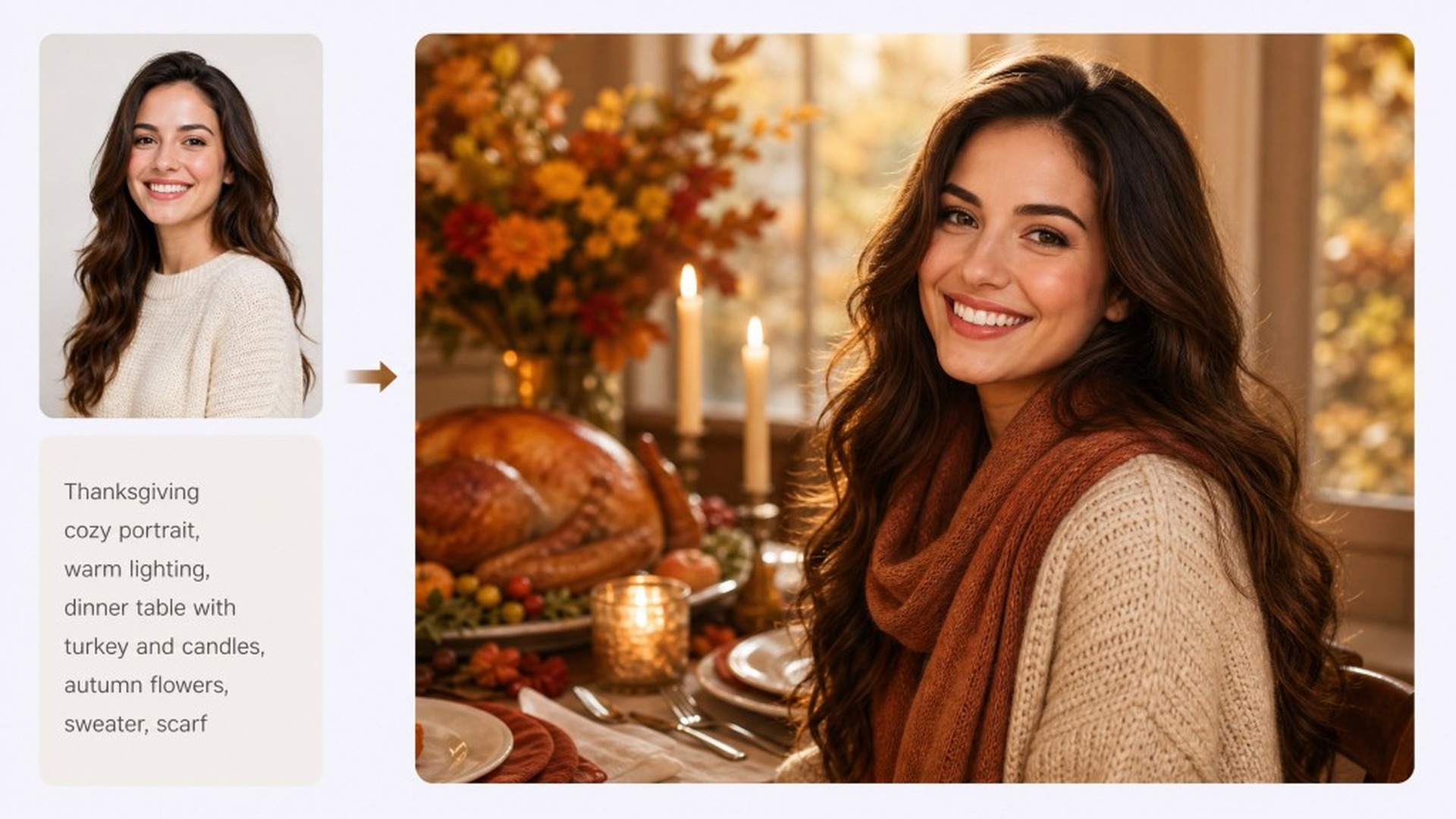
Thanksgiving Prompts You Can Copy
How to Use Gemini Thanksgiving AI Prompts in 3 Steps
Copy a prompt or upload a photo
Paste a thanksgiving prompt from this page, or drop a clear front-facing photo when you want a keep-my-face holiday scene. You are generating on a canvas, not only collecting lines in a notes app.
Generate on the RoboNeo canvas
Run the look; send a short follow-up if the light, outfit, or face drift (“keep the face exactly the same,” “warmer candlelight”). Agent-linked steps stay on one board.
Export for Feed, Stories, or cards
Export as 16:9, 9:16, or 1:1 depending on the channel. Share to Feed, Stories, or a family chat.
What Powers These Thanksgiving Prompts
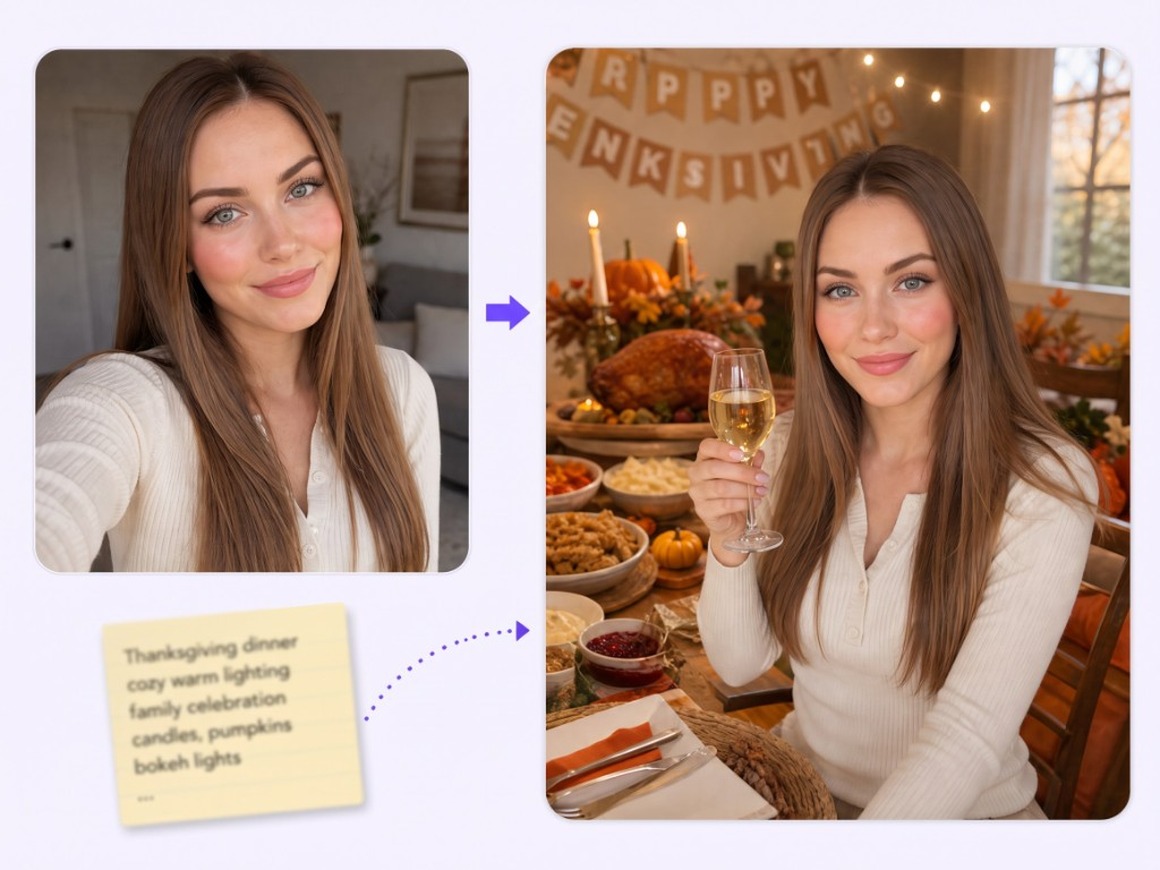
Start from a copied prompt or a photo
When you only have the idea, paste a dinner-table, pumpkin-patch, or pie prompt and generate on the canvas. When you already have a portrait or group shot, upload it and wrap a Thanksgiving scene around faces you want to keep readable. Dual entry covers both prompt-only and photo-in-hand days.
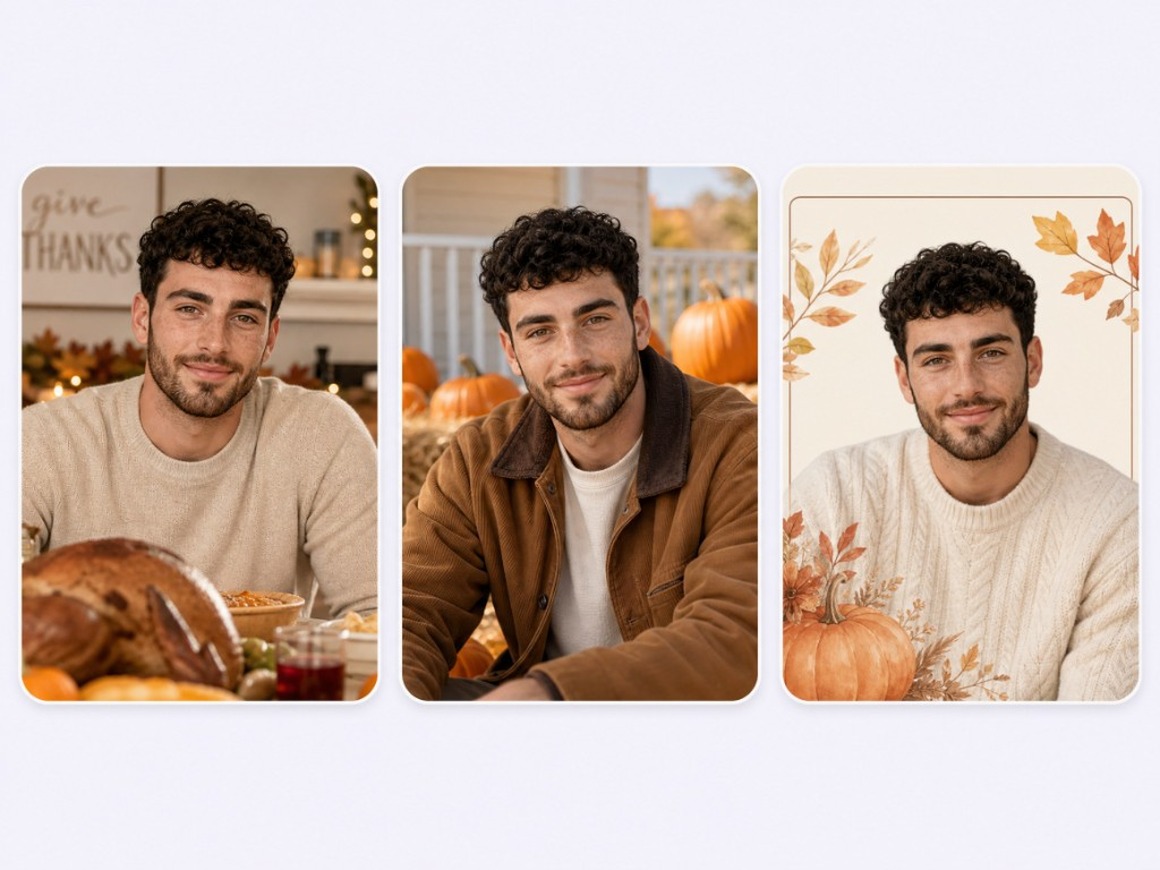
Keep one face or family look across the holiday week
Lock an original host or family IP once, then reuse it across table, porch, and card crops without reinventing identity every post. RoboNeo treats that look as a reusable asset for November.
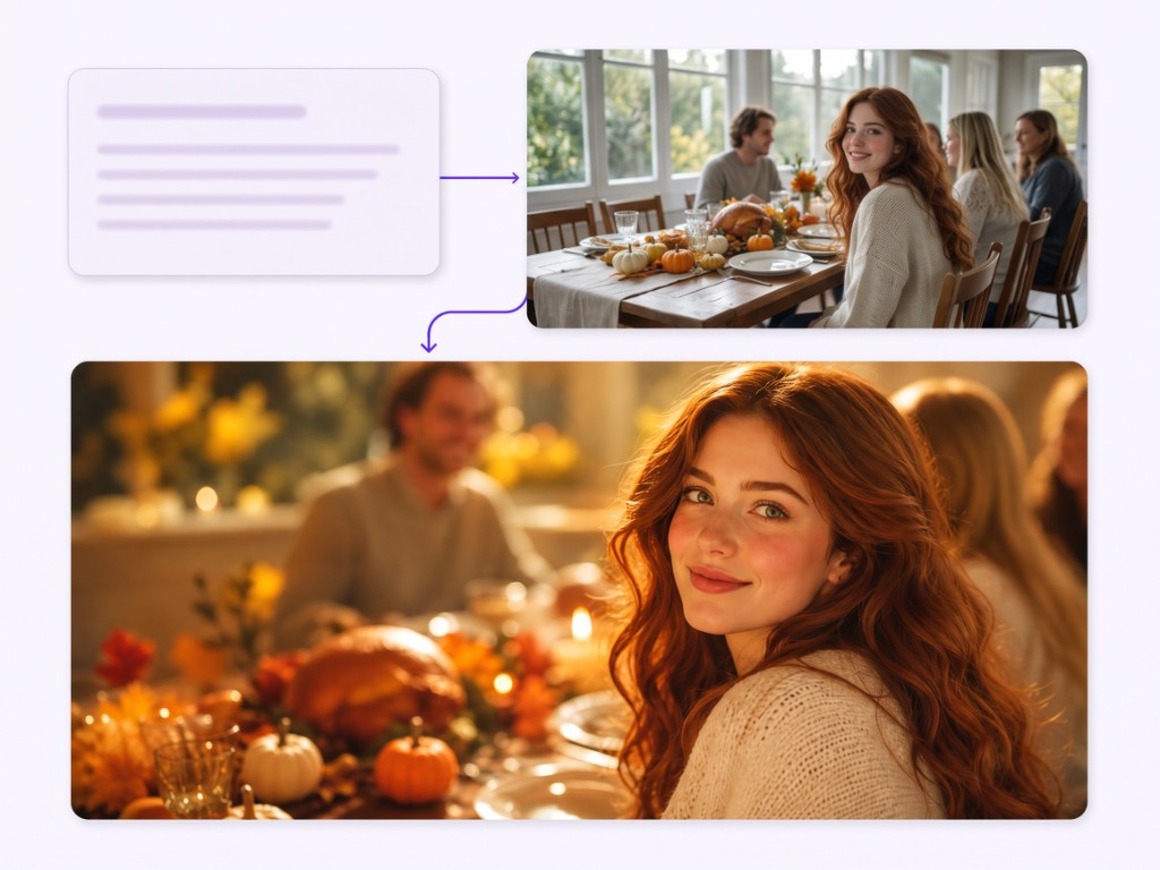
Agent Teams keep prompt, stills, and edits on one canvas
A holiday brief rarely lands in one render: you may need a tighter crop, warmer light, or a second social crop. Agent Teams keep copy, image, and optional motion nodes linked, so follow-ups revise the board instead of scattering chats and downloads.
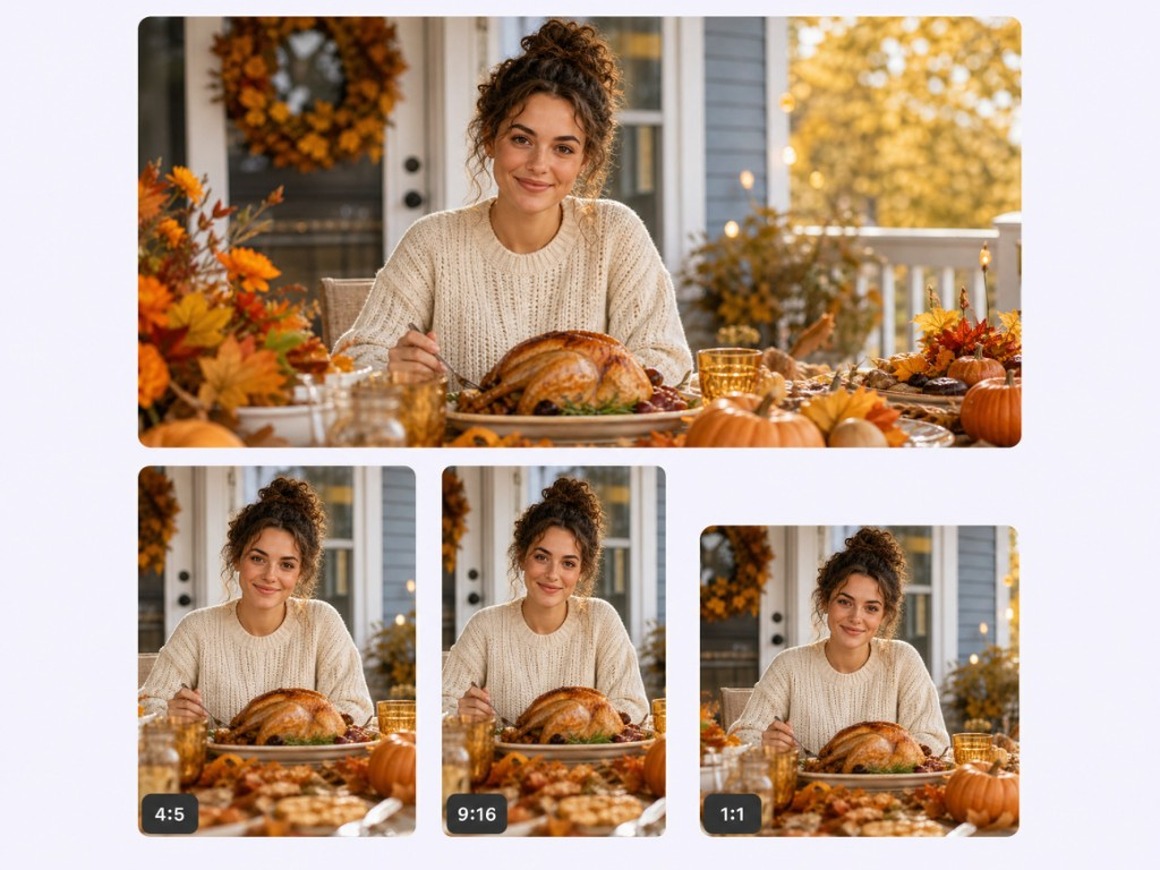
Remix one win into Feed, Stories, and cards
Keep the approved still in your library, then spin square, portrait, or wide crops, and optional short motion when you want a soft push-in. Some video models can generate audio with a clip when that switch is on; otherwise add music in your publishing app.
Who These Gemini Thanksgiving AI Prompts Are For
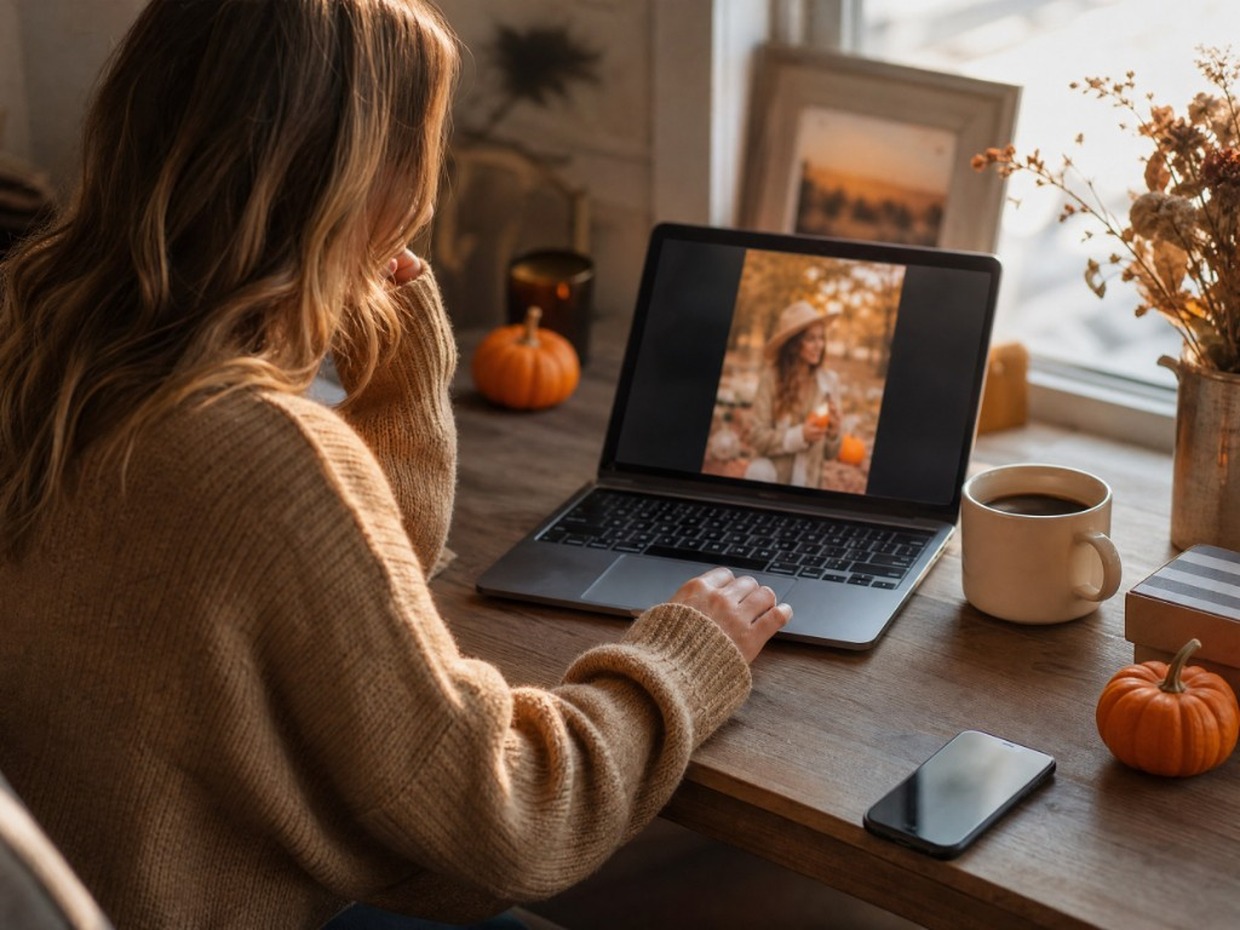
Creators filling November Feeds
When you need fresh autumn portraits but do not want to live inside a chat-only prompt thread, RoboNeo lets you copy a thanksgiving prompt or upload a selfie and batch Feed-ready frames on one canvas.
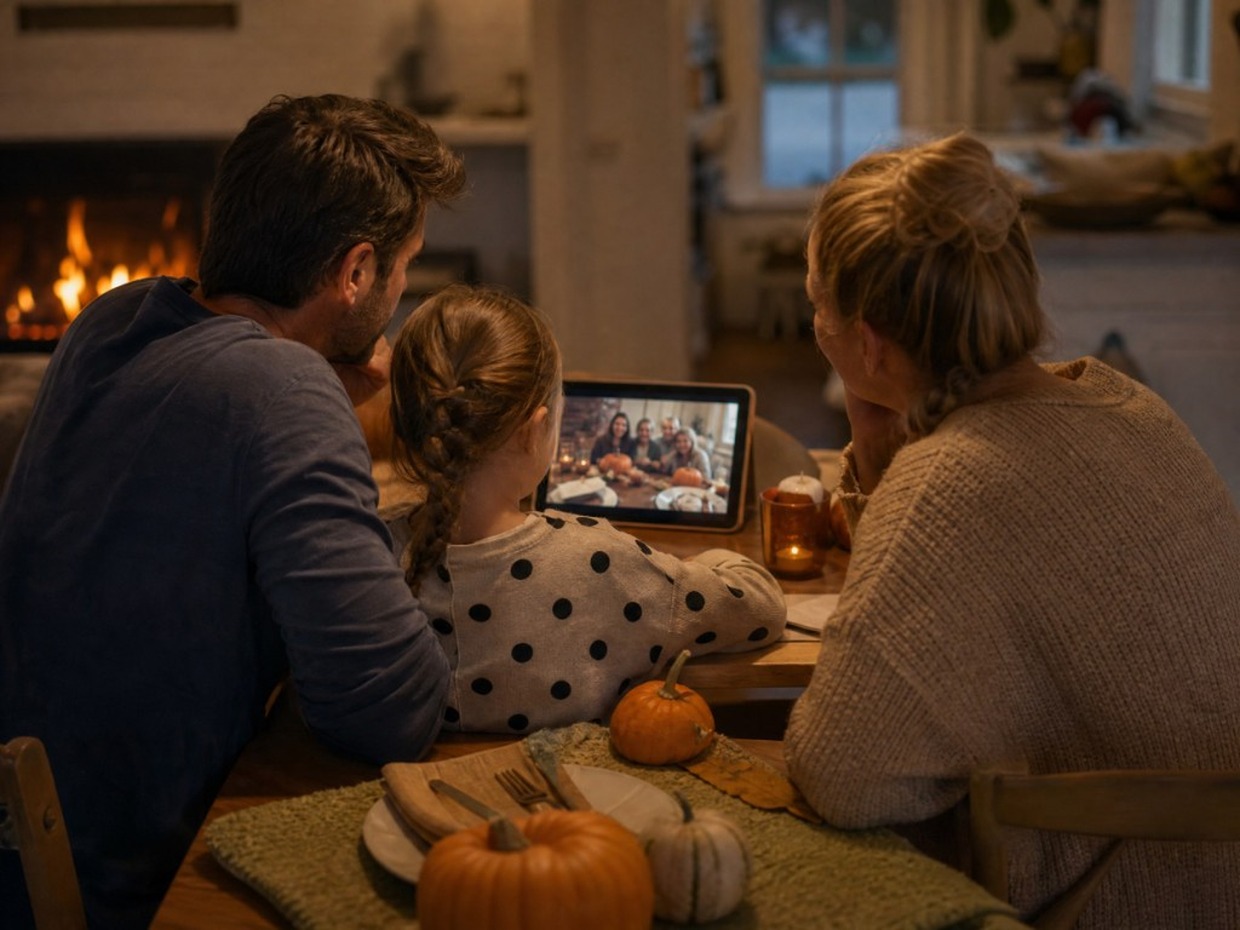
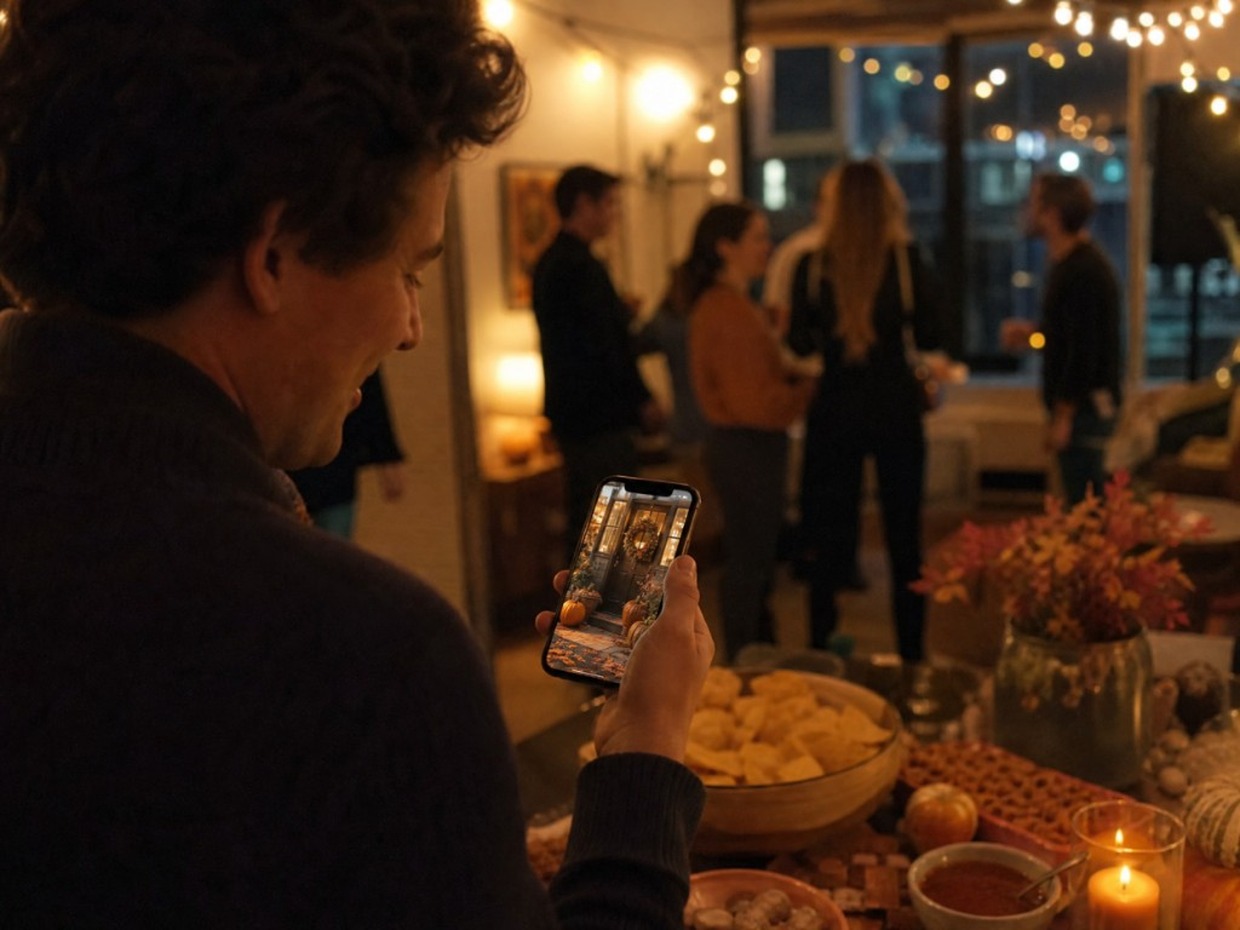
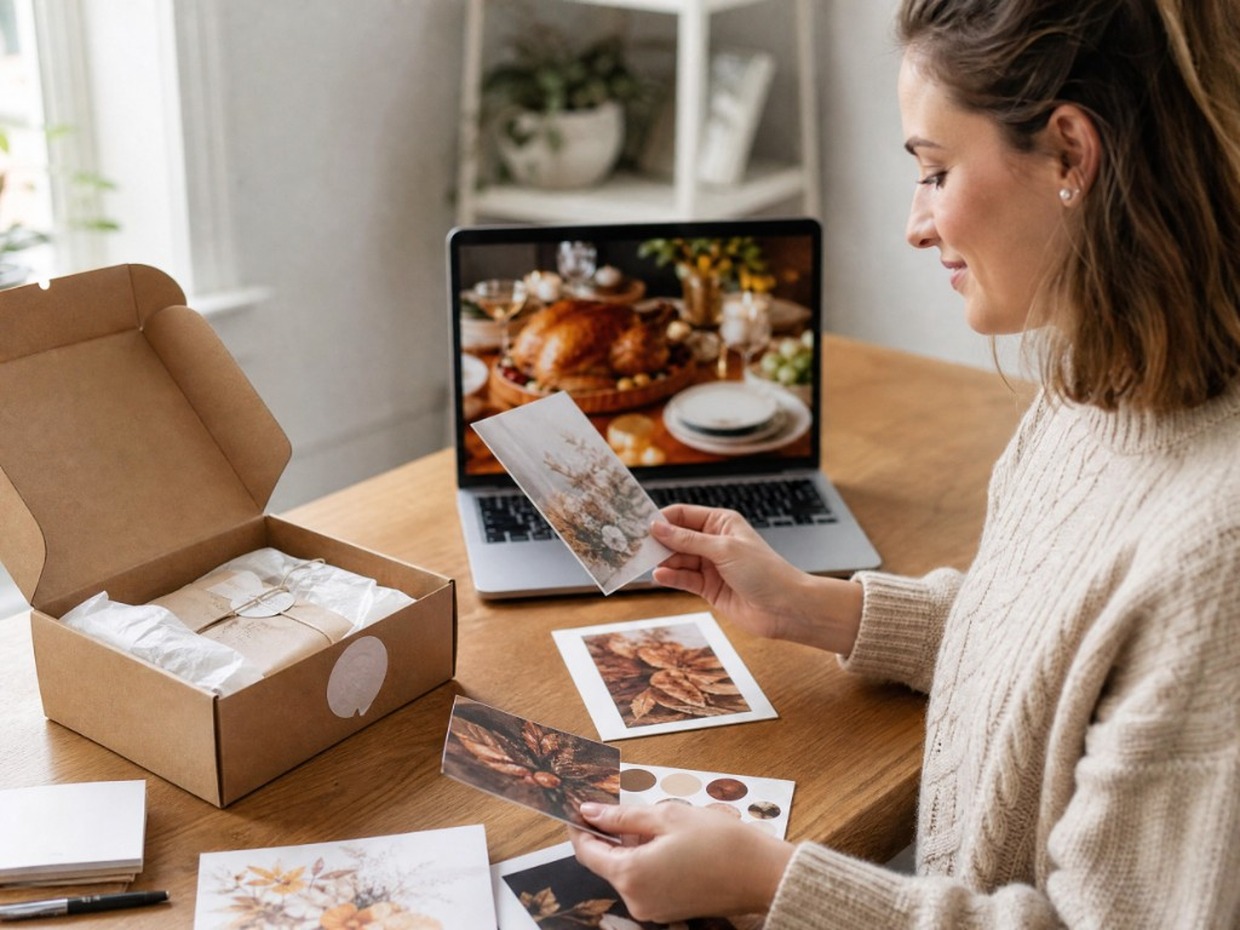
Why Choose RoboNeo for Thanksgiving Prompts
You leave with frames on a canvas, not a bookmark to another Gemini-style blog list.
Change light, crop, or “keep the face” in follow-up; the board updates with the job.
Export 16:9, 9:16, or 1:1 from the same approved still so Feed, Stories, and cards stay on-brand.
Frequently Asked Questions
Is this Google Gemini?
How do I use these Thanksgiving prompts?
Copy a prompt into RoboNeo, or upload a clear photo first and paste a keep-my-face scene prompt. Generate on the canvas, then export 16:9, 9:16, or 1:1.
Will my face stay recognizable? What about group photos?
For portraits, say “keep the face exactly the same” and use a sharp, front-facing photo. For groups, state the exact headcount (exactly [N] people) and keep permission from everyone in the frame.
Do I need a photo, or can I prompt only?
Either works. Describe the scene when you have no photo; upload when you want a specific face or family look preserved.
What formats should I export?
Export as 16:9, 9:16, or 1:1 depending on the channel. Other ratios may be available depending on the model.
Are the free credits unlimited?
No. Sign in for free credits (carrots) to try looks. Generation can consume credits by model and plan; see in-product balance and pricing.
Will outputs have a watermark? Can I use them commercially?
AIGC watermark settings can apply depending on product settings and plan. Commercial use follows RoboNeo’s terms and plan, not a blanket free-commercial, no-watermark promise.
Can I use someone else’s photo?
Only upload photos of yourself or of people who agreed. Do not generate lookalikes of people who did not consent.
More Thanksgiving AI Tools
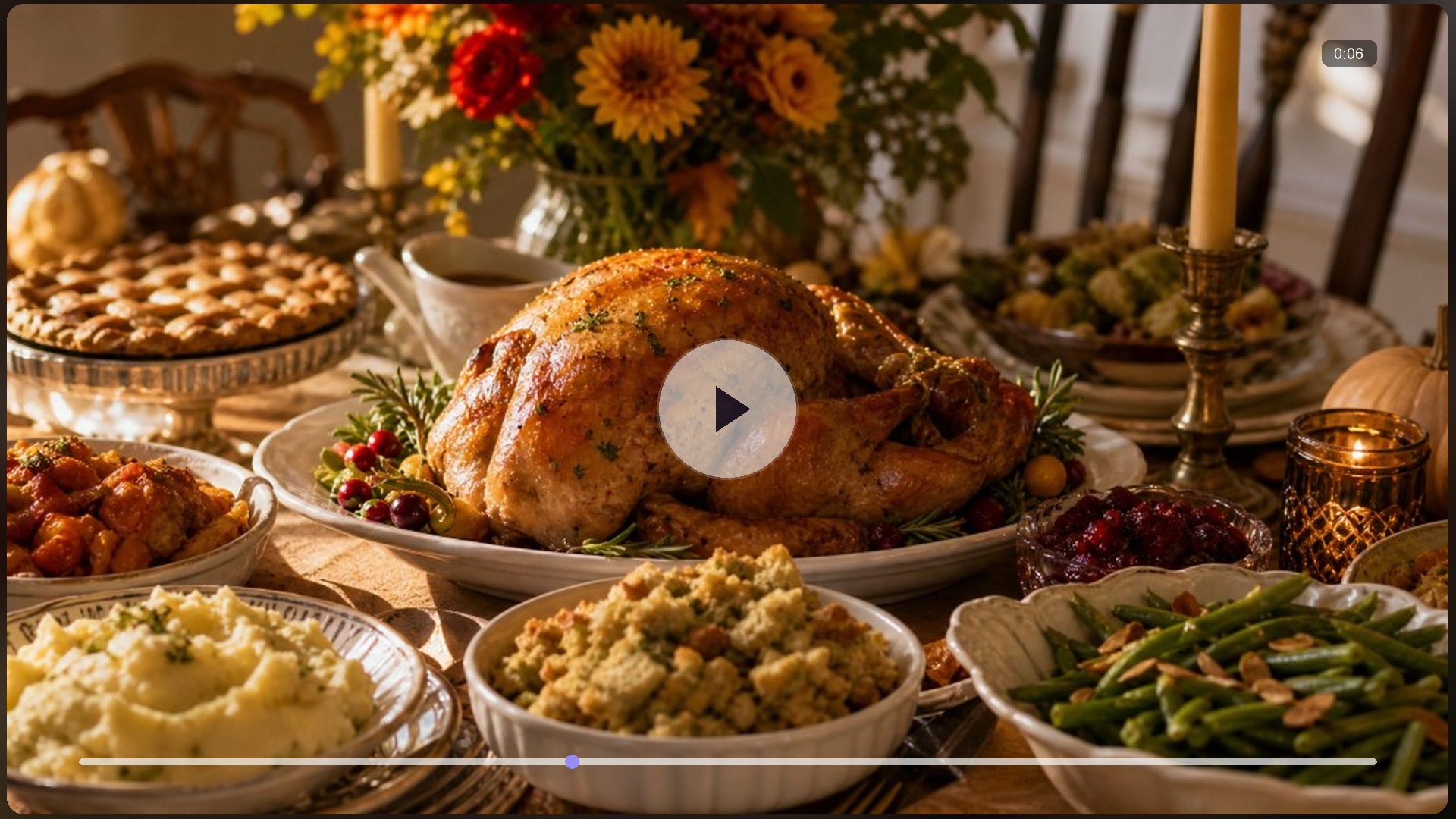
Thanksgiving AI Dinner
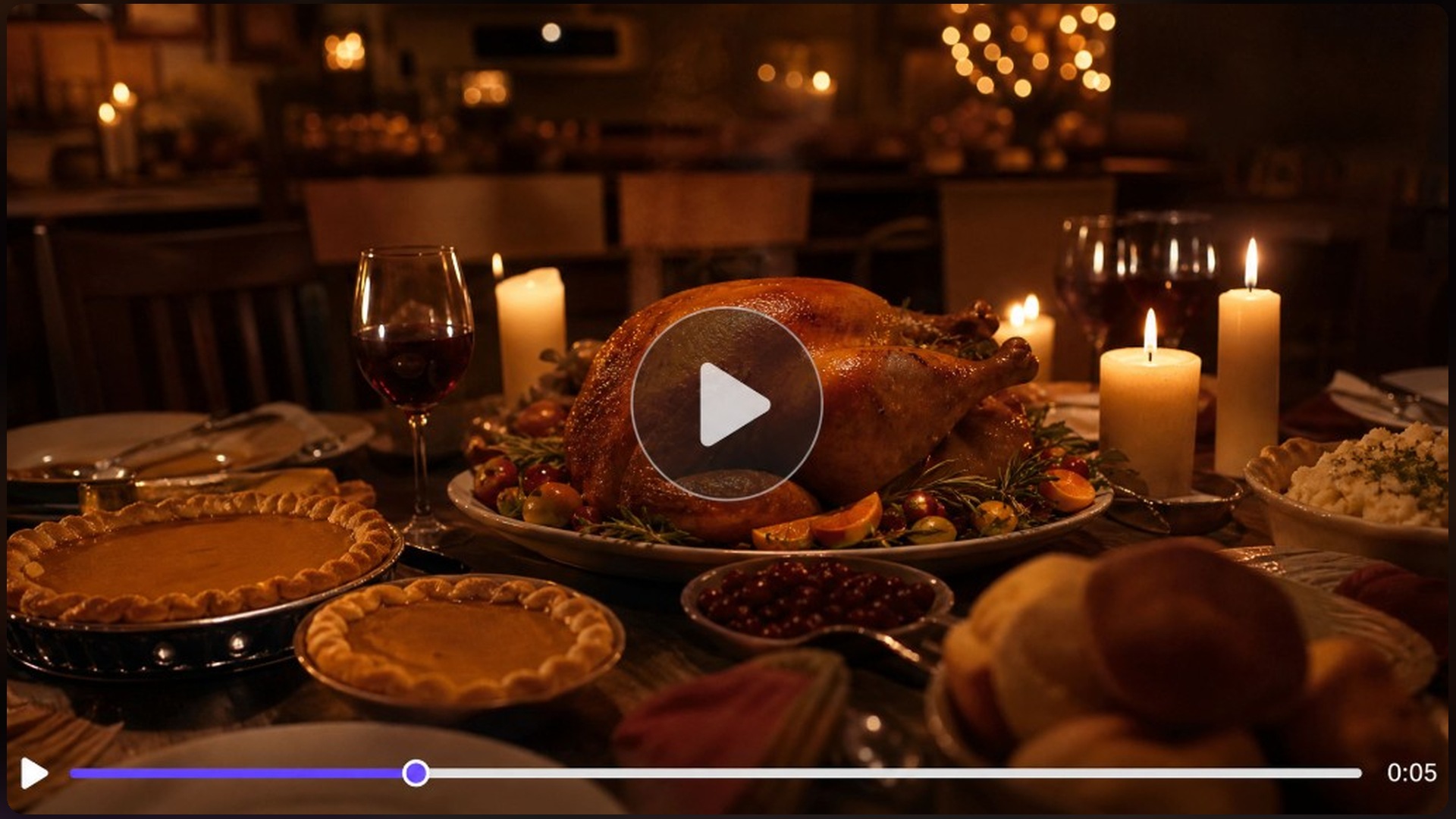
Thanksgiving Video Maker
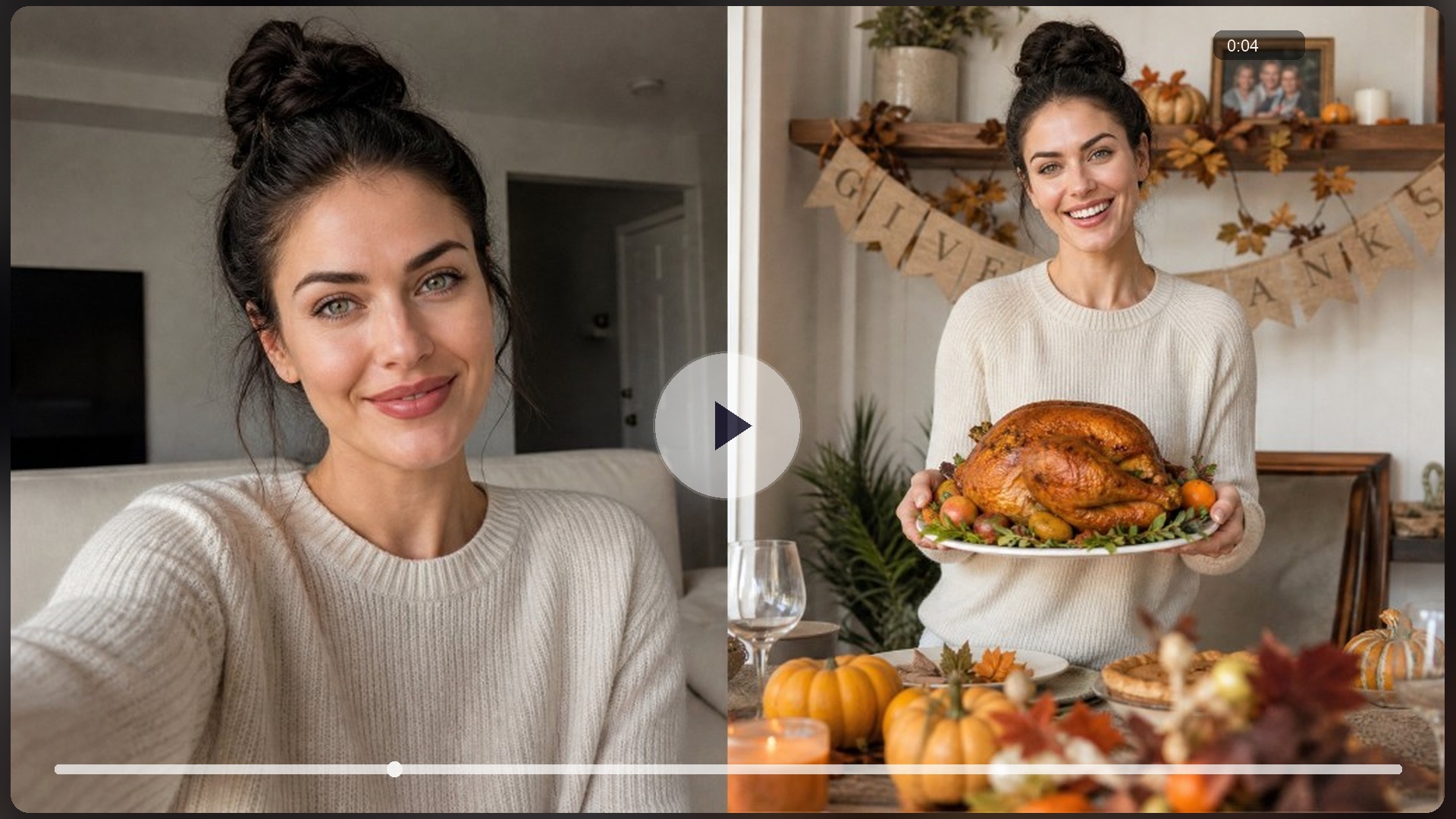
AI Turkey Effect
AI Image Generator
AI Character Generator
AI Meme Generator
AI Video Generator

AI Image to Video
Try Gemini Thanksgiving AI Prompts Now
Copy a dinner-table, pumpkin-patch, family, or pie prompt, or upload a photo, sign in for free credits, and generate Feed-ready frames on RoboNeo before the holiday week peaks.
What People Make With Thanksgiving Prompt Frames
Copied the dinner-table prompt, uploaded one selfie, and got a feast portrait the same afternoon without rewriting the whole scene in chat.
We locked six faces in the family prompt with an exact headcount, and no mystery uncle appeared in the Thanksgiving table frame.
Food-still prompts gave us clean pie heroes for Stories the same week, without booking a studio day for the community calendar.