
Free AI Turkey Effect Online
Upload a selfie and generate a funny ai turkey clip for TikTok, Reels, or Shorts: an AI Turkey Effect on a RoboNeo canvas, not a Snapchat-style live AR filter you only wear in-app. Keep your face readable under the turkey look, tweak with a short prompt if you want, then export 16:9, 9:16, or 1:1. Sign in for free credits to try before the holiday feed peaks.
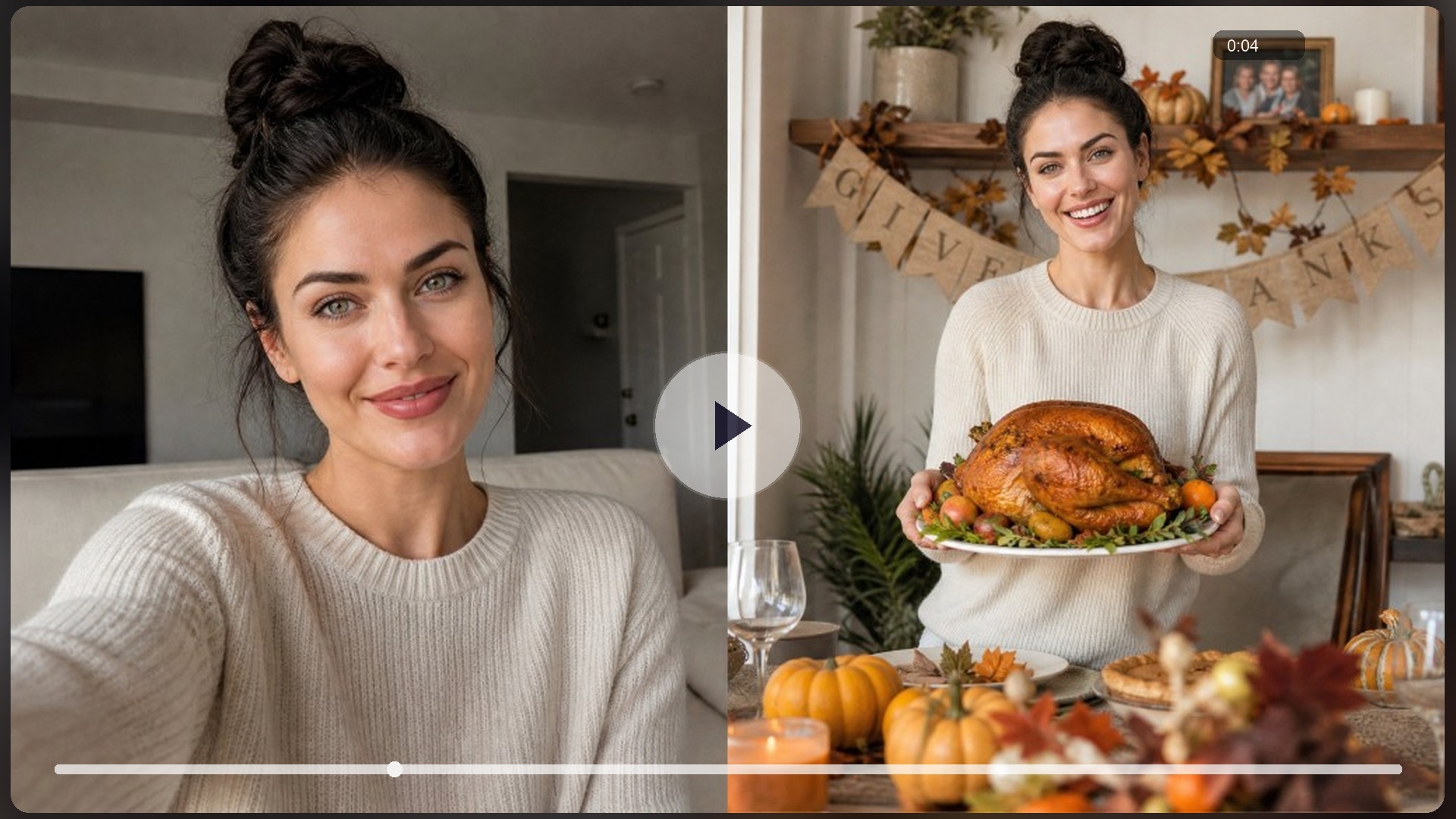
AI Turkey / Turkey Filter Ideas You Can Copy
How to Make an AI Turkey Effect in 3 Steps
Upload a clear selfie
Chest-up, good light, face toward camera. Or describe the gag if you have no photo: you are generating an effect clip, not hunting a Snap AR lens.
Generate on the canvas
RoboNeo runs the turkey filter look; send a short follow-up (“funnier,” “cuter,” “more feathers”) if the first pass is off.
Export for your channel
Download 16:9, 9:16, or 1:1 for the channel you post to. Pick the ratio on the video node when the model offers it.
What Powers This AI Turkey Effect
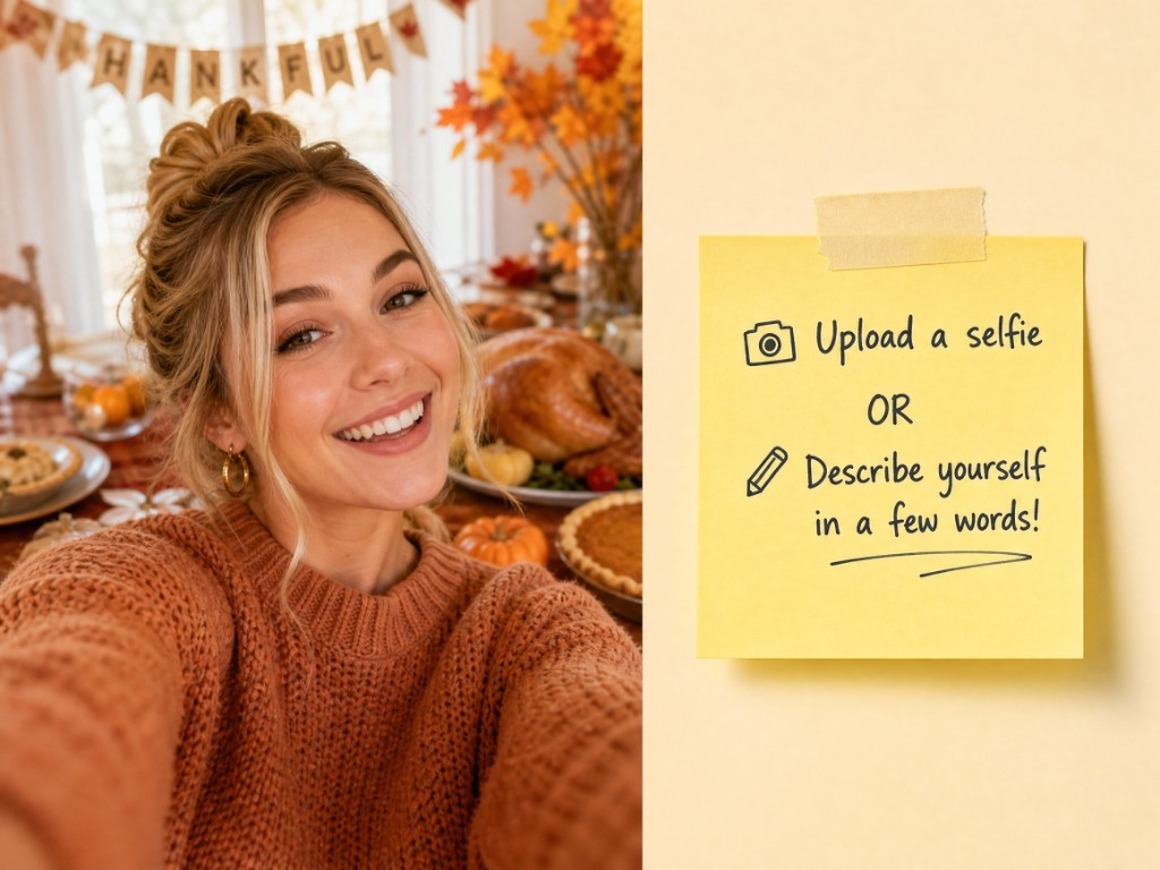
Start from a selfie or a short prompt
When you already have a portrait, upload it and push an AI Turkey Effect on the canvas. When you only have the gag idea, describe empty hands, dinner-table turn, or cute turkey energy and generate without rebuilding a timeline. Dual entry covers both photo-in-hand and idea-only days.
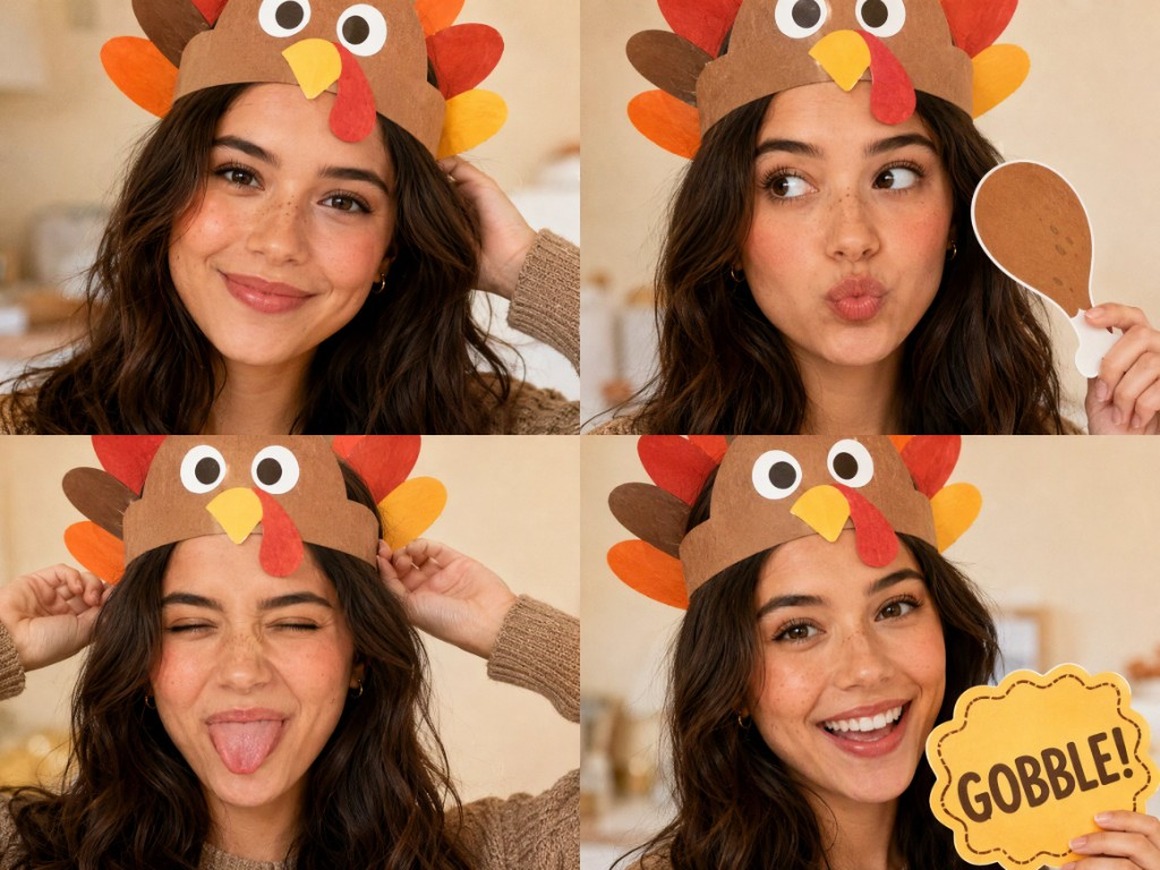
Lock one face IP, then shoot more turkey gags
Build one original host or brand character once, then wrap new turkey looks around that face: selfie turkey, roast-hands gag, Friendsgiving opener, without a new identity every post. RoboNeo treats the character as a reusable IP asset for the holiday week.
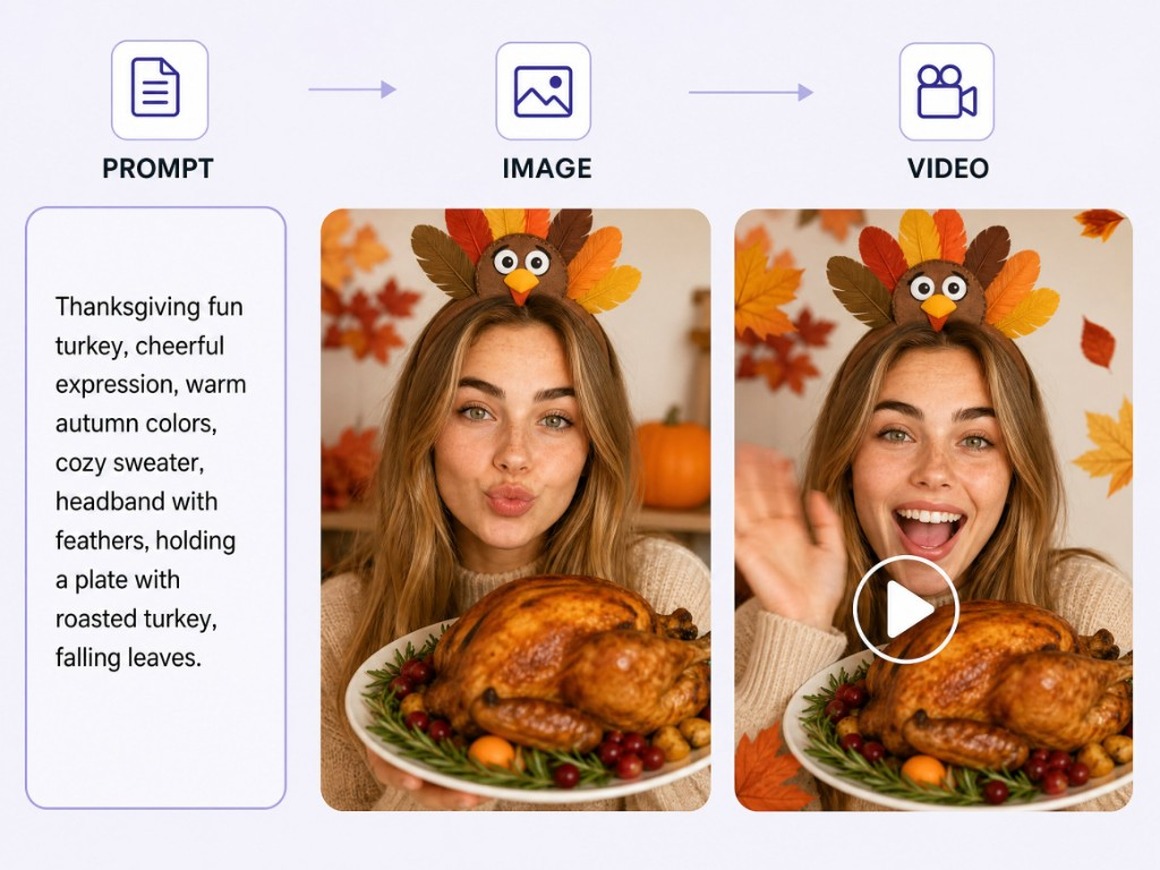
Agent Teams keep gag, stills, and video on one canvas
A turkey brief is rarely finished in one render: you may want more feathers, a softer grade, or a second cut. Agent Teams split the job across linked steps so copy, stills, and video nodes stay connected, and follow-ups revise the board instead of scattering across chats and export folders.
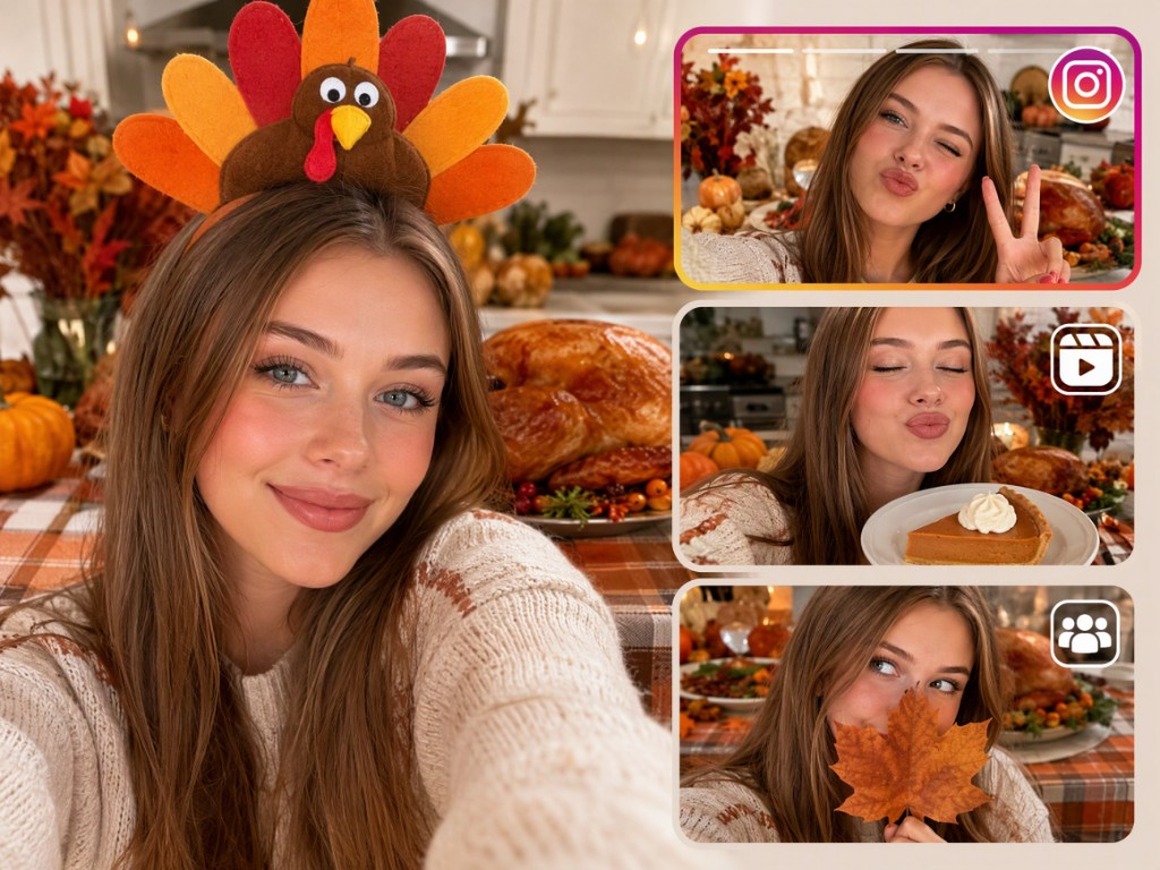
Remix one selfie into multiple turkey cuts
Keep the same face or table look in your asset library, then spin Stories, Reels, or promo cuts from that base. On the video node you can drive image-to-video, text-to-video, omni-reference, motion control, or first-and-last-frame continuity so the ai turkey gag stays on-brand when length or camera move changes. Some models can also generate audio with the clip when that switch is available; otherwise add music in your publishing app.
Who This AI Turkey Effect Is For
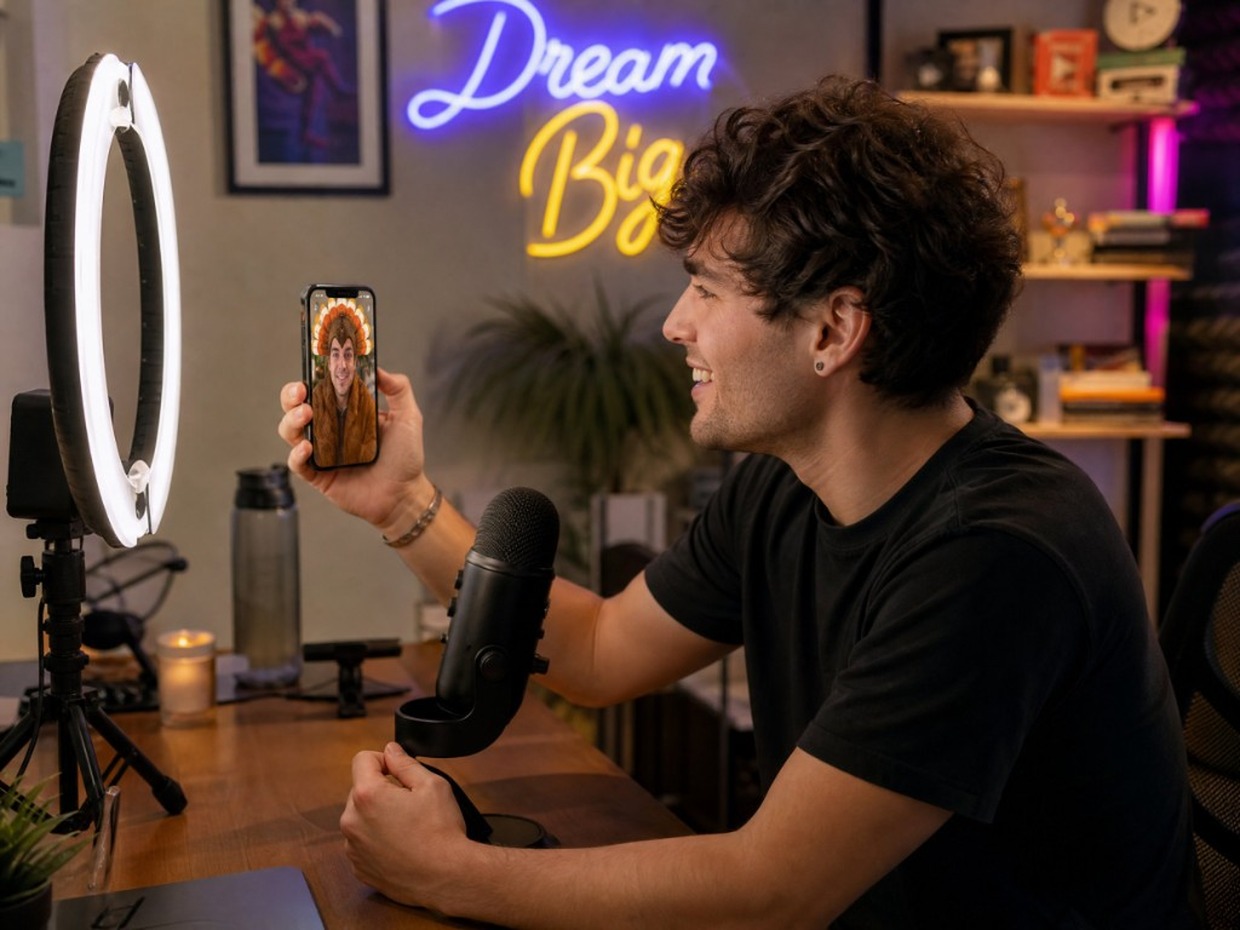
Creators chasing the turkey trend
When Shorts want a fresh ai turkey gag this week but timeline edits eat the day, RoboNeo lets you upload a selfie or describe the joke, then batch vertical turkey clips on the canvas before the meme cools off.
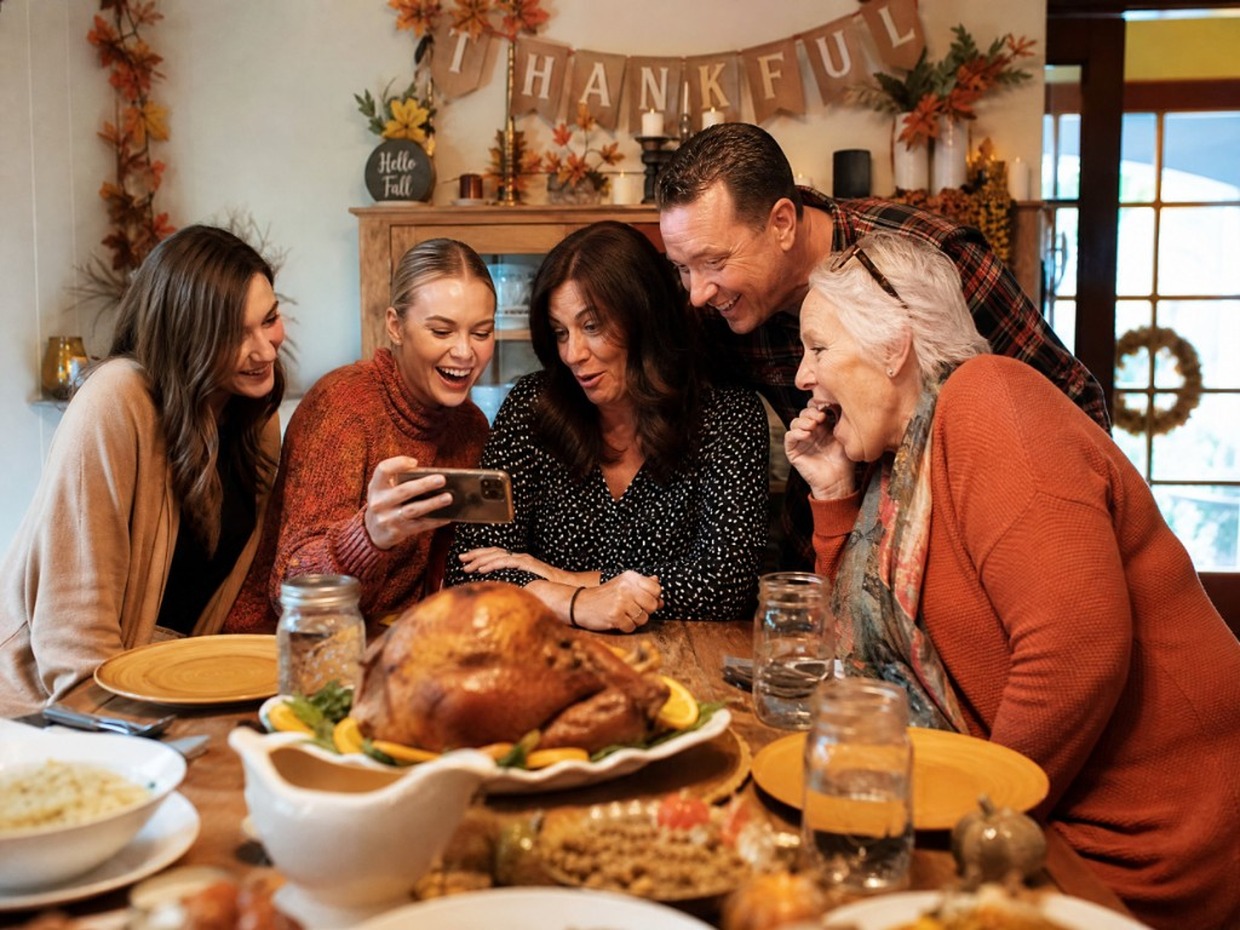
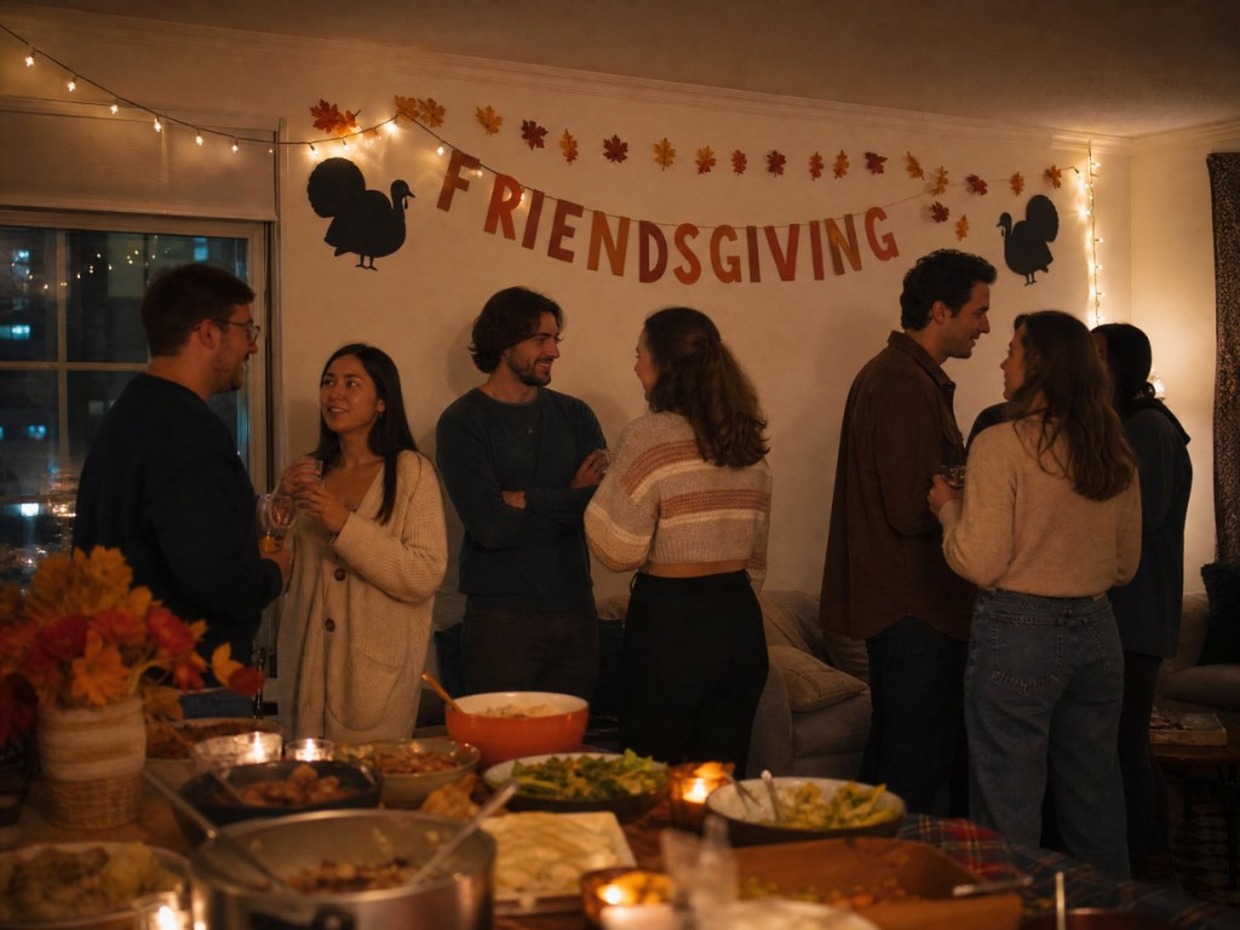
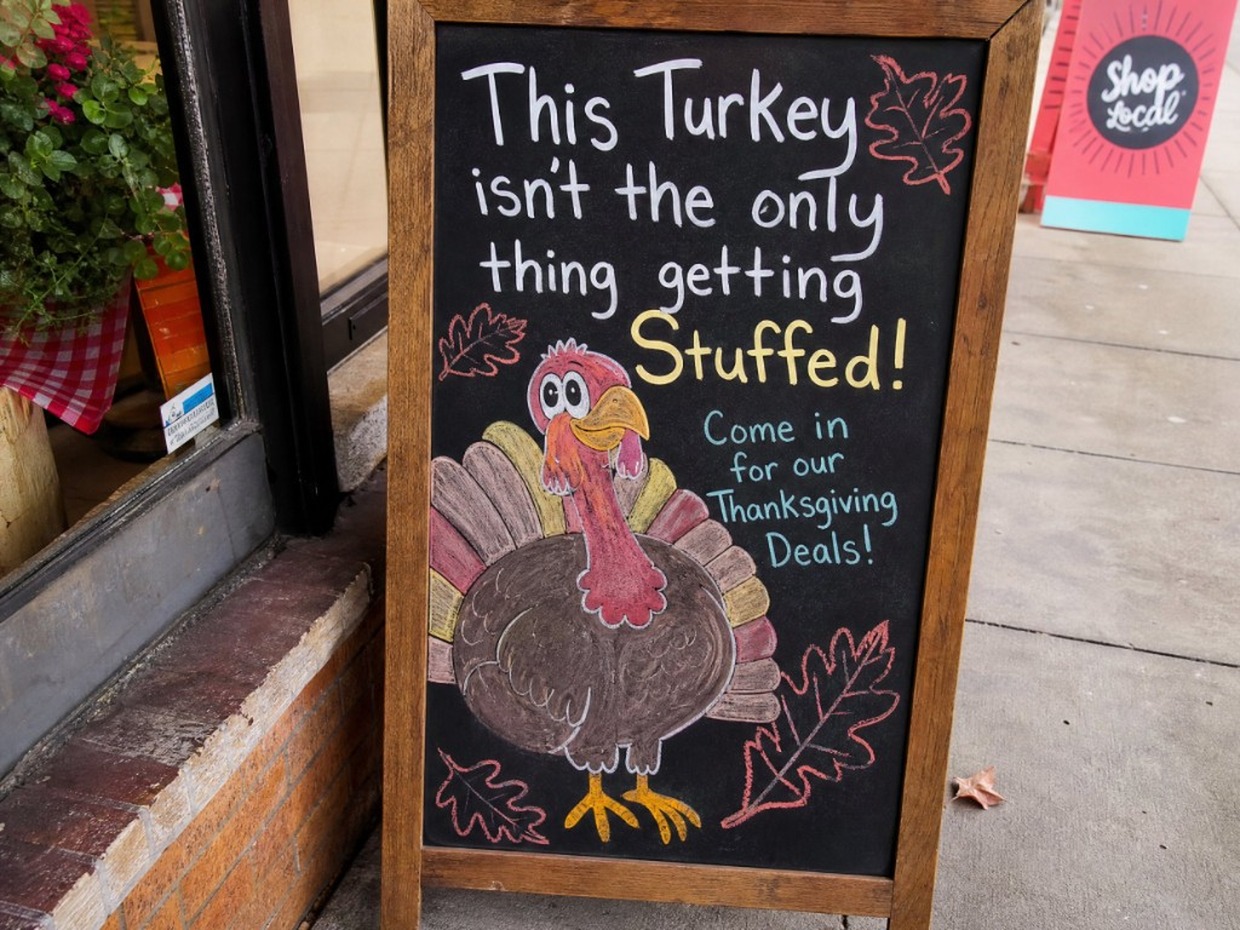
Why Choose RoboNeo for AI Turkey Effect
You keep the face IP and gag assets for the whole holiday week, instead of burning a single disposable turkey render.
Change “funnier,” “cuter,” or “more feathers” in conversation; the board updates with the job.
Start social-ready, then export 16:9, 9:16, or 1:1 from the video node instead of cropping a landscape afterthought.
Frequently Asked Questions
What is an AI Turkey Effect / turkey filter?
How do I create an AI turkey video?
Upload a clear portrait (or write a short prompt), generate on the canvas, preview, then export. Add a follow-up if you want funnier, cuter, or more feathers.
What photos work best?
Chest-up selfie, face toward camera, even light, no heavy beauty filter or sunglasses. Cluttered backgrounds and extreme angles make face-readable turkey looks harder.
Will it keep my face recognizable?
The goal of this page’s gags is a playful turkey look that still reads as you. Results vary by model and prompt; if the face drifts, send a short follow-up to pull identity back.
What format should I export?
Export 16:9, 9:16, or 1:1 depending on where you post. TikTok, Reels, and Shorts usually want 9:16; other ratios may be available on the video node depending on the model.
Are the free credits unlimited?
No. Sign in for free credits (carrots) to try looks. Generation can consume credits by model and plan; see in-product balance and pricing.
Will my clip have a watermark? Can I use it commercially?
AIGC watermark settings can apply depending on product settings and plan. Commercial use follows RoboNeo’s terms and plan, not a blanket free-commercial, no-watermark promise.
Is my upload private? Is this only for Thanksgiving Day?
Handle uploads under RoboNeo’s current privacy and product terms. Peak interest is late October through Thanksgiving week (U.S. Thanksgiving 2026 is Thursday, November 26); Friendsgiving and leftover meme posts still work after.
Explore More
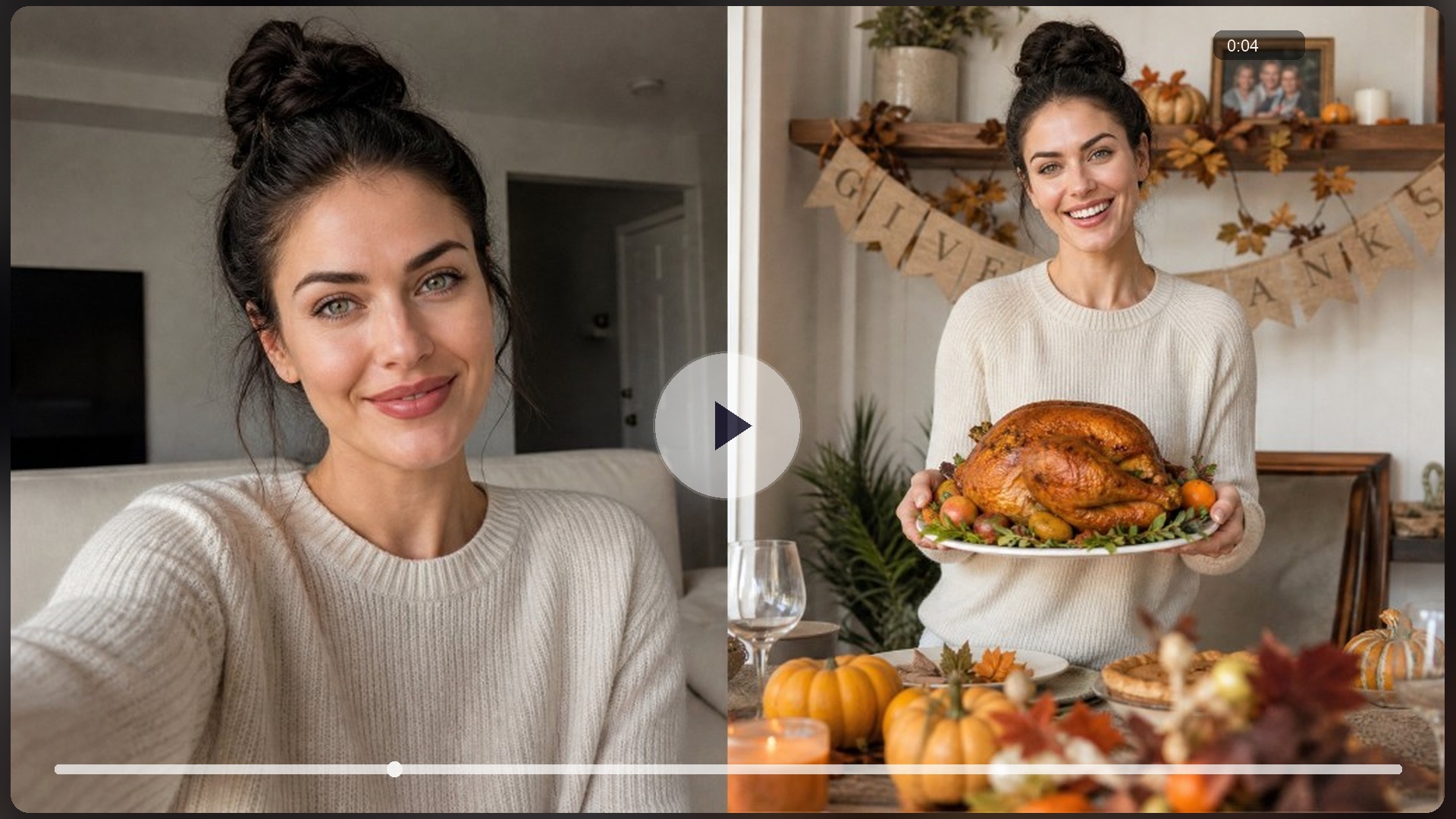
Thanksgiving Video Maker
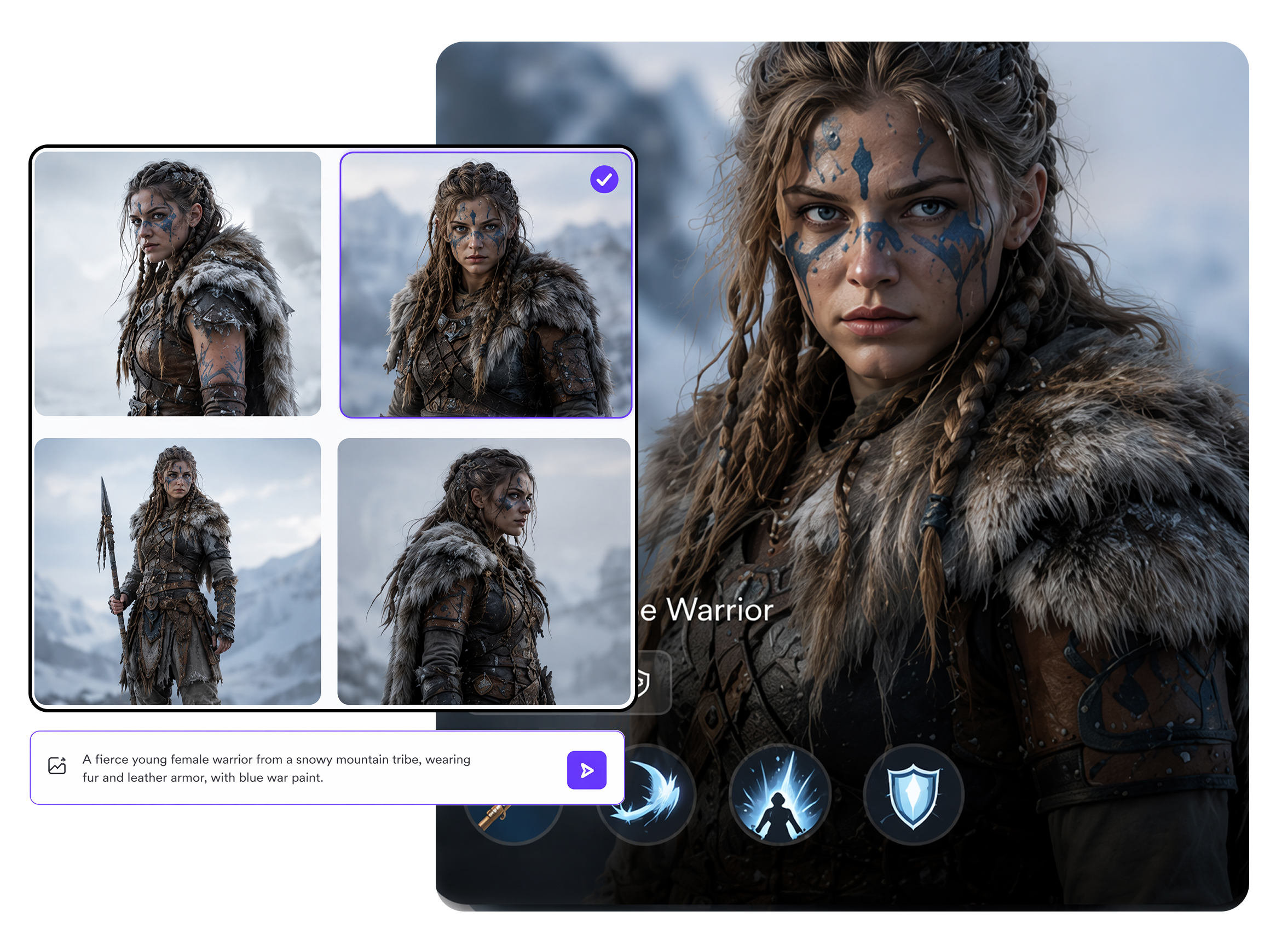
AI Character Generator
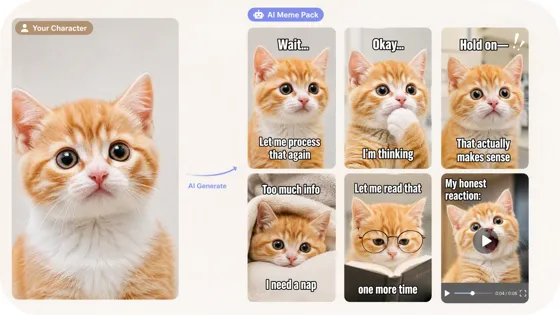
AI Meme Generator
AI Video Generator
AI Image Generator

AI Avatar Generator

AI YouTube Shorts Generator

AI Image to Video
Try Your AI Turkey Effect Now
Upload a selfie or describe the gag, sign in for free credits, and export 16:9, 9:16, or 1:1 while ai turkey search and feeds spike, without living inside a live-AR-only filter app.
What People Make With RoboNeo Turkey Clips
Needed a Reels opener the same afternoon before Friendsgiving posts peaked, but CapCut sticker packs looked generic and I had no time to keyframe feathers. Uploaded one clear selfie into RoboNeo, generated an AI Turkey Effect cut, and dropped the export into that night’s Reels.
Our group chat wanted a laugh before guests arrived, and filming a skit felt awkward with people still cooking. I described the roast-hands gag on RoboNeo, got a short turkey filter clip in one pass, and the Friendsgiving thread lit up within a minute.
We needed three light November Stories for a small shop without casting new faces each post. Locked one host look as IP on RoboNeo, remixed three ai turkey cuts from that base, and scheduled them the same week without another photoshoot.