
AI Promo Video Maker for Ads, Launches, and Social
Product launches, sales, and social campaigns can start with a prompt, image, or reference clip. The promo video maker in RoboNeo helps create promotional videos and test different campaign directions without arranging a new shoot.
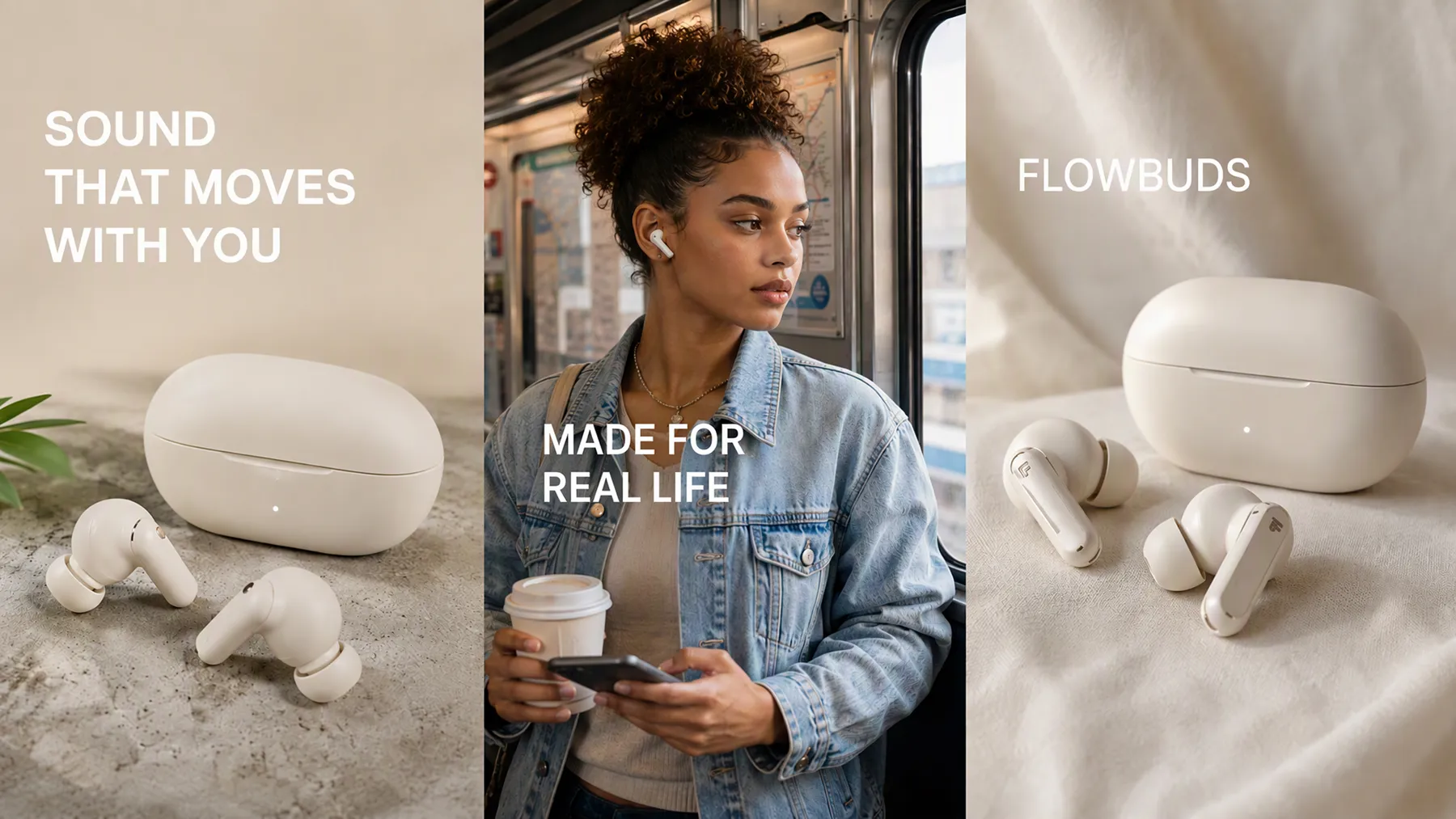
How to Make a Promo Video in RoboNeo
Add Your Campaign Idea
Add a prompt, product image, or reference media to the canvas. Choose Text-to-Video, Image-to-Video, or Universal Reference based on the assets you already have.
Set the Video Format
Choose a video model, then set the aspect ratio, resolution, audio, and duration. Formats include 9:16, 16:9, and 1:1, with resolutions from 480P to 4K.
Generate Video Options
Generate one, two, or four clips in a batch. Compare different hooks, motion, or visual directions and pick the version that best fits your promotional video.
Refine and Export
Adjust the prompt, model, or video settings as needed. You can also split clips, add media or text, preview the sequence, and export the finished promo video.
More Flexibility for Every Promo Video
Text, Images, and Mixed References
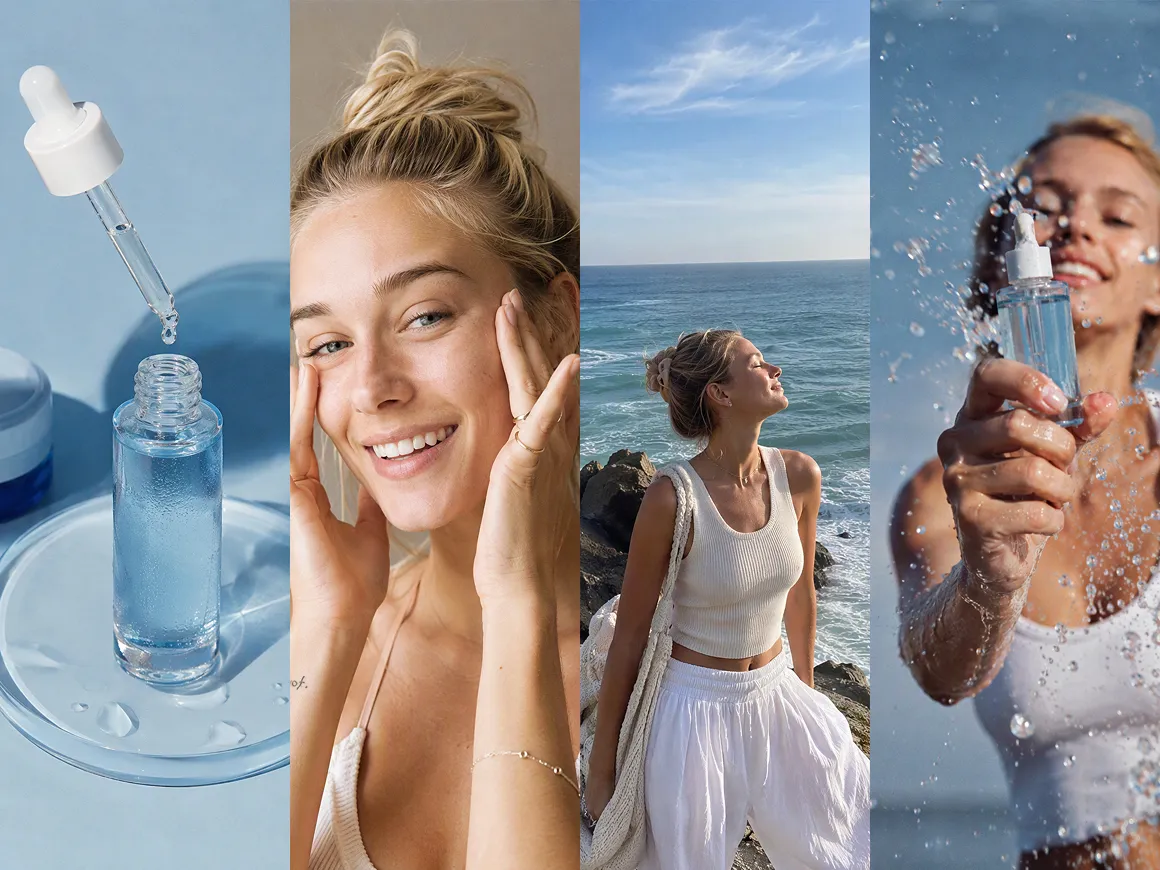
A promo can begin with a product photo, a short prompt, an existing clip, or several references together. Universal Reference supports text, images, video, and audio, giving you more ways to keep the final video close to the campaign idea.
A Video Model for Each Campaign
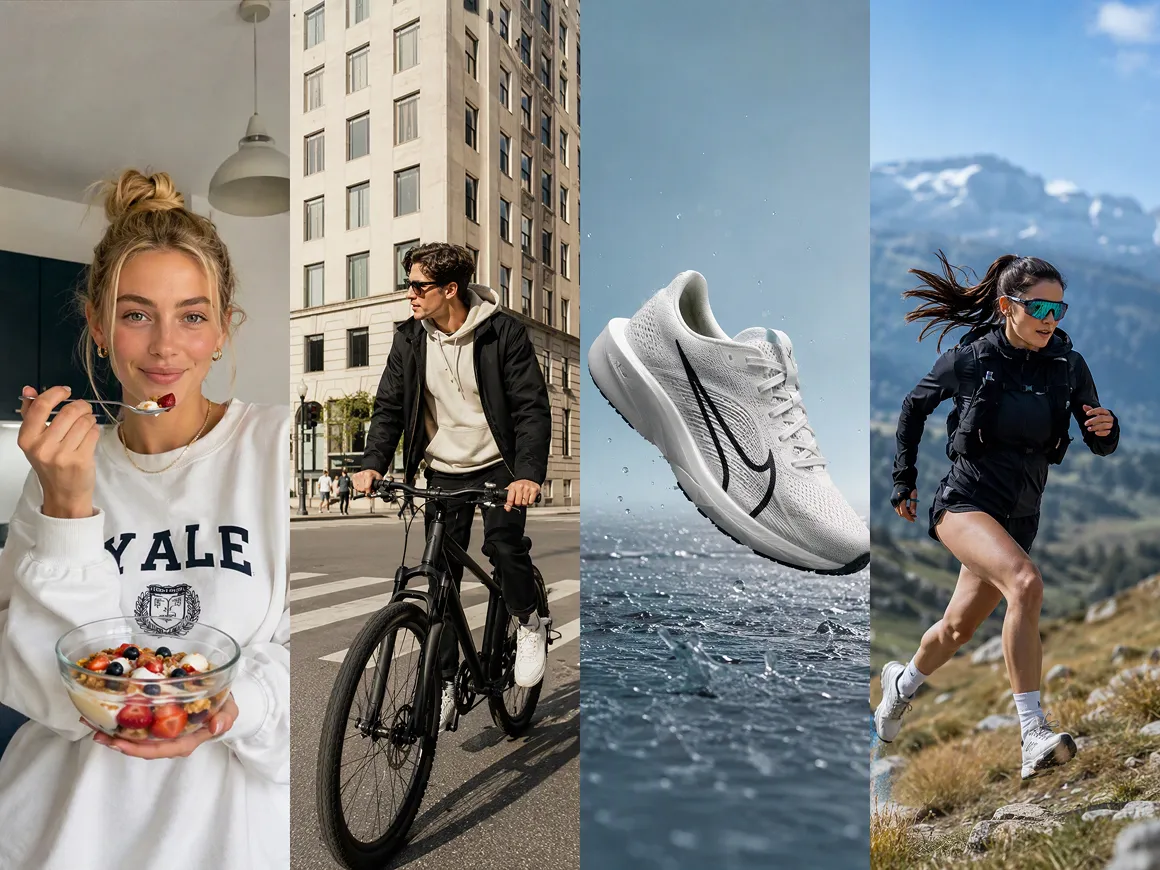
Different campaigns may need different motion, pacing, or visual styles. RoboNeo supports multiple video models, so you can compare results and choose the one that works better for a product launch, social ad, seasonal offer, or brand campaign.
Formats for Every Placement
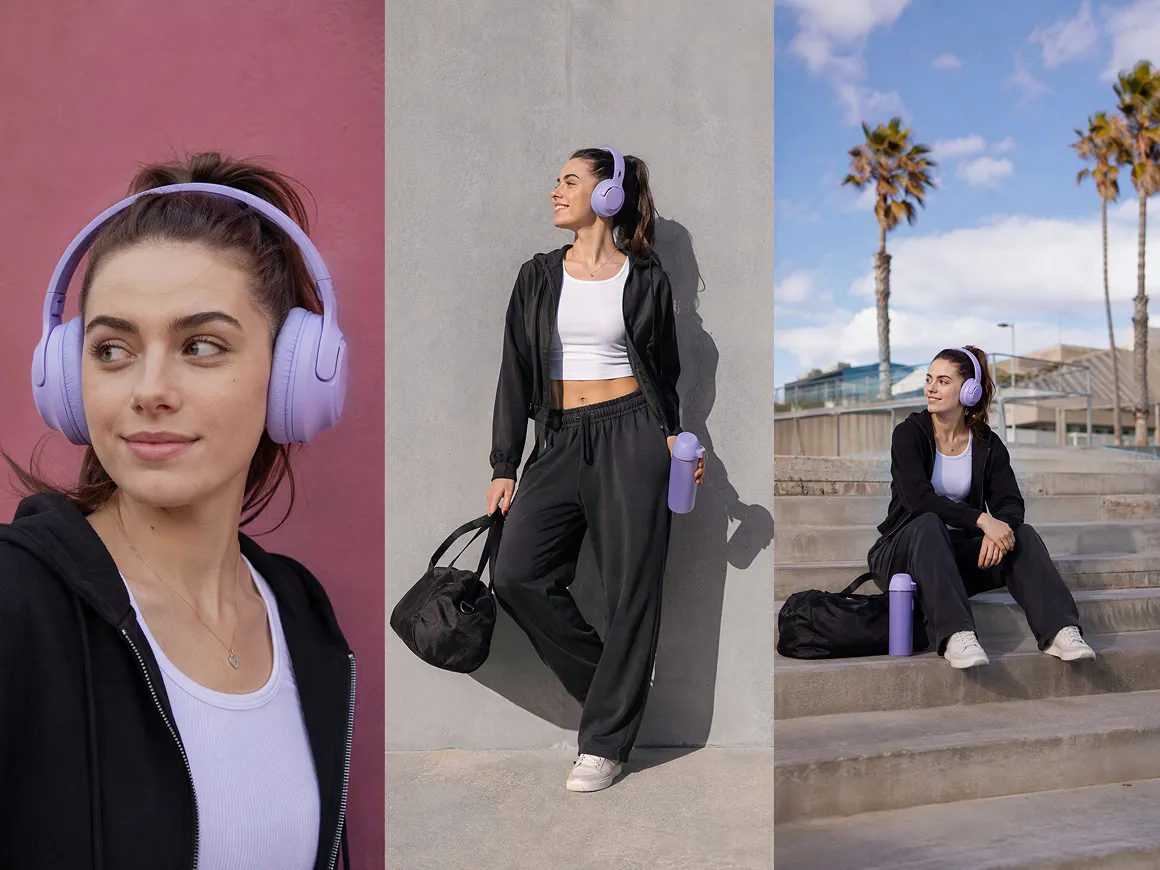
Vertical, square, and widescreen formats are available for different channels and placements. You can also set the resolution, audio, and clip duration before generation, making it easier to prepare promo videos for social feeds, ads, or website campaigns.
More Versions From the Same Idea
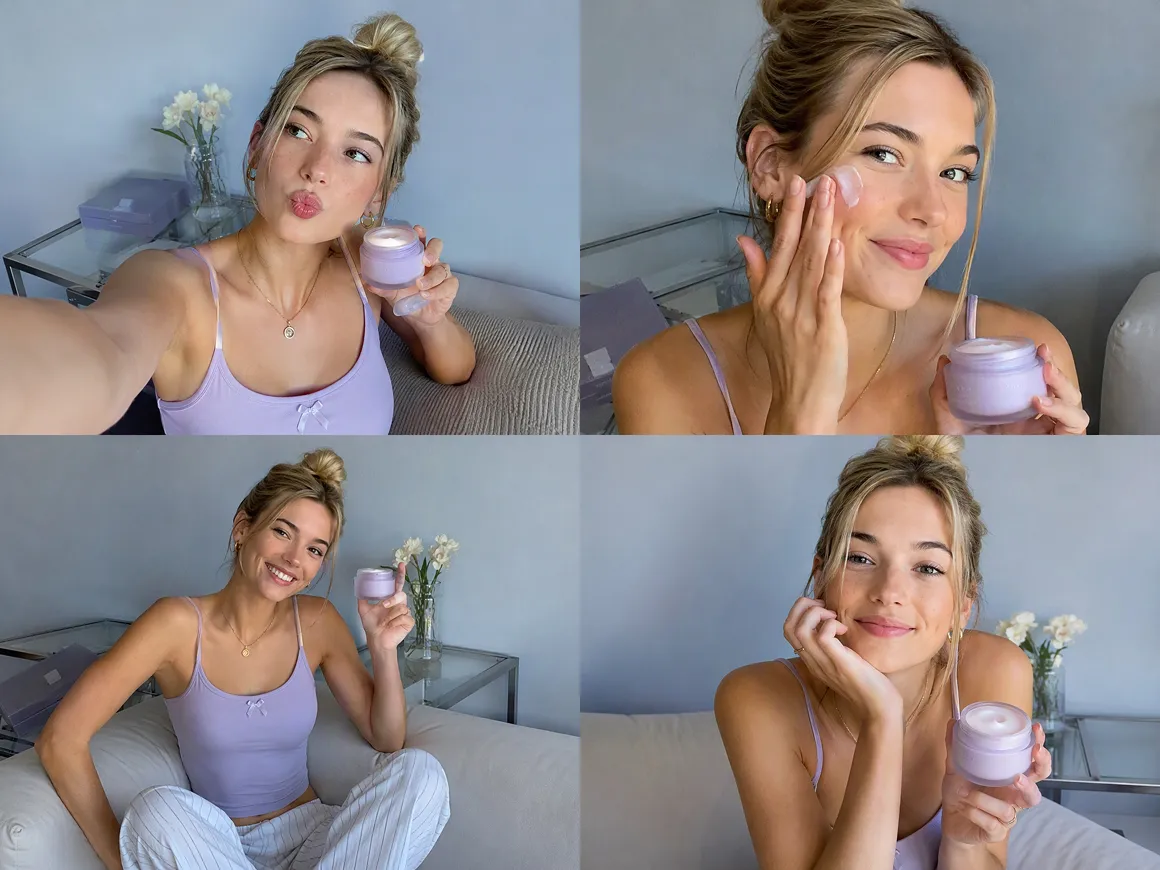
One campaign idea does not have to stop at a single result. Generate one, two, or four clips at a time, compare different versions, then adjust the prompt, model, or video settings when another direction is worth exploring.
Promo Videos for Different Campaigns
New Product Launches
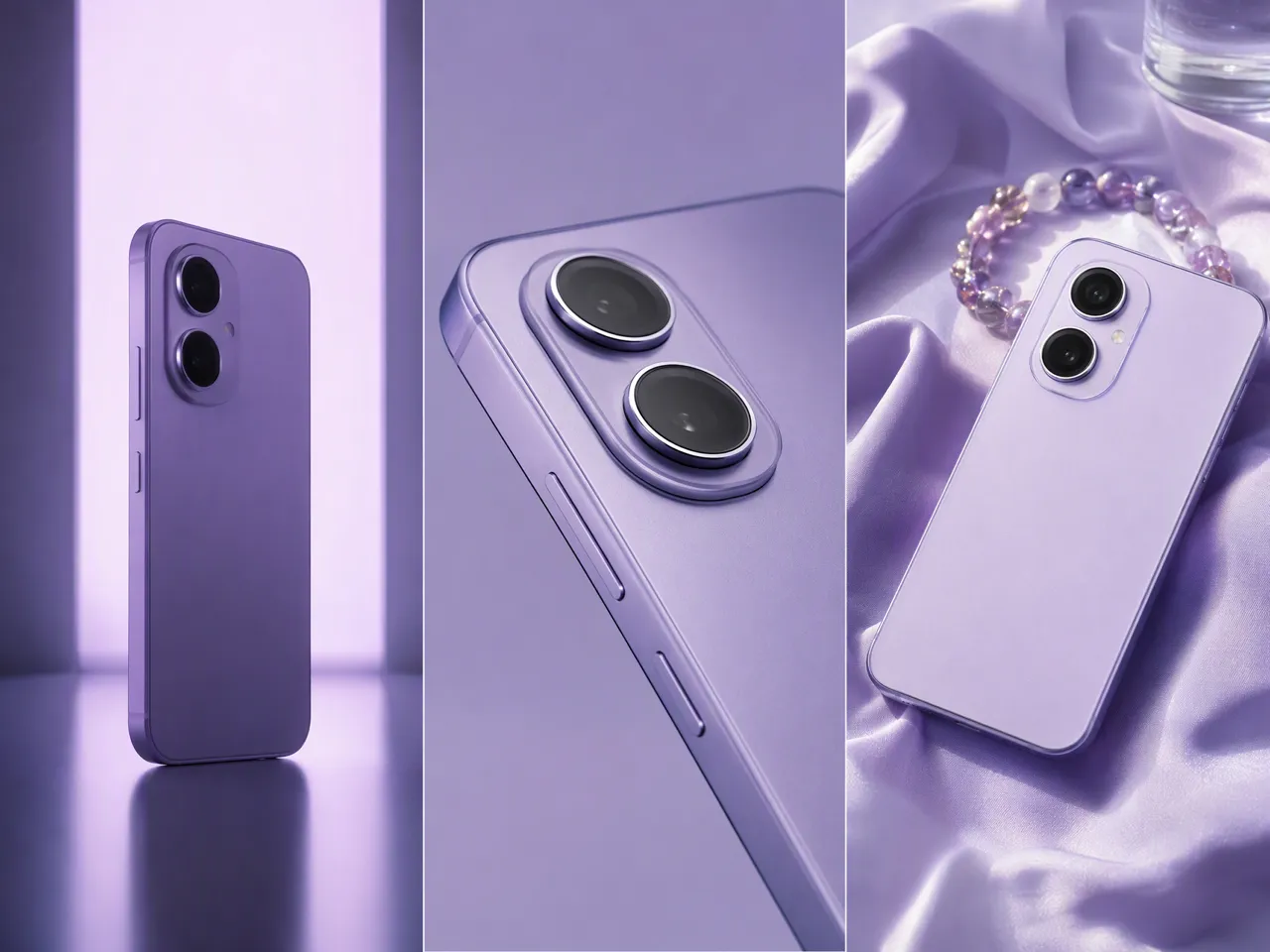
A new product often needs more than a single announcement post. Product photos, brand assets, or a rough idea can become short promo videos that introduce the product, call attention to a key benefit, or build interest before launch day.
Frequently Asked Questions
How do I make my own promo video?
How long should a promo video be?
Most short promotional videos work well at around 15 to 30 seconds. RoboNeo generates individual clips from 4 to 15 seconds, which can be combined when a campaign needs a longer sequence.
What makes a good promo video?
A good promo video gets to the point quickly, focuses on one main message, and gives viewers a reason to keep watching. Strong visuals, clear pacing, and a simple call to action usually matter more than extra detail.
What is the best aspect ratio for a promo video?
It depends on where the video will appear. 9:16 works well for TikTok, Reels, and Shorts, while 16:9 suits websites and YouTube. RoboNeo also supports 1:1 and other formats.
Is an AI promo video maker free to use?
Some AI promo video makers offer free credits or limited plans. RoboNeo uses a points-based system, and different AI models consume different amounts. Users can add more points or choose a subscription plan.
How much does it cost to make a promo video?
A simple freelance promo may cost a few hundred dollars, while professional production can run into several thousand. AI tools can lower that cost by reducing the need for filming, extra crew, and repeated reshoots.
Promo Video Creation for Tight Timelines
Launch dates and promotions do not always leave time for a long production cycle. RoboNeo helps get promo ideas on screen sooner, so video production does not hold up the rest of the campaign.
What Users Say About Promo Videos in RoboNeo
I used it for a product launch where we needed a few short promo ideas fast. One version ended up becoming the main social video, and another worked better as a paid ad.
We already had the product photos, so I started there. I made a quick video for a weekend sale without having to wait for new footage, which was exactly what I needed at the time.
I mostly use it when a client wants to see another direction after we have already started. Changing the opening or trying a different visual approach is much easier than rebuilding the whole promo from scratch.