
AI Avatar Generator
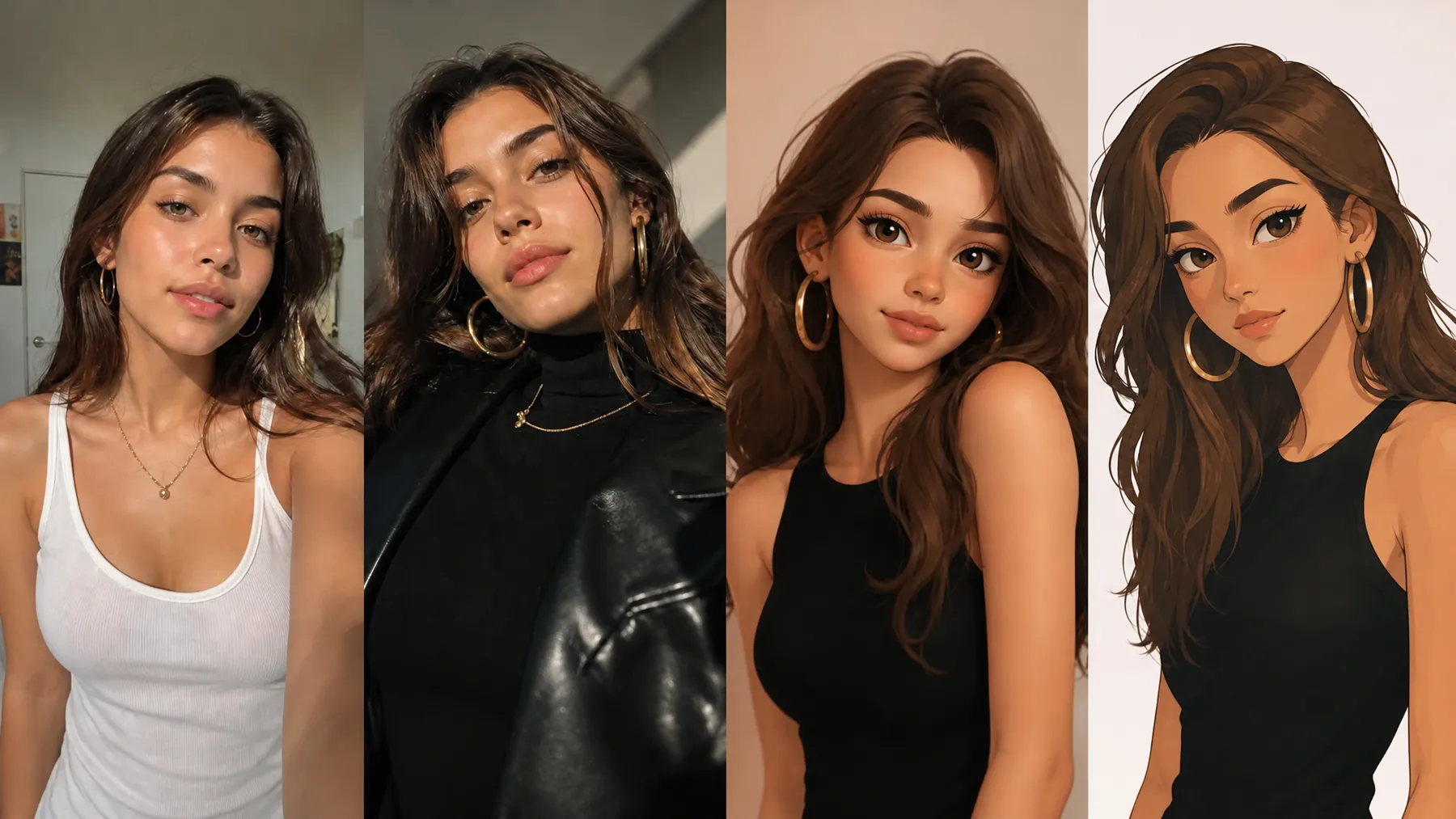
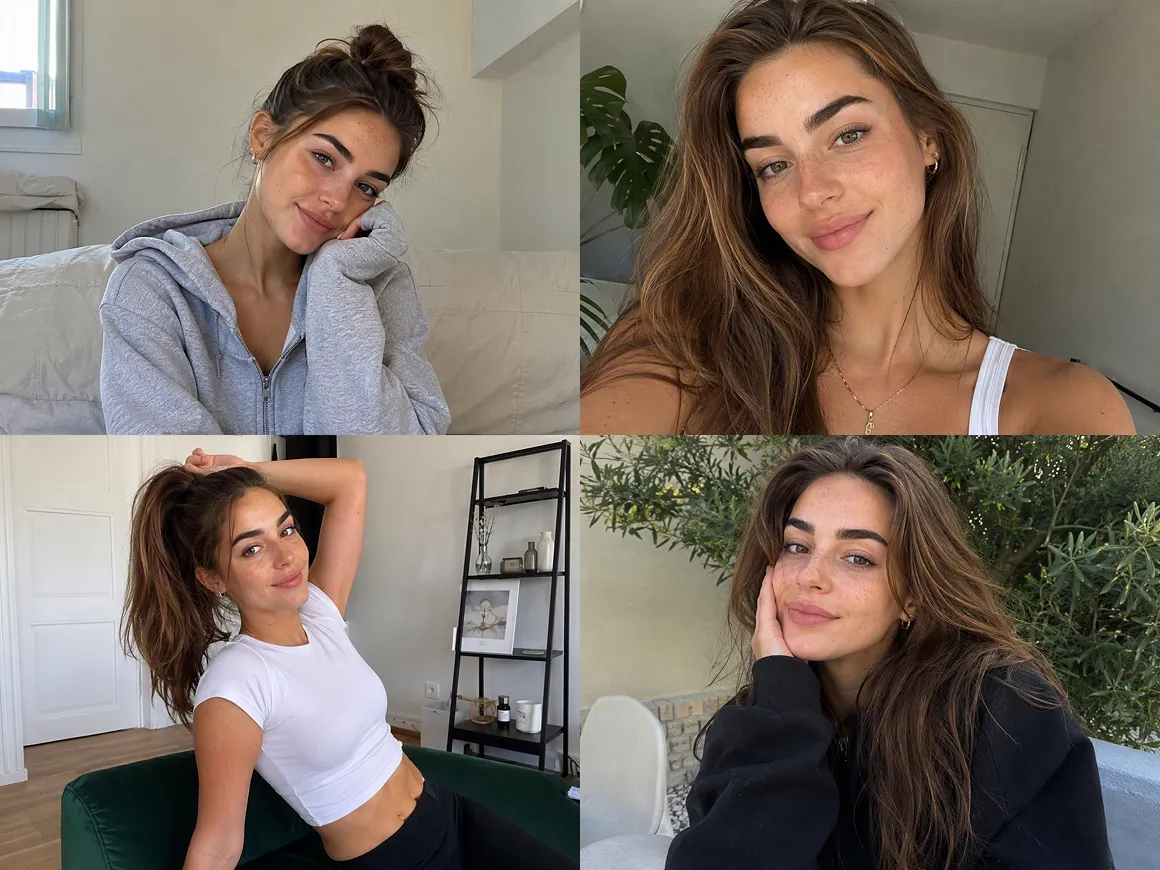
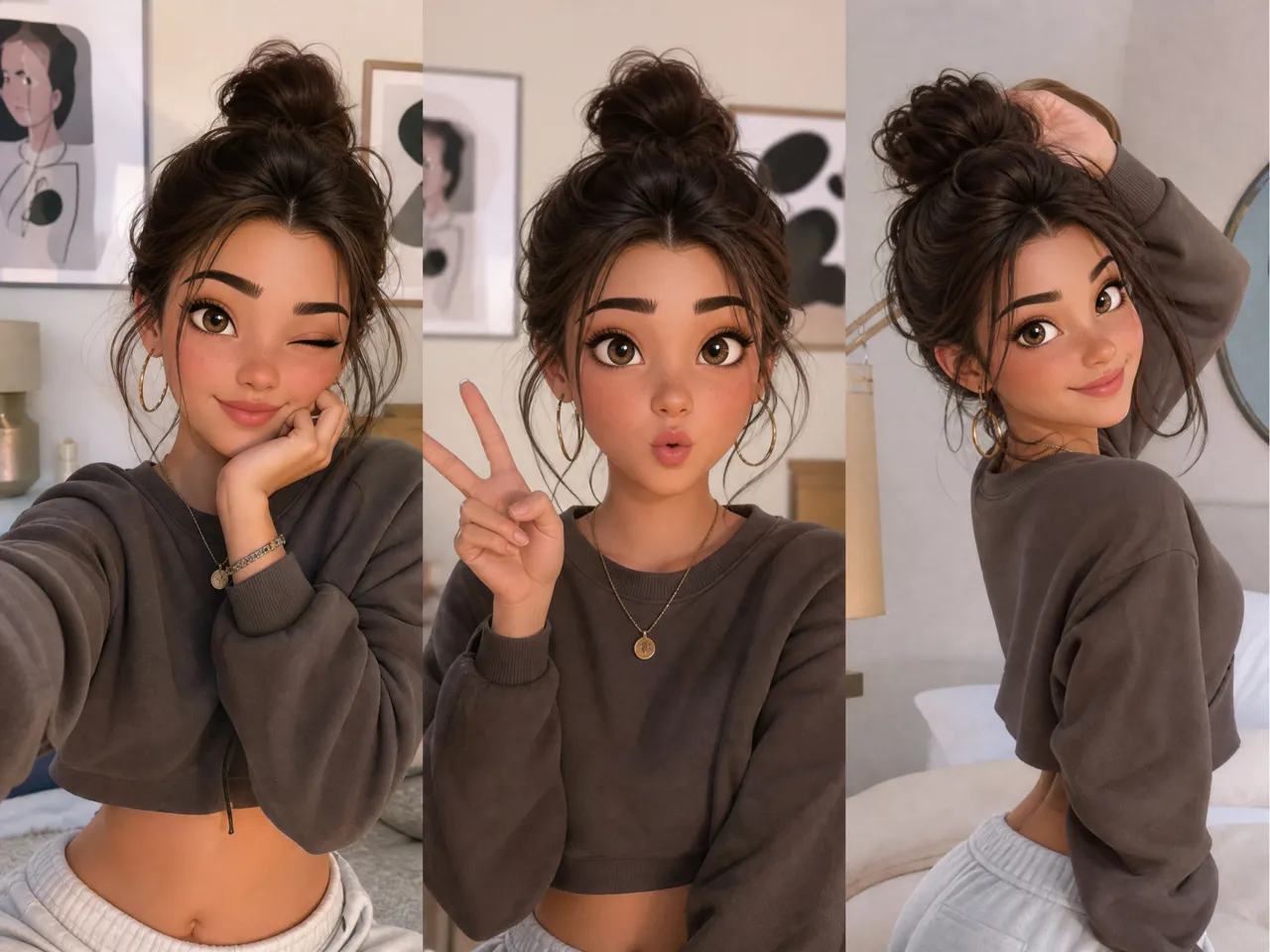
From realistic faces to stylized characters, the AI avatar generator in RoboNeo helps you turn an idea or reference image into a reusable avatar for videos, ads, social posts, and more.
How to Make an AI Avatar in RoboNeo
Start an Image Project
Open a new image project in RoboNeo and choose the aspect ratio that fits your content, whether you are making a profile image, social post, campaign visual, or character reference for video.
Add a Prompt or Reference Image
Describe the character you have in mind, including appearance, clothing, expression, and visual style. A reference image can also guide the look when you already have a specific direction in mind.
Generate and Pick a Version
Generate several options and compare the results. Choose the version that best matches the character identity, facial details, and overall style you want to use in later content.
Refine the Details
Specific elements such as clothing, expression, hairstyle, background, or styling can be adjusted with prompt-based edits. Keep the version you prefer as the main visual reference for the character.
Bring the Avatar Into Video
Add the finished avatar to a Video Node, then work with Image to Video, Universal Reference, or another compatible workflow. Select the model and output settings before generating the scene.
AI Avatar Generator for Consistent Characters
Shape the Character Around Your Idea
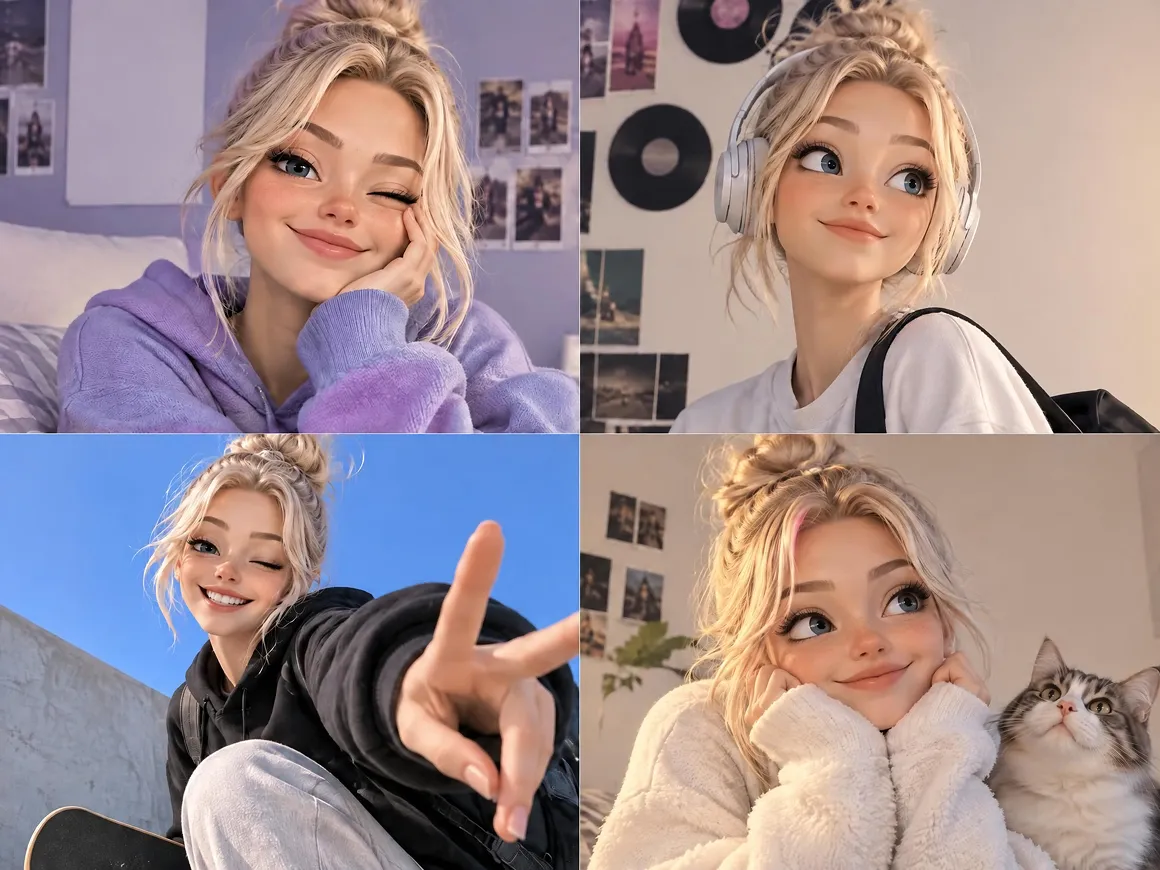
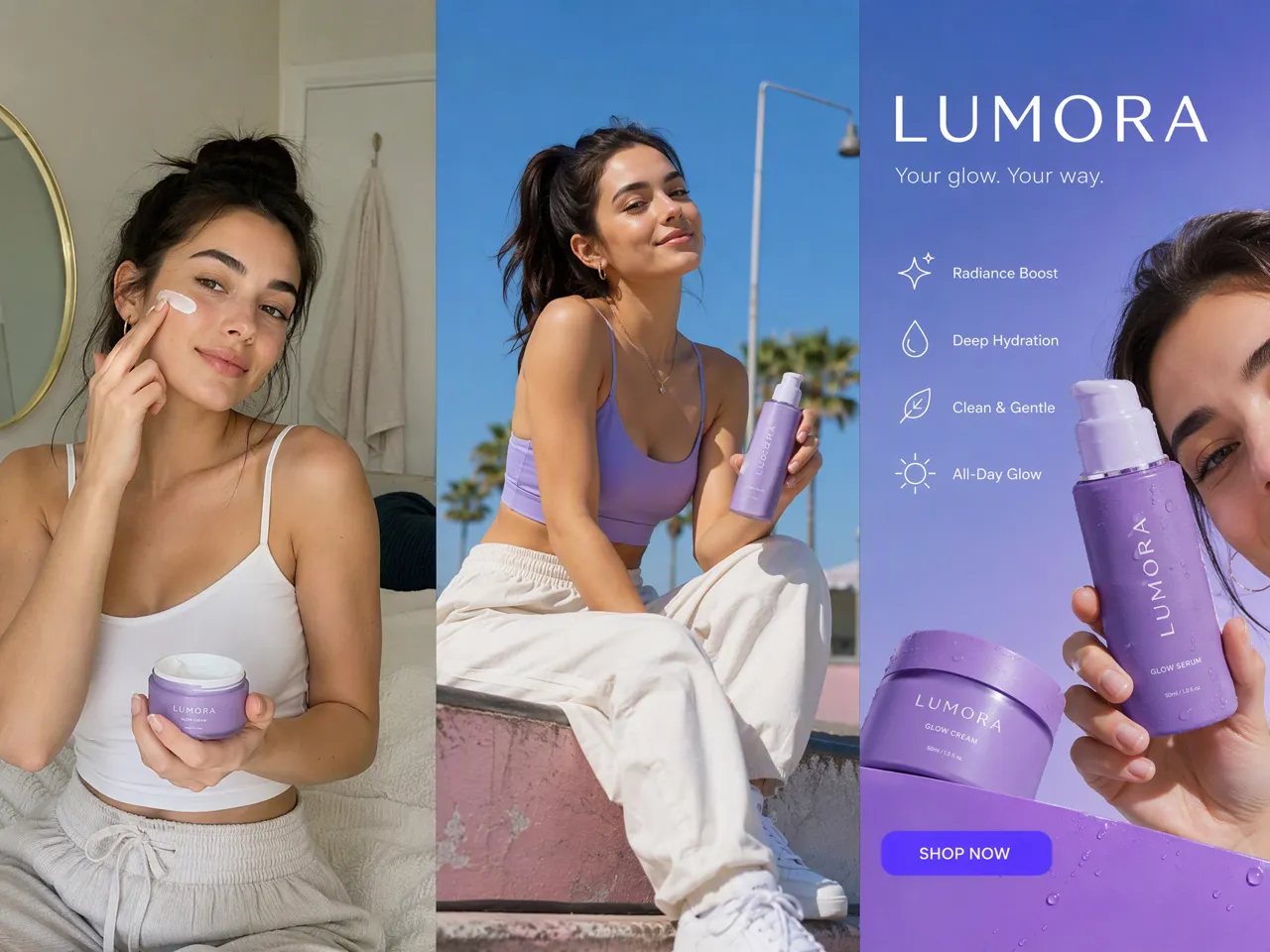
A written description or reference image can set the direction from the beginning. Facial features, wardrobe, expression, setting, and overall visual style can all be explored, giving you more control over how the avatar fits a channel, campaign, story, or brand.
Keep One Character Across New Scenes
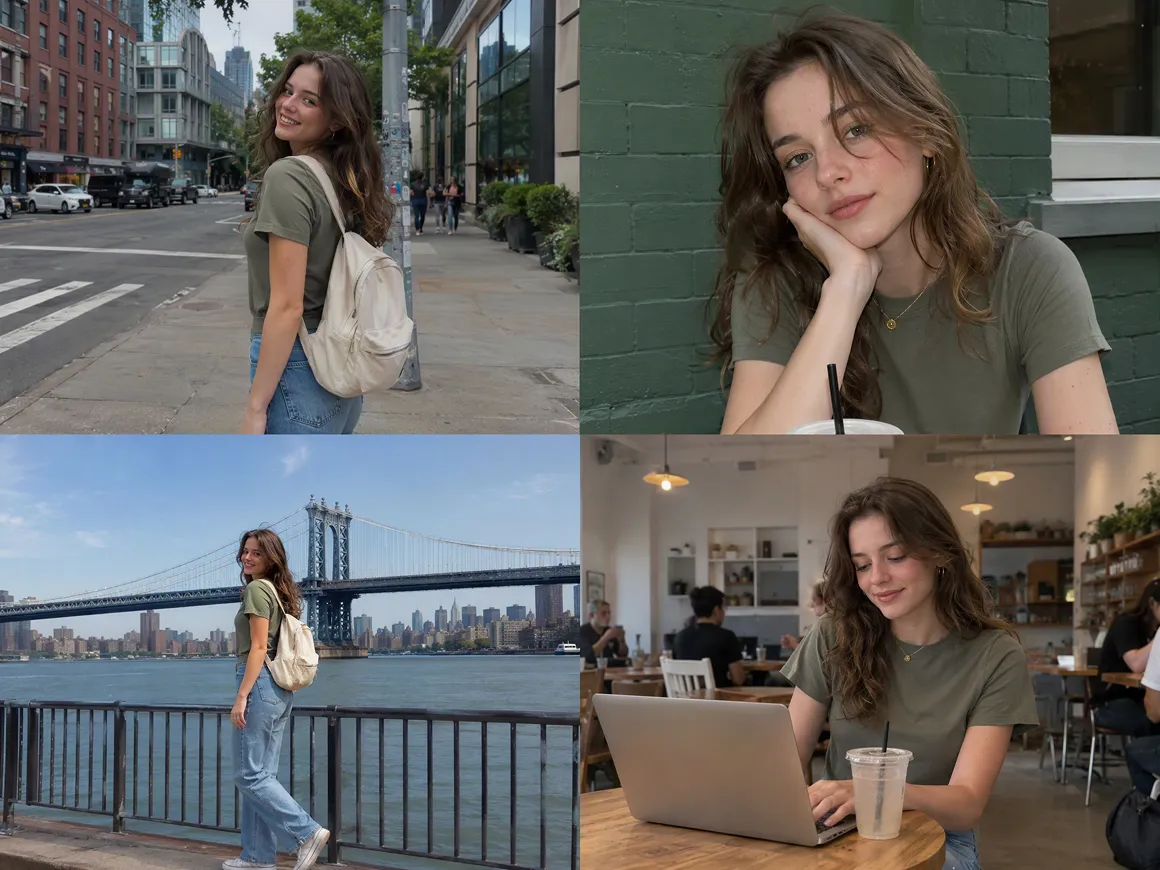
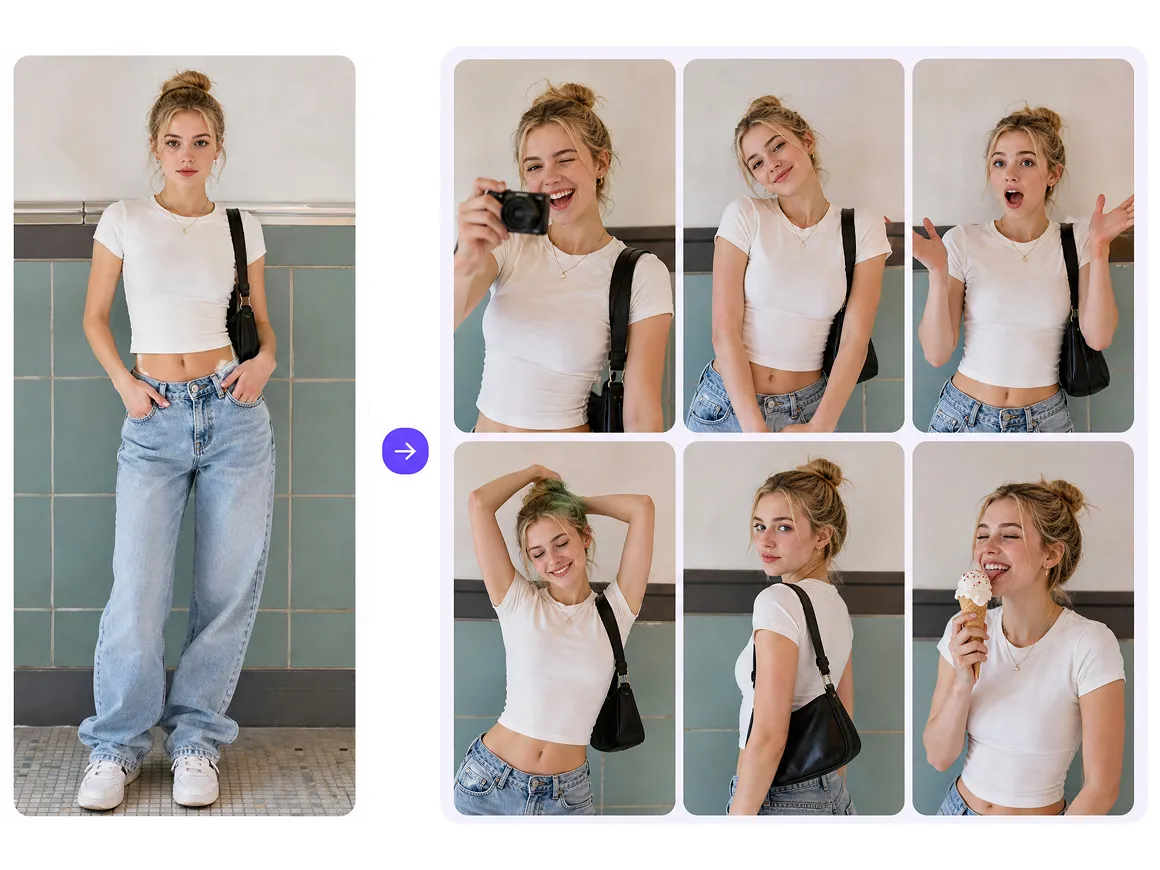
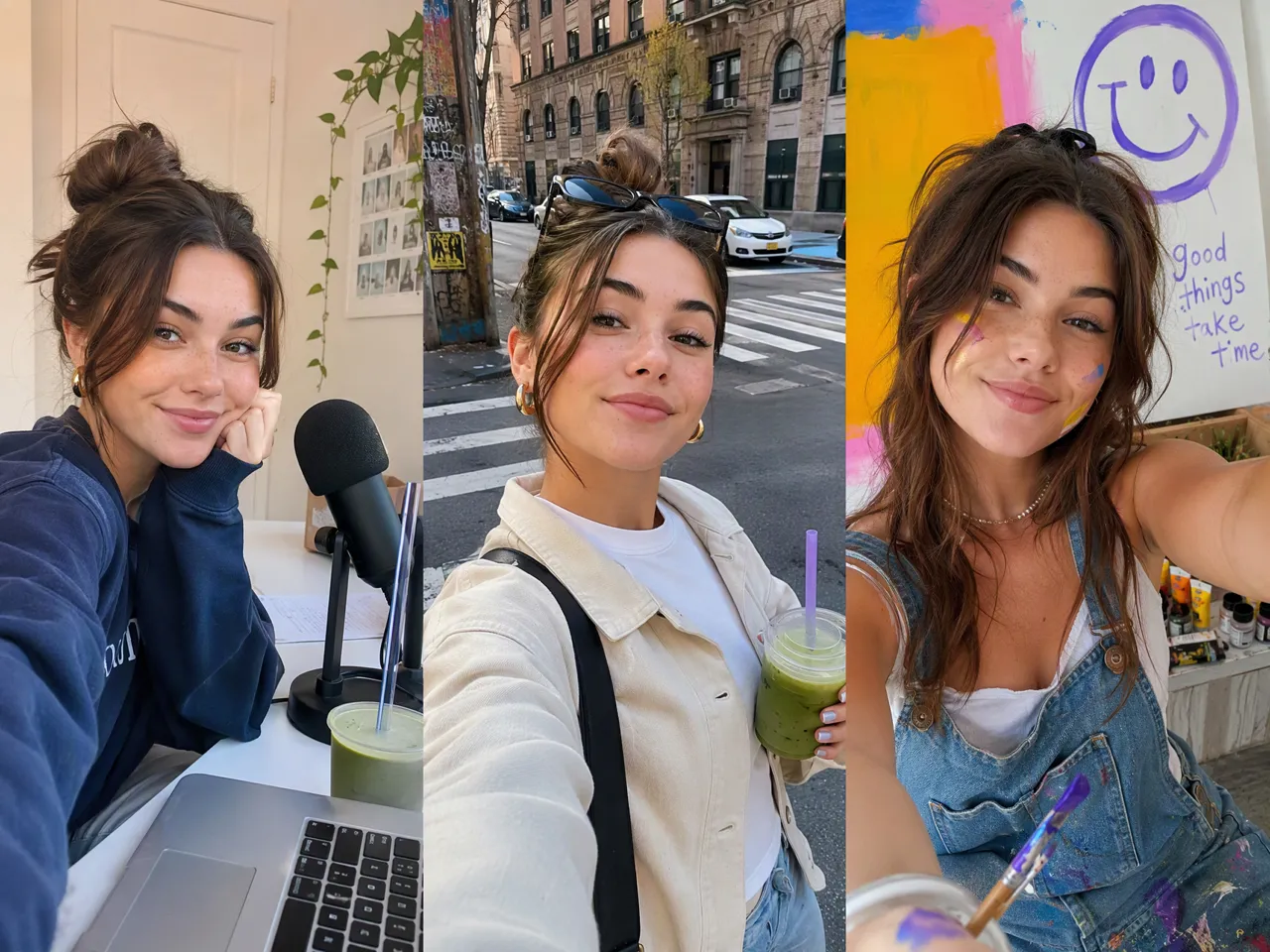
A finished avatar can become the visual reference for later images and video ideas. Reusing the same source image makes it easier to maintain a recognizable character while exploring new poses, settings, outfits, and story moments.
Bring a Still Avatar Into Video
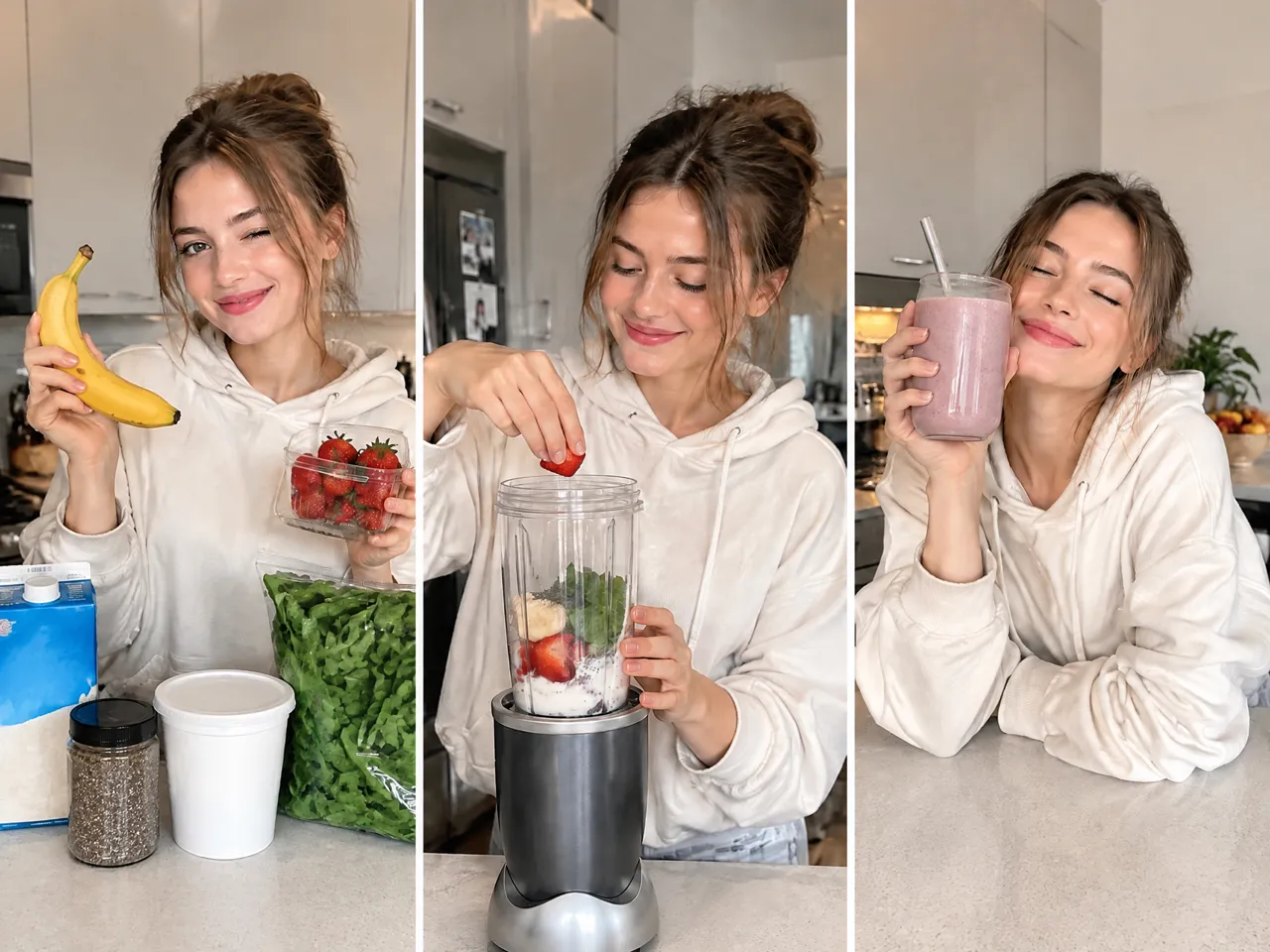
The same character does not have to stay static. An AI avatar video generator workflow can use the finished avatar as the starting point for motion, helping you build short scenes without filming an on-camera presenter.
Refine Details Without Starting Again
Small creative changes do not require a completely new character. Clothing, expression, background, and styling can be revised while keeping the main avatar concept in place, which is useful across different campaigns, formats, or visual directions.
AI Avatars for Videos, Stories, and Campaigns
Short Videos and Mini Dramas
A recurring avatar can take on different roles across short videos, mini dramas, and story-based content. The same character can appear in new locations, outfits, and situations, making it easier to build an ongoing series without casting or filming the same performer for every scene.
Frequently Asked Questions
How do I create my own AI avatar?
Can I create an avatar for free?
Yes. Many AI avatar tools offer free credits or limited free generations. Free plans usually come with limits on the number of generations, resolution, or video length.
Which AI avatar model is the most realistic?
Photorealistic avatar models usually produce the most realistic results. The best ones keep facial features consistent, handle expressions naturally, and create smoother lip movement and body motion in video.
How much does an AI avatar cost?
Most AI avatar tools cost around $10 to $50 per month for individual users. Basic image avatars are often cheaper, while video avatars, longer exports, and higher generation limits usually cost more.
What is an example of an avatar?
An avatar can be a realistic digital presenter, a recurring character in a short video series, a virtual spokesperson for ads, or a stylized character used for social media, games, or online profiles.
Is it safe to upload my photo to an AI avatar generator?
It can be, but check the platform’s privacy policy first. Look at how your photos are stored, processed, and deleted, and only upload images you own or have permission to use.
Your AI Avatar, Your Style
AI can generate different avatar looks for you to compare, from realistic characters to more stylized designs. Pick the direction you like, adjust the details, and keep refining it until the character feels right for your idea.
What Avatar Creators Are Saying
I made one avatar for a TikTok series and ended up using her in way more videos than I planned. It just made the whole series feel more connected.
I've been using it for ad concepts and it’s been really handy. Once I had a character I liked, trying different campaign ideas felt much faster.
Started with a portrait and took it into video from there. The result looked better than I expected, and I liked not having to build a new character for every clip.