
AI Movie Generator Online
The AI movie generator in RoboNeo gives one idea a clear path from script to screen. Instead of creating random clips one by one, you can shape the story scene by scene and keep the whole movie project in one workspace.
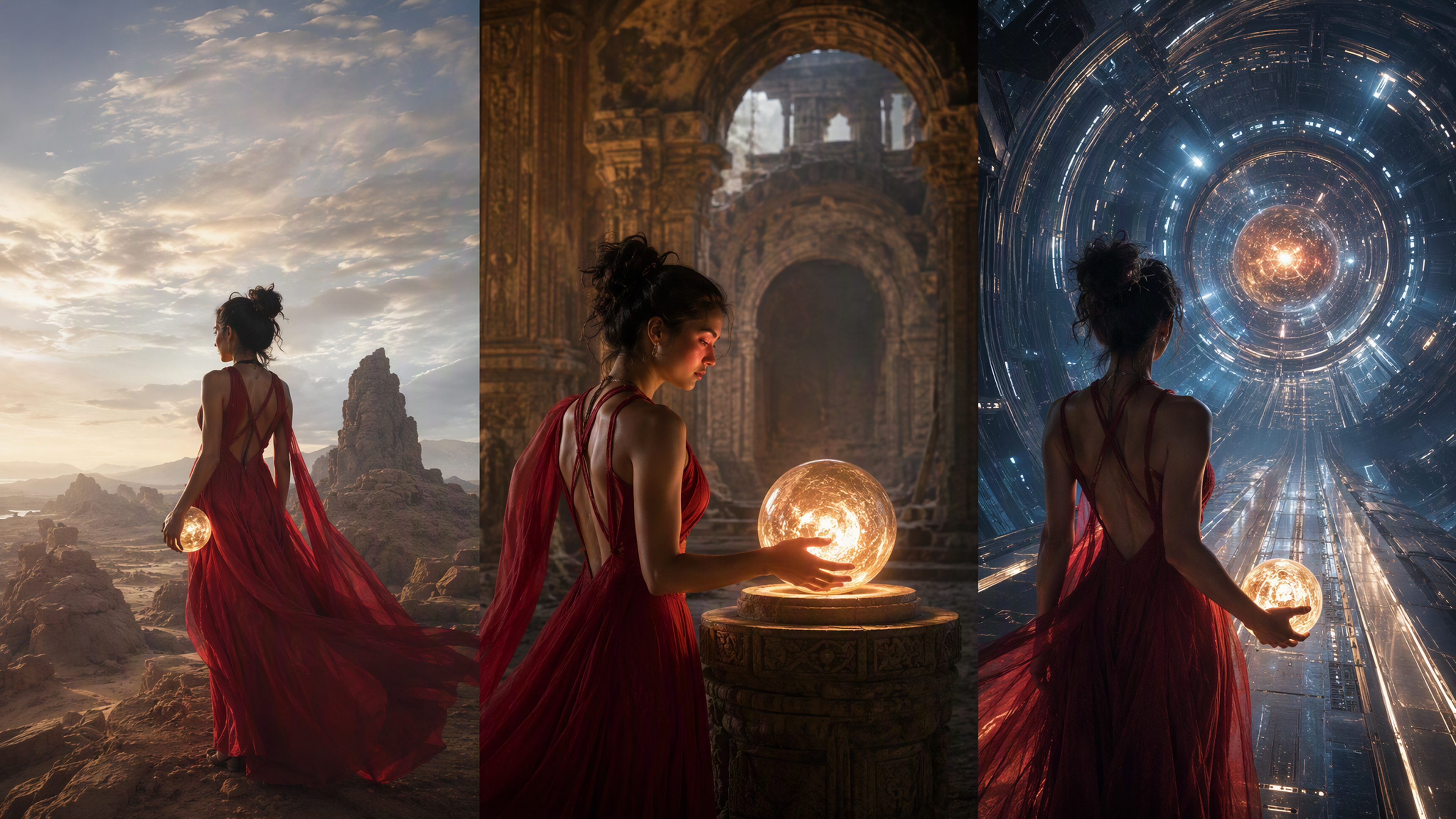
How to Use the AI Movie Generator in RoboNeo
Describe Your Movie Idea
Start with the movie you want to create. Enter the story concept and the direction you have in mind, or use one of the available templates if you need a starting point.
Build the Story and Script
The Agent turns your idea into a story structure and script on the canvas. Review the result and adjust any part that does not match your intended storyline before continuing.
Create the Movie’s Visual Style
Choose a photography or animation style for the project. RoboNeo can then generate character turnarounds, scenes, props, and other visual assets based on the script.
Generate the Storyboard and Scenes
Once the characters and visual direction are confirmed, the Art Director generates the storyboard. RoboNeo can then turn the storyboard shots into video scenes and continue generating until the sequence is complete.
Refine and Export Your Movie
Review the generated scenes and revise individual shots when needed. You can adjust prompts, models, and video settings, then use the built-in editor to split clips, add media or text, preview the sequence, and export the final video.
Keep the Whole Movie Connected, Scene by Scene
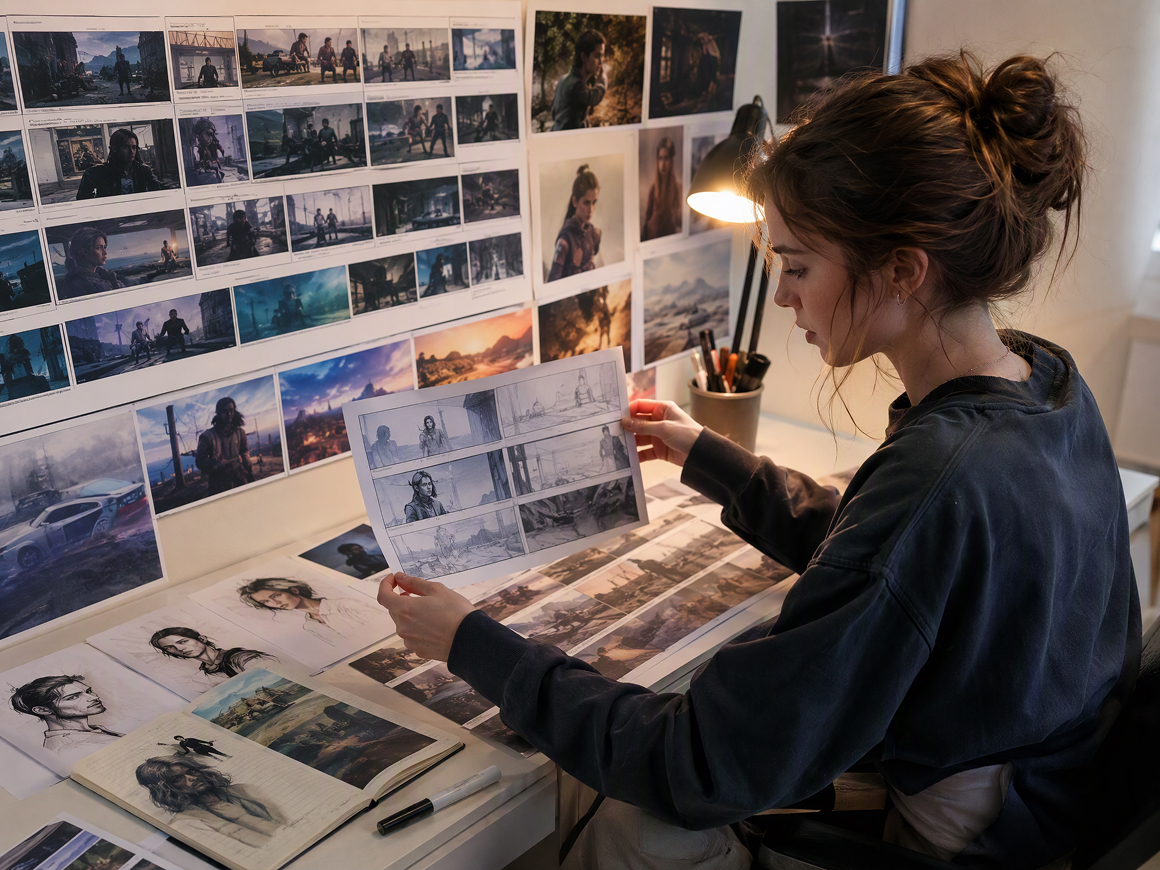
Start With the Story, Not a Stack of Clips
Before video generation begins, RoboNeo can develop your movie idea into a story structure, script, and storyboard. You get a clearer sense of where the movie is going first, rather than generating unrelated clips and trying to connect them afterward.
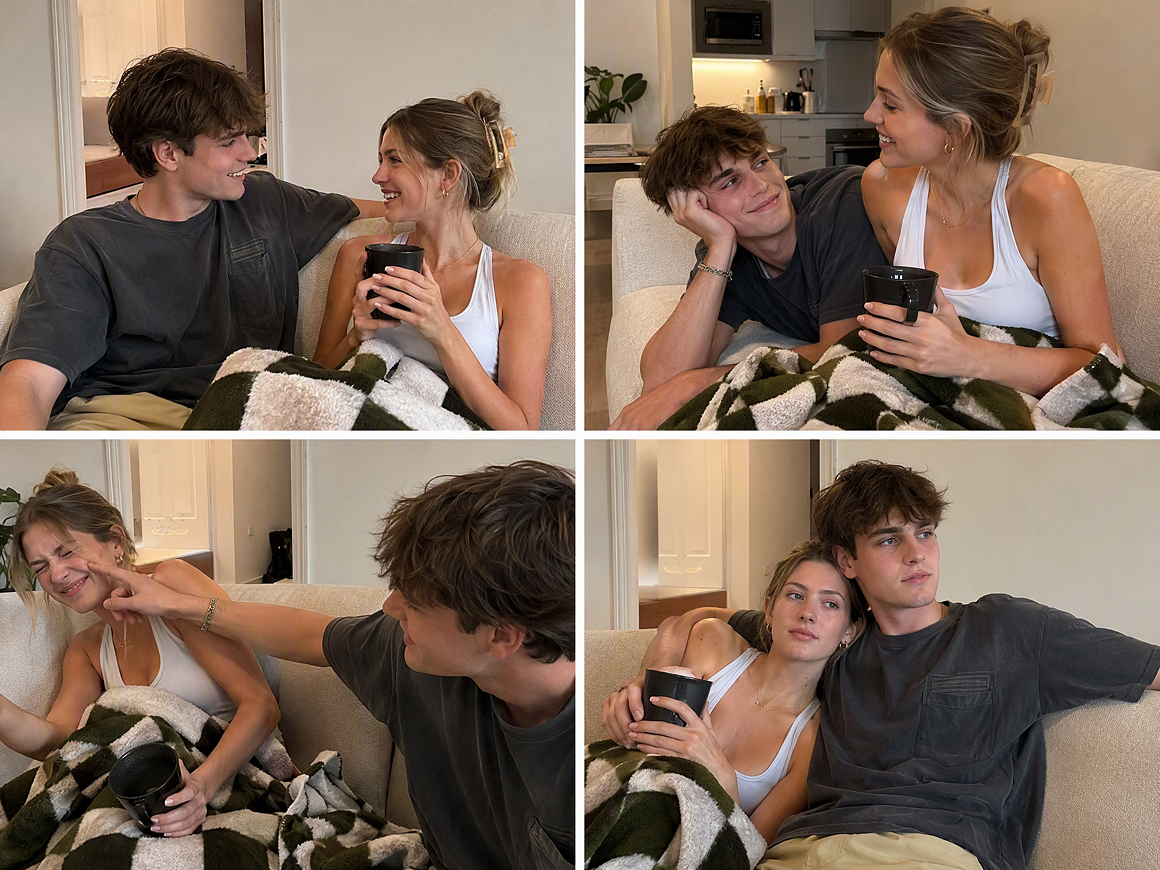
Characters That Carry Across Different Scenes
A recurring character should still feel like the same character several scenes later. RoboNeo keeps character turnarounds, scene assets, and props available within the project, so those visual references can continue to guide new shots as the movie develops throughout production.
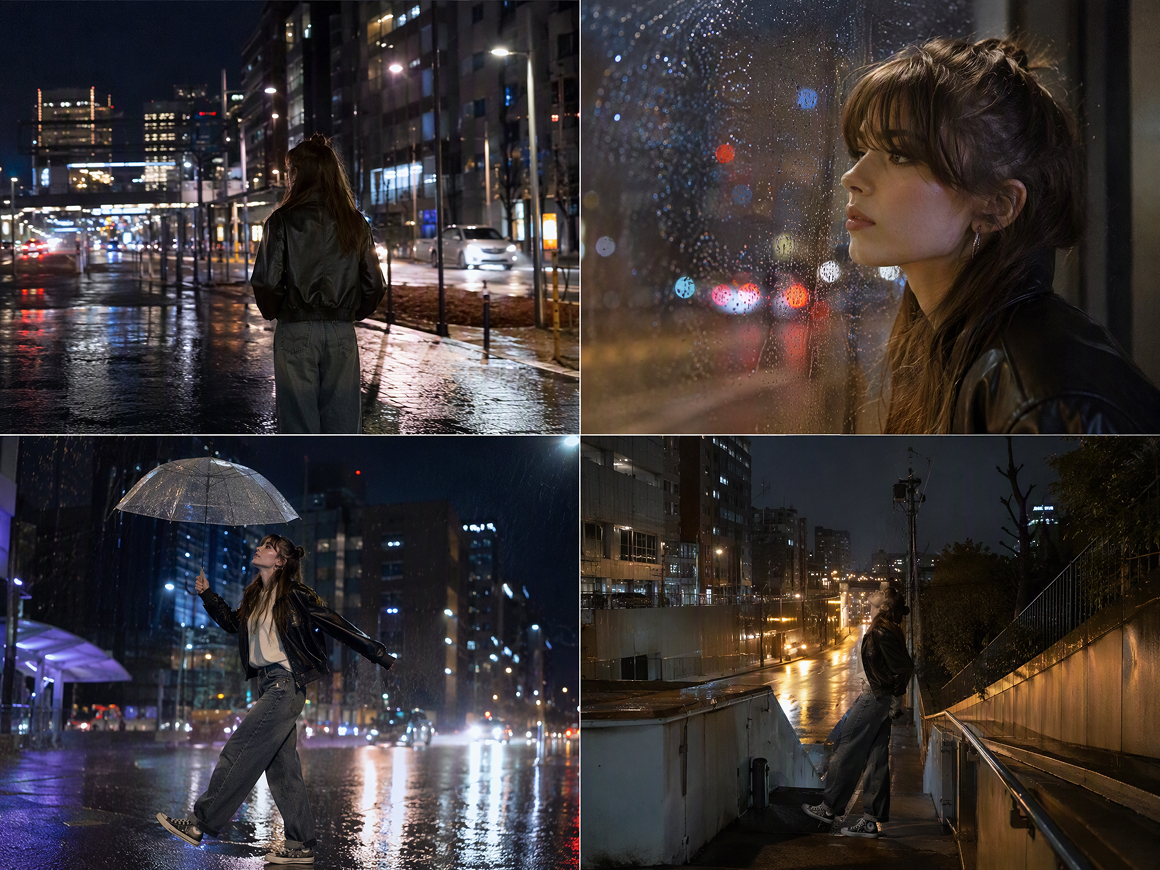
More Than One Way to Generate a Movie Shot
Some scenes work better with different models. RoboNeo includes Seedance 2.0, Kling 3.0, Vidu Q2 Turbo, Wan 2.7, and Pixverse V5.6, alongside text, image, reference, and start-end frame workflows, so each shot can use the setup that fits it best.
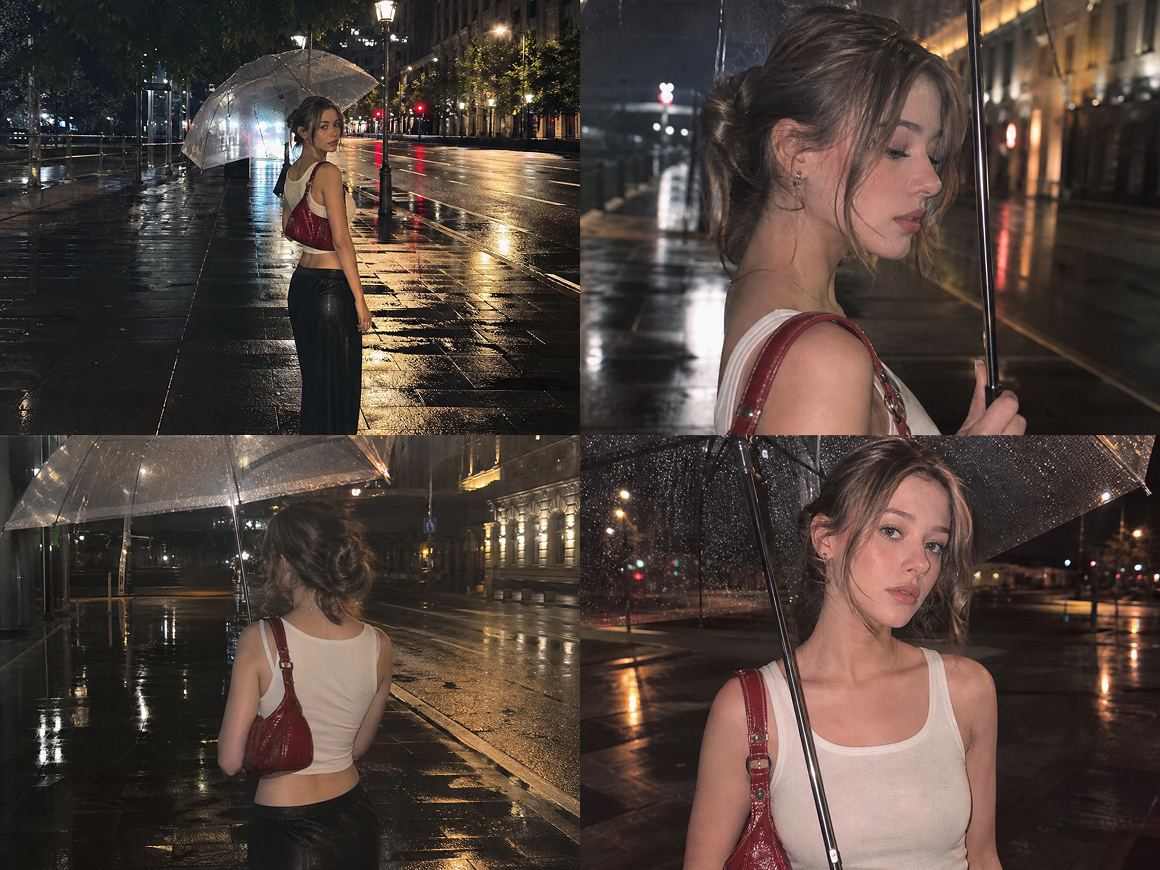
Fix the Scene That Needs Work, Not Everything
A weak shot does not mean the whole sequence has to be generated again. You can revise the prompt, change the model or video settings, regenerate that clip, then continue refining it with the built-in editing tools before moving on to the next scene.
Movies You Can Create with RoboNeo
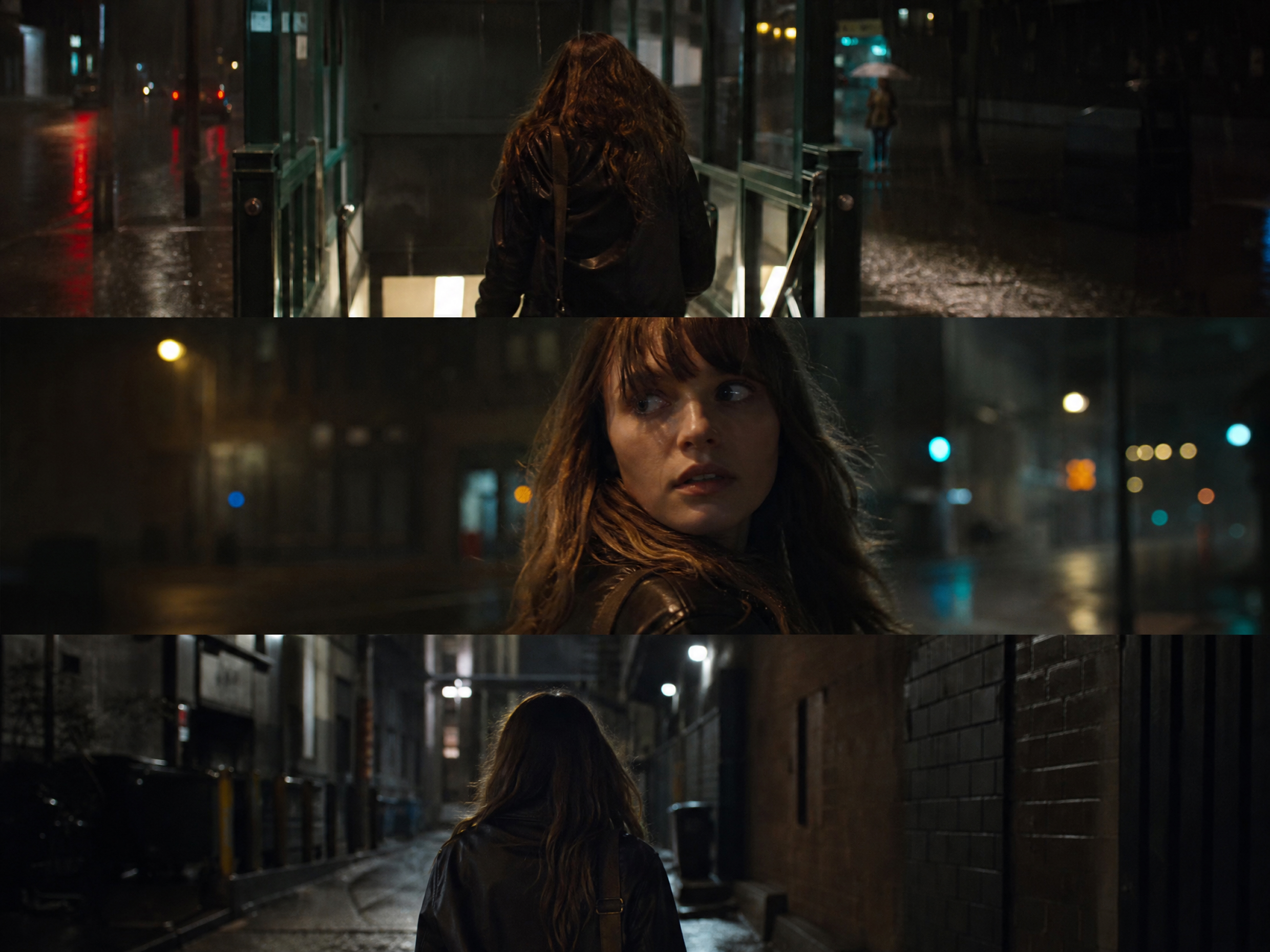
Suspense and Mystery Movies
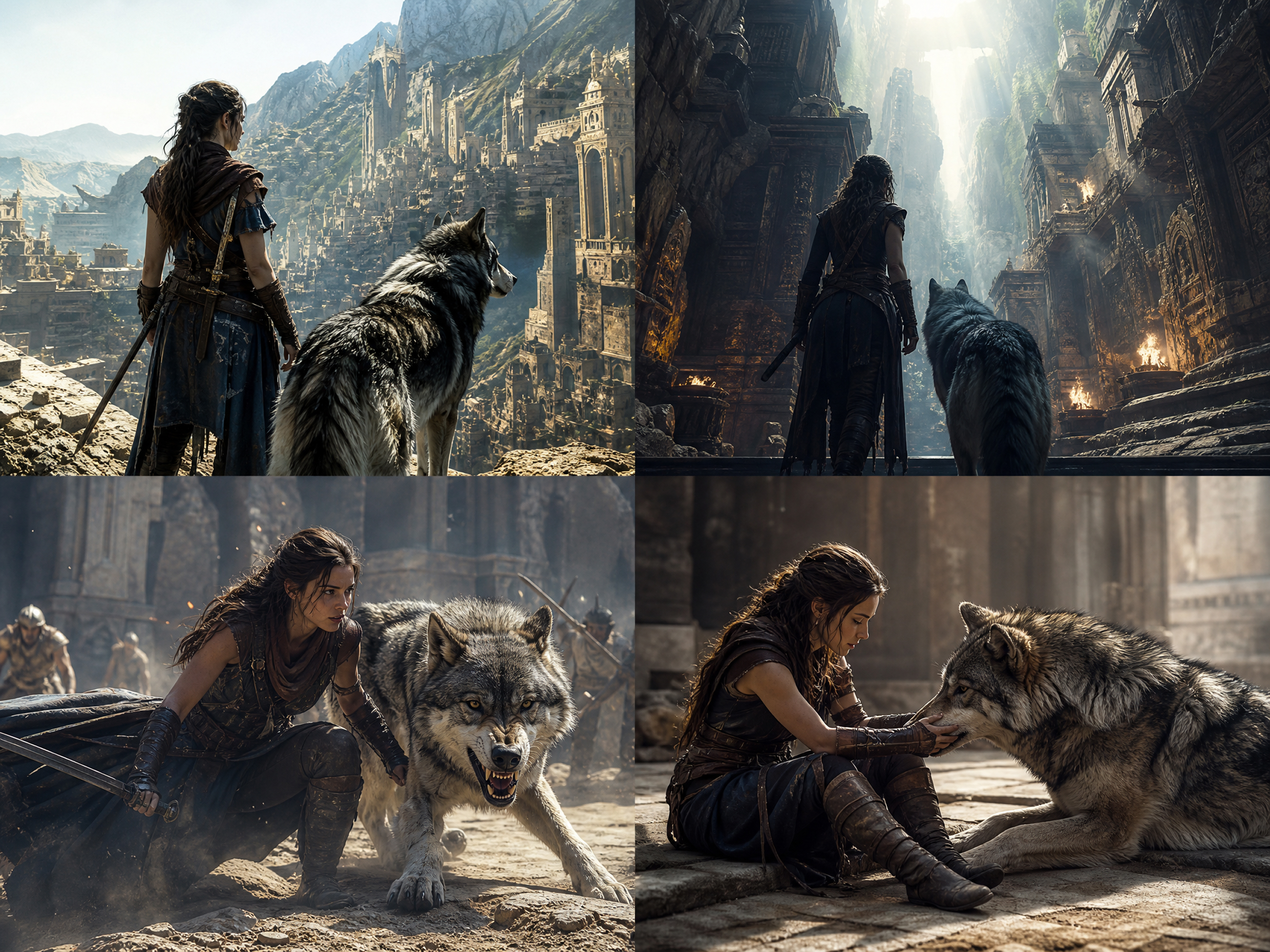
A hidden identity, an unexplained event, or a late reveal can drive the whole story. The AI Movie Generator in RoboNeo helps you carry that tension across multiple scenes, from quieter setup moments to more dramatic reveals, while keeping the characters and visual direction connected throughout the movie.
Frequently Asked Questions
Is it legal to make AI movies?
How long does it take to make an AI movie?
RoboNeo generates clips from 4 to 15 seconds and supports 1, 2, or 4 clips per batch. A 60-second movie may require roughly 4–15 usable clips, plus additional generations for retakes and editing.
How much does it cost to make an AI movie?
RoboNeo does not use one fixed price per movie. Each generation consumes Cyber Carrots, with usage varying by model. For example, an eight-scene movie with two retakes requires at least 10 video generations, before enhancement or extra versions.
Which AI models can I use to make a movie?
RoboNeo includes Seedance 2.0, Kling 3.0, Kling O3, Vidu Q2 Turbo, Wan 2.7, Pixverse V5.6, and other models. Available options cover text-to-video, image-to-video, start-end frames, and multimodal reference generation.
Can AI create a full movie?
Yes, especially for short-form projects. RoboNeo can move from story structure to storyboard, generate individual 4–15 second scenes, and assemble them through video editing. Longer movies simply require more shots, review, regeneration, and continuity work.
Can I make an AI movie from a script?
Yes. RoboNeo can convert a finished script into storyboard entries containing shot number, duration, characters, environment, sound, dialogue, storyboard prompts, and video prompts, then use those shots for video generation.
Ready to See Your Story on Screen?
A scene in your head can become something you can actually watch. Use the AI movie generator in RoboNeo to build out the story, test different shots, and keep refining until the movie feels right.
What Users Say About the AI Movie Generator
I was mostly worried about keeping the same character from shot to shot. I still had to redo a few scenes, but having the storyboard and character references there made the whole thing much easier to keep track of.
I already had the script, so I just wanted to see if I could actually turn it into a short film. Working shot by shot made a lot more sense. If one clip looked wrong, I could redo that one and move on.
I ended up switching between Seedance and Kling depending on the scene. One gave me the movement I wanted, while another worked better for a different shot. Having those options in the same project saved me a lot of back and forth.