
AI Scene Generator for Visual Storytelling
A script, prompt, or rough idea can become a fully planned visual scene with the RoboNeo AI scene generator. Characters, locations, props, camera angles, images, and video clips all come together on one canvas, giving filmmakers, content creators, and visual storytellers a clearer path from an early concept to a finished sequence.
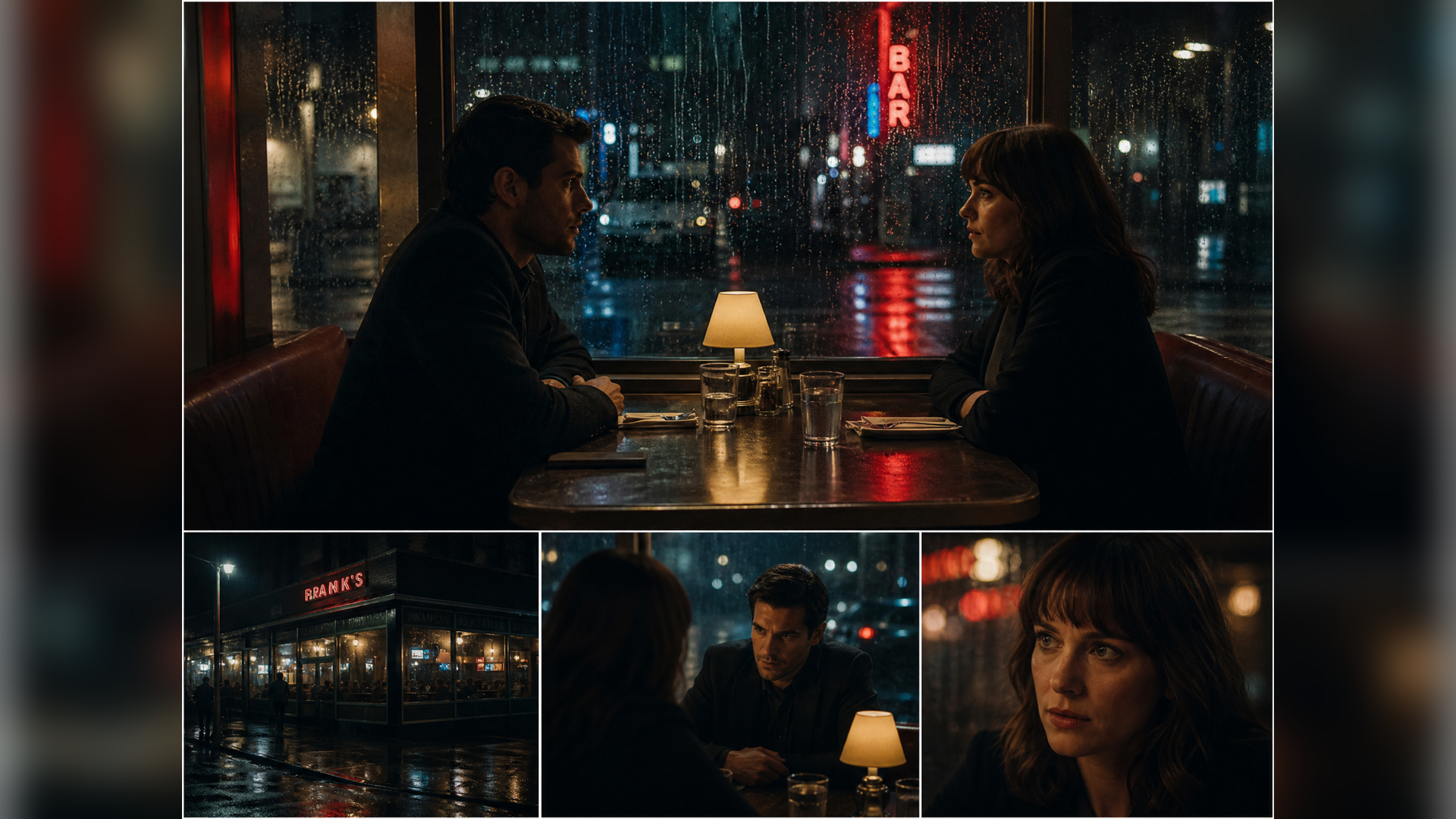
How to Generate a Scene With AI
Describe Your Scene
Your starting point can be a brief prompt or a completed script. Include the characters, location, action, mood, and visual style, then add any images or reference videos you want to use.
Prepare the Visual Elements
Characters, settings, and props are generated from your instructions and placed on the canvas. Review their appearance, replace anything that feels off, and confirm the assets before arranging the final scene.
Choose the Camera Setup
Inside Director Stage, character and prop positions can be adjusted within a 3D space. Camera position, focal length, viewing angle, tilt, and framing are available for shaping the composition.
Generate and Refine the Result
Once the scene is arranged, select an image or video model, aspect ratio, and resolution. Any unsatisfactory result can be revised by changing the prompt, reference asset, or camera setup.
Creative Control From First Idea to Final Shot
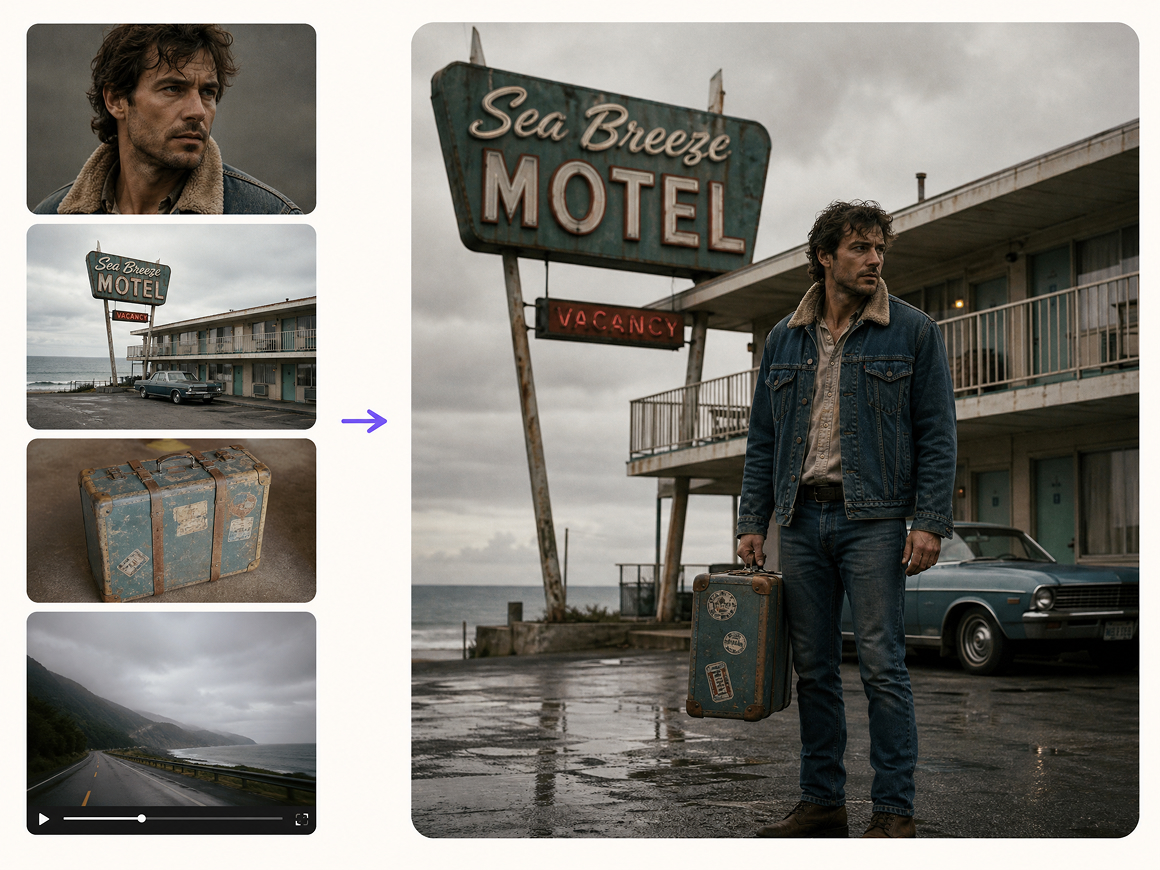
Mixed References for a More Complete Scene
Text, images, video, and other reference assets can all contribute to the same visual direction. The AI scene generator keeps those materials together on one canvas, so characters, settings, props, and stylistic details do not need to be rebuilt across separate tools.
More Camera Choices Before Final Generation
Inside Director Stage, characters and props can be arranged within a 3D space before generation begins. Camera position, focal length, tilt, framing, and viewing angle remain adjustable, making it easier to compare close-ups, wide shots, overhead views, and alternate compositions.
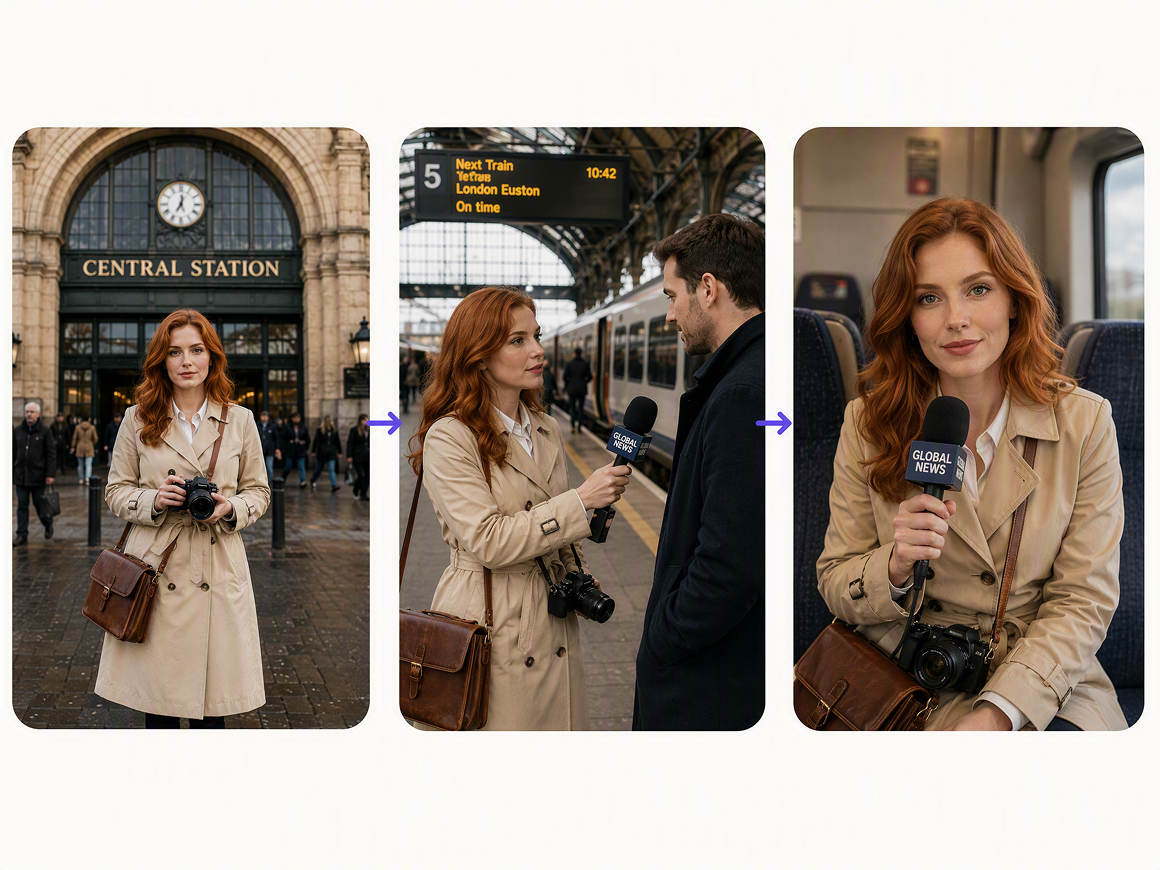
Reusable Assets Across Shots and Projects
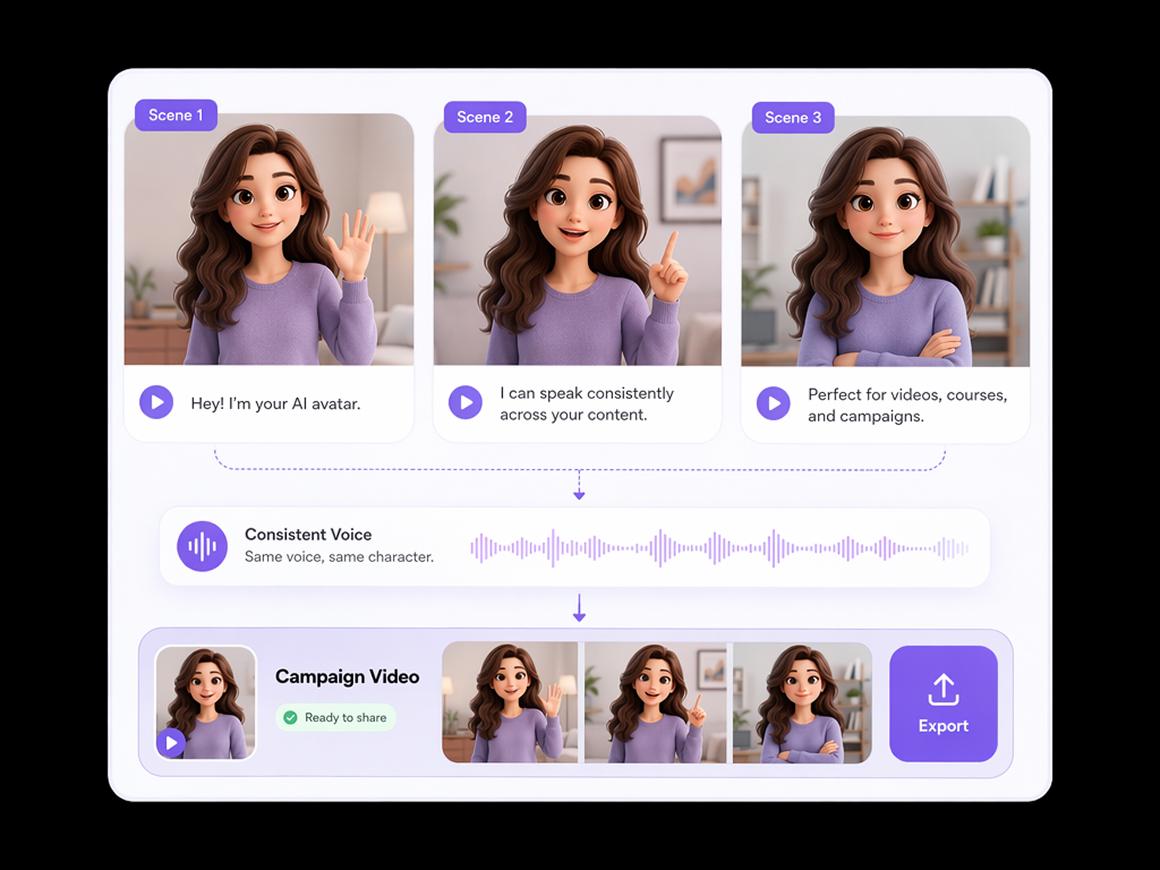
Approved characters, locations, props, and background audio can stay in the Asset Library for later use. The same source materials provide a steadier visual foundation when a project calls for multiple shots, alternate compositions, or new scenes featuring familiar subjects.
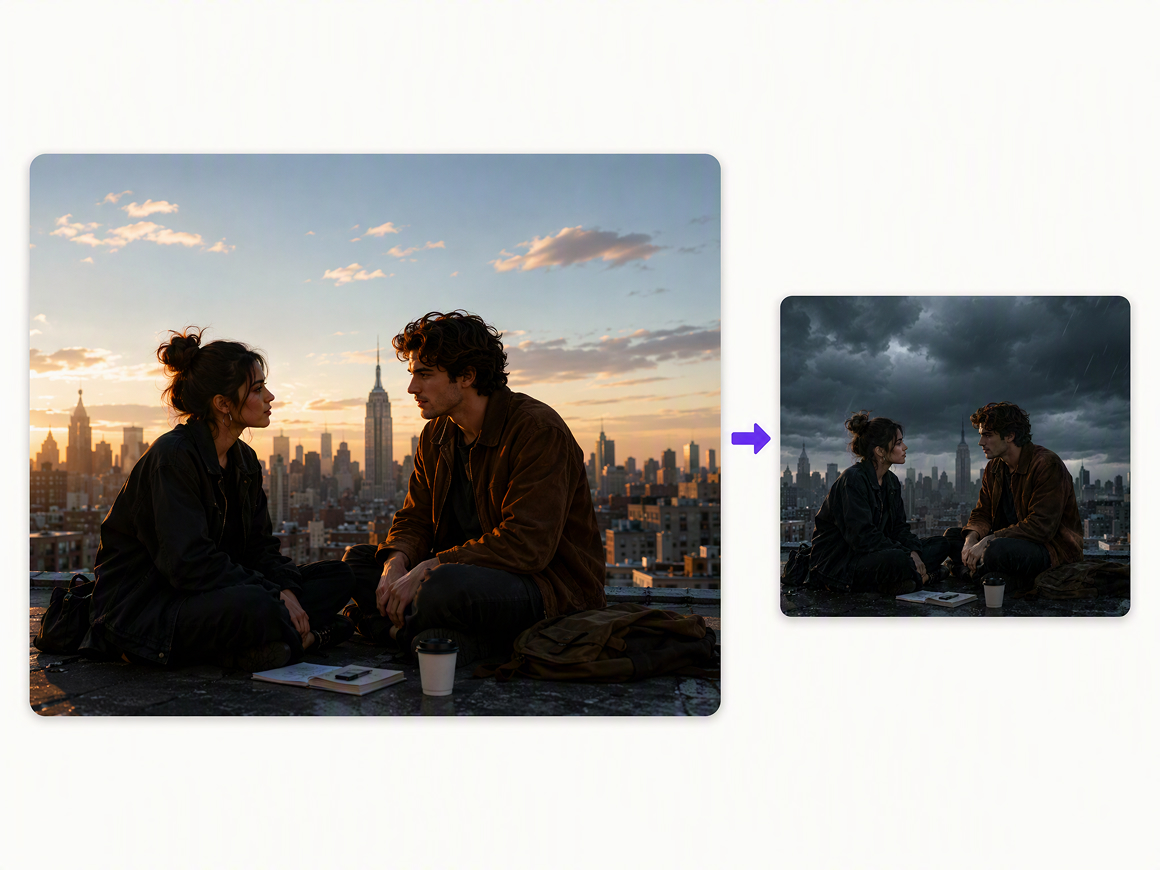
One Visual Canvas for Every Part of the Scene
Scripts, images, video clips, and audio remain connected on the Infinite Canvas throughout the project. A single asset can be edited, replaced, or regenerated without disturbing the rest of the scene, which keeps revisions focused when the creative direction changes.
Where an AI Scene Generator Fits
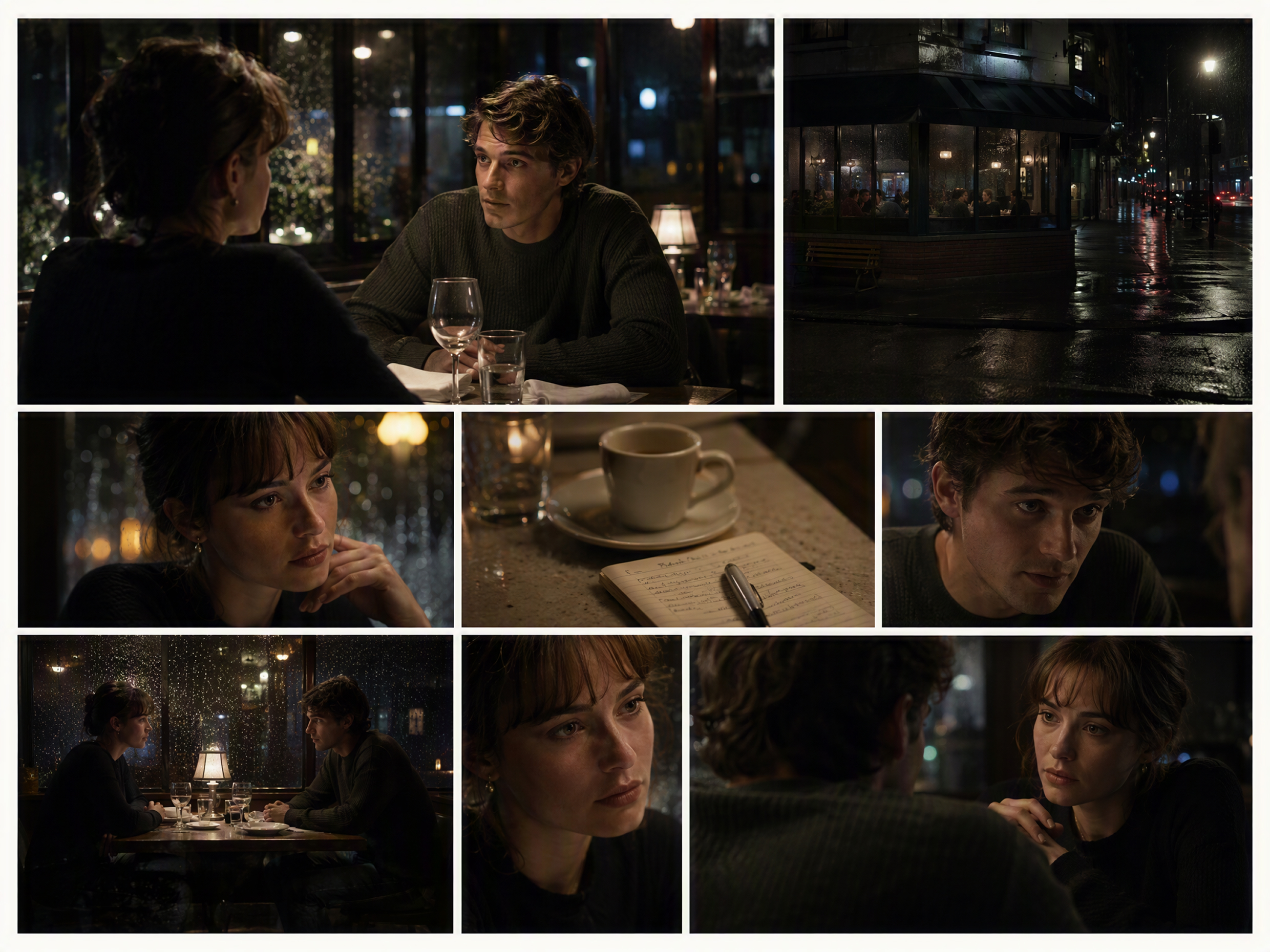
Film and Video Previsualization
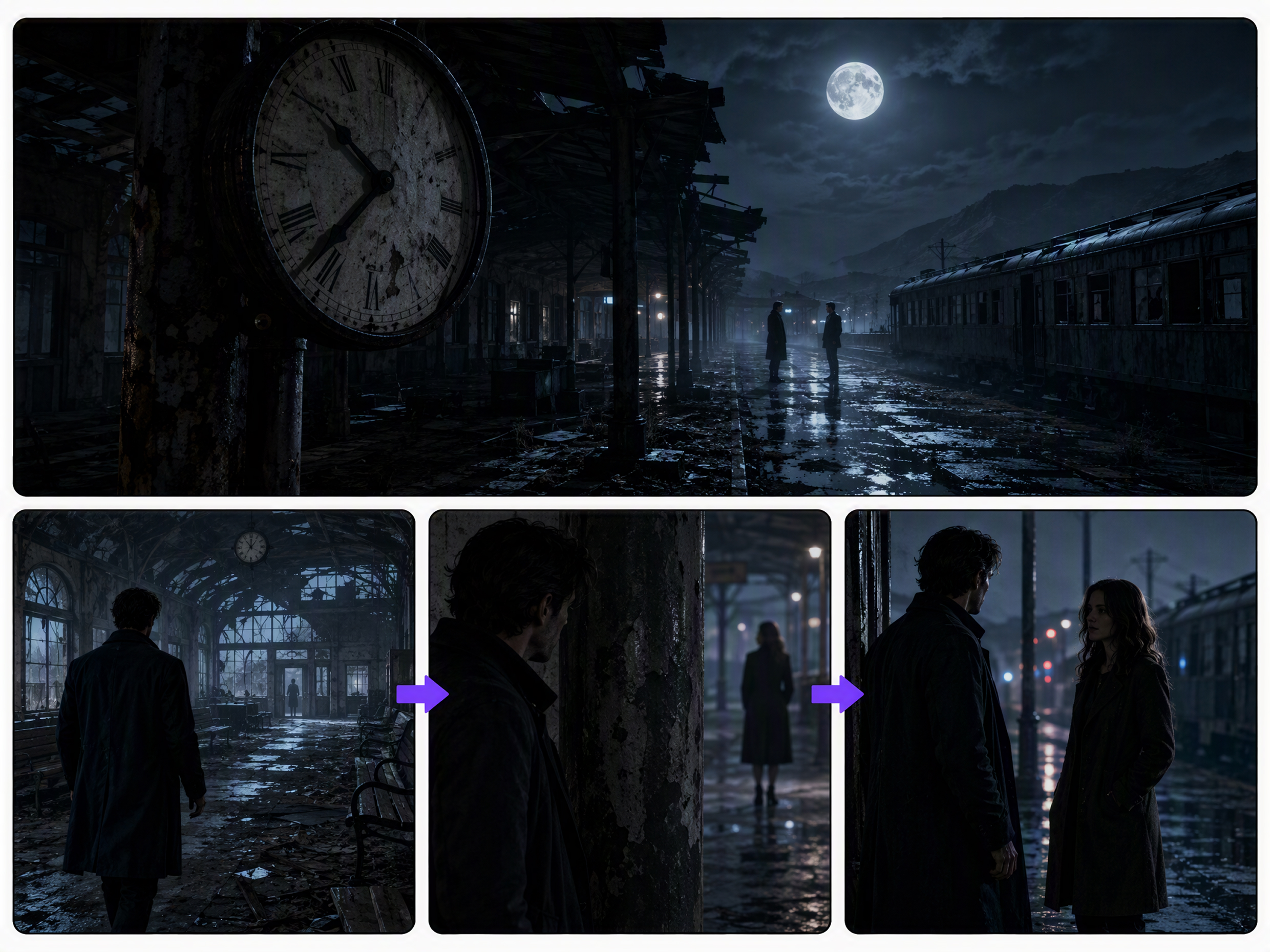
An independent filmmaker is preparing a nighttime diner scene with two characters seated across from each other. Before the location shoot, the AI movie scene generator can explore an exterior establishing shot, an over-the-shoulder conversation, close-up reactions, and several lighting directions.
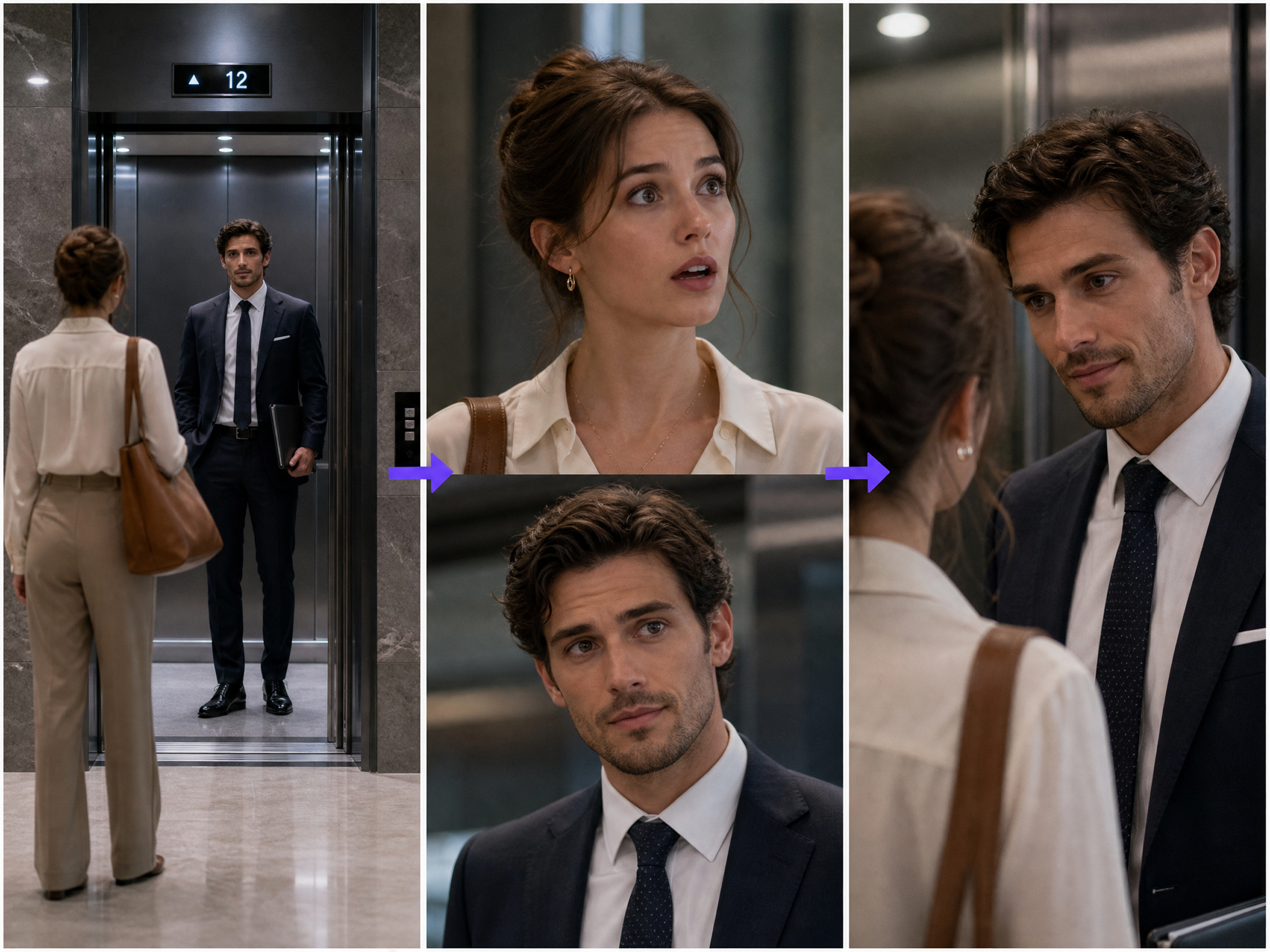
Frequently asked questions
How to generate a scene with AI?
What is an AI prompt for a movie scene?
An AI prompt for a movie scene is a written shot description: "A woman enters an empty diner at midnight, rain streaks the windows, medium tracking shot, dim neon lighting, tense mood." It gives the AI scene generator specific visual directions.
Can AI generate 3D scenes?
Yes. The RoboNeo AI scene generator includes Director Stage, where you can arrange characters and props in a 3D space, set camera positions, and adjust framing before generating the final visuals.
Can AI create an entire movie?
An AI movie scene generator can help with scripts, storyboards, images, video clips, and audio. A complete movie still requires human review to connect scenes, maintain continuity, refine pacing, and prepare the final edit.
Can AI generate a scene from a script?
The AI scene generator can break a script into shots with characters, dialogue, locations, durations, frame descriptions, sound, and generation prompts. You can revise individual shots before producing the visuals.
Can I use the same characters in multiple scenes?
A free AI scene generator can reuse approved character images as references across multiple scenes. Check facial features, clothing, proportions, and other identifying details after each generation, since results can still vary.
A Clearer Picture of the Scene in Your Head
The right setting, character placement, and camera angle can turn a rough idea into something worth developing. With the RoboNeo AI scene generator, those early decisions take shape on one canvas before the final image or video is produced.
What Creators Say About the AI Scene Generator
I like having image and video generation in the same place. It works well for visual storytelling, and I spend less time moving assets between different tools when I am building a sequence.
Generation has been fast in my experience, and the free access gave me enough room to test a few ideas. I would still like better support for looping clips and more control over repeated motion.
I usually need to show clients more than one direction before they make a decision. With RoboNeo, I can compare different versions of a scene and revise the one they prefer without rebuilding the whole concept.