
Free Halloween AI Video Generator Online
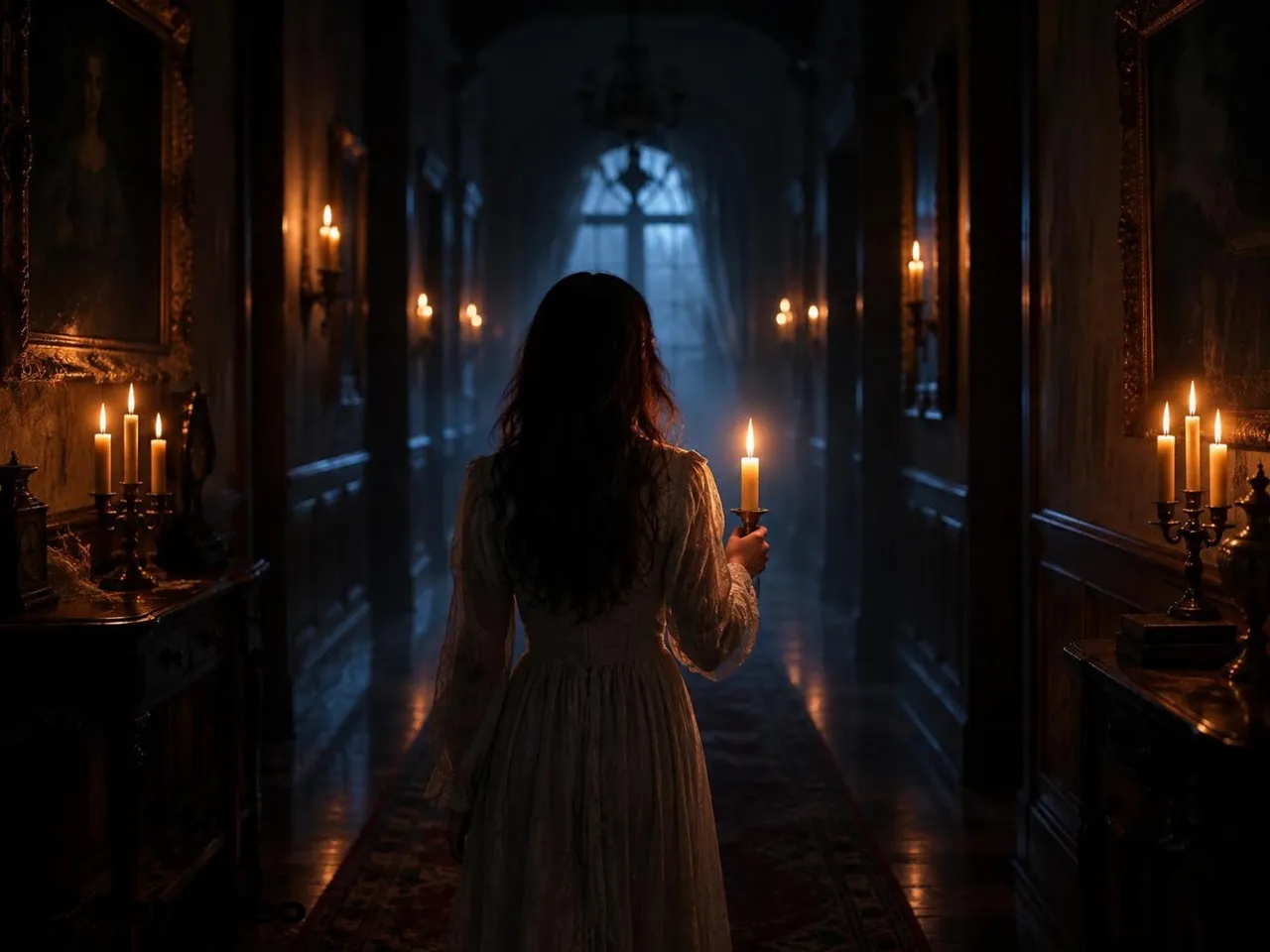
Type a Halloween scene or upload a photo. RoboNeo turns it into a short clip—fog, pumpkins, haunted halls—ready for TikTok, Reels, and Shorts. Sign in for free credits to try.
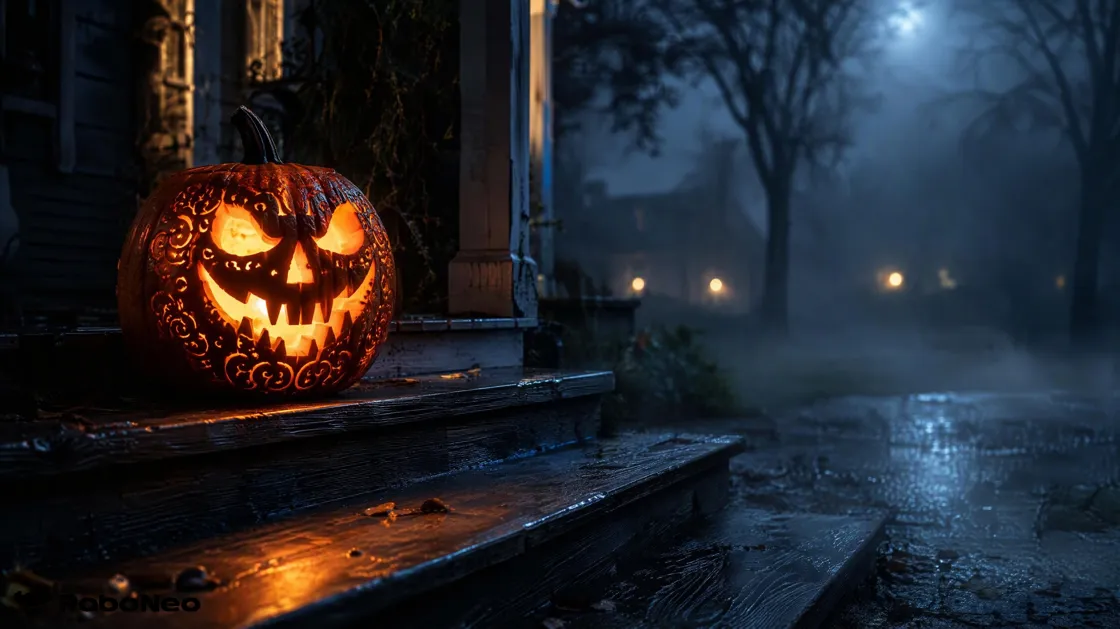
How to Make a Halloween AI Video in 3 Steps
Describe a scene or upload a photo
Write the place, light, and one action—or upload a clear photo you own. Front-facing shots work best for face-in-frame clips.
Generate the clip
Sign in if you need free credits, then generate. Pick 9:16 when the clip is headed to TikTok, Reels, or Shorts.
Tweak and export
Change the prompt, regenerate a softer or scarier take, then export and post.
Why RoboNeo Beats a One-Shot Halloween Generator
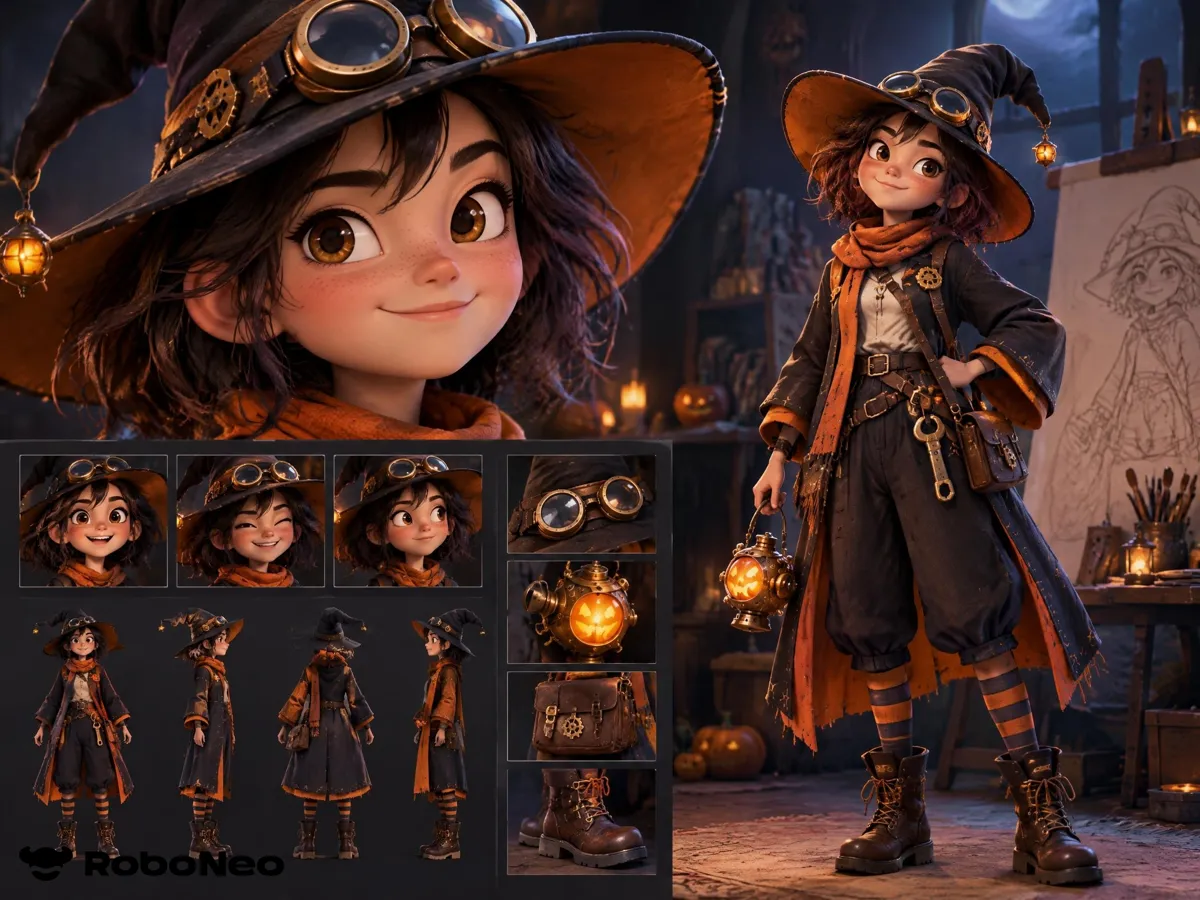
Halloween clips around your own IP character
Create a character IP with look, personality, and voice—then generate porch scares, costume reveals, or promo beats that keep the same face and vibe. RoboNeo is built as an IP content factory, not a random one-off filter.
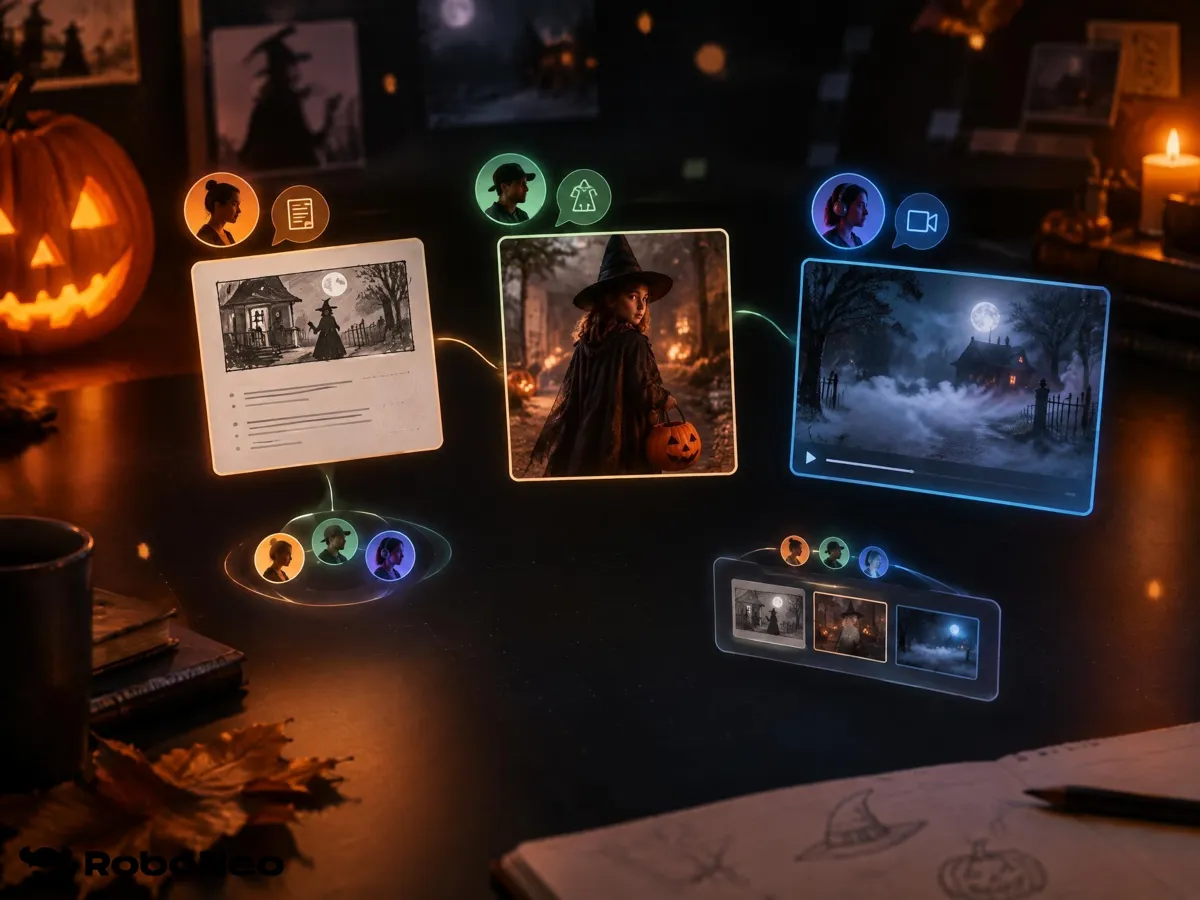
Agent Teams turn a brief into shots
Describe the Halloween short you want. Agent Teams (script, art direction, video) break the job down, fill missing assets on the canvas, and keep going while you review. You are not wiring every node by hand for a seasonal drop.
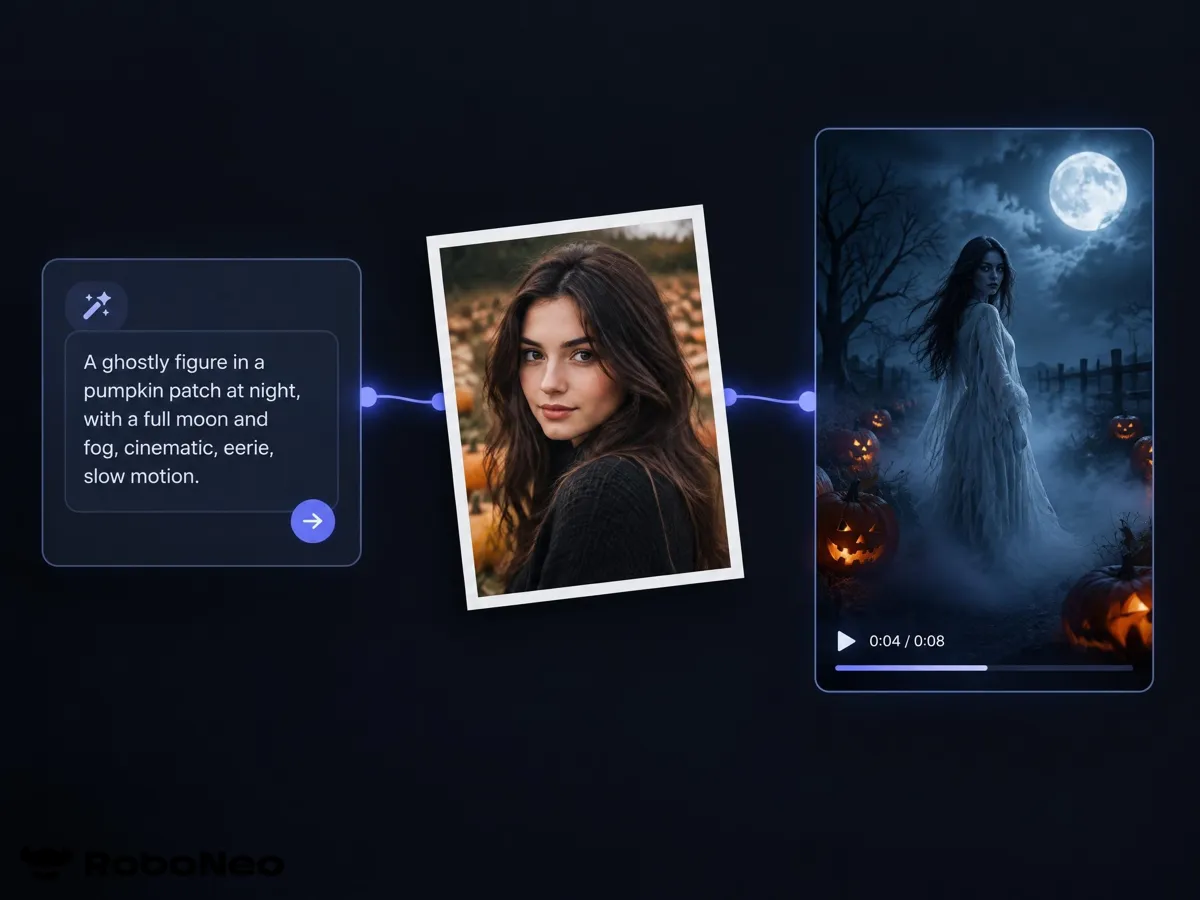
Text, photo, or reference—on one canvas
Use the video node for text-to-video, image-to-video, omni reference (@ assets), motion control, or first-and-last-frame clips. Pick 9:16 for feeds, set length in the supported range, and iterate on the infinite canvas next to your scripts and stills.
Reuse assets and remix seasonal hits
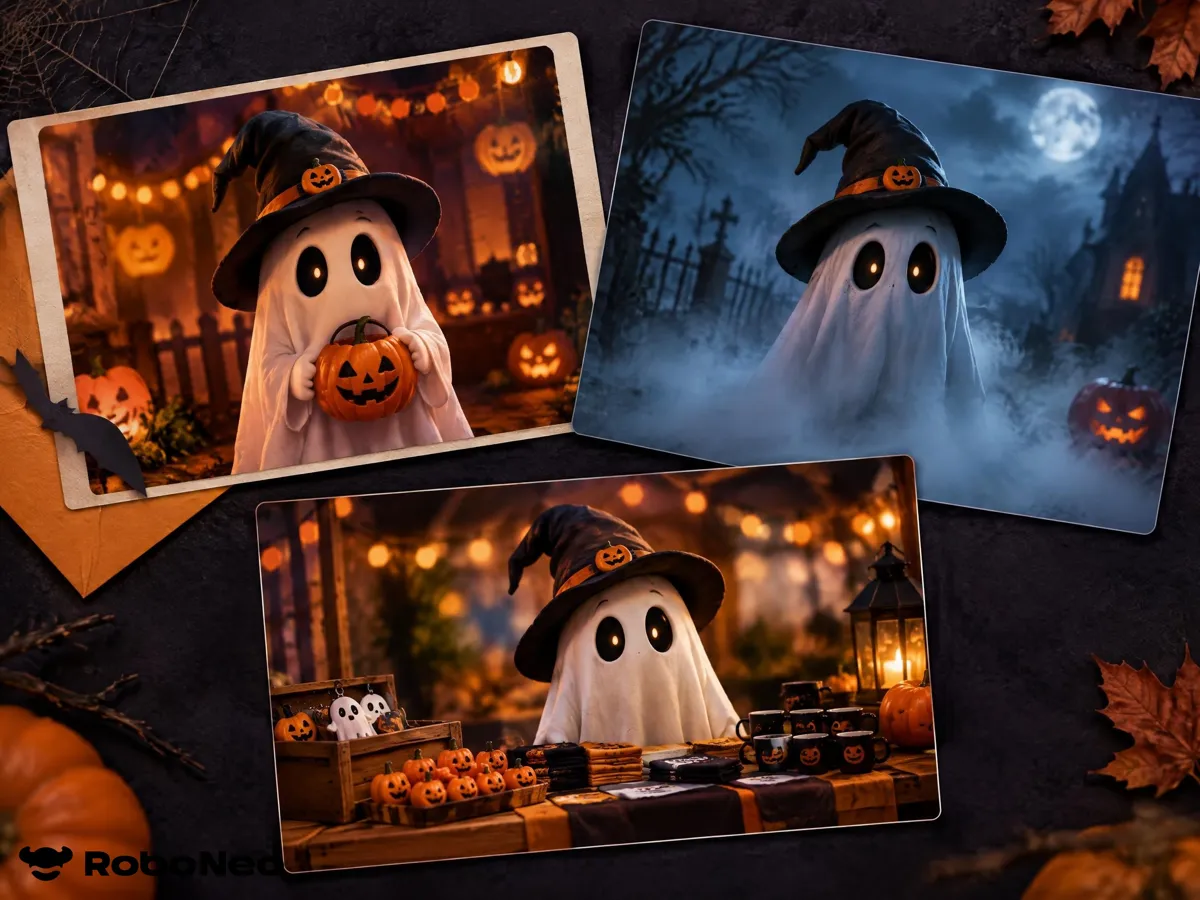
Save character sheets, scenes, and BGM to the asset library, then reuse them across party, horror, and promo takes. Recreate a trending Halloween format with your IP instead of starting from a blank prompt every time.
Halloween AI Video Ideas You Can Make
Shorts and Reels hooks
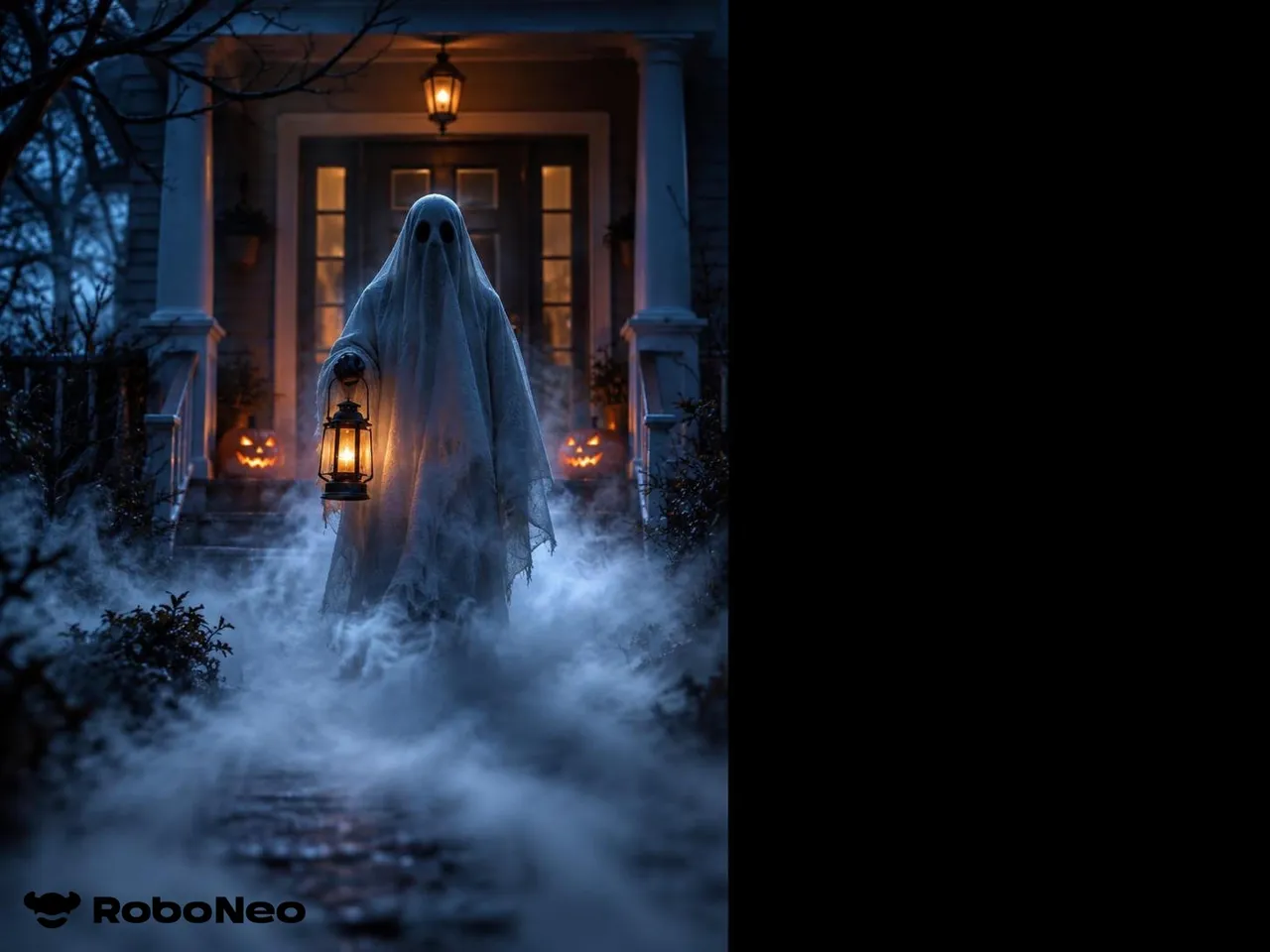
Need a cold open before your real punchline. Generate a fog-roll or pumpkin-glow beat, then cut to your own line or offer.
Frequently Asked Questions
Is the Halloween AI video generator free?
Can I use a photo instead of a text prompt?
Yes. Upload a photo you own or have permission to use. The clip can keep your face and add motion around the scene.
What formats work for TikTok and Reels?
Use 9:16 for most feeds. 1:1 and 16:9 are available when you need square posts or YouTube.
Can I make cute clips, not only horror?
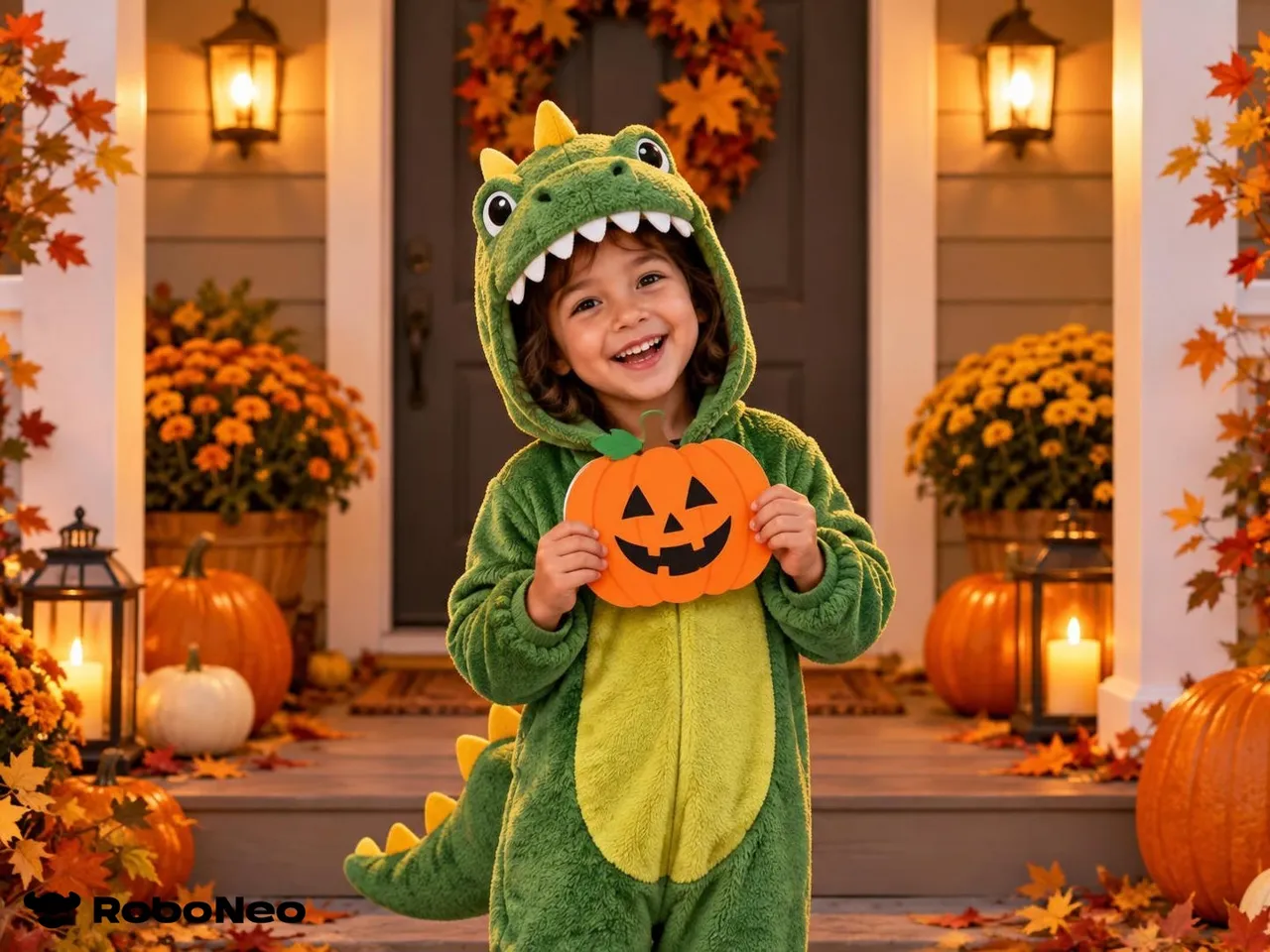
Yes. Steer the prompt toward cozy pumpkins, costume reveals, or party invites when you want fun over fear.
Can I use the videos in ads?
Follow your plan’s commercial terms. Prefer original product shots and avoid trademarked costume IPs you do not own.
What about photo privacy?
Uploads are processed to generate your clip. Do not upload other people’s photos without consent; see the product privacy policy for retention details.
Explore More
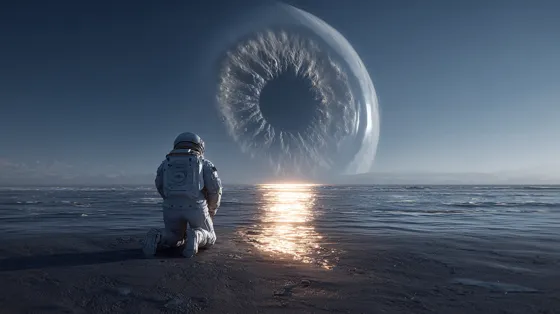
RoboNeo Free AI Video Generator
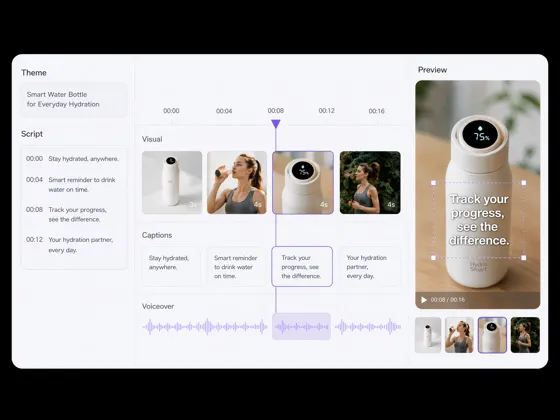
AI YouTube Video Maker | Best AI Video Maker for Youtube - RoboNeo

AI Anime Generator - Photos, Text & Videos to Anime | RoboNeo
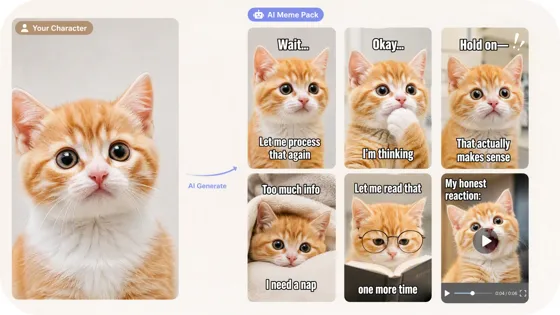
AI Meme Generator for Characters & IP

AI Viral Remake Tool – Turn Trends into Your Content

AI Short Video Generator: Turn Ideas Into Video | RoboNeo

3D Animation Maker for Images and Prompts | RoboNeo
Make Your Halloween AI Video Now
Describe a scene or upload a photo, sign in for free credits, and export a vertical-ready clip before the seasonal spike fades.
What Users Say About RoboNeo Halloween Videos
Five vertical hooks before the weekend
I needed five vertical Halloween hooks before a weekend batch. Prompt-to-clip was fast enough to A/B two fog takes the same afternoon.
Stories between shop hours
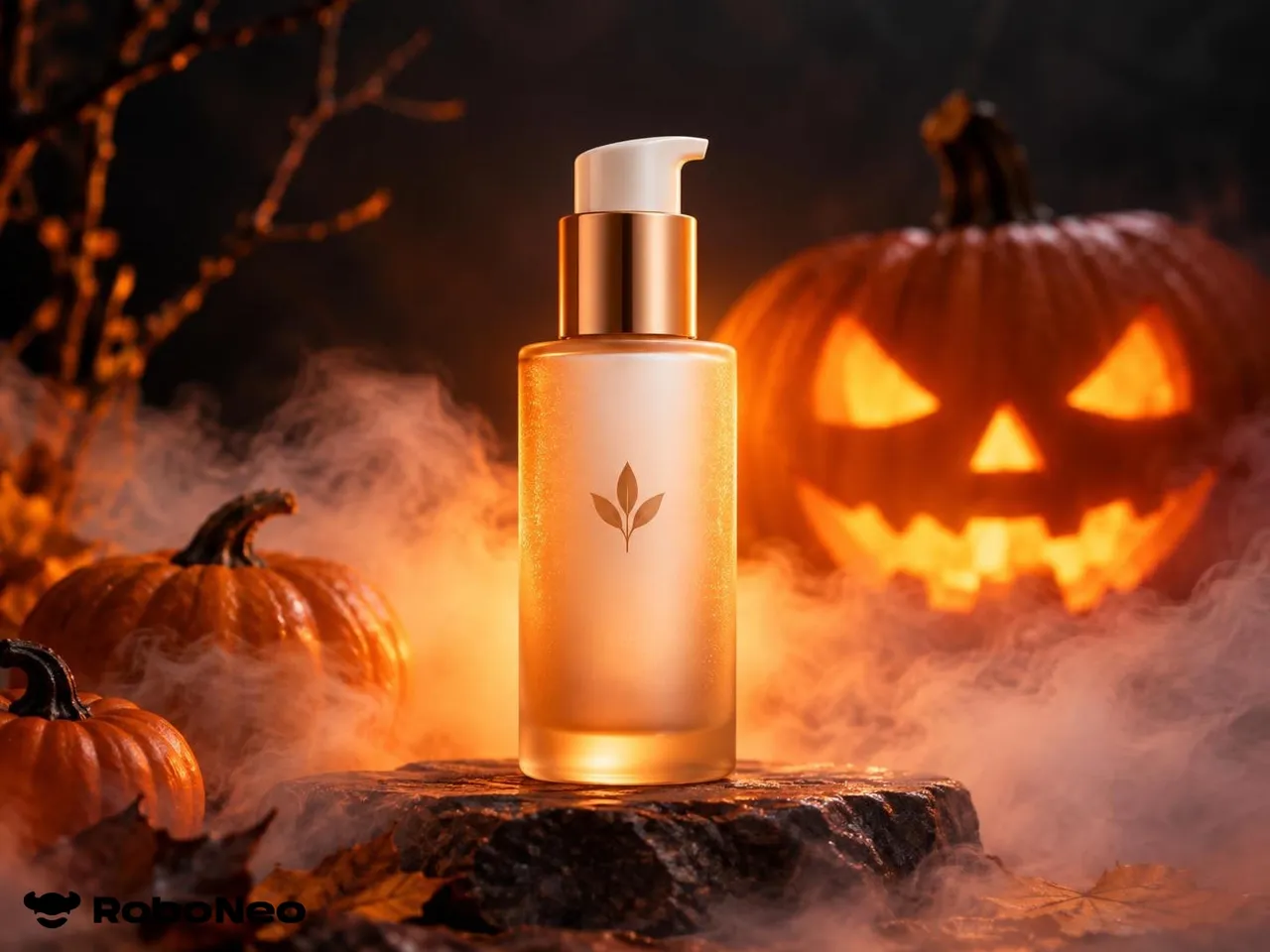
I dropped a product still into a pumpkin-glow scene for Stories between shop hours. Faster than dragging clips onto a timeline.
Invite clip from a porch photo
Uploaded a porch photo, got a short motion clip for the invite. Friends opened the link.