
AI YouTube Video Maker
Create polished YouTube videos from an , image, or existing clip with RoboNeo AI YouTube Video Maker.
How to Make AI YouTube Videos in 3 Steps
Enter Your YouTube Video Idea
Describe the topic, video format, target audience, length, and main message.
Review the Script and Storyboard
RoboNeo generates the script, visual style, scenes, and storyboard. Review the scene details and refine it.
Generate and Assemble the Video
RoboNeo generates the video clips and combines them into a complete YouTube video.
Create More with RoboNeo AI YouTube Video Maker
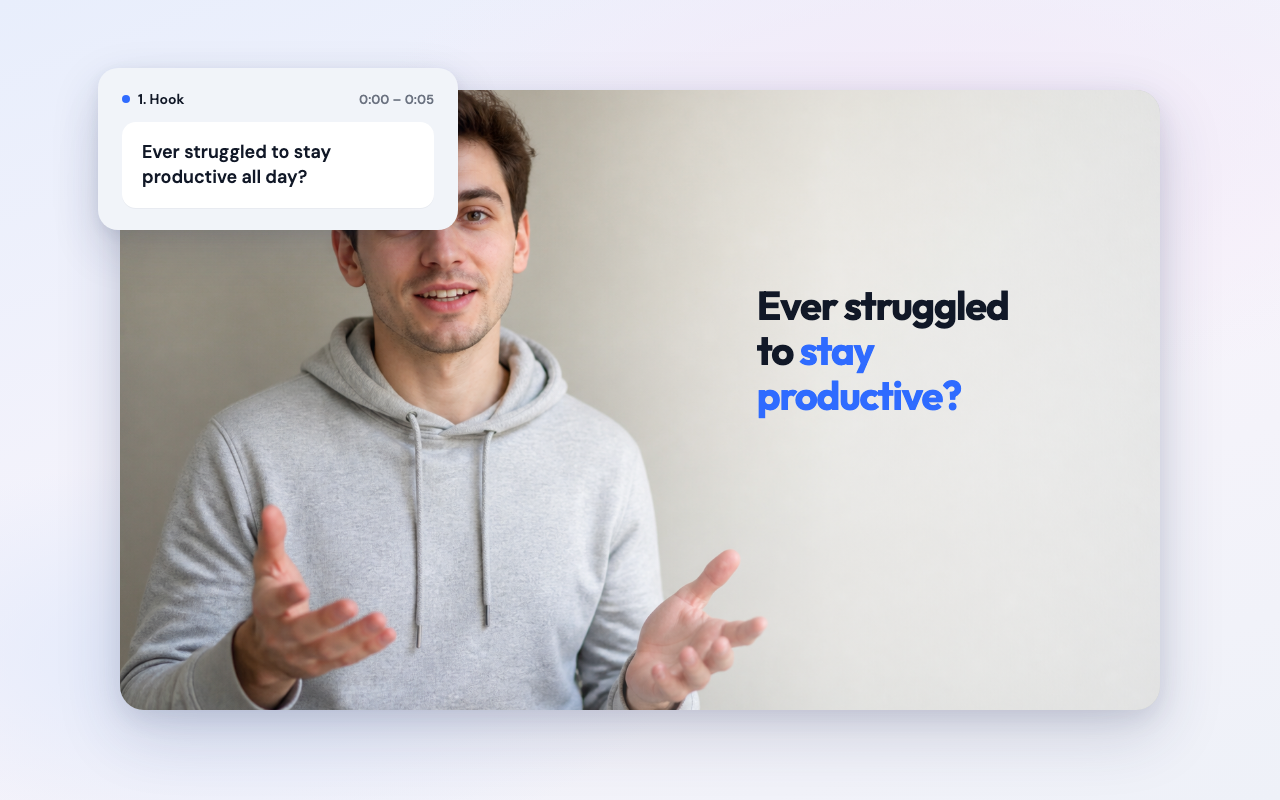
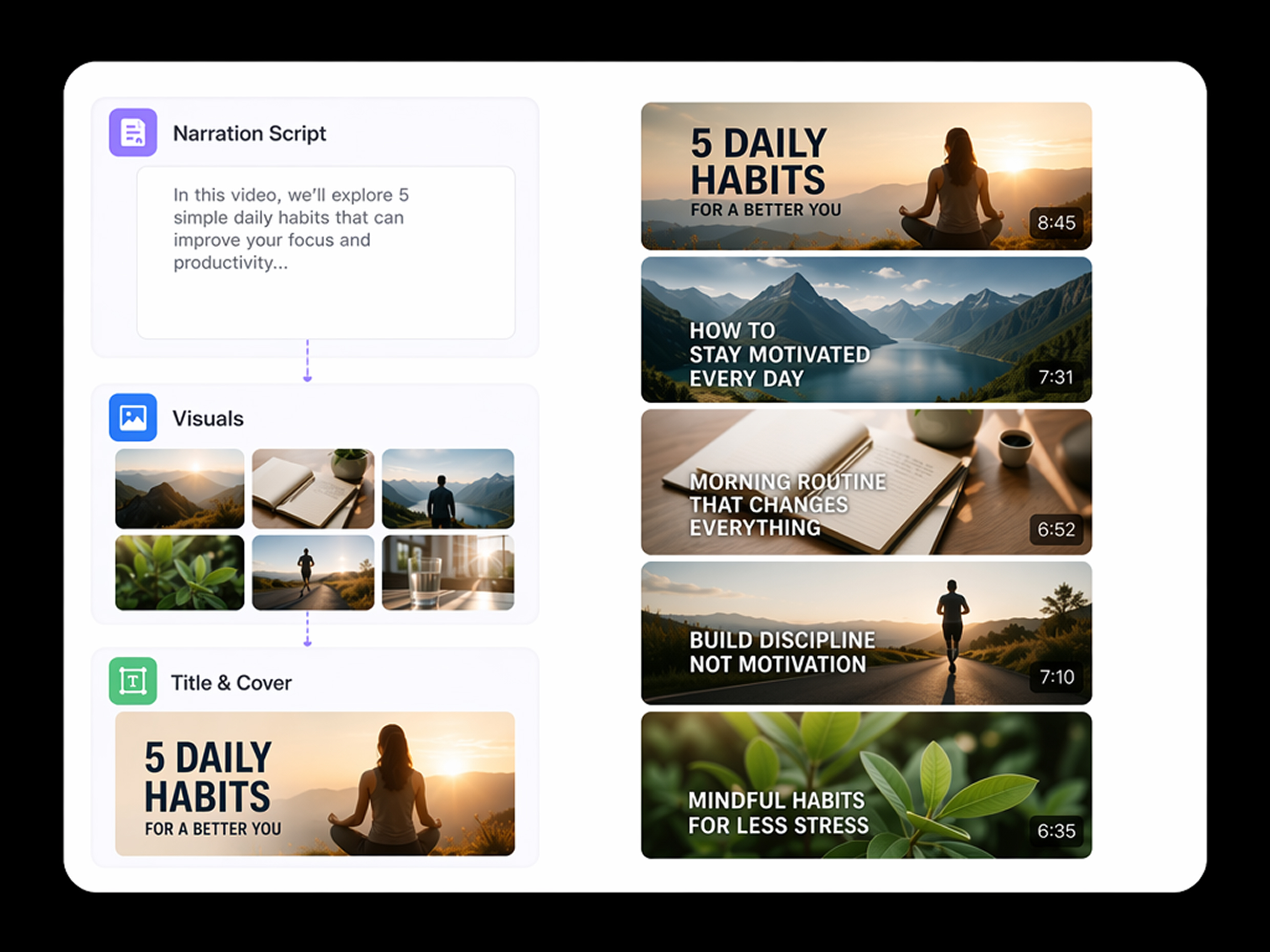
Turn Scripts Into Structured YouTube Scenes
Paste a topic, outline, or full script, and RoboNeo turns it into an ordered sequence of YouTube scenes. This helps solo creators and small teams avoid blank-page planning, review the narrative earlier, and move into production with a clearer structure.
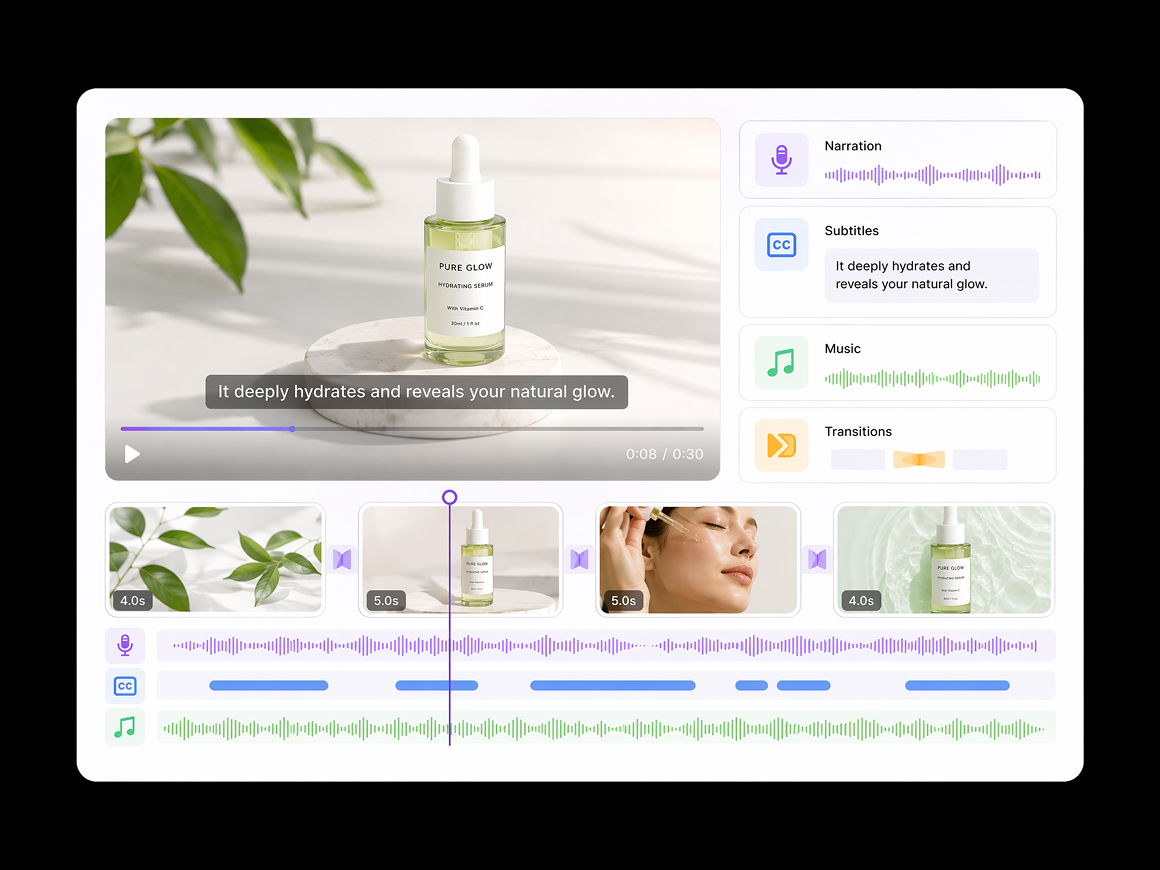
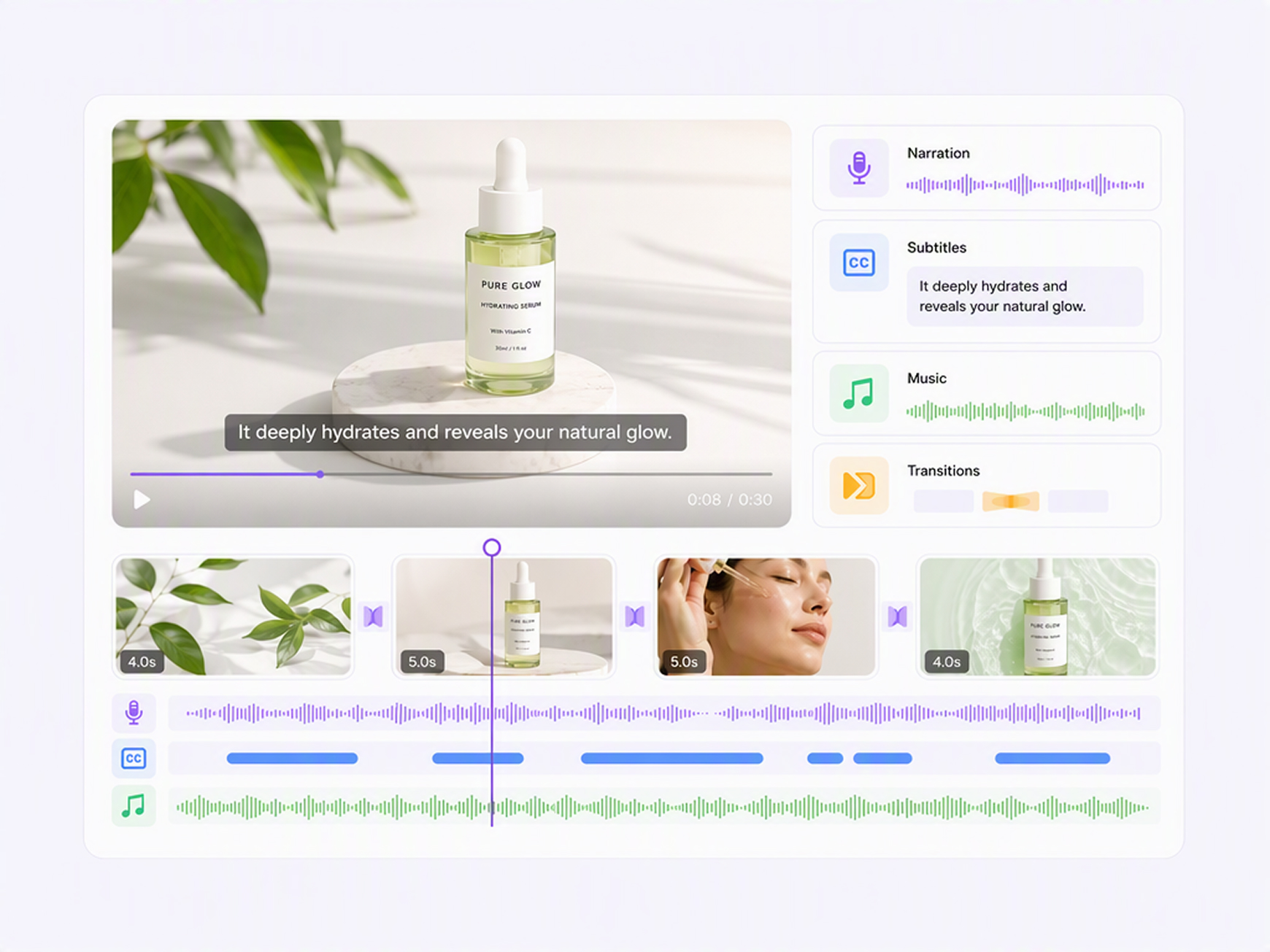
Generate Visuals, Voiceovers, and Captions
Generate visuals and audio in one connected workflow. The AI YouTube video maker reduces tool switching for creators, helping them build a more complete first draft without manually assembling every media layer.
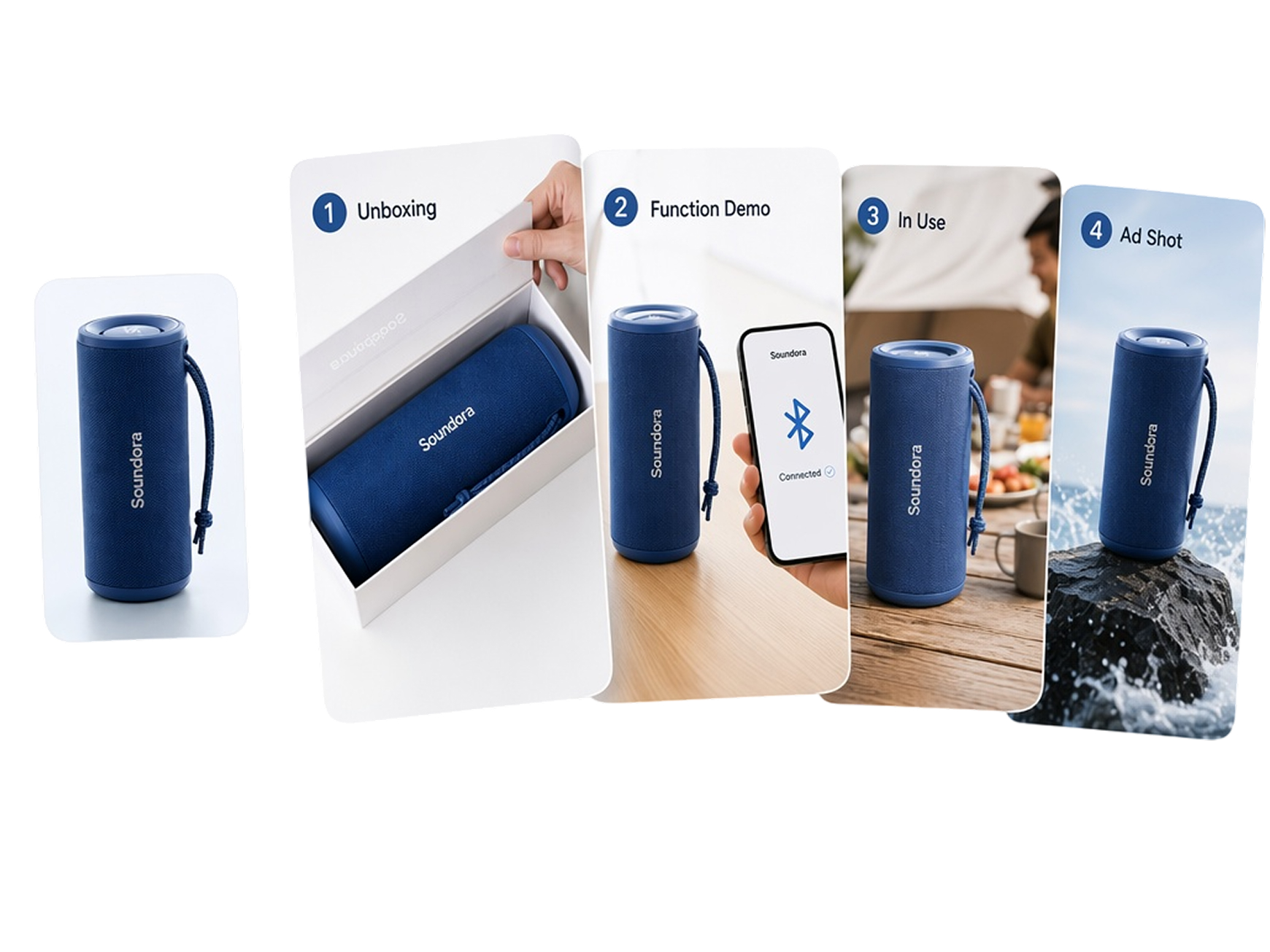
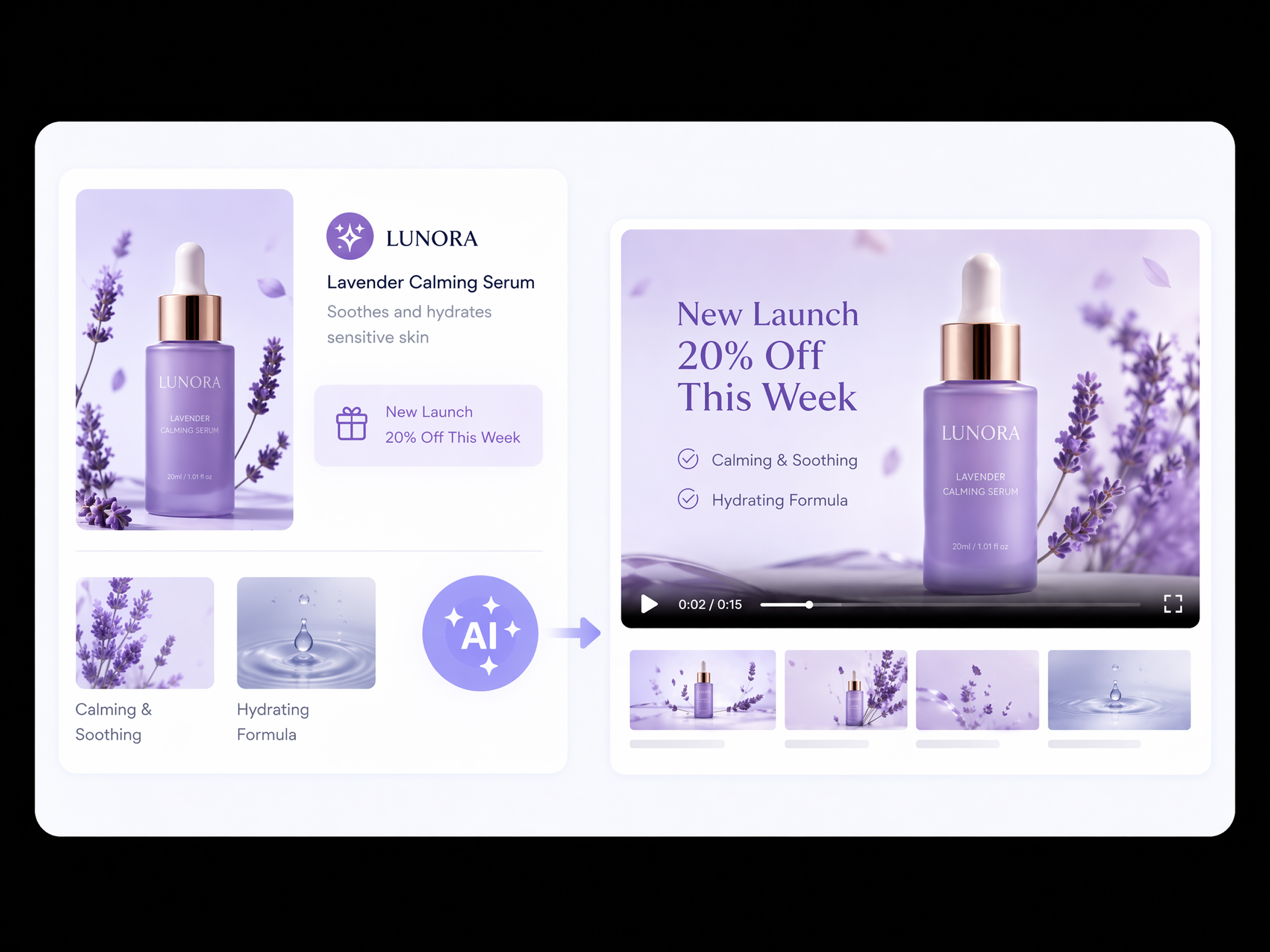
Keep Brand Assets Consistent Across Scenes
Upload product images, character references, brand assets, or existing clips to guide each scene. RoboNeo helps maintain a more recognizable visual direction, reducing inconsistent subjects, colors, and styling throughout longer videos and multi-scene campaign content.
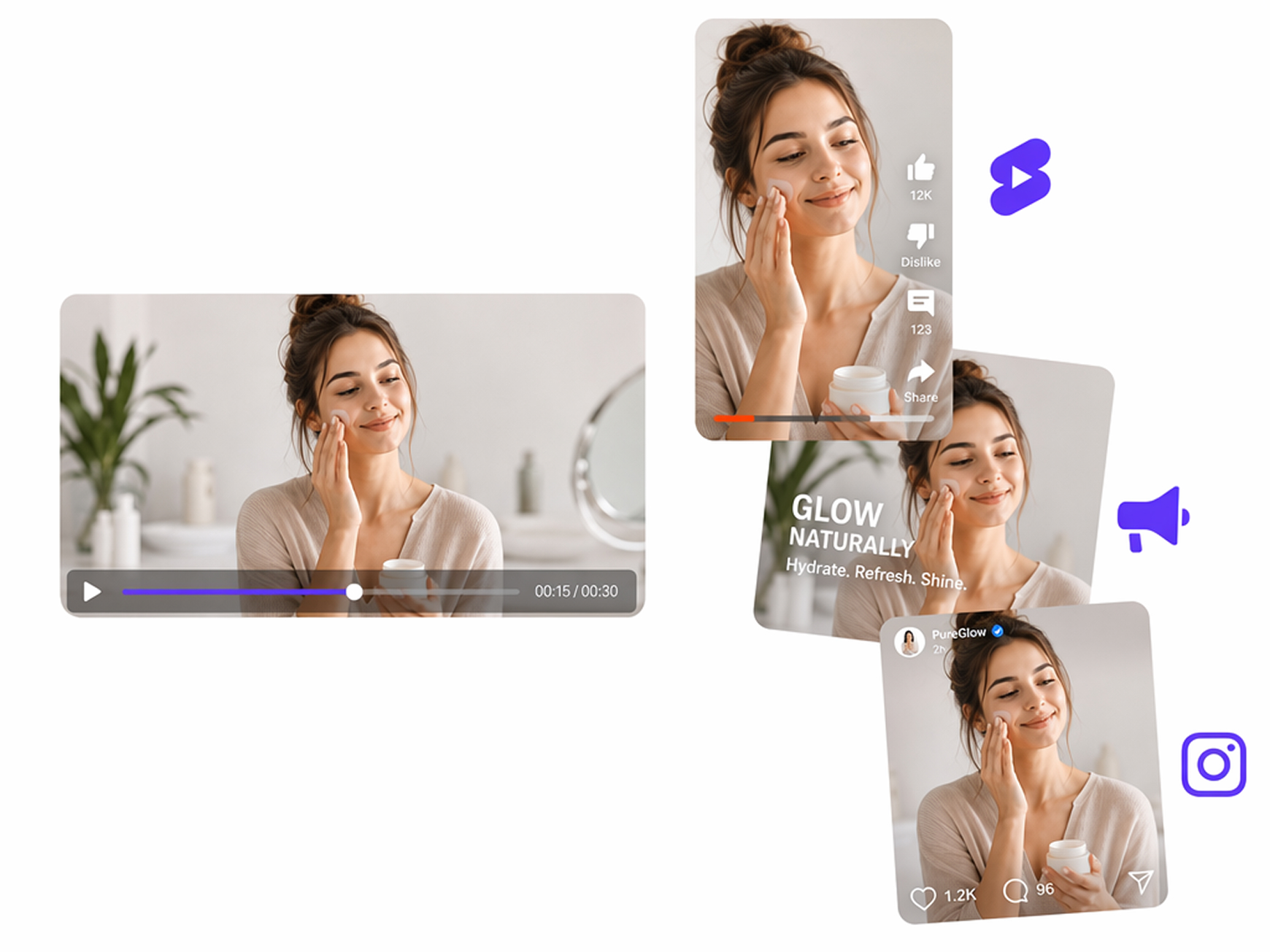
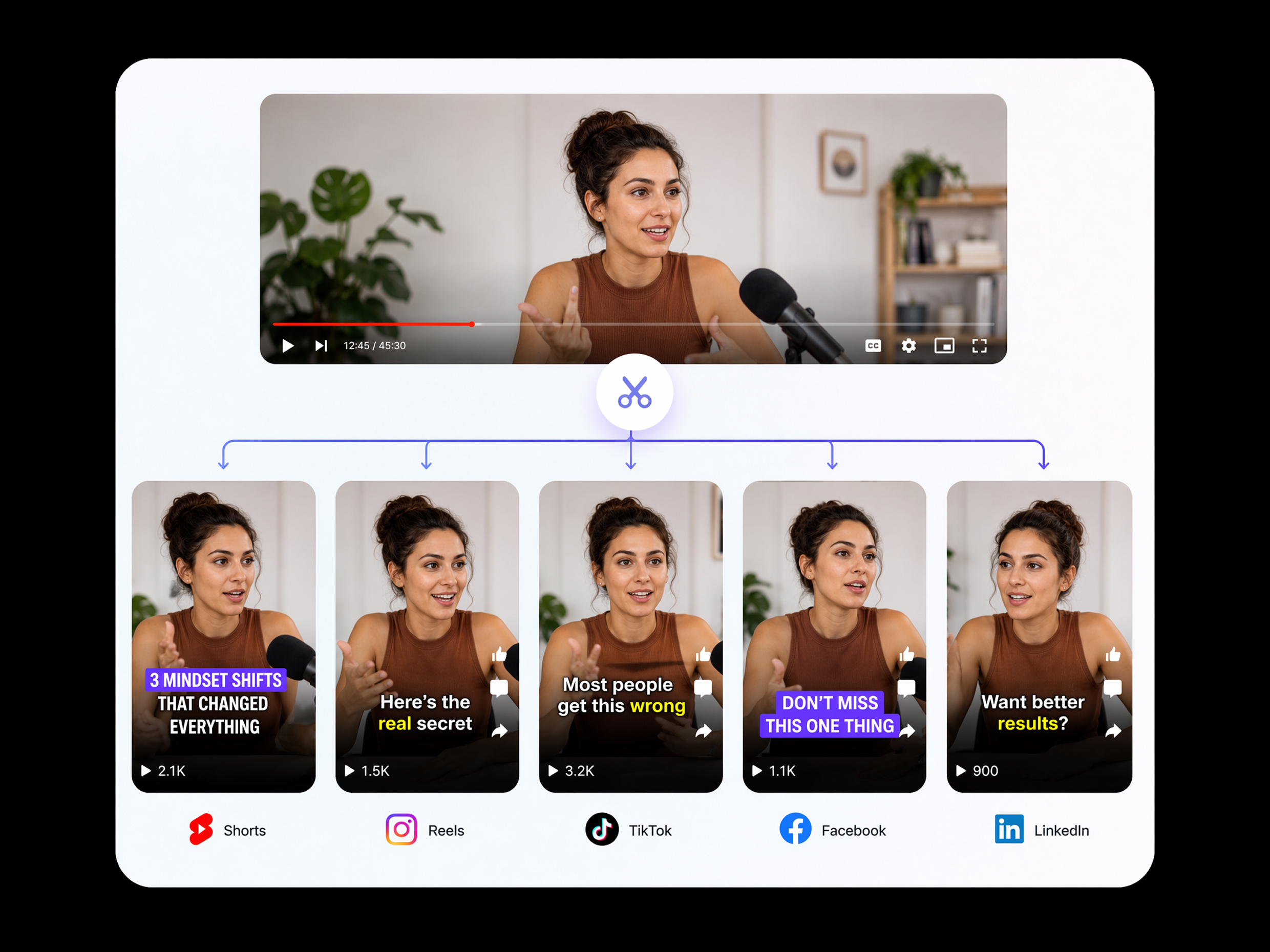
Repurpose Videos for Shorts and Campaigns
Adapt one video concept into YouTube Shorts, promotional cutdowns, and social campaign assets. RoboNeo helps content teams reuse approved messaging and visuals , reducing repetitive productions while creating more publishable versions.
Who Uses RoboNeo for YouTube Video Creation
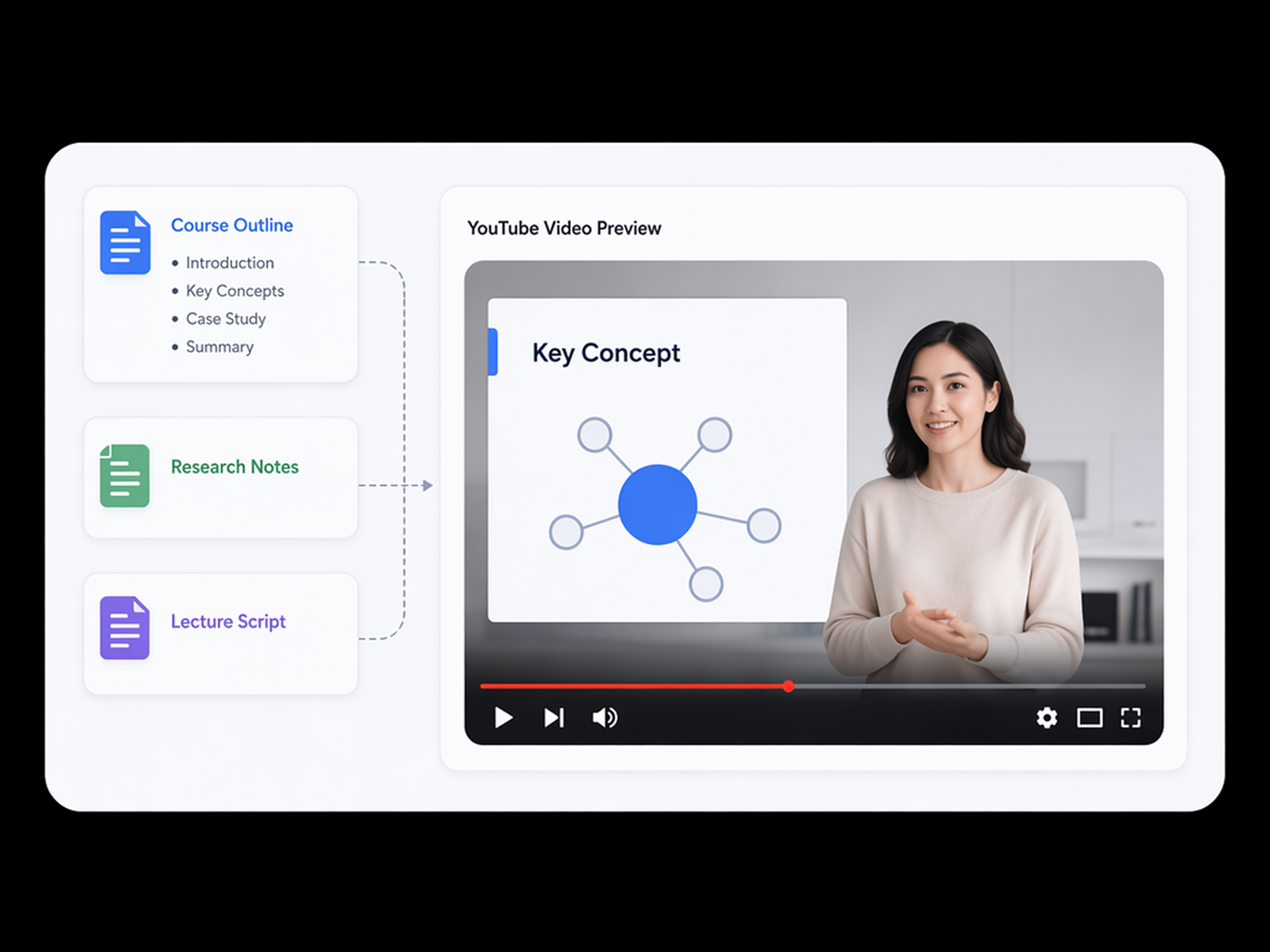
YouTube Education Content Teams
Educators can turn lesson outlines, research notes, or finished scripts into clear explainer videos for tutorials, online courses, and classroom support. RoboNeo AI YouTube Video Maker gives small teams a faster path to publishable content, with less editing work and more consistent channel updates.
Frequently asked questions
Can I make ai youtube videos for free?
Is RoboNeo the best AI video maker for YouTube beginners?
The best tool depends on your workflow. RoboNeo suits beginners who want to move from a topic or script to a video draft without coordinating separate tools for visuals, narration, captions, and editing.
Is AI-Generated video allowed on YouTube?
Yes. However, realistic altered or synthetic content may require disclosure. Creators must also follow YouTube’s copyright, community, originality, and monetization policies.
What are the limitations of AI video creators?
AI videos may contain inconsistent faces, unnatural motion, inaccurate text, weak lip sync, or visual continuity problems. Always review and edit the complete video before publishing it.
Can I edit individual scenes after generation?
RoboNeo supports video creation, editing, and refinement. Review the generated draft and adjust weaker scenes, transitions, timing, or other elements instead of rebuilding the full project.
Can I upload my own images and video clips?
RoboNeo supports workflows using images and other reference assets. Upload only content you own or have permission to edit, reproduce, and publish.
Create YouTube Videos Faster with RoboNeo
Turn your topic, script, images, or clips into polished YouTube content in one streamlined workflow. Use RoboNeo’s AI YouTube video maker to create, review, and refine your video faster while keeping every scene clear and consistent.
What Users Say About RoboNeo’s AI YouTube Video Maker
“I had the lesson written, but turning it into a watchable video usually took most of the day. RoboNeo gave me a solid first version, so I could spend more time checking the explanation and less time arranging every part of the video.”
“I used RoboNeo to test a new channel idea before committing to a full production schedule. The first draft needed a few changes, but it helped me spot slower parts of the script and made the editing process much easier to manage.”
“We started with one approved campaign message and created a longer YouTube video plus several shorter versions. Reviews were easier because the messaging stayed consistent, and our team did not have to rebuild every edit from the beginning.”