
Remake Viral Videos with AI
RoboNeo uses AI to remake viral video formats with your products, IP characters, and creative assets to create your new videos inspired by trending content.
How to Recreate a Viral Video
Choose a Reference Video
Choose a viral template in RoboNeo or upload a video to use as your reference.
Choose Your Product or Character
Select a product, character, or image from your RoboNeo history, asset library, or IP collection, or upload one from your device.
Let AI Create the Remake
RoboNeo analyzes the reference video and your selected assets to create a new video inspired by the original concept and flow.
Check the New Video
Watch the remake, switch out a visual if needed, and generate the final video when everything looks right.
Viral Videos, Remade Around Your Content
Start with a Viral Video Format
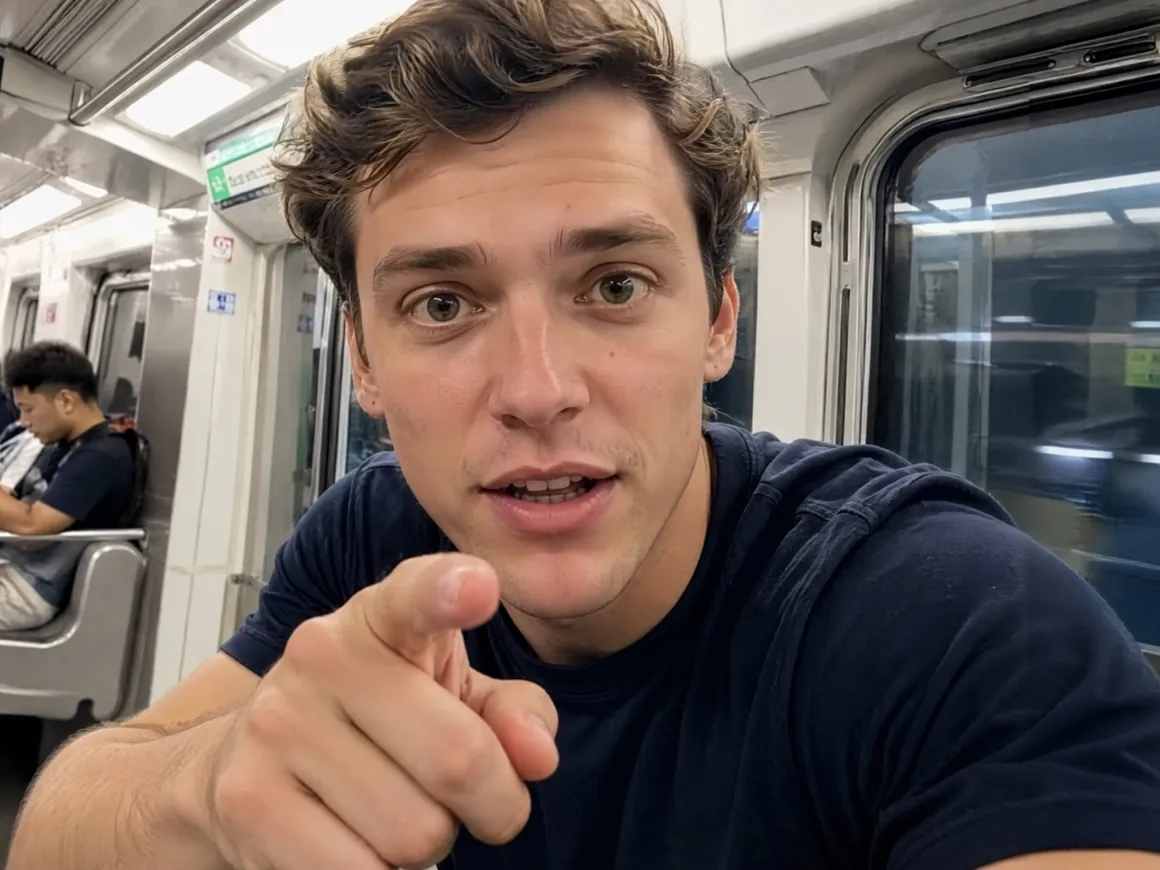
A strong reference gives the video a clear creative direction from the beginning. RoboNeo uses the original format as inspiration while rebuilding the content around your own assets.
Your Product or IP Takes the Lead
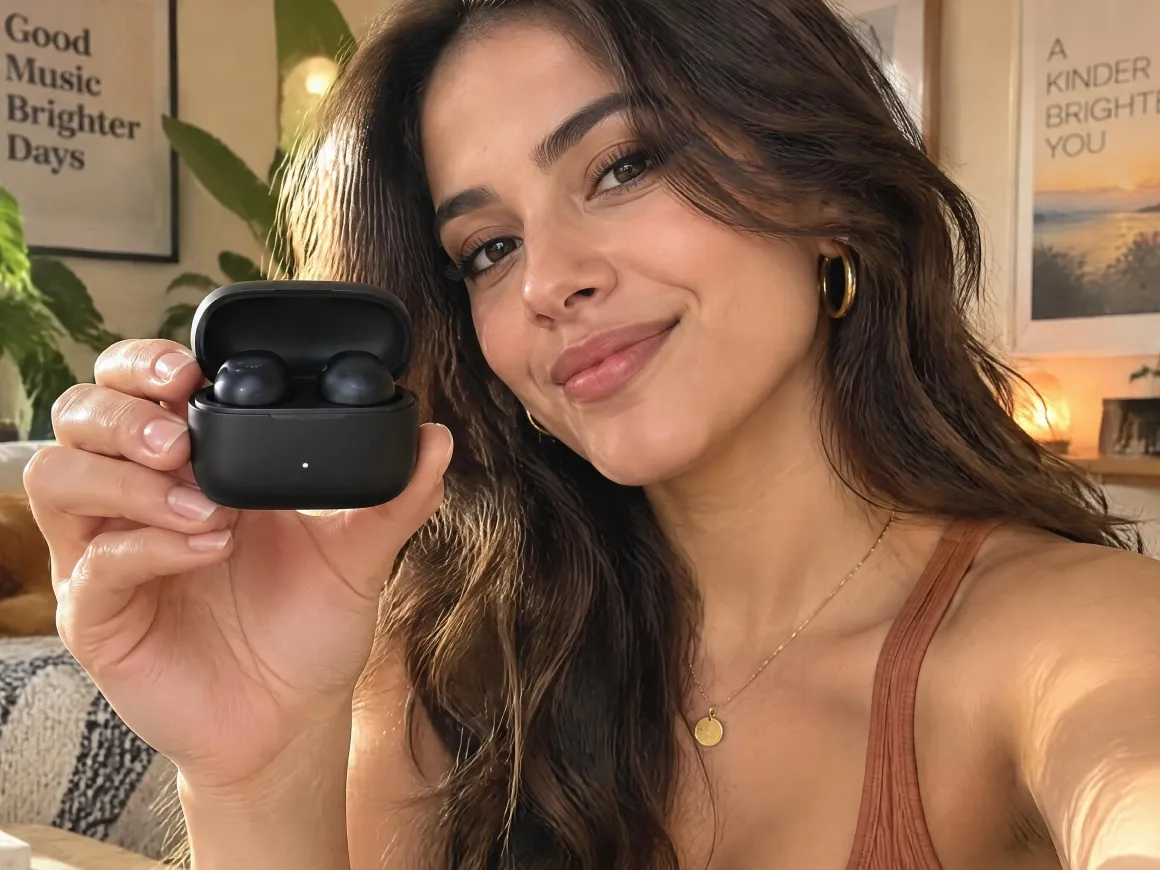
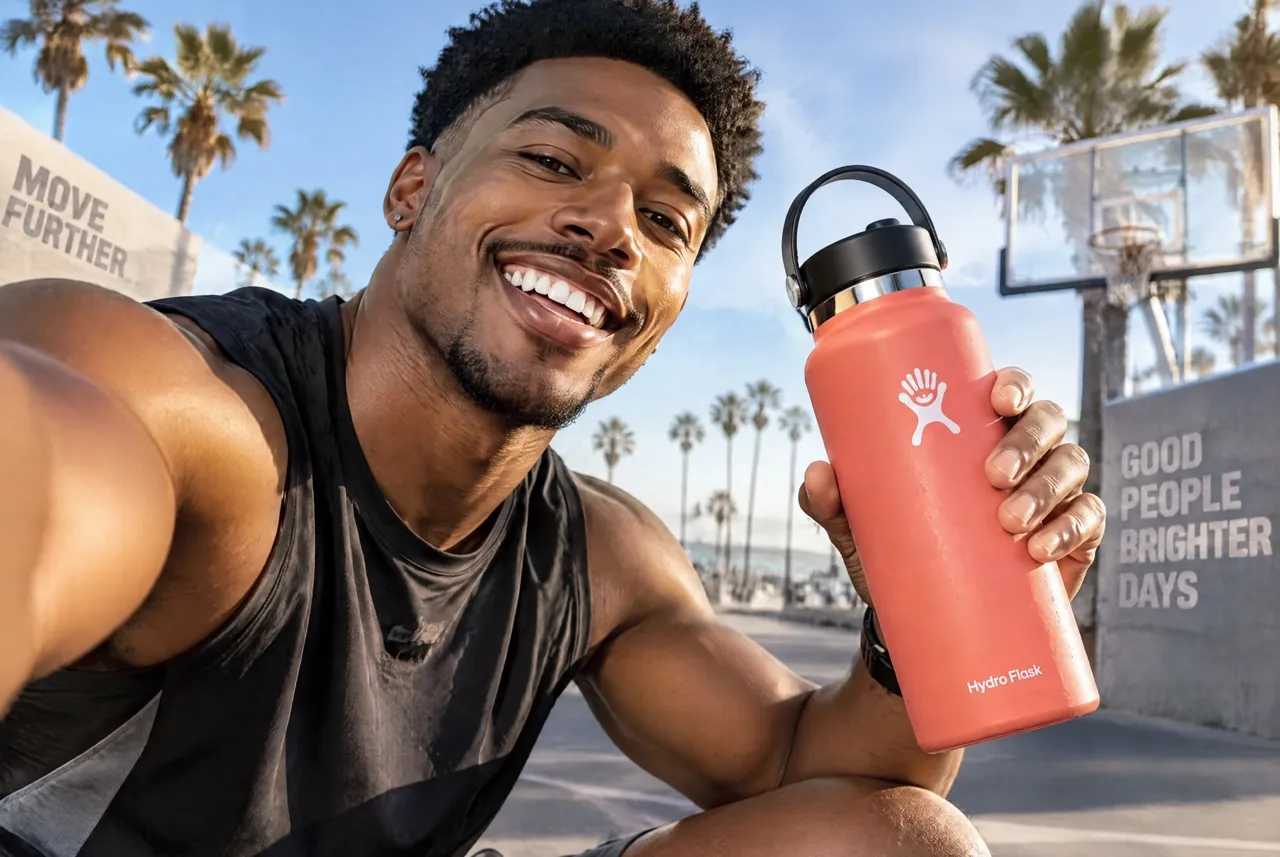
Products, characters, and IP assets can replace the original subject, helping the new video feel more relevant to your brand, audience, or creator identity.
Everything Stays in One Workflow
Your reference video, selected assets, and generated videos all stay in RoboNeo, reducing the need to switch between tools or handle repetitive manual work.
One Reference, More Creative Options
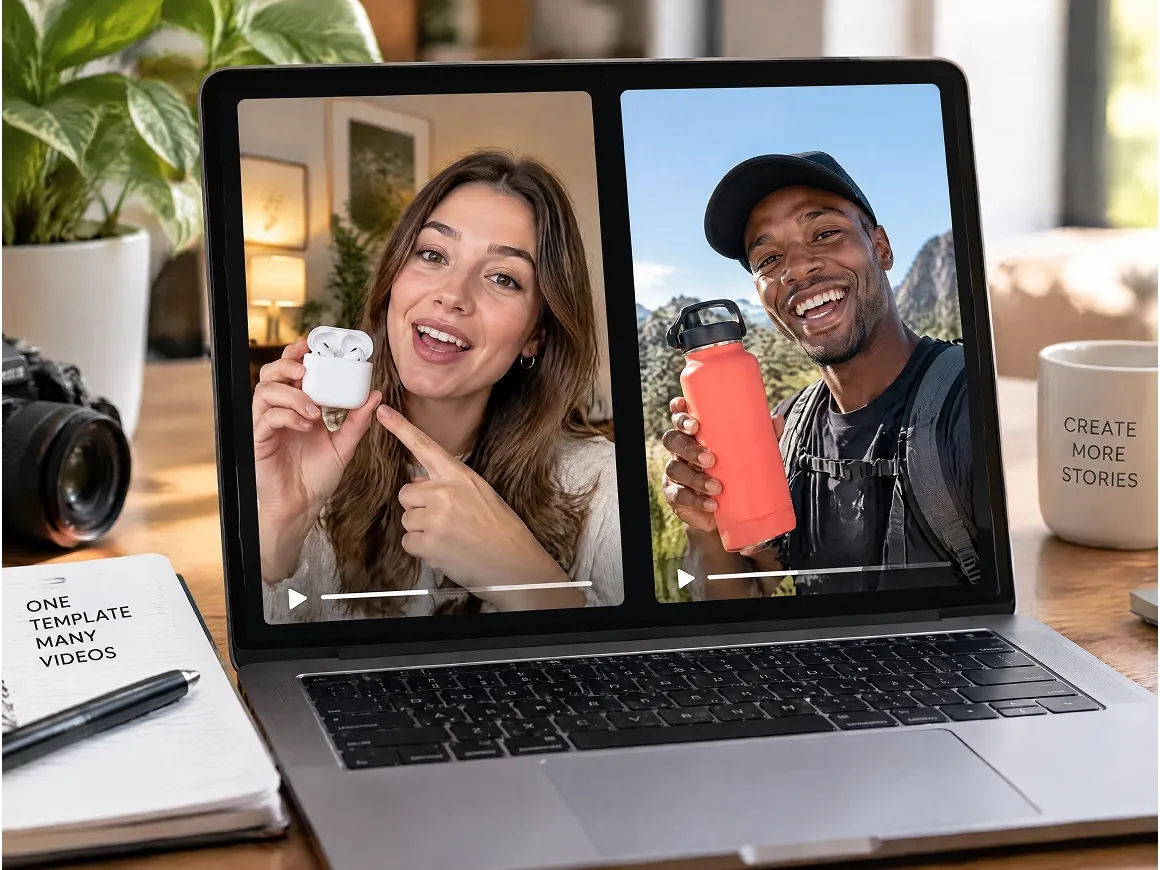
The same viral reference can be used with different products, characters, or visuals, helping you create multiple videos and test new ideas without starting from scratch.
More Ways to Use a Viral Hit

Social Media Marketing
Social teams can use RoboNeo to turn trending video ideas into timely content for TikTok, Instagram Reels, YouTube Shorts, and other social channels. It is especially useful when brands want to react quickly to a format that is already gaining attention.
Bring Your IP to Viral Video Formats
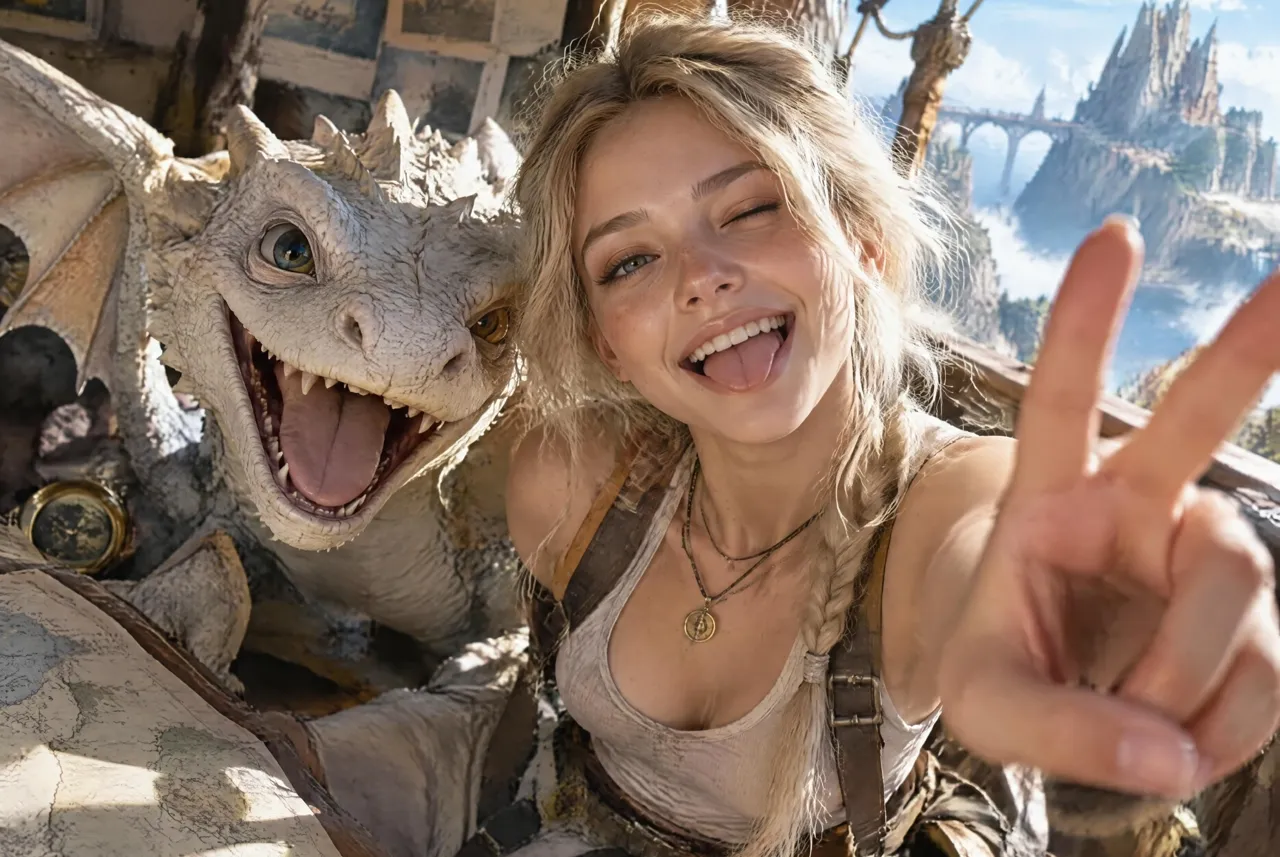
RoboNeo brings your IP characters into viral video formats, giving familiar characters a fresh way to show up in social content, campaigns, and trending moments.
Frequently Asked Questions
What videos can I use as a reference for a viral video remake?
Can I use my own product or IP character in the video?
You can select supported assets in RoboNeo or upload your own product image, character, or IP asset to feature in the new video.
Can I remake someone else's viral video?
You can use a video as creative reference, but you should have the necessary rights or permission to use the material. Creating a remake does not automatically give you rights to copyrighted or otherwise protected content.
Do I need video editing skills to use Viral Remake?
No. RoboNeo handles the remake based on your reference video and selected assets, so you don't need to recreate every scene manually in a video editor.
Can I make several videos from the same viral reference?
You can reuse the same reference with different products, characters, or IP assets to create multiple videos for different campaigns or content ideas.
The biggest difference is how quickly we can adapt a strong format to our own products.
My character can appear in very different viral concepts without rebuilding every video from zero.
One good reference can turn into several product creatives, which makes testing much easier.
We can explore more creative directions while a trend is still relevant.