
AI Short Video Generator
Short video ideas can start with a prompt, image, or existing clip. RoboNeo turns them into social videos, product clips, and short story scenes with an AI short video generator, so you can create different video ideas without a complicated editing process.
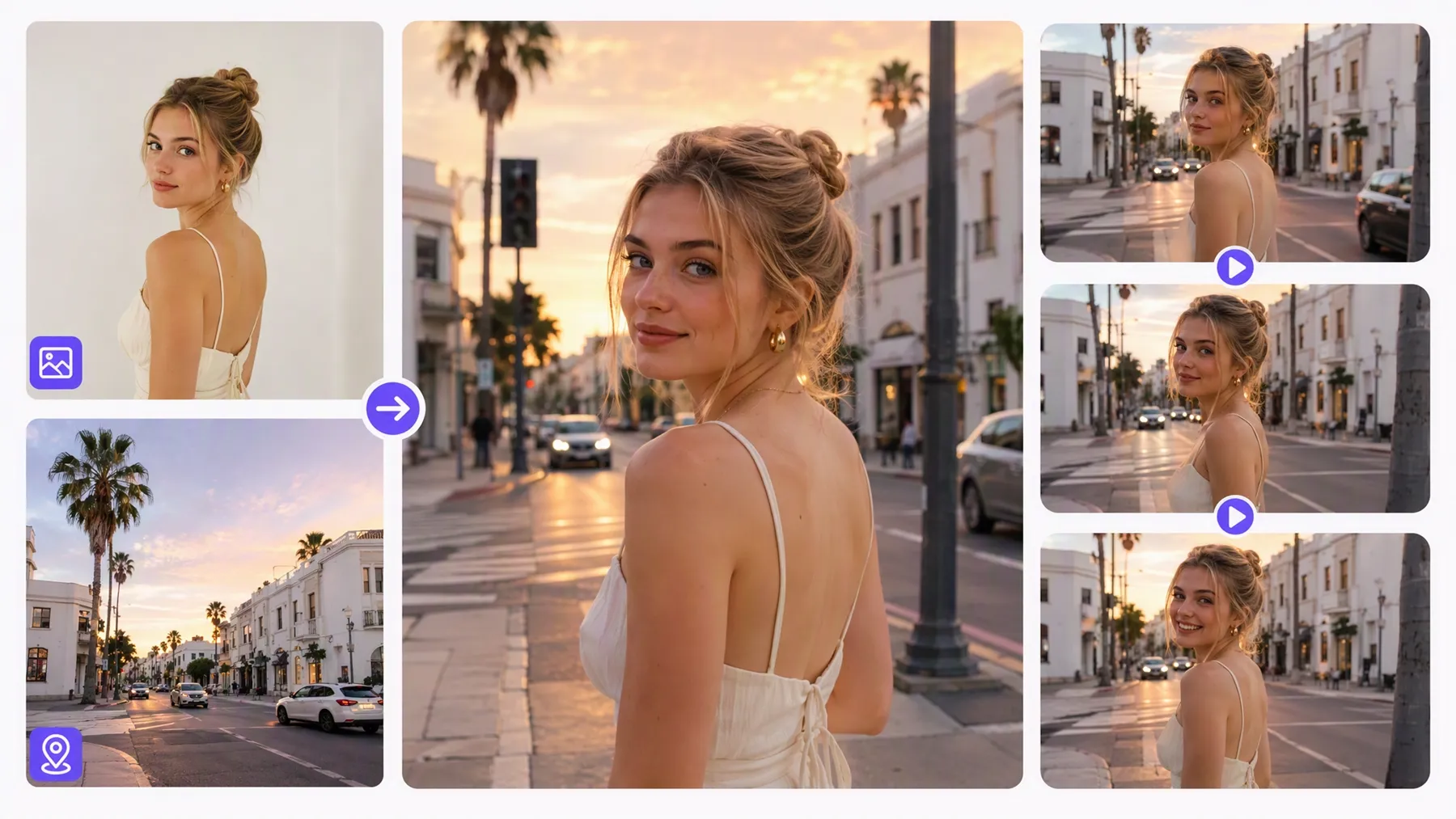
How to Make a Short Video with RoboNeo
Plan Your Short Video
Decide what the video should show, whether it is a product moment, social post, quick story, or visual concept. A simple prompt or a piece of existing content is enough to get the project moving.
Add Your Starting Material
Open a Video Node and add the material you want to work from. You can begin with a written idea, an image, a video clip, or other reference assets already added to the canvas.
Set Up the Short Video Format
Choose the aspect ratio and duration that fit where the video will be used. Vertical 9:16 works well for mobile content, while other available formats can suit square posts or wider video placements.
Generate Your First Version
Select a video model and generate the clip. RoboNeo lets you preview the result directly in the workflow, so you can see how the idea, source material, and settings come together before moving forward.
Refine the Final Clip
If the first version is not quite right, adjust the prompt, source material, model, or video settings and generate another version. Once the result works for your short video, you can continue with editing, enhancement, or export.
Create Short Videos with More Creative Control
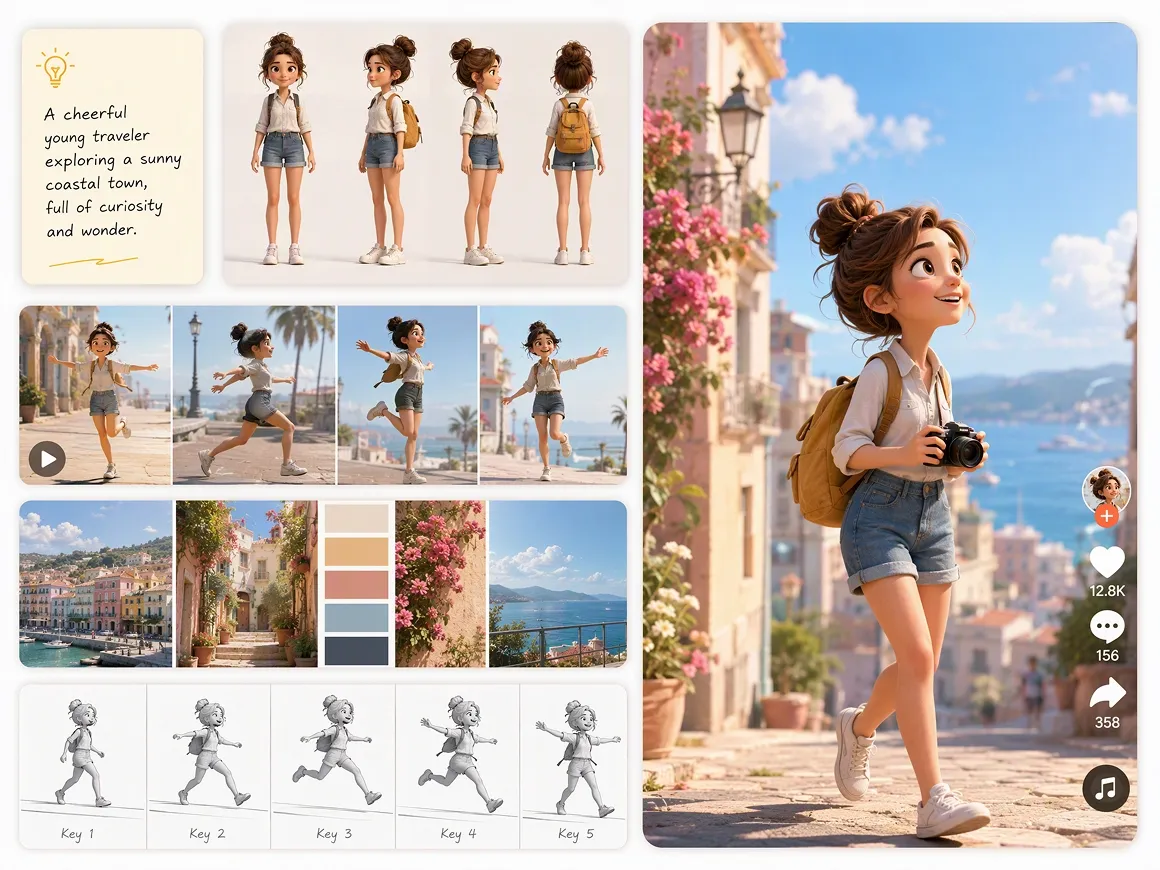
Five Ways to Start a Short Video Project
RoboNeo supports text-to-video, image-to-video, universal reference, motion control, and start-and-end frame generation. Start from a prompt, a still image, or mixed text, image, video, and audio references, then choose the workflow that matches the clip you want to make without rebuilding the project.
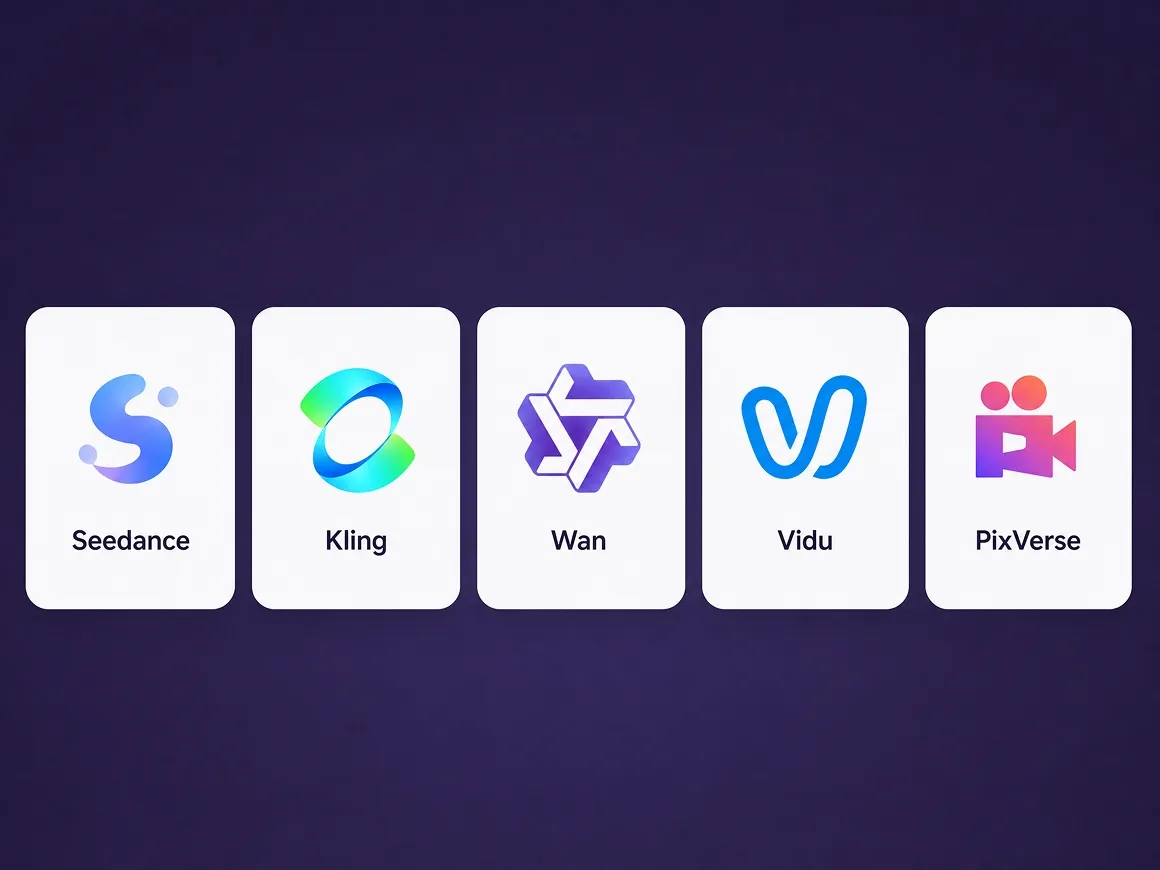
Choose the Right AI Model for Every Clip
Different clips call for different strengths. RoboNeo brings video models such as Seedance, Kling, Vidu, Wan, and PixVerse into one workspace, so you can choose based on priorities like camera control, speed, multimodal input, synchronized audio, or visual style for each project.
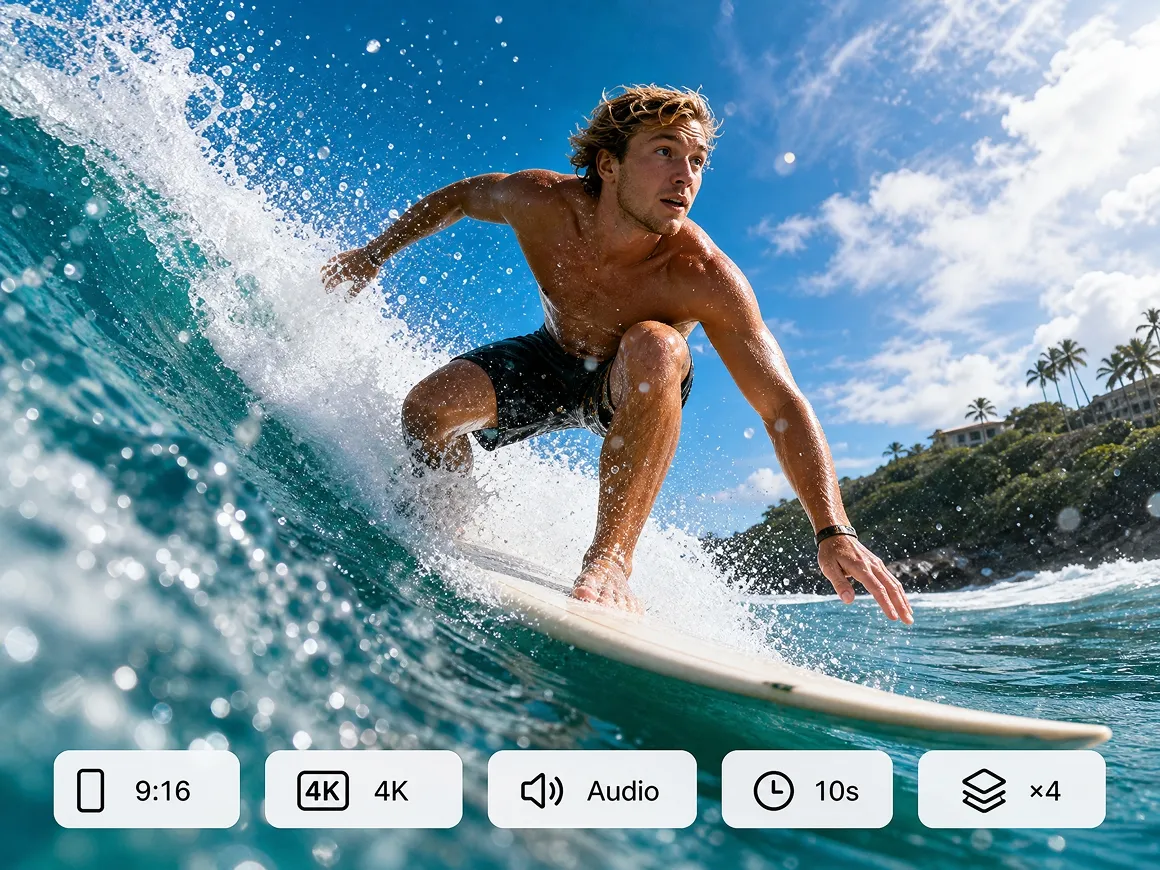
Fine-Tune Video Format, Quality, and Length
Set the aspect ratio, resolution, audio output, duration, and batch quantity before generation. Available options include multiple horizontal and vertical formats, resolutions from 480P to 4K, clips from 4 to 15 seconds, and batches of 1, 2, or 4 in one run.
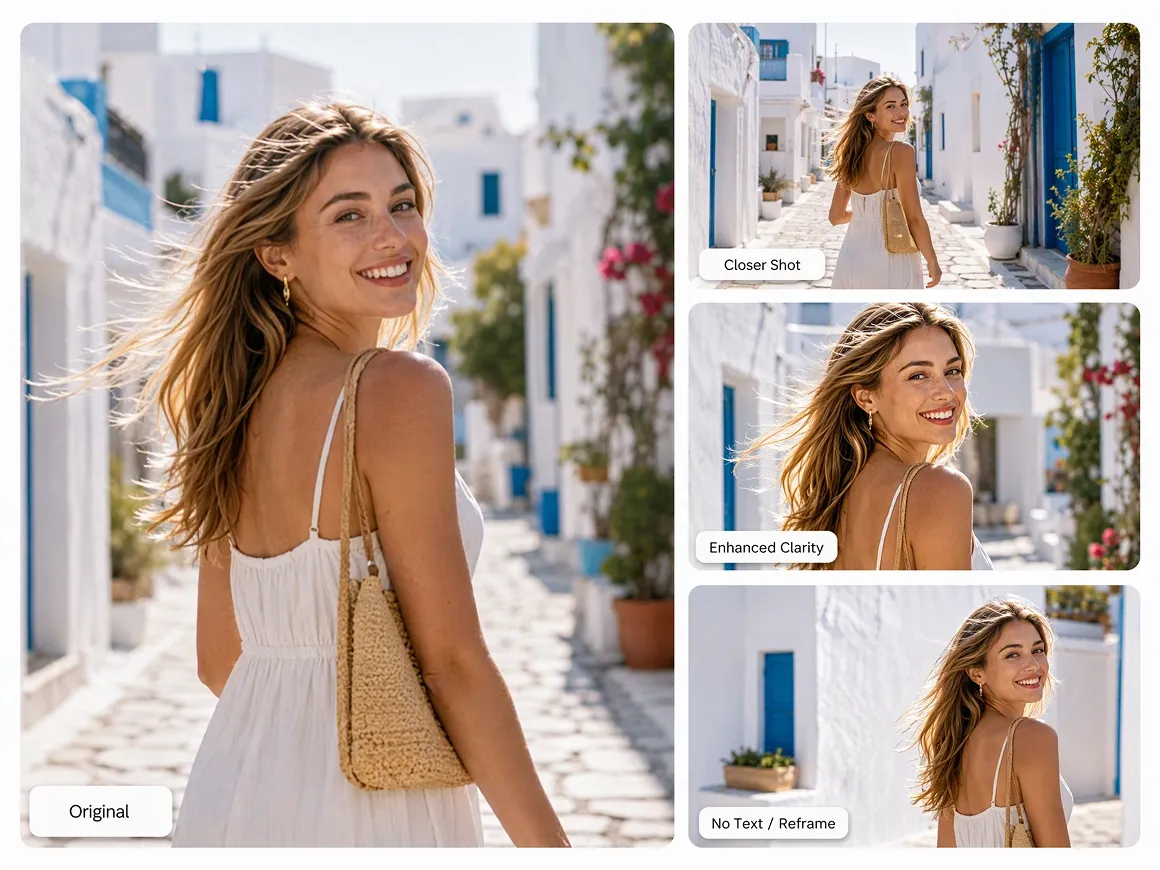
Create More Versions Without Starting Over
Revisions stay simple in RoboNeo. You can change the prompt, model, or video settings and regenerate, then use built-in tools for video enhancement, subtitle removal, previewing, editing, and download from the same workspace without rebuilding the entire project from scratch.
Short Drama Ideas You Can Explore
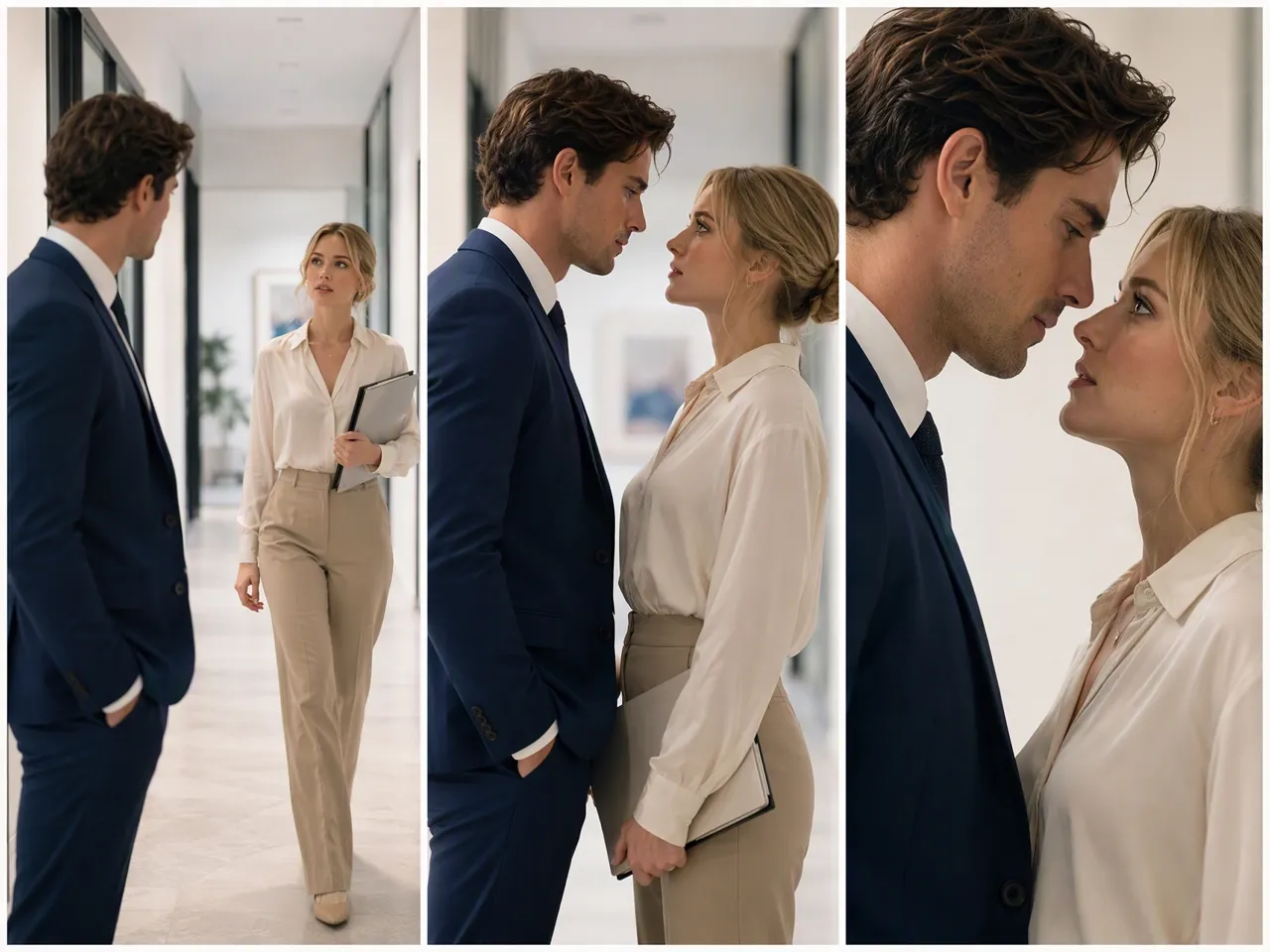
Romance and Relationship Drama
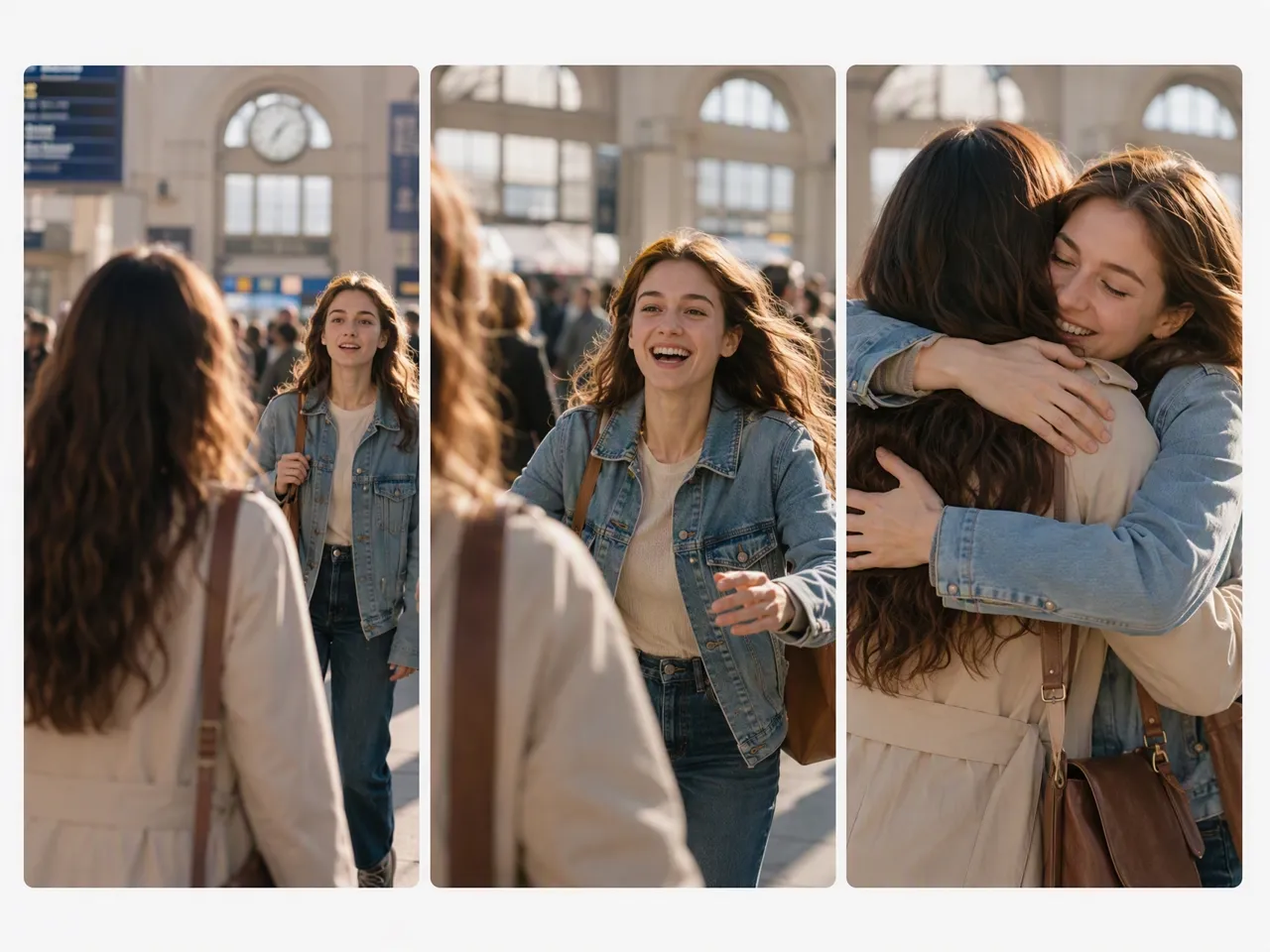
Romance stories can center on unexpected relationships, marriage conflicts, breakups, second chances, or couples finding their way back to each other. These storylines work well when you want clear emotional tension and character relationships that can develop across a series of short episodes.
Frequently Asked Questions
Can I make a short video from just an idea?
Can I turn a photo into a short AI video?
Yes. RoboNeo supports image based video generation, so a still image can become the starting point for a moving scene. You can then adjust the prompt and video settings to explore different results.
Is RoboNeo a free AI short video generator?
Yes. RoboNeo offers free access with credits for video creation. The number of generations available can depend on the video model, resolution, duration, and current plan.
How long can a short video be in RoboNeo?
A single generated clip can currently range from 4 to 15 seconds. Available duration options vary by video model, so the exact choices depend on the model selected for your project.
Do I need video editing experience to use RoboNeo?
No. You can generate a short video from a prompt, image, or existing material without traditional editing experience. RoboNeo also includes editing tools if you want to make further changes after generation.
How can I keep characters consistent across short video scenes?
Use the same character references and keep important details such as appearance, clothing, and style consistent between scenes. Saved assets can also be reused throughout the project to give each generation clearer visual guidance.
One Idea Can Become a Short Video
A simple idea, photo, or existing clip can be enough to get started. If you are looking for a free AI short video generator, RoboNeo gives you a way to try short video creation before using additional credits for certain models or generations.
What Users Say About RoboNeo
The character consistency held up well, and the pacing worked. From the music to the final video, the overall atmosphere came through nicely.
I would love to use more reference images for characters, styles, scenes, objects, and storyboards so I could build a complete short film more directly.
The video generation and editing are really good. It can take longer after the update, but the final result is worth waiting for.