
Cinematic AI Videos with Shot Direction
A strong cinematic shot needs more than a good prompt. RoboNeo helps you shape how each scene looks, moves, and flows, so cinematic AI videos feel more deliberate and less like disconnected AI-generated clips.
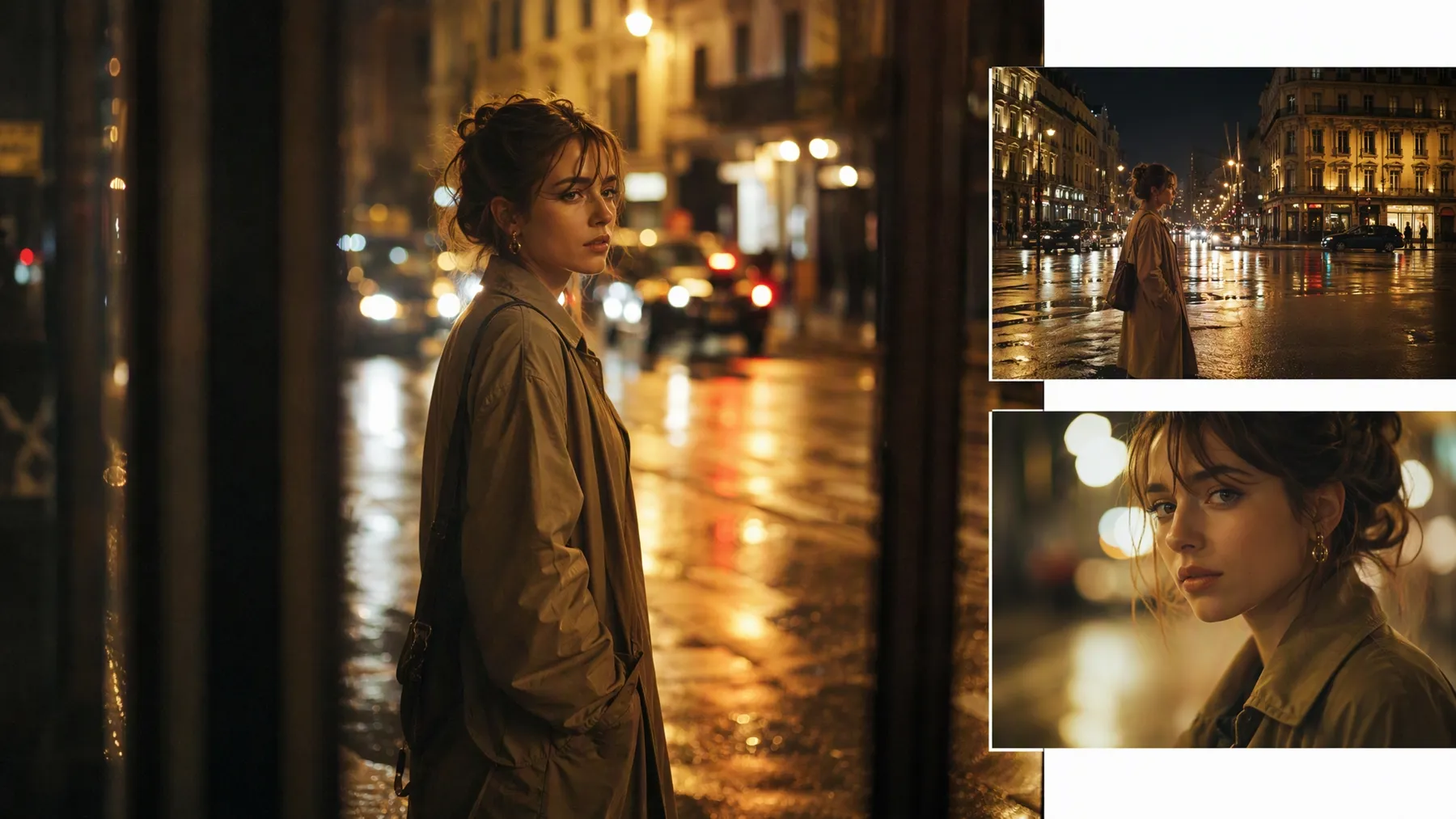
How to Create Cinematic AI Videos in RoboNeo
Define the Scene and Mood
Start with the shot you want to see on screen. Describe the setting, subject, atmosphere, and key action, or bring in a reference image when you already have a visual direction in mind.
Set the Visual Direction
Give the shot a clearer cinematic identity before generating it. Camera movement prompts and visual references can help establish the angle, composition, lighting, and overall mood instead of leaving those choices entirely to the model.
Build the Shot Around the Scene
Choose the generation approach that suits the shot you planned, then set the video model and output format. Opening and ending frames can also guide how a scene develops when the transition itself matters to the story.
Refine the Cinematic Look
Review how the shot moves and whether it matches the intended mood. Changes can be made directly on the canvas, while resolution enhancement and video editing give you another pass at the footage before export.
From Camera Direction to Final Polish
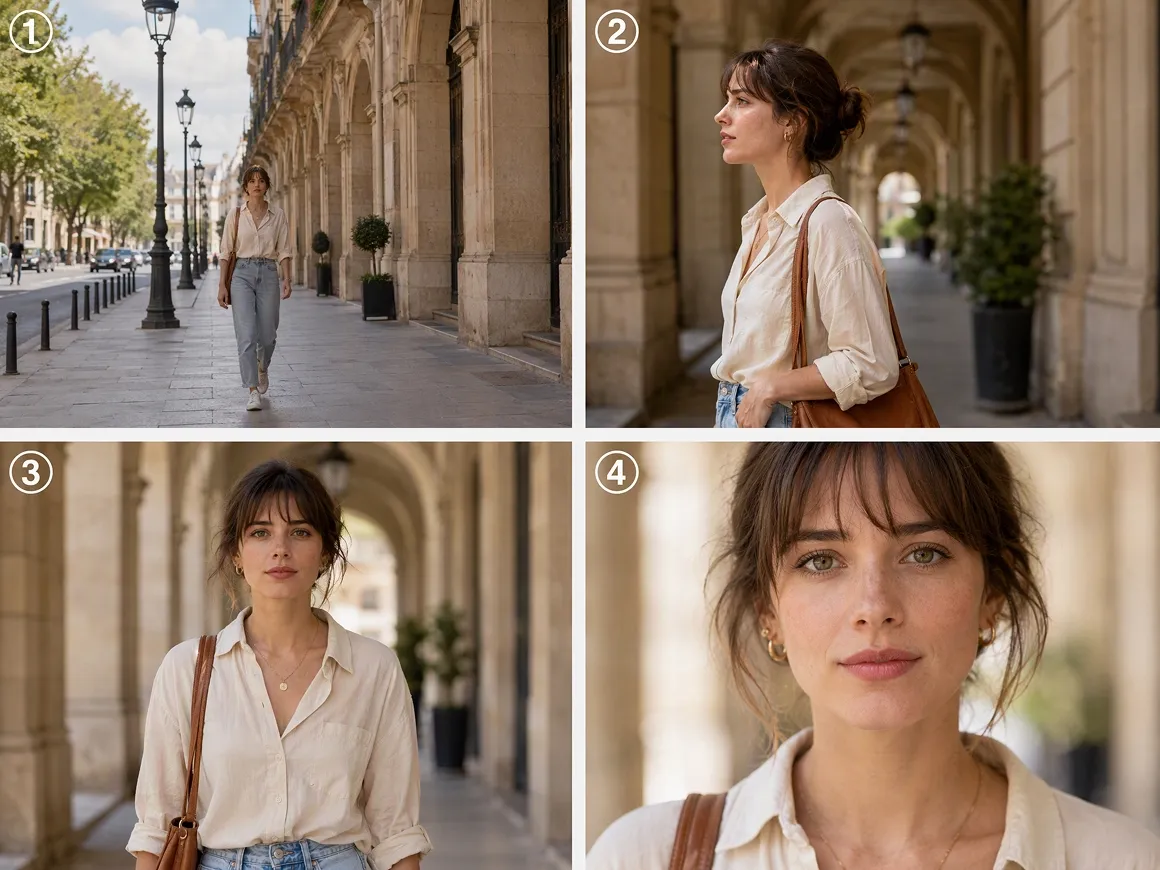
Camera Movement That Fits the Scene
Different scenes call for different camera behavior. RoboNeo supports movement prompts, multiple viewing angles, focal length, framing, and tilt adjustments, so a quiet close-up, a reveal, or a tracking sequence can follow the visual rhythm of the scene instead of using the same camera treatment every time.
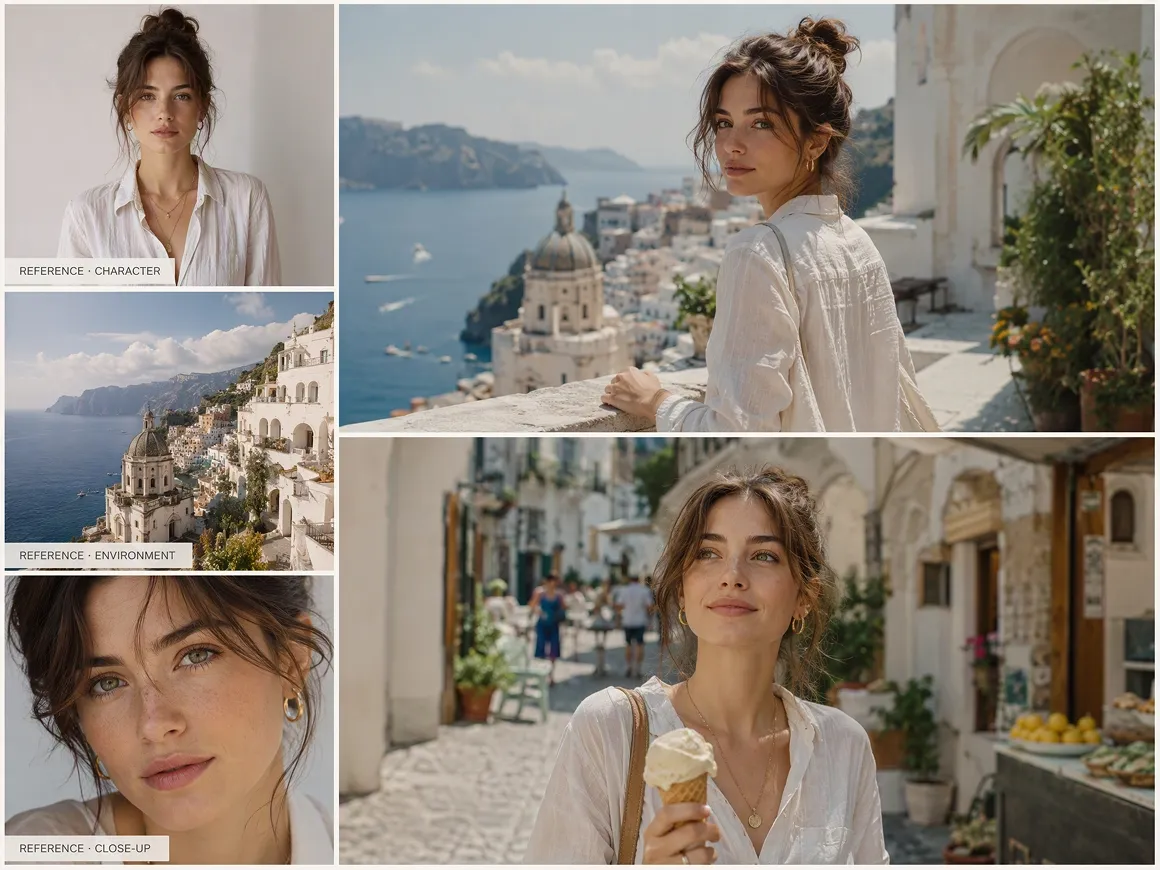
References That Keep the Look Consistent
When a prompt does not fully capture the intended style, reference materials can carry more of the visual direction. RoboNeo accepts text, images, video, and audio together, while start-and-end frames can help keep transitions and scene progression closer to the look you planned.
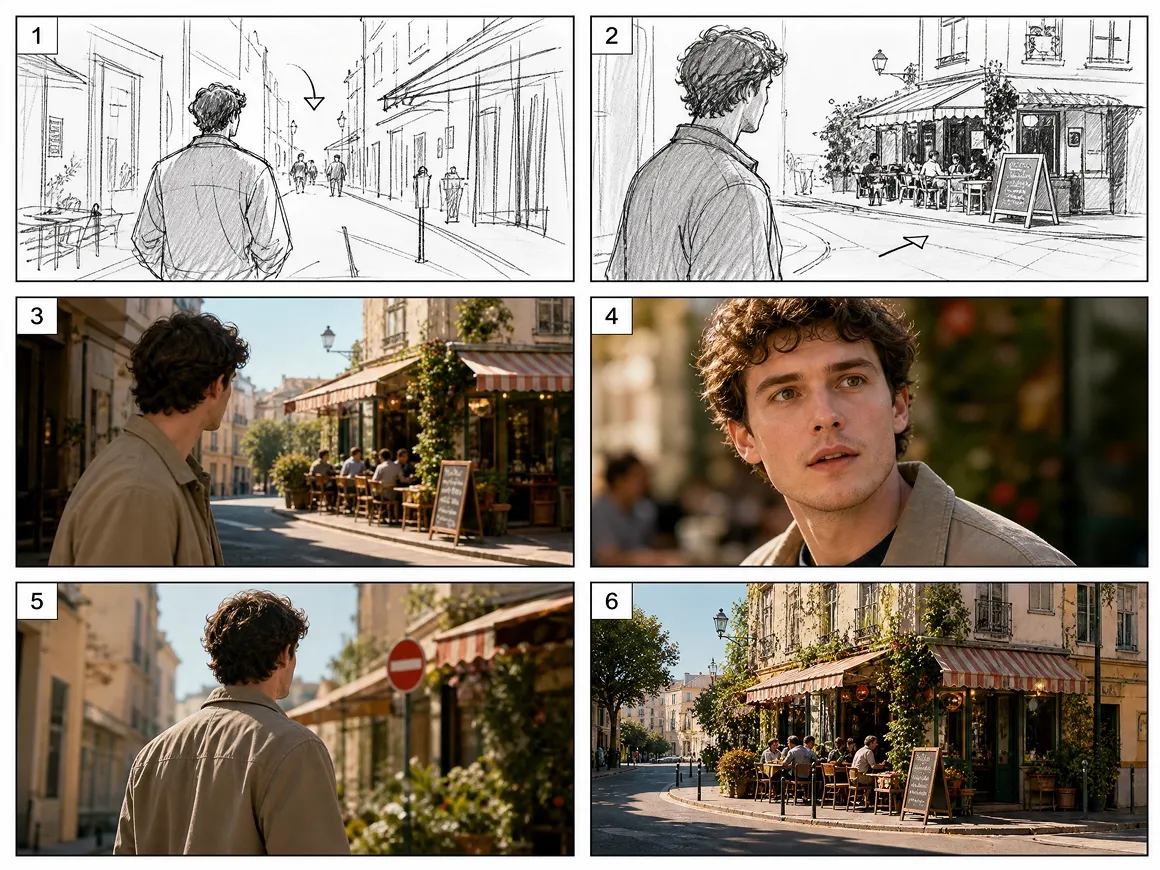
Storyboards Before Video Generation
Longer sequences benefit from having the structure worked out first. RoboNeo can turn a script into storyboard details including timing, visual content, dialogue, sound, camera movement, and generation prompts, giving creators a clearer production plan before moving into video.
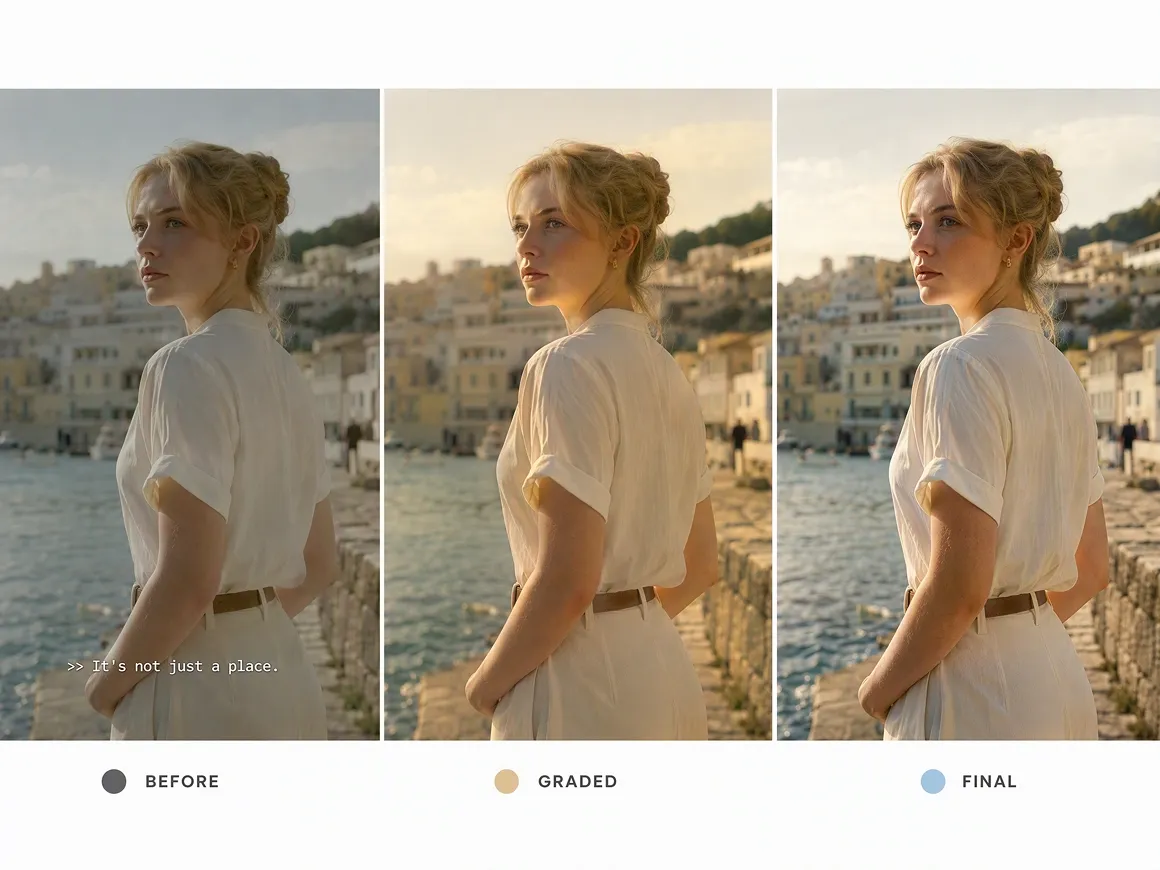
Lighting and Finishing in the Same Workflow
The final look often depends on details added before and after generation. Lighting presets and manual adjustments help set the mood, while resolution enhancement, subtitle removal, and video editing give cinematic AI videos a cleaner finish before export.
Cinematic AI Videos Across Film Genres
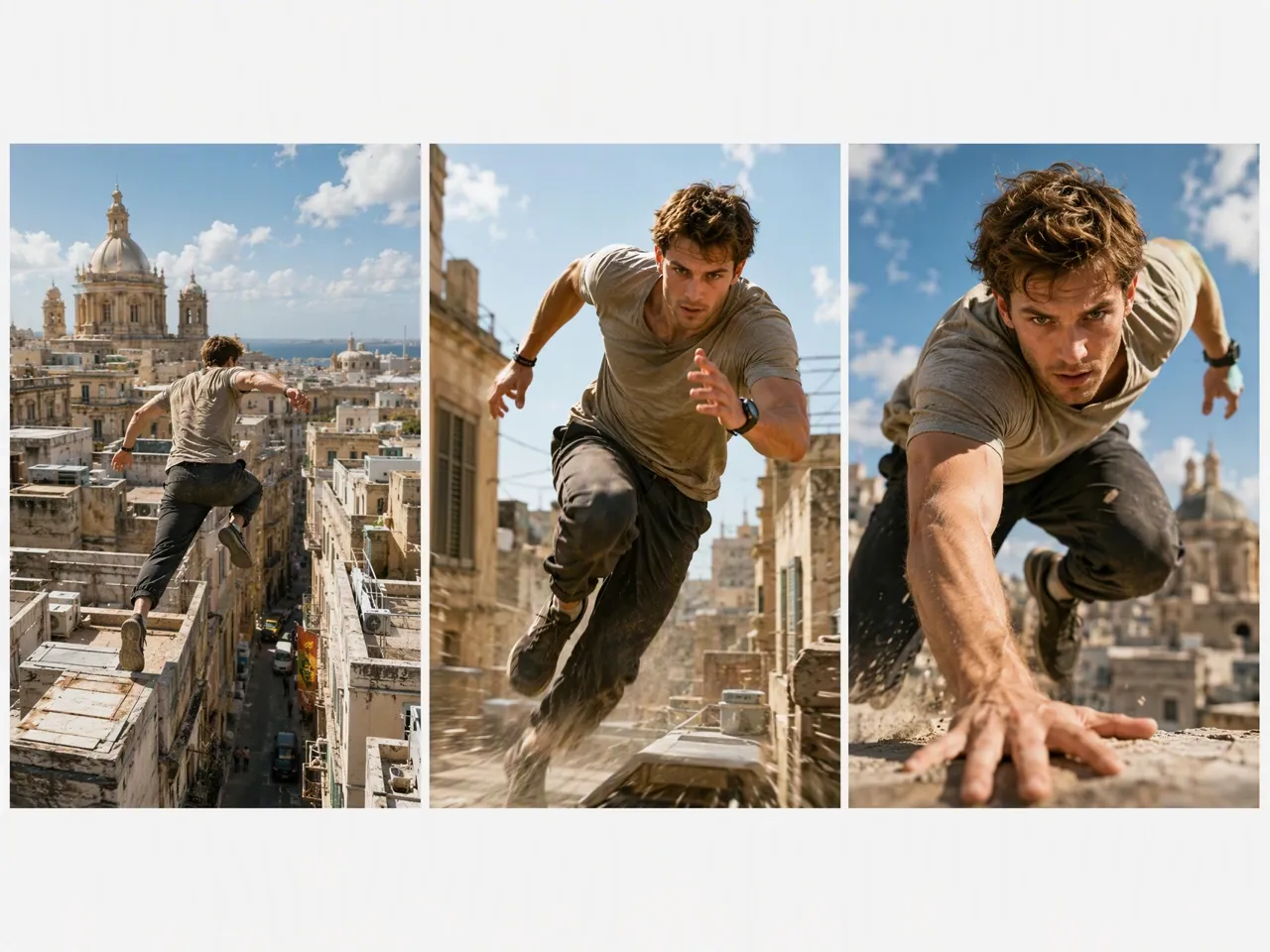
Action and Chase Scenes
Fast movement, changing camera angles, and clear spatial direction matter most in action sequences. RoboNeo can help develop chase scenes, confrontations, escapes, and other high-energy moments where motion and pacing need to stay readable rather than feeling like a collection of unrelated clips.
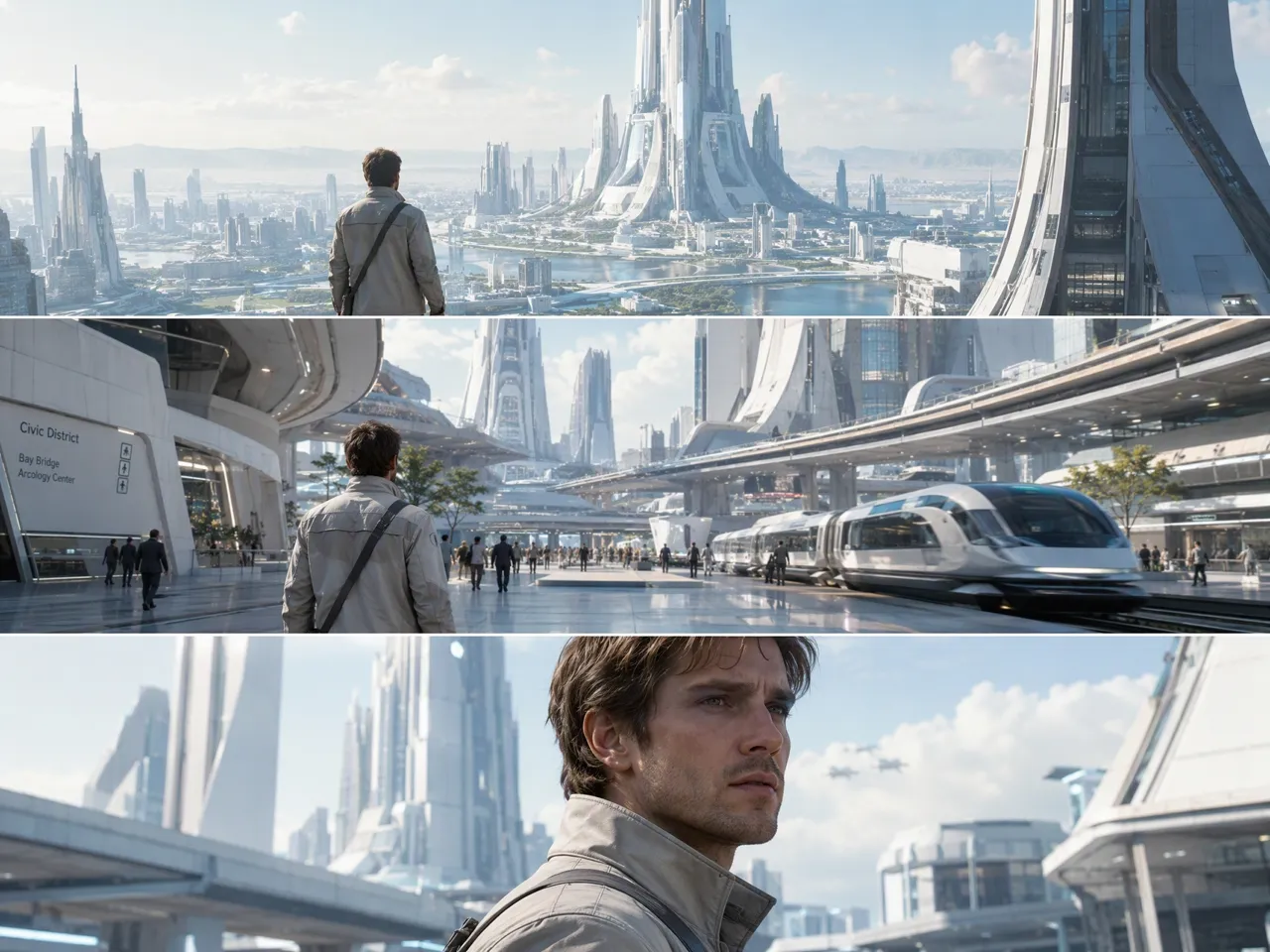
Frequently Asked Questions
How to make cinematic movies with AI?
How do I make my video cinematic?
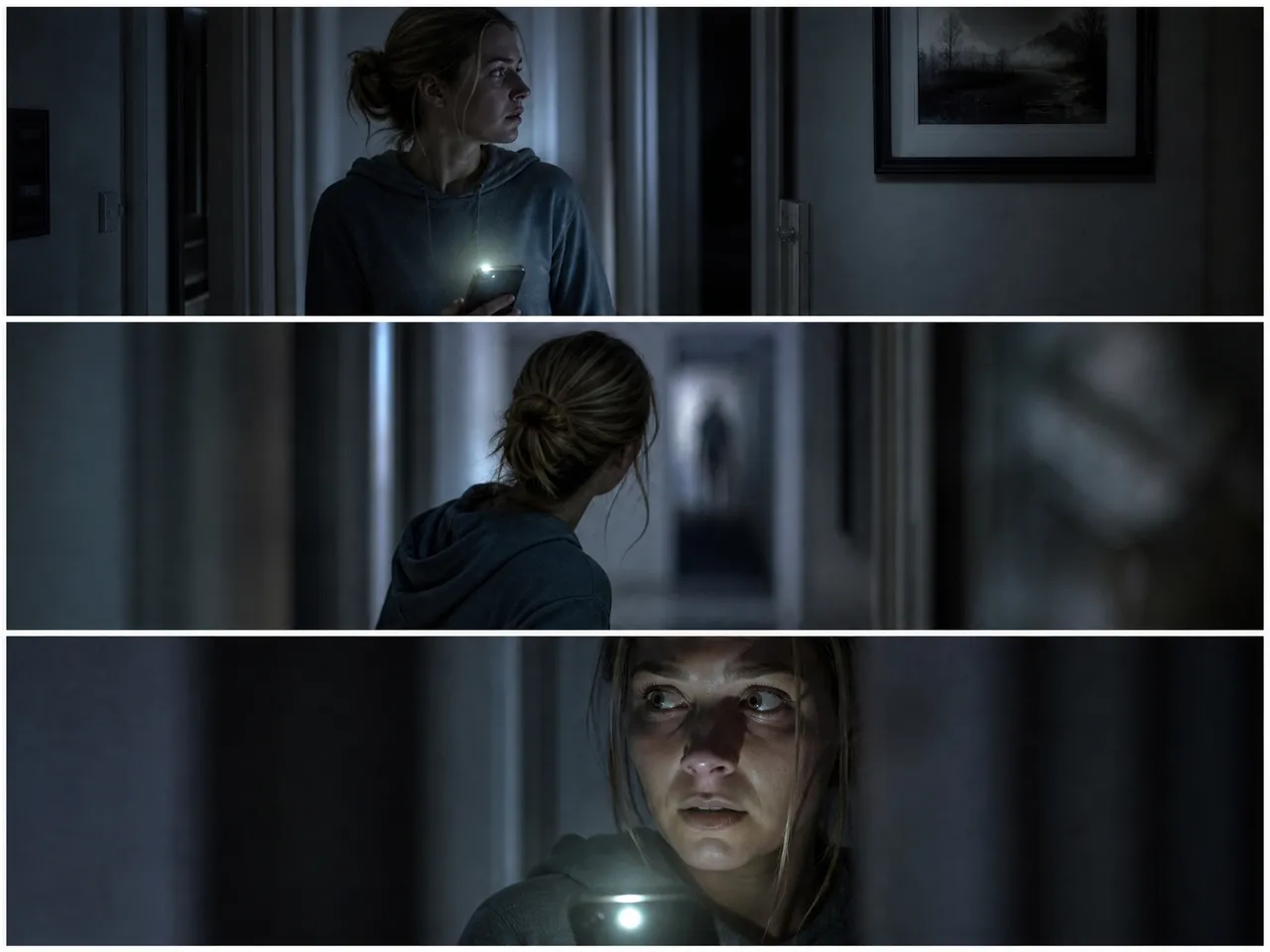
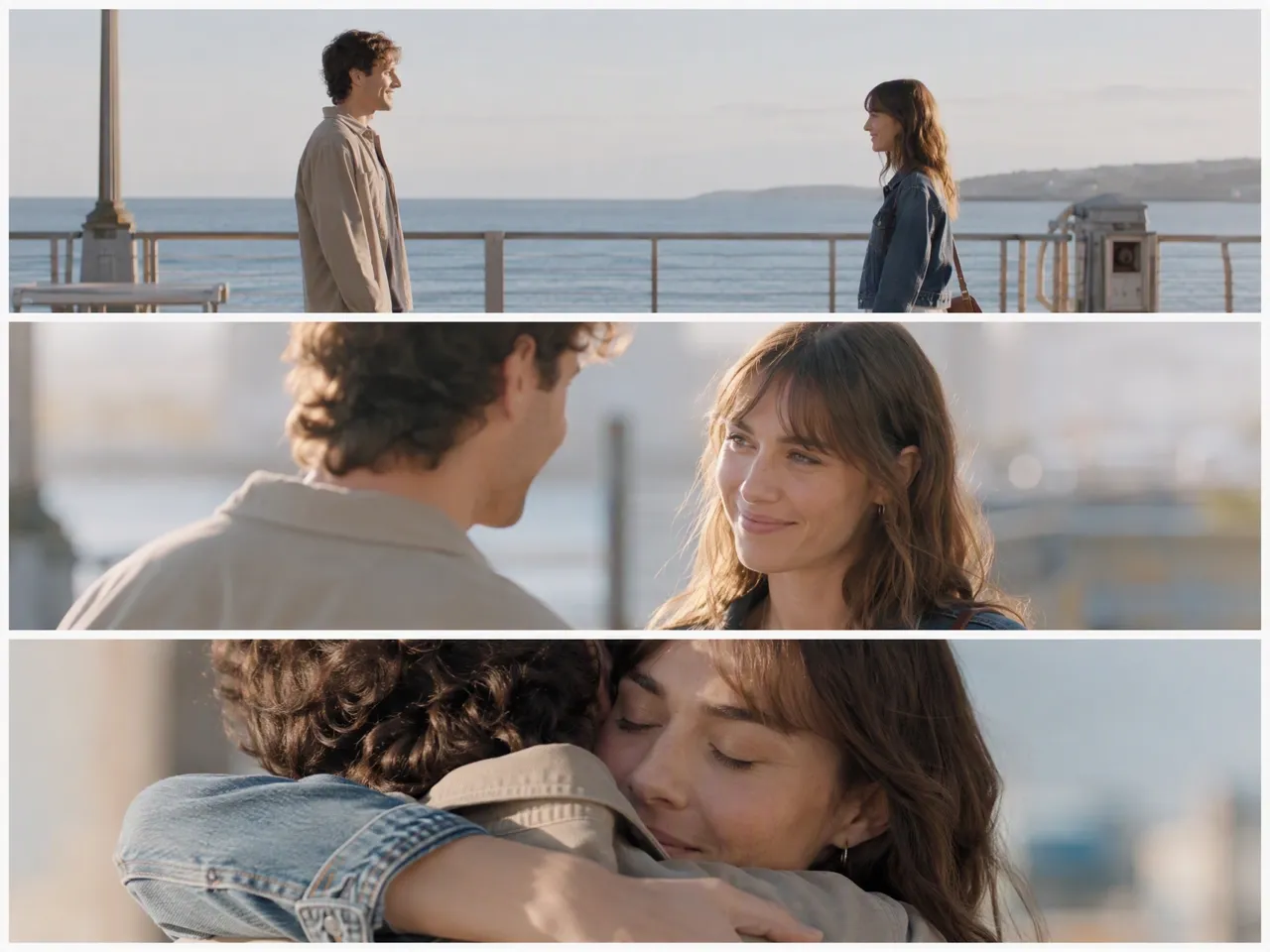
Use intentional framing, controlled camera movement, consistent lighting, and slower, purposeful pacing. Close-ups, wide establishing views, and visual continuity between scenes can also make an AI video feel more like a film than a collection of clips.
Is it legal to make AI movies?
Yes, in general. You still need to respect copyright, trademarks, music rights, and rights related to real people. For commercial use, make sure the images, audio, characters, and other materials are yours or properly licensed.
What reference files can I use for a video?
RoboNeo can use text, images, video, and audio as references in supported video workflows. You can also use starting and ending images when you want more direction over how a scene begins and finishes.
How long can a cinematic AI video be?
A cinematic AI video is often 15–60 seconds for trailers, ads, or social content, while a short narrative sequence may run 1–3 minutes. Longer videos are usually assembled from multiple generated clips.
Can I make a full cinematic movie with AI?
Yes. A longer AI movie is usually created scene by scene, then edited into a complete sequence. Storyboards, recurring character references, consistent visual direction, and careful editing become increasingly important as the project gets longer.
Cinematic Without the Crew
A cinematic look usually takes planning, equipment, and a full production team. RoboNeo gives you another way to develop film-style scenes from an idea, with room to work on the visual direction before the video comes together.
RoboNeo for Cinematic Video, According to Creators
I generated a cinematic, studio-look UGC ad with close-ups, the model using the product, smooth camera angles, and the full feel of a real shoot. The whole project took about 20–30 minutes to make.
This project really pushed my directing skills. Storyboard, pacing, character consistency, camera direction, music, and atmosphere all had to be much sharper from the start, and the Agents in RoboNeo helped structure the script, storyboard, direction, and prompt refinement.
What caught my attention was the conversational approach to design. I could work from text prompts toward high-fidelity visual content, including short cinematic videos, without treating every step as a separate task.