
Script to Video AI Generator Online
Turn an idea or complete script into a polished video with RoboNeo script to video AI. The tool plans each scene, generates matching visuals, adds audio, and lets you refine the final result in one streamlined workspace—no filming or advanced editing experience required.
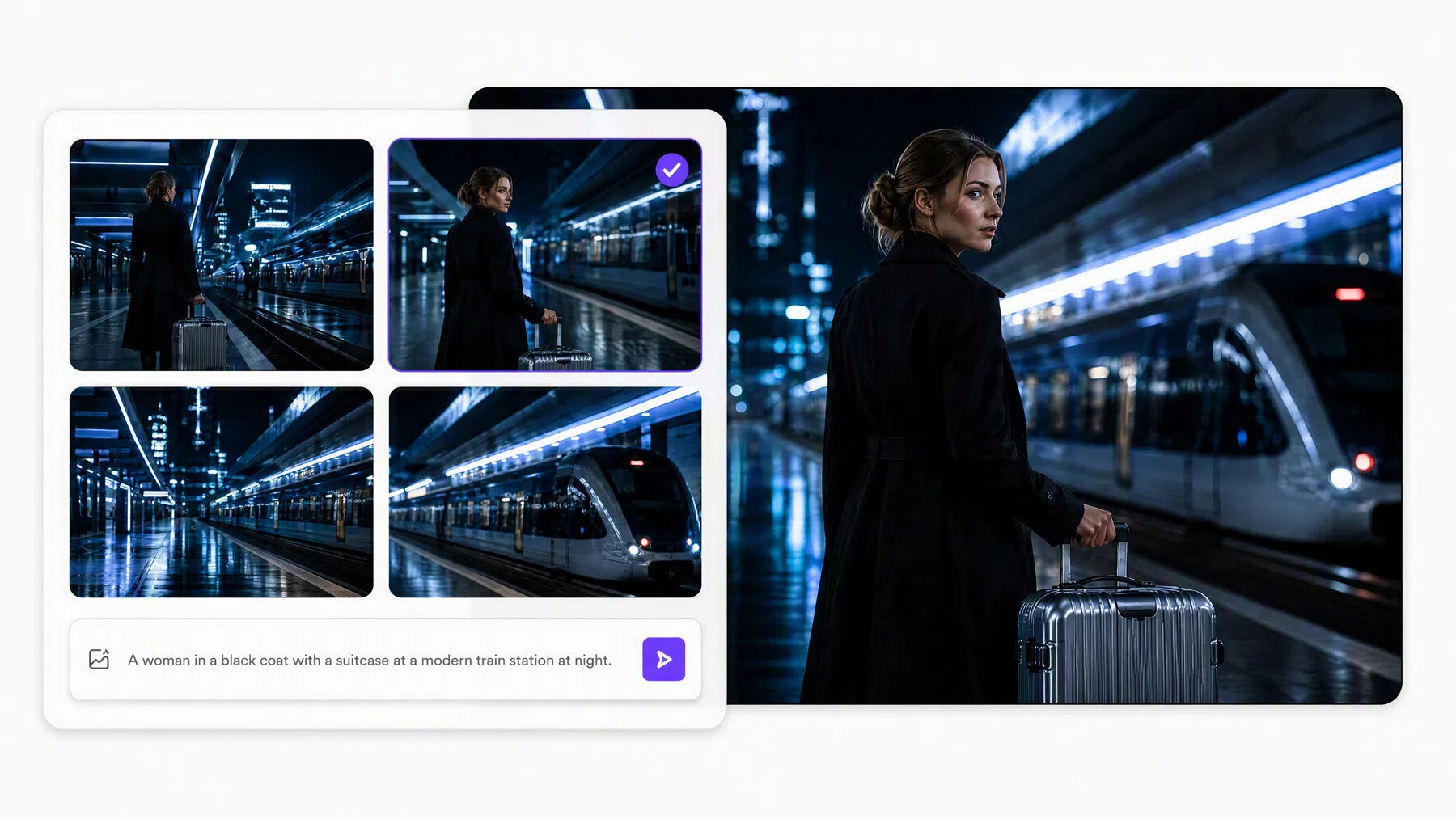
How to Turn a Script into a Video with AI
Enter Your Creative Brief
Paste a complete script or describe your video idea. Include the genre, visual style, target audience, and preferred length to give RoboNeo clear creative direction.
Review the Script and Creative Assets
Review the script, characters, scenes, and props prepared by a team of specialized AI agents. Request changes to any item before the approved content is used to build the storyboard.
Confirm the Storyboard
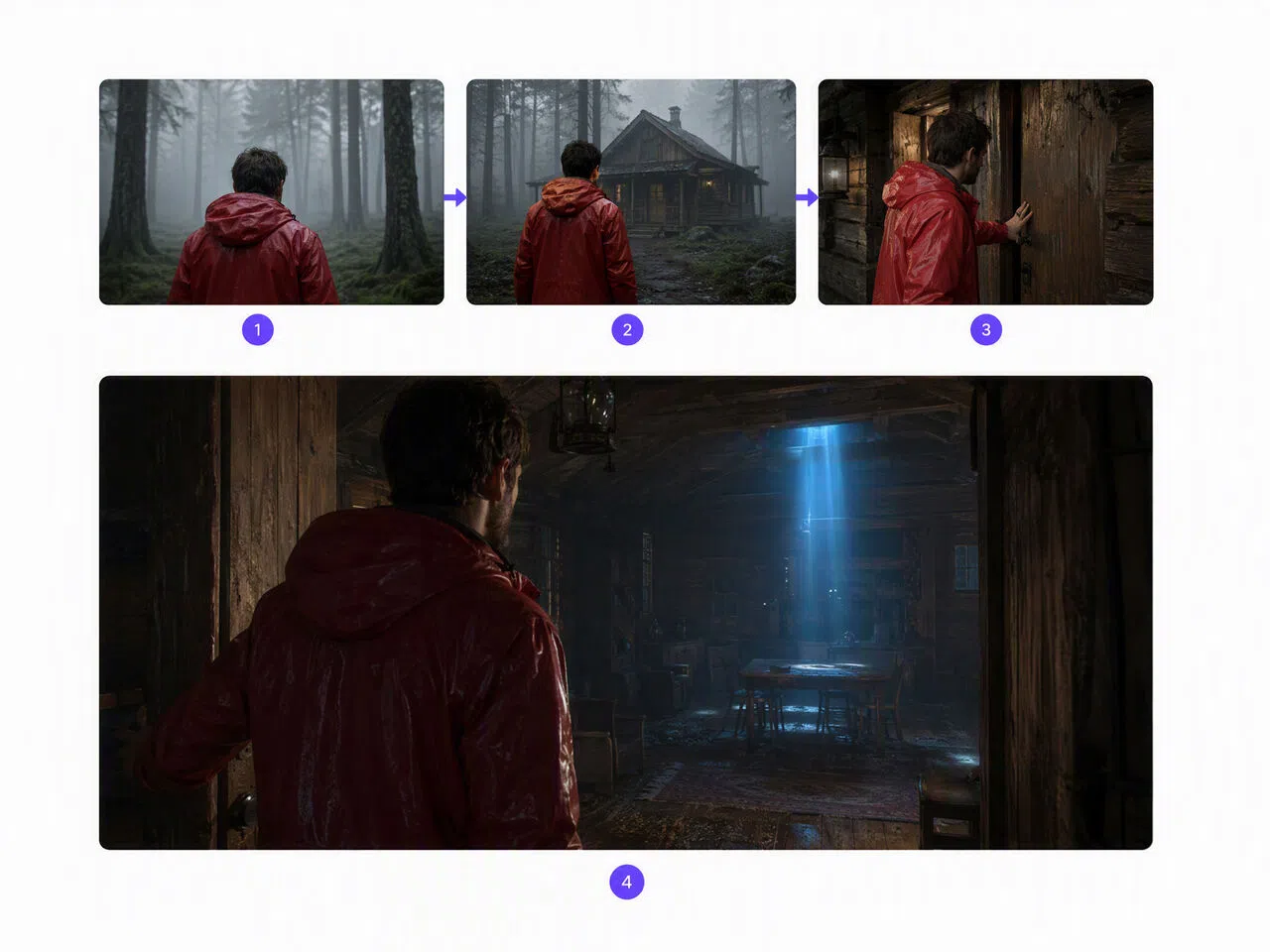
Check the storyboard, shot order, visuals, dialogue, and pacing. Once the plan looks right, confirm it and let RoboNeo generate the video clips.
Refine and Export
Review the generated video and adjust any scene directly on the canvas or through the Agent. When the visuals, audio, and pacing are ready, export your video.
Create Complete Videos from a Single Script
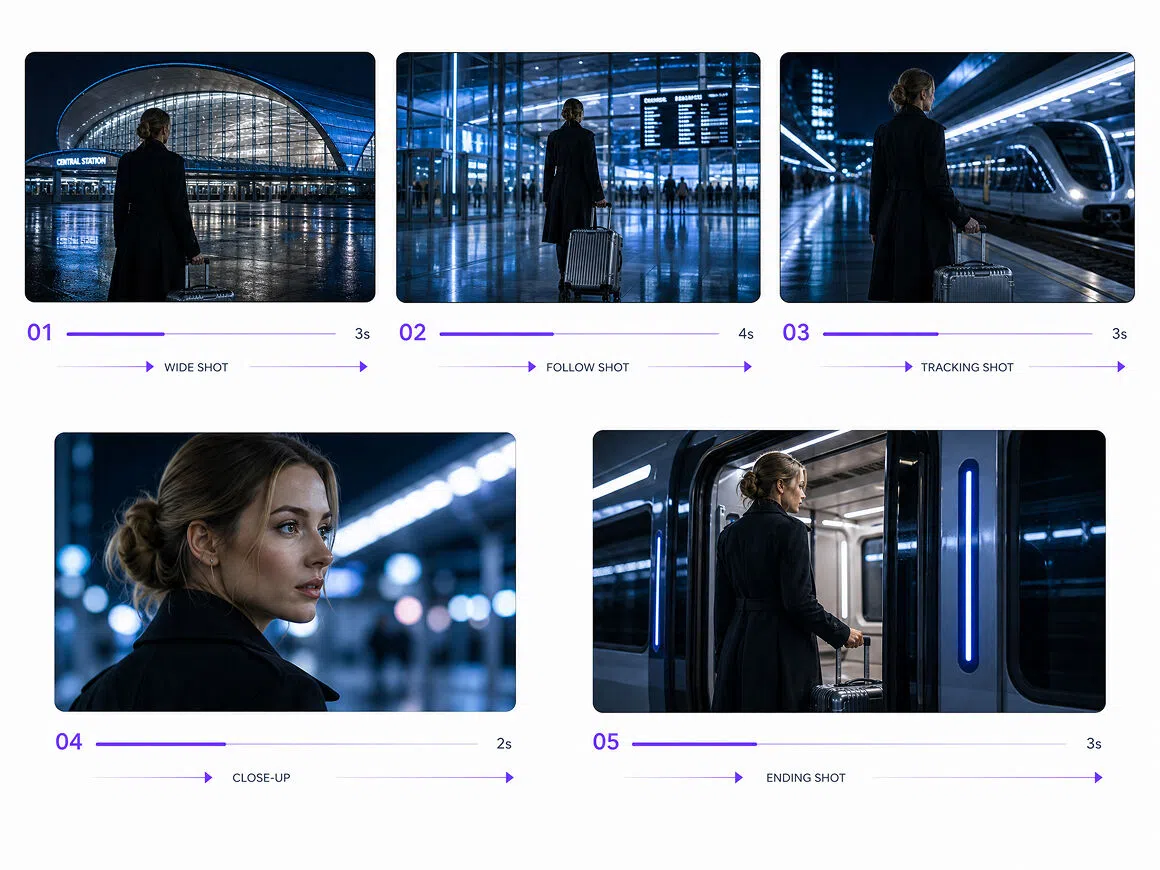
Turn Scripts into Structured Scene Plans
RoboNeo converts a screenplay into a structured storyboard with shot numbers, timing, visual descriptions, camera directions, dialogue, voiceover, and generation prompts. Creators get a practical production plan without manually dividing the script into shots or organizing every scene themselves.
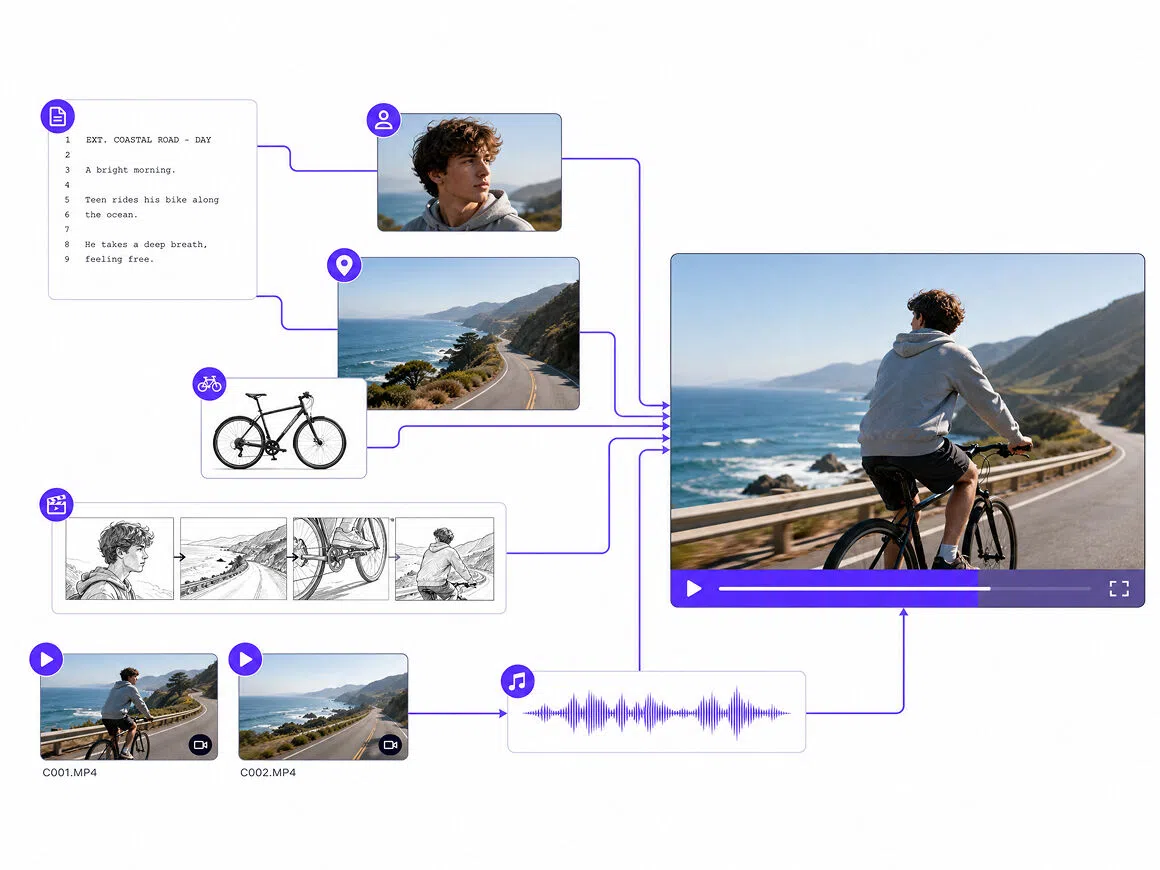
Work with a Specialized AI Agent Team
RoboNeo brings together AI agents for screenwriting, art direction, video direction, and editing. Each one handles a different production stage, giving solo creators the support of a coordinated creative team as they move from an initial idea to a finished video.
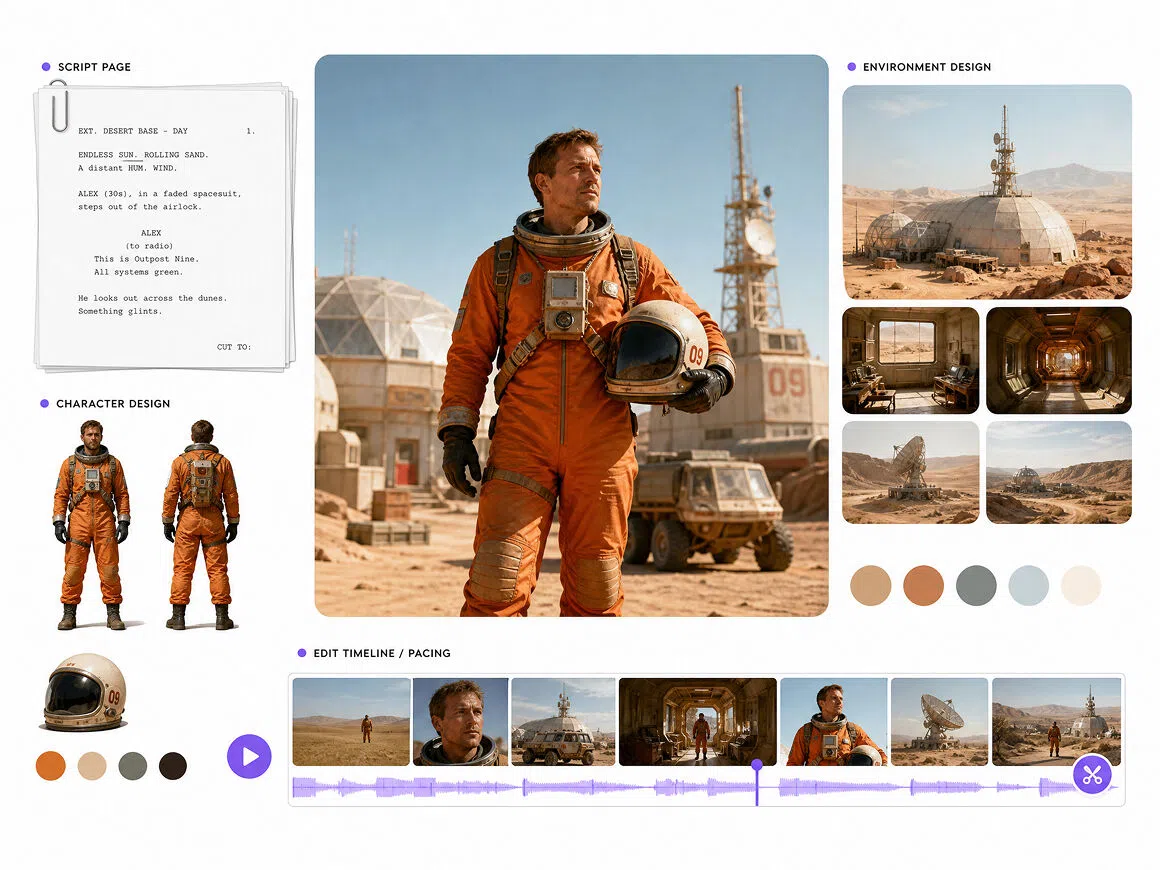
Keep Every Asset Connected on One Canvas
The infinite canvas in RoboNeo keeps scripts, characters, scenes, props, storyboards, video clips, and audio organized in one place. Creators can review generated assets, follow production progress, and keep related materials together instead of moving files and instructions between disconnected tools throughout the project.
Revise Any Scene Without Starting from Scratch
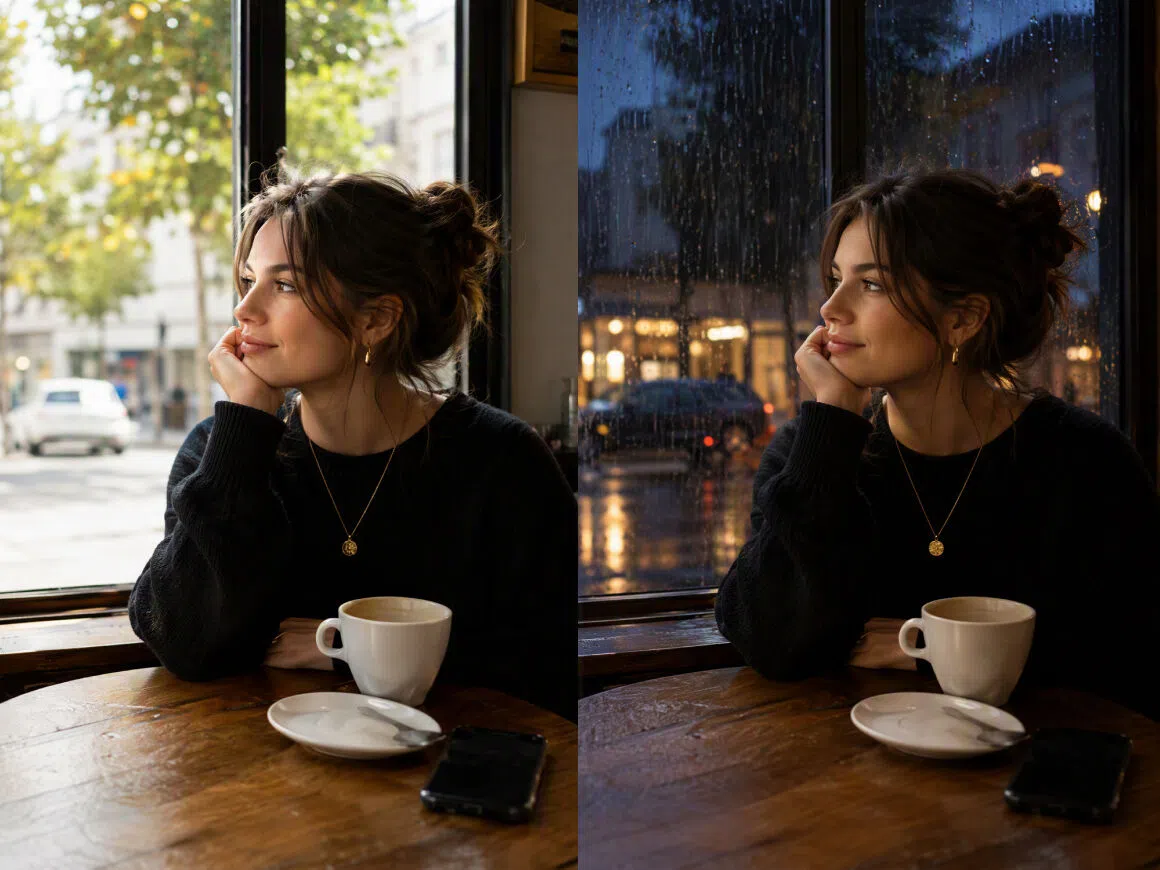
If a character, shot, prompt, or storyboard panel misses the mark, edit its node directly or describe the change to the Agent. RoboNeo updates the selected content and adjusts the following steps, so you do not have to rebuild the entire project.
Script-to-Video Workflows for Different Creators
Grow a YouTube Channel
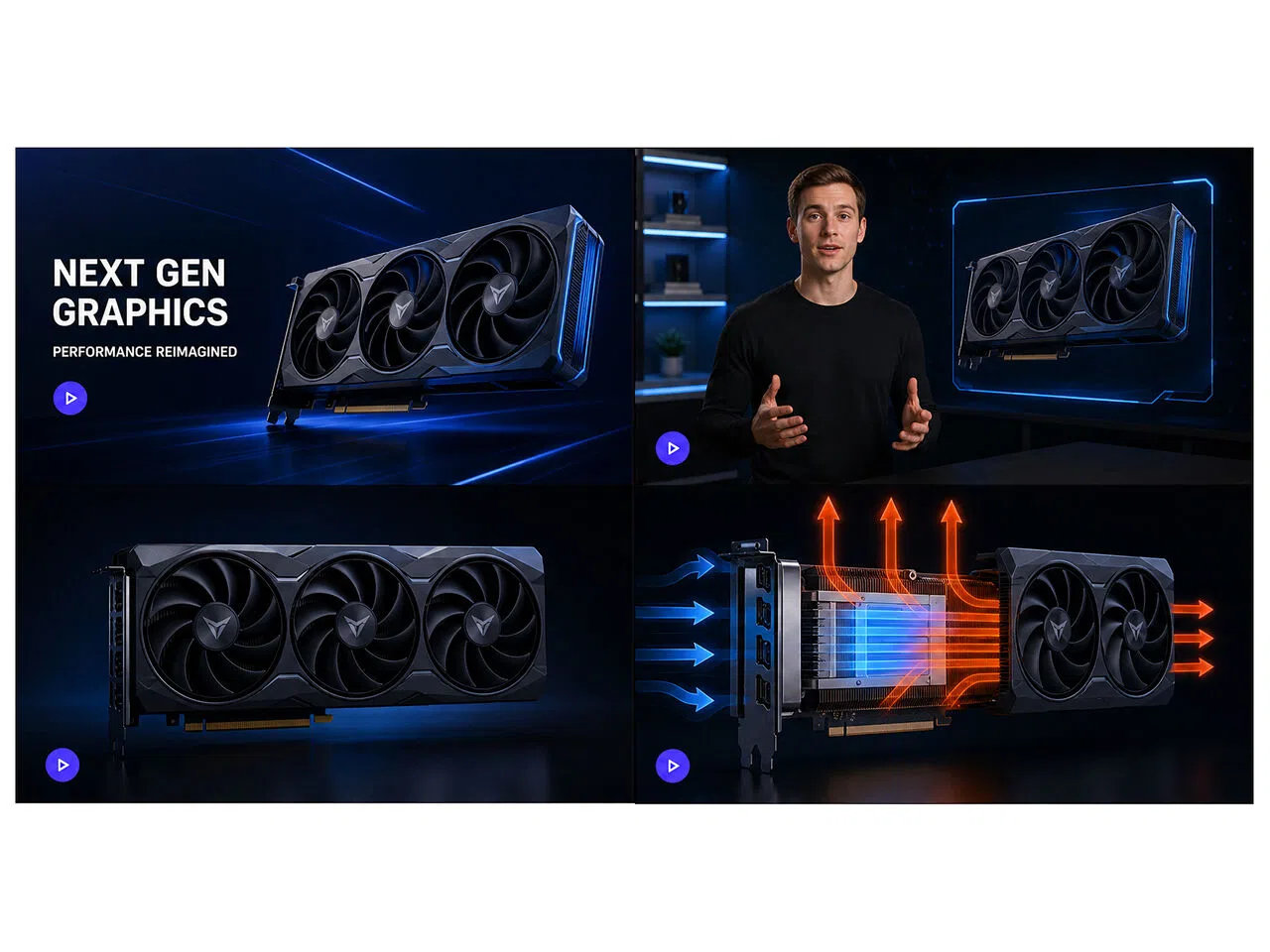
A YouTube creator can turn a completed explainer or commentary script into a structured first cut without arranging a shoot or sourcing visuals for every scene. This makes it easier to maintain a regular upload schedule while spending more time on the message and final review.
Frequently Asked Questions
How do I write a good prompt for an AI video?
How do I turn myself into an AI video?
Upload a clear, front-facing photo with even lighting. Describe the setting, outfit, action, and camera movement you want. Generate a short test first, then check the face, hands, and motion before creating longer scenes.
How much does a three-minute AI video cost?
Pricing depends on the model, number of clips, resolution, audio, and revisions. Break your video script into scenes, estimate the credits needed for each clip, and leave room in your budget for regenerating unsuccessful shots.
Are AI-generated videos copyright-free?
Not automatically. Review the platform's commercial-use terms and secure permission for uploaded images, music, logos, characters, and likenesses. Avoid reproducing protected works or closely imitating the recognizable style of a living artist.
Do I need video editing experience?
With RoboNeo script to video AI, you can plan scenes, generate clips, and revise individual elements without using a traditional editing timeline. Check the pacing, captions, audio, visual consistency, and AI artifacts before exporting.
Can AI create a video of a person?
An AI video generator from script can create fictional characters or animate a real person from reference images. Use clear, consistent photos, obtain permission before using someone's likeness, and follow platform disclosure rules when publishing synthetic media.
Turn Your Next Script into a Finished Video
RoboNeo keeps your script, storyboard, visuals, audio, and revisions connected throughout production. Whether the project is a YouTube video, product campaign, social post, or short film, you can develop each scene and move toward a finished video in one workspace.
What Users Say About RoboNeo Script to Video AI
I usually have the script ready, but figuring out what each scene should look like takes me forever. RoboNeo gave me a solid starting point. I still changed a few scenes, but it saved me a lot of planning time.
I tried it with a short product script and got a usable first draft much faster than I expected. A few shots needed another pass, but being able to revise specific parts instead of starting over was really helpful.
I wanted to see how a short story would work visually before developing it further. The first version was not perfect, but the storyboard made the pacing issues much easier to spot and explain.