
Sora AI Video Generator
Create videos with the Sora AI video generator using text prompts or reference images. Develop characters, build storyboards, and turn your ideas into video scenes with Sora 2 on RoboNeo.
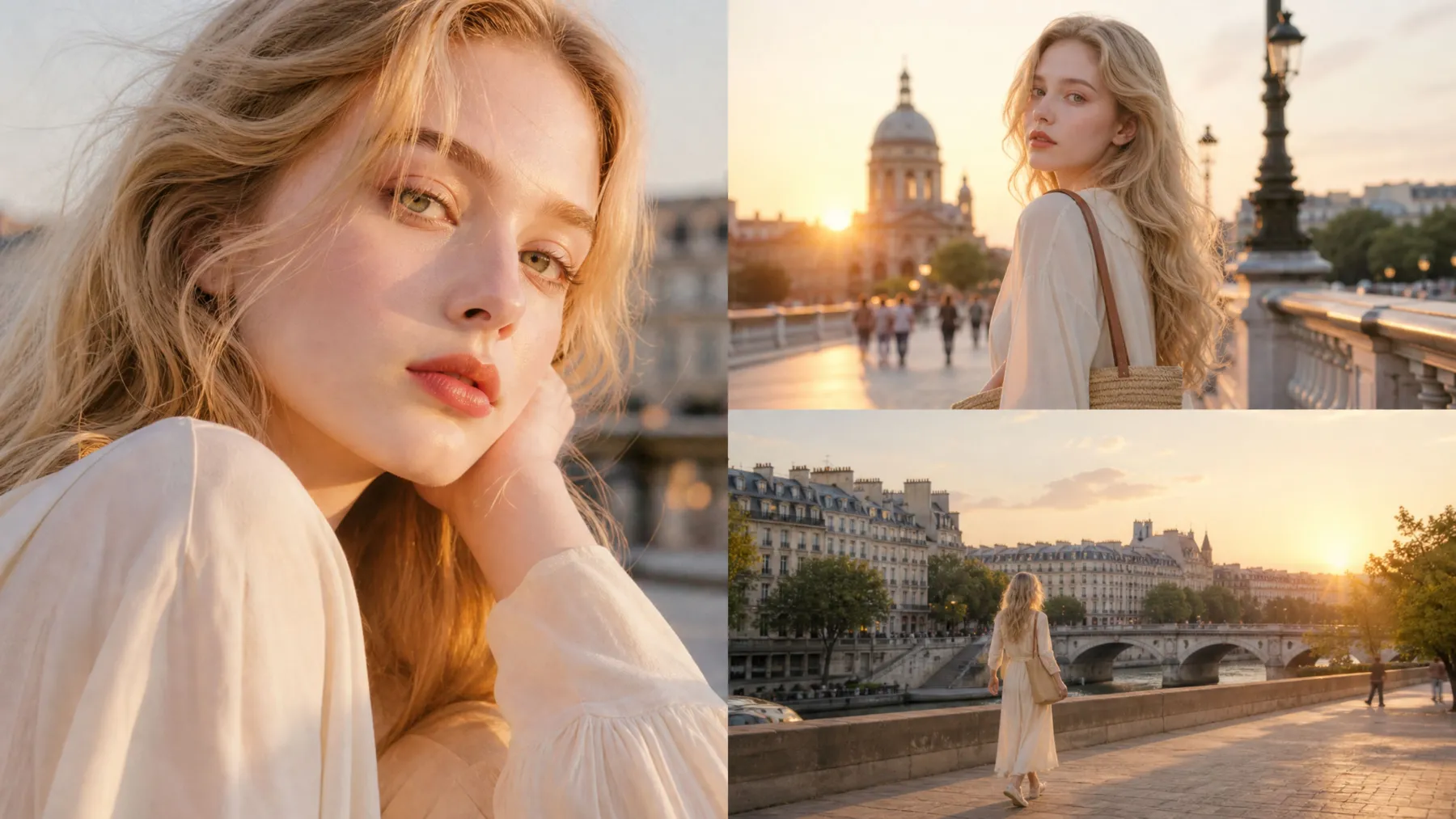
How to Create AI Videos with Sora 2 in RoboNeo
Describe Your Video Idea
Open RoboNeo and enter your video idea or upload a reference image. Describe the characters, setting, action, and camera movements you want to see.
Select the Sora 2 Model
Choose Sora 2 from the available video models. Use Text-to-Video to generate a scene from a prompt or Image-to-Video to animate a reference image.
Choose Your Video Settings
Set the aspect ratio, resolution, and duration from the available options. Sora 2 also supports synchronized audio for dialogue and sound effects.
Generate Your Video
Generate the video and preview the result. Refine individual shots, then arrange and edit the clips in RoboNeo.
Why Choose Sora AI Video Generation in RoboNeo
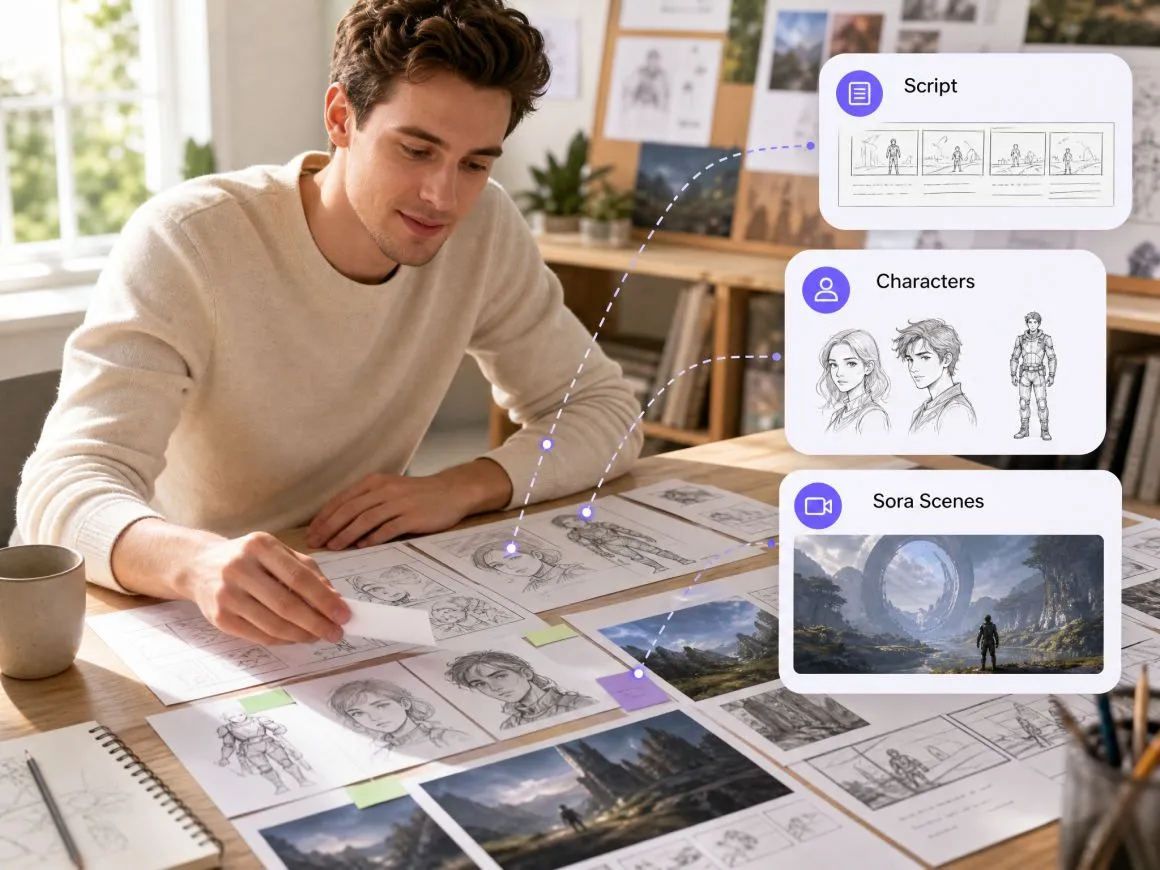
Plan Scripts, Characters, and Sora Scenes
RoboNeo keeps screen writing, art direction, and Sora video production in one workflow. Its AI Agents can help develop the story structure, character designs, and visual direction from your initial concept, making it easier to prepare scenes before generating videos with Sora.
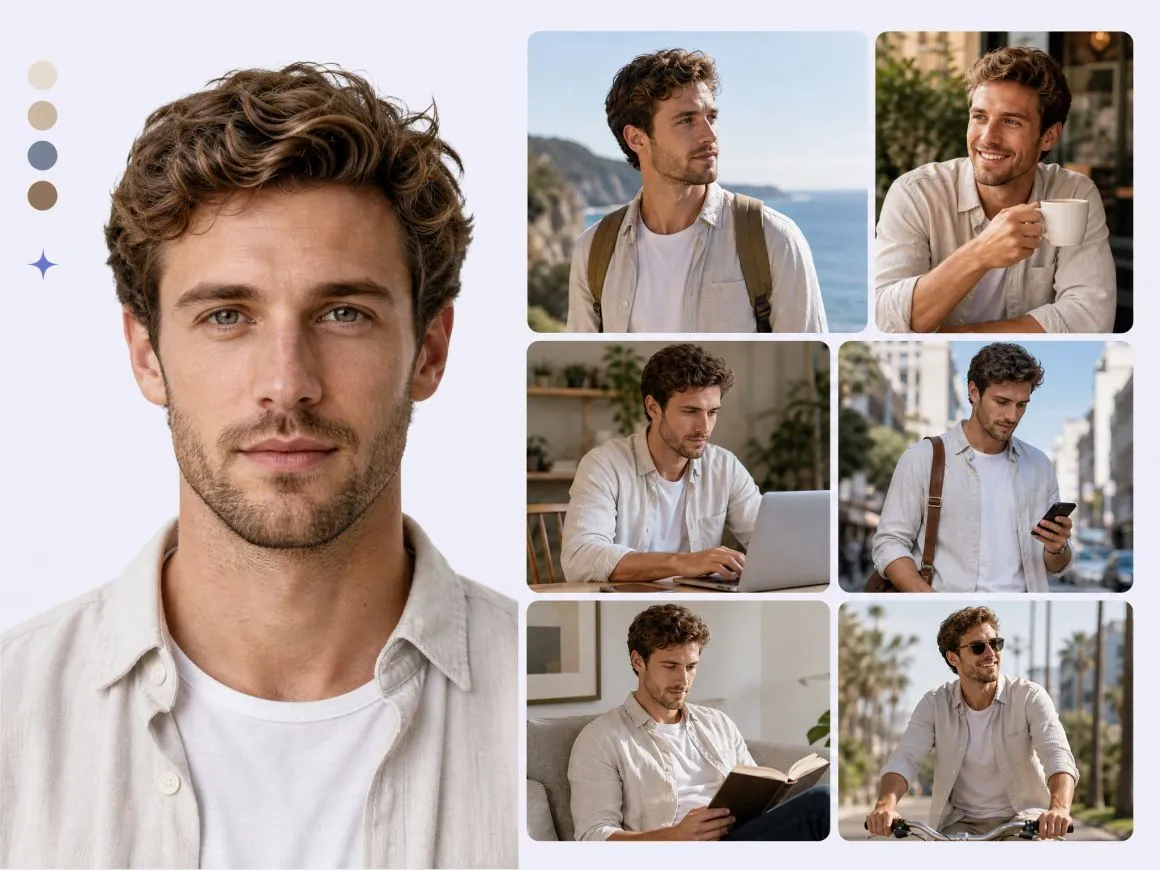
Reuse Character References Across Sora Scenes
Save character references, scene images, and other visual materials in RoboNeo's asset library. Reusing these assets helps characters and scenes remain recognizable across a multi-scene Sora video project, although generated results may still need adjustments.
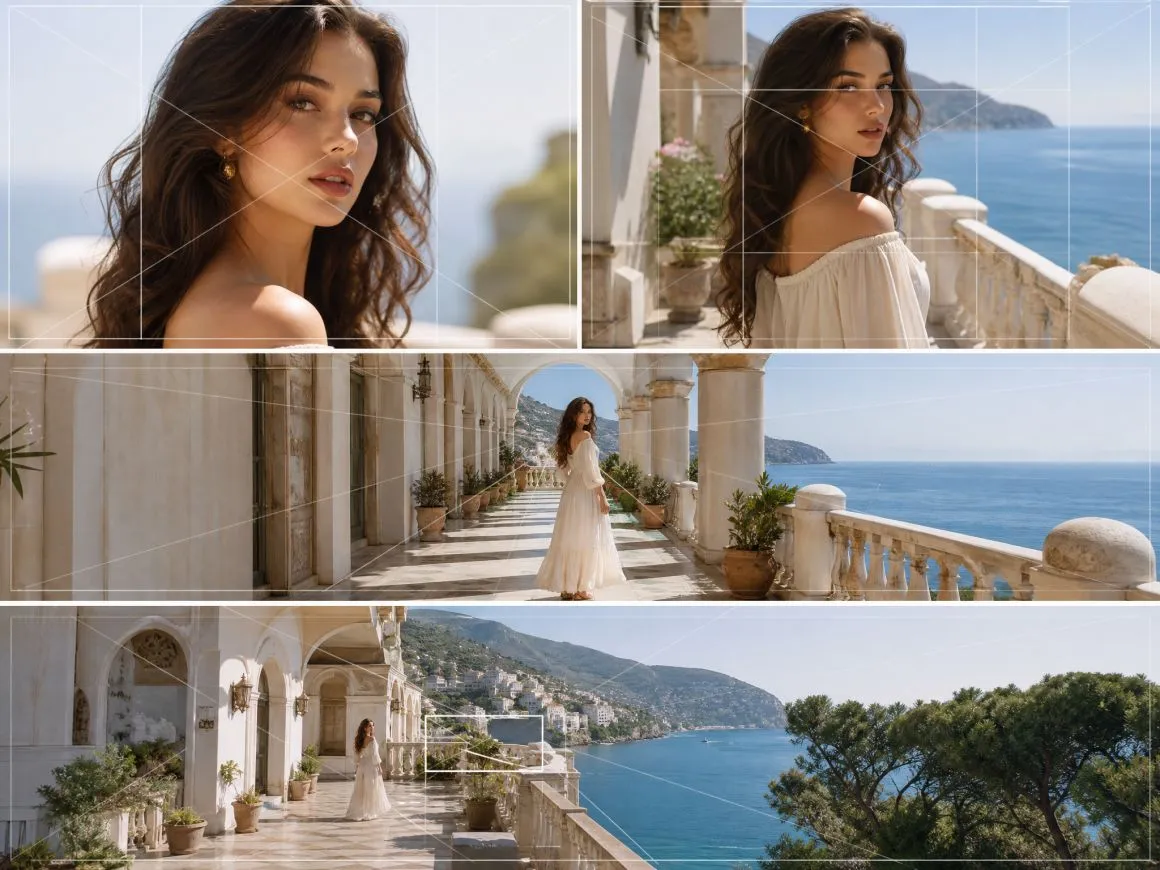
Plan Camera Angles in 3D
RoboNeo's Director Stage lets you position characters and props in a 3D environment, adjust camera angles, and preview different compositions before generating a shot. These visual references can help you plan scenes for Sora without relying on text prompts alone.
Use Sora Alongside Other AI Video Models
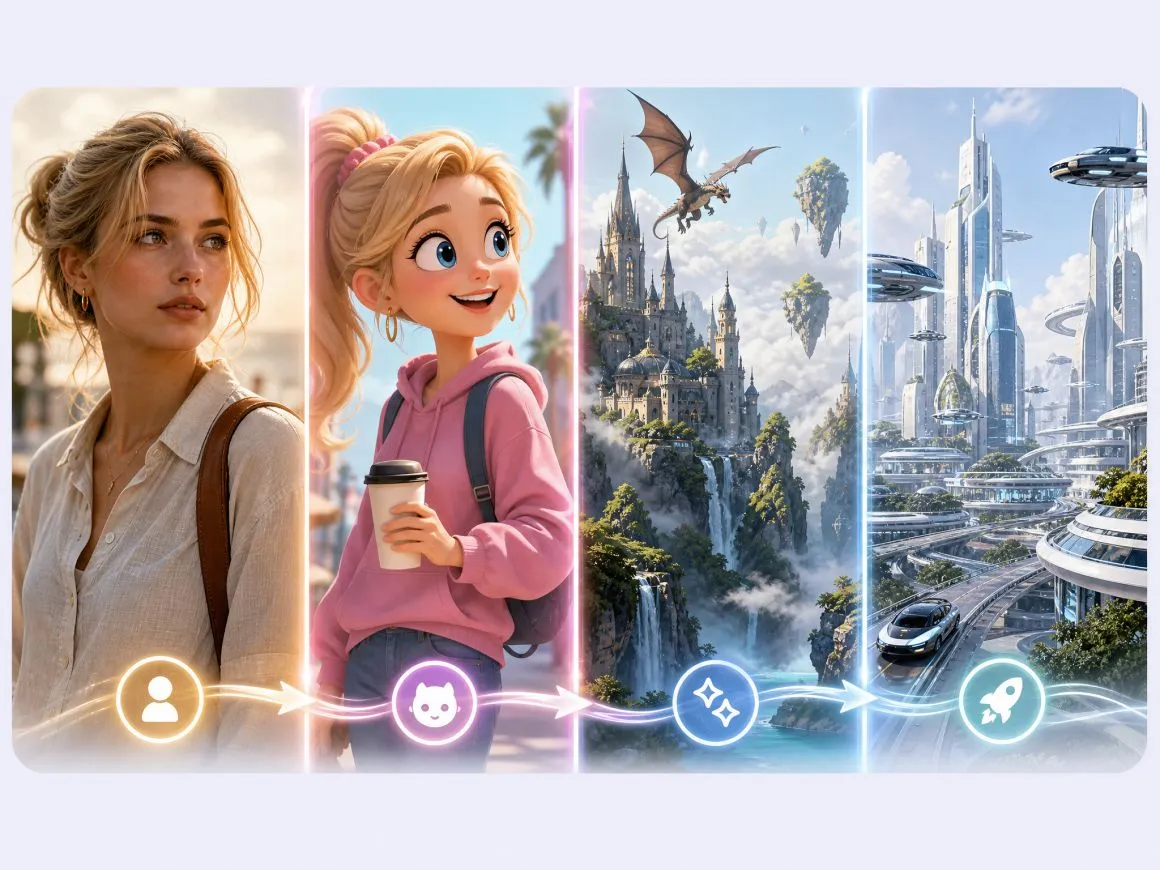
RoboNeo includes Sora 2, Kling, Seedance, and other AI video models. Try different models for short dramas, animated scenes, and social videos without moving the project between separate tools, giving you more flexibility beyond a single Sora generation workflow.
Creative Uses for the Sora AI Video Generator
AI Short Dramas
Turn a story idea into scenes with character interactions, dialogue, and plot twists. RoboNeo's script and storyboard tools help you plan romance, suspense, and other short-form narratives before generating the footage.
Frequently Asked Questions
Is Sora video AI free?
How good is Sora AI?
Sora 2 can generate realistic motion, cinematic visuals, synchronized dialogue, and sound effects. It can work well for short films, animation, and other creative videos, though complex movement and recurring characters may take several attempts.
What should I never say to AI?
Do not include passwords, financial details, or sensitive personal information in AI prompts. Avoid requesting unauthorized impersonations or using copyrighted characters and materials without the necessary rights.
What are some good alternatives to Sora AI?
Alternatives include Kling AI, Google Veo, Runway, and Seedance. RoboNeo provides access to models such as Kling and Seedance alongside its storyboarding, character creation, and video editing tools.
How long can Sora 2 videos be?
Sora 2 supports clips up to 20 seconds in certain configurations. The available duration depends on the platform and generation settings. To create a longer video, generate several clips and combine them in an editor.
Do Sora AI-generated videos have watermarks?
Sora AI-generated videos generally include visible watermarks and C2PA metadata. Watermark-free downloads have been available with certain paid plans. The available download options depend on the platform and account type.
Sora 2 AI Video Generator with RoboNeo
From short dramas to social media content, Sora 2 helps turn ideas into videos. Creators can explore the free Sora AI video generator option and use RoboNeo to plan scenes, refine ideas, and edit videos in one workspace.
What Users Say About RoboNeo
I had a revenge story idea sitting around for weeks. RoboNeo finally helped me see how the opening scene could play out.
Been playing around with Sora 2 lately. Some clips needed a second try, but I got a few results I really liked.
We tried a few video concepts for a product launch. Way easier to show the team actual visuals than explain everything in a meeting.
I used Sora 2 to try out different character ideas and visual styles. Some clips needed a few adjustments, but it was exciting to see my concepts come to life.
We used RoboNeo with Sora 2 to create quick video drafts for a project discussion. It helped the team understand the direction faster than explaining ideas with words.