
Kling 3.0 Omni: Direct Your Video from Start to Finish.
Welcome to a new era of video creation with the Kling 3.0 Omni model, now available directly on Roboneo. For a long time, making videos with Artificial Intelligence felt like rolling dice. You might get a good start, but the ending was often random and messy. Kling 3.0 Omni changes everything by giving you total control over the timeline. This model is not just about typing text; it is about simulating the real world with incredible physics and detail. Whether you are creating a movie scene, a product commercial, or a social media clip, Kling 3.0 Omni understands exactly what you want. It supports generating videos up to 10 seconds long with high-definition resolution (1080p) that looks sharp on any screen. The movement is smooth, the lighting is realistic, and the characters stay consistent. By integrating this powerful engine into Roboneo, we empower you to be the director of your own blockbuster without needing expensive cameras or a Hollywood crew. You simply provide the vision, and Kling 3.0 Omni handles the heavy lifting, rendering complex scenes that follow the laws of physics perfectly.
Why Choose Kling 3.0 Omni On RoboNeo?
First and Last Frame Control
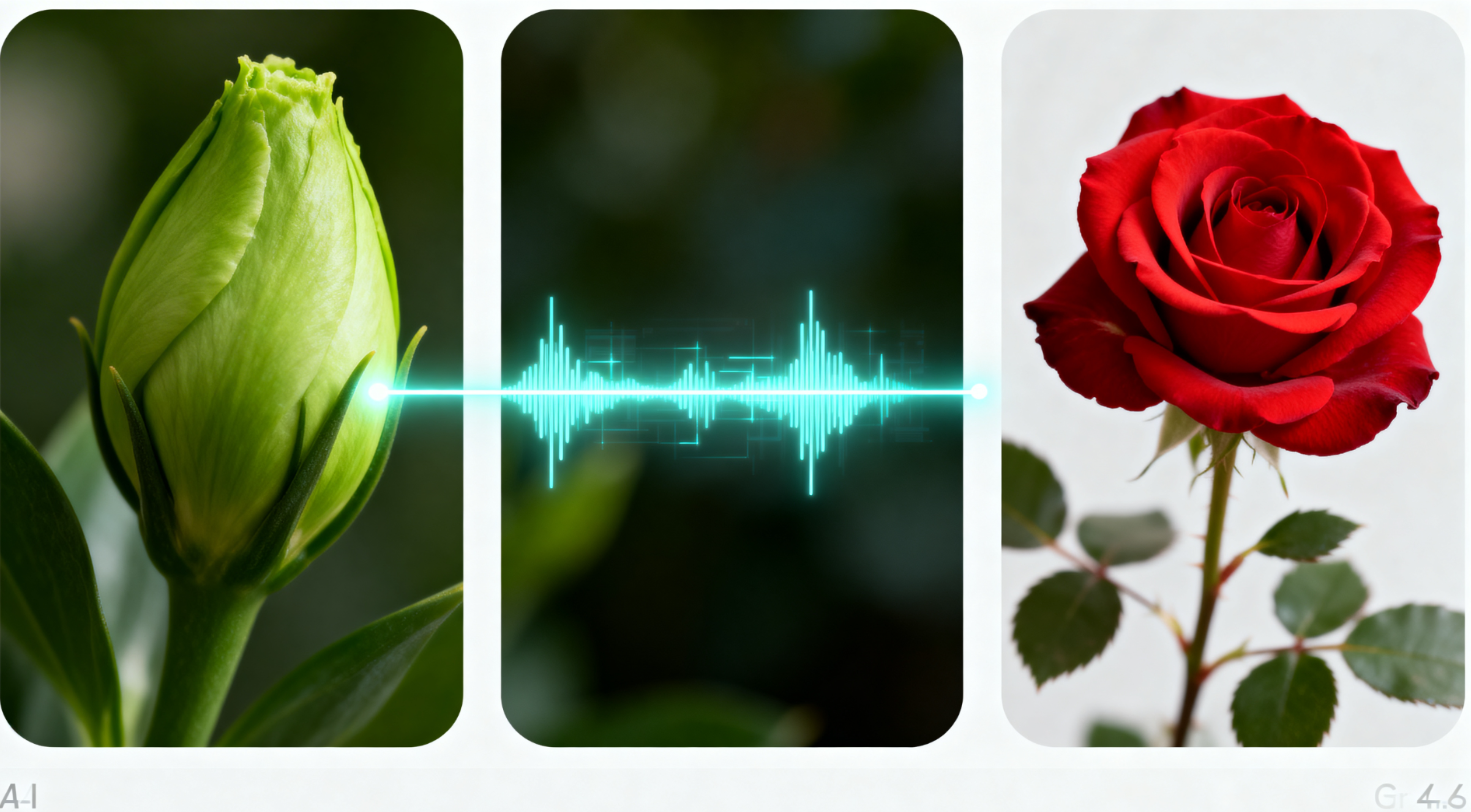
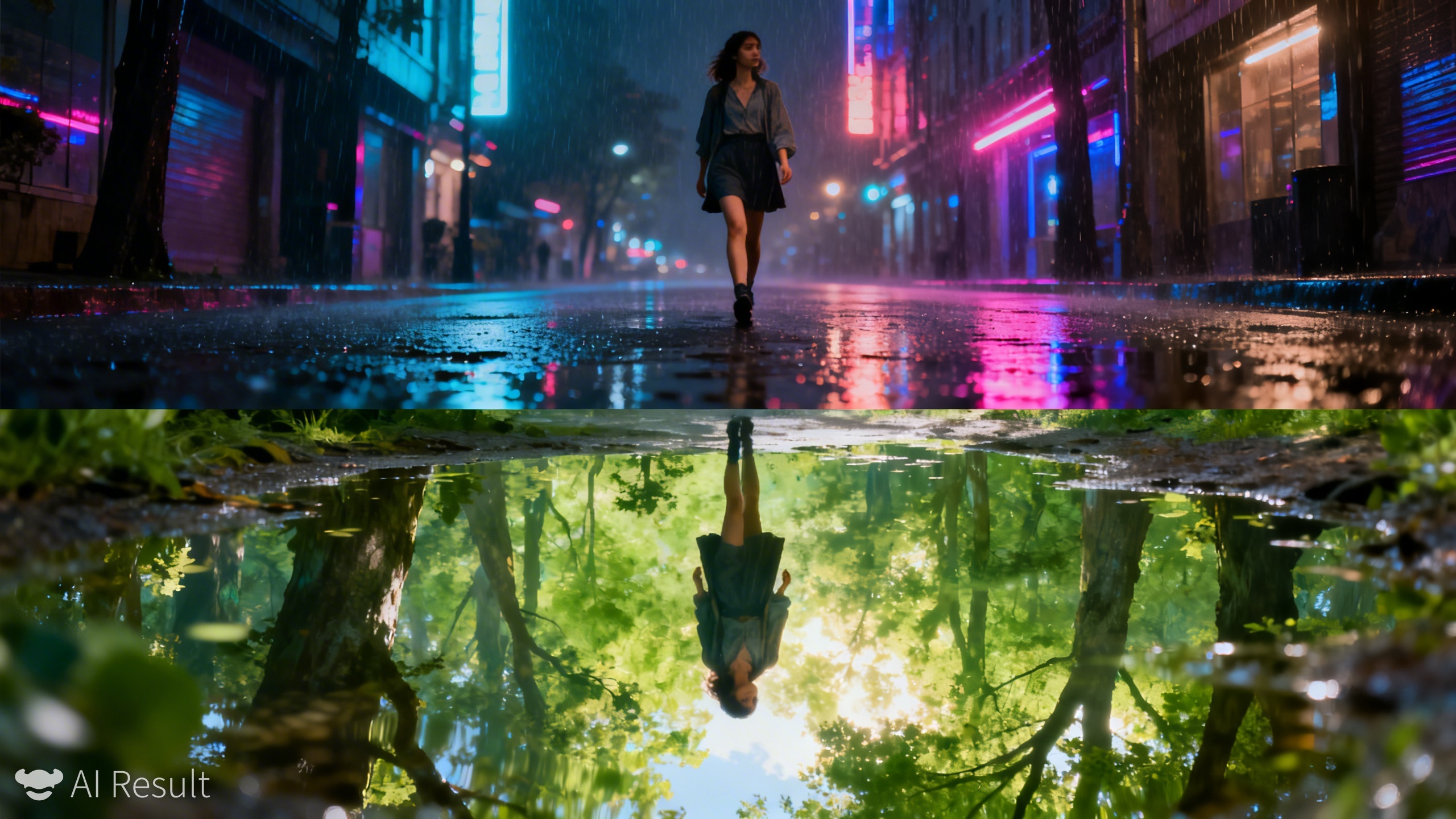
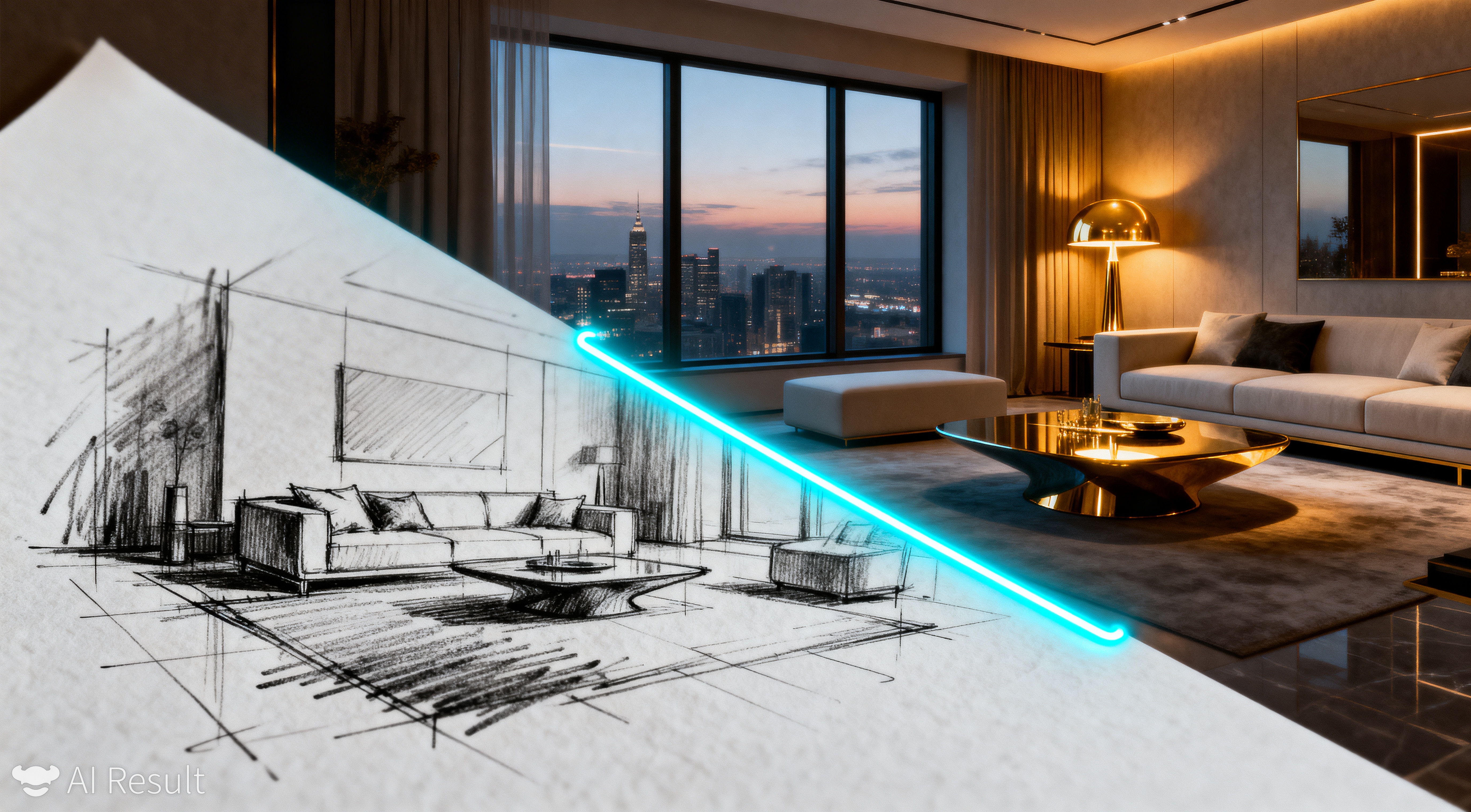
The most groundbreaking feature of Kling 3.0 Omni is the ability to control both the First Frame and the Last Frame of your video. In the past, you could only upload a starting image, and the AI would guess where to go next. Often, the video would drift away from your original idea. Now, you act like a bridge builder. You upload Image A (the start) and Image B (the end), and Kling 3.0 Omni automatically generates the perfect transition between them. This is incredibly useful for storytellers and editors. For example, you can upload a photo of a caterpillar as the first frame and a beautiful butterfly as the last frame. The AI will generate the entire metamorphosis process in between. This feature is also perfect for creating infinite loops for music videos or website backgrounds. You simply use the same image for both the start and the end, and the AI will create a seamless loop that never jumps or cuts. This level of control allows for precise storytelling where you know exactly how every shot will land.
Reference Image & Style Consistency
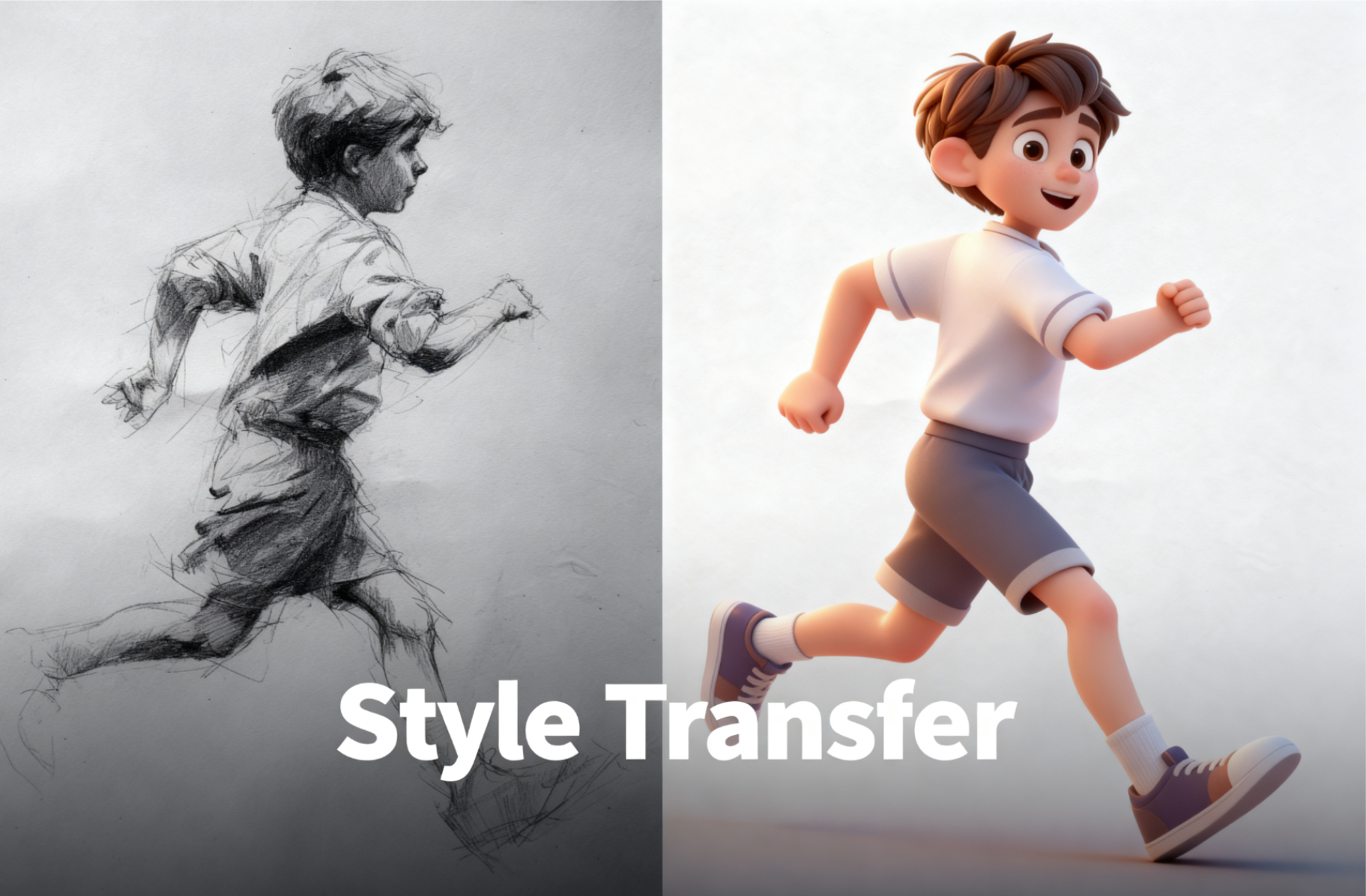
One of the biggest frustrations with AI video is losing the "look" of your character or style. You might generate a cool character in one shot, but in the next shot, they look like a completely different person. Kling 3.0 Omni solves this with its advanced Reference Image technology. This allows you to "lock" the identity or the artistic style of your video. If you are making an anime, you can upload a reference sheet of your main character. The model will ensure that their hair color, eye shape, and clothing details remain consistent, even when they are turning their head or running. It also works for artistic styles. If you want your video to look like a Van Gogh painting or a claymation film, just upload a reference image with that specific style. Kling 3.0 Omni analyzes the textures, colors, and brushstrokes of your reference and applies them to the movement. This makes it possible to create long-form narratives and branded content where visual consistency is key to looking professional.
Professional Camera Control
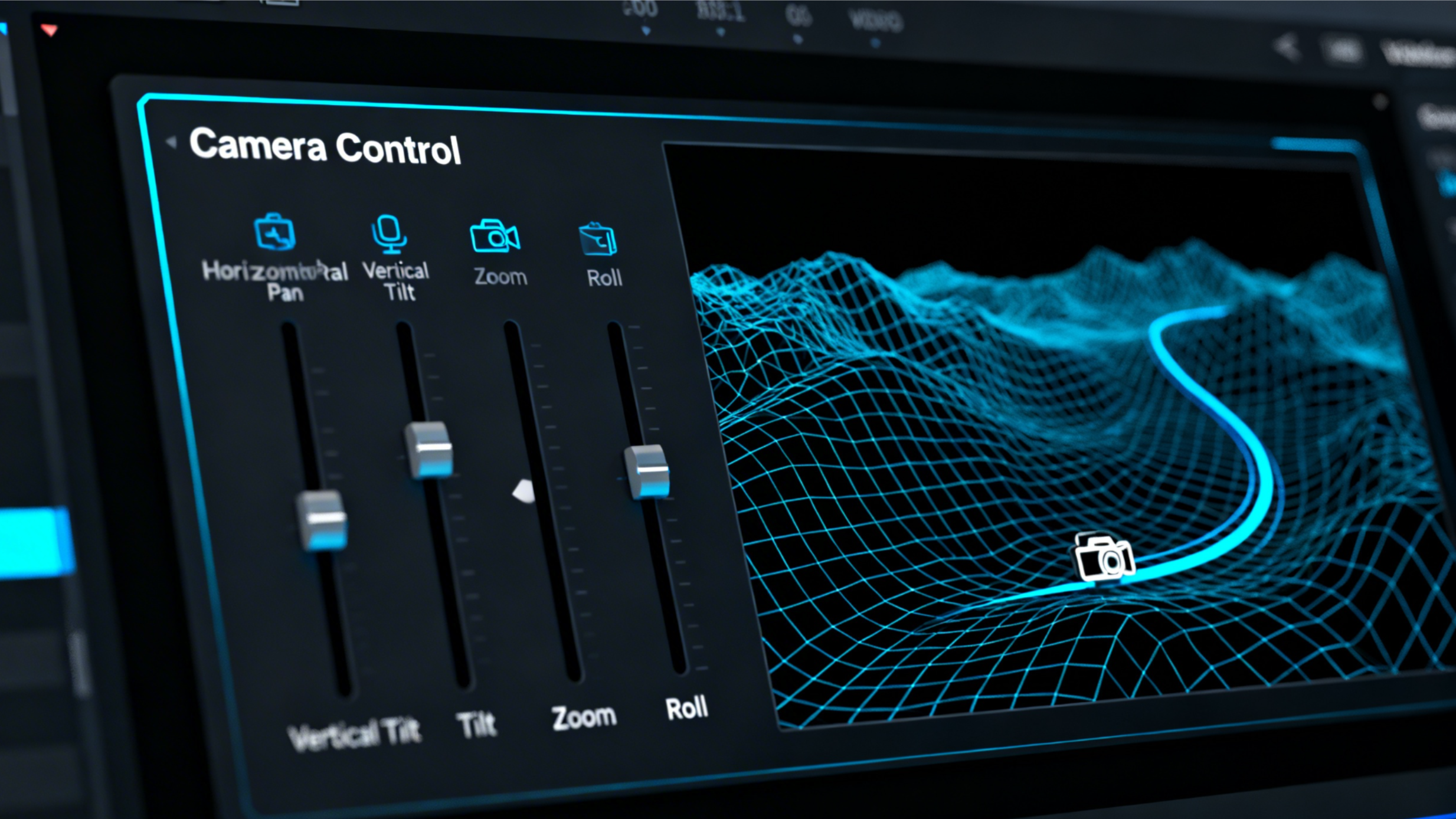
To truly think like a film director, you need control over the camera, not just the subject. In standard AI video generation, the camera movement is often random or static, which can make the footage feel amateur. Kling 3.0 Omni puts the "Director's Viewfinder" in your hands. It introduces advanced camera control parameters that allow you to dictate exactly how the viewer sees the scene. Do you want a slow, dramatic
Zoom In
to emphasize a character's emotion? Or perhaps a sweeping
Pan Right to reveal a breathtaking landscape? You can even specify complex movements like
Tilt (looking up or down) or Roll (rotating the camera) to create disorienting or dynamic effects. This feature removes the "AI randomness." You can define the speed and direction of the camera movement (Horizontal, Vertical, Zoom). By combining this with the First and Last Frame control, you can choreograph complex cinematic sequences—like a drone shot flying through a valley or a handheld documentary style—giving your videos a polished, intentional, and high-budget look that captivates audiences.
Use Cases: Real-World Applications
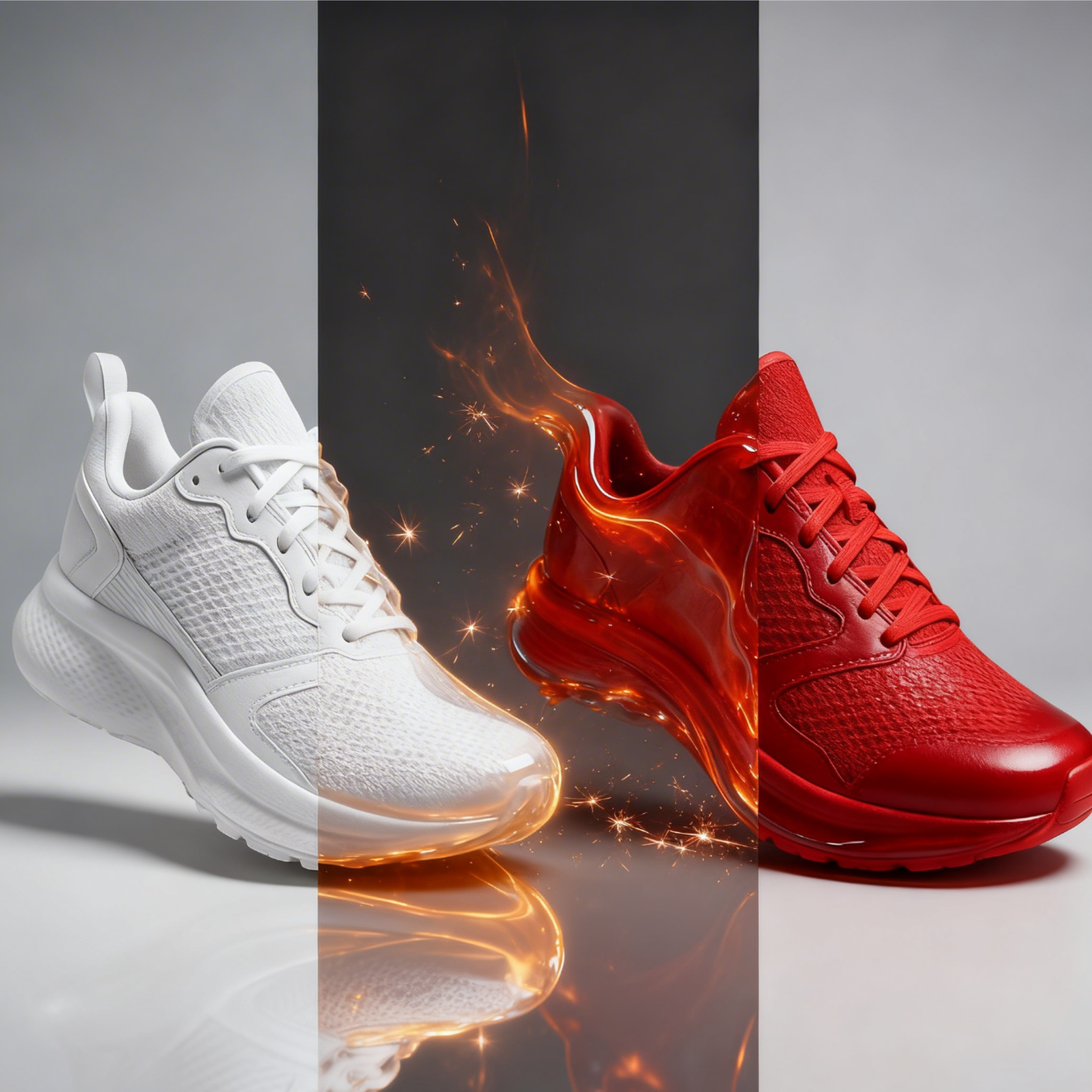
Create "Morphing" Ads That Stop the Scroll
For e-commerce brands and dropshippers, standing out in a crowded feed is the hardest challenge. Static images of products are no longer enough to get clicks. Kling 3.0 Omni introduces a revolutionary way to showcase products using the "First and Last Frame" control. Imagine you are selling a sneaker that comes in multiple colors. Instead of just showing a gallery of photos, you can generate a video where the white sneaker smoothly morphs into the red version, and then into the blue version, all while spinning in mid-air. This "morphing" effect is impossible to film with a traditional camera without expensive CGI. With Kling 3.0 Omni, you simply upload the photos of the different variants, and the AI generates the seamless transition between them. This creates a mesmerizing visual loop that captures user attention immediately. Furthermore, you can place your product in physics-defying environments—like a watch floating in splashing water or a phone surrounded by floating crystals. The high-definition 1080p output ensures your ads look premium and trustworthy on platforms like Instagram, TikTok, and Facebook, driving higher engagement and sales.
Frequently Asked Questions
How does the "First and Last Frame" feature work?
Can I use text prompts along with images?
Yes, absolutely. This is a "multi-modal" model. You can upload an image to define the look of the scene and then use a text prompt to describe the specific action, like "The cat smiles and waves its paw." Combining text and images gives the AI the most complete set of instructions for the best result.
Is the video quality high enough for YouTube?
Yes. Kling 3.0 Omni generates videos in 1080p resolution by default, which is the standard High Definition (HD) format used on YouTube, Instagram, and TikTok. The videos are sharp, clear, and have a high frame rate, so they don't look choppy or blurry like older AI models.
Start Creating with Kling 3.0
Don't just imagine it. Create it. Try the new Kling 3.0 Omni model on Roboneo and control every frame of your story.