
Kling AI Motion Control for Character Videos
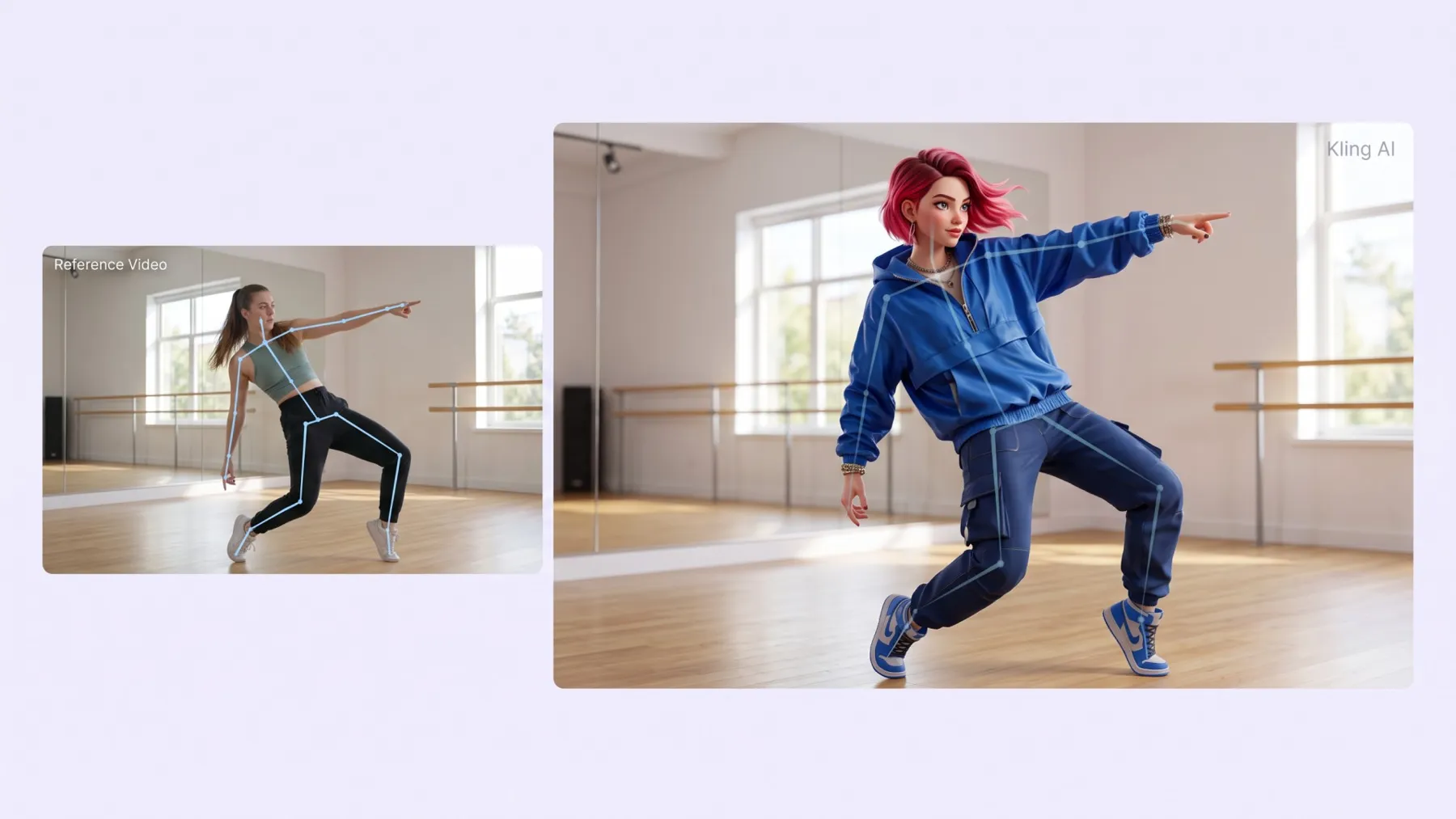
Animate a character image using movements from a reference video. With Kling AI motion control in RoboNeo, characters can walk, wave, dance, and perform other actions in generated clips.
How to Use Kling AI Motion Control in RoboNeo
Open the Motion Control Tool
Visit RoboNeo, open a project, and add a Video Node to the canvas. Select motion control to begin.
Upload Your Image and Reference Video
Add an image of the character you want to animate. Then upload a reference video showing the movements you want the character to follow.
Select a Kling Motion Control Model
Choose Kling 2.6 motion control or Kling 3.0 motion control. Adjust the available video settings for your project.
Generate and Download Your Video
Generate your video and preview the result. If the movement needs work, adjust the inputs or settings and try again. Download the finished clip when you are satisfied with it.
Animate Characters with Kling AI Motion Control
Guide Character Movement with Reference Videos
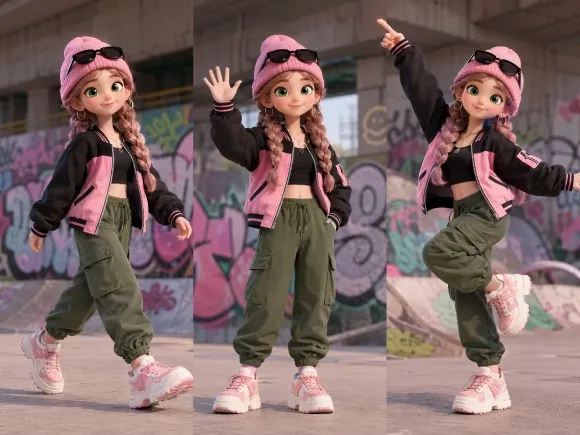
RoboNeo combines a character image with a reference video. The video guides actions such as walking, waving, and dancing, so you can animate a character without filming each scene with a live performer.
Animate Original Character Designs
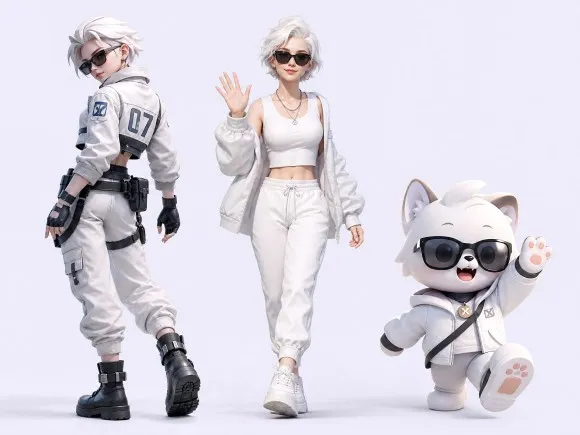
Use an illustrated character, digital avatar, or original design as your starting image. Kling motion control applies movement from the reference video while using the image to guide the character's appearance.
Choose Between Kling 4.0 and Kling 3.0
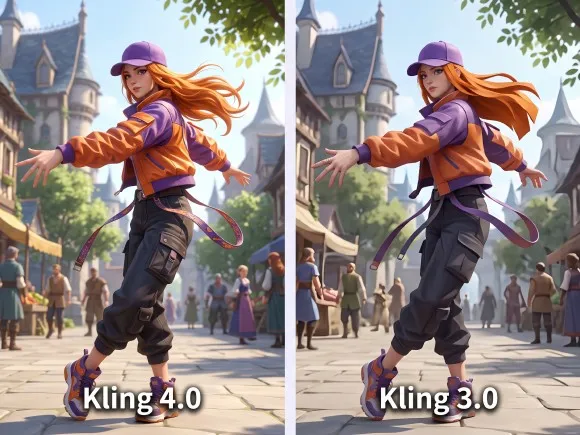
RoboNeo supports Kling 3.0 motion control and Kling 4.0 Dynamic Motions. Try both models with the same character and reference footage to compare the results.
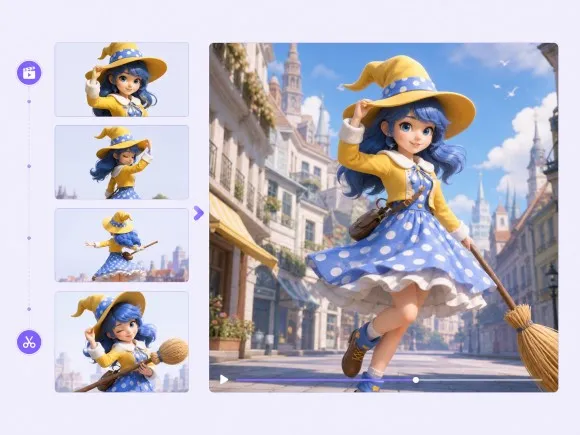
Edit and Enhance Your Clips
Preview generated clips in RoboNeo, then use the available video editing and enhancement tools to prepare them for social media, short dramas, or other projects.
Ways to Use Kling AI Motion Control
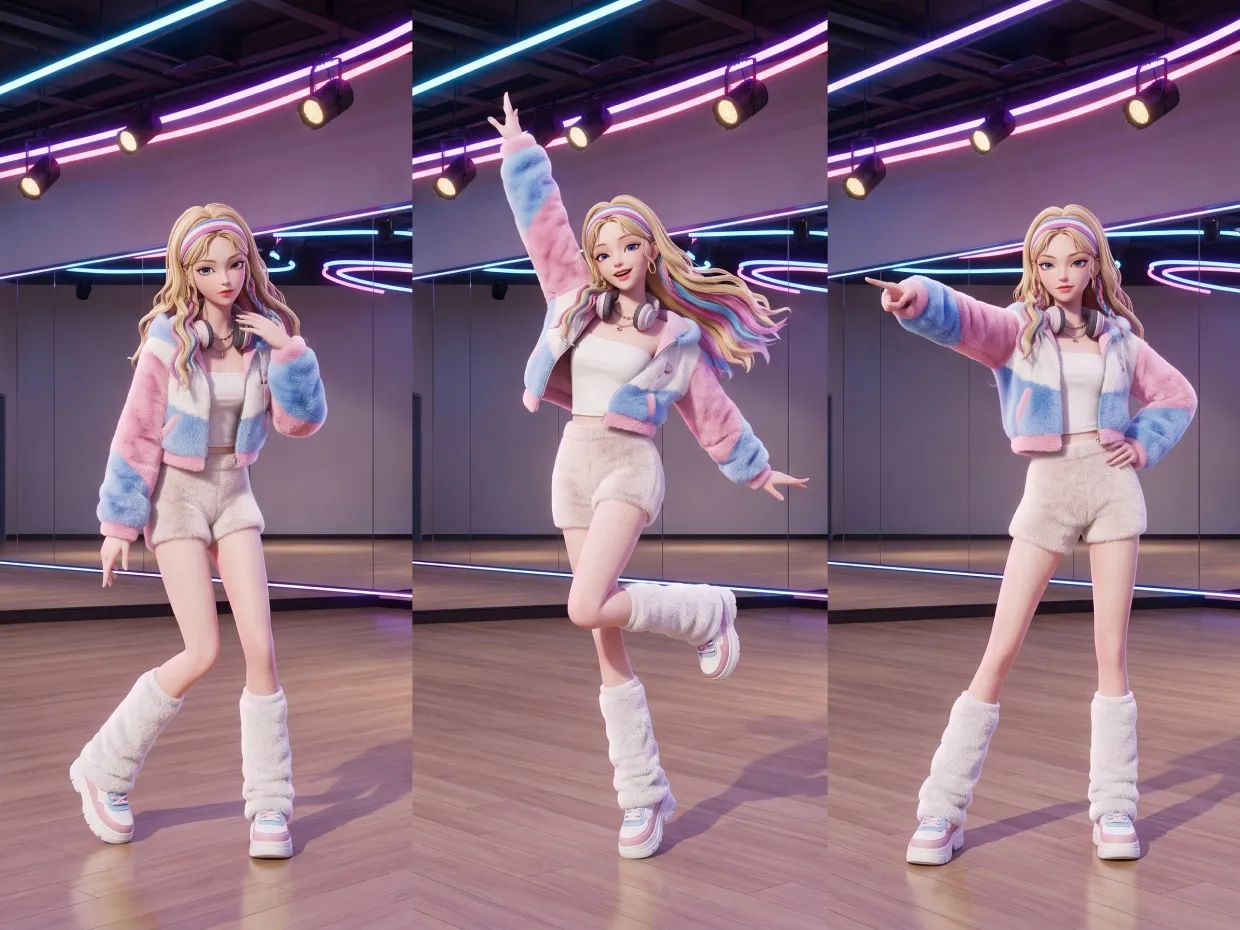
Character Dance Clips for TikTok and Reels
Use reference footage from a dance routine to animate an illustrated character or digital avatar. Turn the result into a clip for TikTok, Instagram Reels, or YouTube Shorts.
Frequently Asked Questions
Is Kling AI Motion Control free?
What is Kling 2.6 Motion Control?
Kling 2.6 motion control is an AI video model that animates characters using a reference image and video. It transfers movements from the footage to your character, making it useful for dance clips, gestures, and short animations.
What does Kling 3.0 Motion Control do?
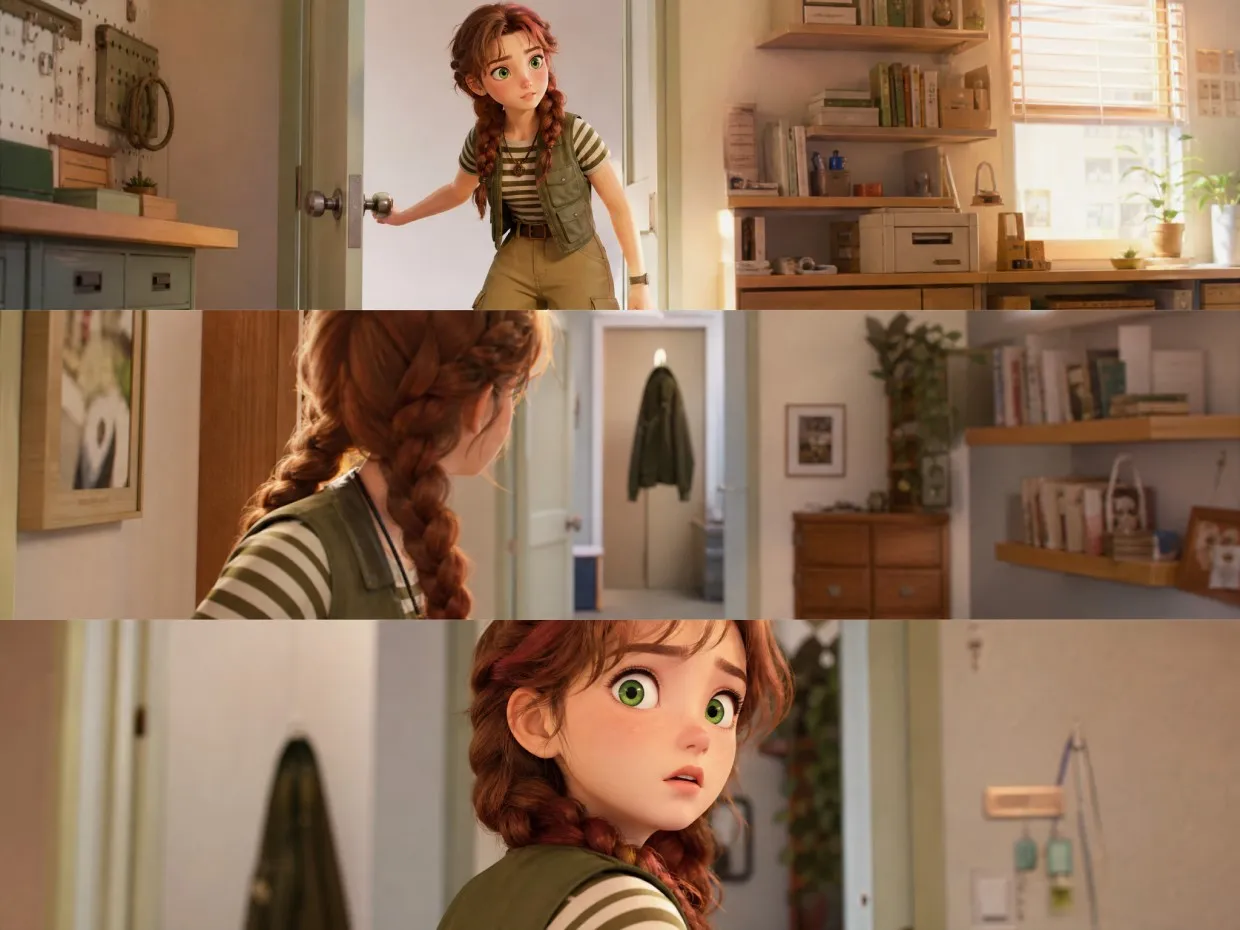
Kling 3.0 motion control uses a character image and reference video to generate animated movements. RoboNeo supports this model for creating character-driven videos, including social media clips and AI short drama scenes.
Is Kling Motion Control real?
Yes. Kling motion control is an AI video generation feature, not a physical motion-capture device. It uses reference footage to guide character movements in generated videos, although results may vary depending on the input materials.
Which Kling has Motion Control?
RoboNeo supports both Kling 2.6 motion control and Kling 3.0 motion control. Both models work with a reference image and video, allowing users to generate character animations from existing footage.
What is the difference between Kling AI image to video and Motion Control?
Standard Kling AI image-to-video generation animates a still image using prompts. motion control adds a reference video to guide specific character movements, giving users more control over the actions in their clips.
Animate Your Character with Kling Motion Control
Your characters have stories to tell. Whether it's a fun dance clip or a dramatic moment in an AI short drama, RoboNeo gives you the freedom to explore new ideas with Kling AI motion control. See where your creativity takes you.
Why Creators Choose RoboNeo
RoboNeo makes daily video creation easier, and tools like Kling AI motion control give me more ways to experiment with character animation.
From AI short dramas to animated characters, RoboNeo offers creative possibilities for storytelling and marketing.
RoboNeo feels like a creative partner. With tools like Kling AI motion control, there's more room to bring original characters and visual ideas to life.
Kling AI motion control gives my character images more natural movement. It is a simple way to create short animated clips.
I like how Kling AI motion control adds more flexibility to character animation. It helps me explore different ideas faster.