
Learn How to Remove Gemini and Nano Banana Pro Watermarks with RoboNeo
Follow this simple guide to clean AI generated images from Gemini and NanoBanana 2 Pro using RoboNeo. You will learn how to upload your image, remove the watermark automatically, and download a clean high quality result.
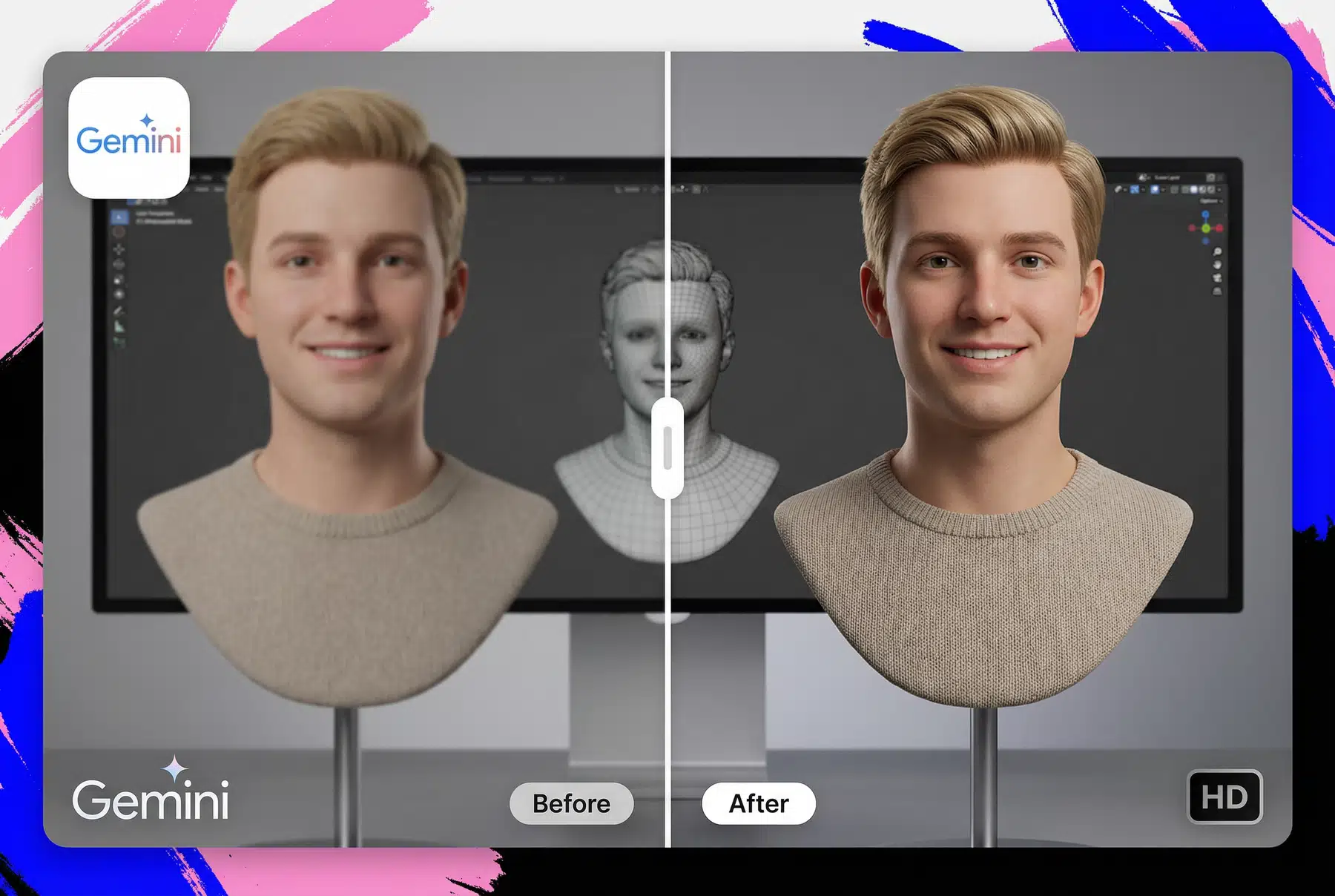
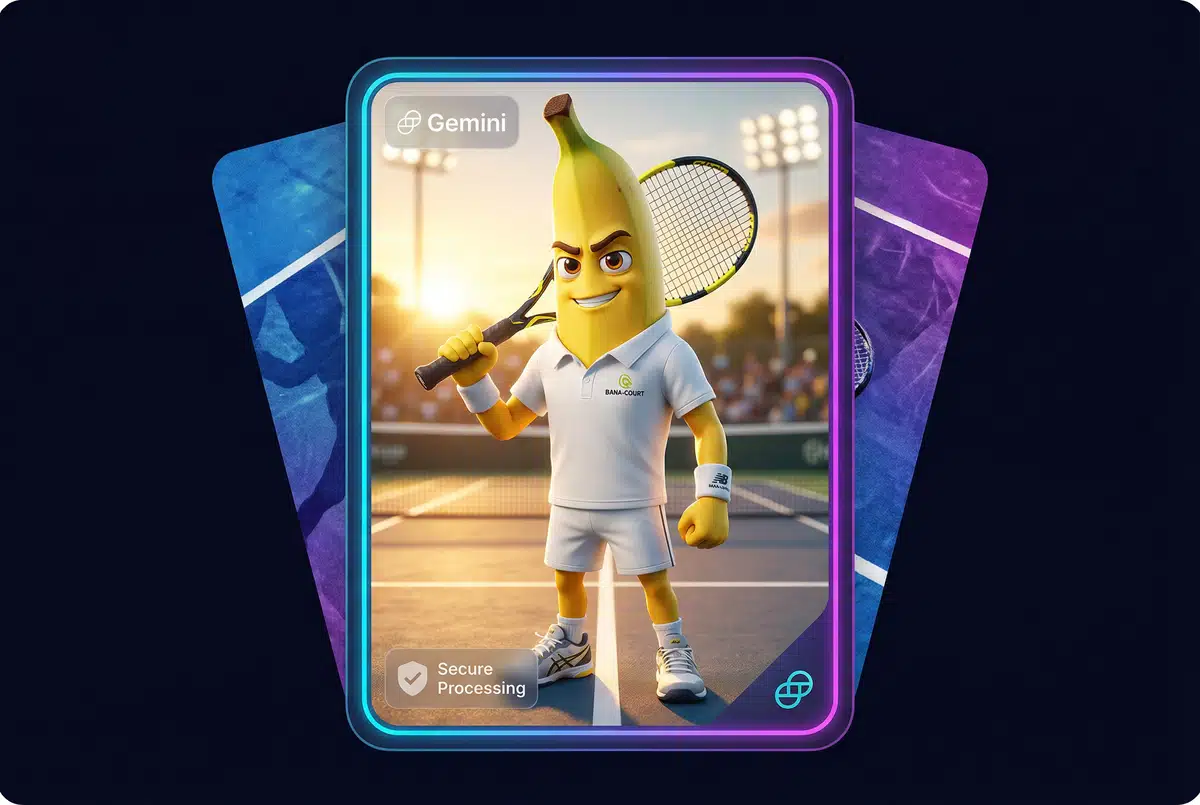
Why Watermarks Appear on Gemini and NanoBanana 2 Pro Images
AI models such as Gemini and NanoBanana 2 Pro add watermarks as a form of identification. This helps platforms and viewers understand that the content is AI generated. While useful, this watermark becomes a limitation when you want to include the image in a layout, a campaign, a presentation, or a creative edit. The mark often disrupts the composition and makes the image feel unfinished. Removing it manually can be difficult because manual editing tends to leave blur or artifacts. RoboNeo avoids these problems by using reconstruction based AI that restores the background realistically.

The Importance of Using Cleaned Images
Using cleaned images is essential when you want your visuals to look polished, professional, and ready for real use. A watermark can distract the viewer’s eye and reduce the impact of the image, especially in marketing, design, or social media contexts. Additionally, watermarks are allegedly attributed to lower algorithm discovery on social media because platforms tend to favor clean, native looking visuals that do not appear reused or overly edited.
Remove Gemini Watermarks for Any Platform
Once the watermark is removed, the image becomes easier to use across a wide range of platforms. You can integrate it into presentation slides, website banners, landing pages, app prototypes, blog illustrations, print layouts, YouTube thumbnails, research documents, and many other environments. Because RoboNeo preserves clarity and lighting, the cleaned version blends naturally into both digital and physical formats without any distracting marks.
How to Remove Watermarks with Gemini on RoboNeo
Upload your Gemini or NanoBanana 2 Pro image to RoboNeo.
JPG PNG and WEBP are supported.
Open the watermark removal tool and edit this prompt:
“Remove the watermark without changing the original image.”
Let RoboNeo run
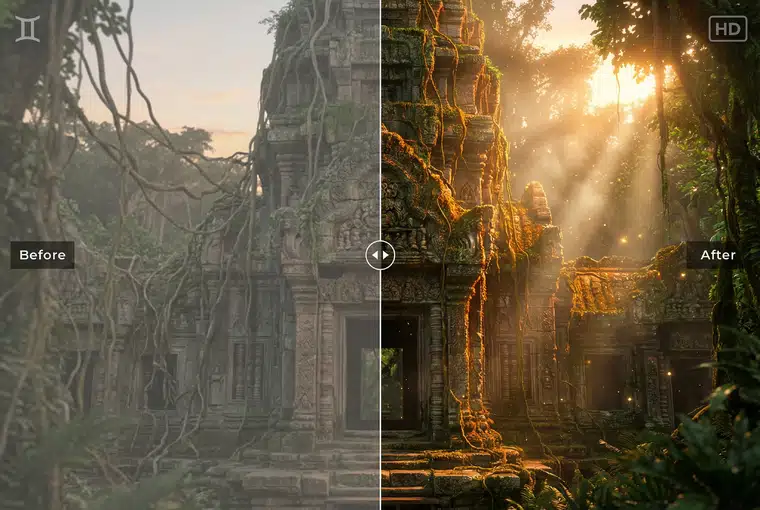
RoboNeo reconstructs the area behind the watermark, keeping colors, lighting, and details intact.
Export your Watermark-free result
Download the cleaned image and use it anywhere you need.
The Power of Clean Visuals
For Small Businesses
Small businesses often rely on visuals to communicate professionalism and trust.

For Marketers & Content Creators
Marketers and creators work in environments where visual clarity directly impacts performance.
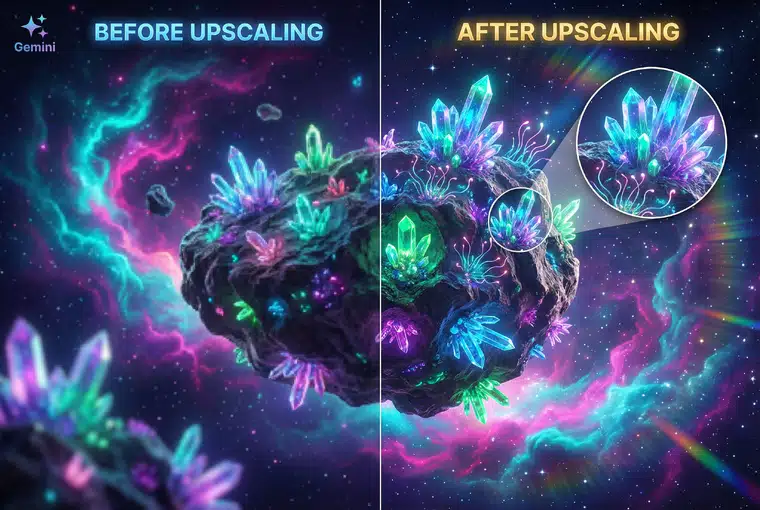
For Editors
Editors need images that blend naturally into presentations, or thumbnail compositions.
The Benefits of Using Cleaned AI Images
Clear & Professional
Clean images are essential for effective marketing because they allow your visuals to look intentional and high quality. A watermark can distract from your message, weaken the design, and reduce the impact of your ad. Once removed, the image becomes easier to edit, easier to brand, and far more suitable for campaigns across different platforms.

Learn More
FAQs about Free Gemini Watermark Remover
What is RoboNeo’s Watermark Remover and which images does it support?
Is it allowed to remove watermarks from Gemini or Nano Banana Pro images?
Yes, but only for images you created or have rights to edit. Removing watermarks from copyrighted or third party content without permission may break laws or platform rules. Always confirm usage rights.
Will this affect image quality?
RoboNeo preserves resolution and detail. Most watermarks disappear cleanly. Very complex areas may need a second try but quality loss is rare.
Is the tool free?
Yes. RoboNeo offers free watermark removal with no sign up or hidden costs.
Does RoboNeo store my images?
No. Images are processed temporarily and then deleted for privacy.