
Try AI Object Removal on RoboNeo
RoboNeo removes unwanted elements from videos by understanding object boundaries, motion patterns, and scene structure. The AI agent reconstructs missing areas naturally across frames, maintaining smooth motion and visual coherence, so the final video looks clean, intentional, and professionally edited.
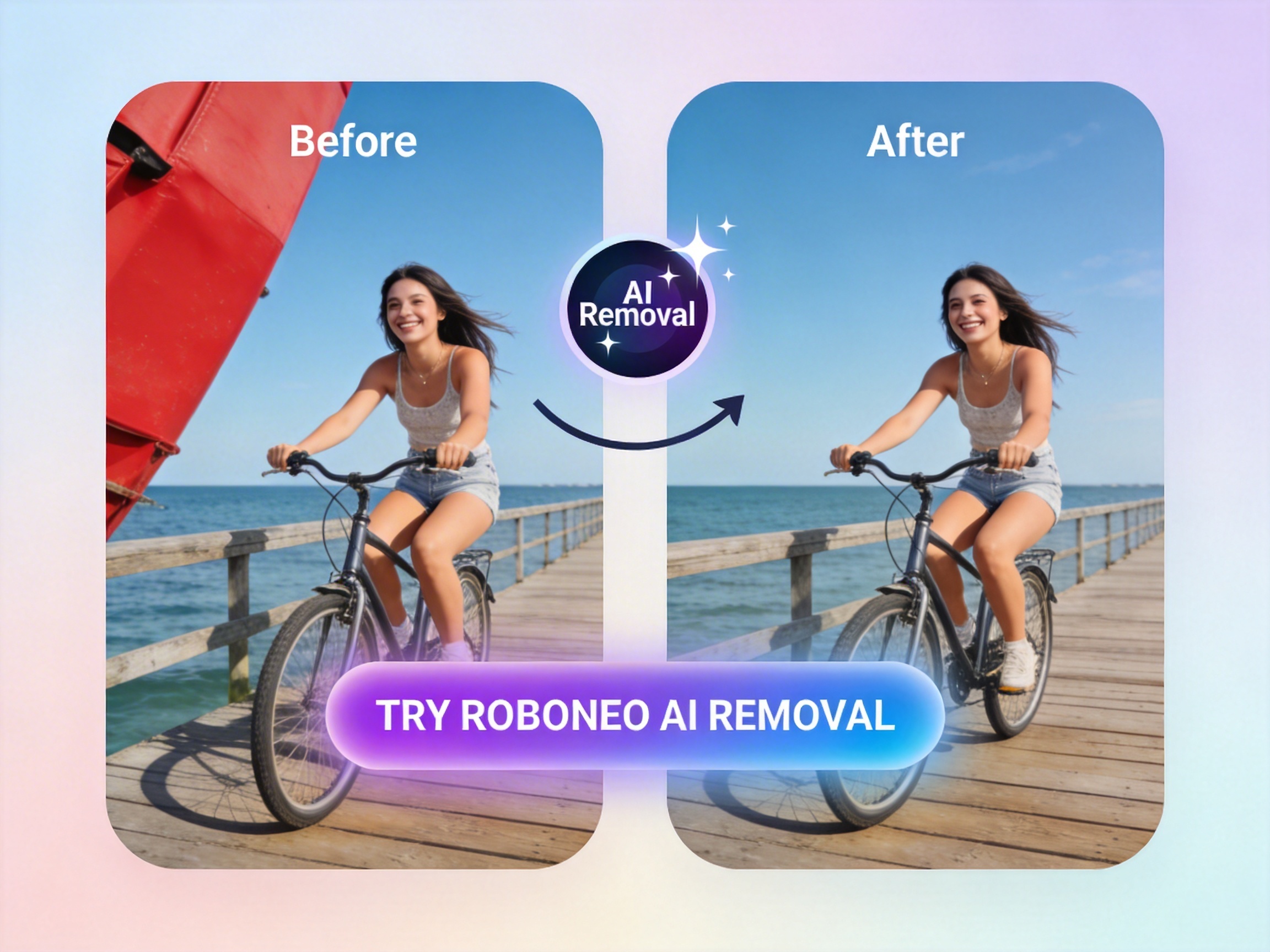
Why We Recommend RoboNeo for Object Removal
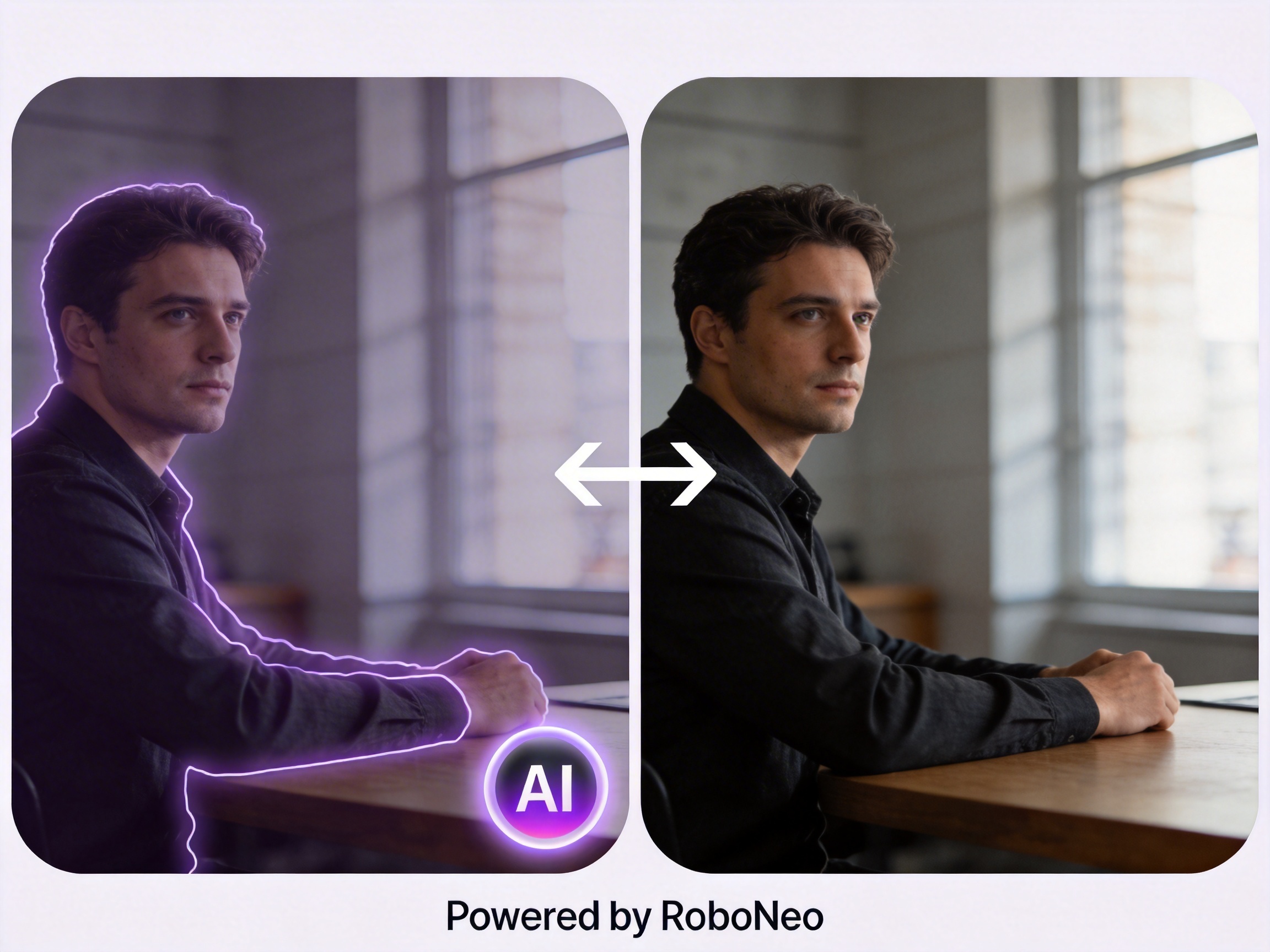
Pro-Grade Inpainting & Content Fill
Transform ruined shots into perfection by intelligently filling gaps left by removed objects. Using state-of-the-art generative inpainting, RoboNeo analyzes surrounding pixels to synthesize new textures that match the lighting and grain of your original footage. Whether removing a microphone or a stray passerby, the result is a seamless, professional-grade finish that looks like the object was never there.
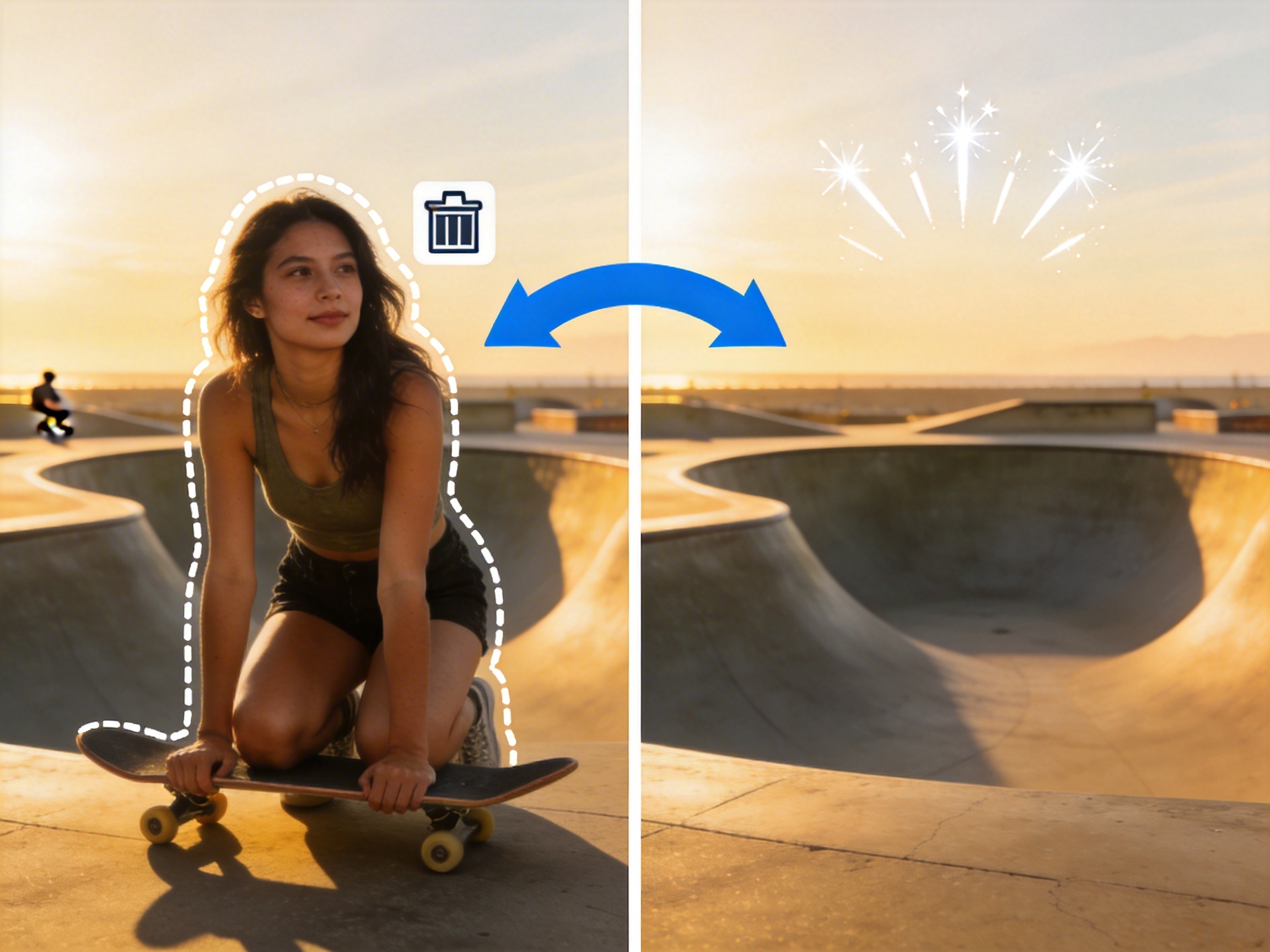
Smart Tracking Masking
Stop wasting hours on tedious frame-by-frame rotoscoping. RoboNeo’s AI-powered mask tracking follows your target object with pixel-perfect accuracy through complex movements and camera pans. Simply draw a rough outline, and our engine locks onto the object, ensuring consistent and stable removal throughout the entire clip without any "jitter" or edge artifacts.
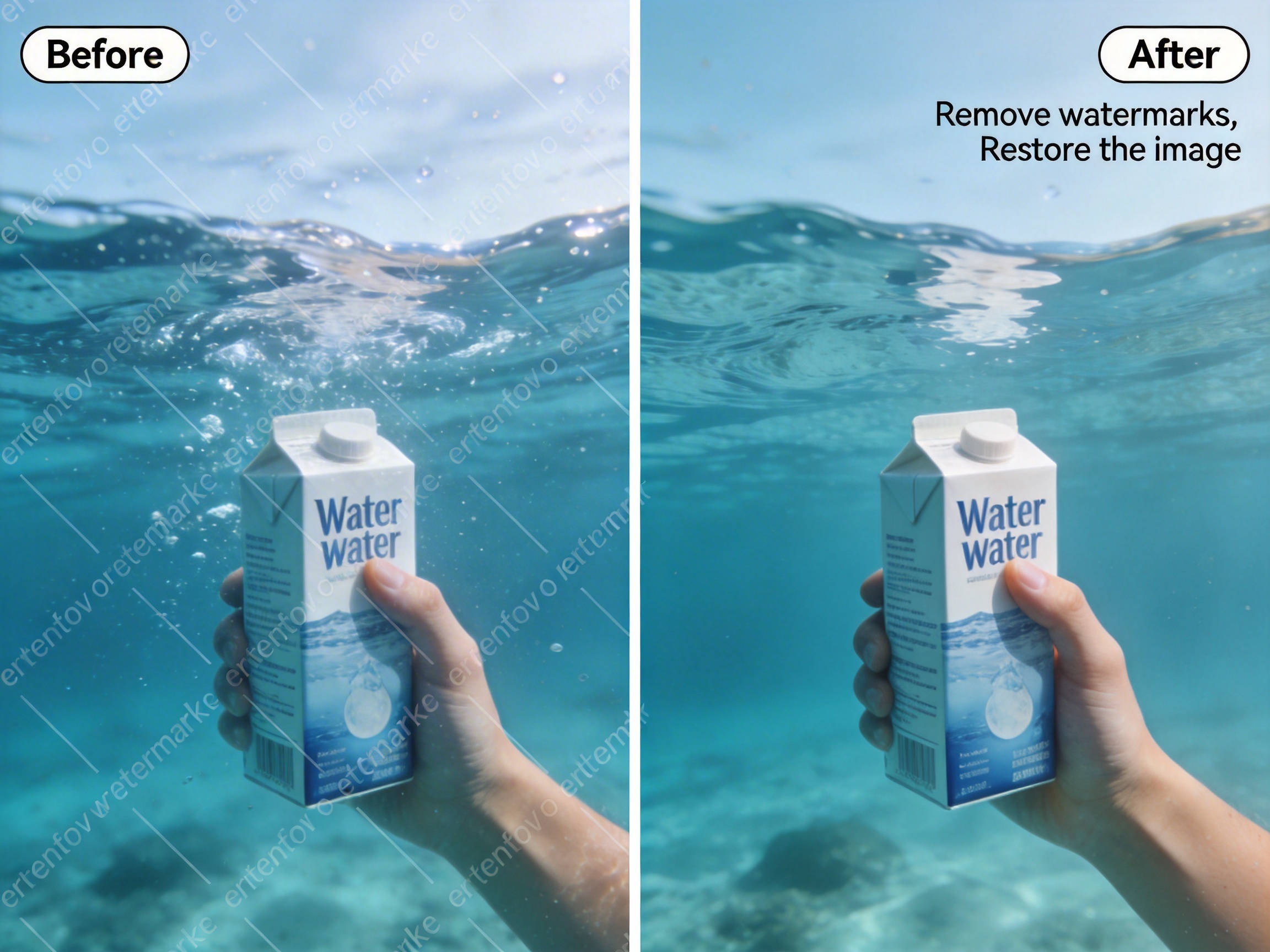
Magic Subtitle & Watermark Erasing
Reclaim your video assets by stripping away distracting text overlays, hard-coded subtitles, or intrusive watermarks. Our specialized AI model is trained to recognize geometric patterns and typography, cleanly lifting them from the video while preserving the integrity of the scene behind them. It’s the fastest way to repurpose legacy content or clean up social media downloads for high-end production.
Who is this for?
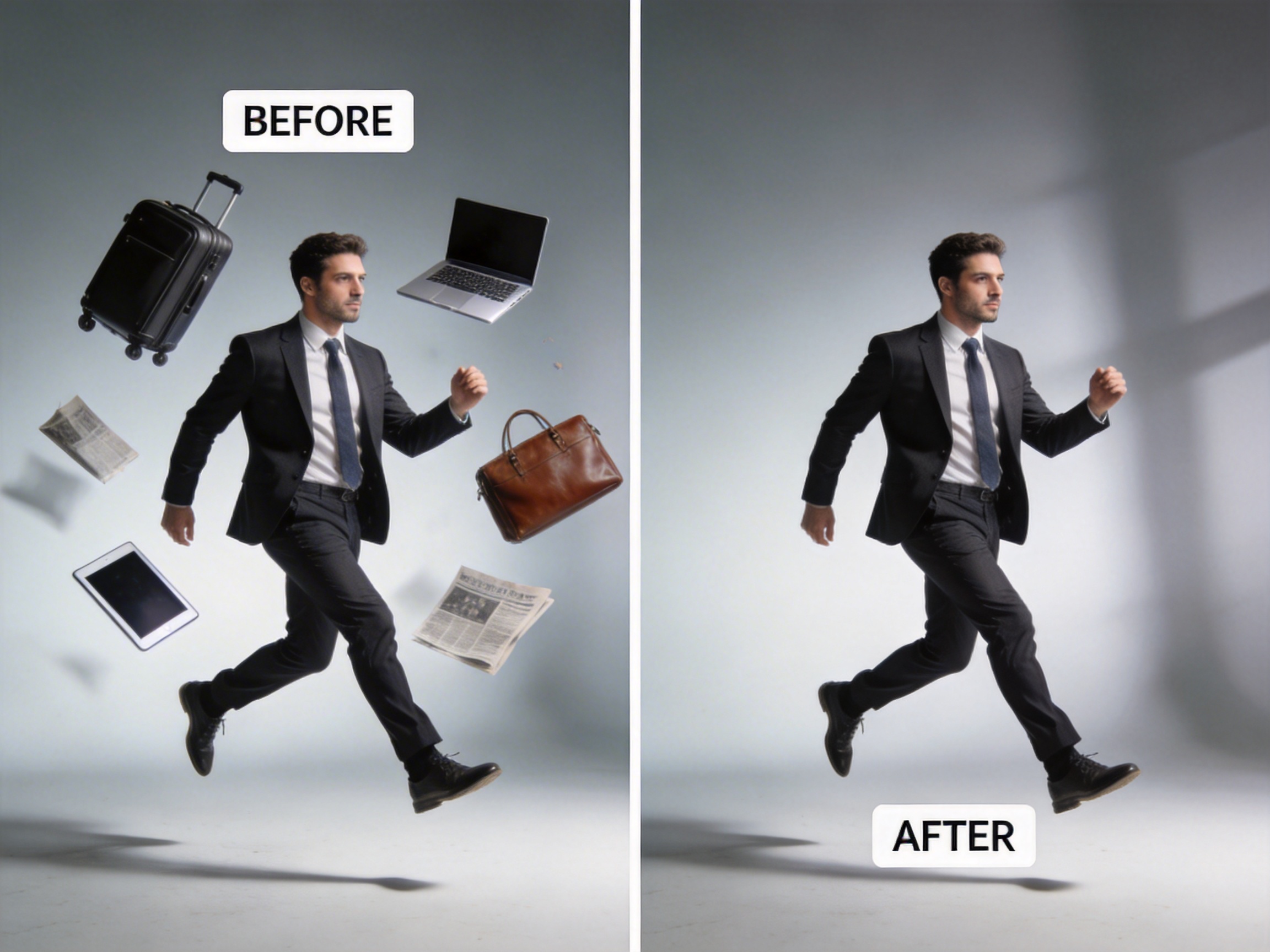
Eliminate surface imperfections and distracting reflections.
E-commerce teams can use Object Removal to wipe away dust, scratches, or unwanted light reflections on product surfaces in motion. By polishing the visual details, you create a flawless "hero shot" that enhances the perceived value of your merchandise.
FAQ
How does RoboNeo remove objects without leaving a hole in the video?
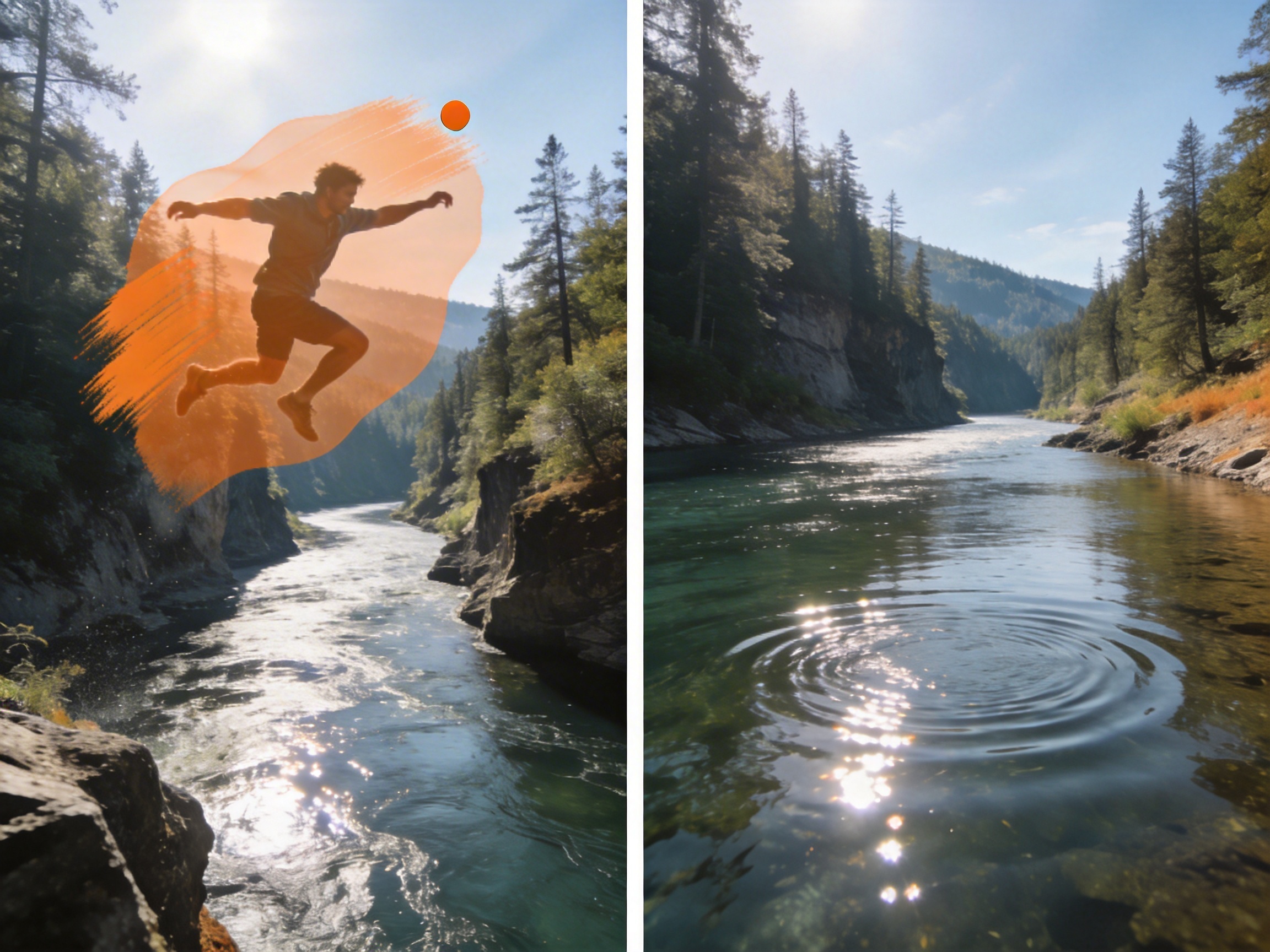
Can I remove moving objects like people or cars from my footage?
Yes. Our AI agent excels at tracking dynamic subjects. You can select a moving person or vehicle, and RoboNeo will automatically track and remove them across the entire clip, seamlessly reconstructing the background behind them while maintaining natural lighting and shadows.
Will removing an object affect the resolution of my video?
No. The removal process is non-destructive to your overall video quality. RoboNeo only modifies the specific pixels where the object was located, preserving the original resolution and sharpness of the rest of your high-definition content.
Is it possible to remove small distractions like wires or lens flares?
Absolutely. The tool is highly precise and can handle everything from large subjects to minor distractions like power lines, trash, or unwanted reflections. Simply highlight the distraction, and the AI agent will clean the scene with professional accuracy.