
Free AI Photo and Portrait Retouching
RoboNeo’s AI Photo and Portrait Retouching helps improve images automatically while preserving realism and identity. As an AI agent capability, RoboNeo enhances portraits and photos by correcting lighting, skin tone, and clarity without manual retouching or heavy filters.
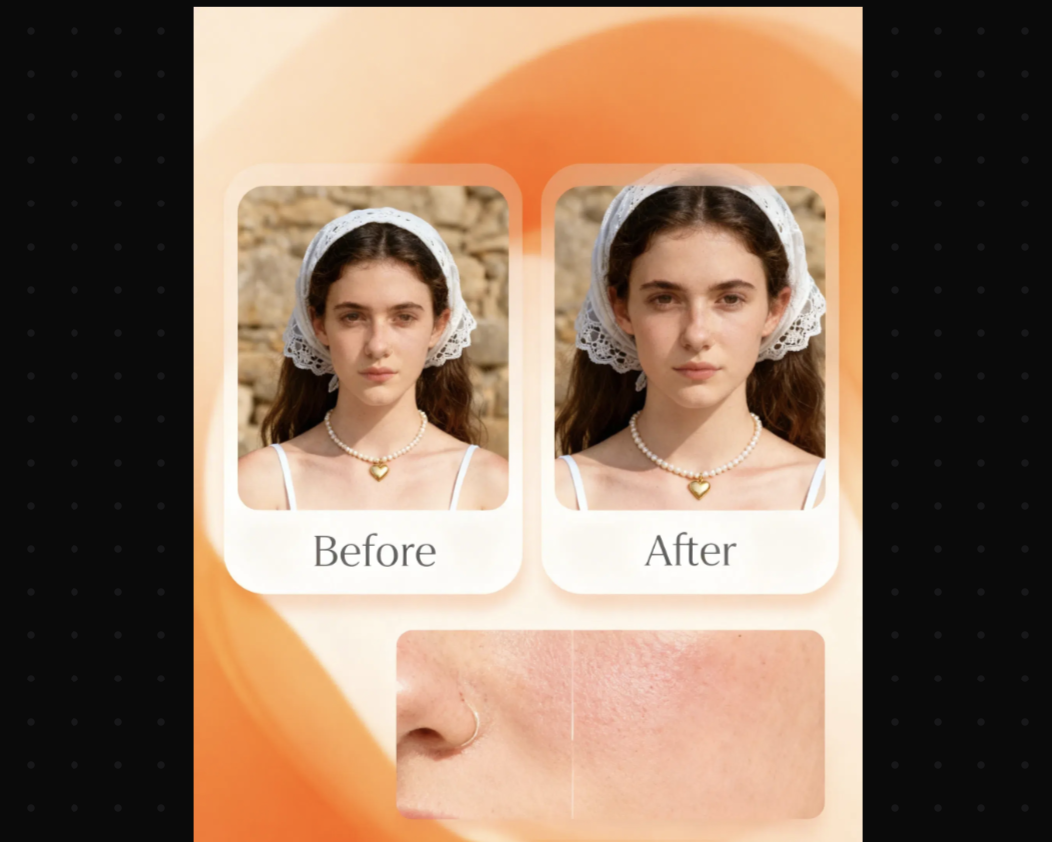
Core features
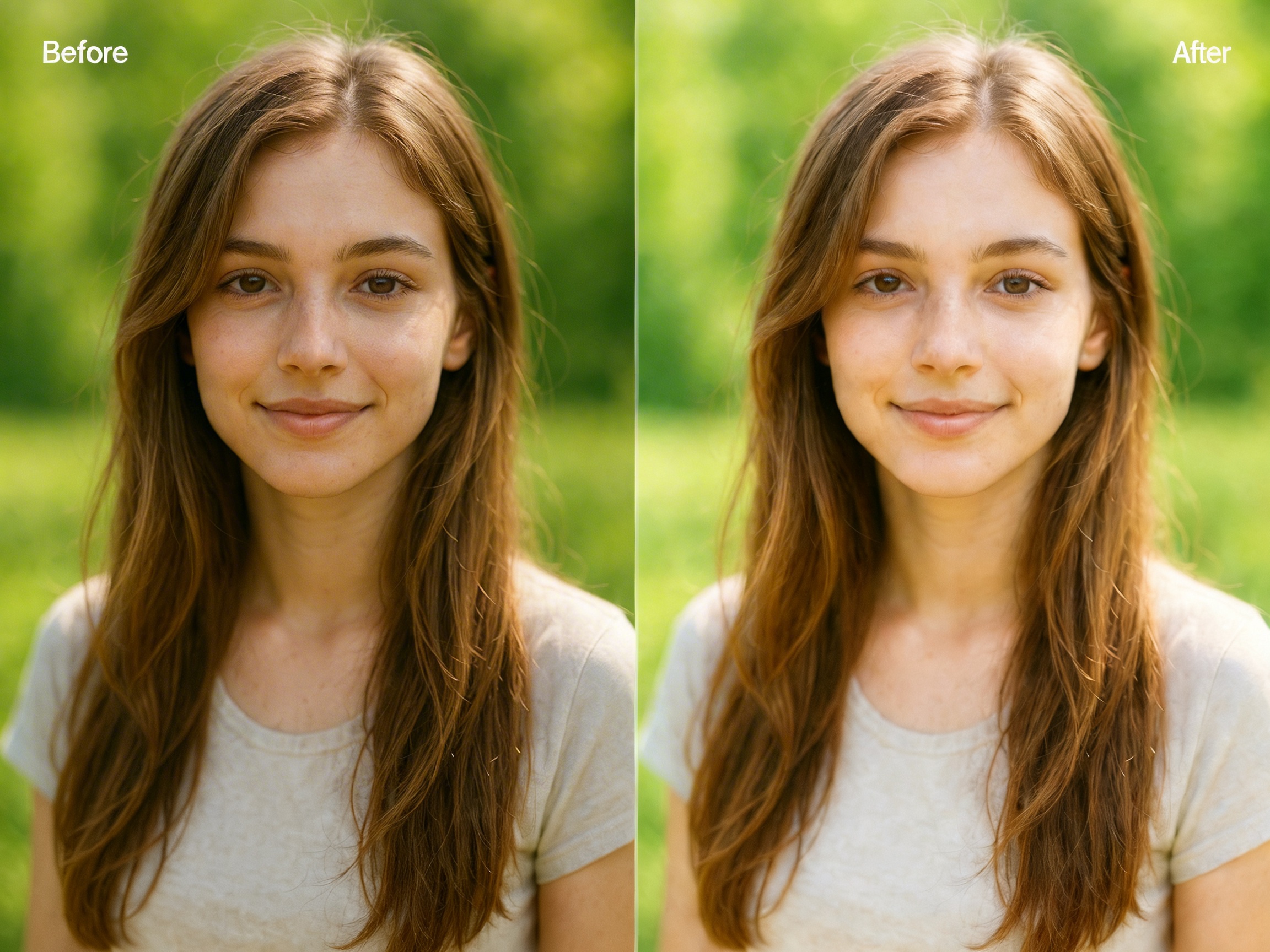
Natural portrait enhancement
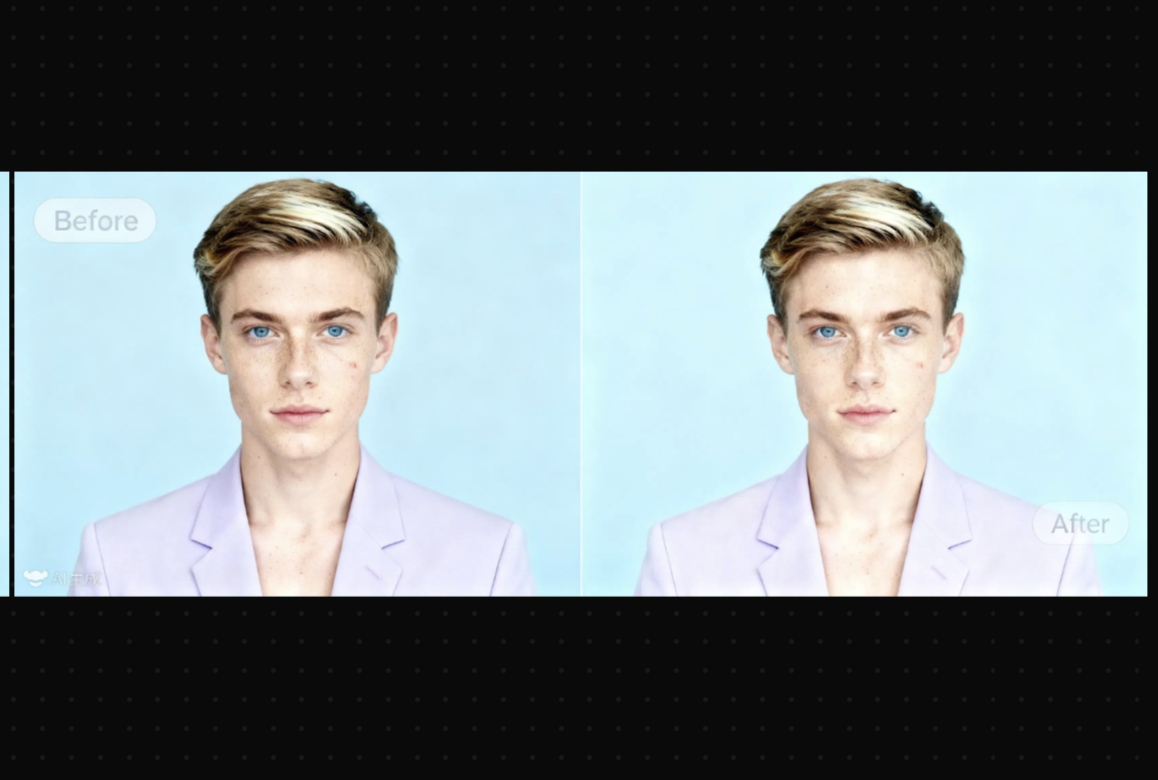
RoboNeo applies subtle retouching designed to keep faces realistic and recognizable. The AI smooths skin gently, balances tone, and improves clarity while avoiding artificial or overly polished effects.
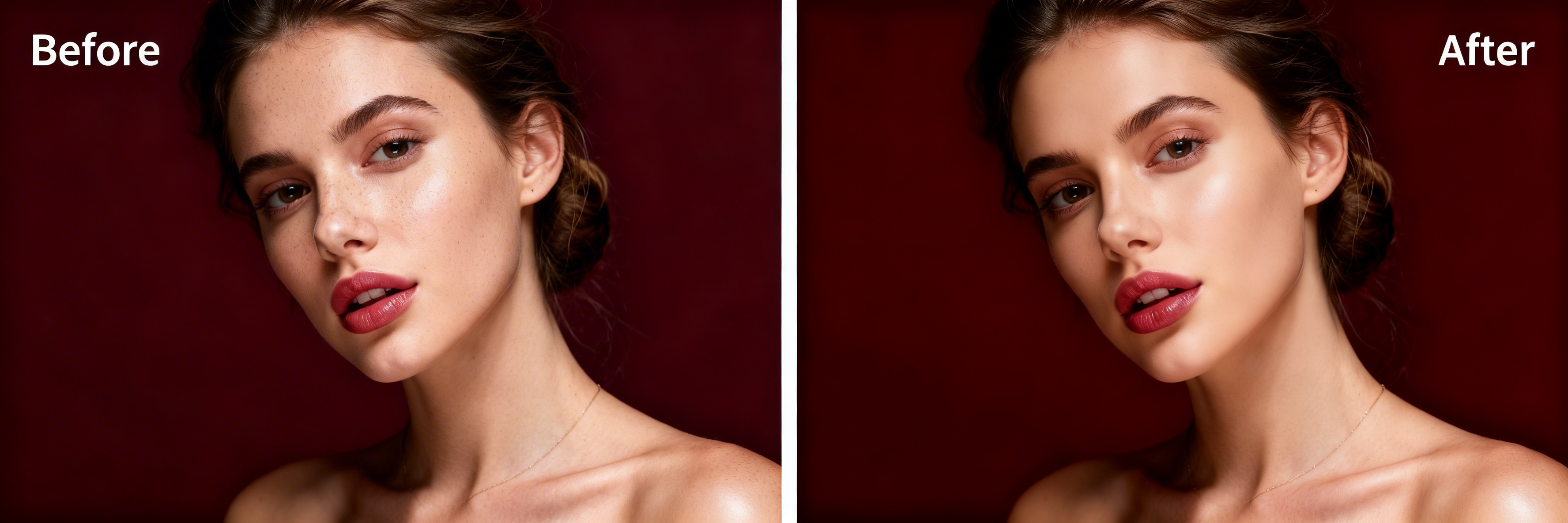
Improve lighting, color, and clarity automatically
RoboNeo enhances photos by adjusting exposure, contrast, and color balance intelligently. The AI corrects uneven lighting and improves overall visual quality while maintaining natural textures and details.
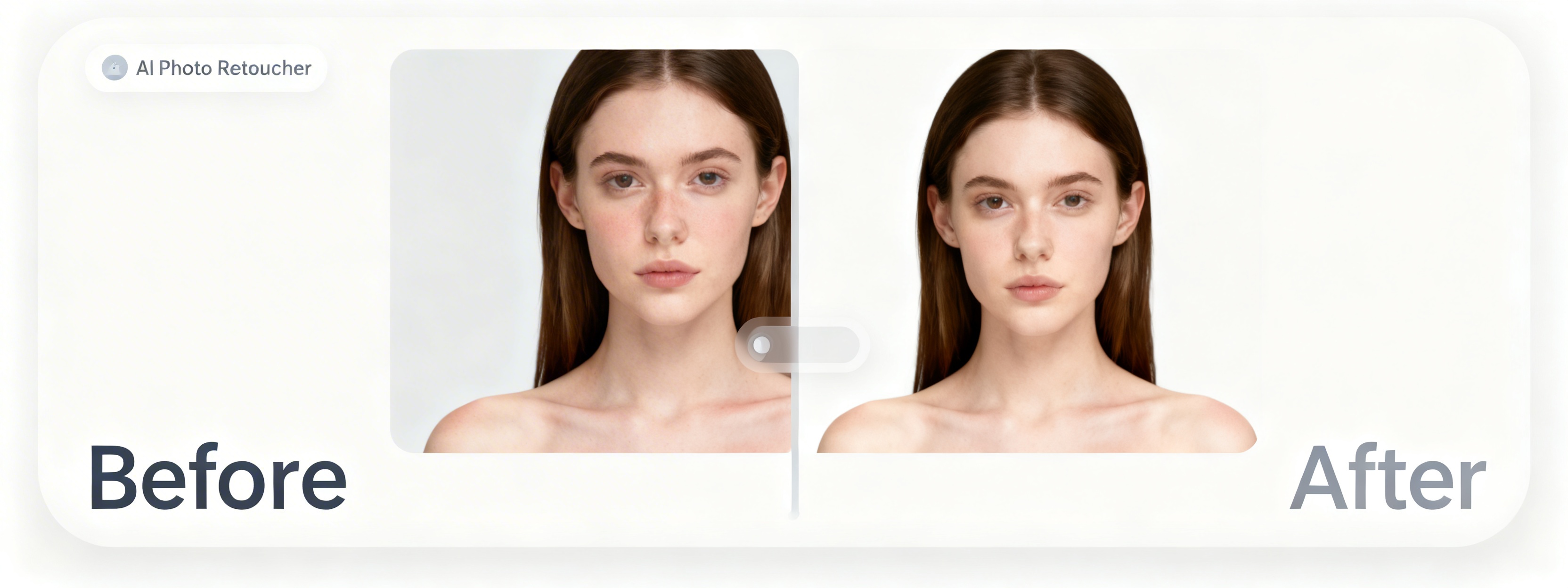
Retouch photos at scale
RoboNeo supports retouching across multiple photos while maintaining consistent quality and style. Teams can apply the same natural enhancement logic to portraits, profile photos, or image sets without repeating manual work.
Use Cases
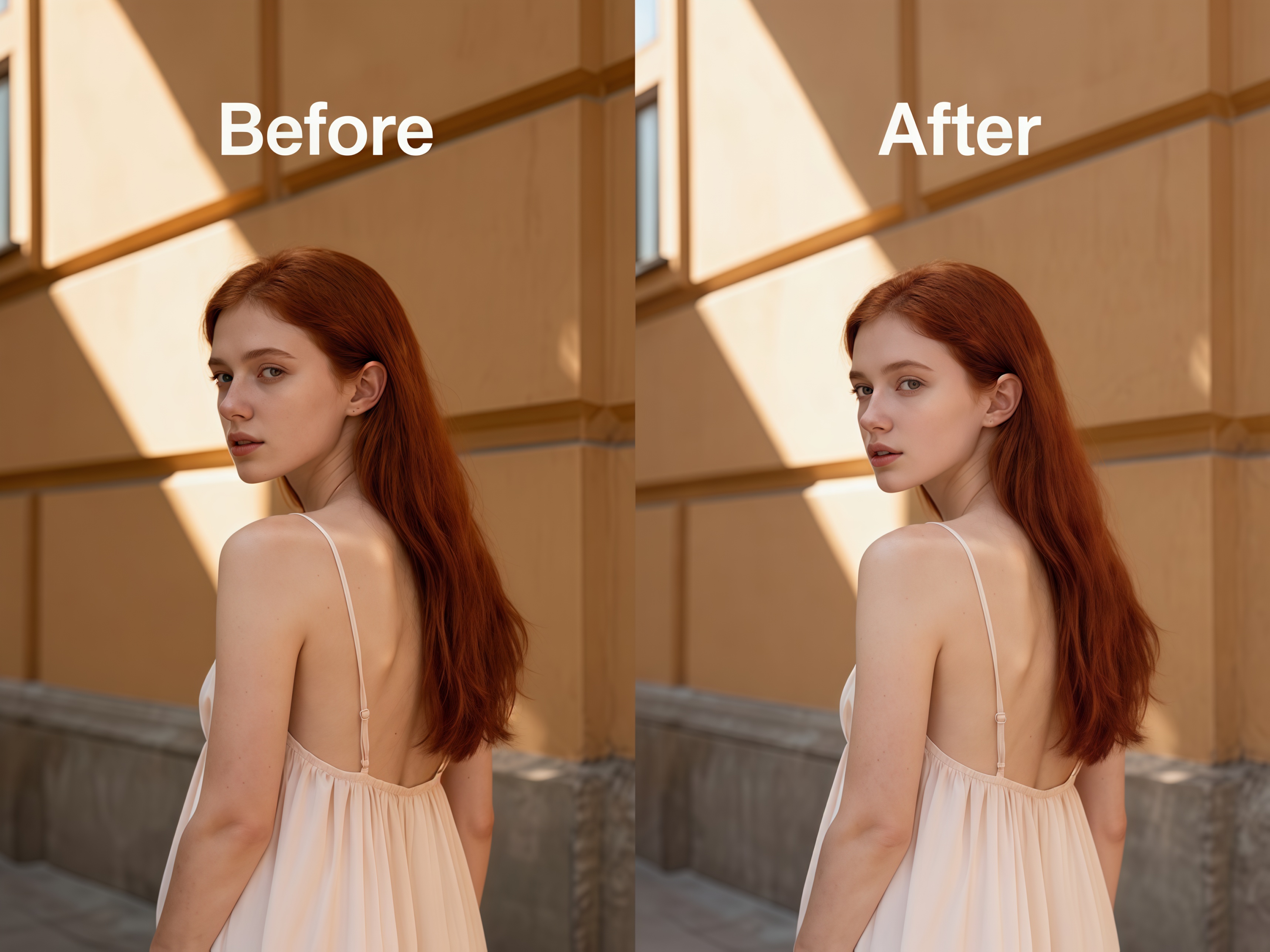
Professional portraits and profiles
Individuals and teams use RoboNeo to retouch profile photos for resumes, company directories, and professional platforms while preserving a natural look.
Frequently Asked Questions
What is AI Photo and Portrait Retouching on RoboNeo?
Does RoboNeo change facial features or identity?
No. RoboNeo applies subtle, realistic enhancements and does not alter facial structure or identity. The goal is to improve photo quality, not to transform how someone looks.
Is the retouching effect natural?
Yes. RoboNeo is designed to avoid heavy filters or artificial effects. Retouching focuses on balanced lighting, smooth tones, and clear details.
Can RoboNeo retouch non-portrait photos?
Yes. RoboNeo can enhance both portraits and general photos by improving exposure, color balance, and overall clarity.