
Seedance 2.0 Animation Generation with RoboNeo
RoboNeo brings text, images, video, and audio into one workspace for Seedance 2.0 animation generation. Precise camera movement, synchronized sound, start and end frames, and mixed references give creators more control when turning visual ideas into short animated clips.
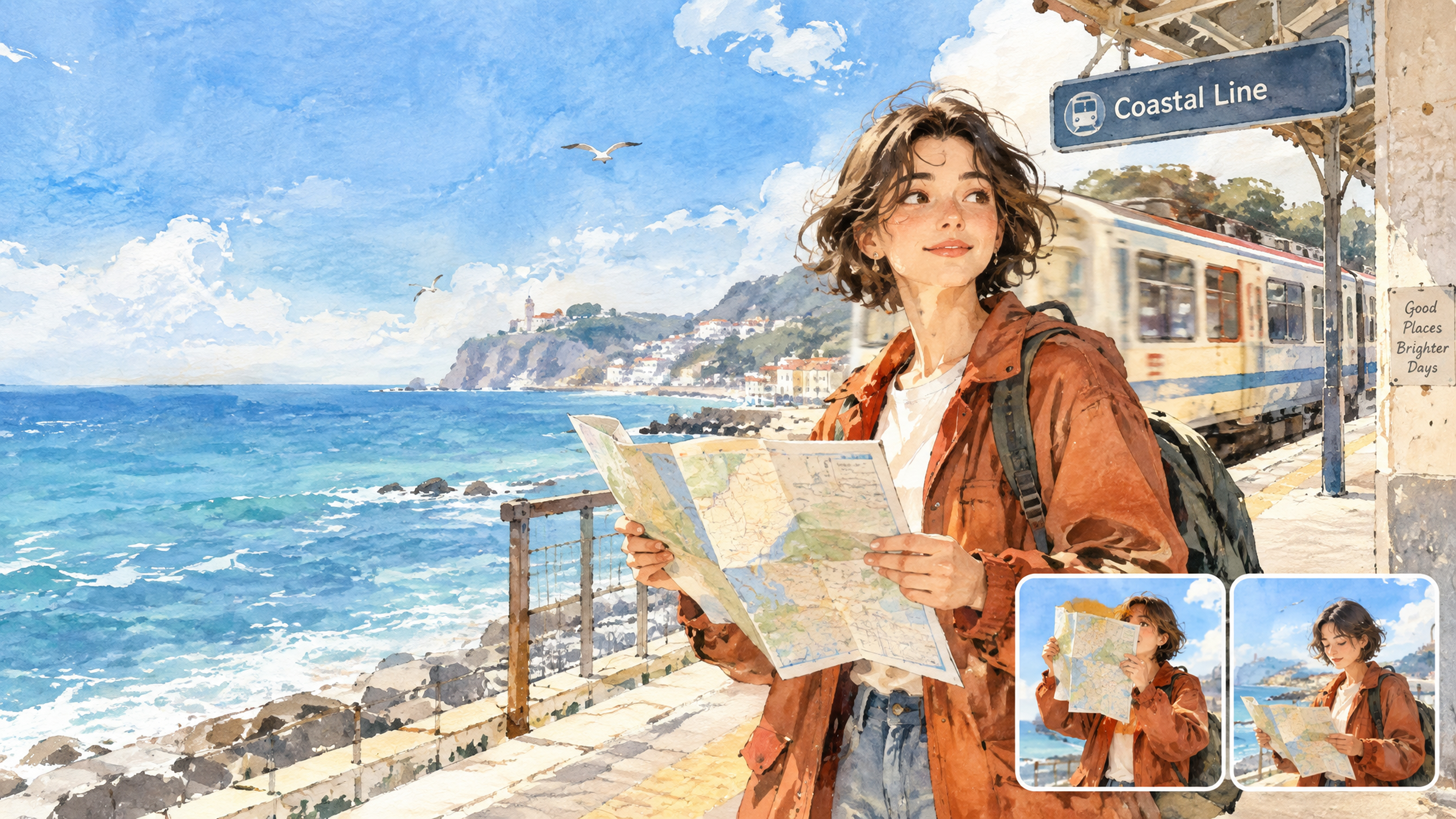
How Seedance 2.0 Animation Generation Works
Add Your Prompt or Reference Assets
Start with text, an image, a video, audio, or a mix of materials. In Universal Reference mode, connect the assets you want to use and tag the relevant references with the @ symbol.
Select Seedance 2.0
Open the model selector in the Video Node and choose Seedance 2.0. You can generate from a text prompt, animate an image, or use multiple reference materials to guide the result.
Adjust the Video Settings
Set the available options for the selected model, including aspect ratio, resolution, audio, duration, and output quantity. Choose the settings that fit the format and platform you are creating for.
Generate and Refine the Clip
Generate the video and preview the result. Adjust the prompt, reference materials, or settings as needed, then generate another version without rebuilding the project from scratch.
Why Creators Use Seedance 2.0 for Animation
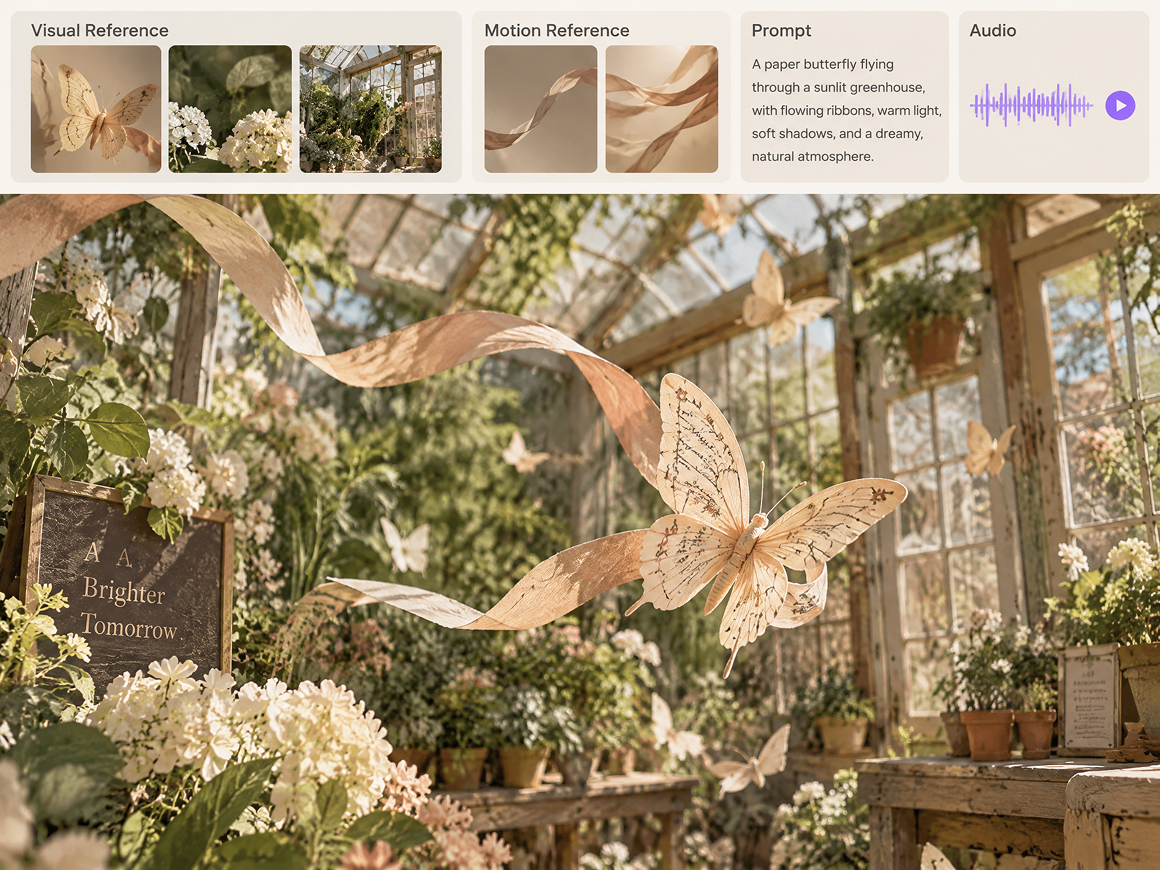
Mixed References in One Workflow
Text, images, video, and audio can all serve as references in the same Video Node. Universal Reference gives Seedance 2.0 animation generation more context for characters, visual style, movement, and sound, reducing the need to describe every detail in a long prompt.
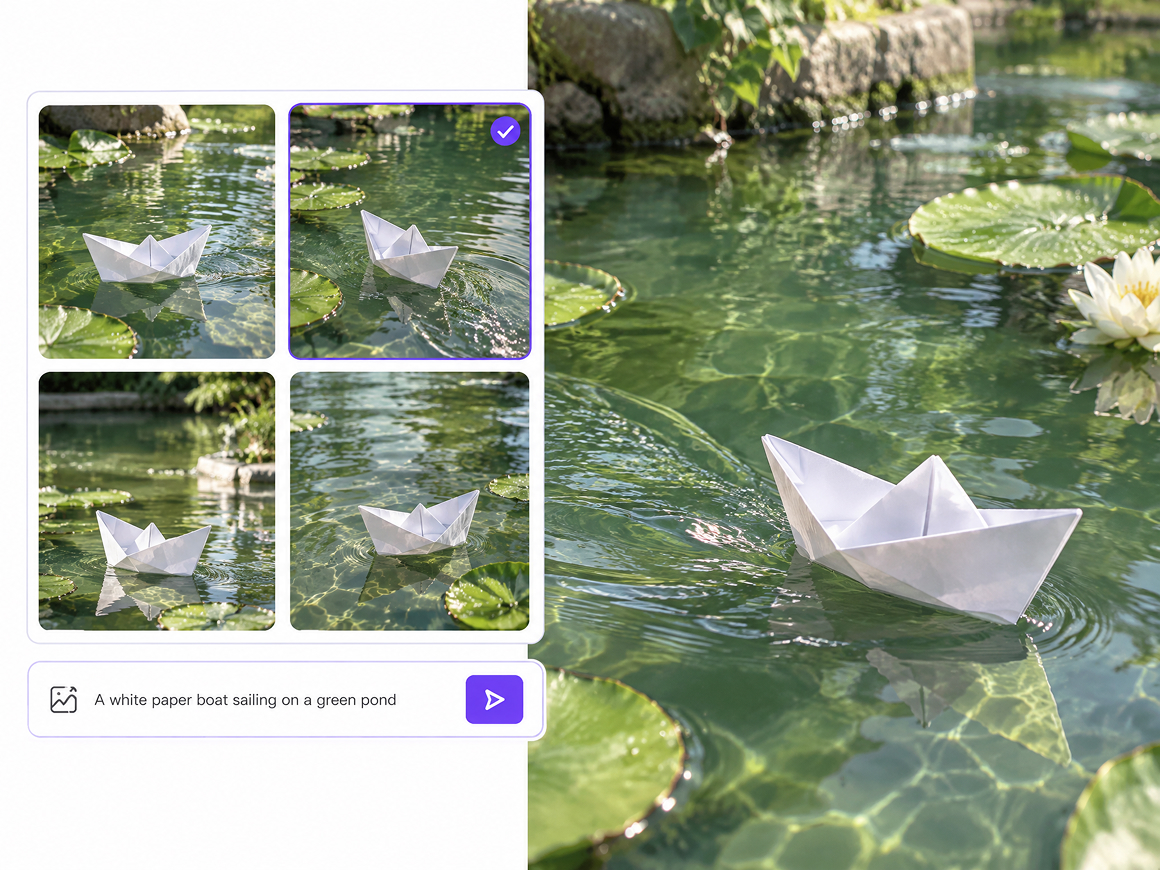
Flexible Starting Points for Different Ideas
A project can begin with a text prompt, an existing image, or a combination of reference materials. This flexibility works well whether you are exploring an early animation concept or already have visuals you want to bring into motion.
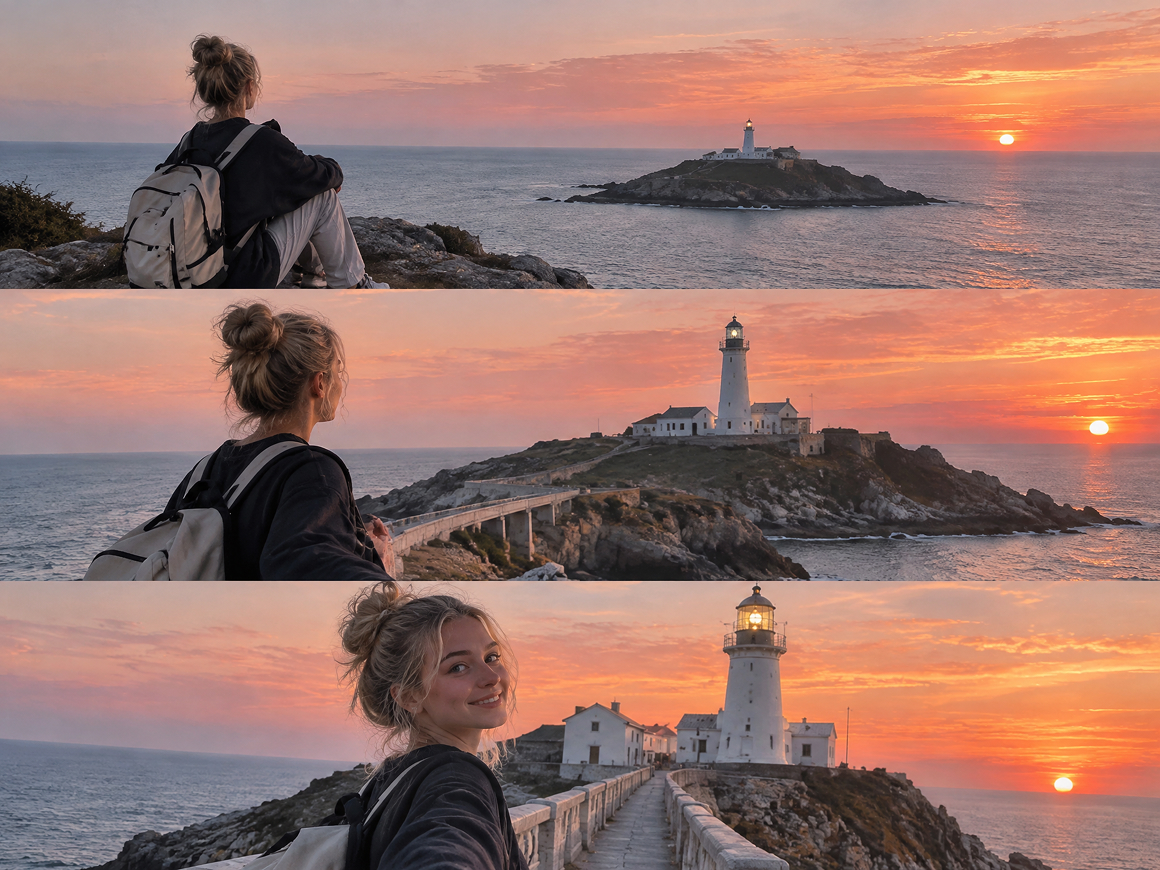
More Intentional Camera Movement
Precise camera motion control gives creators more direction over how a shot moves and feels. Prompts and reference materials can guide movement for character reveals, tracking shots, scene changes, and other animated sequences that need more deliberate framing.
Synchronized Sound and Motion
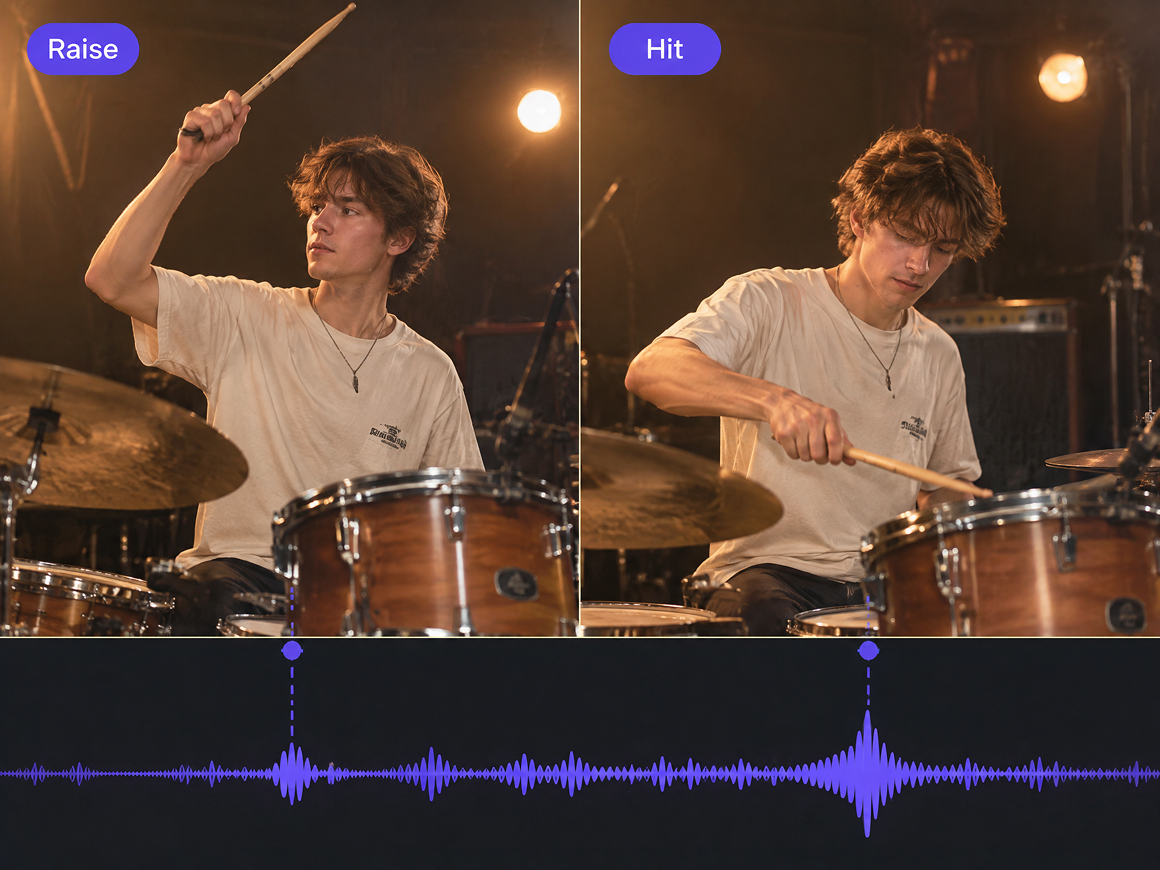
Seedance 2.0 supports up to 15 seconds of synchronized audio and video. Dialogue, sound cues, and visual movement can be generated together, making it easier to preview a more complete animated clip without handling sound as a separate step.
Seedance 2.0 Animation Ideas for Creators
2D Anime and Character Scenes
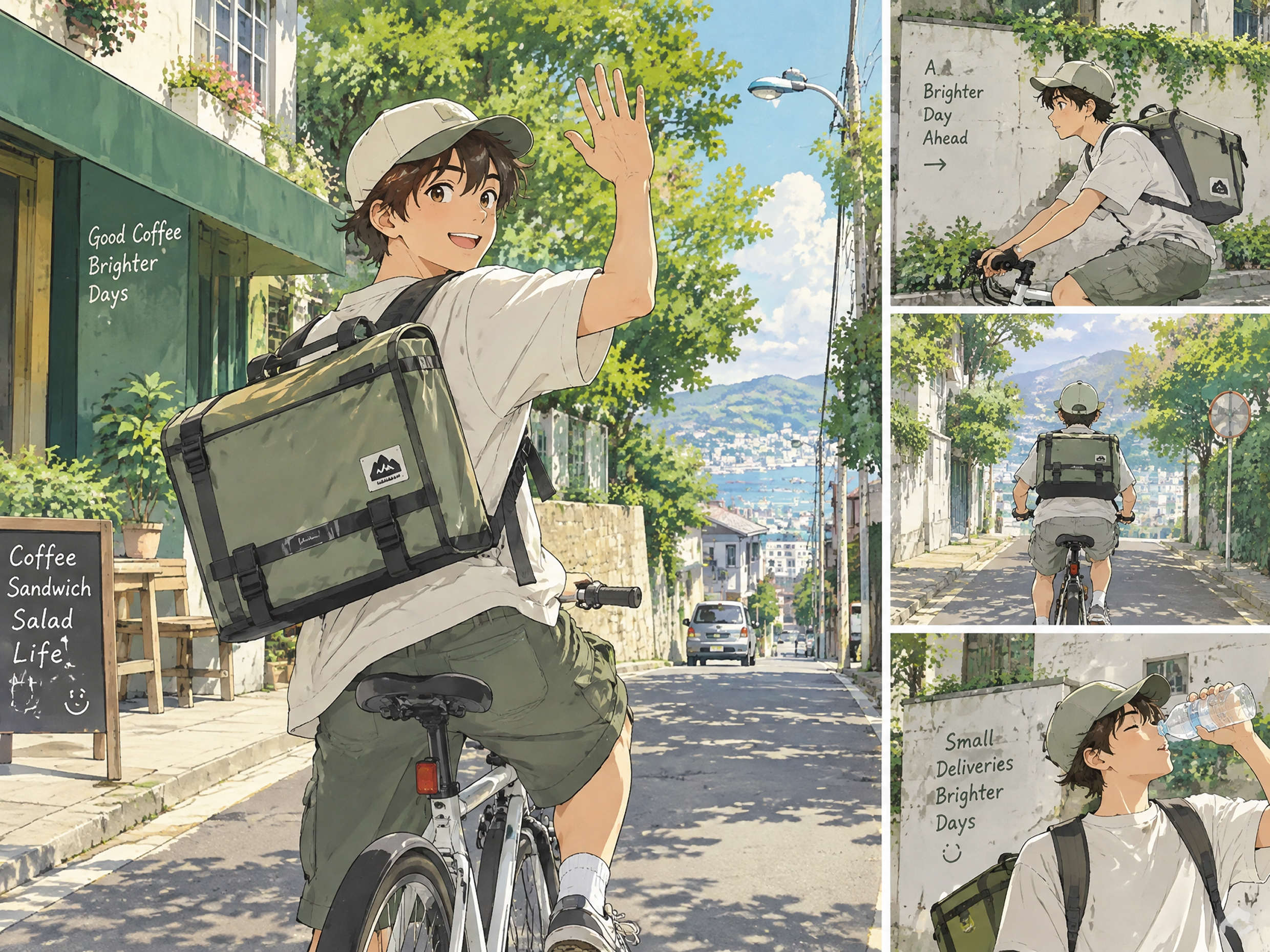
Seedance 2.0 anime workflows can begin with character sheets, style frames, or storyboard art before motion is generated. Creators searching for seedance 2.0 animation 2d can use these visual references to develop short character moments, stylized scene tests, and social clips with a more consistent illustrated direction.
Frequently Asked Questions
Can I animate my own character with Seedance 2.0 in RoboNeo?
Can Seedance 2.0 keep my character consistent while it moves?
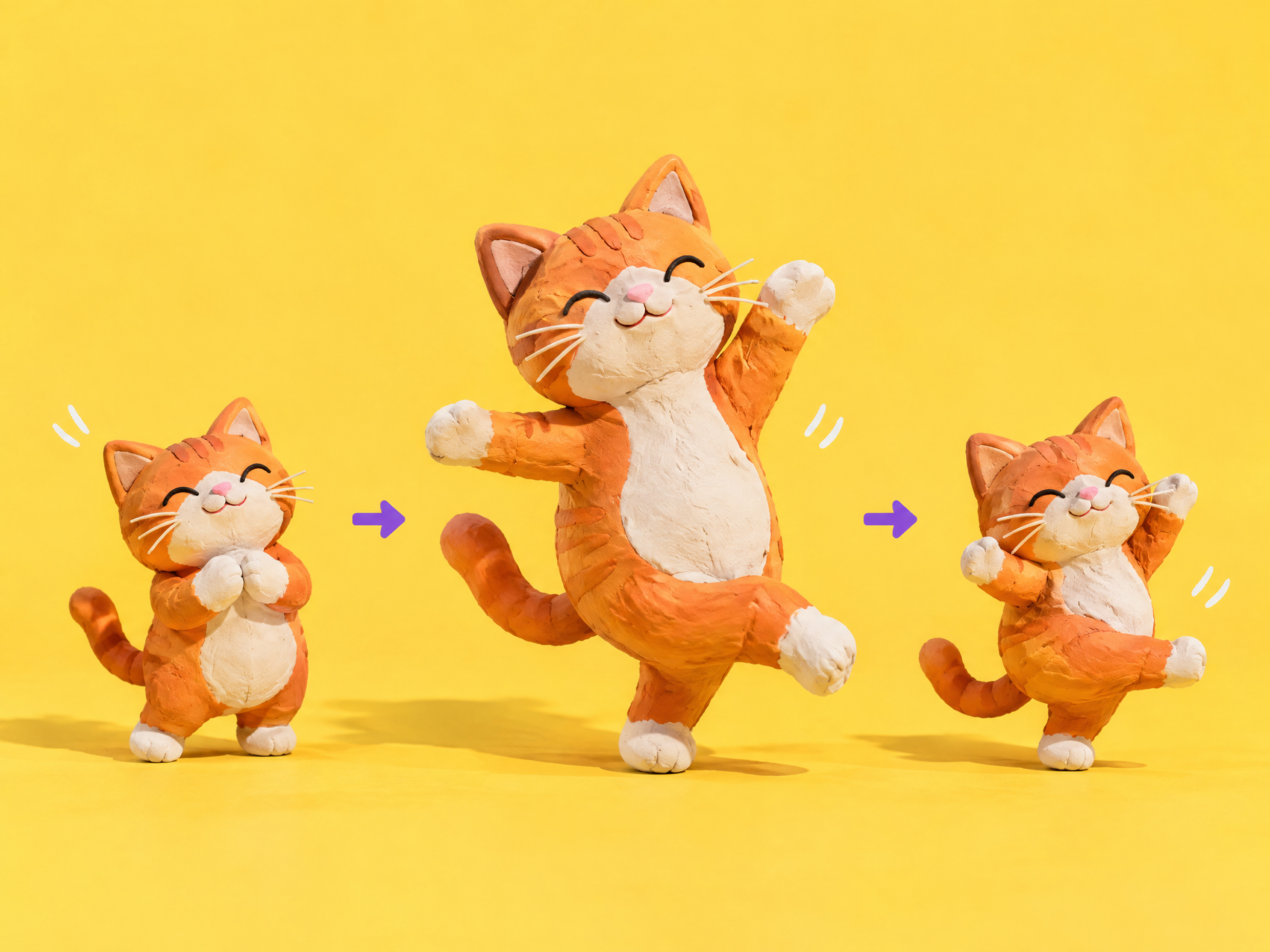
Yes. A clear character reference helps Seedance 2.0 maintain the character’s appearance while it moves through the scene. RoboNeo also lets you reuse the same character assets across different animation attempts.
Is Seedance 2.0 good for anime and 2D animation?
Seedance 2.0 anime projects can start from illustrated characters or scene artwork. For Seedance 2.0 animation 2D, you can upload your artwork in RoboNeo and animate it with prompts and visual references.
Can I create longer animations with Seedance 2.0?
Not in a single generation. Seedance 2.0 in RoboNeo supports clips up to 15 seconds, so longer animations are usually created as separate scenes and then combined during editing.
Can I turn a storyboard into animation in RoboNeo?
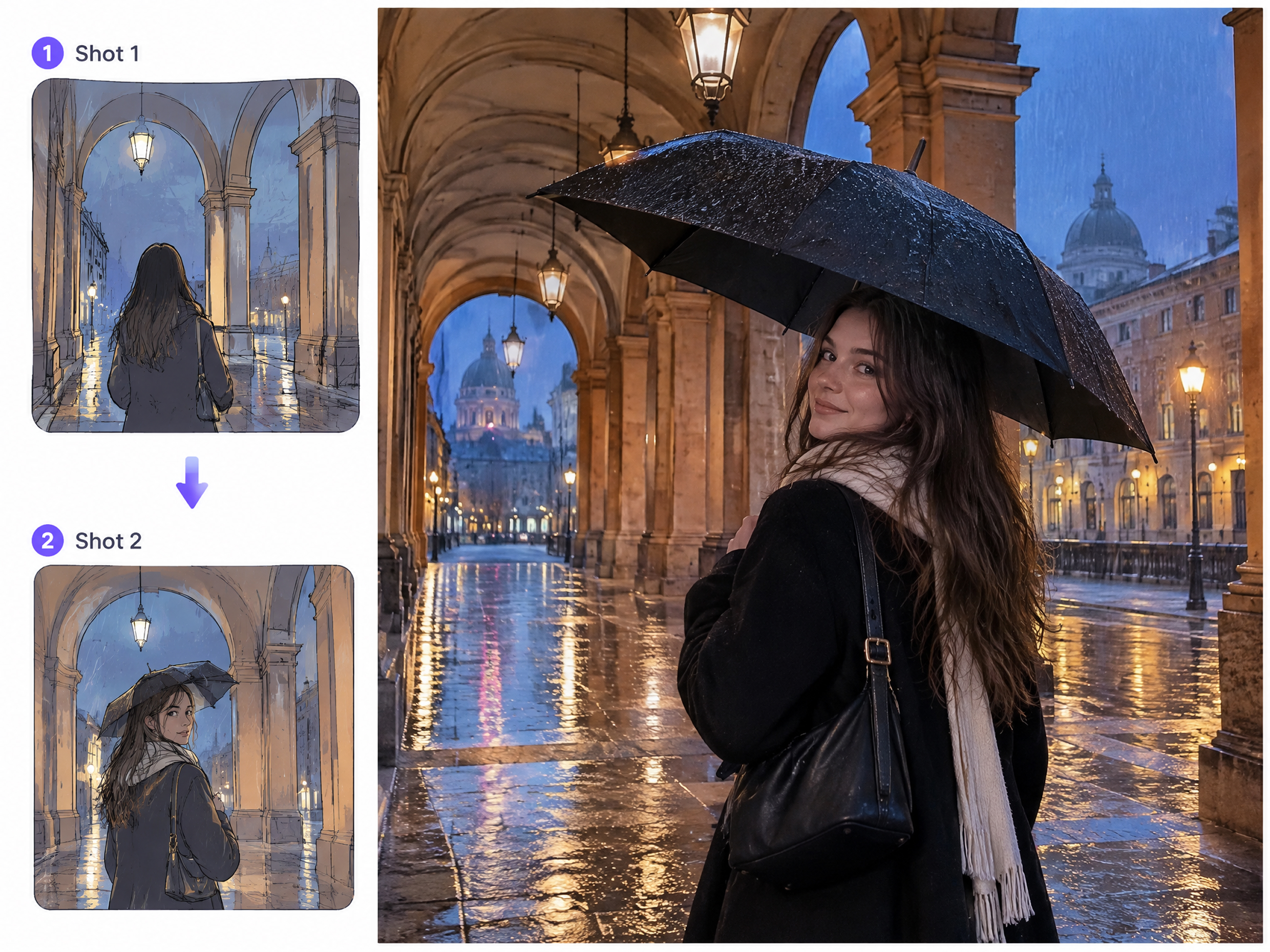
RoboNeo can organize storyboard shots with scene, camera, dialogue, and prompt details, then use those shots to generate video clips. This makes it easier to build an animation one scene at a time.
Do I need animation experience to use Seedance 2.0 in RoboNeo?
No. You can start with a prompt, character image, or other visual reference instead of animating each movement manually. RoboNeo keeps the generation and editing workflow in one workspace, making it easier to test and refine short animations.
Your Next Animation Starts in RoboNeo
Seedance 2.0 animation generation brings prompts, visual references, camera direction, and synchronized sound into one creative workflow. Your existing ideas and assets can become short animated clips, with room to adjust and refine them directly in RoboNeo.
What Creators Say About Seedance 2.0 Animation Generation
I use Seedance 2.0 for short character animations, and the consistency is what stands out most. The character can move through a scene without suddenly changing appearance, which makes the result much easier to use.
I usually start with a character illustration. Seedance 2.0 lets me quickly see that character walking, turning, or reacting, so I can test an animation idea before spending more time building it out.
For short animated promos, I can generate the motion and audio in the same clip. It gives my team a much clearer preview of the idea before we move into a larger production.