
Seedance 2.0 AI-Generated Short Videos
Seedance 2.0 can generate short videos from text, images, video, and audio references, with precise control over camera movement and synchronized sound. Available in RoboNeo, the model can be used for social clips, product videos, ads, and short-form storytelling within the same creative workspace.
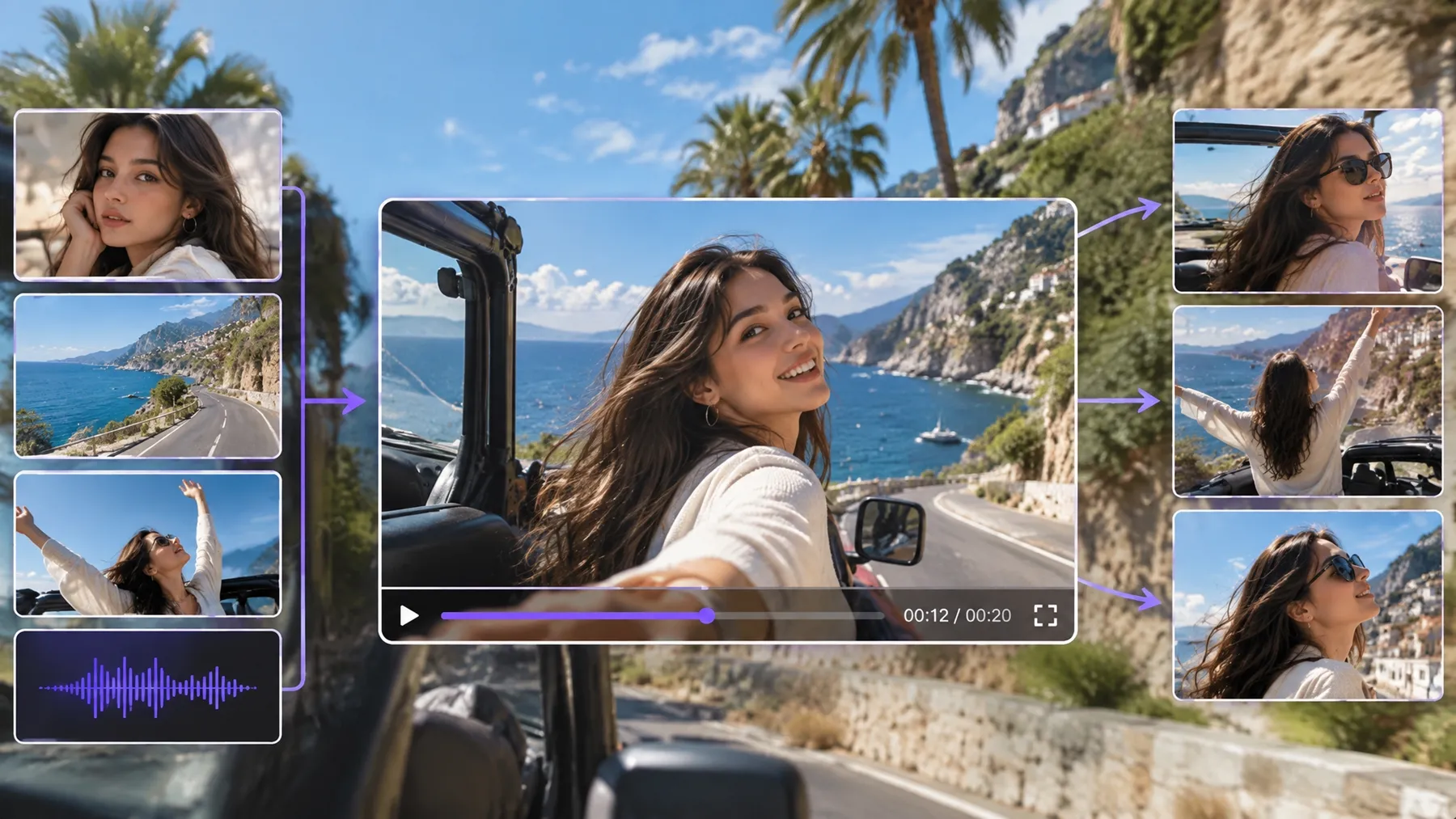
How to Make Seedance 2.0 AI-Generated Short Videos
Video Node Setup
A new Seedance 2.0 project starts with a Video Node on the RoboNeo canvas. The node brings together the model selection, source materials, prompts, and output settings needed for video generation.
Seedance 2.0 Model Selection
Seedance 2.0 is available in the Video Node alongside other supported video models. Depending on your source material, you can work with text-to-video, image-to-video, Universal Reference, or start-end frame generation.
Prompts and Reference Materials
Your scene can be guided by a prompt alone or with additional reference materials. Universal Reference supports text, images, video, and audio, while the @ symbol can be used to specify which assets the model should reference.
Video Format and Output
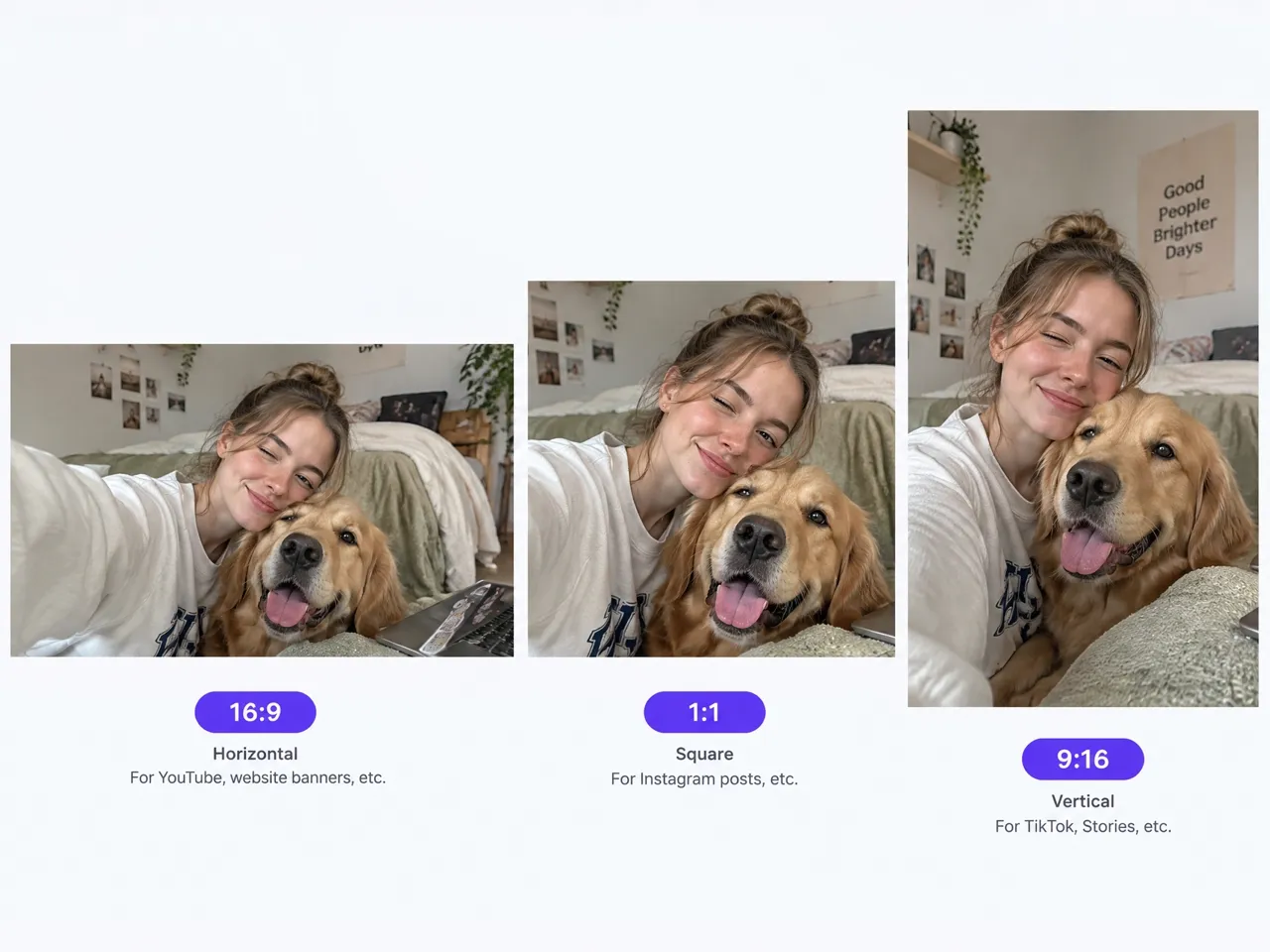
The final setup can be matched to where the video will be used. RoboNeo supports different aspect ratios and resolutions, optional audio generation, and clip lengths from 4 to 15 seconds. You can also generate 1, 2, or 4 video clips in a single batch.
Generation and Review
After the setup is complete, the video can be generated and reviewed directly on the canvas. If the result needs changes, the prompt, references, or generation settings can be updated before creating another version.
Seedance 2.0 Features for Video in RoboNeo
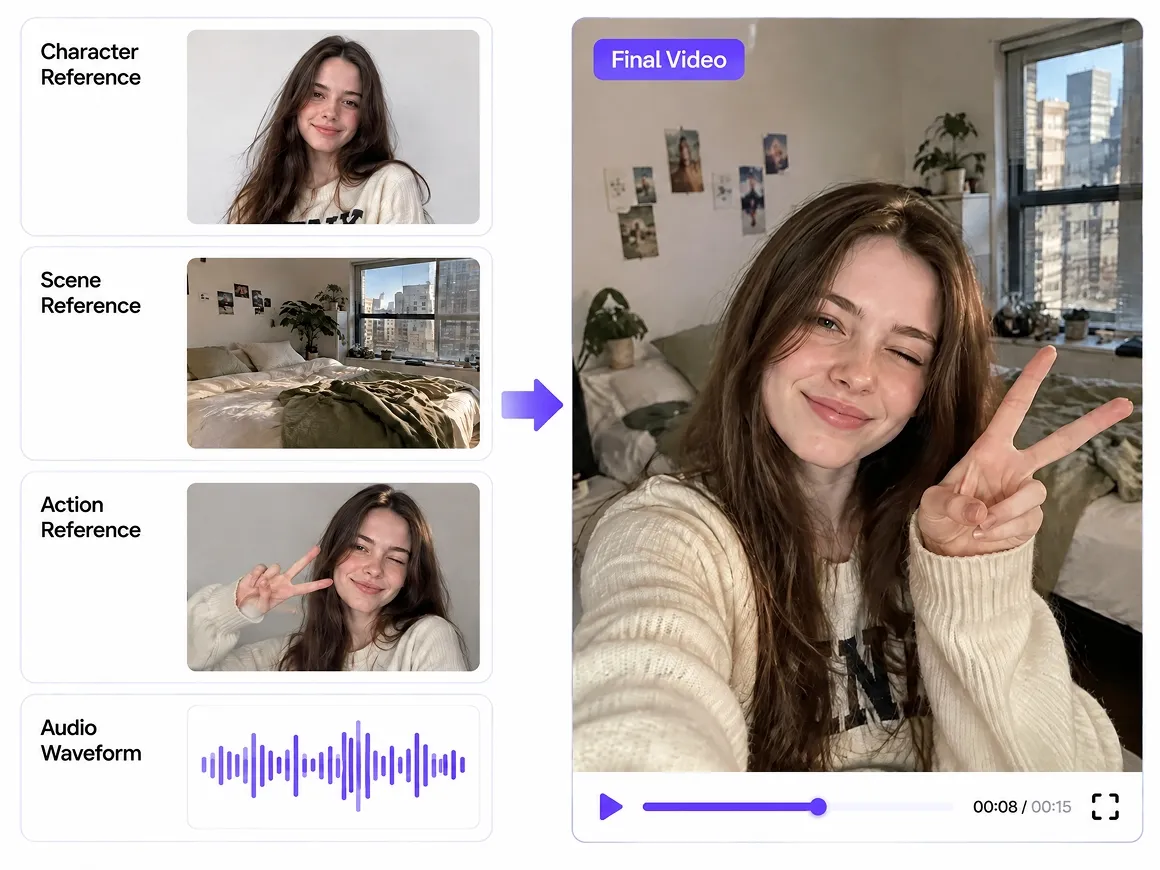
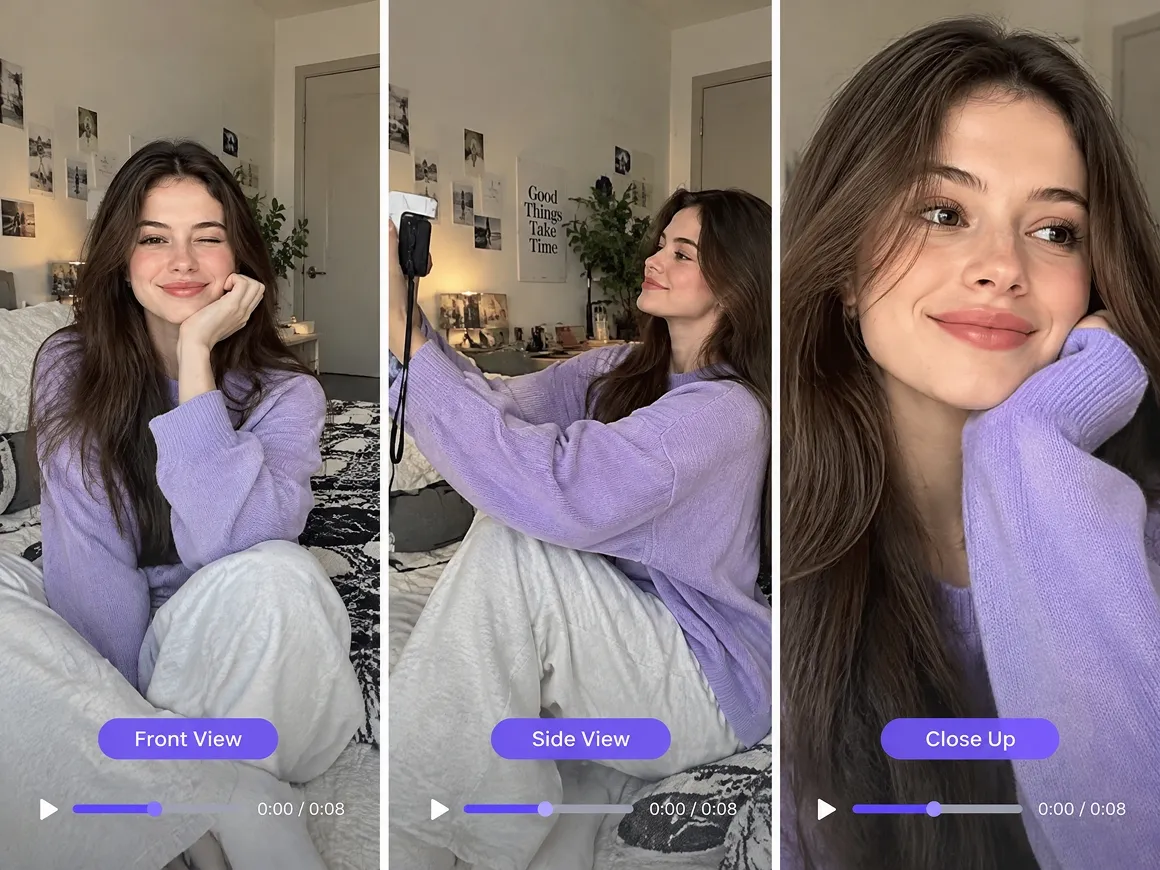
Multimodal References for Clear Direction
Seedance 2.0 in RoboNeo supports text, images, video, and audio through Universal Reference. Specific assets can be tagged with the @ symbol, so a character image, motion clip, or audio track can directly guide the generation instead of relying on one broad prompt.
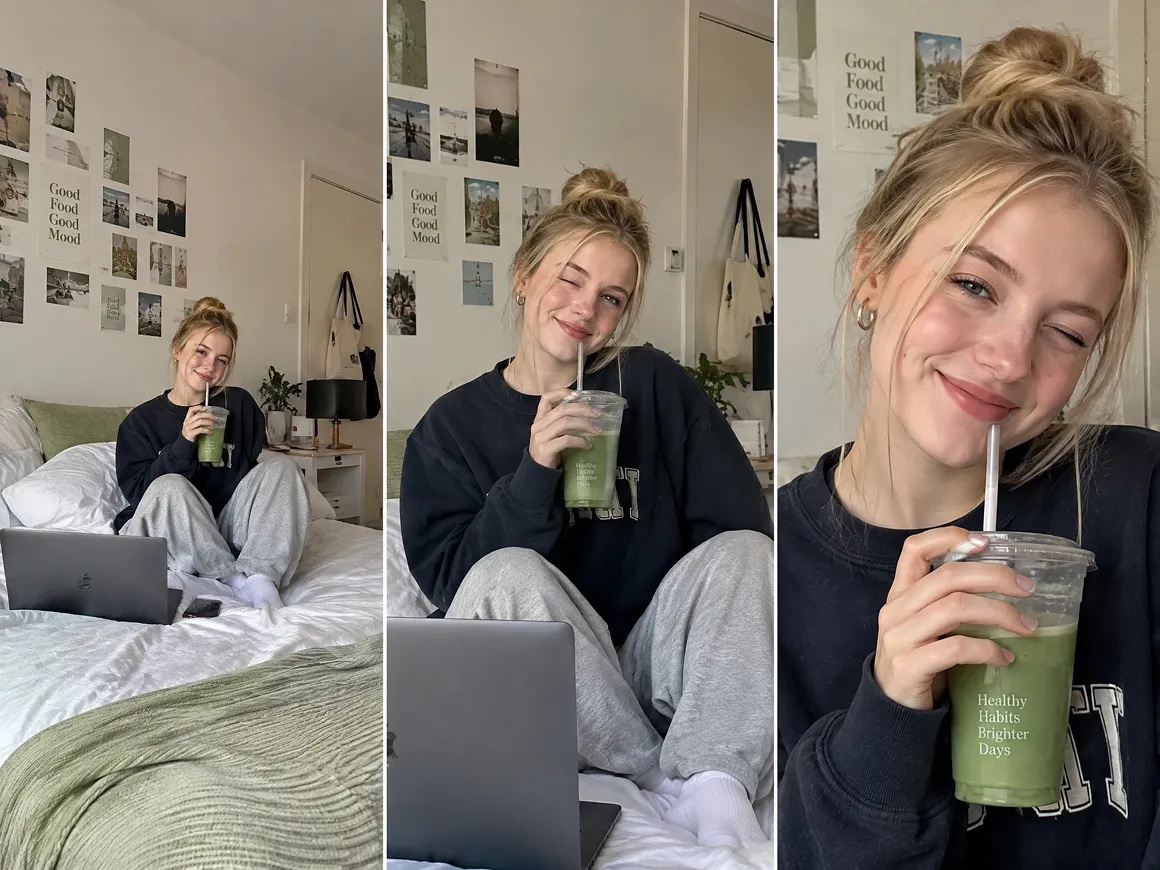
Precise Camera Motion for Better Shot Control
Seedance 2.0 supports precise camera motion control, so creators can shape how the camera moves through a shot instead of relying on default motion. This keeps camera movement closer to the intended composition and direction of the scene.
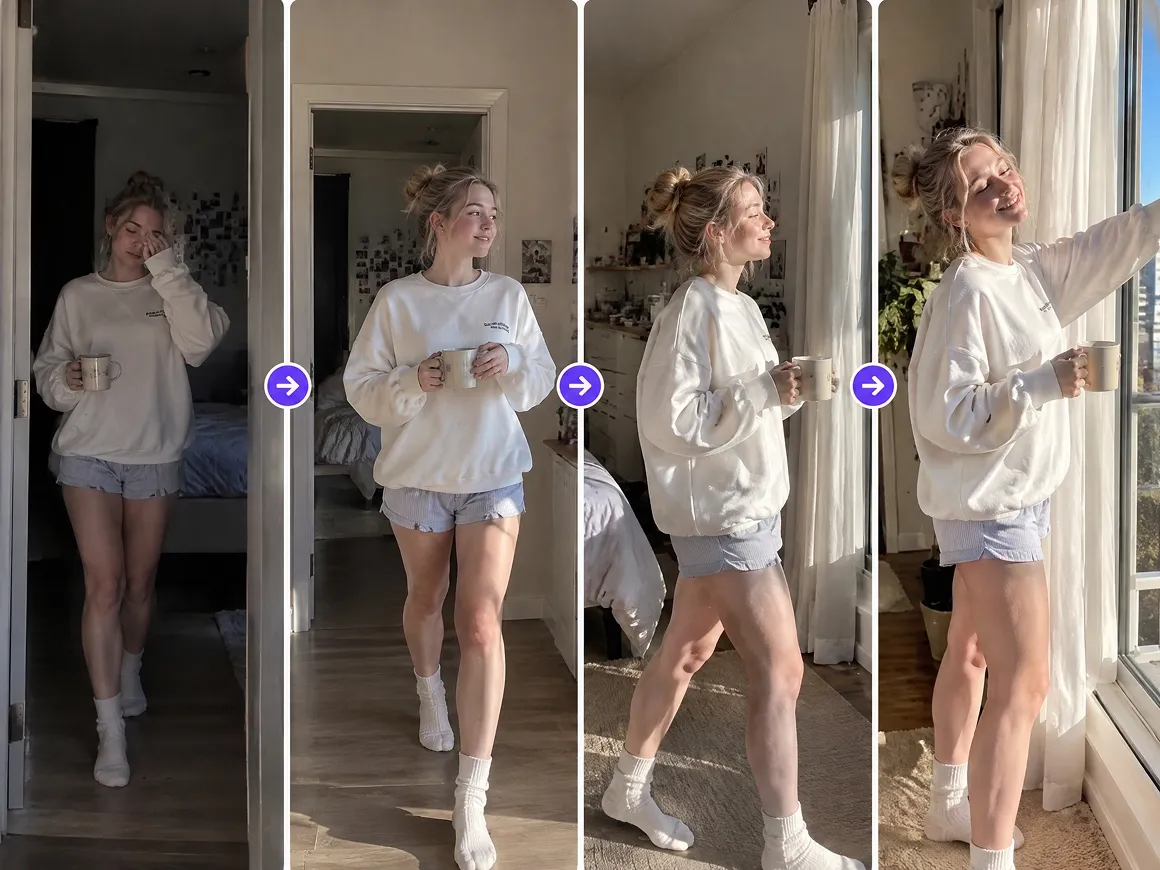
Start and End Frames for Planned Transitions
With a starting frame and ending frame in place, Seedance 2.0 can generate the transition between them. This gives the shot a defined visual starting point and endpoint when the sequence needs to finish on a specific composition.
One Canvas for Faster Creative Iteration
RoboNeo keeps prompts, reference assets, generated clips, and related nodes on the same canvas. When a Seedance 2.0 result needs another pass, creators can update the prompt or references and compare new outputs without rebuilding the project or moving assets between separate tools.
Seedance 2.0 AI-Generated Video Use Cases

Social Clips for Faster Testing
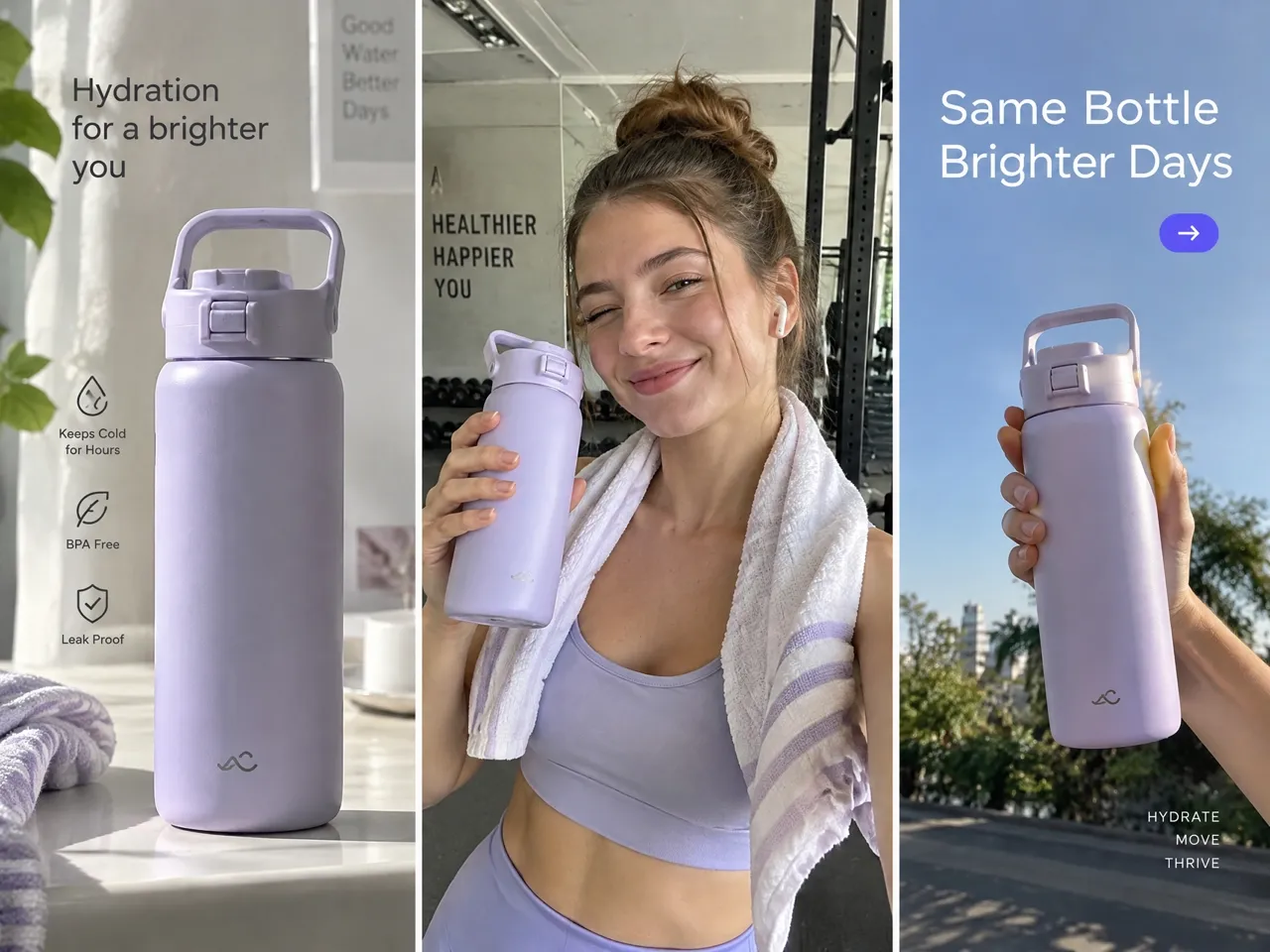
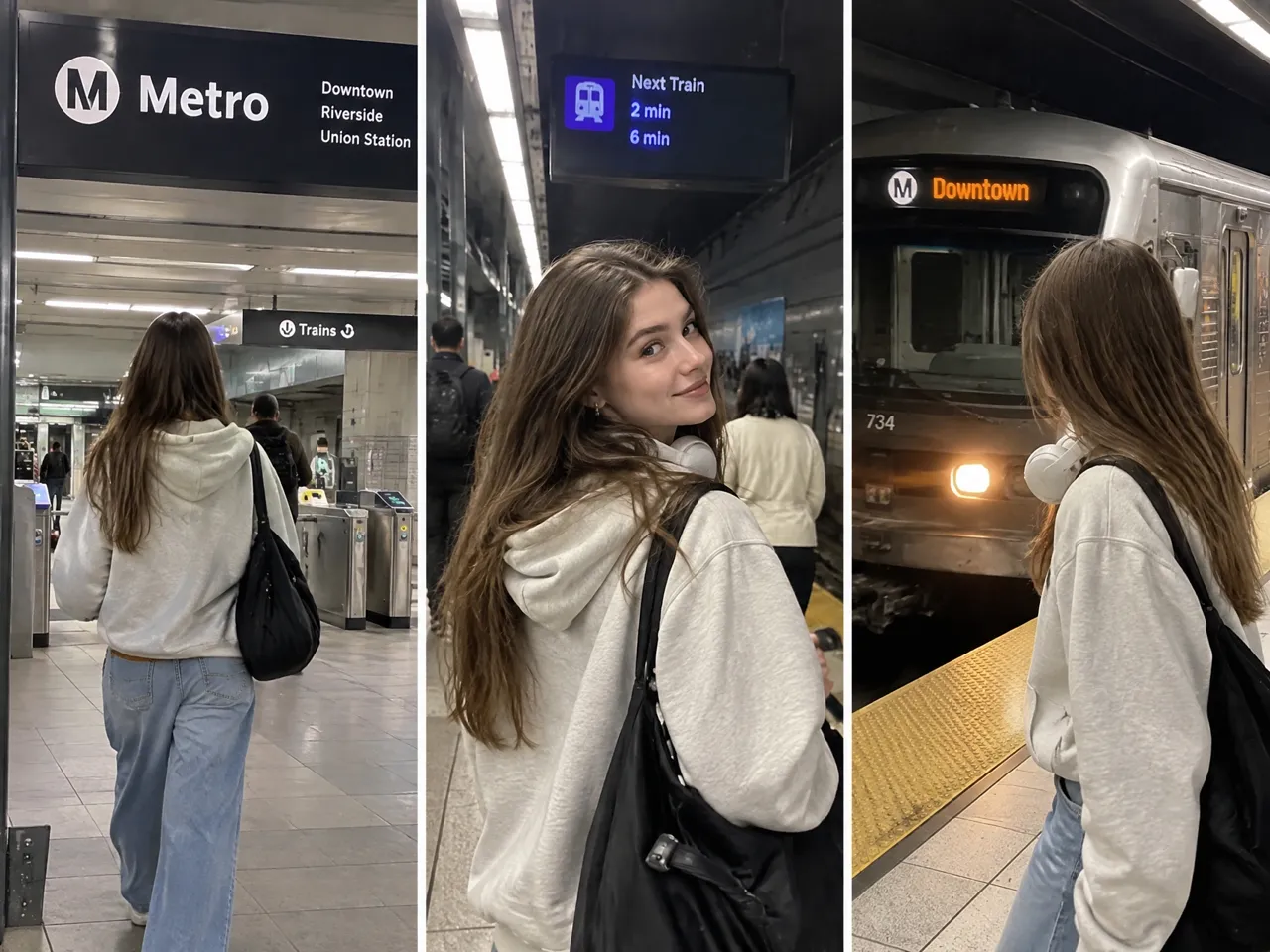
RoboNeo gives social teams access to Seedance 2.0 for testing different hooks, pacing, and visual directions without shooting every version from scratch. Existing images, clips, and audio can be reused as references for TikTok, Instagram Reels, YouTube Shorts, and other short-form content.
Frequently asked questions
What is Seedance 2.0 API?
Is Seedance AI free?
Free access depends on the platform where Seedance is available. In RoboNeo, video generation uses platform credits, and the amount required can vary by model and generation settings.
Is Seedance worth it?
Seedance 2.0 is worth considering if you need multimodal references, more deliberate camera movement, or greater control over short-form video. In RoboNeo, these capabilities are available in the same workspace, which can make repeated testing and revisions easier.
Where is Seedance 2.0 available?
Seedance 2.0 is available through supported platforms and services that provide access to the model. RoboNeo includes Seedance 2.0 among its available video generation models.
How to make videos with Seedance?
In RoboNeo, add a Video Node and select Seedance 2.0. From there, you can enter a prompt or work with images, video, audio, and start or end frames depending on the selected generation mode.
How long are Seedance 2.0 videos?
Video length depends on the platform and generation settings being used. In RoboNeo, the available duration options appear directly in the Video Node after Seedance 2.0 is selected.
Seedance 2.0 for Short-Form Content
Seedance 2.0 is available in RoboNeo, where prompts, reference assets, generated clips, and revisions can all stay within the same project. This setup makes it easier to develop social content, product videos, ads, and short stories without moving between separate tools.
What Users Say About RoboNeo and Seedance 2.0
The image and video generation quality really stands out. The finished results are worth waiting for, and RoboNeo has become a useful option for creating and editing visual content.
The generated videos look impressive, especially the overall image quality and how faces come through in the final result. It delivers the kind of visual quality I want from an AI video tool.
Seedance 2.0 handles continuous shots and moving-camera scenes especially well. With a clear action and camera direction, it can keep the subject and scene consistent while following the intended movement throughout the clip.