
PNG Background Remover

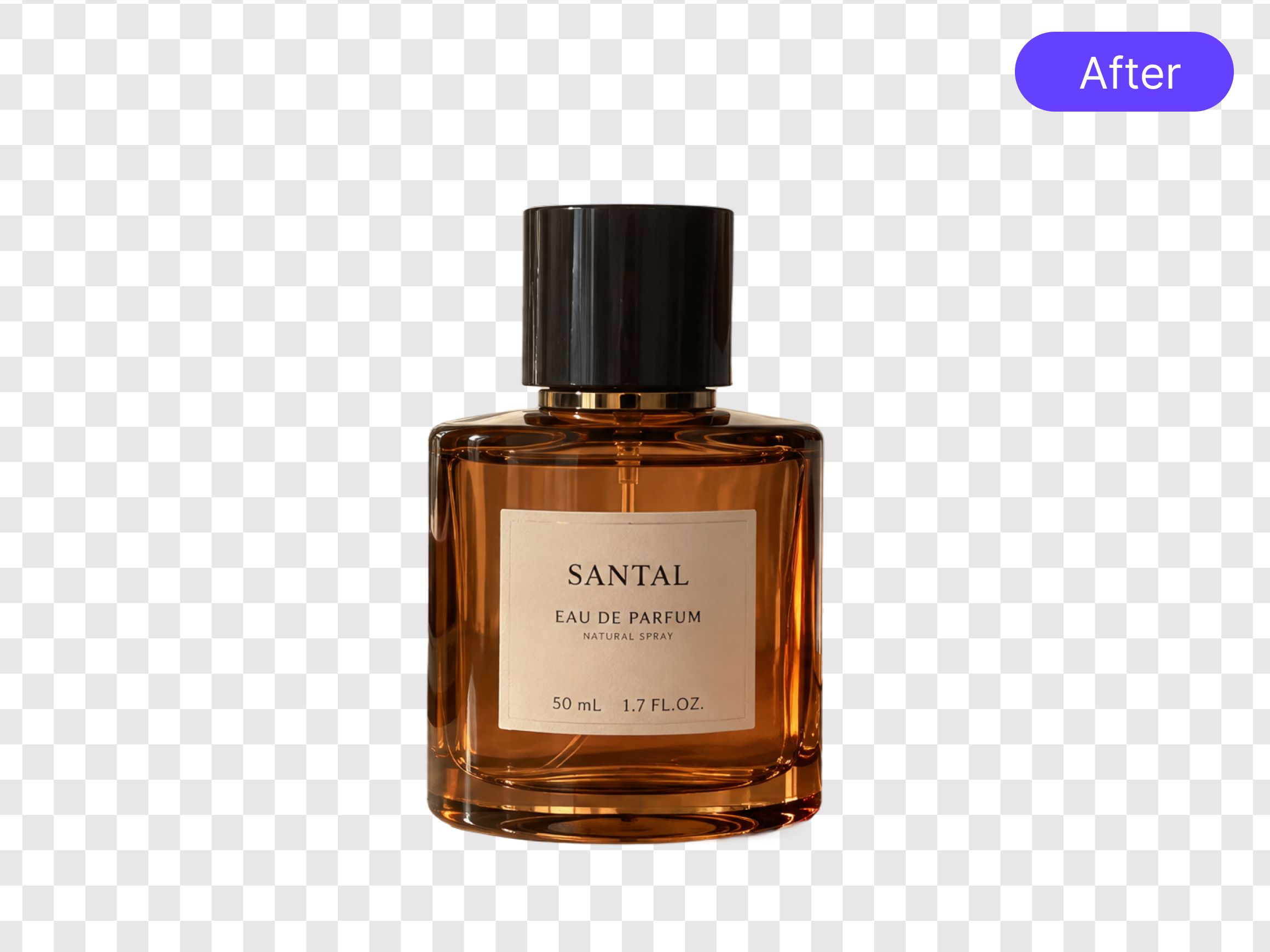
How to Remove Background From PNG Images
Upload Your PNG Image
Select the PNG image you want to edit from your device. RoboNeo automatically identifies the main subject and prepares the image for background removal.
Remove the PNG Background
Let RoboNeo remove the unwanted background, leaving the main subject against a transparent background. Check the edges and fine details to ensure the original subject remains intact.
Preview and Download a Transparent PNG
Preview the transparent areas to confirm the background has been removed. Download the image as a transparent PNG to preserve transparency. If you save it as a JPEG, the transparent areas will be filled with a solid background, usually white.
Remove Backgrounds from PNG Images—Keep Transparent Results
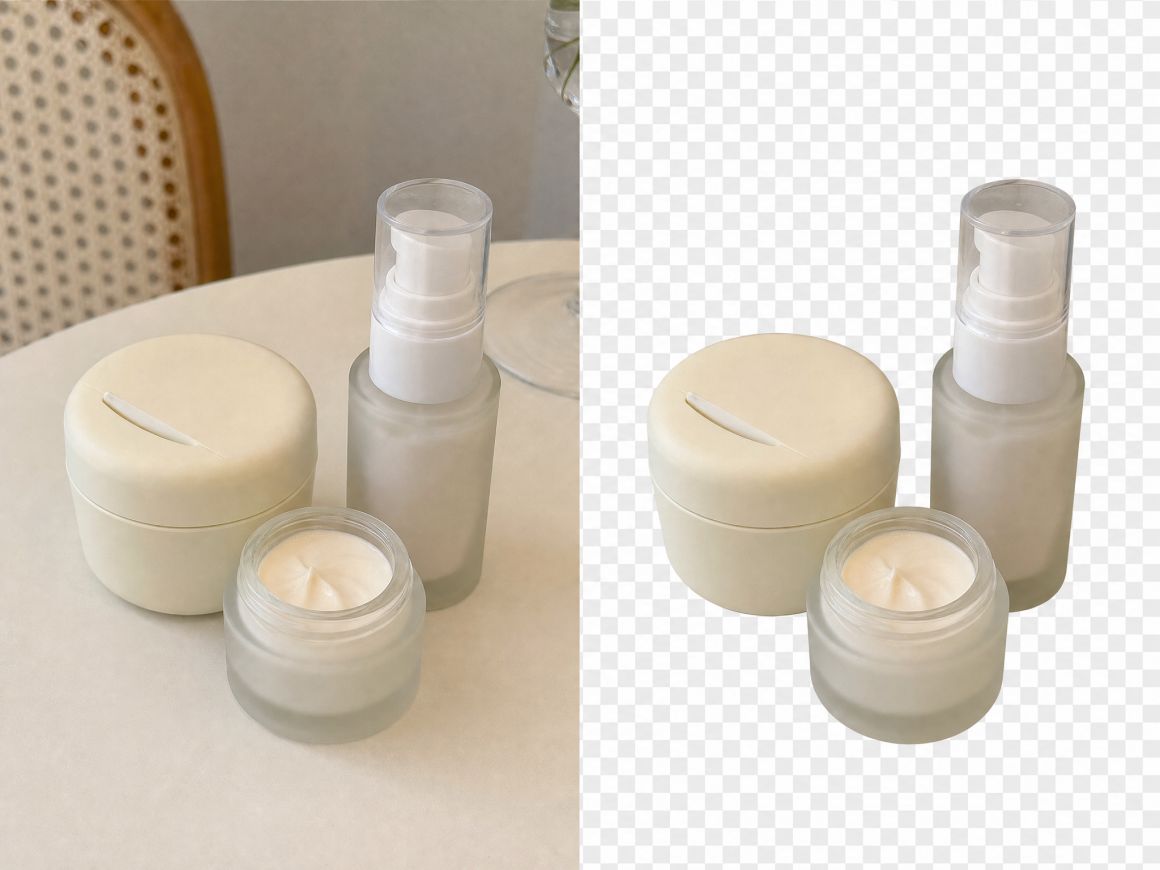
Remove Backgrounds from PNG Images Instantly
Upload your PNG image and let RoboNeo remove the unwanted background in a few clicks. The tool separates the main subject from its original surroundings, helping you prepare images for e-commerce listings, marketing materials, and creative projects.

Preserve Fine Details During Background Removal
Clean cutouts depend on more than removing the background. RoboNeo helps retain important details such as hair, product outlines, and small design elements, so the subject remains recognisable after editing.
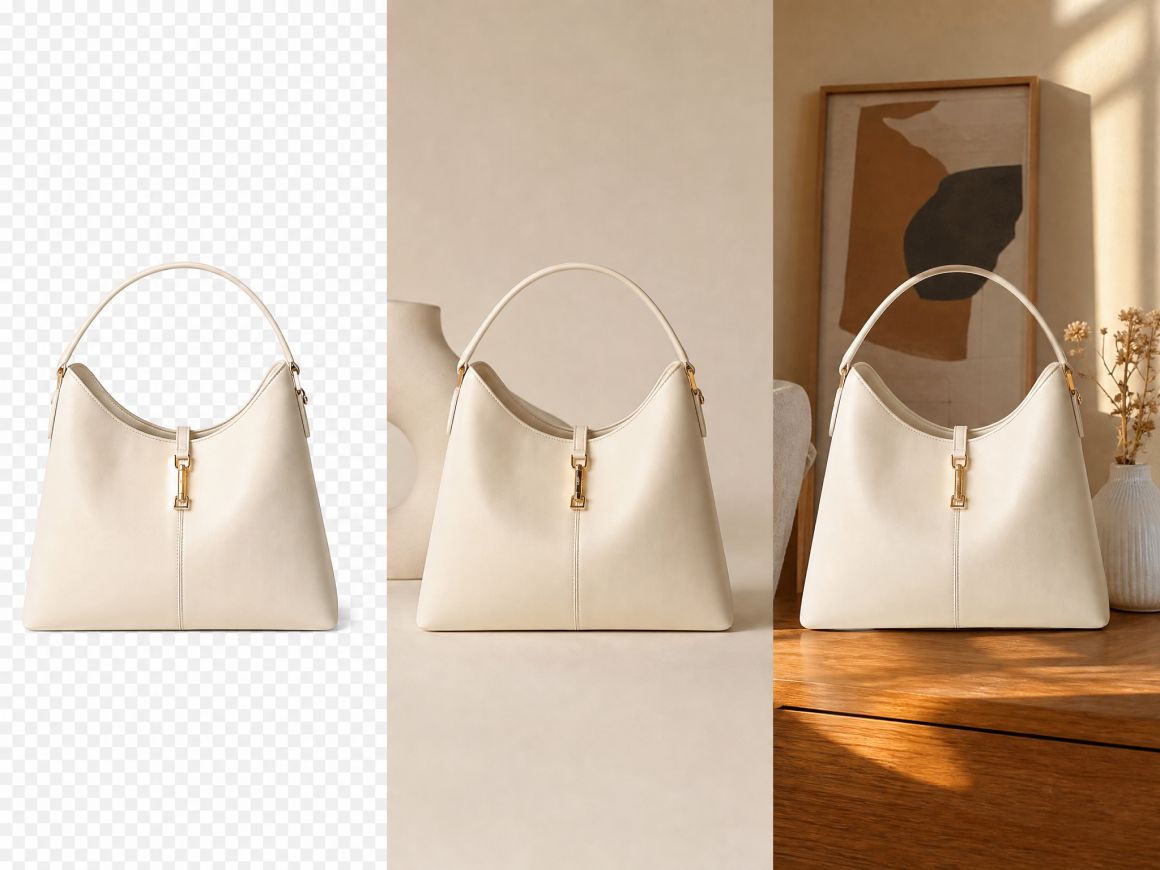
Continue Editing and Change Backgrounds in One Workflow
A transparent PNG can be the starting point for further edits. RoboNeo's AI Agent lets you continue working within supported creative workflows, including changing the background when a different colour or scene better suits your design.

Use Transparent PNGs Across Different Projects
One transparent PNG can serve multiple projects, from product catalogues and social media posts to presentations and promotional designs. Reuse the same cutout in different layouts and adapt it to each project's needs without editing the original image again.
Create Better PNG Images for Different Needs
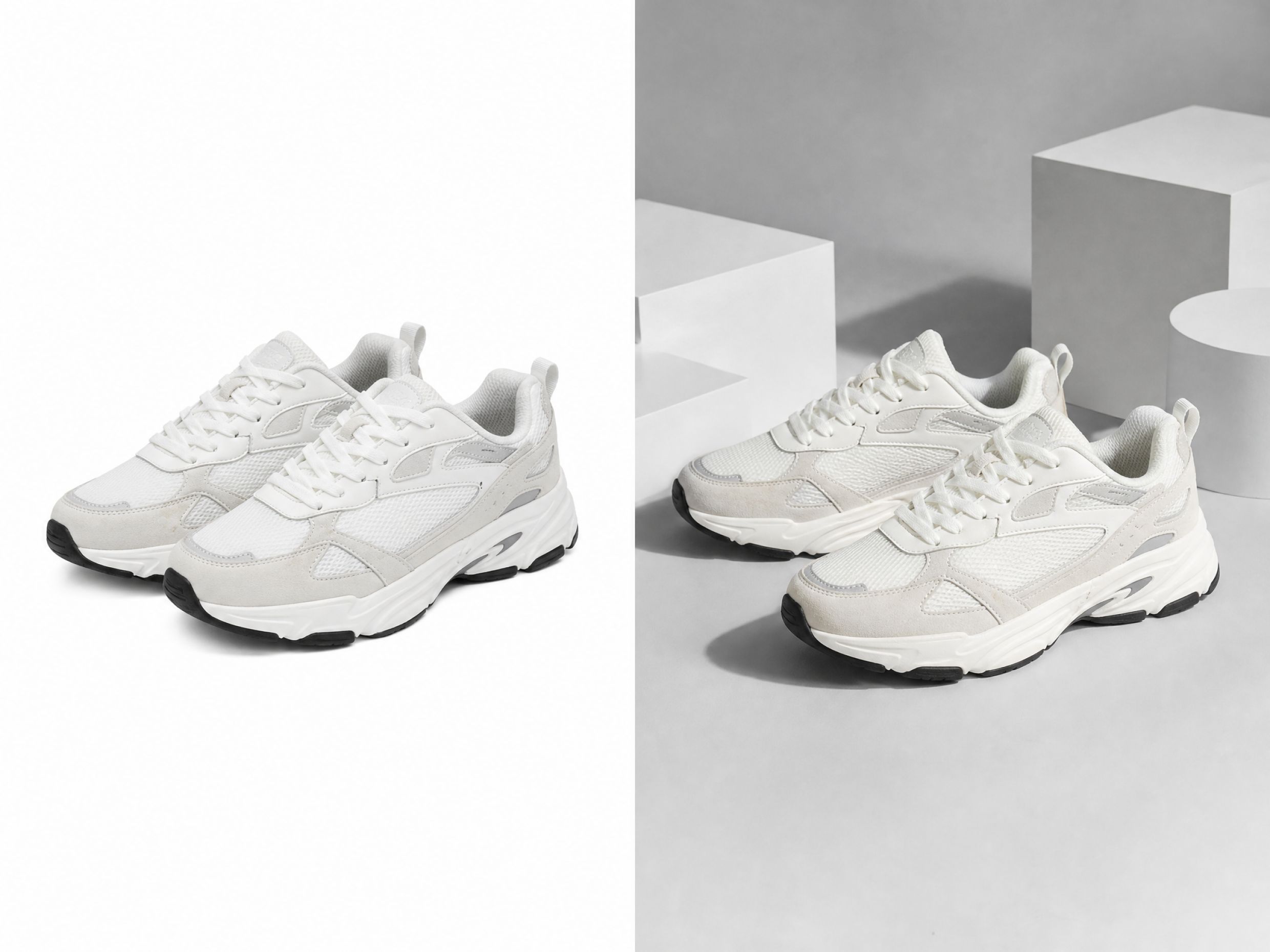
Ecommerce Product Photos
Online sellers can use a PNG background remover to create clean product images for stores, marketplaces, and advertising campaigns. Removing distracting backgrounds helps products look more professional and makes images easier to adapt across different platforms.



Frequently Asked Questions About PNG Background Remover
What is a PNG background remover?
How to remove the background from a PNG image?
Upload your PNG image to RoboNeo AI Cutout workspace. Let the tool remove the unwanted background, preview the result, and download the image as a transparent PNG.
Does a PNG background remover work online?
RoboNeo runs in your browser through the AI Cutout workspace. Upload your image, remove the background, and download the result without installing additional software.
How can I change the background of a PNG image?
Remove the original background first, then choose a new background style or enter a text prompt to create a different scene. This allows you to customize PNG images for different purposes.
Will removing the background from a PNG affect image details?
No. The tool keeps important parts of the image, including subject edges and fine details, while removing the background. For the best results, use a clear, high-quality PNG image.
How do I remove a white background from a PNG image?
Upload your image to RoboNeo White Background Remover to separate the subject from the white background.
What can I use a PNG image with the background removed for?
You can use it for ecommerce product photos, social media posts, advertisements, website graphics, presentations, and other creative projects that need flexible image layouts.
Is RoboNeo's PNG background remover free?
RoboNeo provides free credits when you register, which you can use for supported image editing tasks. Background removal may require credits, so check your available balance before processing an image.
Ready to Upgrade Your PNG Images?
Create cleaner, more flexible visuals without spending time on complicated editing. Whether you are preparing product photos, marketing graphics, or social content, start with a PNG background remover that fits your workflow.
What Users Say About PNG Background Remover
I needed a faster way to prepare product photos for my online shop. The PNG background remover helps me clean up images before uploading them, especially when I need consistent-looking product pictures across different listings.
I often create posts for multiple platforms, and finding the right background for every image can take time. This tool makes it easier to adjust PNG images and prepare graphics that match different layouts and campaigns.
I use it mainly for thumbnails and creative projects. Instead of opening complicated editing software every time, I can quickly remove unwanted backgrounds and get an image that is ready to use.
Our team works with a lot of promotional visuals, and small edits can slow down the workflow. This tool helps us update PNG images for ads, landing pages, and campaign materials without spending extra time on manual adjustments.
I’m not a professional designer, so I wanted something simple for editing product images. The background remover makes it easy to prepare better-looking visuals for my website and social media without learning advanced tools.