
Happy Horse AI Video Generator
A simple way to turn ideas and images into engaging videos with the Happy Horse AI video generator. Cinematic scenes, animated still images, and fresh visual concepts come together in one flexible AI video workflow.
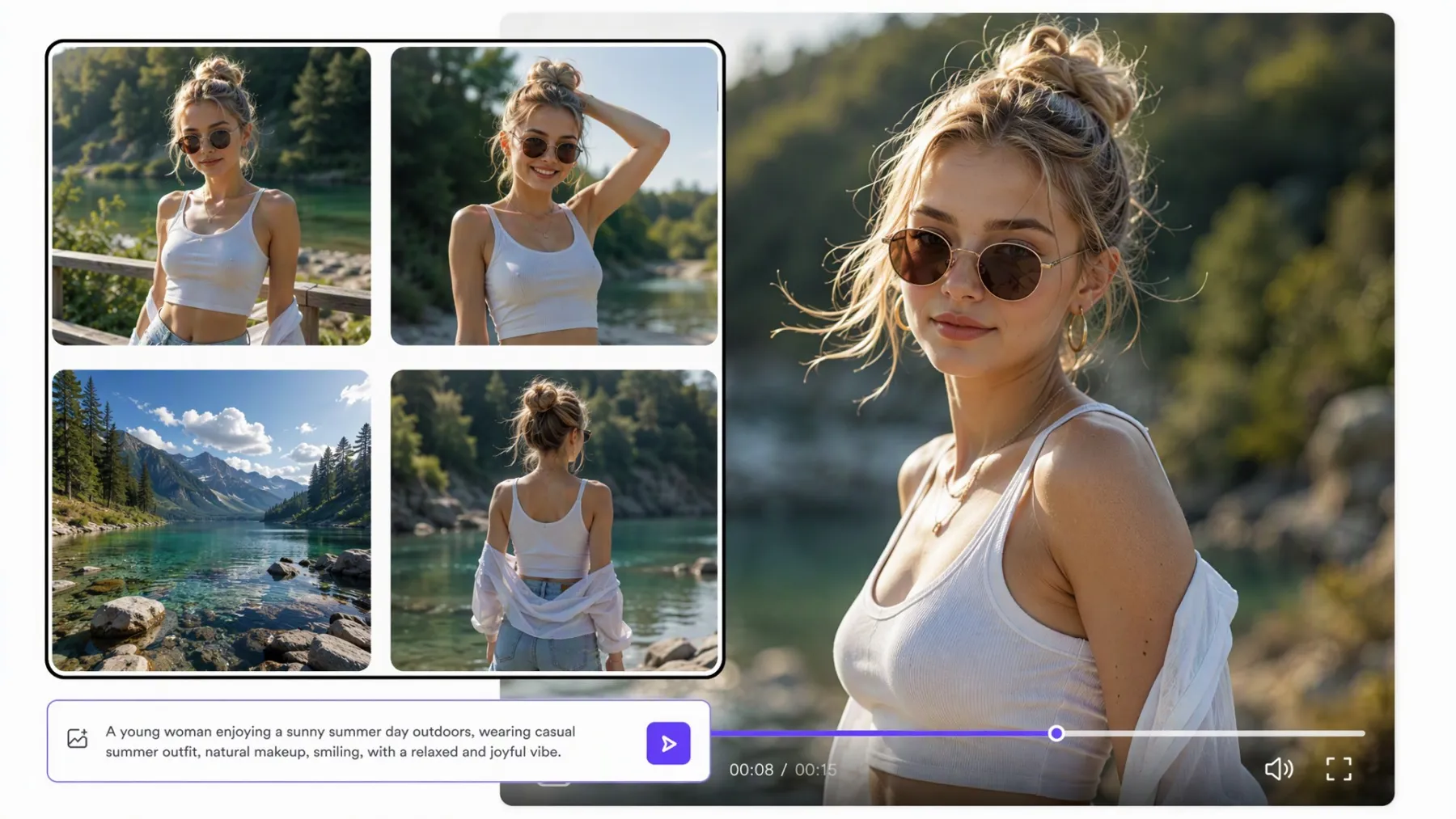
How to Create Videos with HappyHorse AI
Choose Your Starting Point
Select HappyHorse 1.0 or HappyHorse 1.1 in RoboNeo, depending on the available options and your creative needs. Then choose your starting point by entering a text prompt or uploading a supported image or reference.
Set Your Video Direction
Available video settings, including aspect ratio, resolution, and duration, help shape the final result. Clear creative direction can make it easier to achieve the look and feel you have in mind.
Generate and Review the Video
The generated video appears in your RoboNeo workflow for review. Check the motion, composition, characters, and overall visual direction to see how well the clip matches your idea.
Refine Your Video
Prompt details, references, or settings can be adjusted when the first result needs changes. New versions make it easier to explore different creative directions without rebuilding the project from scratch.
What Makes Happy Horse AI Video Generation Useful
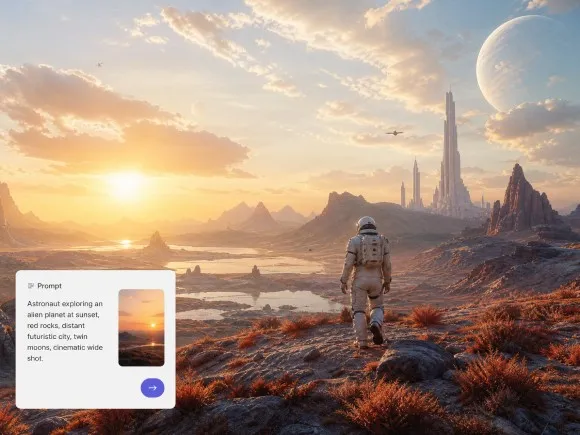
Turn Written Ideas Into Cinematic Video Scenes
The Happy Horse AI video model can turn a detailed text description into a short visual sequence, making it useful for story concepts, campaign ideas, social clips, and creative experiments. Describe the subject, setting, action, and mood to give the generation clearer direction.
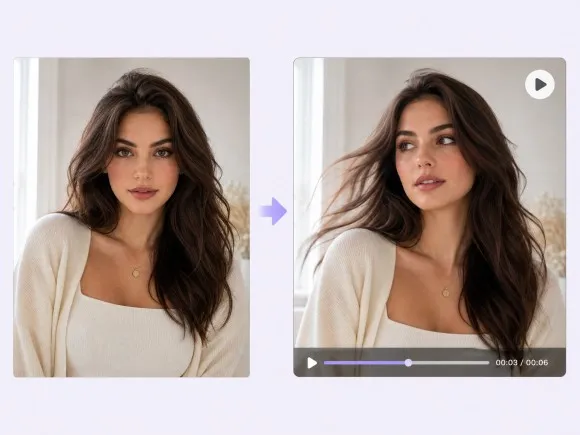
Bring Still Images to Life With Natural Motion
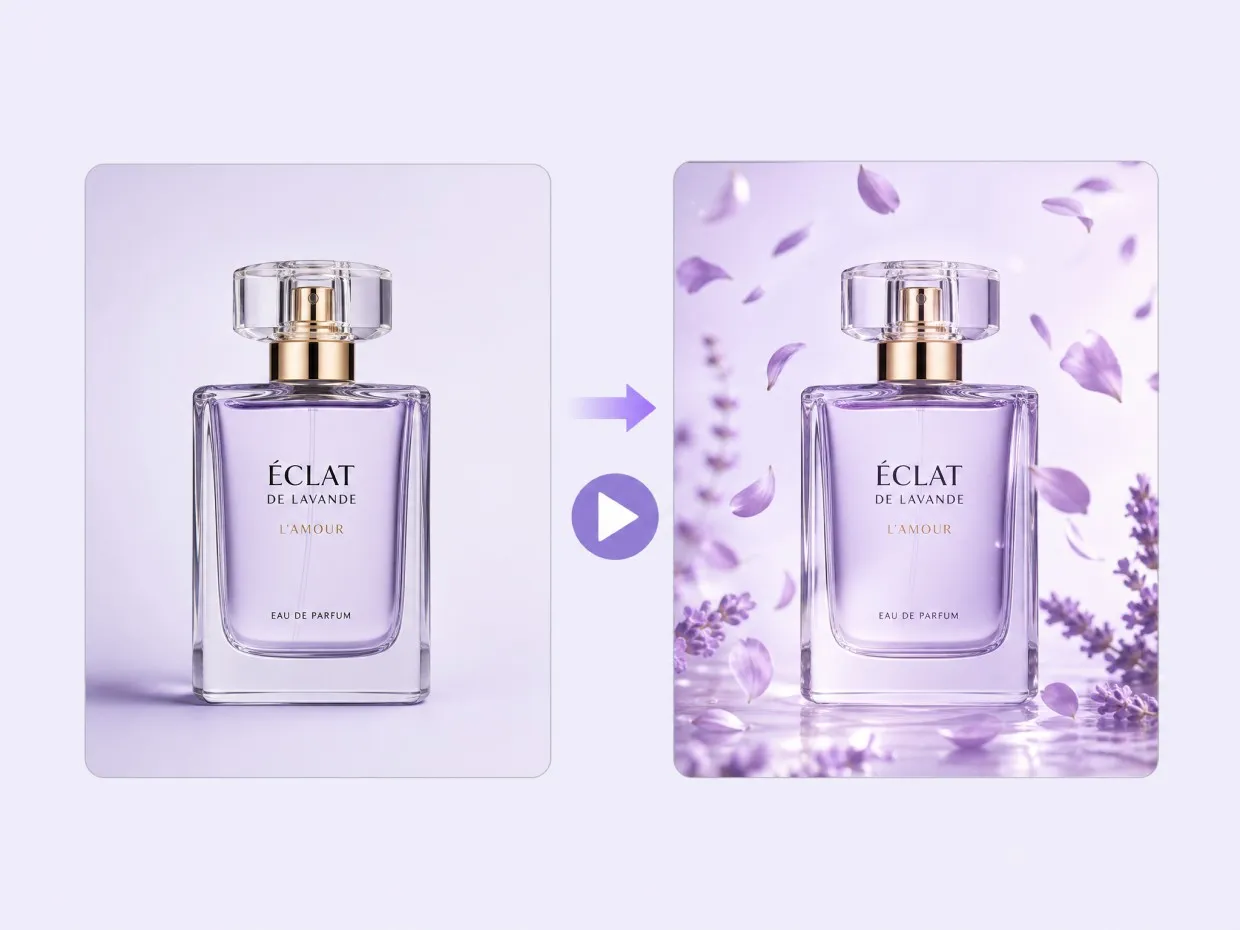
With image-to-video generation, a reference image can become the starting point for a moving scene. The Happy Horse 1.0 ai video generator can help creators explore camera movement, subject motion, and scene dynamics without filming a new sequence for every visual concept.
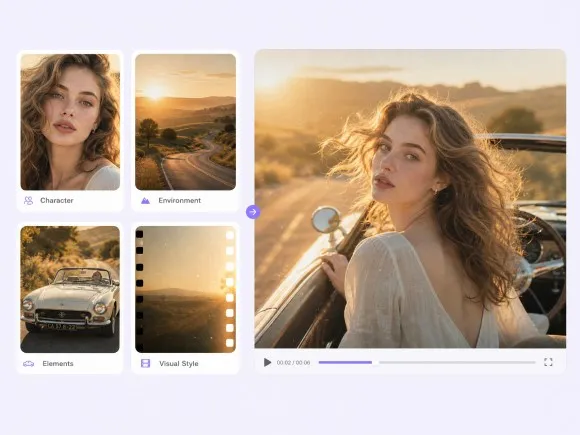
Create More Directed Videos With Visual References
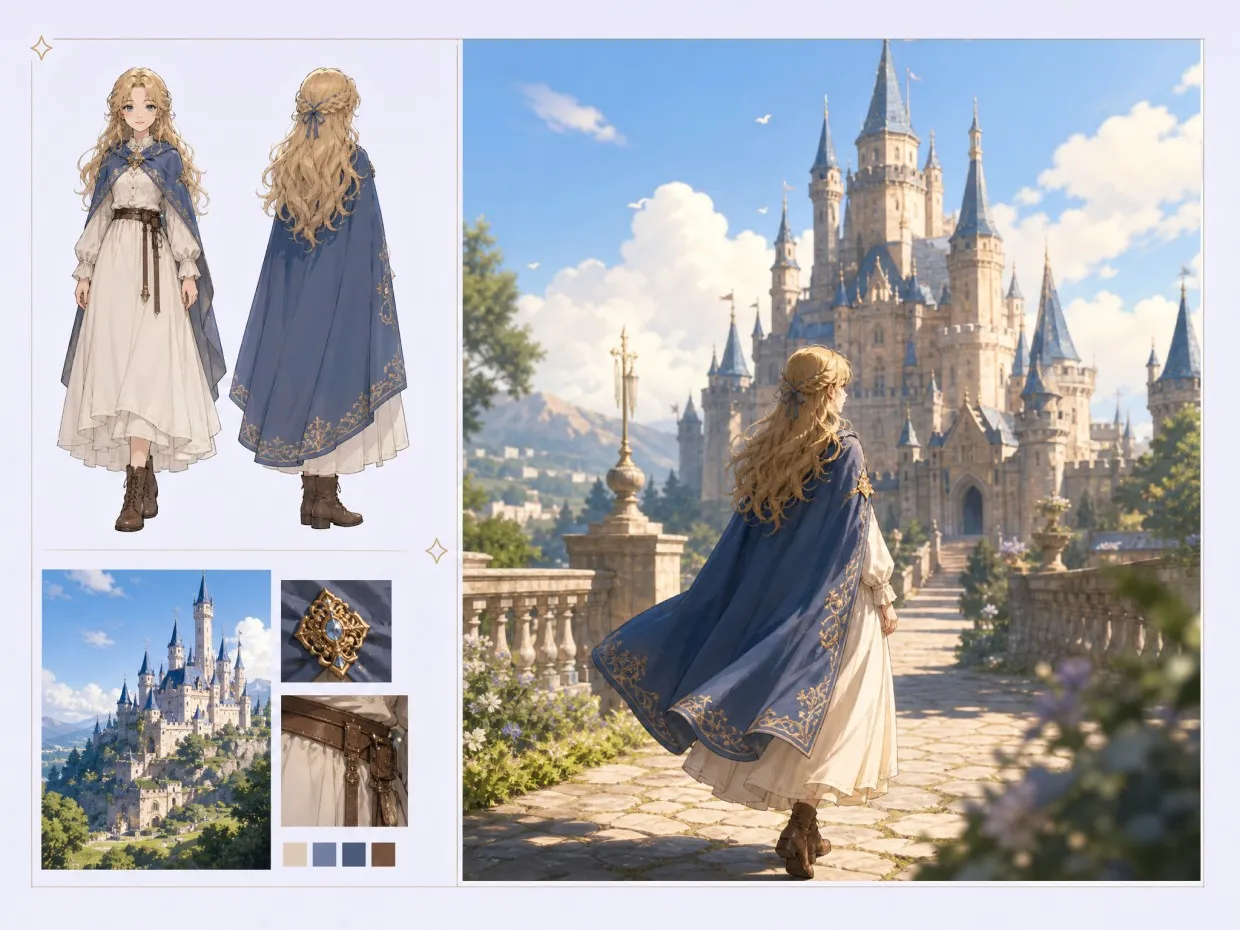
A prompt does not always capture every creative detail. The Happy Horse 1.0 ai video generation workflow supports richer reference-driven creation, allowing creators to use visual materials and written direction together when developing a specific character, setting, movement, or overall visual style.
Generate High-Quality Videos With Happy Horse
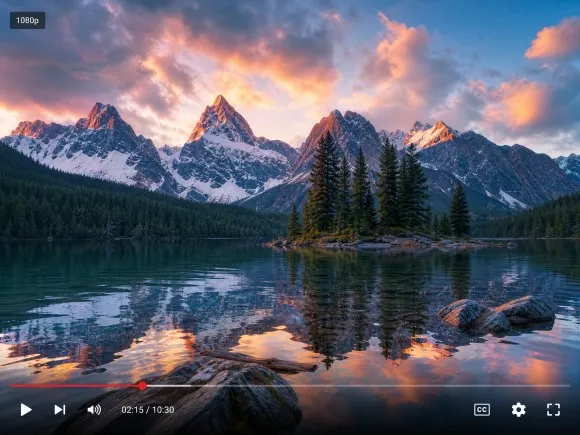
The Happy Horse AI video generator supports high-resolution video generation, with HappyHorse 1.0 offering native 1080p output. This can make generated clips more suitable for polished social posts, product storytelling, concept videos, and other projects where image quality matters.
Choose Between HappyHorse 1.0 and 1.1
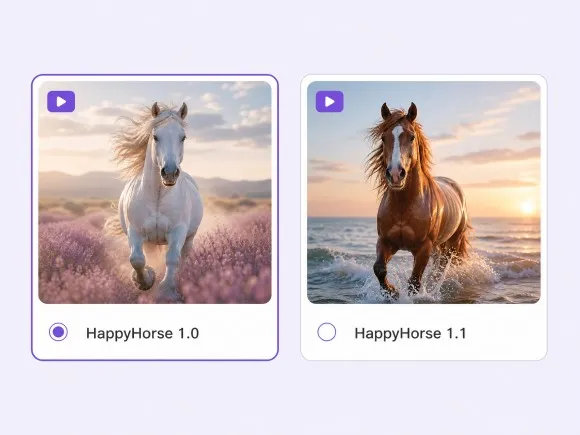
RoboNeo supports both HappyHorse 1.0 and HappyHorse 1.1, giving creators two model options for AI video generation. Whether you're exploring the HappyHorse 1.0 AI video model or trying HappyHorse 1.1, you can select an available version in RoboNeo and build your video around your prompt and creative direction.
How People Use Happy Horse AI Video Generator
Social Media Videos
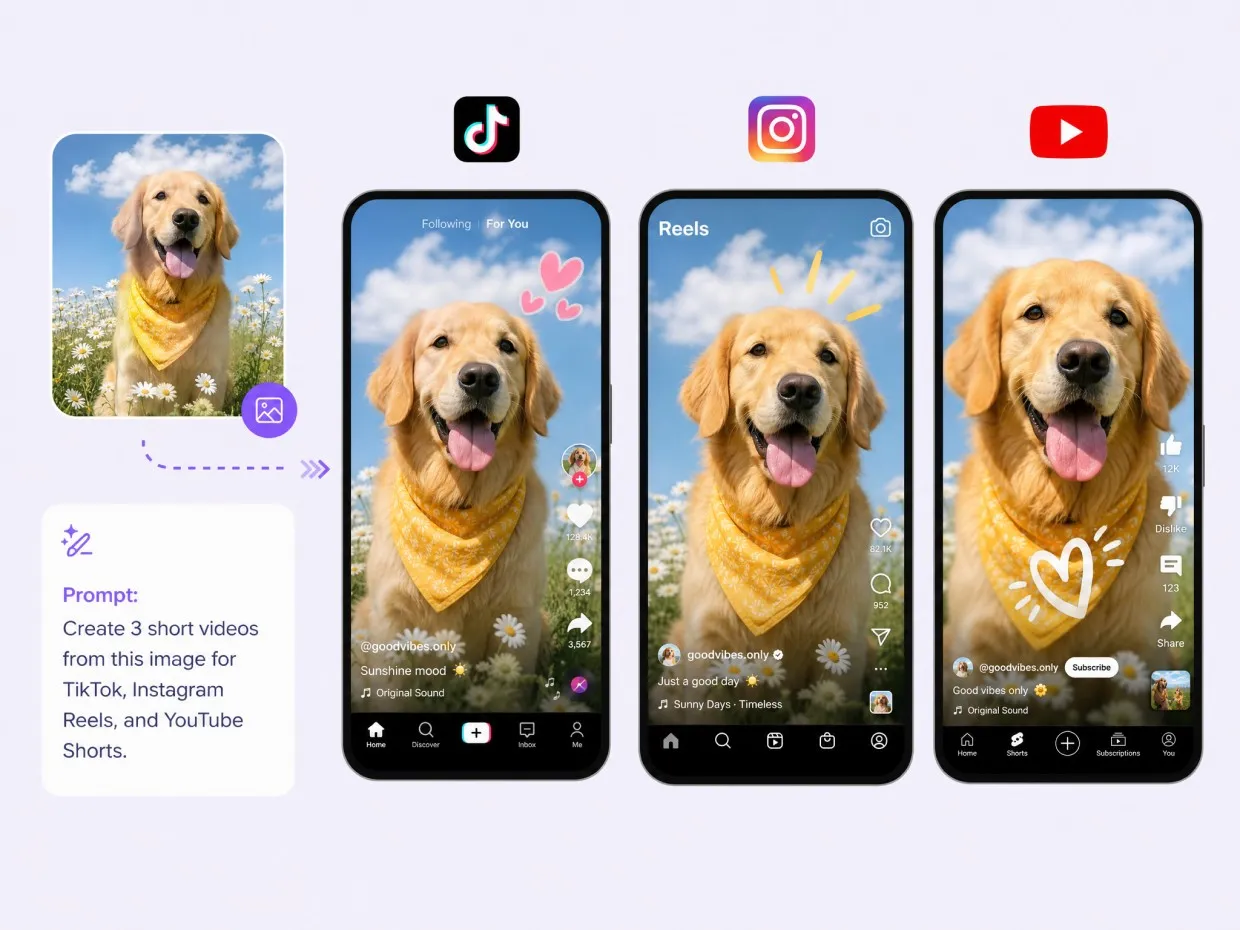
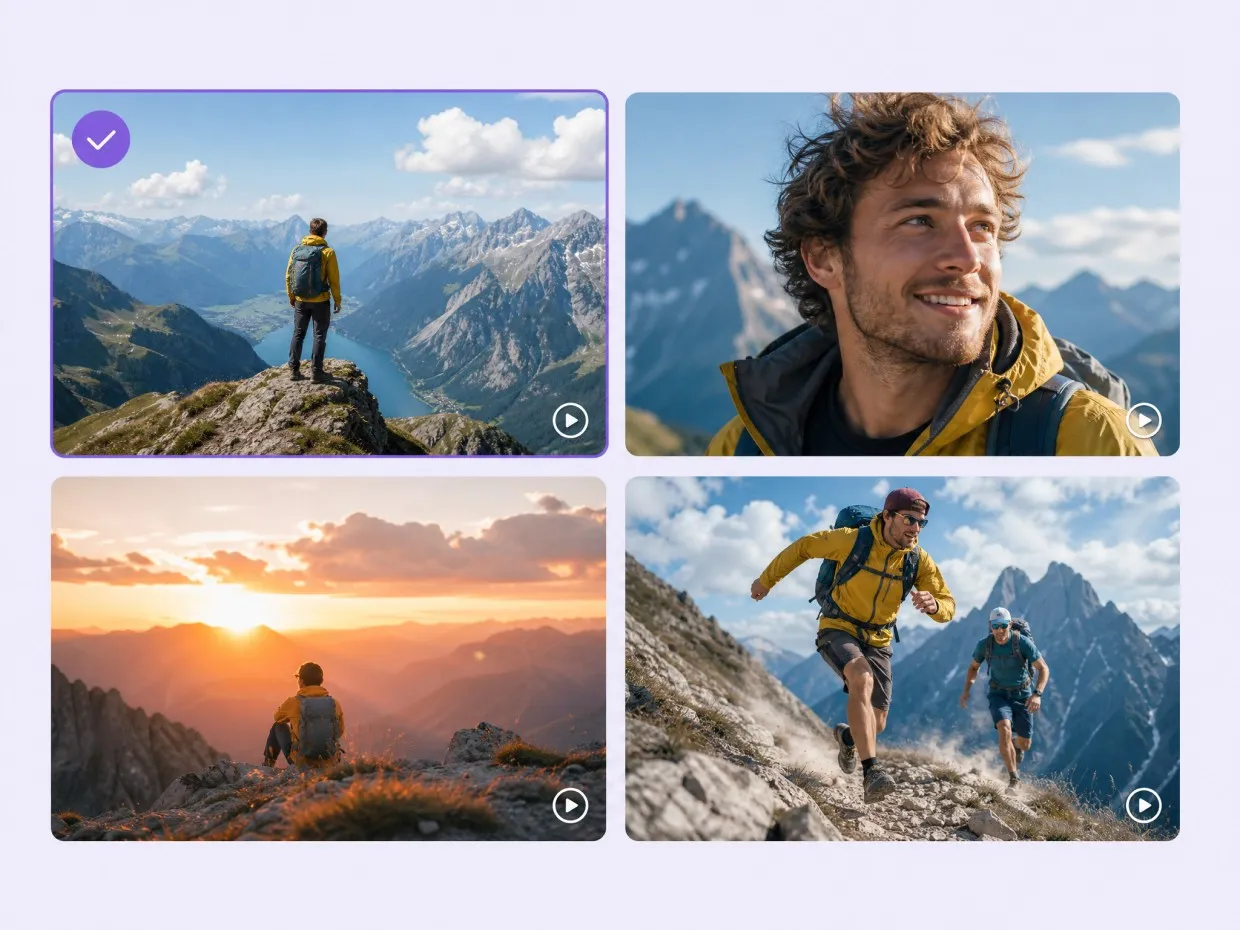
Creators can use the Happy Horse AI video generator to turn an idea or reference image into short videos for TikTok, Instagram, and YouTube Shorts. It's useful when you need fresh content quickly or want to try several visual ideas before choosing one.
Frequently Asked Questions
How good is Happy Horse AI video generation?
Can Happy Horse turn images into videos?
Yes. Happy Horse 1.0 supports image-to-video generation. Upload a still image as the starting point, describe the desired movement, and generate a video based on the image and prompt.
How well does Happy Horse follow video prompts?
Happy Horse can follow prompts describing subjects, actions, camera movement, and scenes. Specific prompts generally give you more control, while complex instructions may need a few generations to achieve the intended result.
How long can Happy Horse AI videos be?
Happy Horse 1.0 supports video generation in 5- or 10-second durations. You can choose the available duration when setting up your generation.
Is Happy Horse AI video generator free to use?
Yes, you can access Happy Horse through RoboNeo, but video generation uses credits. The number of generations available depends on your RoboNeo plan and the credits required for each generation.
Can I use Happy Horse for commercial videos?
You can use Happy Horse-generated videos for commercial projects when your use complies with the applicable RoboNeo and model licensing terms. For paid ads, client work, or commercial campaigns, check the current terms before publishing.
What is the difference between Happy Horse 1.0 and Happy Horse 1.1?
HappyHorse 1.0 supports text-to-video and image-to-video generation, making it suitable for turning prompts or a single image into a video. HappyHorse 1.1 adds reference-to-video generation, allowing you to use multiple reference images to guide the output. It also offers more aspect ratio options and improvements in motion consistency and prompt following, making it useful for projects that require more visual control.
Create Your Next AI Video With Happy Horse
Turn a simple idea or reference image into a polished video concept with the happyhorse ai video model. Explore different creative directions, refine your results, and build your next video project in RoboNeo.
What Creators Say About Happy Horse AI Video in RoboNeo
I like being able to start with a simple idea and then build on it with reference images. It makes experimenting with different video concepts much faster than starting a traditional production workflow.
The image-to-video workflow is especially useful for product content. I can take an existing product visual and explore several motion concepts without having to organize a separate shoot for every variation.
The ability to test different creative directions in one workspace is what stands out to me. It is useful for early concepts when I want to compare several versions before deciding which idea to develop.
I mostly use it for short-form content. Sometimes I have the idea but no footage to work with, so being able to turn a prompt into something I can actually show the team is a big help.
I was mainly interested in the image-to-video side. A few generations needed tweaking, but it's pretty handy for taking a still concept and seeing how it might look with movement. I've been using it a lot for early-stage client ideas.