
Faceless Video Generator
A strong faceless video does not need an on camera host. With RoboNeo, your prompts, images, and reference media can become the foundation for scenes you can shape, compare, and refine for YouTube, TikTok, explainers, product videos and more.
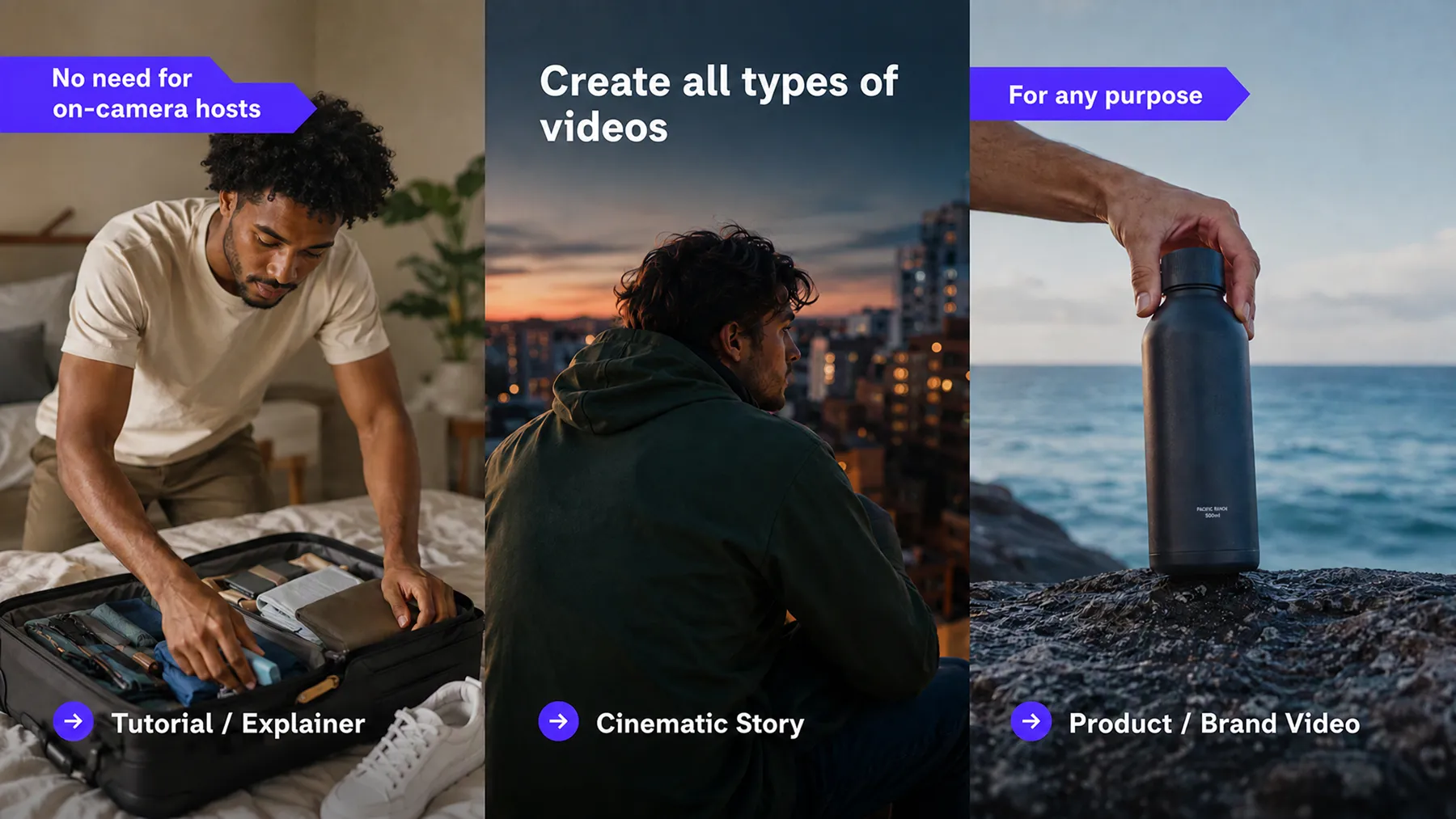
How to Make a Faceless Video in RoboNeo
Create the Script
Enter your video idea and generate a script around the topic you want to cover.
Build the Storyboard
Turn the script into individual shots with scene descriptions and video prompts for each part of the faceless video.
Generate the Video Scenes
Create each scene without filming yourself. Use text to video, image to video, mixed references, or start and end frames depending on the shot.
Refine the Clips
Review the generated scenes and revise anything that needs changes by editing or regenerating individual nodes.
Faceless Video Creation in One Place
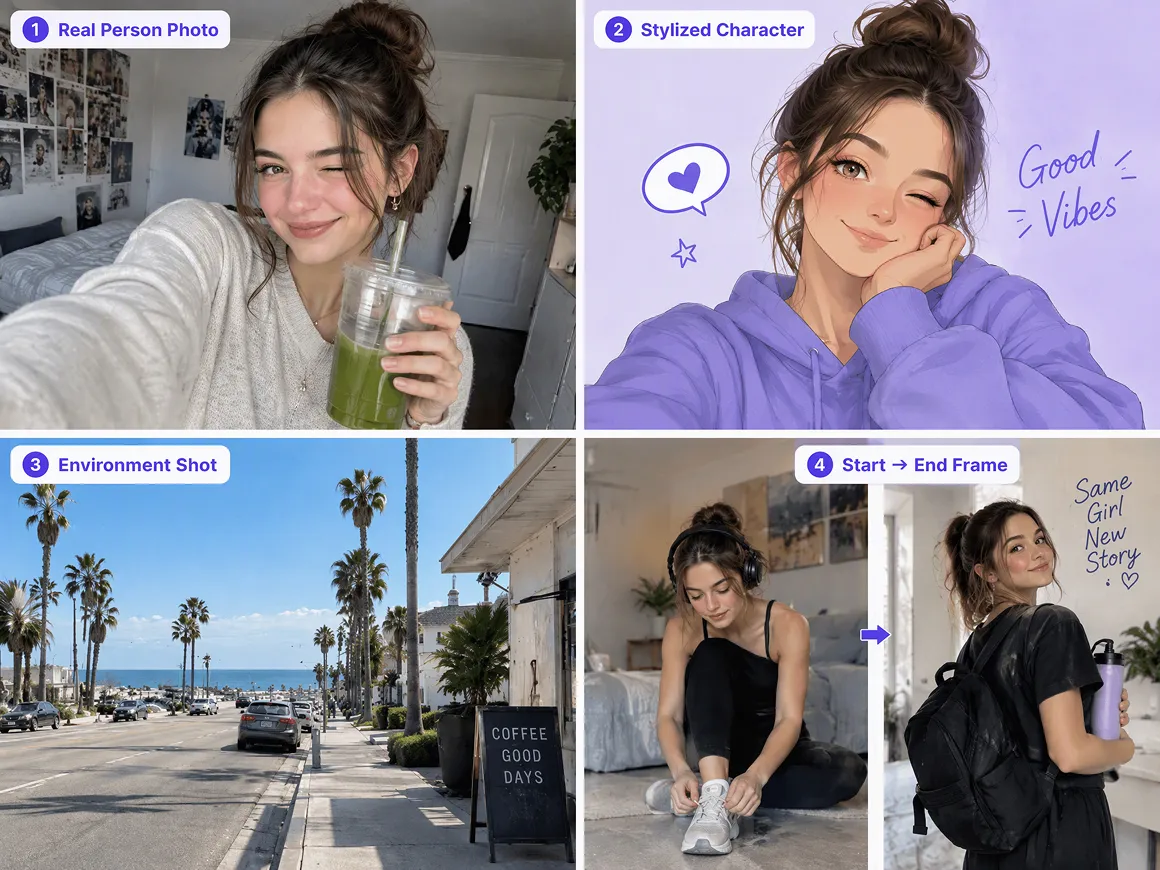
More Than One Way to Generate a Scene
Different scenes can start in different ways. RoboNeo supports text to video, image to video, Universal Reference, and start and end frames, giving you several ways to create footage without filming yourself.
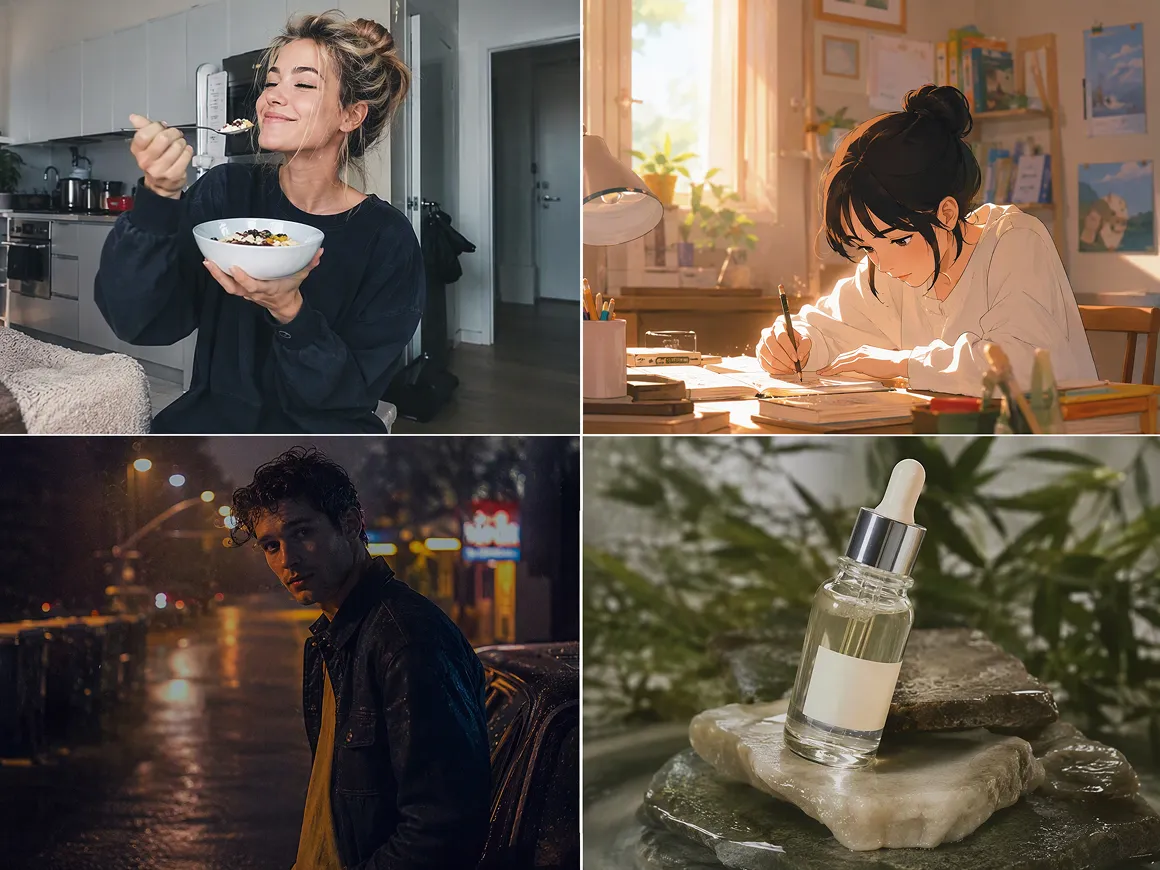
Video Models for Different Types of Scenes
RoboNeo brings multiple video models into the same project, so every scene does not have to rely on the same generation style. You can switch models based on the motion, look, or type of clip you need.
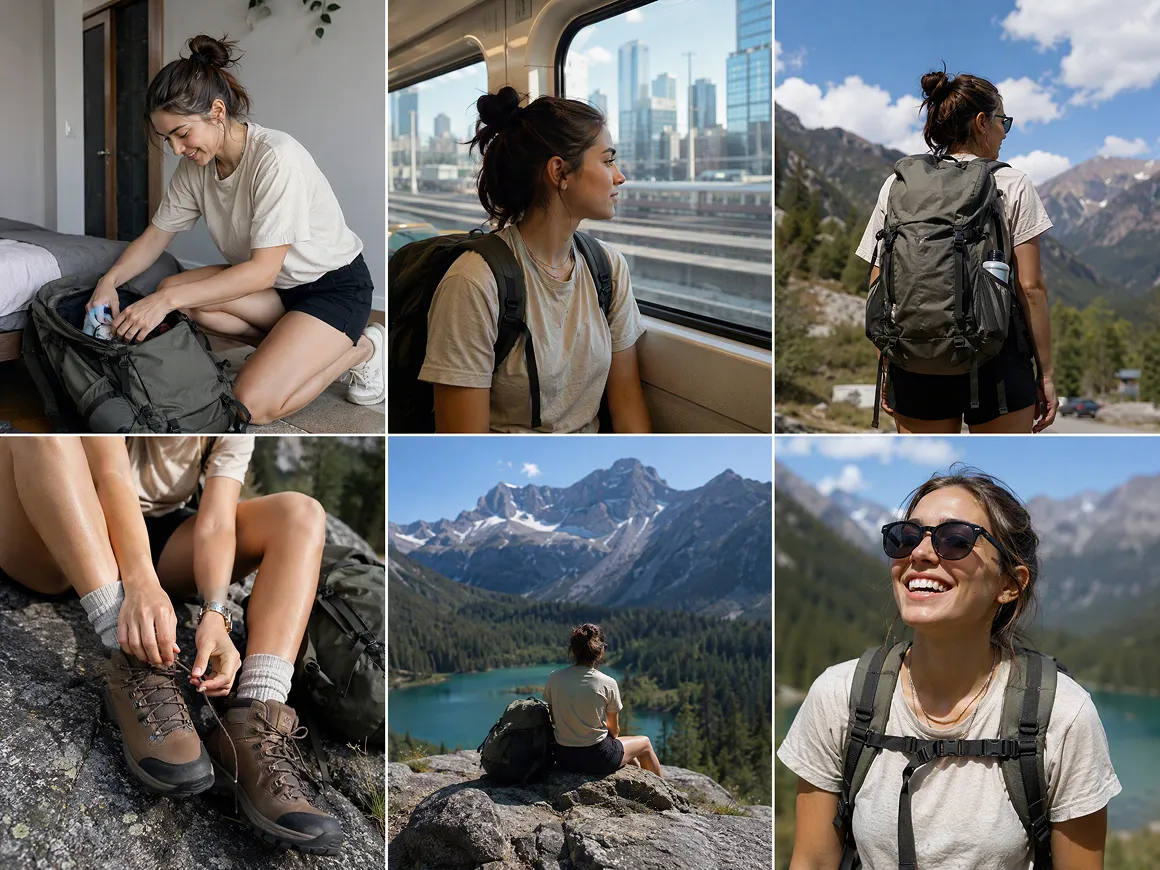
Script and Storyboard in the Same Project
A faceless video often depends more on the script and scene planning because there is no on camera host carrying the story. RoboNeo keeps scripts, storyboard shots, and video generation together, so each scene can follow the structure you planned earlier.
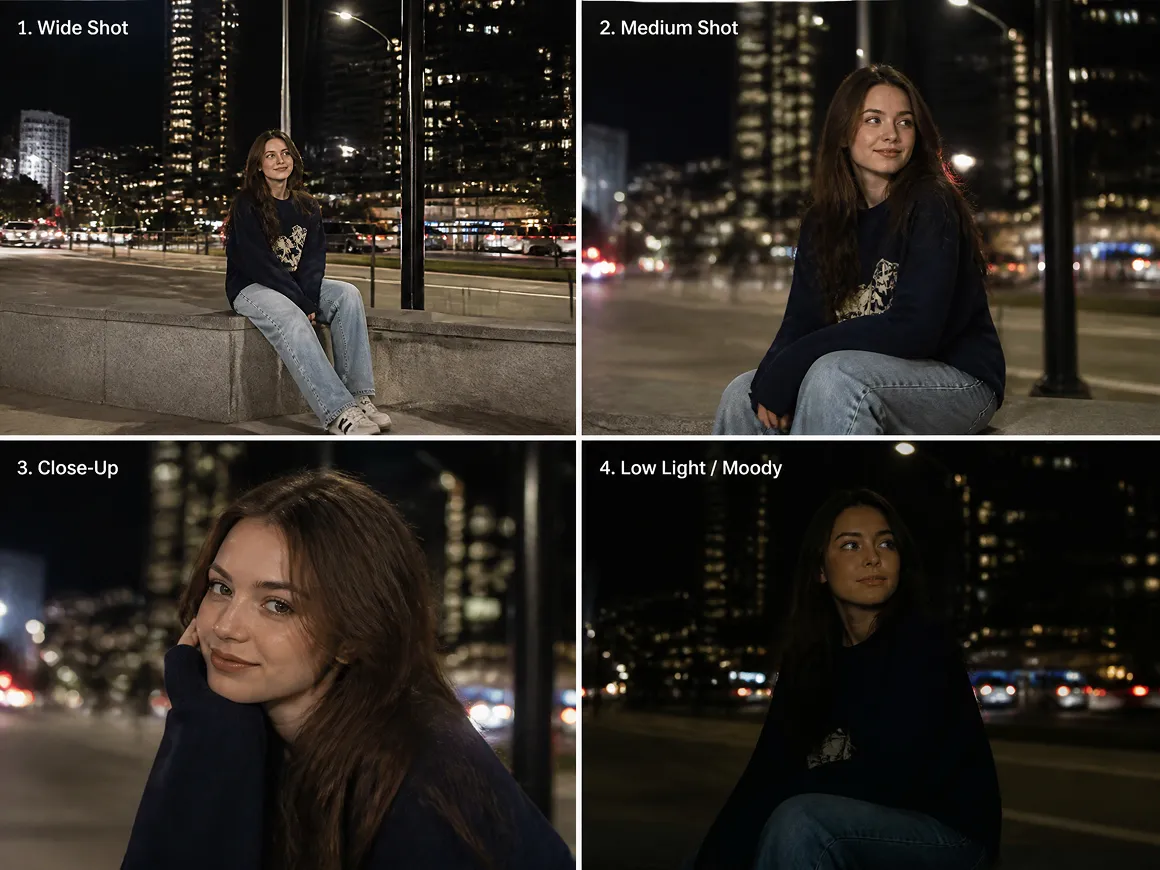
Individual Scenes Can Be Revised Separately
A change to one clip does not mean rebuilding the whole project. Individual nodes can be edited or regenerated, while Agent Assisted Modification can revise selected content when a scene needs a different prompt, look, or direction.
What You Can Make with Faceless Videos
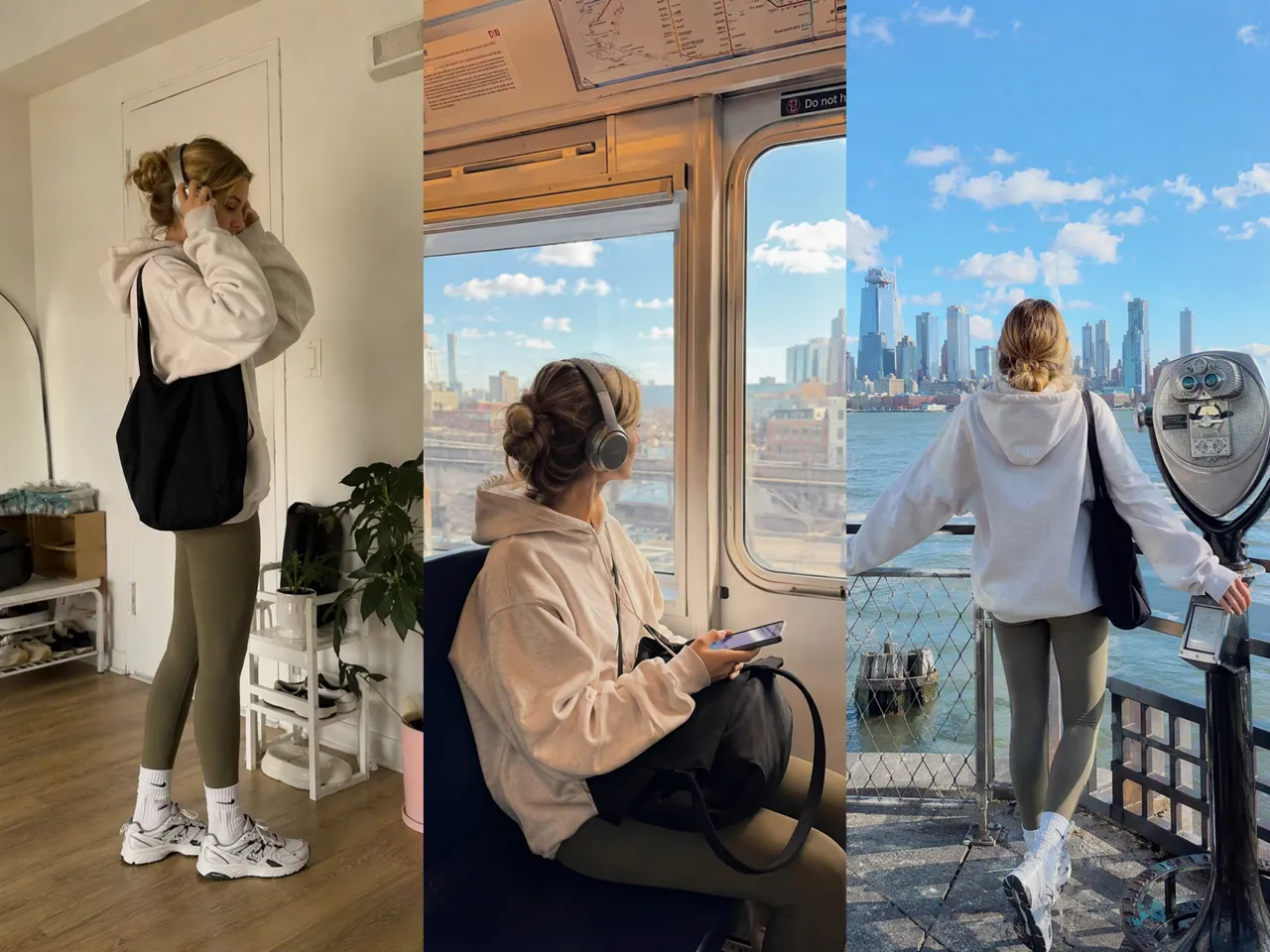
Short Dramas and Story Series
Faceless video also works well for short dramas, episodic stories, and character driven content. Scripts can be broken into storyboard shots, then developed into scenes with generated characters, environments, and video clips without arranging a traditional shoot or putting yourself on camera.
Frequently Asked Questions
Can faceless videos be monetized on YouTube?
Can I use an AI voice for faceless videos?
Using an AI voice does not automatically make a video ineligible for monetization. What matters more is whether the overall content is original rather than repetitive, generic, or mass produced.
Do I need to show my face or use my own voice?
No. A faceless video can use AI narration, text, animation, generated scenes, screen recordings, or other visuals without showing your face or recording your own voice.
What are good ideas for faceless videos?
Popular options include explainers, tutorials, list videos, short dramas, product videos, gaming content, storytelling, and short form social videos. The format should match the topic and the way you want to tell the story.
How do I keep faceless videos from looking generic?
Use an original script, vary the scenes, and give each video its own visual direction. Repeating the same template, narration structure, and imagery across many videos can make the content feel mass produced.
Can I make a faceless video entirely with AI?
AI can assist with scripts, storyboards, visuals, video scenes, and narration. Reviewing and refining the result yourself can help the final video feel more intentional and less like automatically assembled content.
Faceless Video Ideas Worth Testing
Try new hooks, references, models, or scene directions without rebuilding the whole project. RoboNeo makes it easier to explore different versions of the same faceless video.
What Users Say About Creating Faceless Videos
I don't really want to be on camera, especially for explainer videos. I usually start with the script, work out what each section should show, and build the scenes from there. It’s much closer to how I actually want to make videos.
I'm constantly making short videos for different platforms, so I rarely need just one version. I like being able to try another format or visual direction without setting everything up again.
Sometimes the prompt gets me close, but not close enough. Adding a reference image or clip usually gives me a much better starting point. That’s probably the feature I end up using the most.