
AI Video Extender: Expand Your Videos with AI
Take your AI videos further with the AI Video Extender in RoboNeo. Extend story scenes, continue character actions, and build longer short dramas or creative clips without starting each scene from scratch.
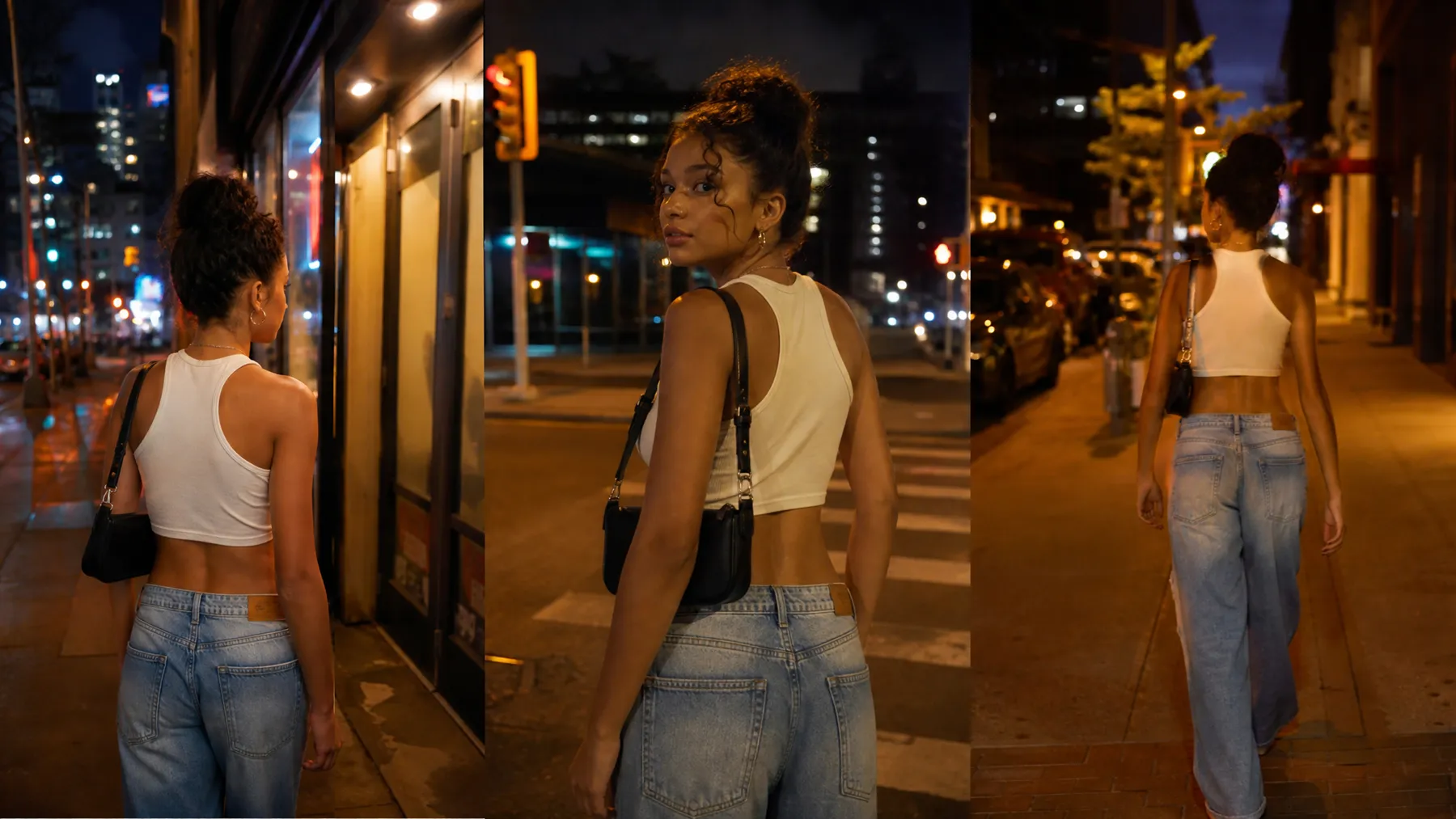
How to Extend Videos with AI
Choose Your Video Scene
Select the AI-generated video or creative scene you want to expand and prepare it for extension.
Describe the Next Scene
Add your idea for what happens next, including new actions, environments, or story details.
Generate the Extended Scene
The AI vdeo extender creates a new continuation that follows the original characters, visual style, and story direction.
Review and Refine Your Video
Preview the extended result, adjust your creative direction, and refine the final video for short dramas, social content, or storytelling projects.
More Possibilities with AI Video Extension
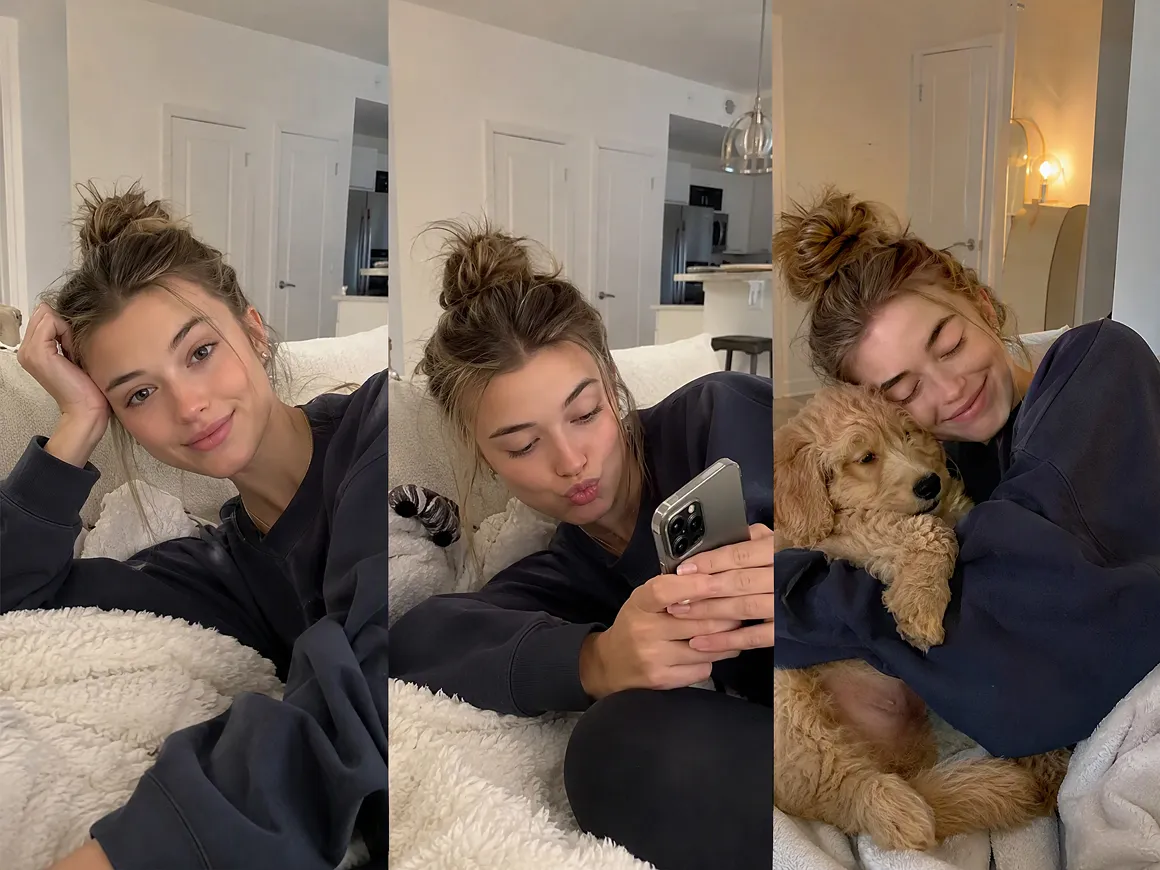
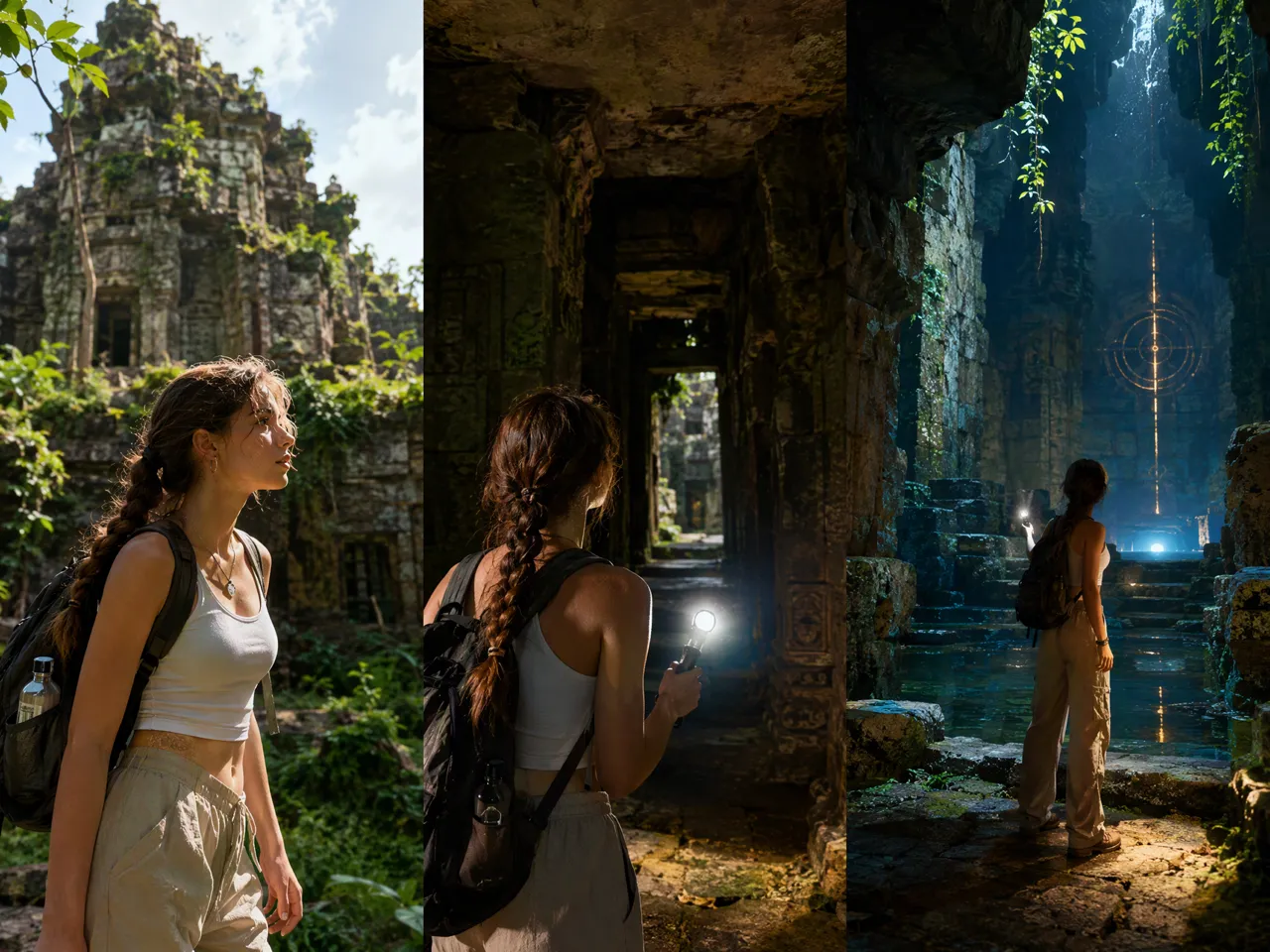
Longer Videos from Existing Scenes
The AI video extender adds more moments to your existing AI videos by continuing scenes naturally. Create longer clips for short dramas, storytelling content, and social videos without rebuilding the original concept.
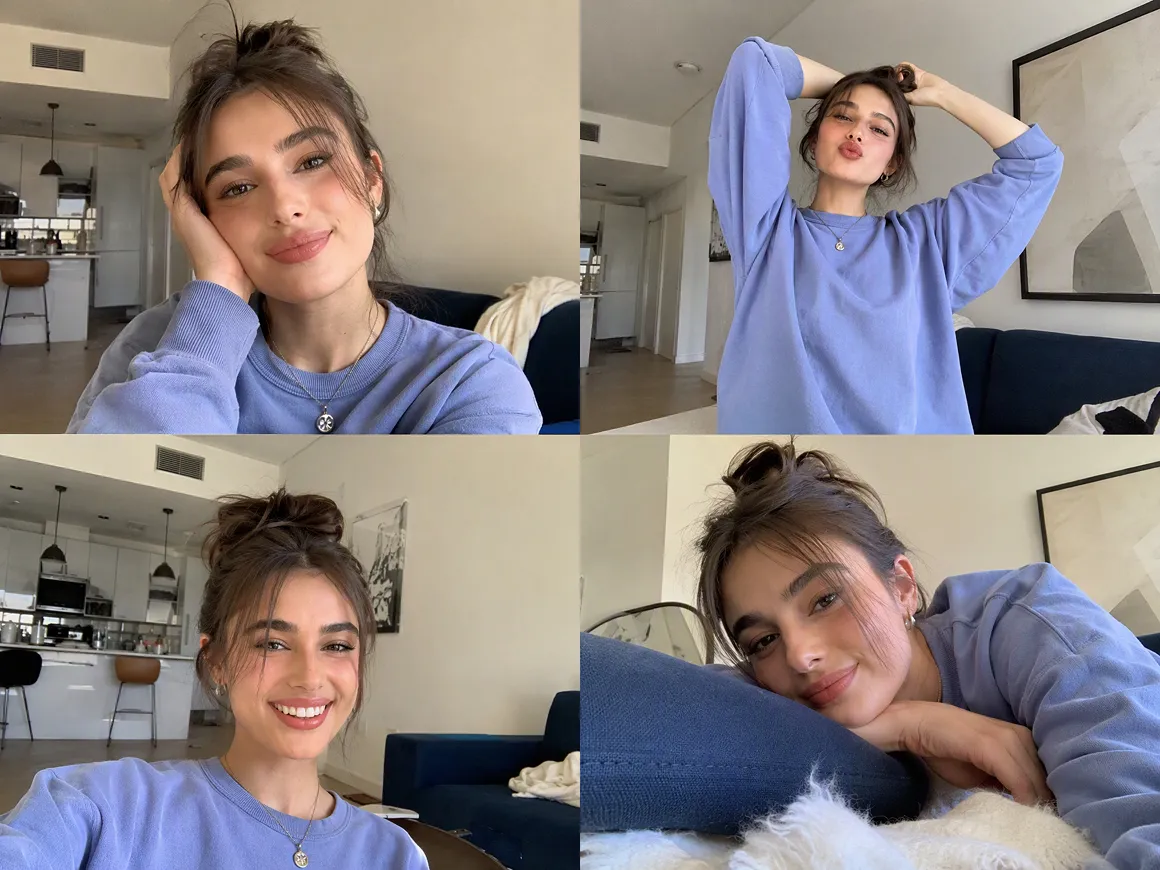
Consistent Characters and Visual Style
Character appearance, environment details, and overall visual style remain connected across extended scenes. Create multi-scene videos with a more consistent look from beginning to end.
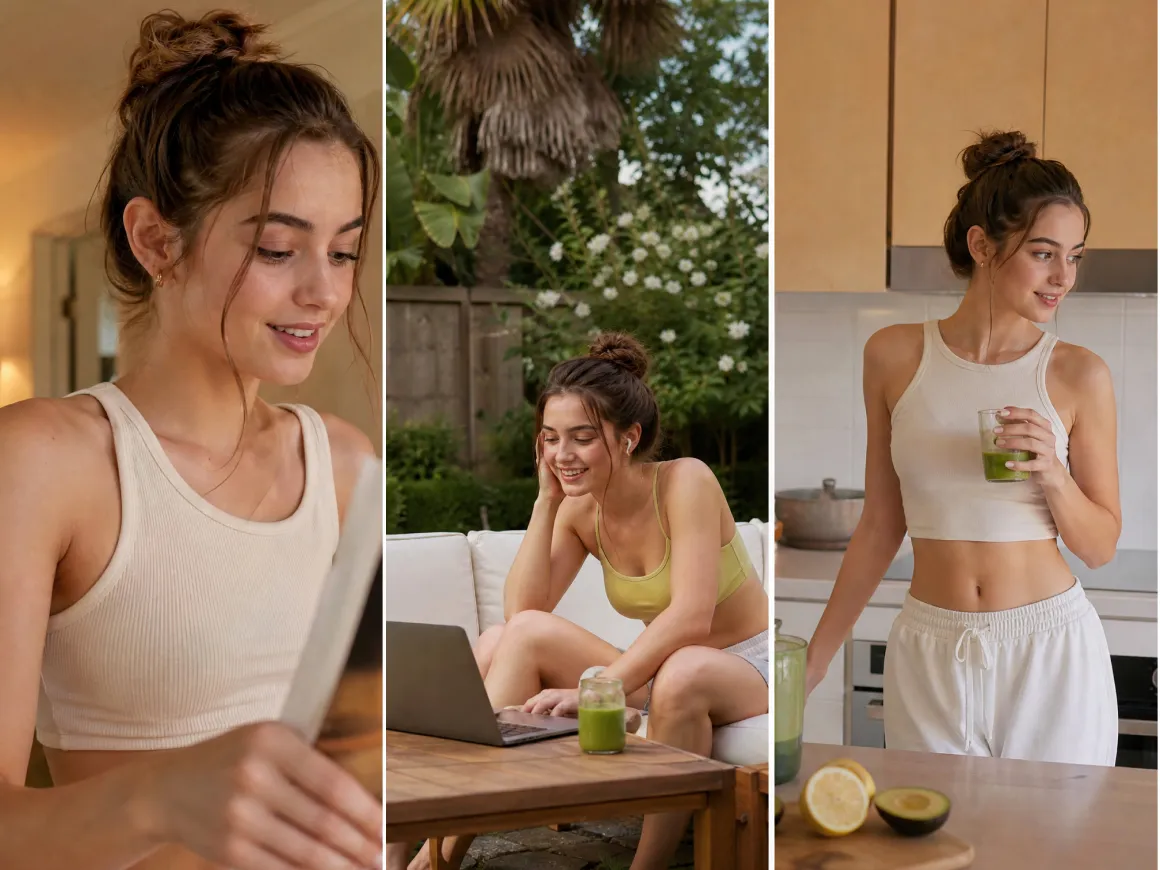
Flexible Content for Different Formats
Different platforms need different video styles and lengths. The AI video extender helps adapt creative ideas for short dramas, social media content, and promotional videos.
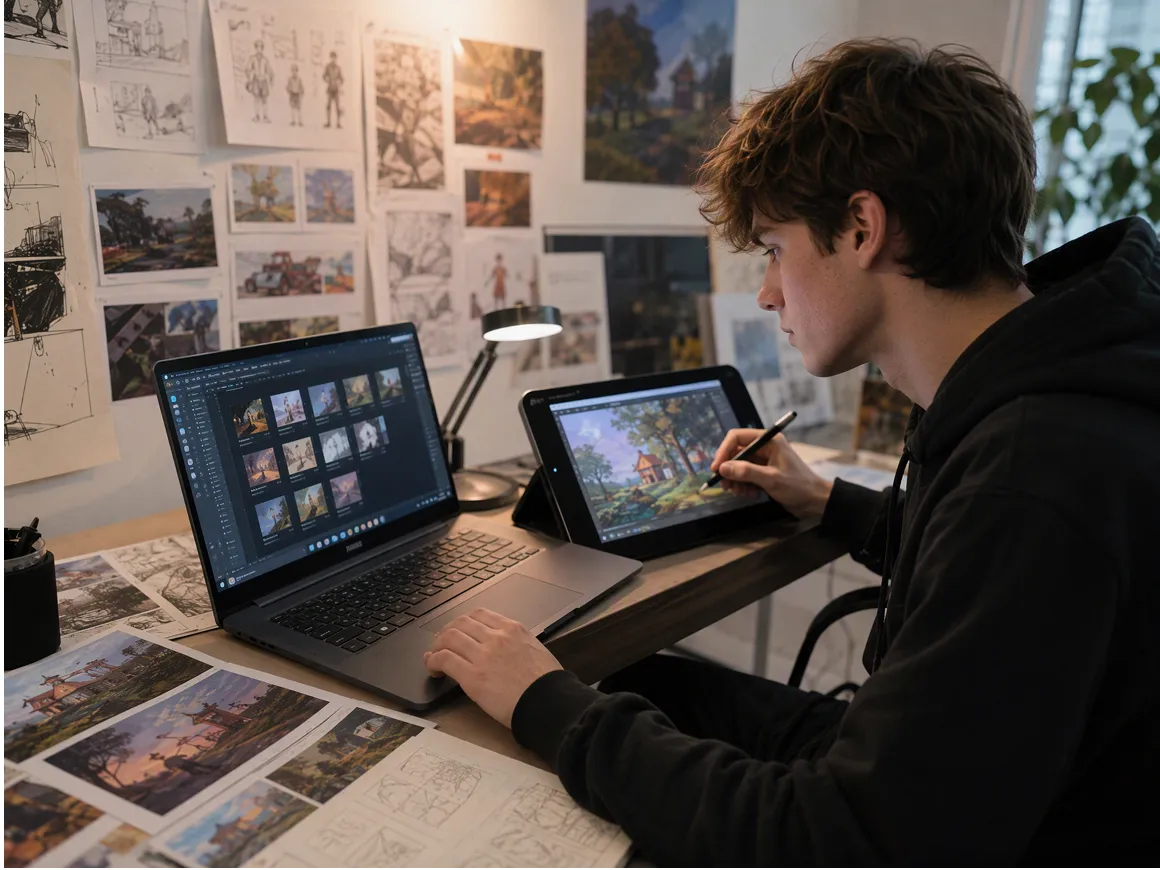
Faster AI Video Creation Workflow
Creating additional scenes no longer requires starting every idea from scratch. Extend your creative process with AI assistance and spend more time refining stories, characters, and final visuals.
AI Video Extension for Different Creative Needs
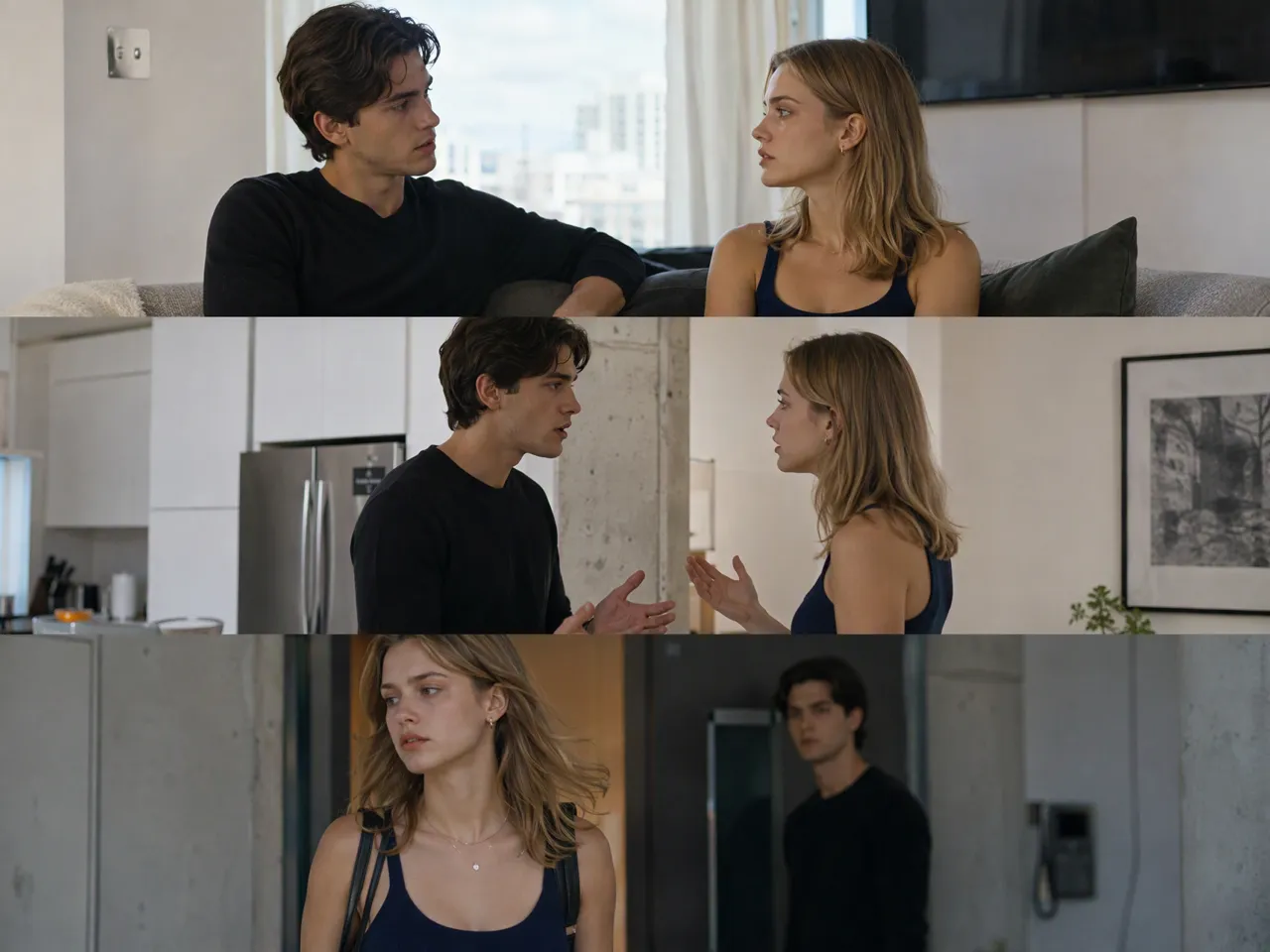
Short Drama Creation
AI short dramas often require multiple connected scenes to complete a story. The AI video extender helps creators continue scenes, add new story moments, and develop longer episodes while keeping the original characters and visual style connected.

Frequently Asked Questions
How does an AI Video Extender work?
Can AI video extender keep characters consistent?
AI video extension works best when the character details and visual direction remain clearly defined. RoboNeo helps creators keep character appearance, clothing, and overall scene style more consistent when developing connected scenes for short dramas and storytelling videos.
Can AI video extender create the next scene of a story?
Yes. An AI video extender can help generate new scenes, actions, or story moments based on the original creative direction. This allows creators to explore longer narratives for short dramas, social videos, and other storytelling projects.
Is there an ai video extender free option?
Some AI video tools offer free credits or trial access. Available features, generation options, and usage limits depend on the platform and selected plan.
What can I create with an AI video extender?
AI video extension can be used for short dramas, social media videos, advertisements, and creative storytelling projects. RoboNeo helps creators explore more possibilities when building AI-generated video content.
How long can AI extend a video?
The extension length depends on the AI model, generation settings, and platform capabilities. Different tools, including RoboNeo, may support different output durations and workflows.
Extend Your Videos with AI Today
Give your existing footage more room to tell a story. Use RoboNeo to expand scenes, explore new compositions, and create flexible video assets for your next project.
What Users Say About AI Video Extender
I had several clips that worked well but felt too tight for different platforms. RoboNeo helped me extend the framing and reuse the footage without rebuilding every scene.
The AI video extender made it easier to adapt campaign videos for different placements. I could explore new layouts without creating separate shoots for every format.
I use AI tools to speed up creative testing, and extending existing footage saves time when a video needs a wider composition or different presentation style.