
AI TikTok Video Generator
Make your next TikTok stand out with the AI TikTok video generator in RoboNeo. Create vertical videos from prompts, images, or references without filming yourself.
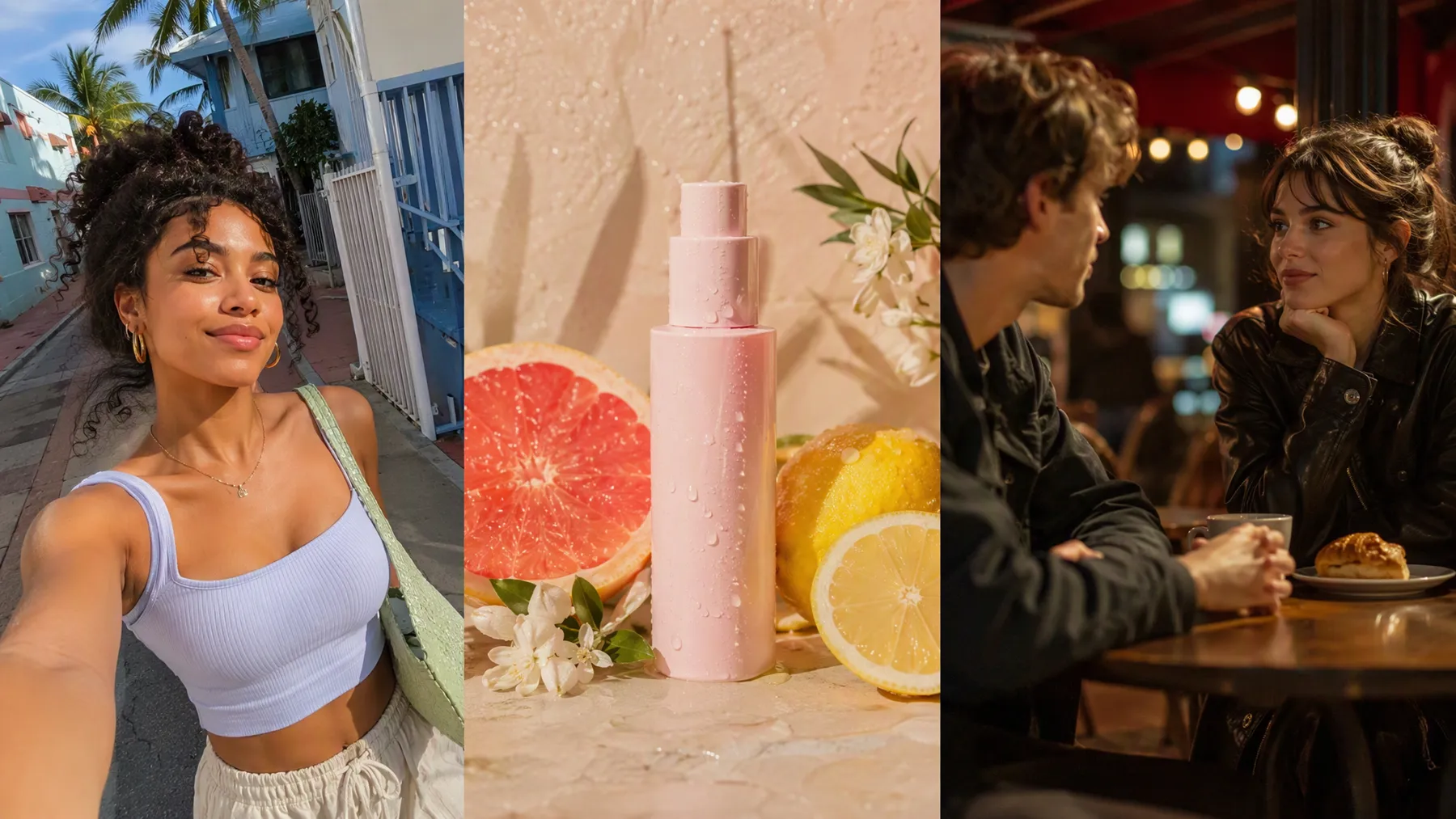
How to Use the AI TikTok Video Generator
Add Your Idea to the Canvas
Add a Text Node and enter your TikTok concept or prompt. You can also upload images, videos, or audio as reference assets.
Connect and Tag Your References
Connect your assets to a Video Node. For Universal Reference, type @ in the prompt to tag the specific image, video, or audio you want the model to follow.
Choose a Mode and Model
Select Text to Video, Image to Video, Universal Reference, Motion Control, or Start End Frame, then choose a video model.
Set the TikTok Format
Choose 9:16 for TikTok, then adjust available settings such as resolution, duration, audio, and output quantity.
Generate and Refine
Generate the clip, review the result, and adjust the prompt, tagged references, model, or settings before editing or exporting.
Why This AI TikTok Video Generator Works
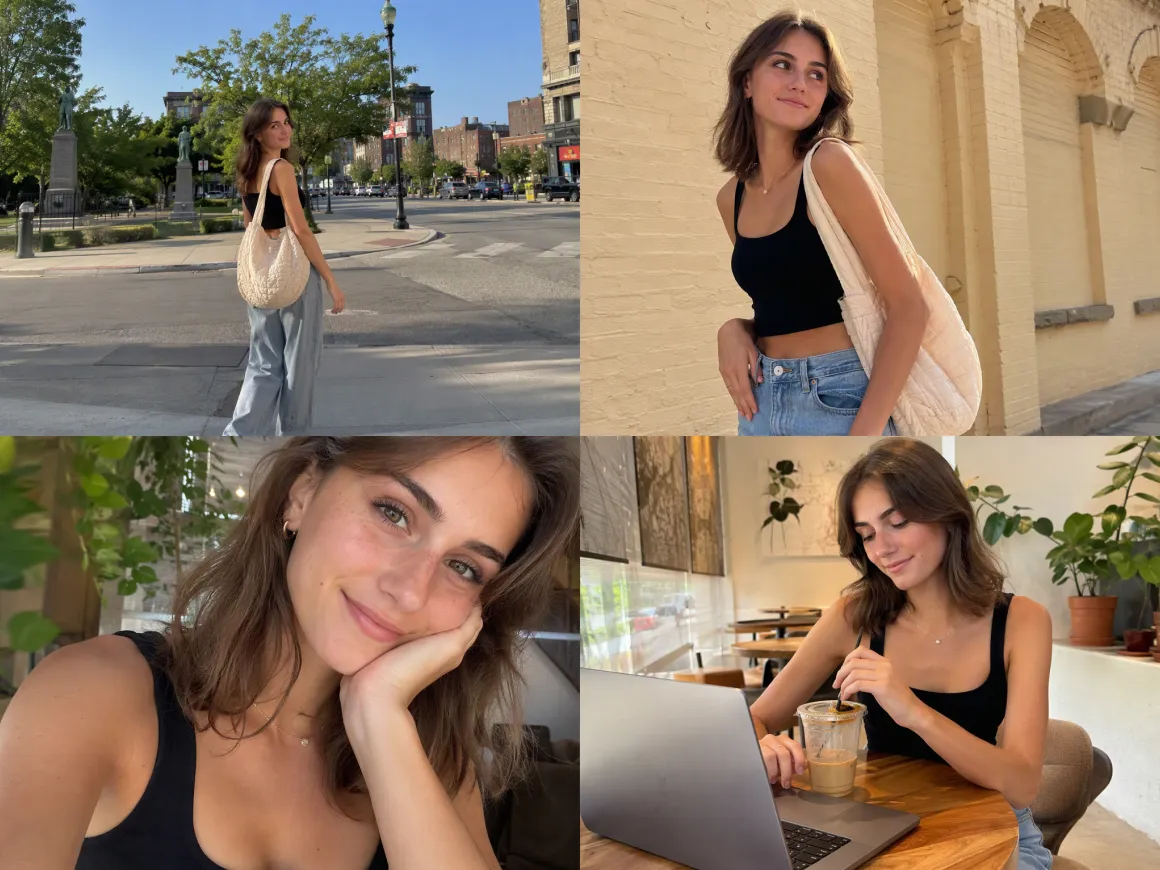
Turn One Idea Into Several TikTok Angles
A single TikTok concept does not have to end with one version. Try another prompt, switch the reference material, or generate multiple outputs to explore different hooks and visual directions before deciding which clip fits your post or campaign best.
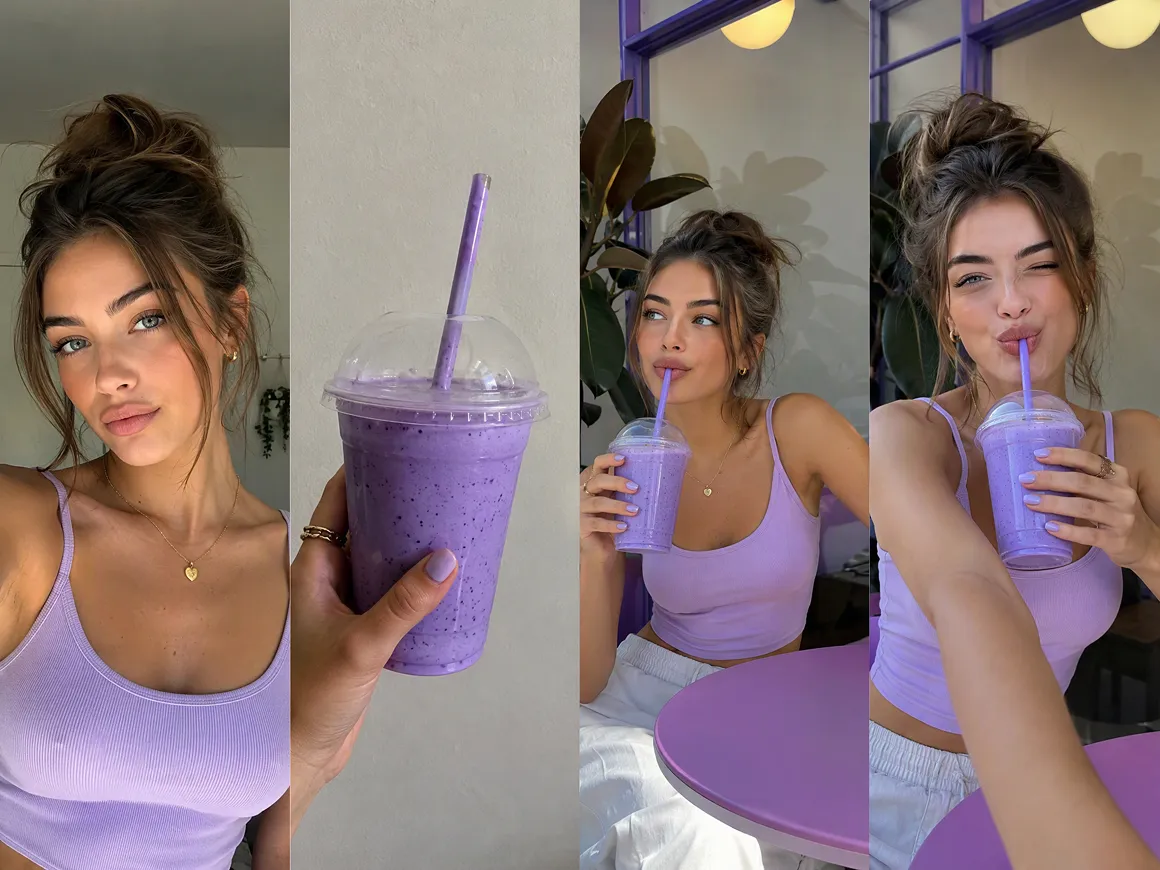
Keep Visual References Close to Final Look
Already have a product shot, character image, reference video, or audio track? Universal Reference can combine text, image, video, and audio inputs, so the AI TikTok video generator can work from more than a written description alone.
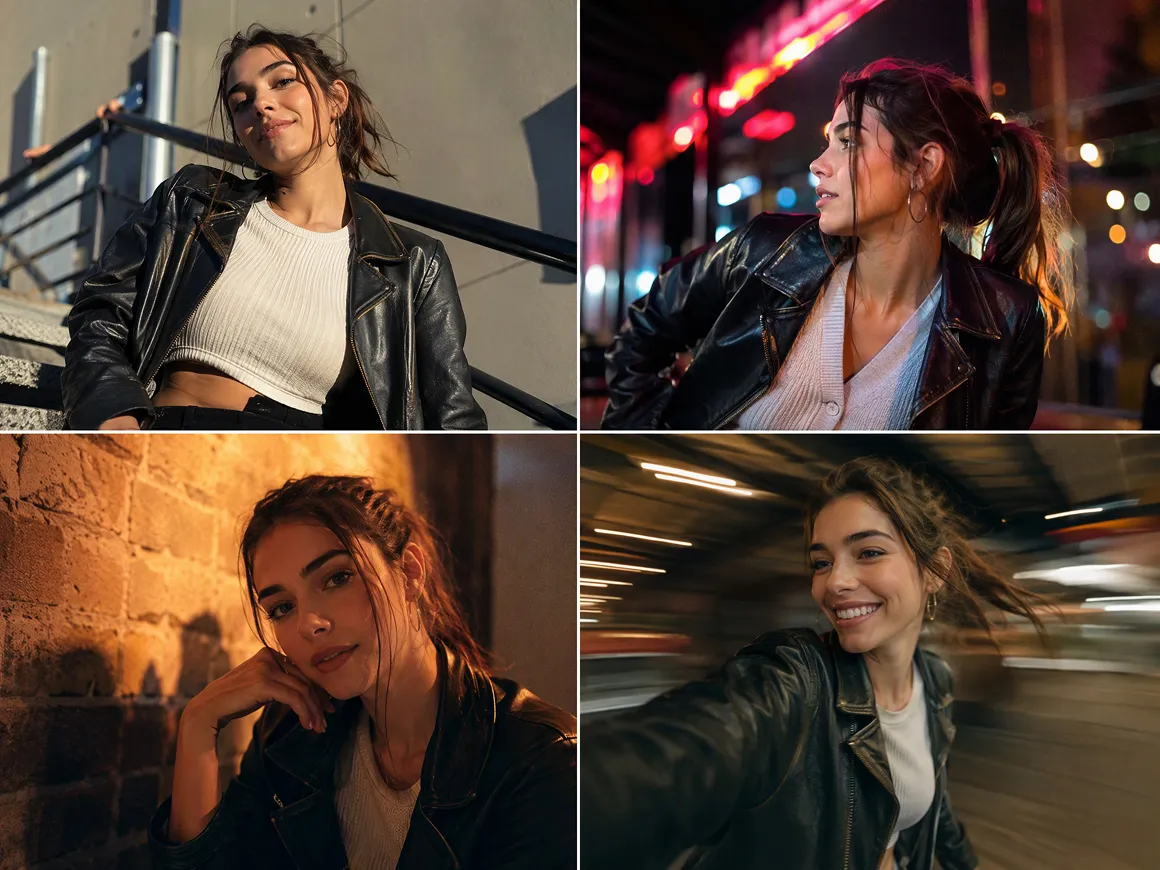
Switch Video Models Without Starting Over
Different TikTok ideas may call for different kinds of motion or visual treatment. RoboNeo includes multiple video models in the same workspace, including Seedance, Kling, Vidu, Wan, PixVerse, and others, so you can test another direction without rebuilding the project.
Shape Vertical Clips for the TikTok Feed
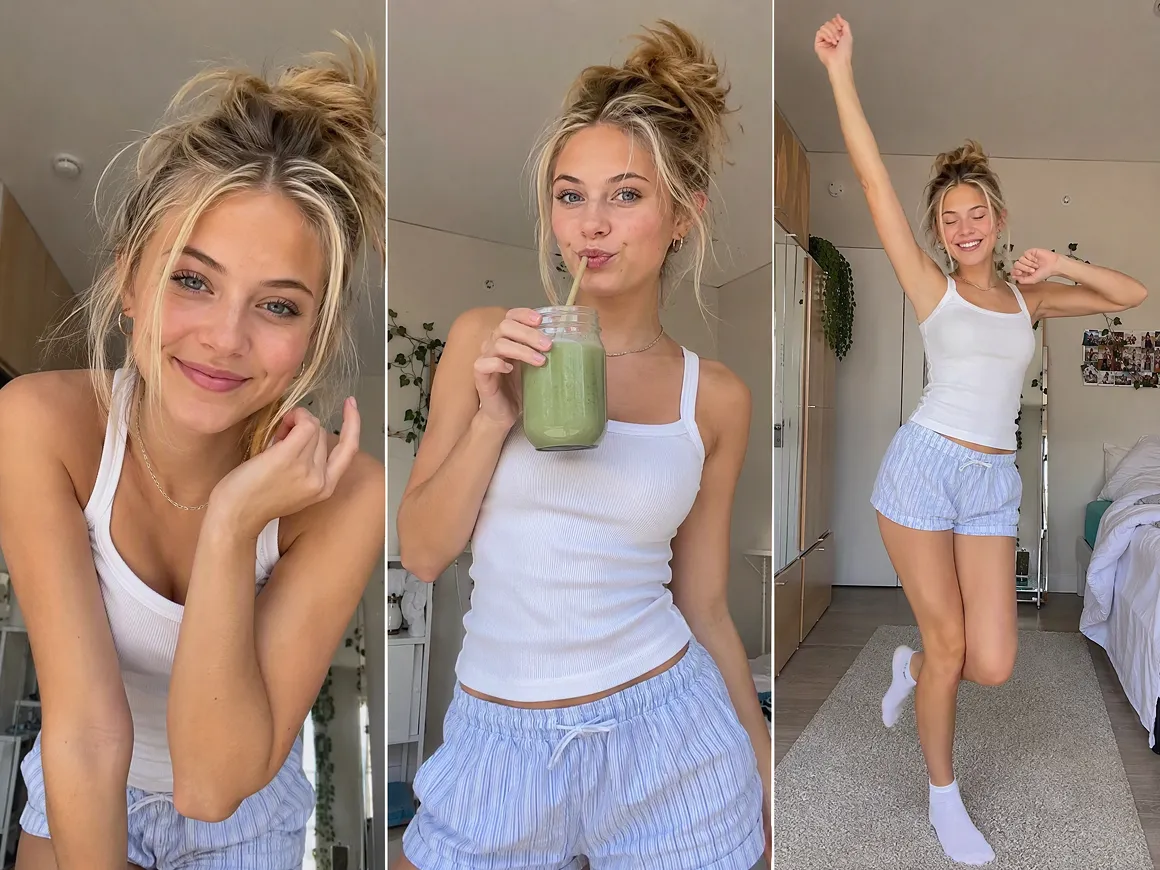
TikTok content often needs a vertical composition rather than a cropped horizontal video. Set the clip to 9:16 before generation, then adjust resolution, duration, audio, and other available settings to better match the format you plan to publish.
Make More With an AI TikTok Video Generator
Product Launch Videos
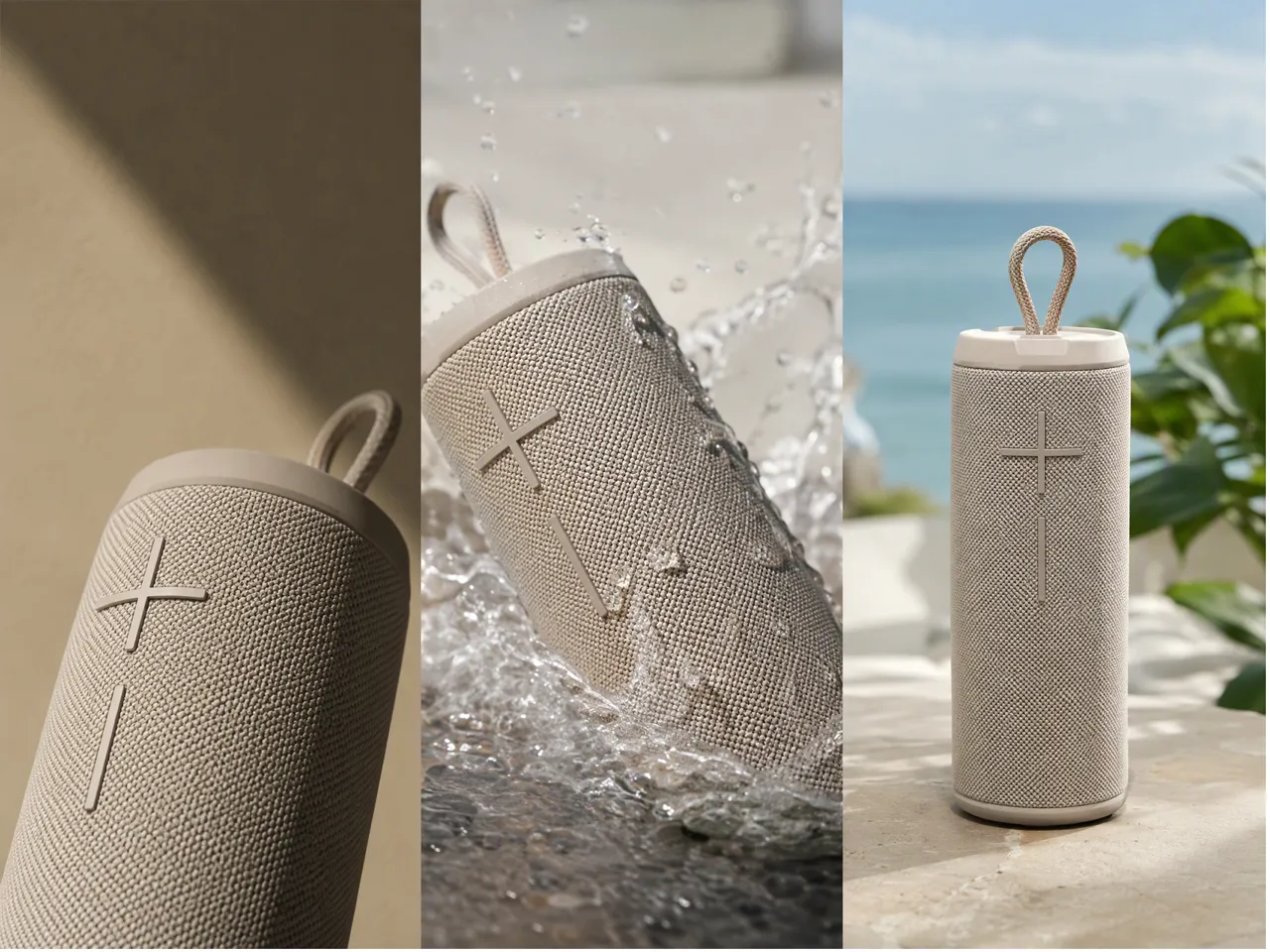
A new product, feature, or seasonal drop does not always need a full shoot. Product images or references can become short TikTok concepts with different motion and presentation styles, making it easier to find a direction that catches attention fast.
Frequently Asked Questions
Is AI-generated video allowed on TikTok?
Can I make TikTok videos without filming myself?
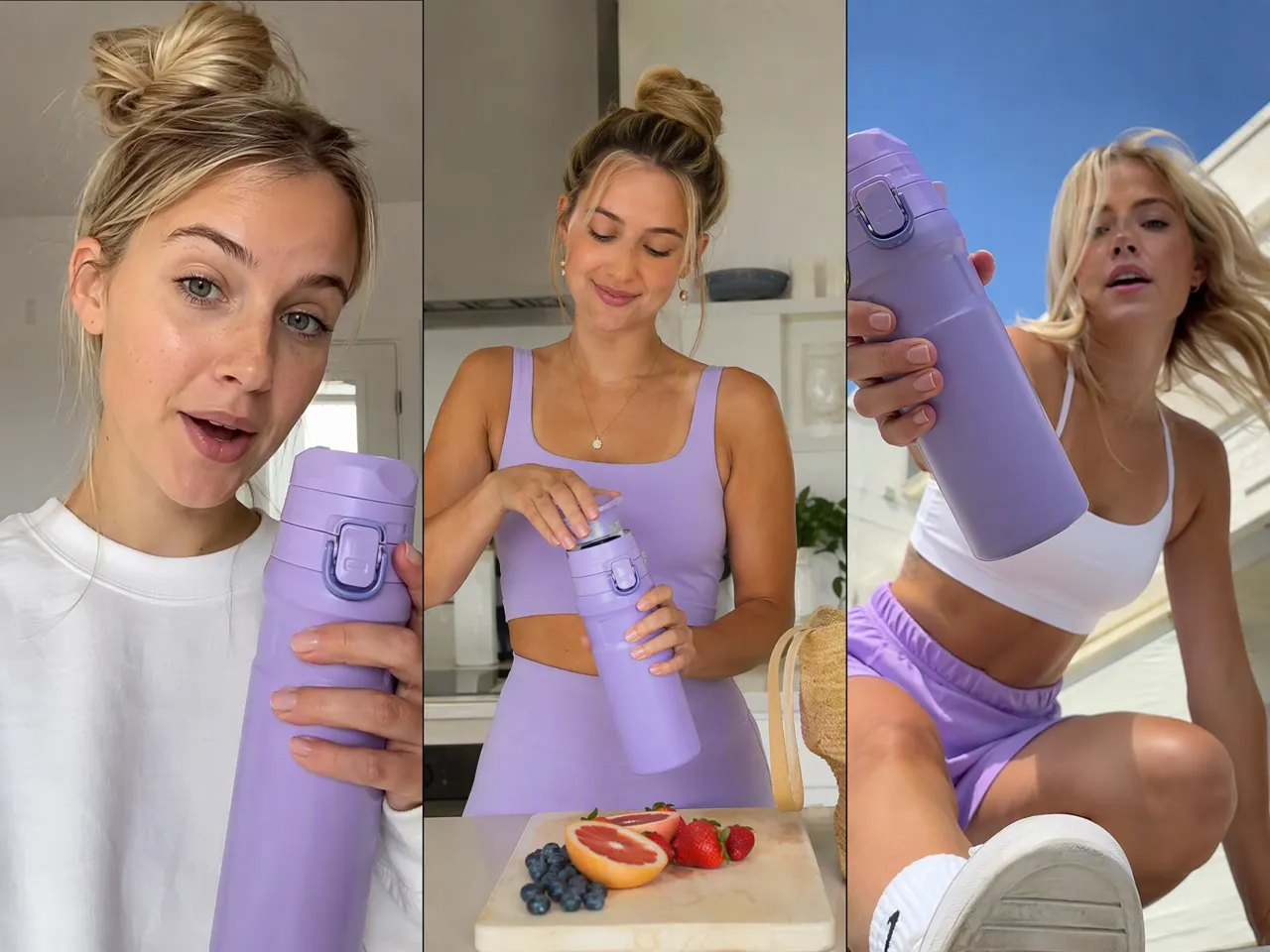
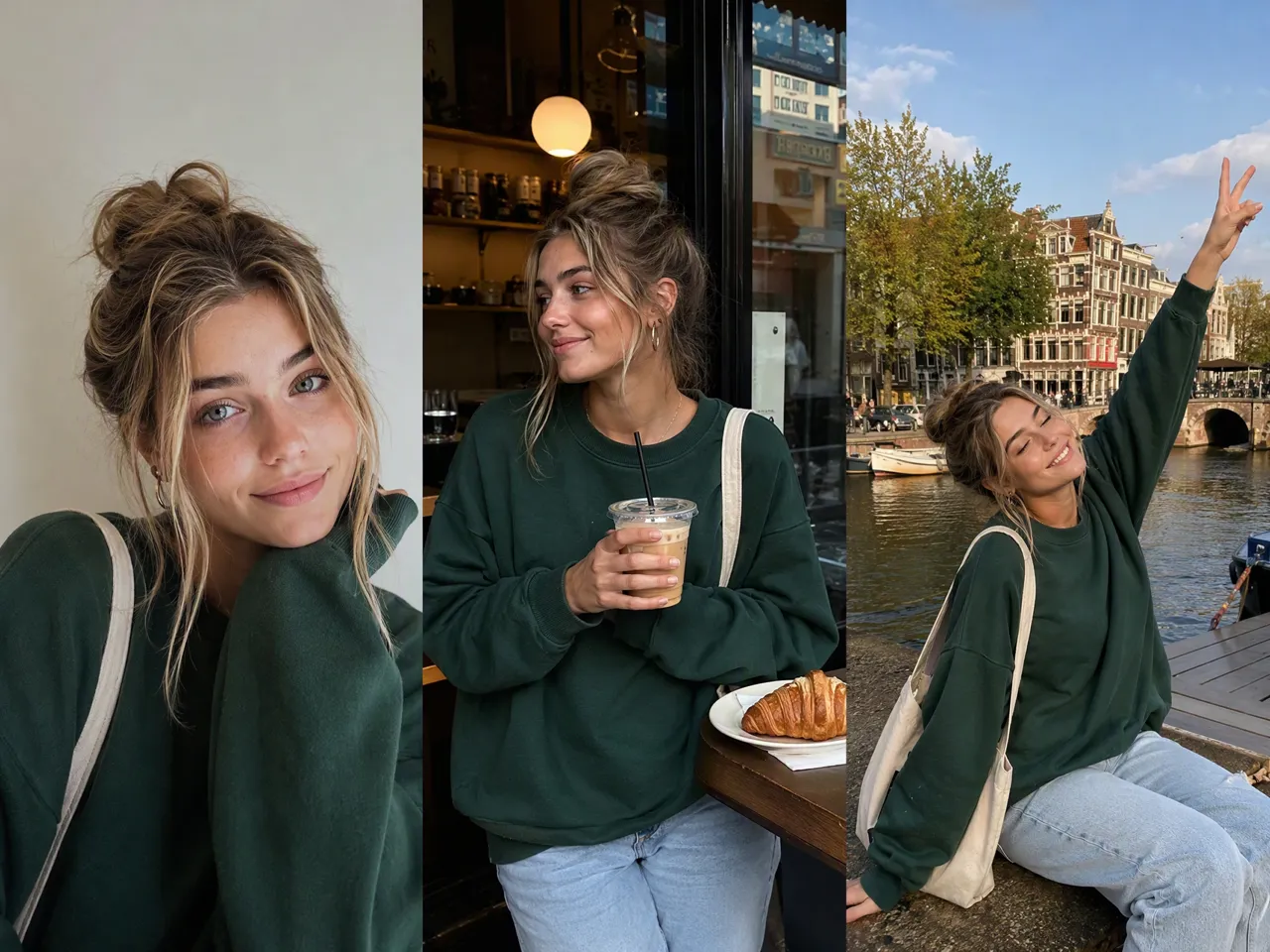
Prompts, images, characters, videos, and other references can all be used to create TikTok content, so you do not need to appear on camera or record new footage yourself.
How do I make AI TikTok videos look less artificial?
Specific prompts and strong references usually help. Clear instructions for motion, camera behavior, lighting, and scene details can make the result feel more controlled and less generic.
Can I use AI TikTok videos for ads or commercial content?
Yes, but commercial use depends on the rights to your source assets, music, model terms, and TikTok advertising policies. Check those before using generated content in paid campaigns.
Can I turn a photo into a TikTok video with AI?
Image to Video lets a still image become the visual starting point, while prompts can guide motion, camera movement, and scene behavior.
Can AI make a full TikTok video from a prompt?
Text to Video can generate a clip directly from a written prompt. More detailed prompts usually give you better control over the subject, motion, setting, and overall visual direction.
TikTok Videos Without the Full Shoot
A photo, rough idea, or reference clip can be enough to get started. RoboNeo helps you explore different video directions, refine the result, and create TikTok content without filming everything yourself.
What Users Say About Making TikTok Videos
I had the idea for a TikTok but didn’t want to film everything from scratch. I used a reference image, changed the prompt a couple of times, and ended up with a version that actually fit the look I had in mind.
I mainly use it to test different TikTok ad ideas from the product images we already have. Being able to try a new hook or visual direction without another shoot saves me a lot of time.
The first result is not always the one I use, but that’s kind of the point. I can tweak the prompt, switch references, and compare a few versions until one feels right for TikTok.