
AI Storyboard Generator
A script is easier to shape once you can see how the story unfolds. RoboNeo gives your idea a visual structure, laying out the key shots and scenes so you can refine the flow, strengthen the story, and move into video creation with a clearer direction.
How to Use the AI Storyboard Generator
Write or Generate Your Script
Start with a story idea and let RoboNeo develop it into a script, or use one you already have. Reference images or video can also help establish key characters and scenes.
Generate Your AI Storyboard
The AI storyboard generator breaks the script into scenes and individual shots, with visual prompts, dialogue, timing, and character details organized in sequence.
Refine Each Storyboard Shot
Review the storyboard shot by shot and adjust the framing, scene details, prompts, references, dialogue, voiceover, or pacing where needed.
Create From Your Storyboard
Once the storyboard is ready, use the planned scenes and shots to generate images or video without rebuilding the visual plan from scratch.
Plan Every Scene Before Video Production
See Your Story Take Shape Before Production
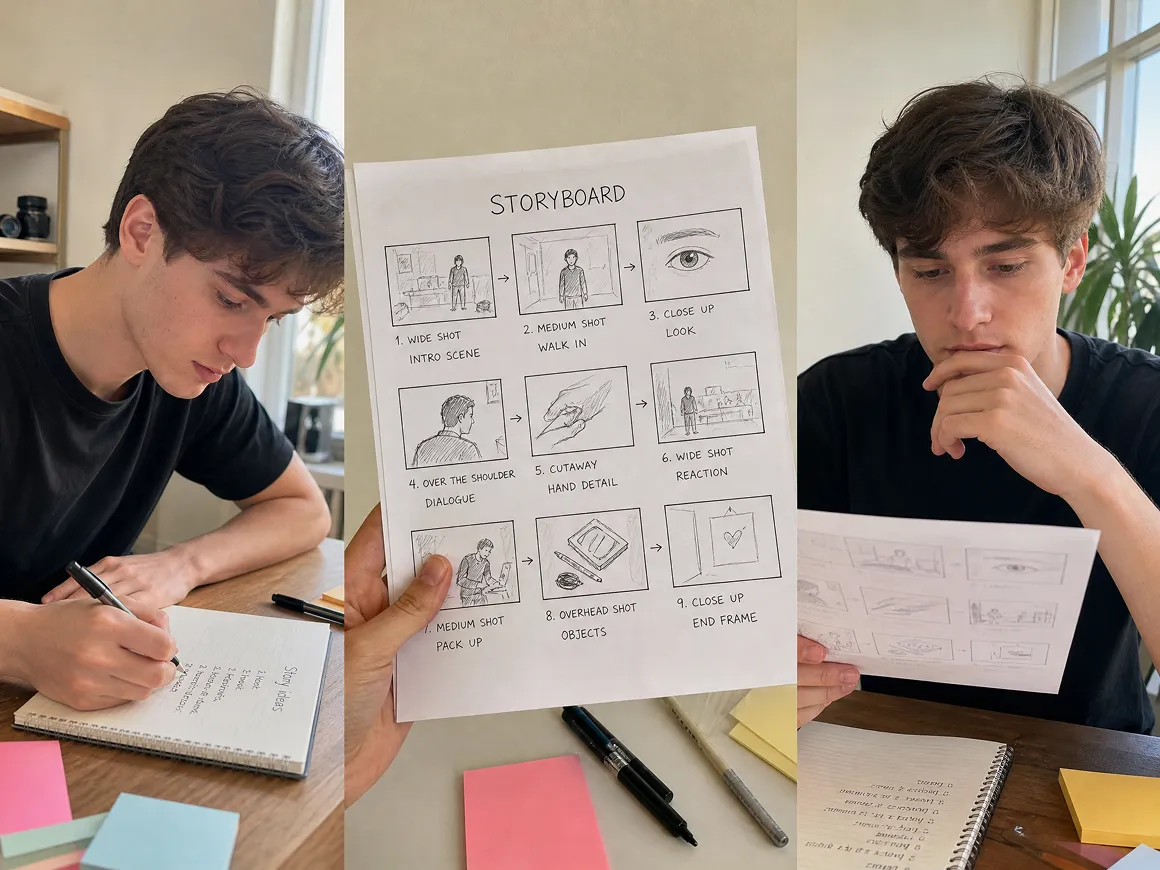
A script may read well on the page but feel different once the scenes are laid out visually. The AI storyboard generator shows how each shot connects, helping you catch awkward pacing, missing moments, or abrupt scene changes earlier.
Keep Characters Consistent Across Each Scene
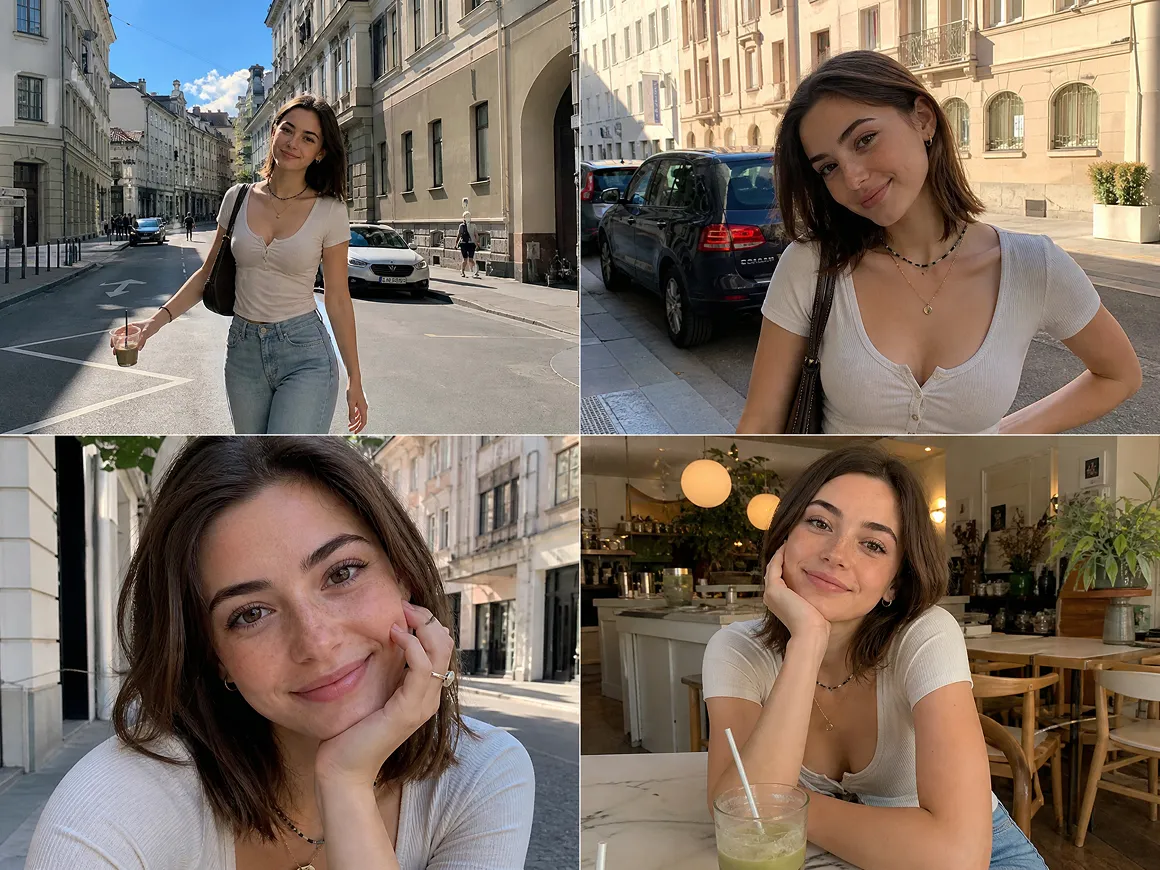
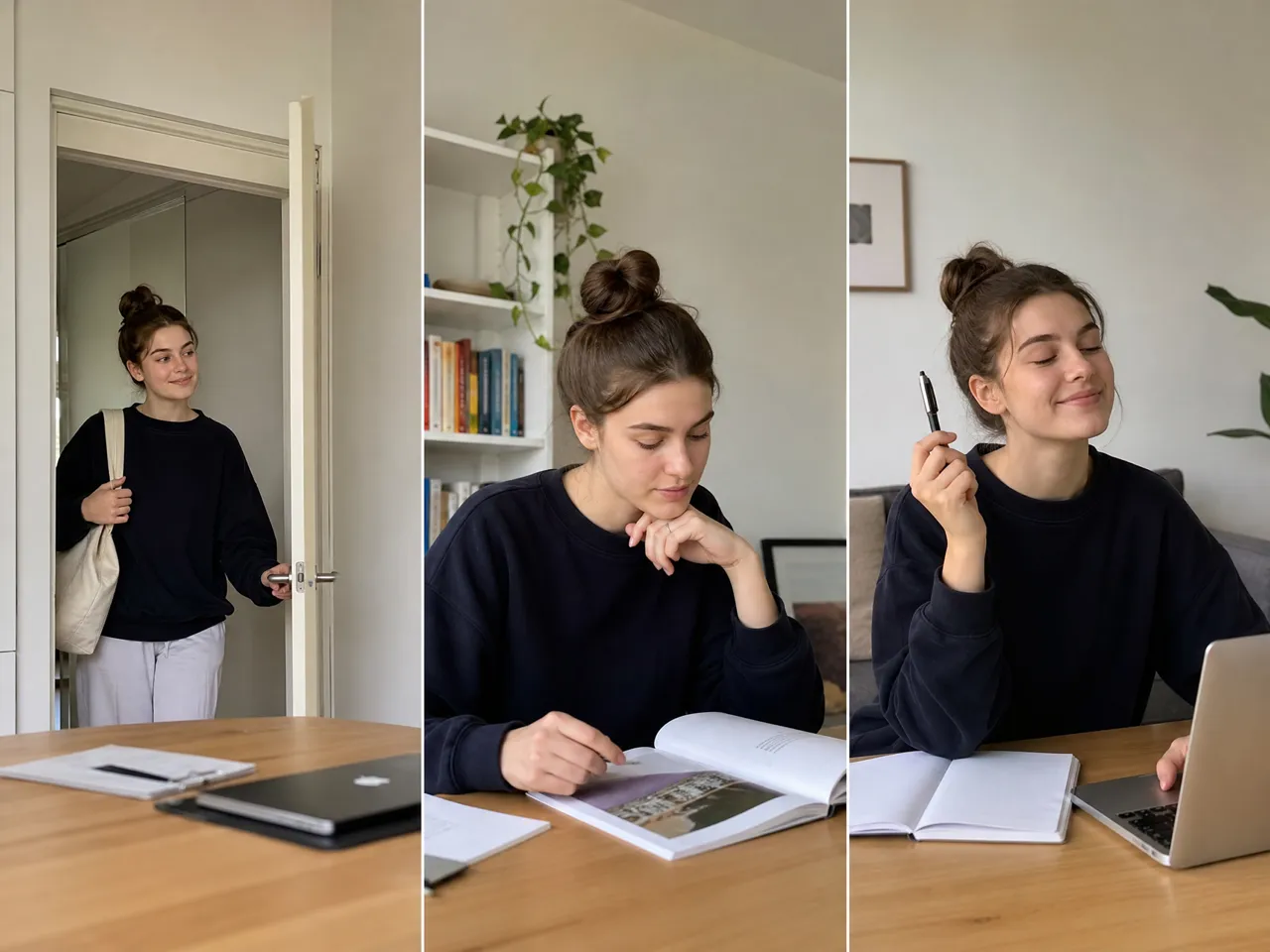
Reference images can be tied to characters, locations, props, and other recurring elements. This gives each storyboard shot a clearer visual target and helps maintain the same look as the story moves from one scene to another.
Refine One Shot Without Reworking the Rest
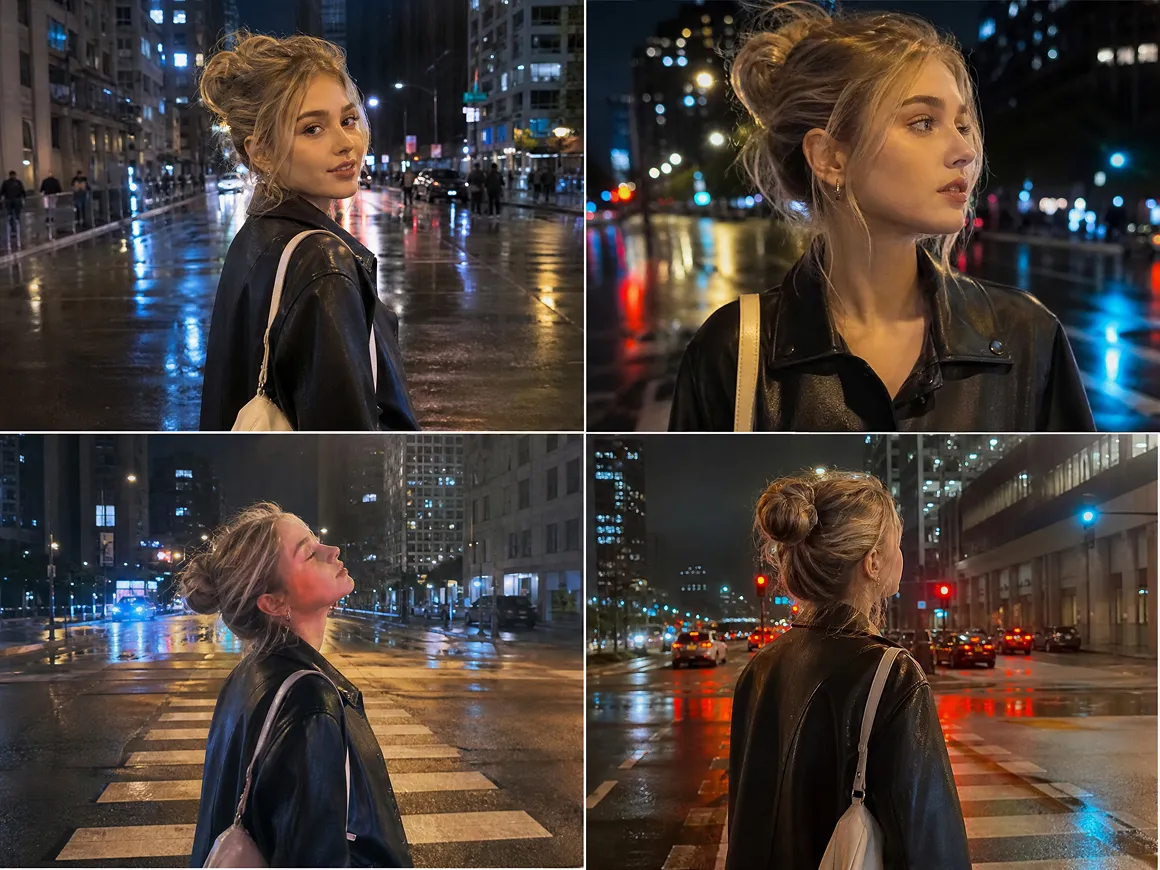
A single scene may need another angle, a different prompt, or a timing change. RoboNeo lets you revise individual storyboard shots while keeping the rest of the sequence in place, so small changes do not become full storyboard rewrites.
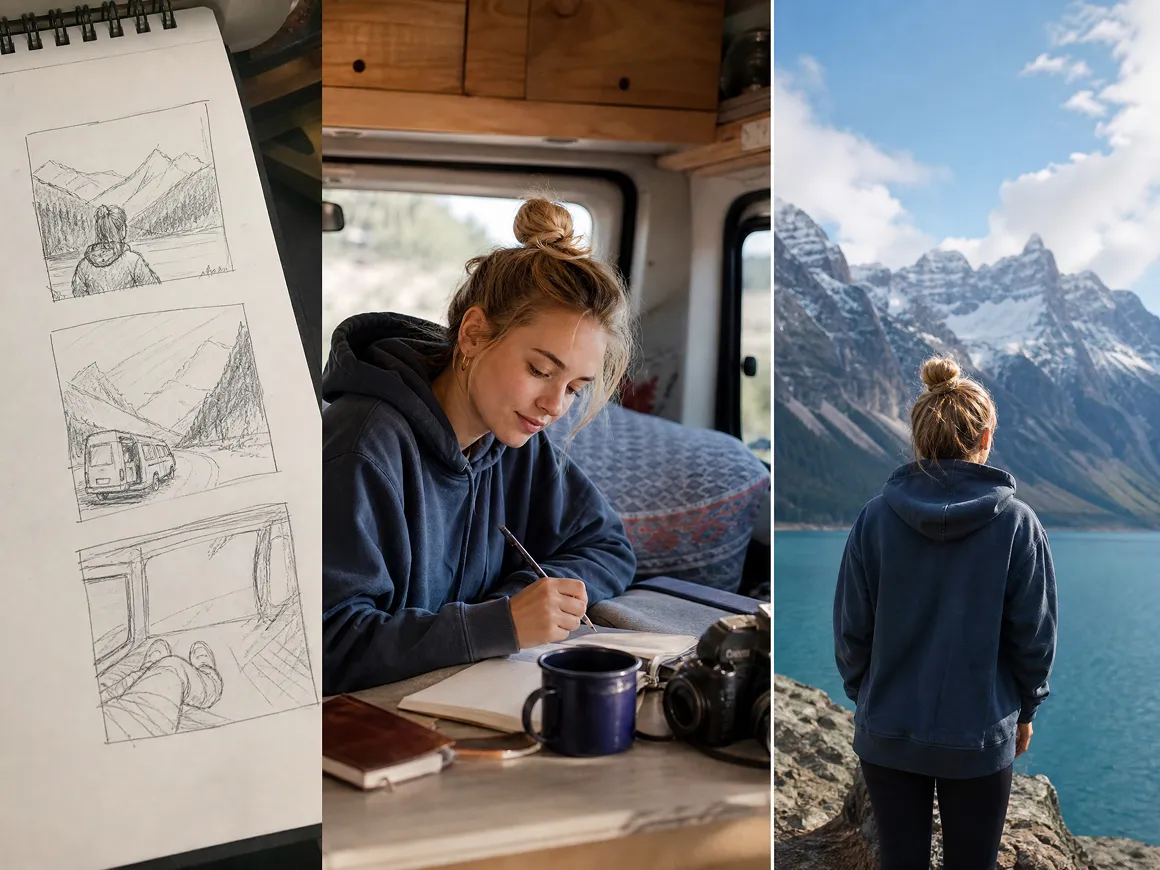
Continue From Storyboard to Final Visuals
Planning does not have to end with a static storyboard. Once the sequence is ready, you can use the planned shots to generate images or video in the same project, without recreating the scenes from scratch.
Ways to Use an AI Storyboard Generator
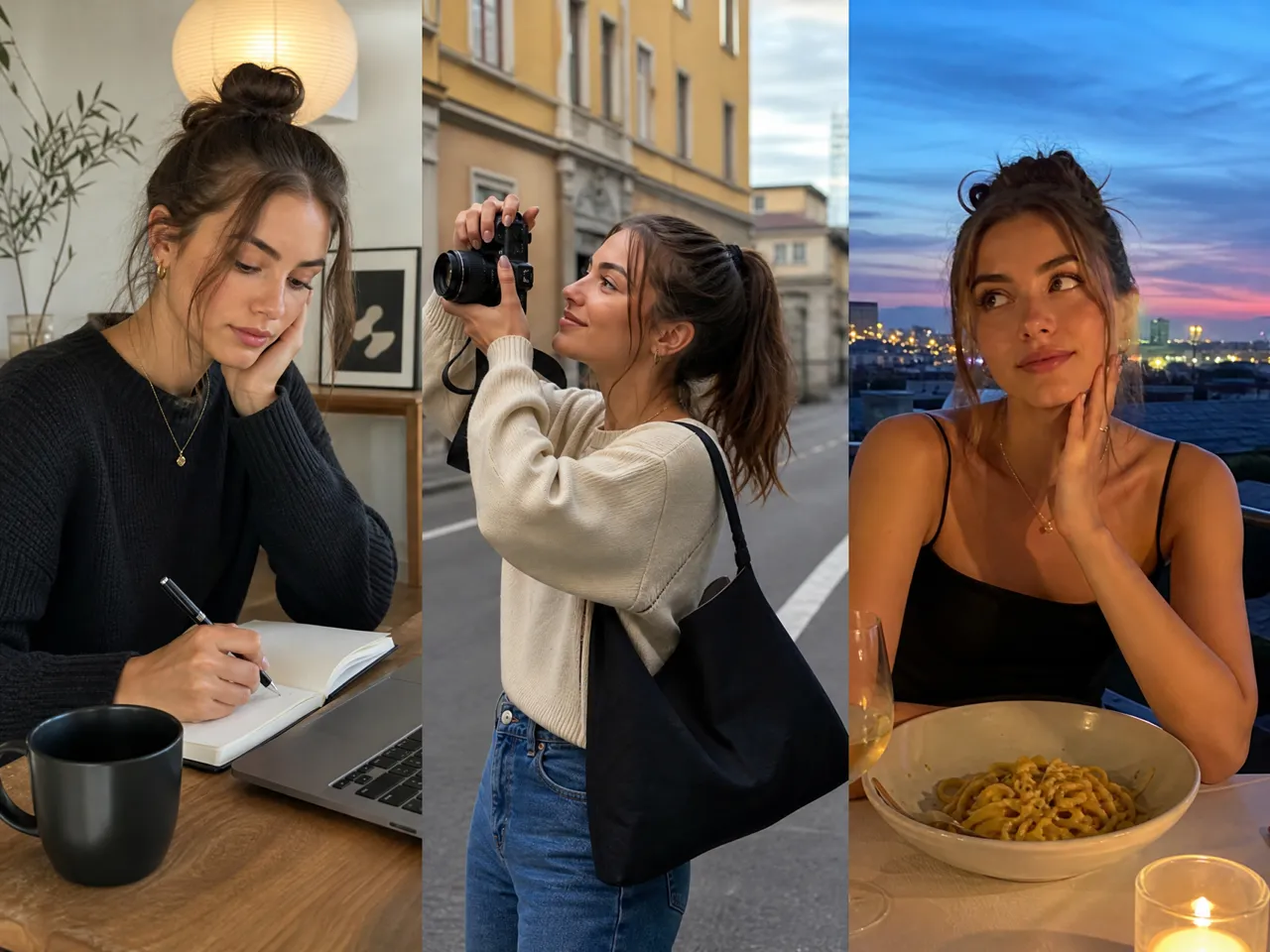
Short Films and Story Projects
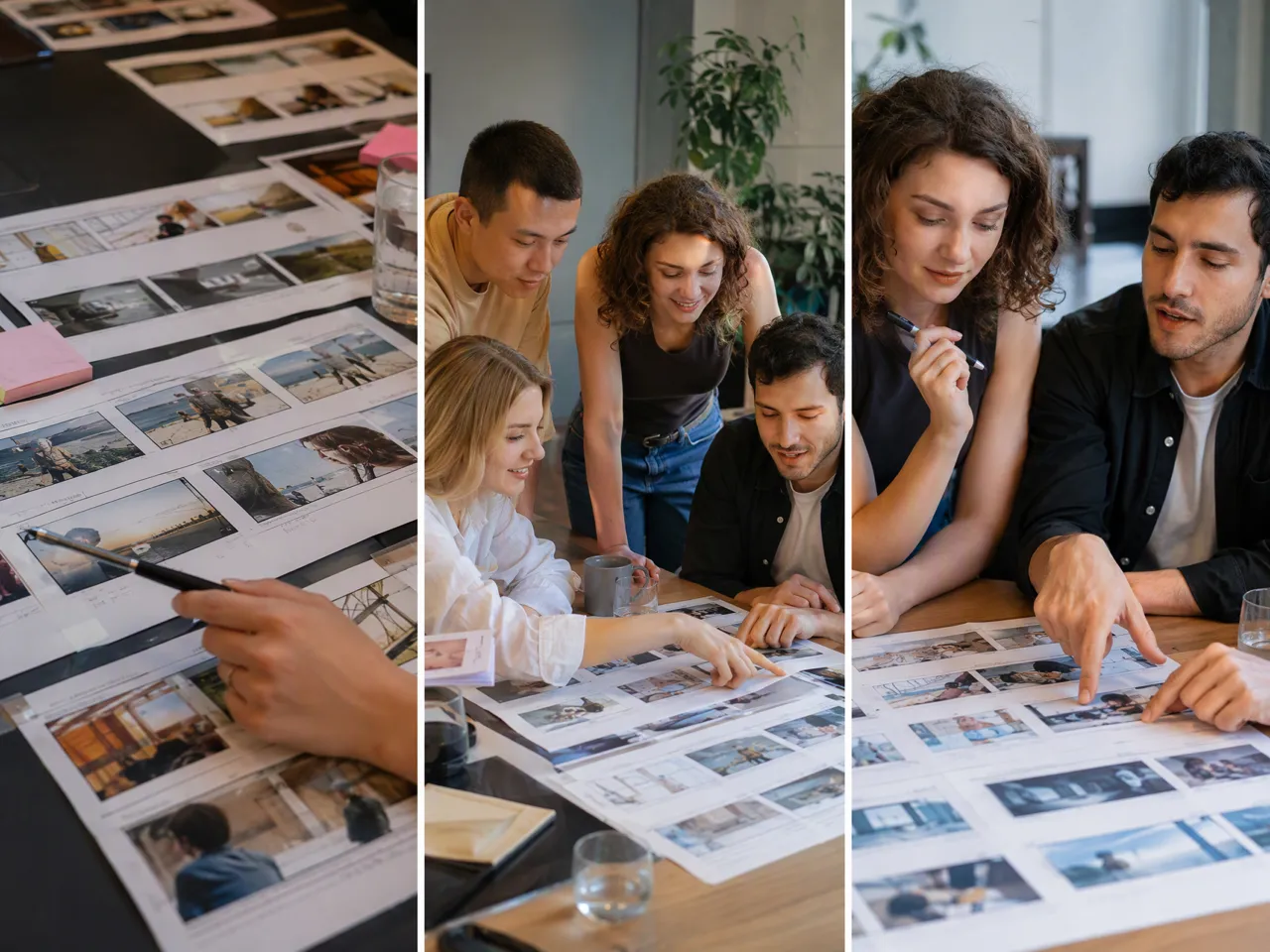
Writers and filmmakers can see how a script may play out before creating every scene. A storyboard makes pacing problems, missing beats, and awkward transitions easier to notice while the story is still simple to revise.
Frequently Asked Questions
How much does storyboard AI cost?
How can I create my own storyboard?
Start with an idea or script, divide it into scenes, decide the key shots, then add framing, action, dialogue, and timing. In RoboNeo, AI can help write the script and generate the storyboard for you.
What is a storyboard example?
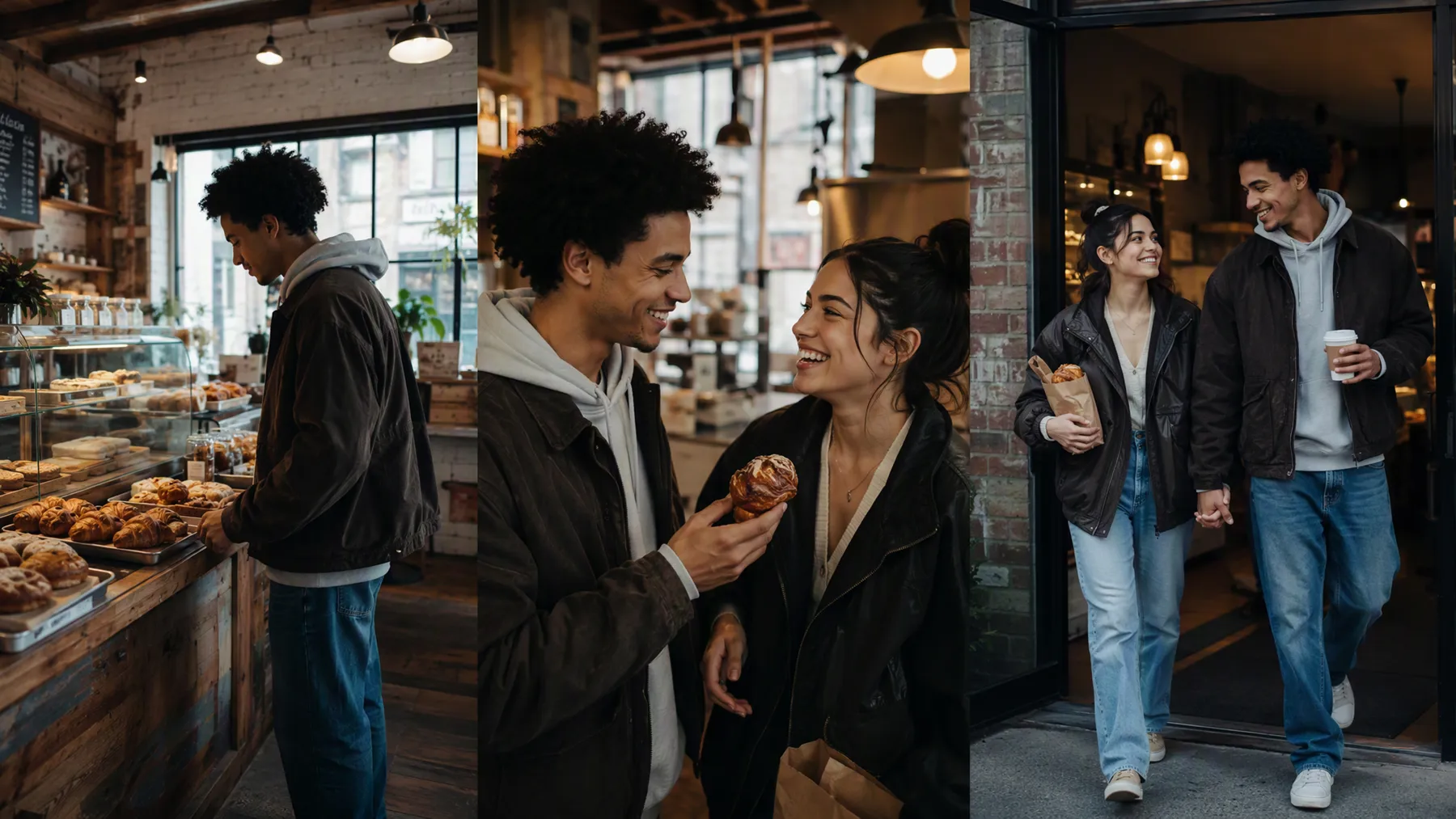
For a café scene, Shot 1 might show the storefront, Shot 2 the character entering, Shot 3 a close-up of the order, and Shot 4 their reaction. Together, the frames show how the scene unfolds.
Can I create a storyboard without a finished script?
Yes. A finished script is not required. Start with a basic story idea in RoboNeo, develop it into a script with AI, then generate scenes and shots from that script for further review and adjustment.
Is the AI Storyboard Generator free to use?
RoboNeo offers free access with daily credits, so you can try AI tools without immediately subscribing. The number of storyboard generations available will depend on the credits required by the models used in your project.
Can I use an AI storyboard if I cannot draw?
Yes. Drawing skills are not required. Describe the characters, setting, action, and shot you want, and AI can create the visual frames. You can then revise the prompts or references instead of drawing each panel yourself.
Take Your Storyboard Into Production
A good storyboard gives you a clearer view of the story before production begins. Use the AI Storyboard Generator in RoboNeo to shape each scene, fix weak shots early, and move from planning to video with less rework.
What Users Say About Storyboarding in RoboNeo
I wanted to see how a short story would work visually before developing it further. The first version was not perfect, but the storyboard made the pacing issues much easier to spot and explain.
I use different references for my characters, locations, and the overall look of a scene. Having those details connected while I plan the shots makes it much easier to see whether the story feels visually consistent before I move on.
The more specific I am about what I want in each shot, the closer the storyboard gets to the idea in my head. I can review the sequence first, adjust the parts that feel off, and then continue with the scenes I actually want to create.