
AI Dance Video Generator
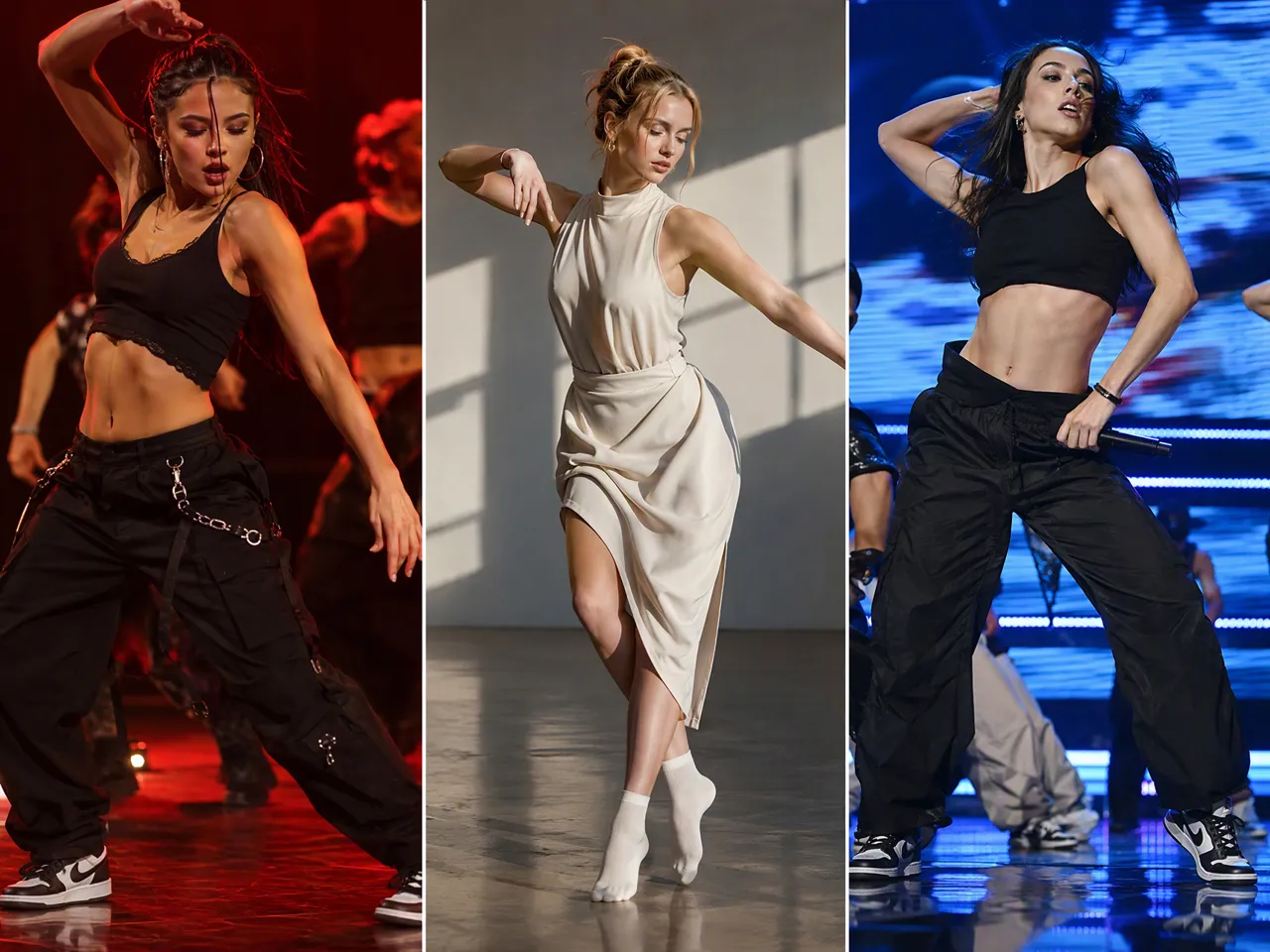
A photo or character idea can become a dynamic dance clip with the AI dance video generator in RoboNeo. Use prompts or visual references to guide the movement, then explore different models and styles for the final result.
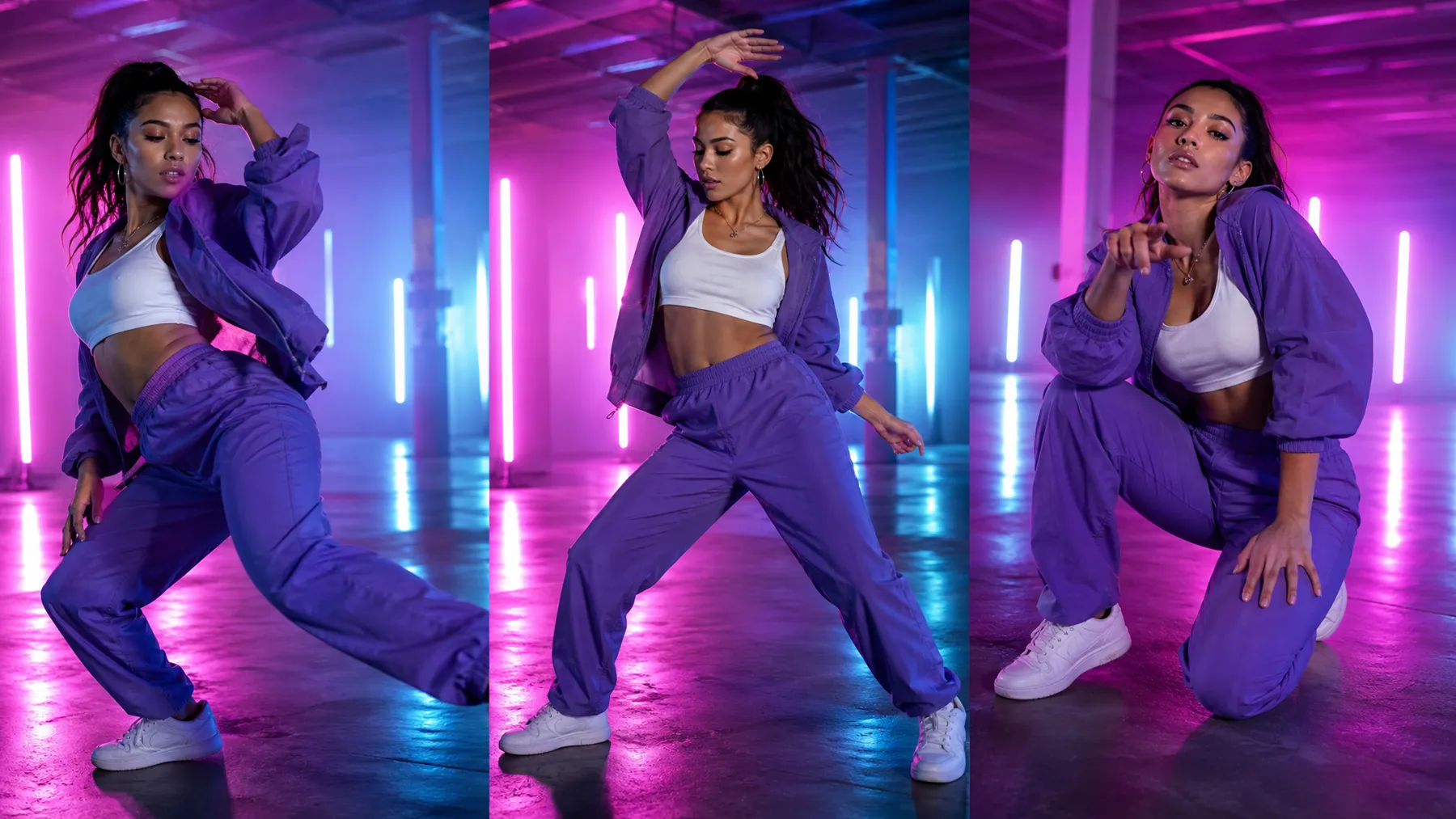
How to Create an AI Dance Video in RoboNeo
Start with an Idea or Visual
Begin with a dance concept, text prompt, character image, or existing reference. Choose the starting point that best matches the type of video you want to create.
Describe the Dance Direction
Add prompts to define the movement, rhythm, style, camera angle, or overall mood. You can guide the video generation with as much detail as your idea requires.
Choose a Video Model and Settings
Select a suitable video model, then adjust settings such as aspect ratio, resolution, clip length, and output quantity based on your content needs.
Generate and Review the Video
Create your first version and review the movement, character details, and overall flow. Check whether the dance style and visual result match your original concept.
AI Dance Videos with More Creative Possibilities
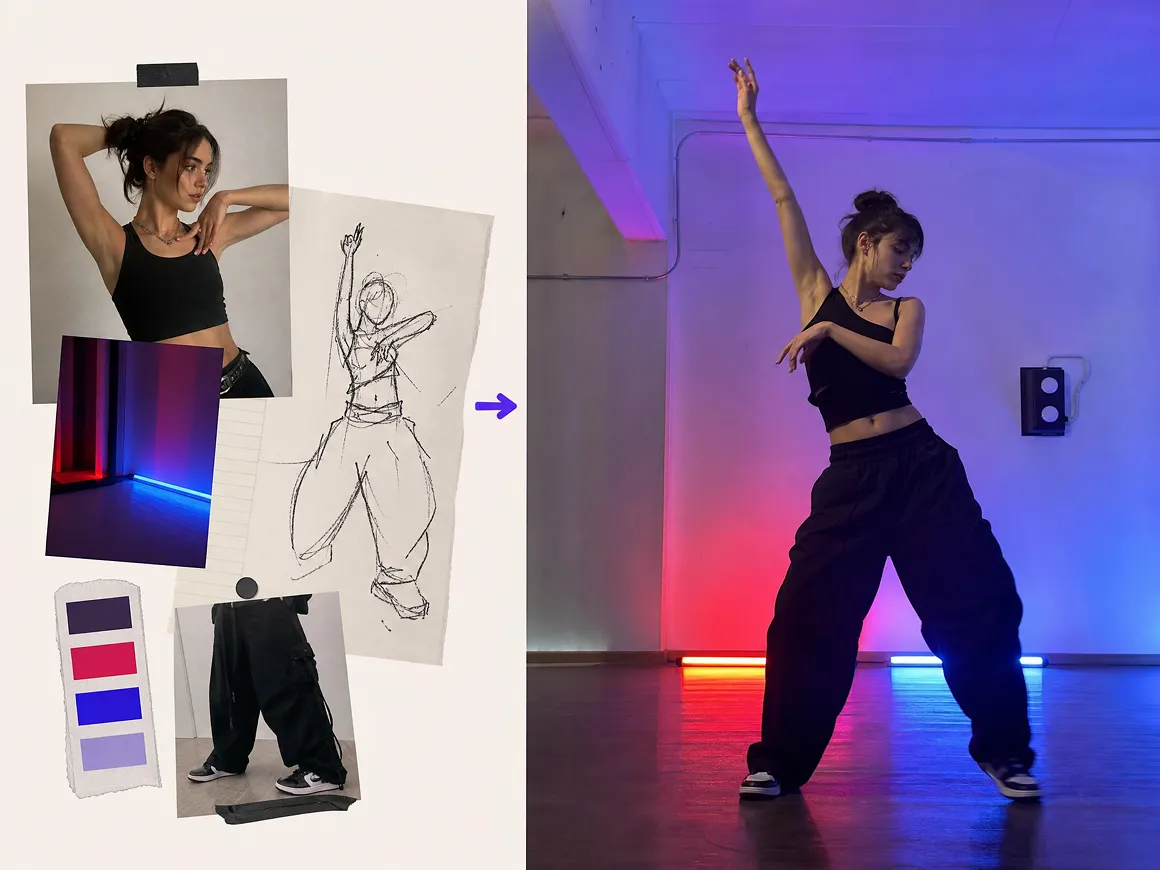
Image-to-Video Dance Animation
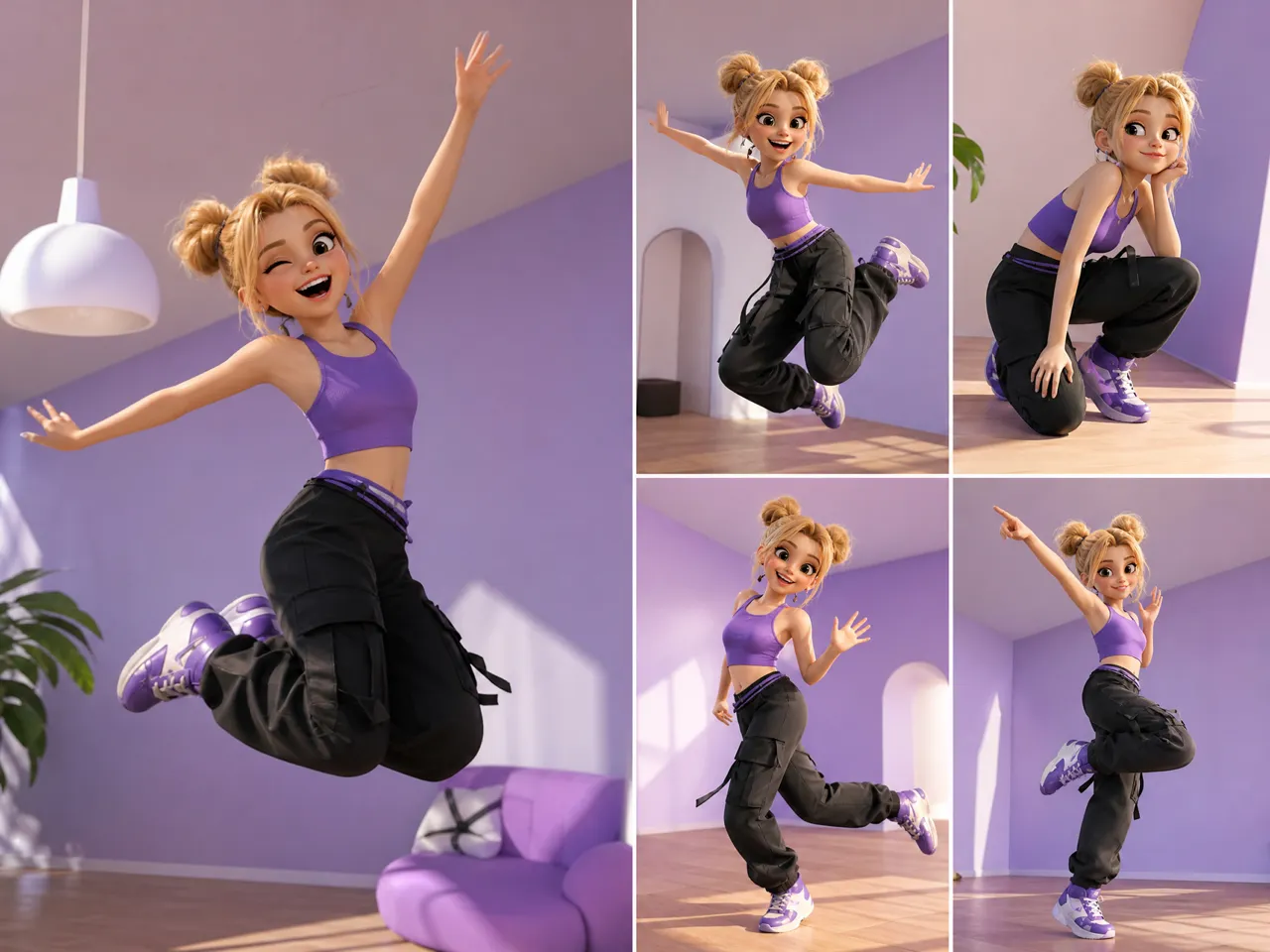
A character does not have to stay frozen in one pose. The AI dance video generator can turn a source image into a moving dance clip, helping creators explore new concepts without recording an entire performance from scratch.
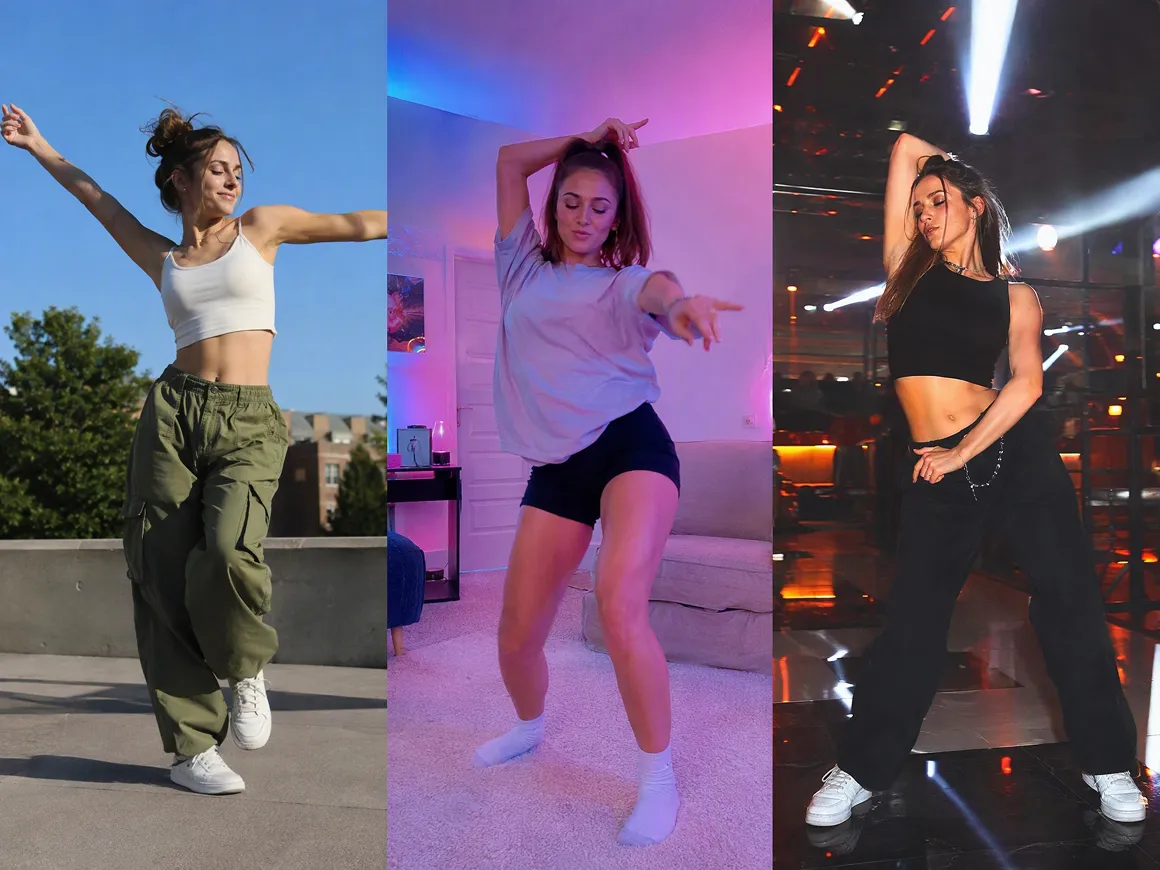
Prompt and Reference-Based Dance Direction
A simple "start dancing" prompt may leave too much room for interpretation. Add written instructions, visual references, or other guidance to shape the movement, energy, framing, and overall dance style you want.
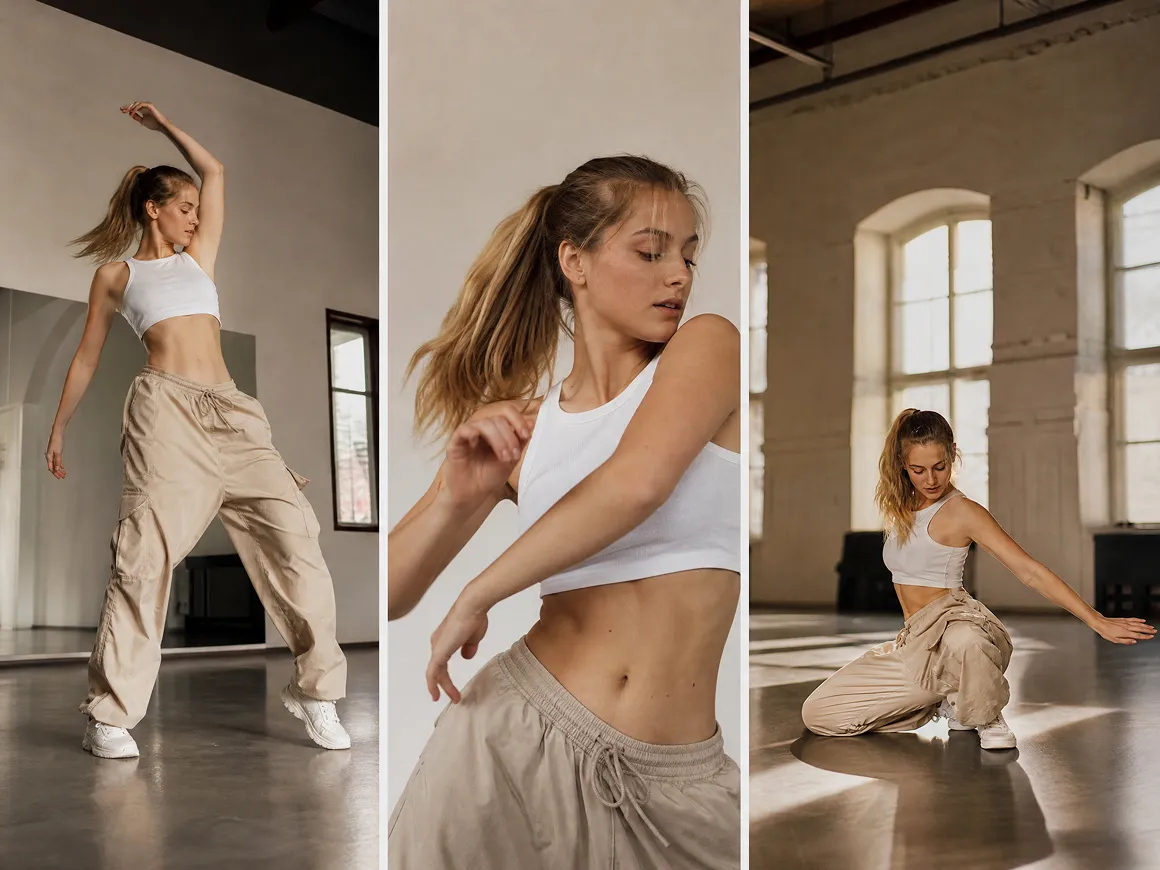
Custom Video Settings for Different Platforms
A dance clip for TikTok may need a different format from a music visual or short film. Adjust supported aspect ratios, duration, resolution, and generation settings to create videos that match different publishing needs.
Organized Workspace for Dance Projects
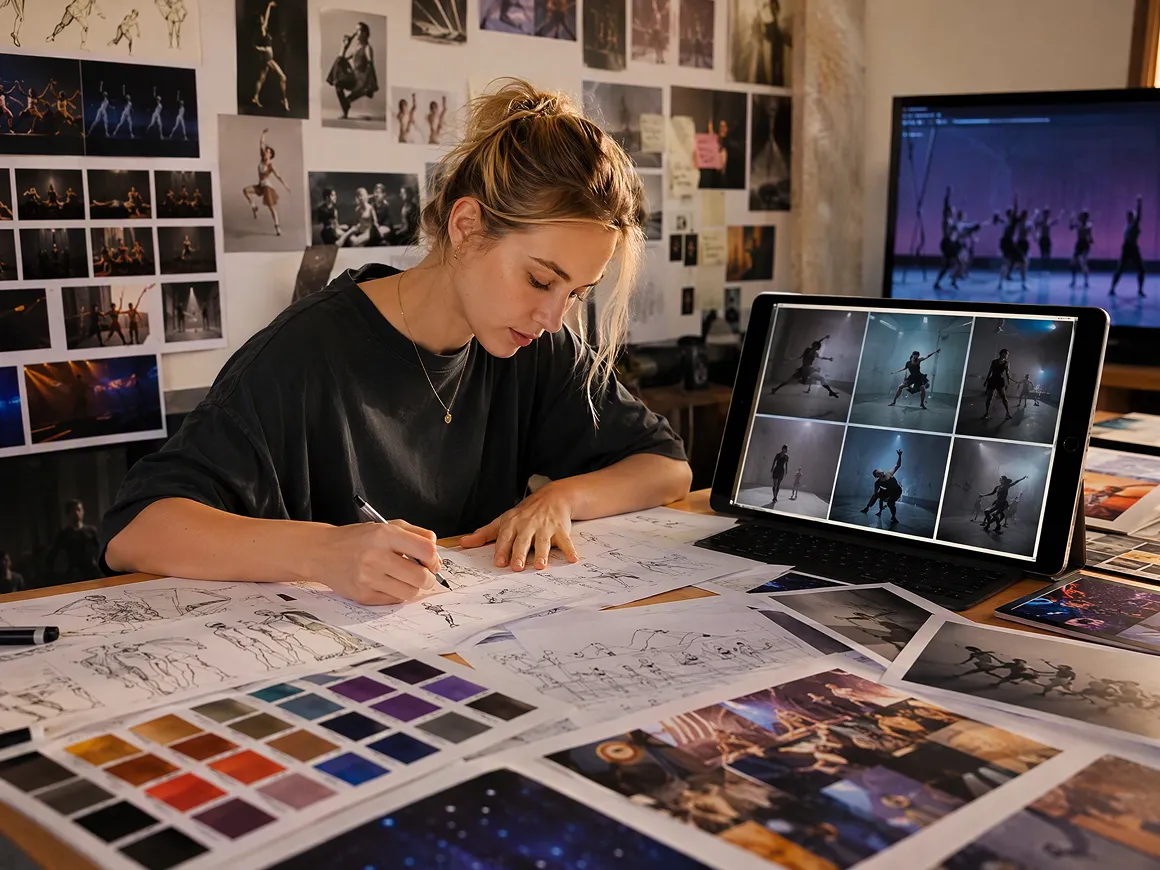
Dance ideas often take multiple attempts before reaching the right result. Keep prompts, references, generated clips, and revisions together in one workspace, making it easier to compare ideas and continue refining your video.
Creative Ways to Use AI Dance Videos
Social Media Dance Clips
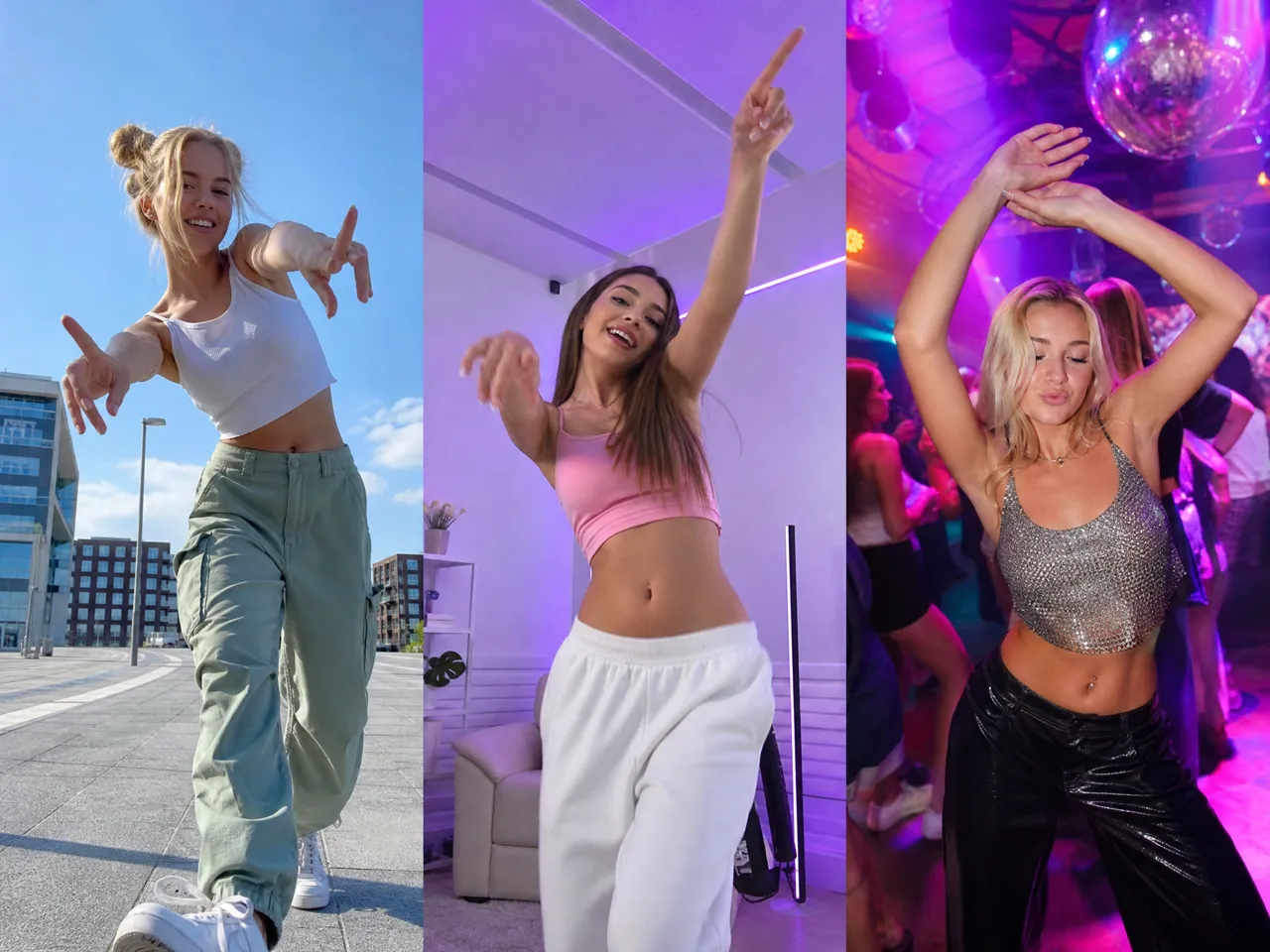
Creators can develop dance content for TikTok, Instagram Reels, or YouTube Shorts without recording every movement in front of a camera. The AI Dance Video Generator makes it easier to test different visual ideas before choosing a version to post.
Frequently Asked Questions
Can AI make a photo dance?
How do I make an AI dance video?
Start with a prompt, image, or reference, then describe the dance style, movement, and scene you want. The AI generates a video based on your input, which you can refine until the result matches your idea.
How do I write a prompt for an AI dance video?
Describe the subject, dance style, movement, camera angle, and mood. Specific details such as "energetic hip-hop performance" or "slow cinematic dance scene" can give the AI clearer direction.
Why do AI dance videos look unnatural sometimes?
Unnatural movement can happen when the input image is unclear, the pose is difficult to interpret, or the requested choreography is too complex. Simpler movements and clearer instructions can help improve consistency.
Is there a free AI dance video generator?
Some AI dance tools offer free trials or limited credits, while advanced models and longer videos may require paid plans. Available features depend on the platform.
Can I use AI dance videos for TikTok and YouTube?
Yes. AI dance videos can be adapted for TikTok, YouTube Shorts, and other platforms. Check the format, framing, and usage rights before publishing.
Bring Your Dance Ideas to Life
Your dance concept can become a finished video with the AI dance video Generator in RoboNeo. Try different movements, styles, and visual directions to create a clip that matches your idea.
What Users Say About AI Dance Videos in RoboNeo
I had a few character designs that were sitting unused because I didn’t know how to turn them into videos. The dance clips gave me a simple way to experiment with those ideas and create something more dynamic for social.
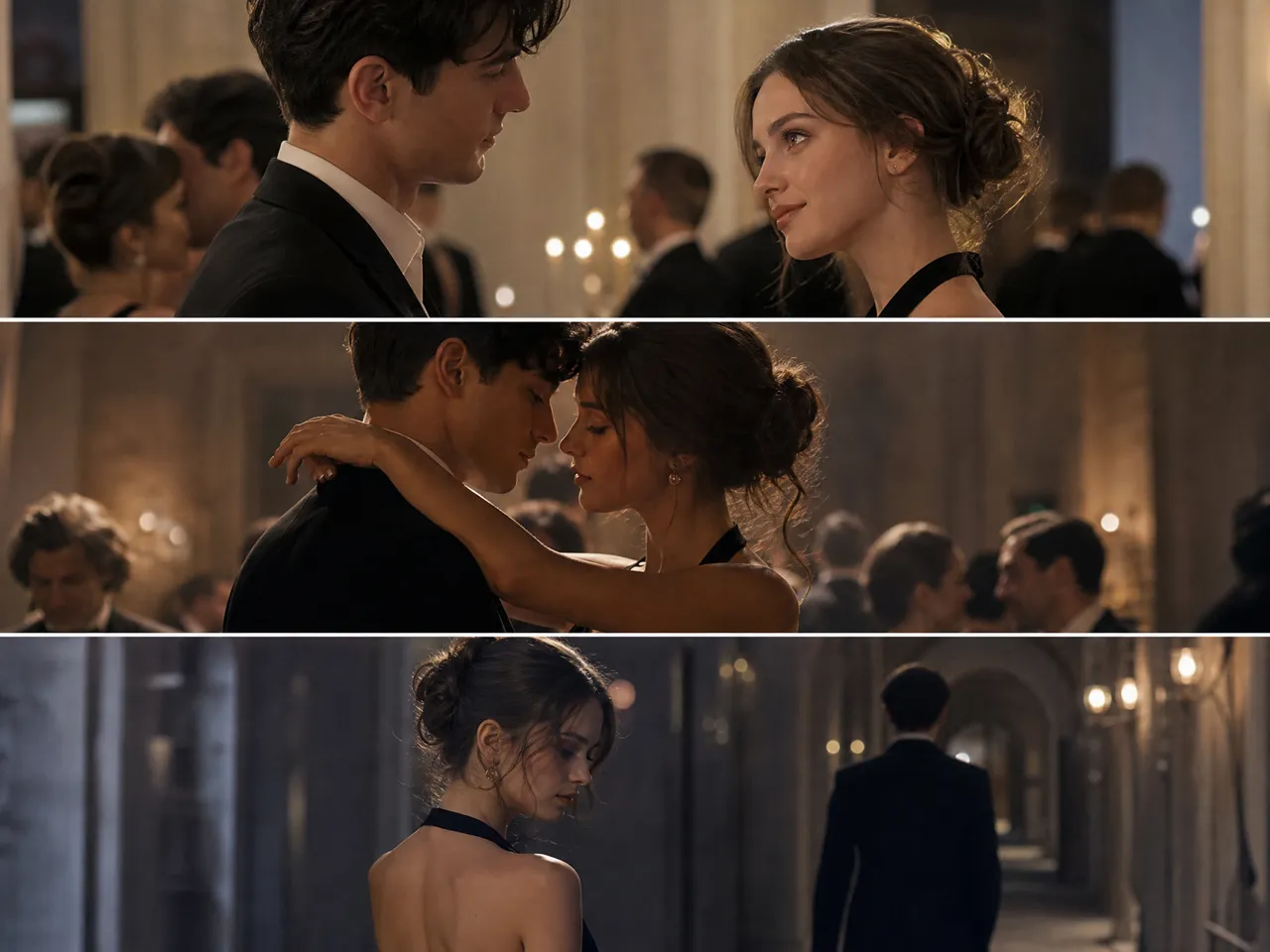
I'm usually working with scenes where I already know the mood I want, but not every movement detail. Being able to try different dance moments helped me find options that fit the story better.
Some of my ideas start with a song rather than a finished concept. I use RoboNeo to test visual directions before deciding what works best for the final video.