
Seedance 2.0 Videos From Your Own References
RoboNeo lets you build Seedance 2.0 videos with your own images, clips, audio, and prompts. Keep everything in one workspace, then adjust camera movement, start and end frames, sound, aspect ratio, and resolution to get closer to the video you actually want.
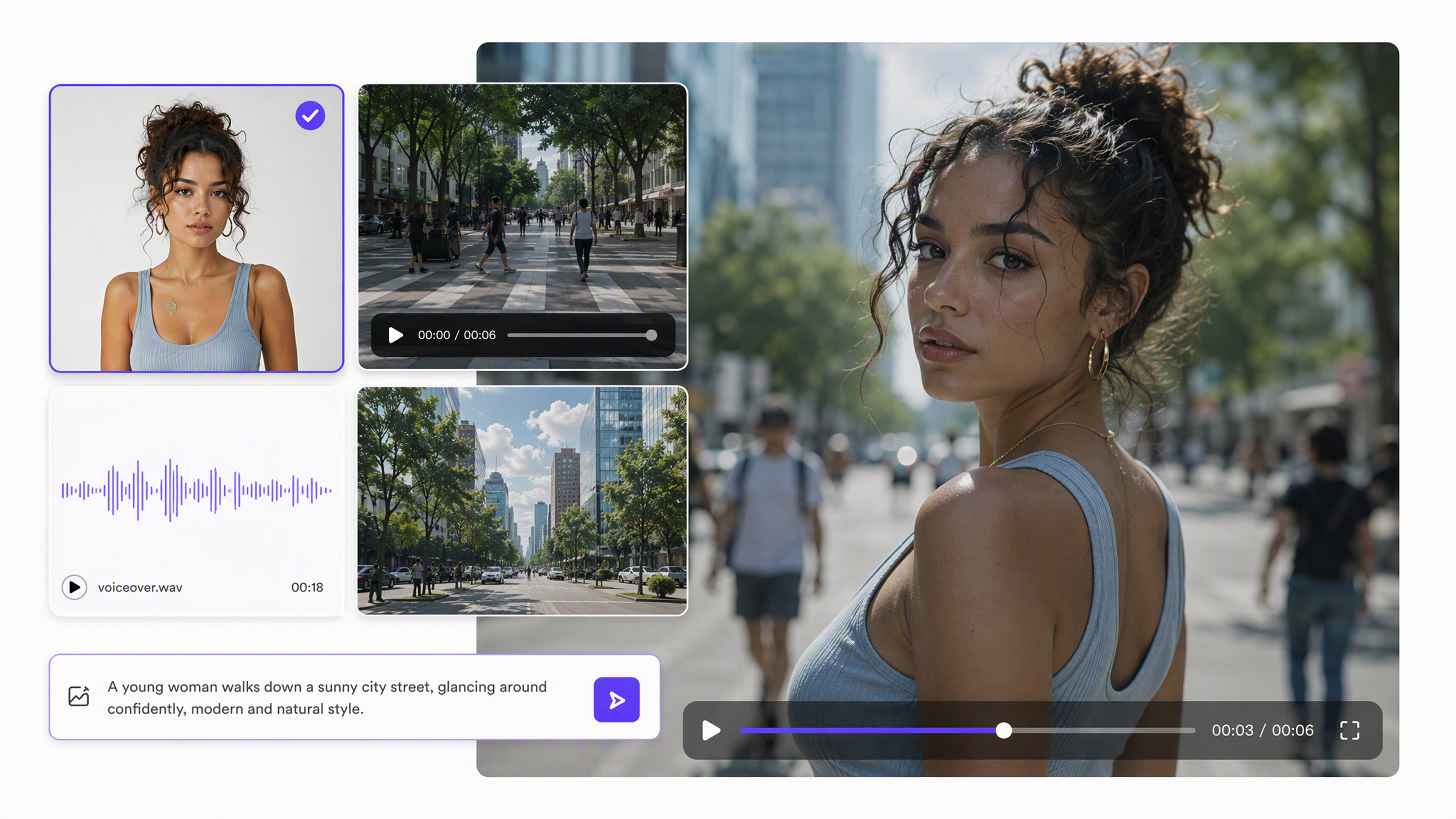
Make a Seedance 2.0 Video in RoboNeo
Add Your Files
Write your prompt and add any images, video clips, or audio you want to use to the canvas.
Choose How to Generate
Open a Video Node and select Seedance 2.0. Then choose the setup that fits your project, such as text to video, image to video, start and end frames, or Universal Reference for multiple inputs.
Set the Video Details
Choose the aspect ratio, resolution, video length, and audio setting. If you are using several references, use @ to tell Seedance 2.0 which specific image, clip, or audio file to follow.
Generate and Edit
Generate the video and check the result on the canvas. If you want a different result, update the prompt, replace a reference, or change the video settings and generate again.
More Control for Seedance 2.0 Video Creation
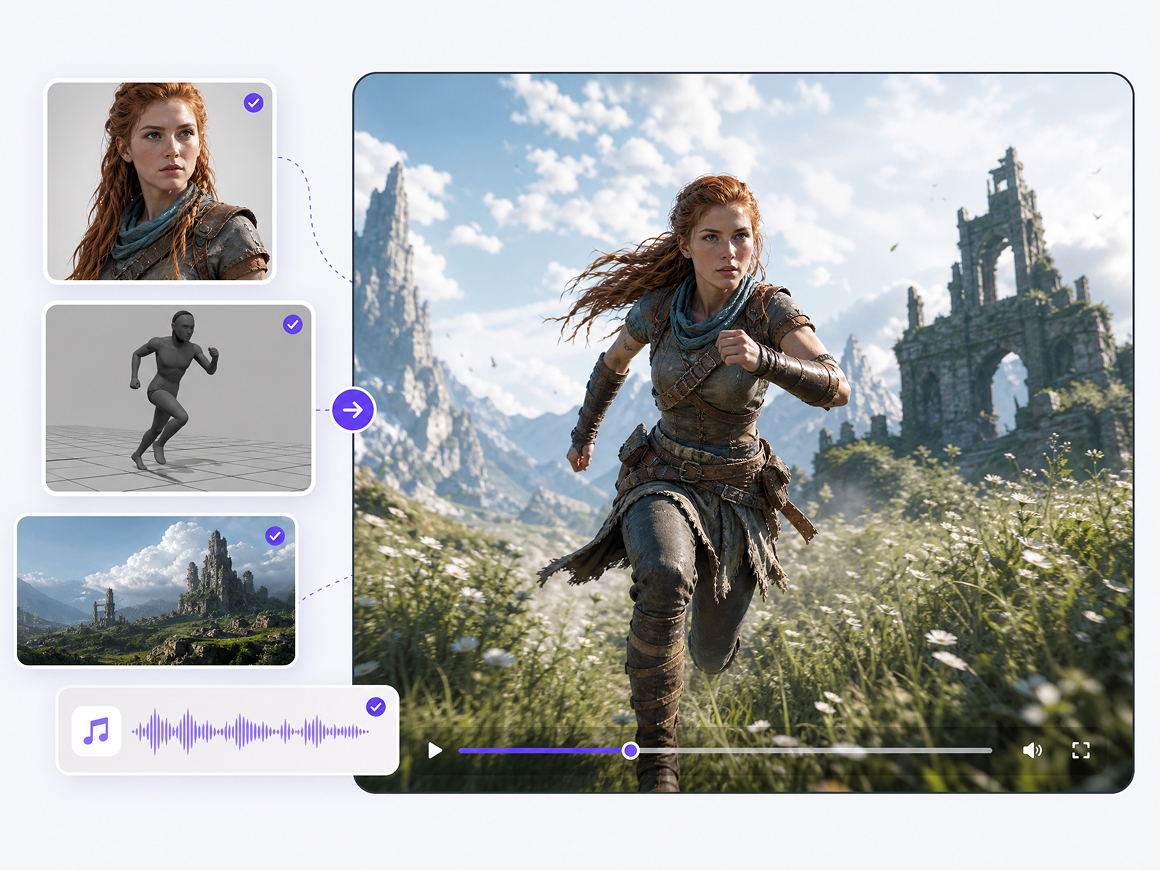
Build Scenes From Multiple Creative References
Text alone does not have to carry the entire idea. Seedance 2.0 can work with images, video, audio, and text references together, giving creators more context for characters, movement, visual direction, and sound when a project needs tighter creative guidance.
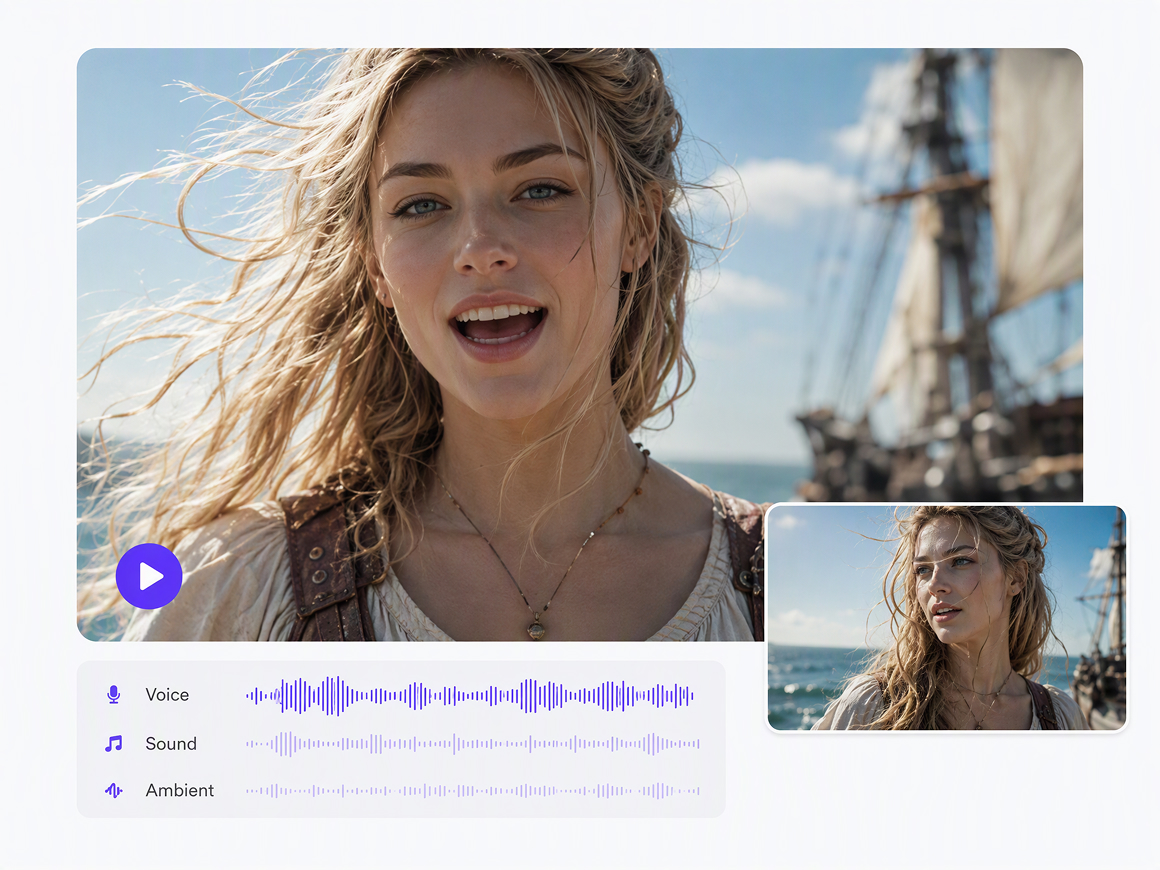
Keep Motion and Audio Working Together
Seedance 2.0 supports precise camera motion control and synchronized audio-video generation. This makes it easier to develop short scenes where movement and sound belong to the same creative pass instead of creating silent footage first and rebuilding the audio separately.
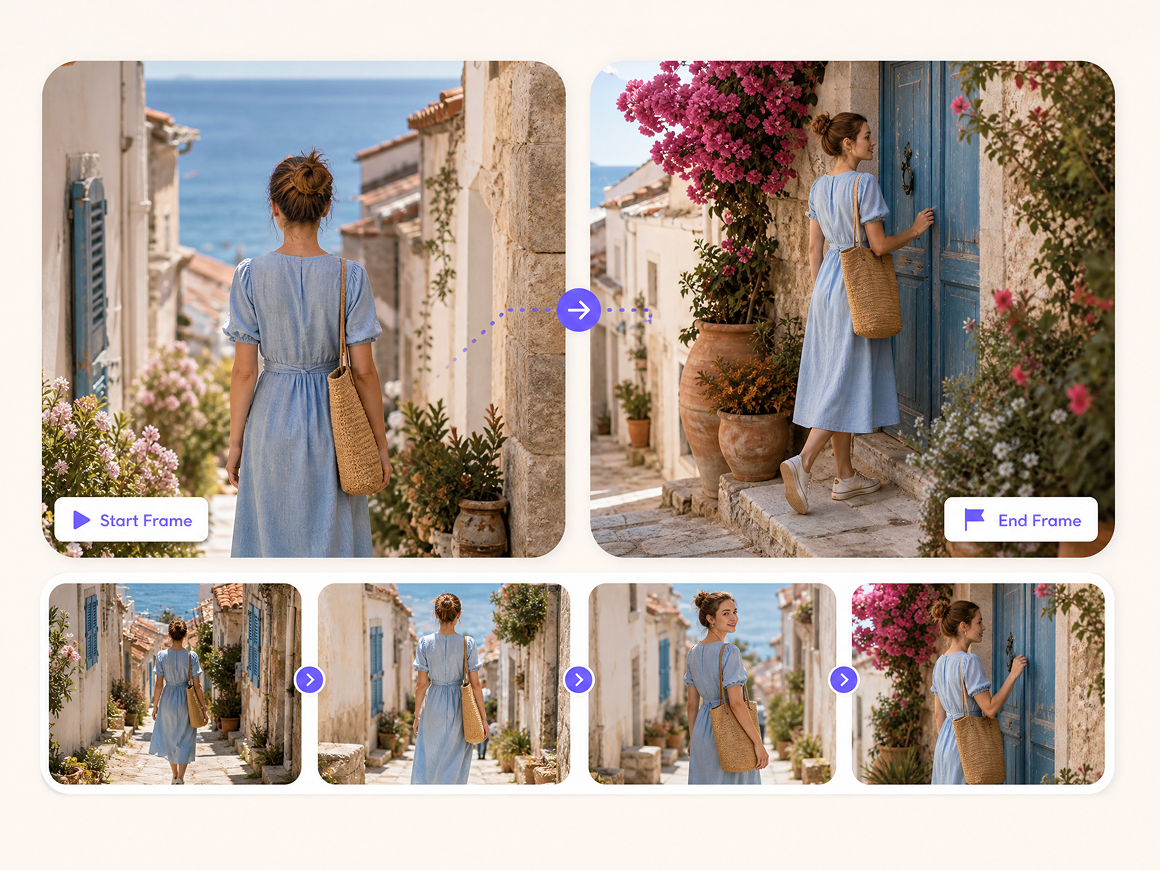
Shape Transitions With Start and End Frames
A beginning image and an ending image can define where the shot starts and where it needs to arrive. RoboNeo uses both frames as references for continuous video generation, giving creators more control over transitions than relying on a prompt alone.
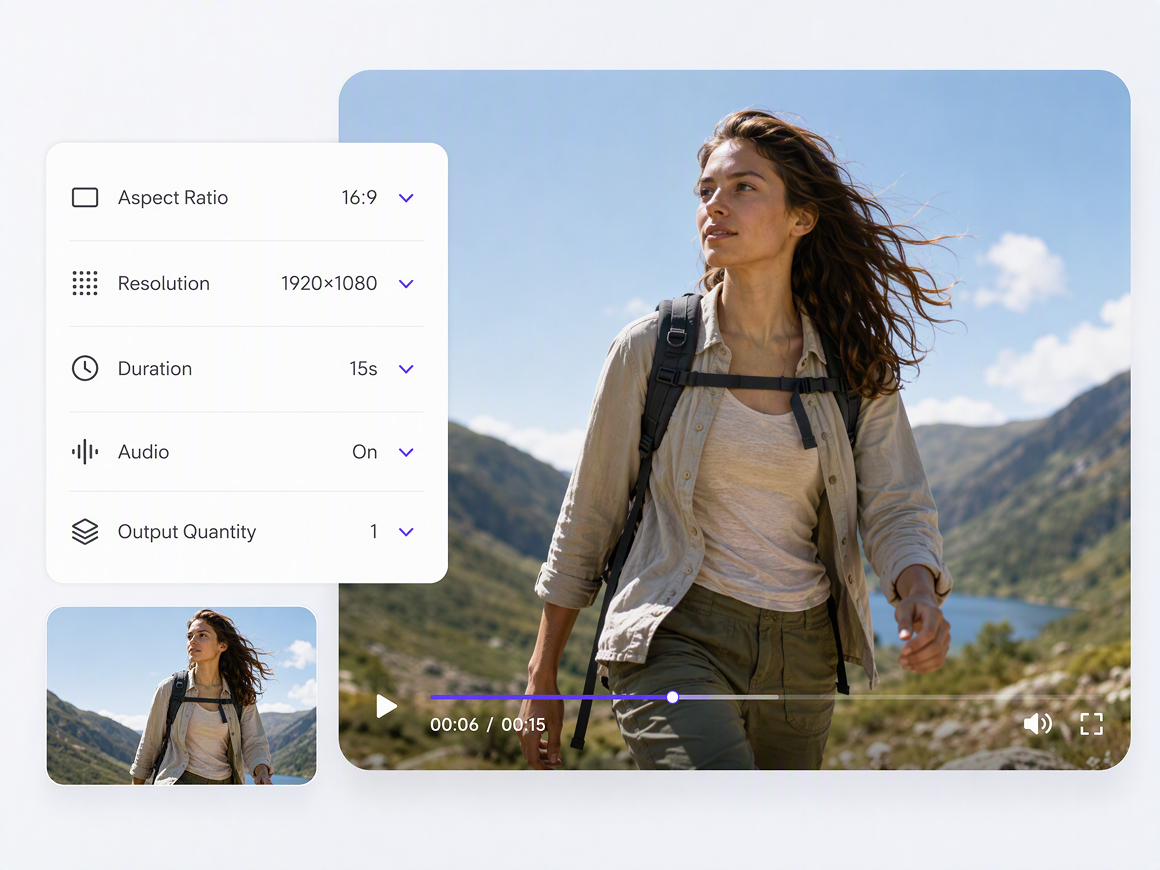
Adjust Output Without Rebuilding the Project
Aspect ratio, resolution, audio generation, duration, and output quantity can be managed from the Video Node. That keeps key generation settings close to the creative materials, making revisions easier when the same concept needs different formats or another version.
What You Can Create with Seedance 2.0 Video
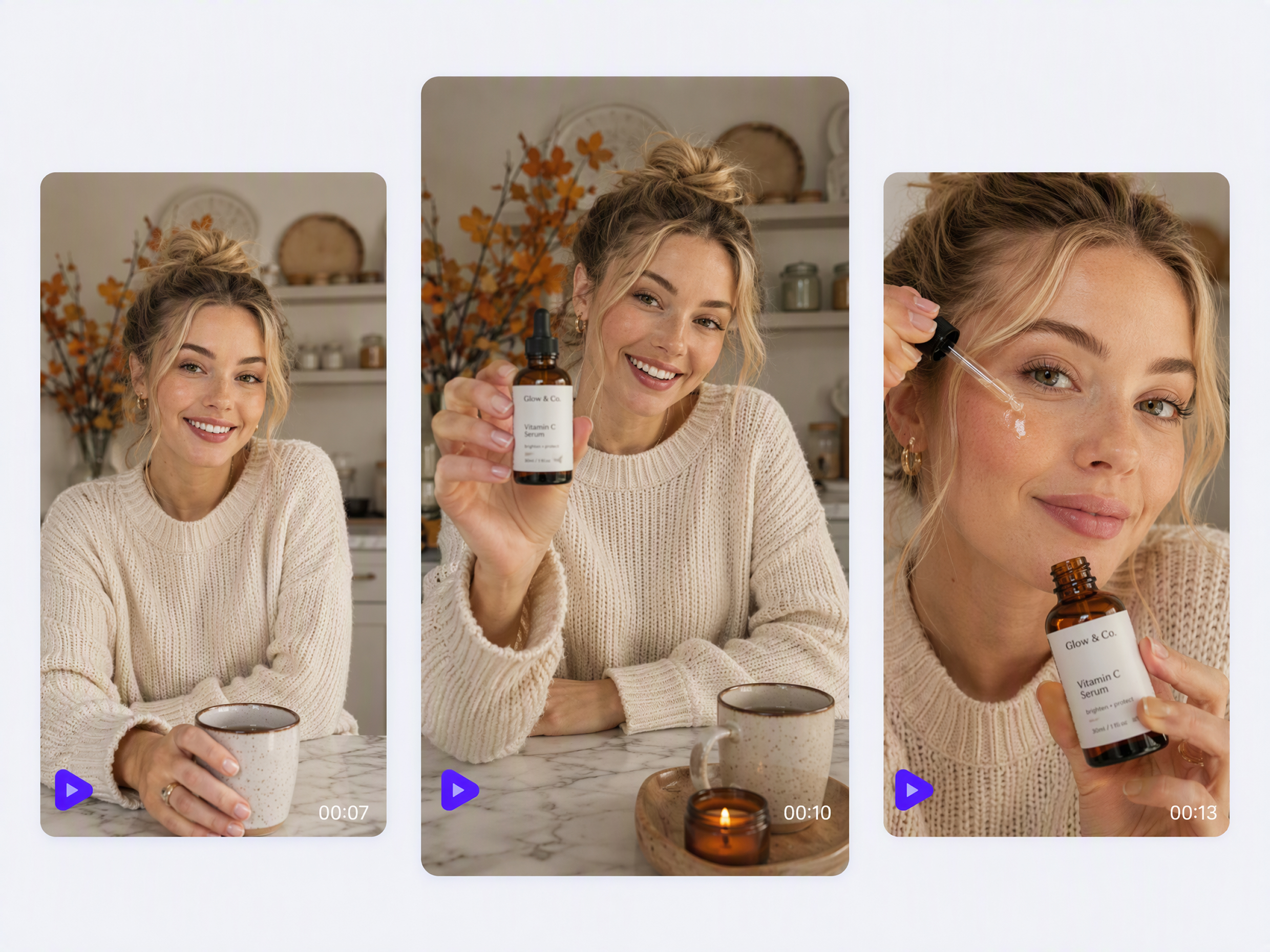
Social Short Videos
A prompt, image, or existing clip can become the starting point for a Seedance 2.0 video made for TikTok, Reels, or Shorts. Vertical formats, camera movement, and synchronized audio can all be set around the type of short-form content you want to publish.

Frequently Asked Questions
How long can a Seedance 2.0 video be?
Can I make vertical Seedance 2.0 videos?
Yes. RoboNeo supports 9:16 along with horizontal, square, and other aspect ratios, so you can create Seedance 2.0 videos for TikTok, Reels, Shorts, and other platforms.
Can I use a real person's photo or video with Seedance 2.0?
Yes, but materials featuring real human faces must pass RoboNeo's compliance verification before they can be used with Seedance 2.0.
How do I keep the same character across Seedance 2.0 videos?
Use the same character reference across shots and clearly indicate which asset Seedance 2.0 should follow. Some variation may still appear between separately generated clips.
What if Seedance 2.0 does not follow my reference?
Try simplifying the prompt, removing conflicting references, or using @ to point Seedance 2.0 to the exact image, video, or audio asset you want it to follow. Then regenerate and compare the result.
Can I generate multiple Seedance 2.0 videos at once?
Yes. RoboNeo's Video Node supports generating 1, 2, or 4 video clips in one batch, making it easier to compare several results from the same setup.
More Ways to Shape Your Seedance 2.0 Videos
RoboNeo keeps your prompts, reference files, generated clips, and revisions together, so you can test new directions and keep improving your Seedance 2.0 videos without rebuilding the project each time.
Seedance 2.0 Videos in Real Projects
I had a product image and a rough idea for a vertical video. I added both in RoboNeo, used Seedance 2.0, and quickly tested a few different camera movements. I didn't have to rebuild the video every time I wanted to try another version.
I use start and end frames when I already know how a scene should begin and finish. Seedance 2.0 helps connect those two shots into a smoother sequence, which is especially useful when I’m building short drama scenes shot by shot.
I use Seedance 2.0 videos mostly for product ads. I can start with the product photos I already have, try a few different video ideas, and see which one feels worth developing before spending more time on the final ad.