
AI Video Watermark Remover

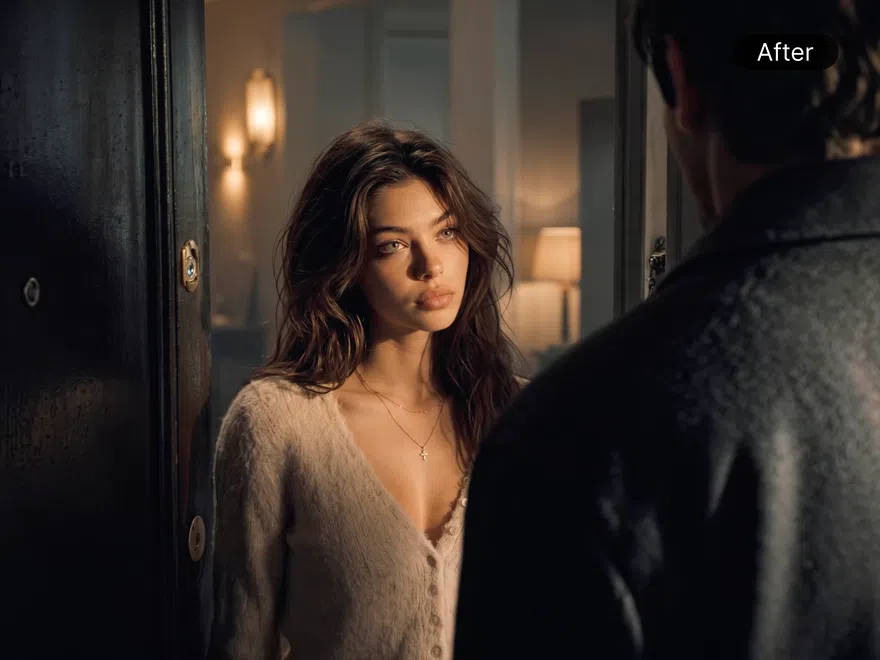
How to Remove Watermarks with RoboNeo
Upload Your Image or Video
Upload one file or choose batch upload multiple files.
Process the Watermark
RoboNeo processes the visible watermark or overlay.
Preview and Download
Preview the cleaned clip, check detailed and moving areas, then download when you’re ready.
Why RoboNeo Streamlines Watermark Cleanup
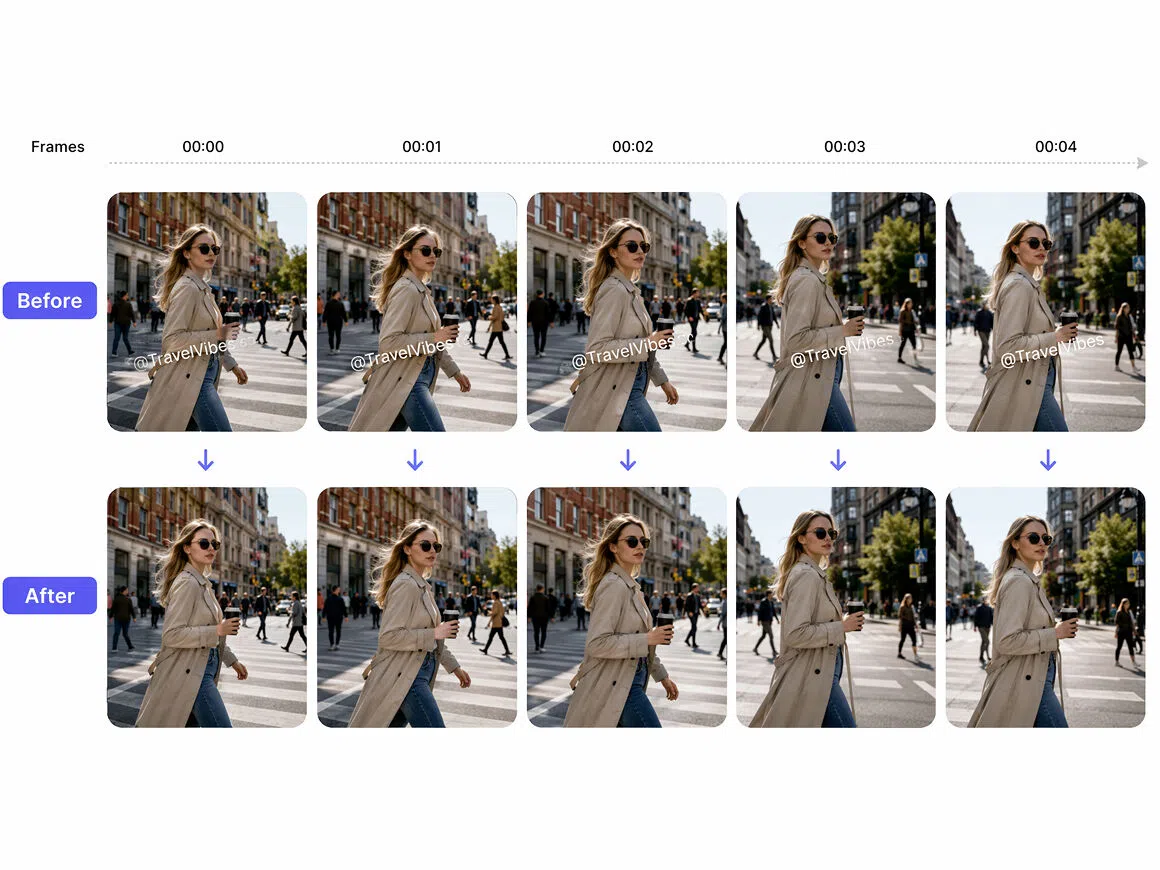
Steady Results in Dynamic Shots
Tracks watermarks through camera movement, quick cuts, and busy backgrounds so removal stays consistent from frame to frame. Built to handle the fast pacing common in short videos, without flicker or shifting patches.
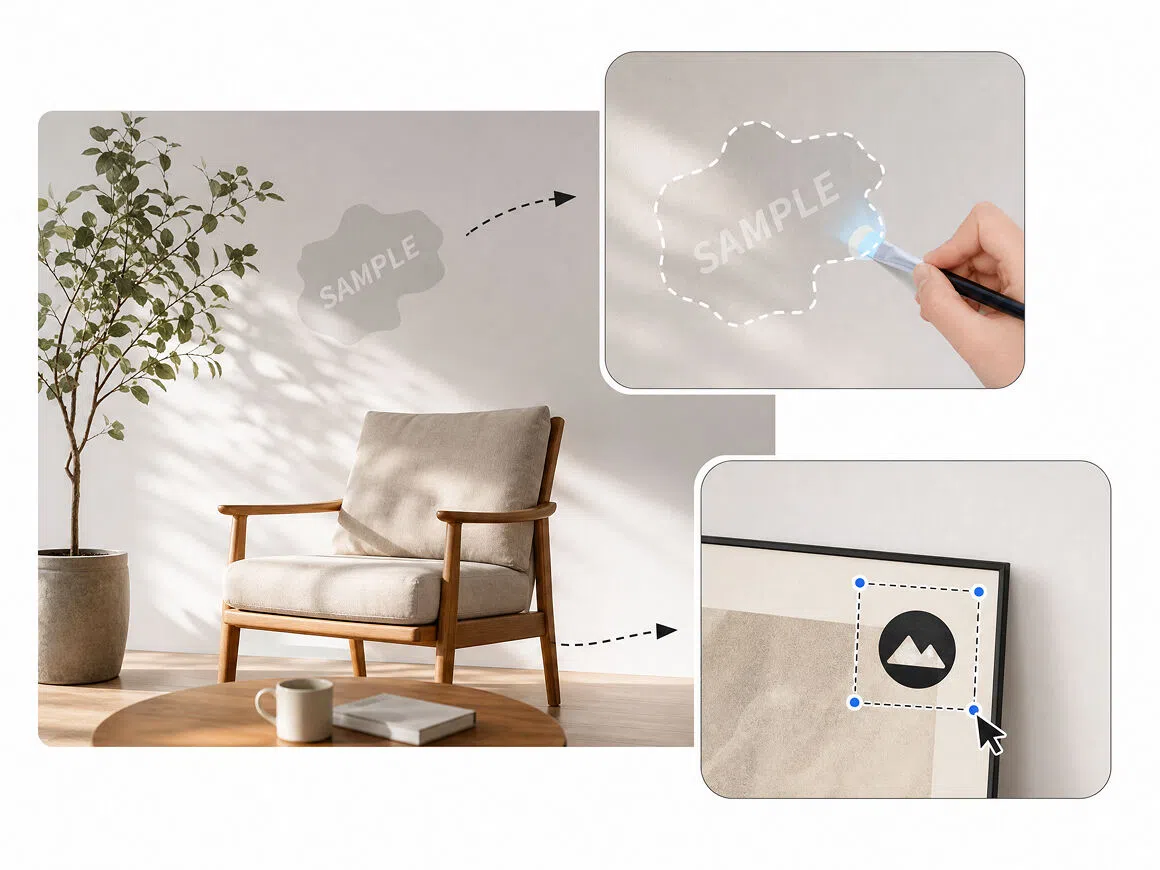
Manual Control When It Matters
If you need to remove parts manually, Swipe and Select to choose only the parts you want to remove. Brush directly over irregular shapes, draw a box around a fixed mark, it keeps precision when the scene calls for it.
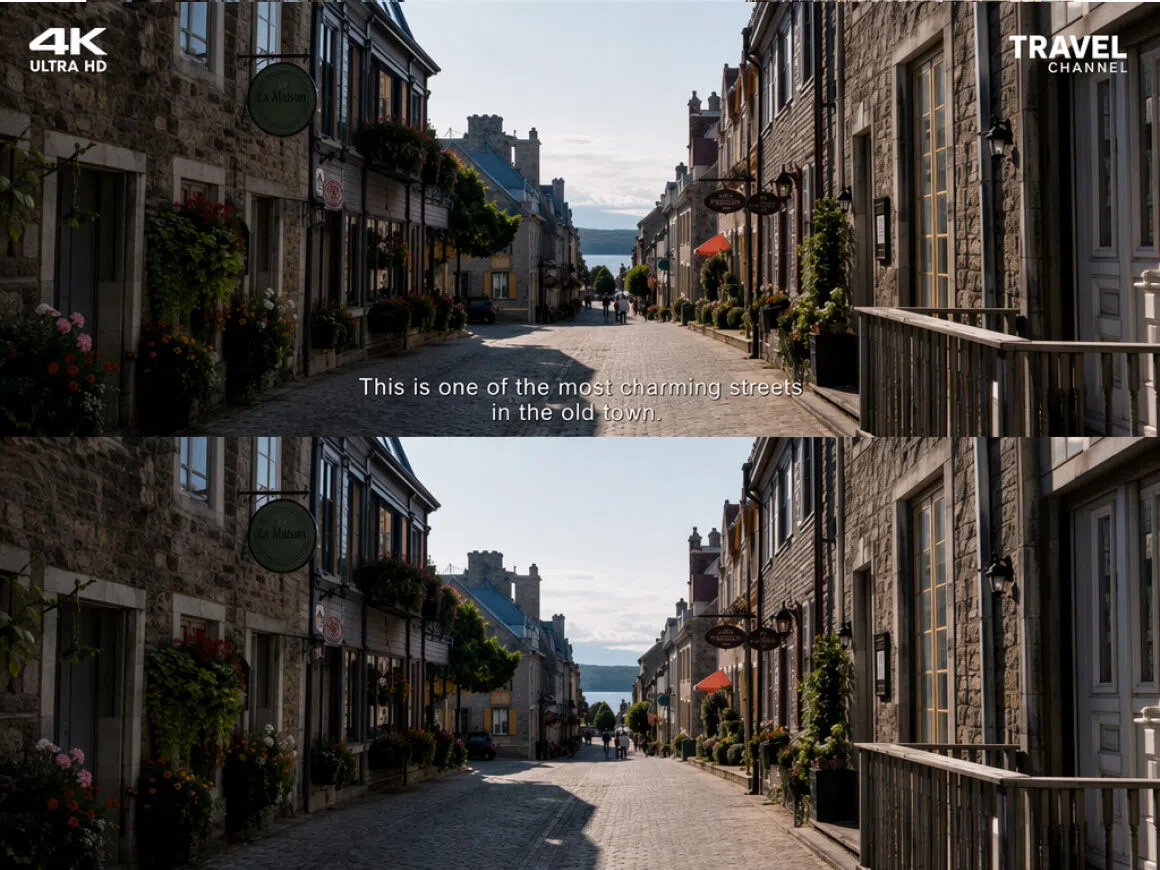
Clean Corners, Clear Text
Remove corner watermarks, platform logos, and on-screen text marks that get in the way of a clean shot. RoboNeo rebuilds the area naturally, keeping backgrounds and textures consistent so the edit doesn't stand out.
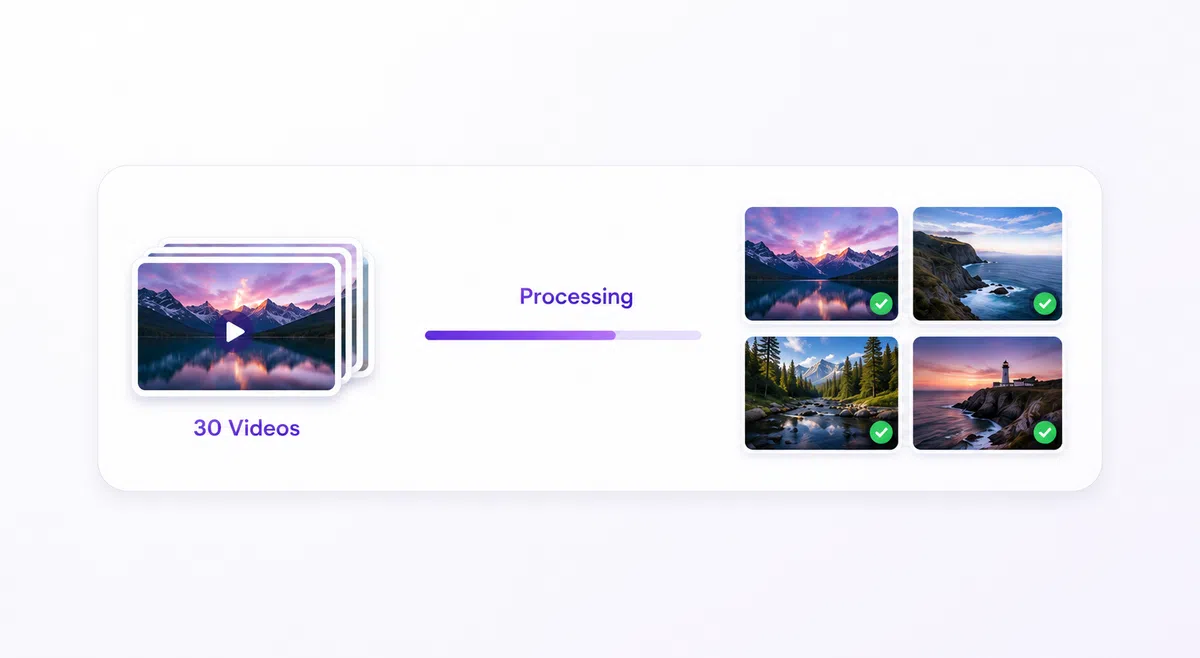
Batch Process Up to 30 Videos
Upload and process up to 30 videos in one time, ideal for multi-episode series or bulk content that needs the same cleanup. Save time on repetitive edits without sacrificing quality across files.
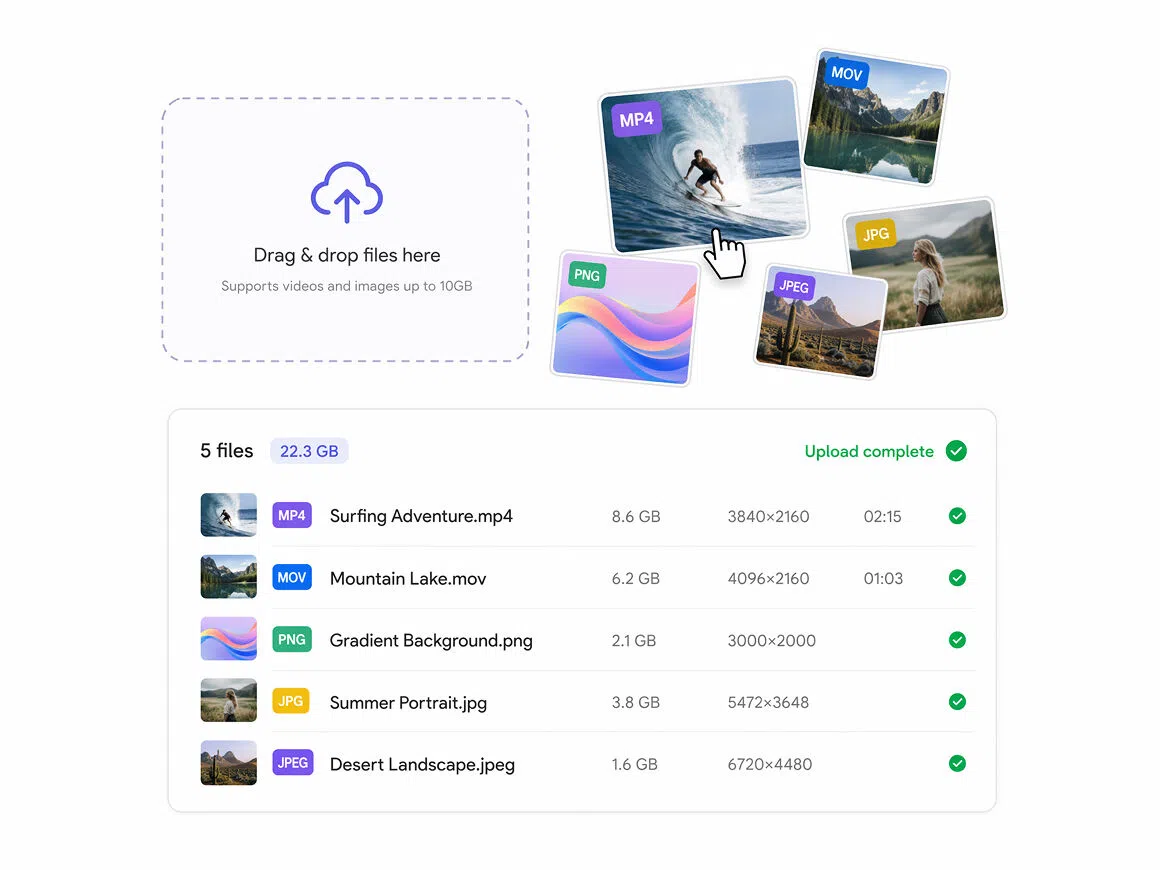
High-Capacity Video Upload Support
supports common image formats (PNG, JPG, JPEG) and video formats (MP4, MOV), with file sizes up to 500MB for video. Enough headroom for high-resolution footage without the need to compress before upload.
Who Uses RoboNeo’s Watermark Remover?
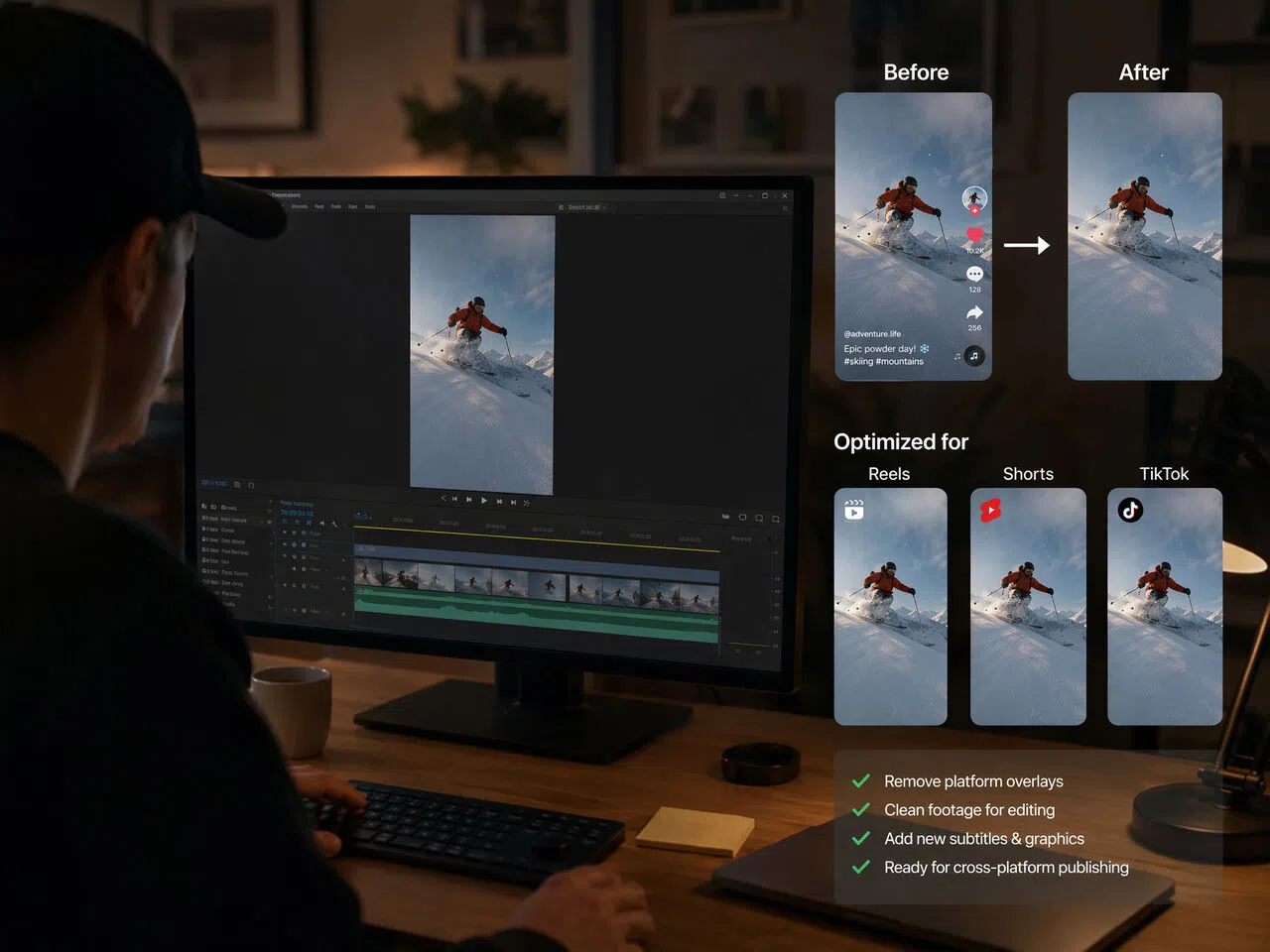
Social Media Reposting
Creators often need to reuse their own TikTok exports in Reels, Shorts, or campaign recaps. RoboNeo helps teams clean visible platform overlays from authorized clips and prepare cleaner versions for resizing, adding new captions, and faster cross-platform reposting.



FAQ
What is a watermark remover?
Are watermark removers illegal?
Watermark removers are not inherently illegal. However, removing copyright or ownership information without permission may violate copyright law, licensing terms, or platform rules. Rules vary by jurisdiction, so only edit content you own or are authorized to modify.
Can I ask AI to remove a watermark?
AI-powered tools can process visible watermarks and reconstruct the affected area. Results vary with watermark size, transparency, movement, and background complexity, so always review the output before publishing.
Will an AI watermark remover preserve the original quality?
RoboNeo aims to keep the surrounding image or video clear while cleaning the marked area. Final quality depends on source resolution, compression, watermark coverage, motion, and background detail, so some results may need closer review.
Does RoboNeo support batch watermark removal?
RoboNeo includes Batch Upload, allowing users to add multiple supported images or videos to the same workflow. This is useful for product assets, campaign files, or social clips that need repeated cleanup.
Can I use RoboNeo on my phone?
RoboNeo runs online, so you can access it through a mobile browser and upload supported files. Processing speed and convenience may vary with your phone, browser, connection, and file size.
Remove Watermarks from Images and Videos
Upload one file or use Batch Upload to prepare cleaner assets for social posts, product listings, ads, and other creative projects.
What Users Say About RoboNeo’s Watermark Remover
I mainly use it when we need to reuse our own short clips across Instagram and TikTok. The upload process was easy to figure out, and it gave me a cleaner file to work with before resizing and adding new captions.
We had a batch of older product images with temporary campaign labels still on them. Uploading several at once saved time, and the results worked well for most of our listing updates after a quick review.
I tried it on a few client-owned clips with simple corner overlays. It worked best on cleaner backgrounds, while busy or fast-moving areas still needed a closer look. For quick-turnaround edits, it was a useful first pass.