
Online Video Crop & Extract on RoboNeo
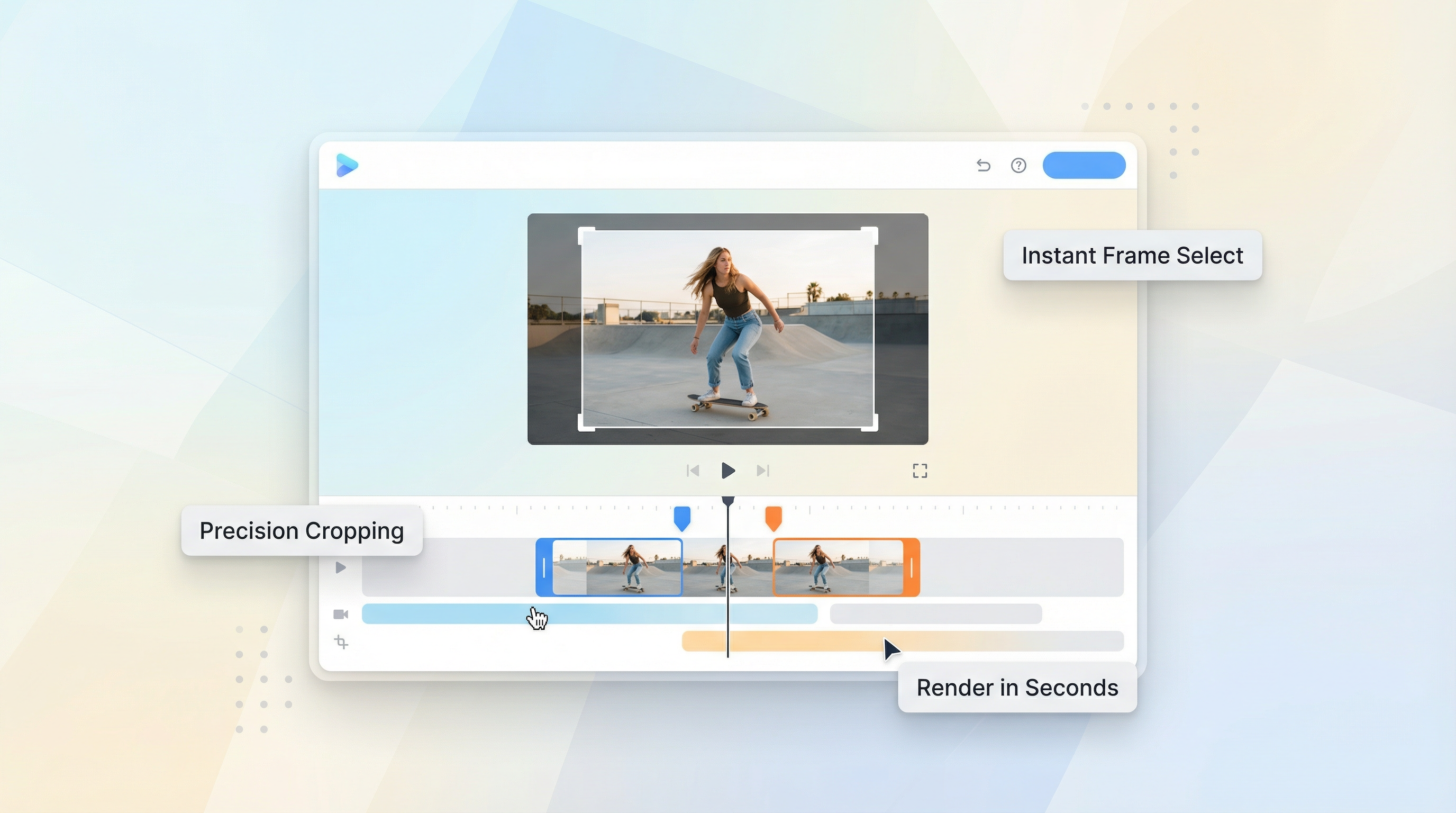
RoboNeo’s Video Crop & Extract features let you edit videos and turn video moments into images directly inside your AI workflow. You can cut videos, adjust framing, and extract high-impact frames without exporting files or switching to external video editing tools.
Crop Videos Online Without Leaving RoboNeo
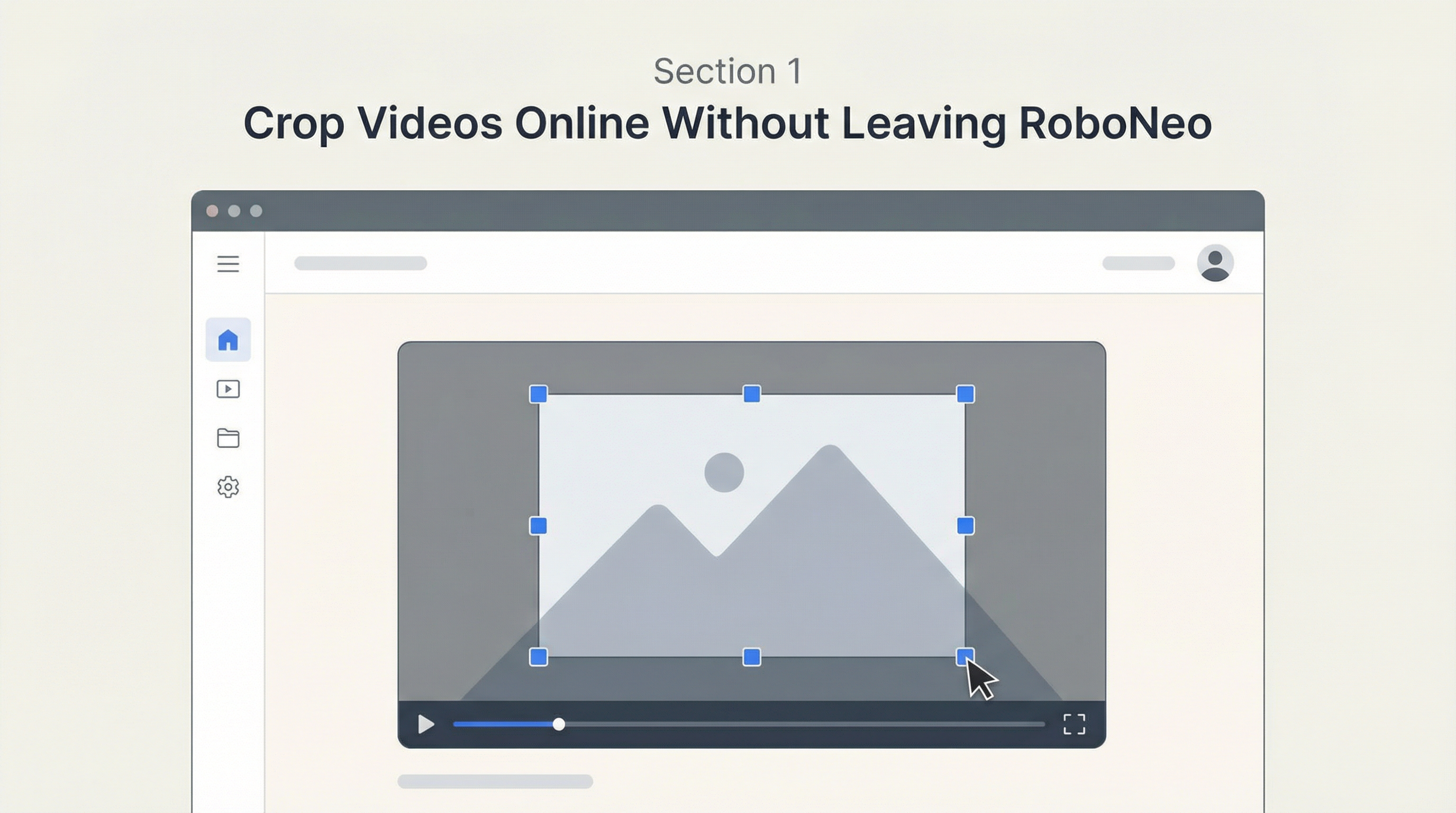
Video Crop allows you to crop videos online inside RoboNeo, whether the video was generated by RoboNeo’s AI or uploaded by the user. You can trim duration, remove unwanted sections, and adjust framing in the same place where the content is created.
Extract Frames From Video in One Click
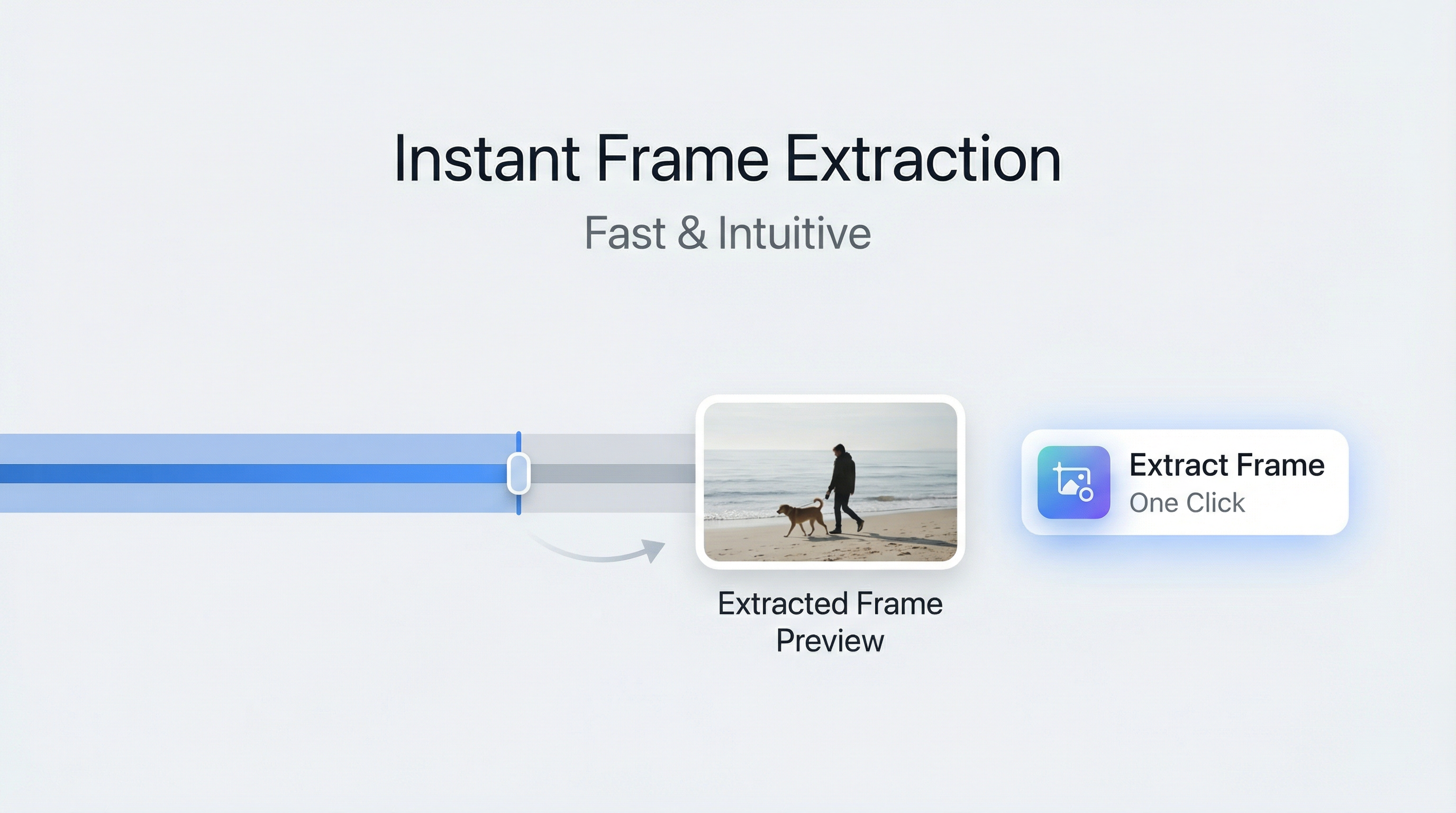
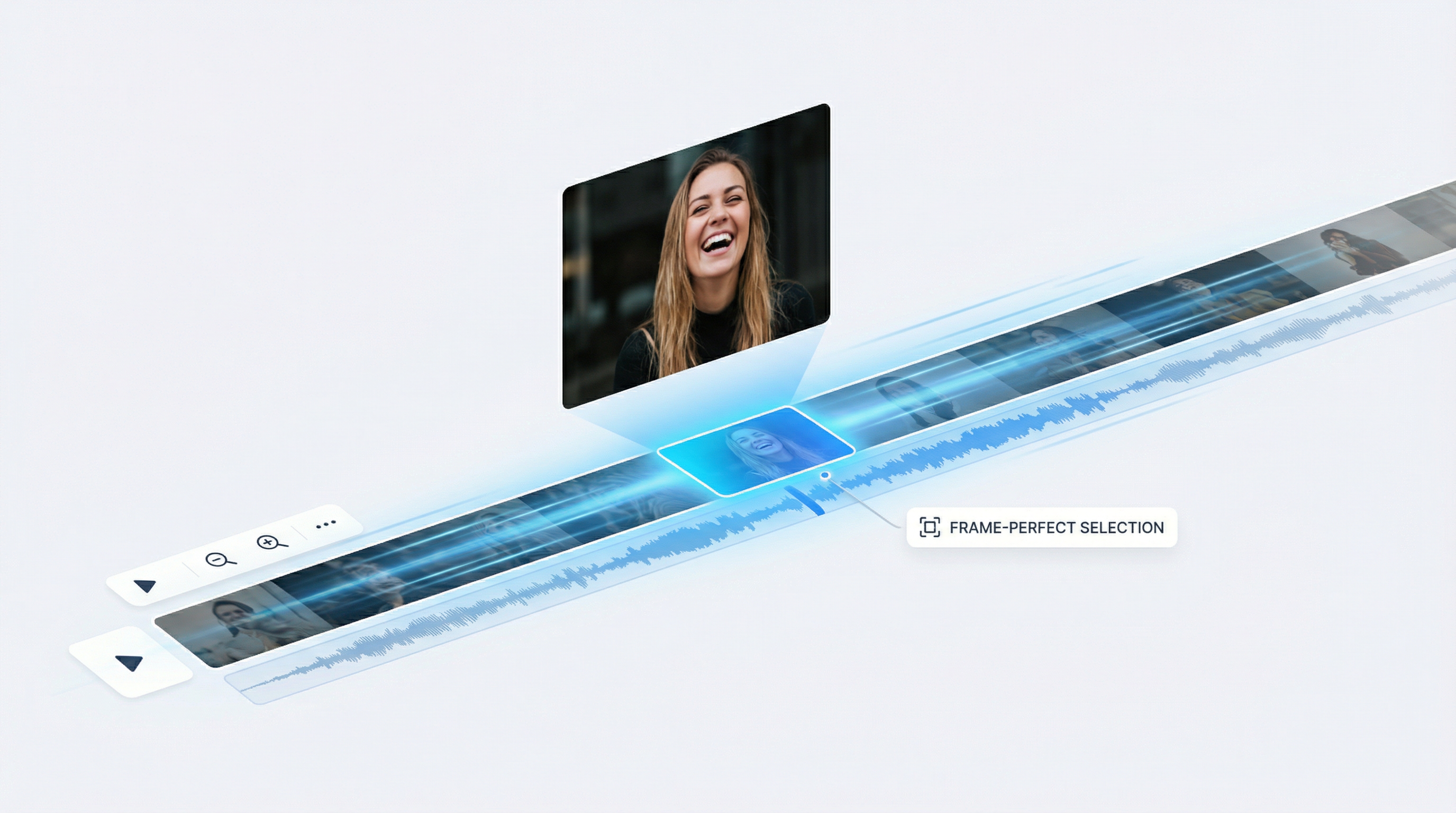
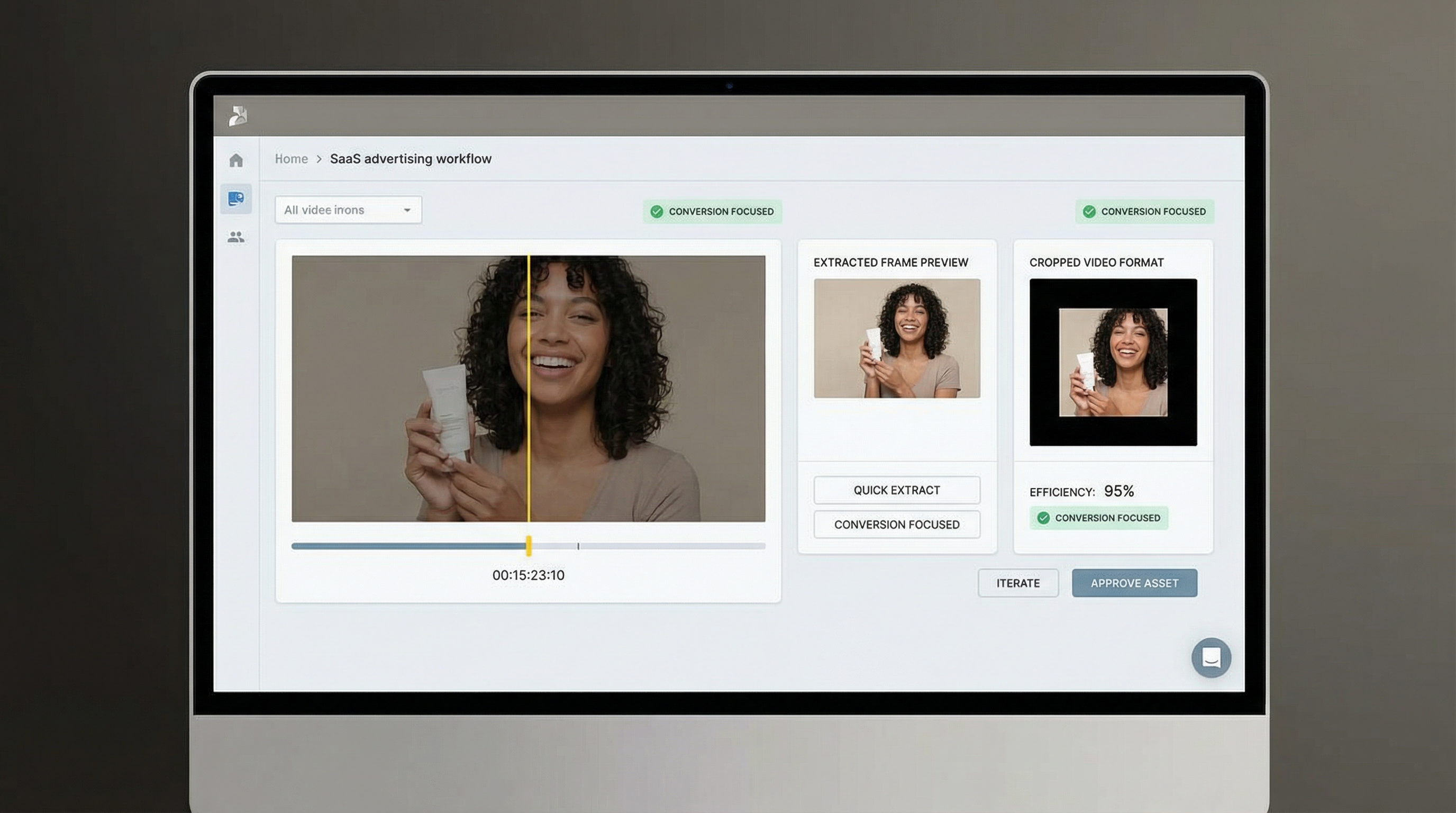
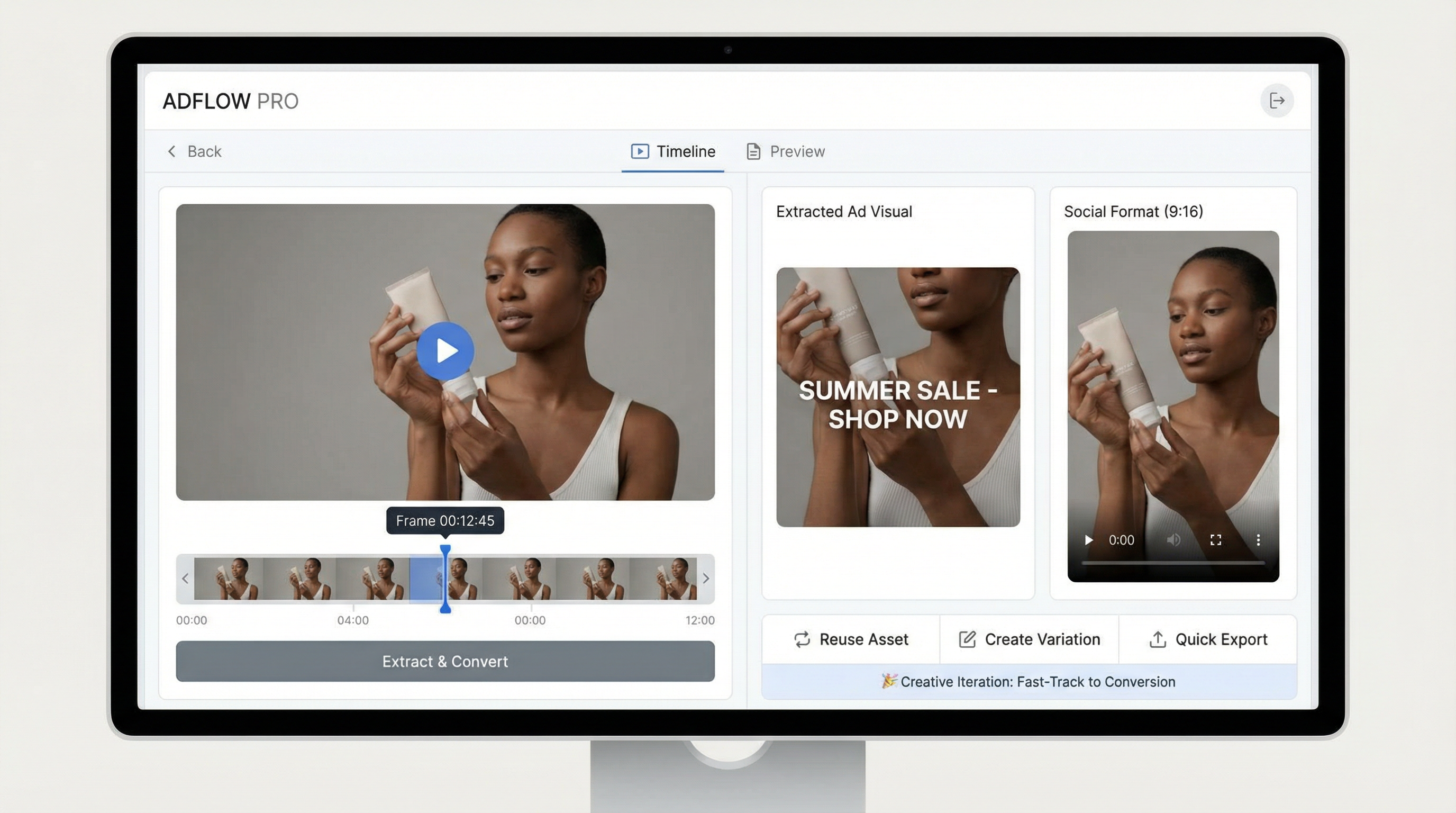
Extract lets you extract a frame from video and turn it into an image instantly. Instead of scrubbing timelines or exporting screenshots from external editors, you select the exact moment that matters and convert it into a reusable image.
Edit AI-Generated and Uploaded Videos
Video Crop works on both AI-generated videos and uploaded videos. It is designed for lightweight, production-ready edits that improve quality without complex timelines or manual post-production. Teams use Video Crop to shorten videos for social media, clean up AI-generated clips, and adapt the same video for previews, teasers, and final cuts across multiple platforms.
How to Use Video Crop and Extract in RoboNeo
Open Workflow mode and add your video
Go to Workflow mode, then either generate a video inside RoboNeo or upload an existing video you want to refine.
Open Edit on the video
Hover your mouse over the video and click Edit to access the built-in tools.
Choose Crop or Extract and confirm
Select Crop to trim, cut, or reframe the video, or select
Extract to capture a snapshot frame as an image, then click Confirm to finalize.
Feature Key Strengths
Highlight Key Moments From Long Videos
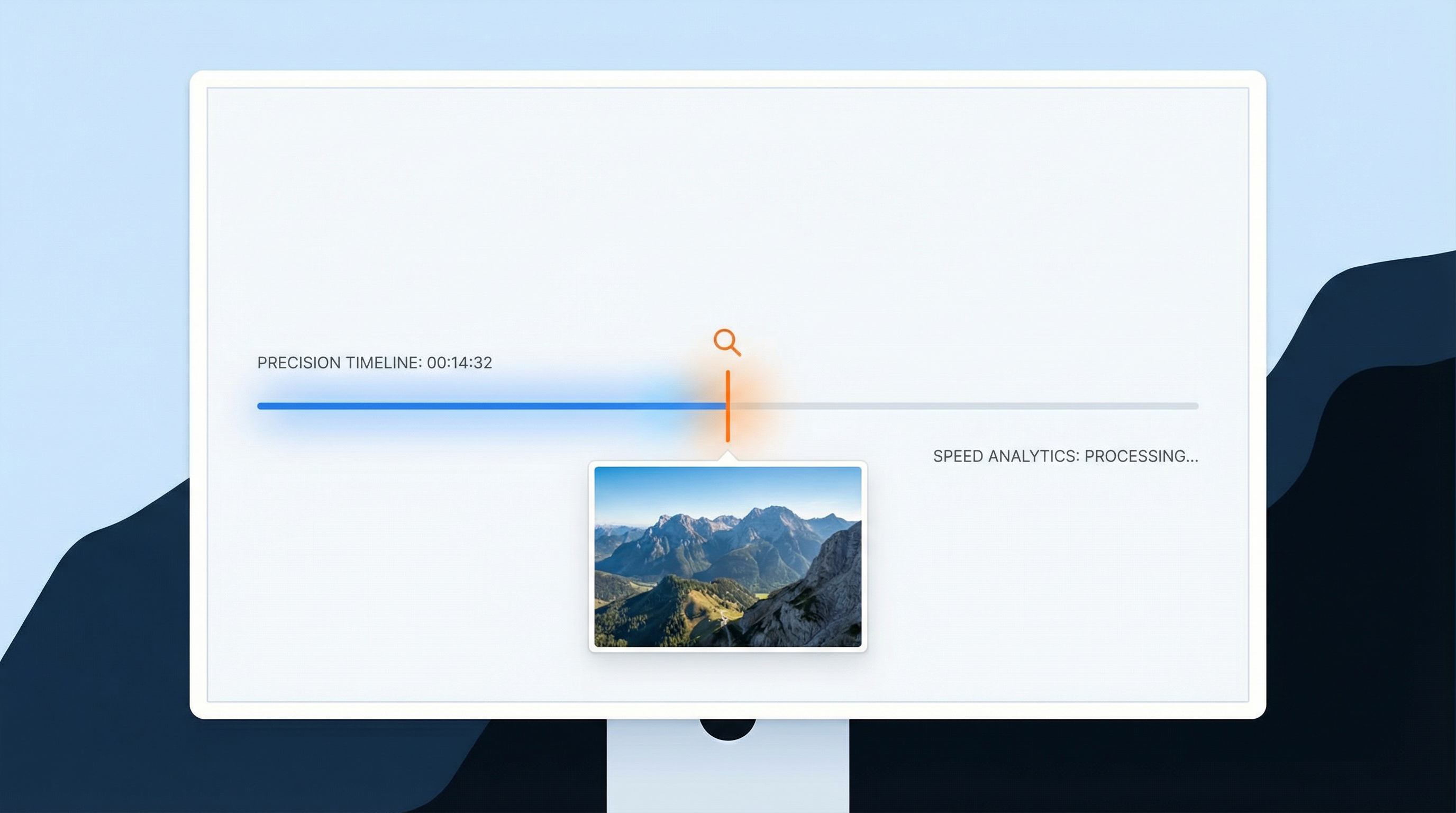
RoboNeo makes it easy to isolate the most important moments from long videos by extracting precise frames and trimming footage around them. Teams can quickly turn long recordings into focused highlights for presentations, previews, or summaries without manual scrubbing or timeline-heavy editing.
Prepare Visual Assets for Presentations and Decks
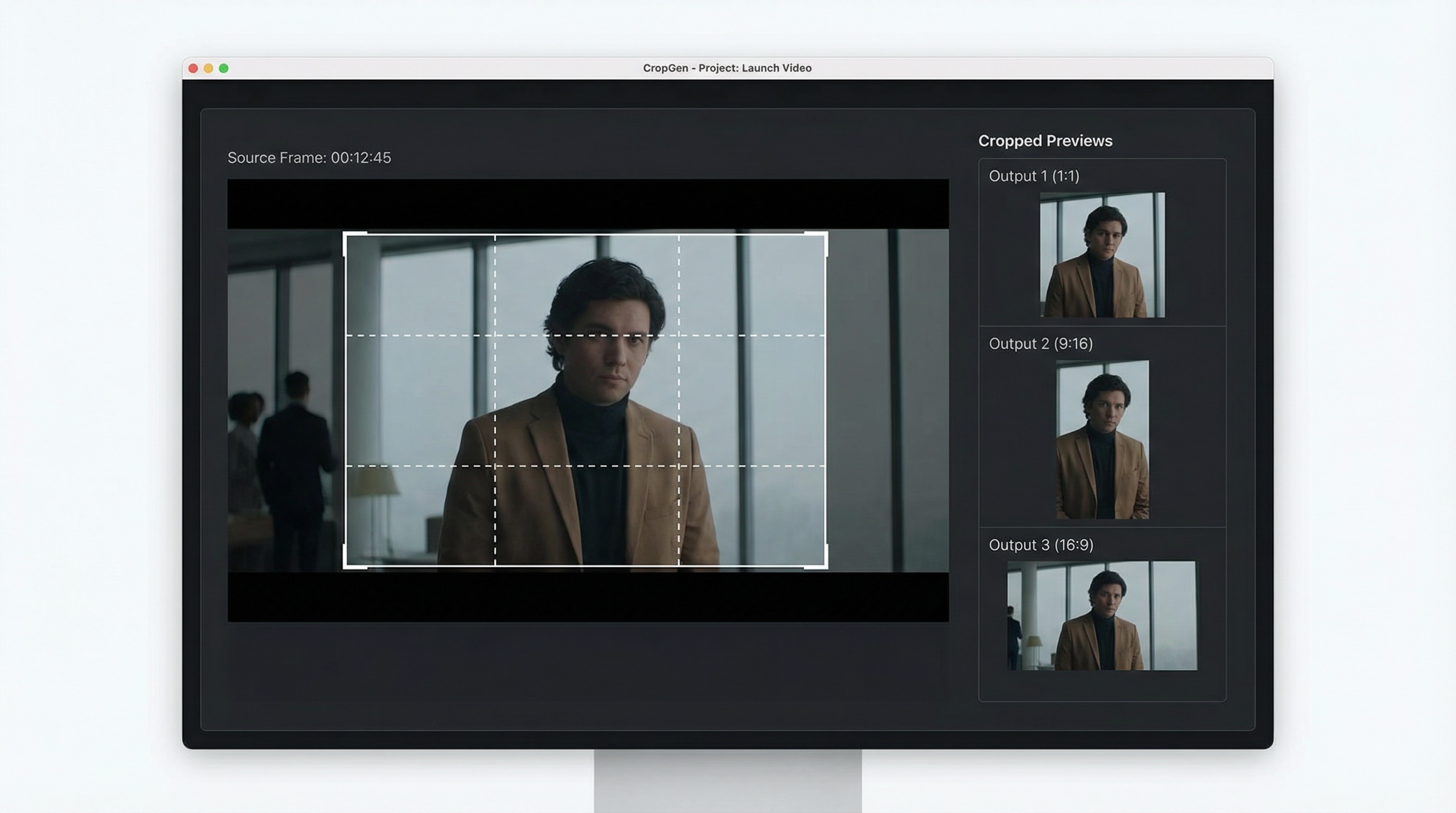
Crop and Extract can be used to pull clean visuals from videos for slides, pitch decks, and reports. Instead of recreating visuals or taking screenshots, teams generate consistent, high-quality images directly from video content, ready for use in professional presentations.
Create Consistent Visuals Across Multiple Formats
RoboNeo helps teams maintain visual consistency by cropping videos and extracting frames using the same composition rules across multiple assets. This ensures that visuals stay aligned in style and framing, even when reused across different channels, formats, or campaigns.
Use Cases
Why RoboNeo
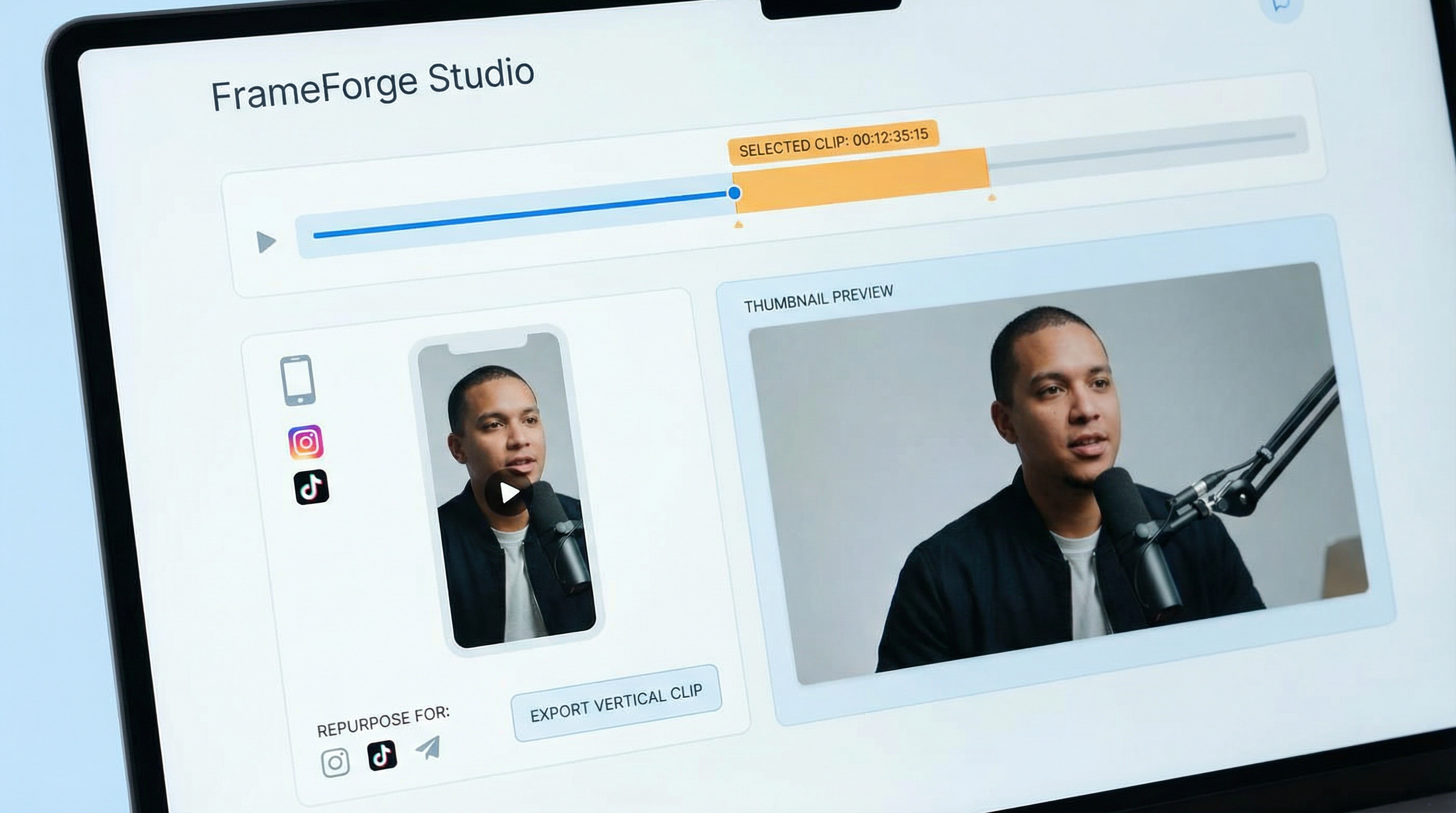
Social teams use RoboNeo to quickly crop videos into platform-specific formats and extract high-impact frames for thumbnails, covers, and posts. Content is adapted for vertical, square, or landscape layouts without re-editing or switching tools, allowing faster publishing across TikTok, Instagram, YouTube, and paid social channels.
Frequently Asked Questions
What is Video Crop in RoboNeo?
What does Extract do?
Extract allows you to capture a single frame from a video and turn it into an image that can be reused as a thumbnail, poster, cover, or social preview.
Do I need to download my video to crop or extract frames?
No. All cropping and frame extraction happens directly inside RoboNeo.
Can extracted images be reused in other RoboNeo workflows?
Yes. Extracted frames become image assets that can be reused across RoboNeo workflows or exported externally.
Is Video Crop a full video editor?
No. It is designed for fast, practical edits, not complex timeline-based video editing.