
Instagram Watermark Remover Online for Free
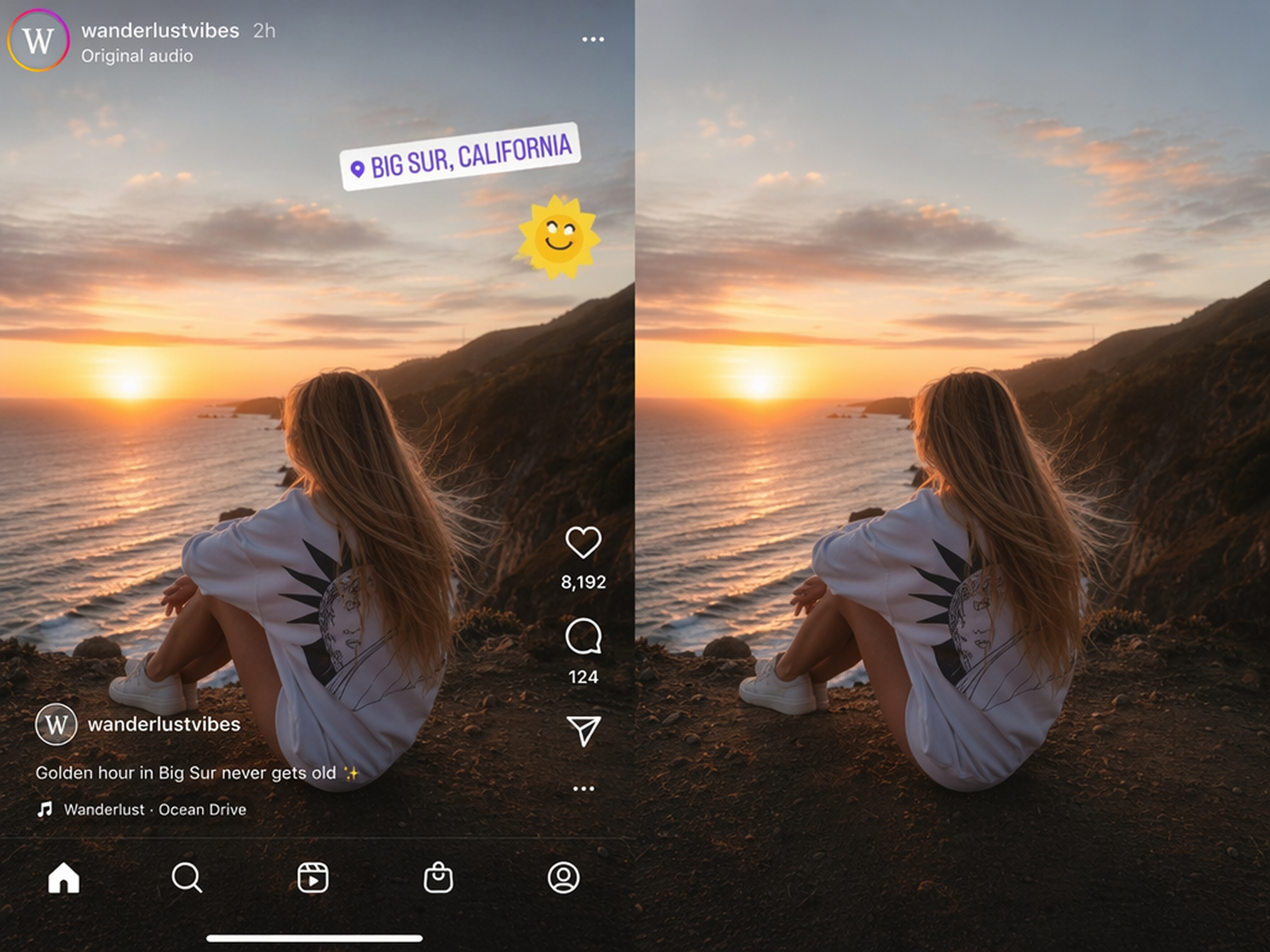
How to Use an Instagram Watermark Remover Online for Free
Upload Your Instagram Video
Upload one MP4 or MOV video that you created or have permission to edit.
Remove the Instagram Watermark
Let RoboNeo clean visible logos, usernames, stickers, or overlays while rebuilding the covered area.
Preview and Download
Preview the processed video and check that the cleaned area looks consistent.
AI Features for Free Instagram Watermark Removal
Stable Cleanup for Moving Instagram Clips
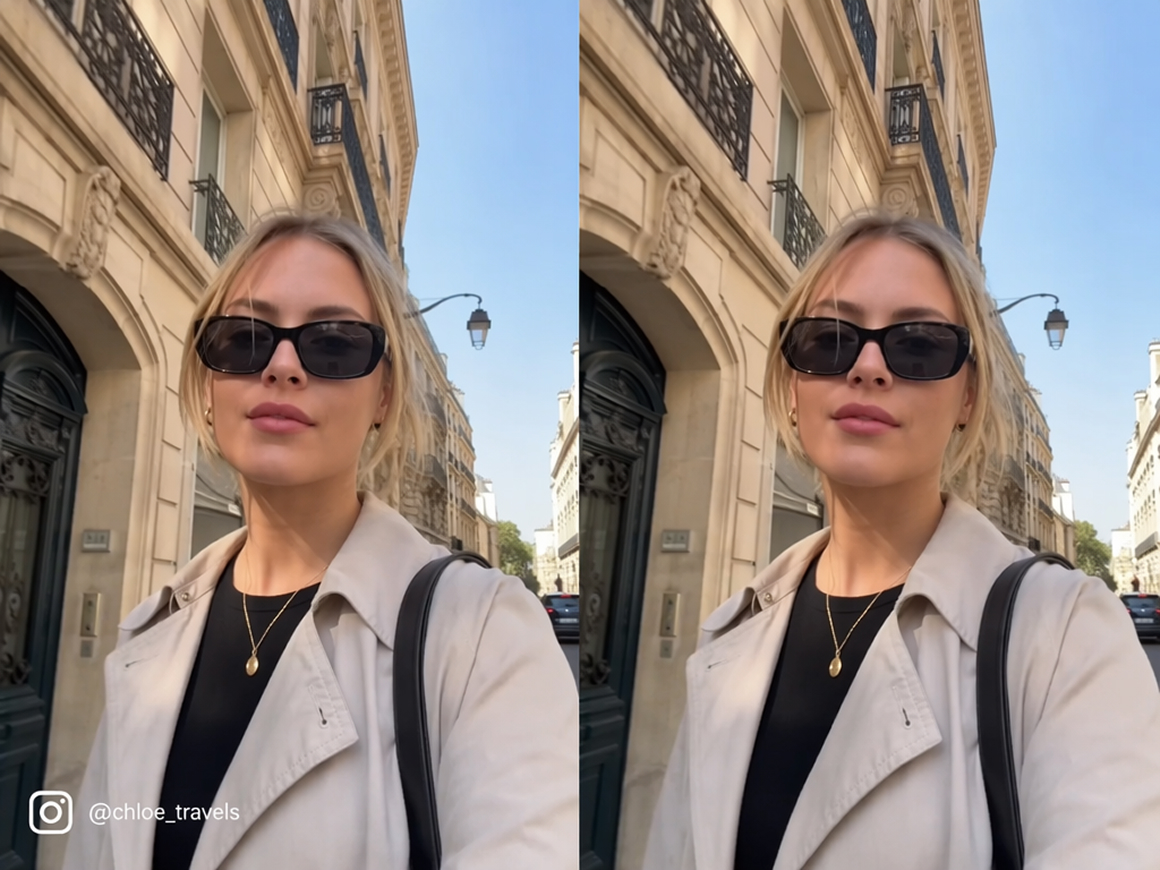
RoboNeo works as an Instagram watermark remover online for free, tracking unwanted marks through camera movement, quick cuts, and busy backgrounds. It keeps the repaired area stable from frame to frame, helping short-form clips look smoother without flicker, drifting patches, or repeated smears.
Manual Selection for Precise Watermark Edits
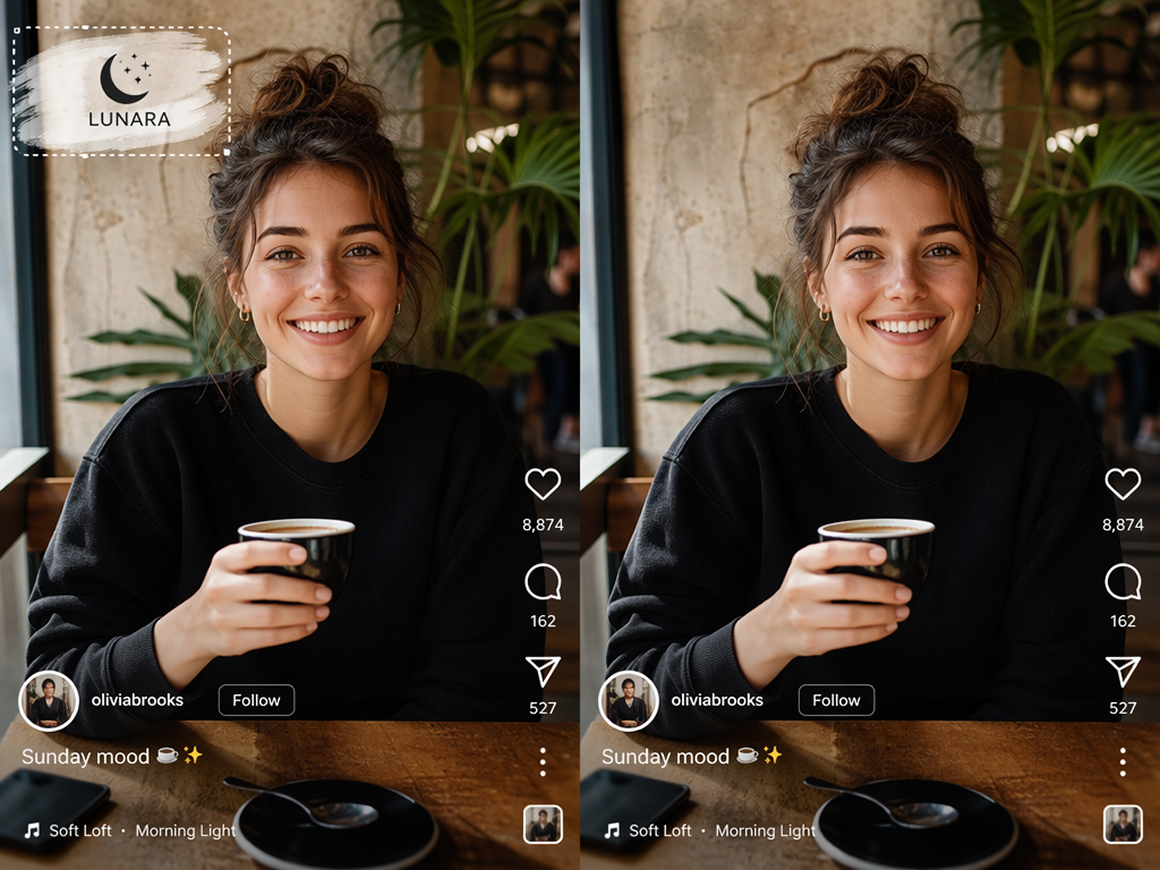
Use Swipe and Select when an Instagram watermark needs more precise control. Brush over irregular logos, usernames, or stickers, or draw a box around a fixed mark. RoboNeo limits the edit to your chosen area, reducing unnecessary changes to nearby details and textures.
Clear Instagram Logos, Usernames, and Text
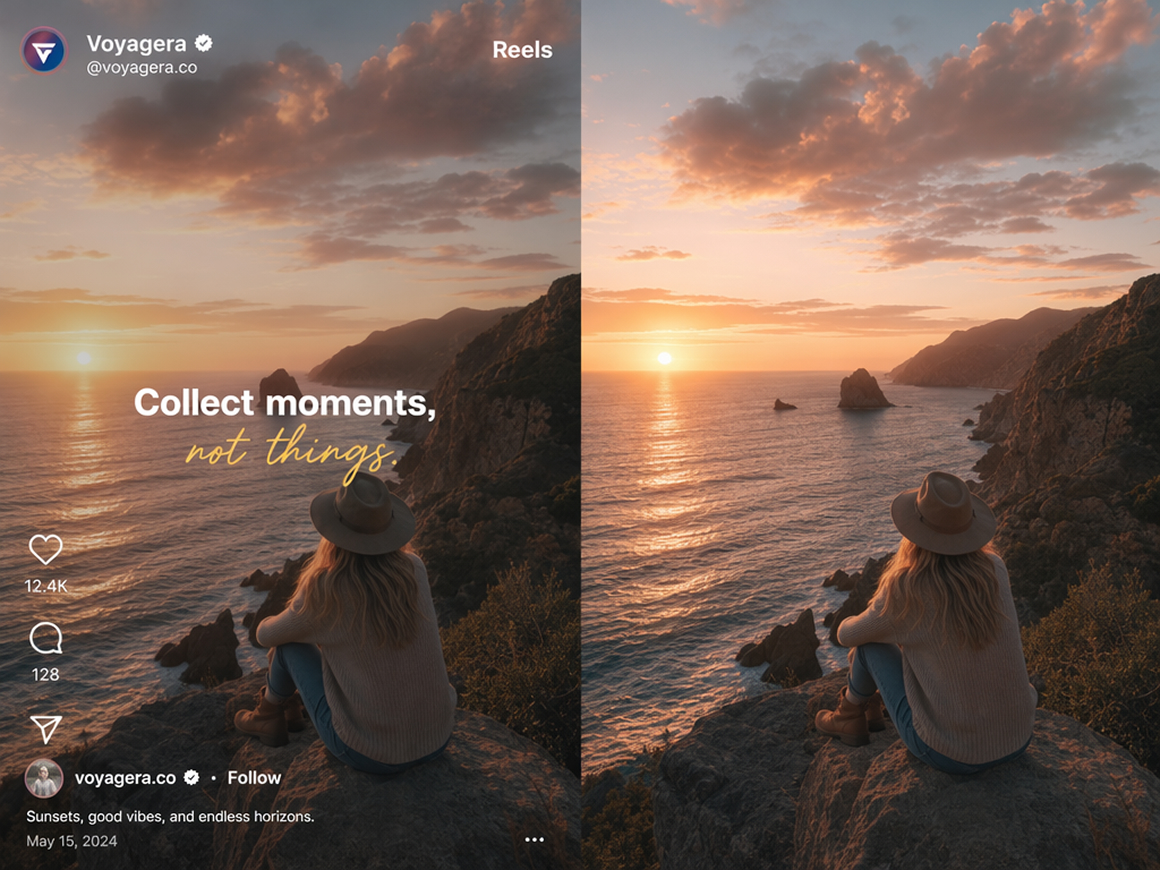
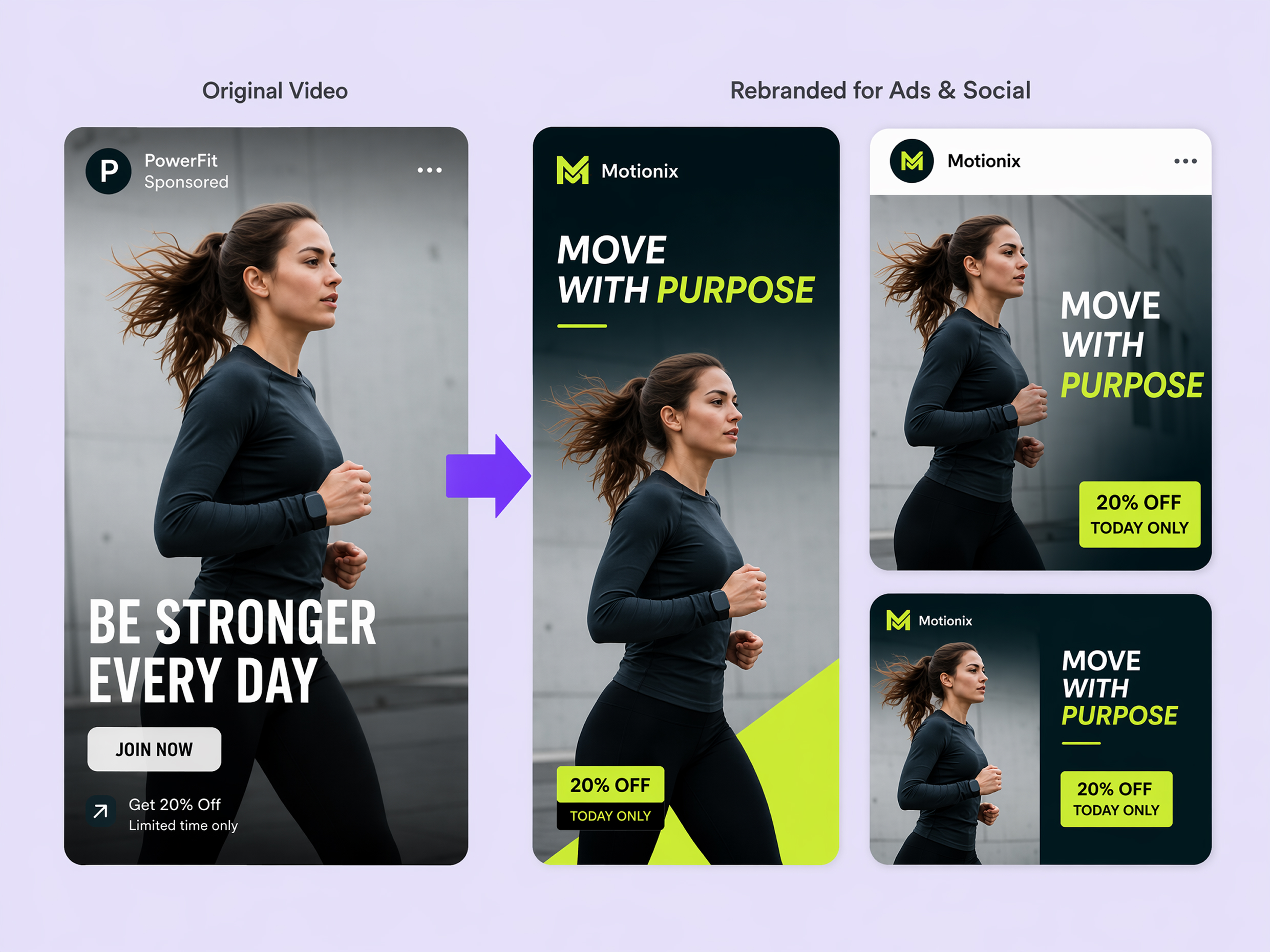
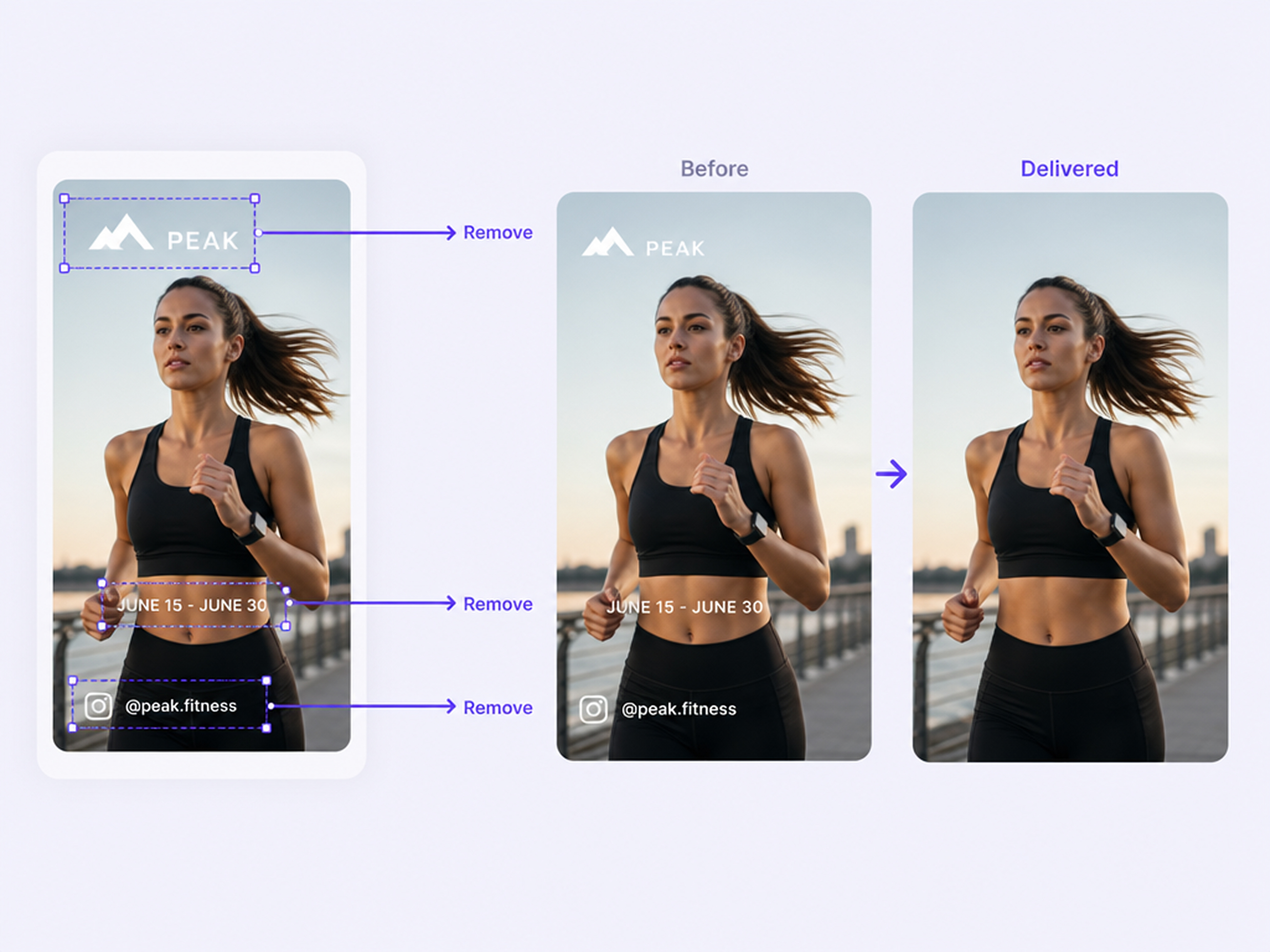
Remove corner watermarks, platform logos, usernames, date stamps, and on-screen text that distract from authorized Instagram videos. RoboNeo rebuilds the covered area using nearby visual details, keeping backgrounds, edges, and textures consistent so the cleaned section blends naturally into the original scene.
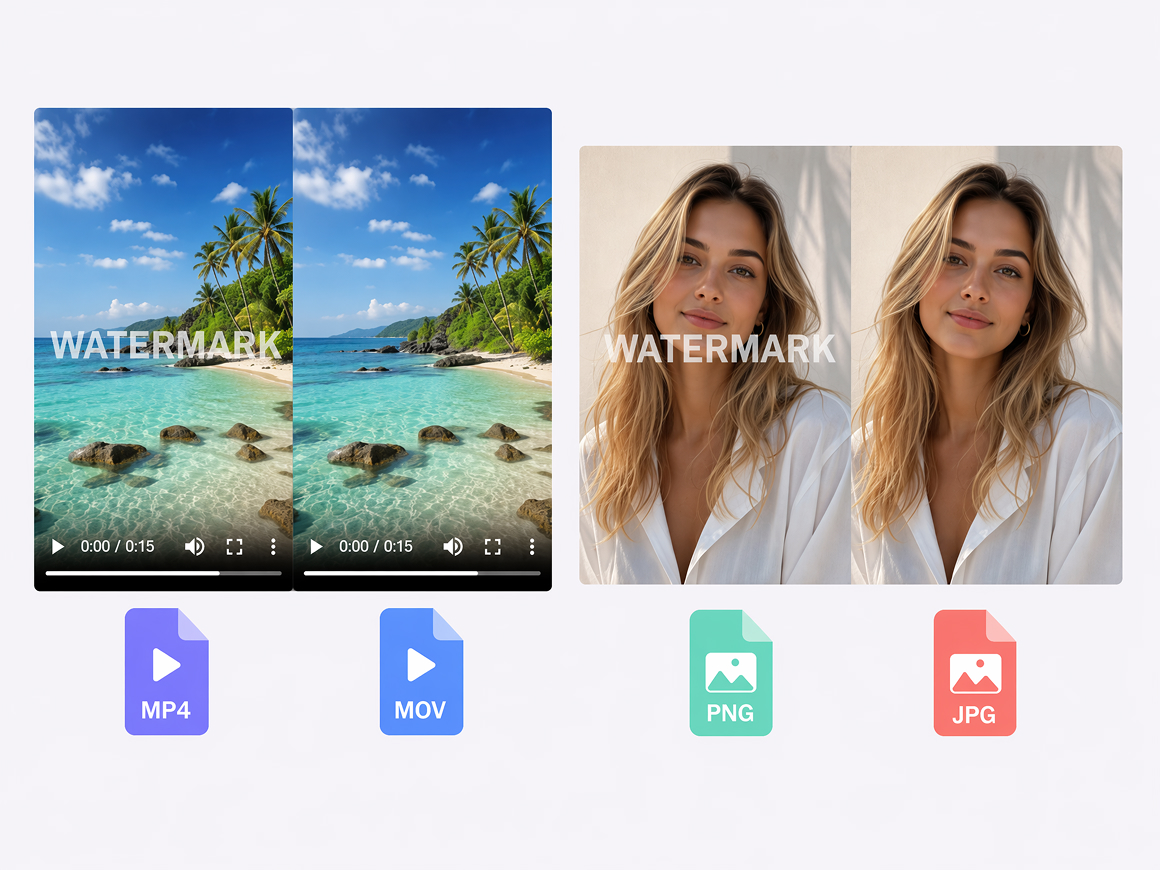
Process Images and Videos in One Workspace
RoboNeo supports MP4 and MOV videos up to 500MB, along with PNG, JPG, and JPEG images. The higher upload limit gives you more room for detailed Instagram footage, so you can remove a watermark online without compressing the file first or lowering visible quality.
Who Uses RoboNeo for Instagram Watermark Remover
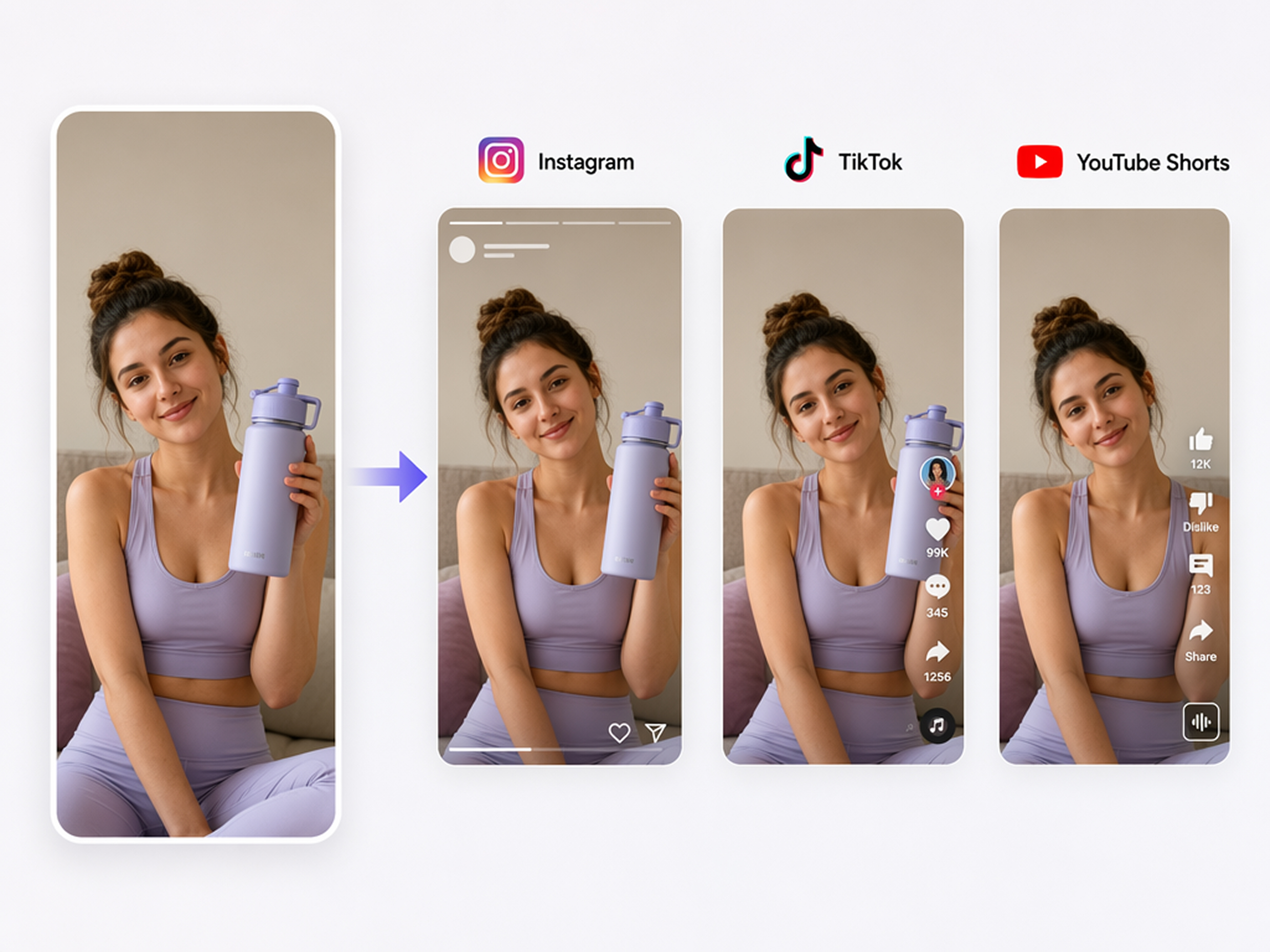
Cross-Platform Content Creators
Creators can use RoboNeo to remove Instagram-specific overlays from their own or approved videos. The cleaned clips are easier to repurpose for TikTok, YouTube Shorts, and other social channels, helping creators publish more consistently without rebuilding each edit from scratch.

FAQ
How do I remove an Instagram watermark for free?
Is removing an Instagram watermark illegal?
Removing a watermark from your own or authorized content is generally acceptable. Removing ownership information from copyrighted content without permission may violate copyright law or platform rules. This is general information, not legal advice.
Can RoboNeo remove watermarks from both images and videos?
RoboNeo supports watermark removal for both images and videos, making it useful for photos, social clips, ads, and other authorized content.
What file formats does RoboNeo support?
RoboNeo’s watermark tool supports JPG, JPEG, and PNG images, plus MP4 and MOV videos.
Instagram Watermark Remover Online for Free
Upload your video, select the area you want to clean up, and let roboneo rebuild the background while preserving surrounding details, so you can prepare authorized clips for social posts, ads, or new edits!
What Users Say About RoboNeo’s Free Watermark Remover
I tried the free watermark remover on an Instagram clip with a small username in the corner. It cleaned up the area without forcing me to crop the video, and the result looked natural enough for a new social post.
The free tool worked well on a short product Reel with a fixed logo. The workflow was easy to follow, and I could preview the cleaned video before using it in a new edit.
I used the free watermark remover from RoboNeo on an older Instagram video I had permission to reuse. The result looked cleaner than blurring the corner, and it saved me time on a quick social media edit.