
AI Image Text Editor for Fast and Easy Text Editing
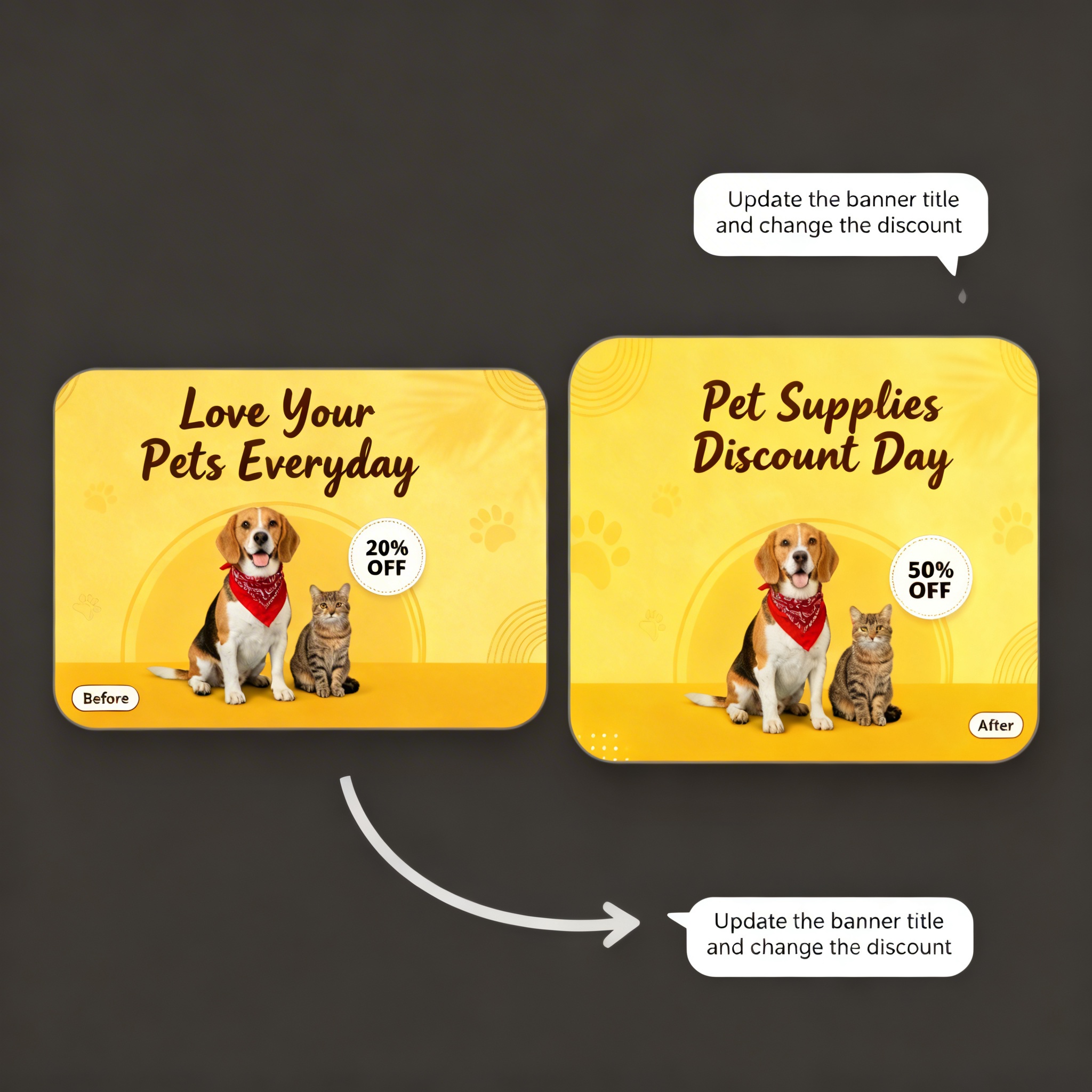
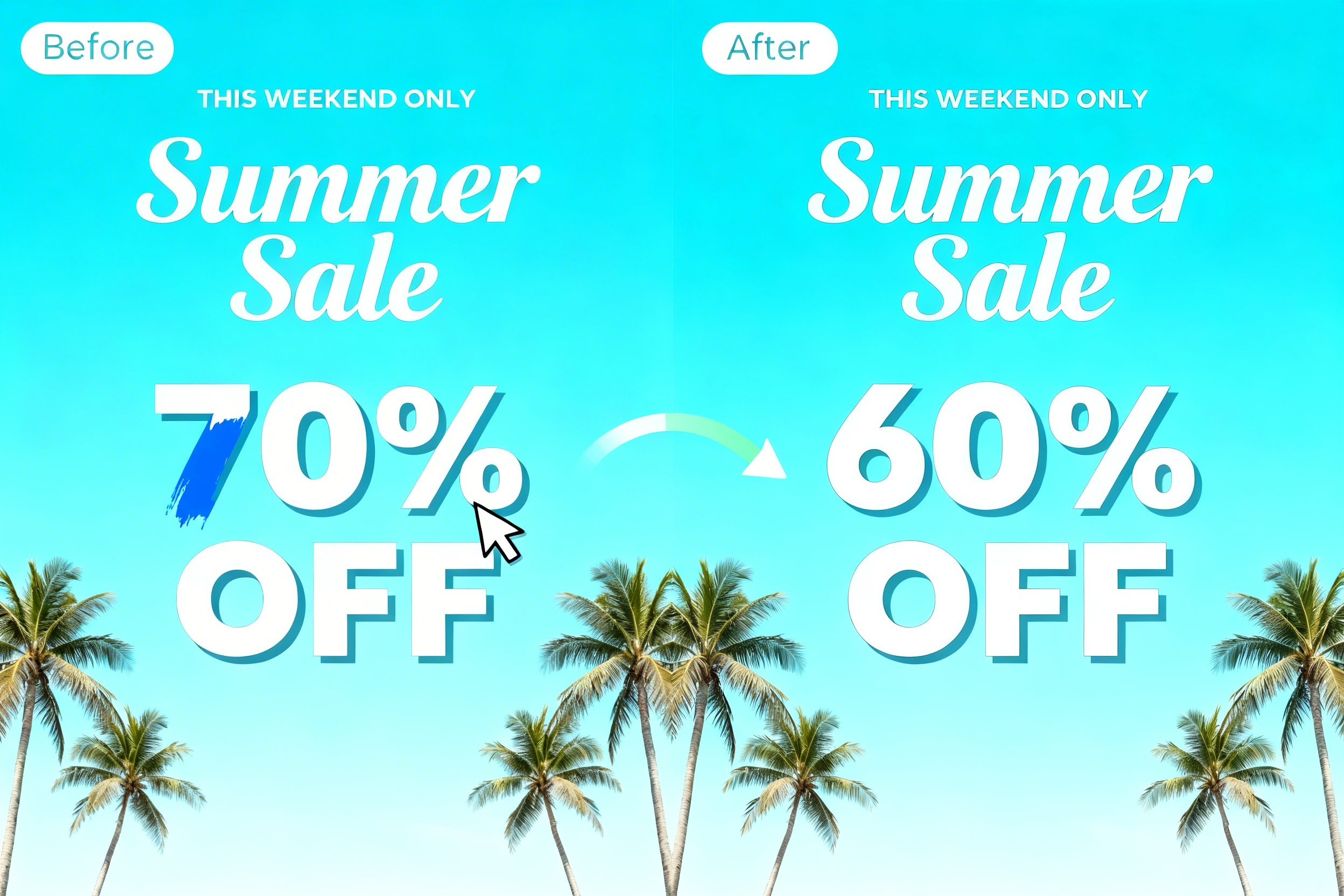
RoboNeo’s Edit Text in Image capability lets you modify text directly inside images without redesigning or manual editing. As an AI agent, RoboNeo understands typography, layout, perspective, and background context, allowing you to replace text naturally while preserving the original visual integrity.
Core Features
Edit text inside images without redesign work
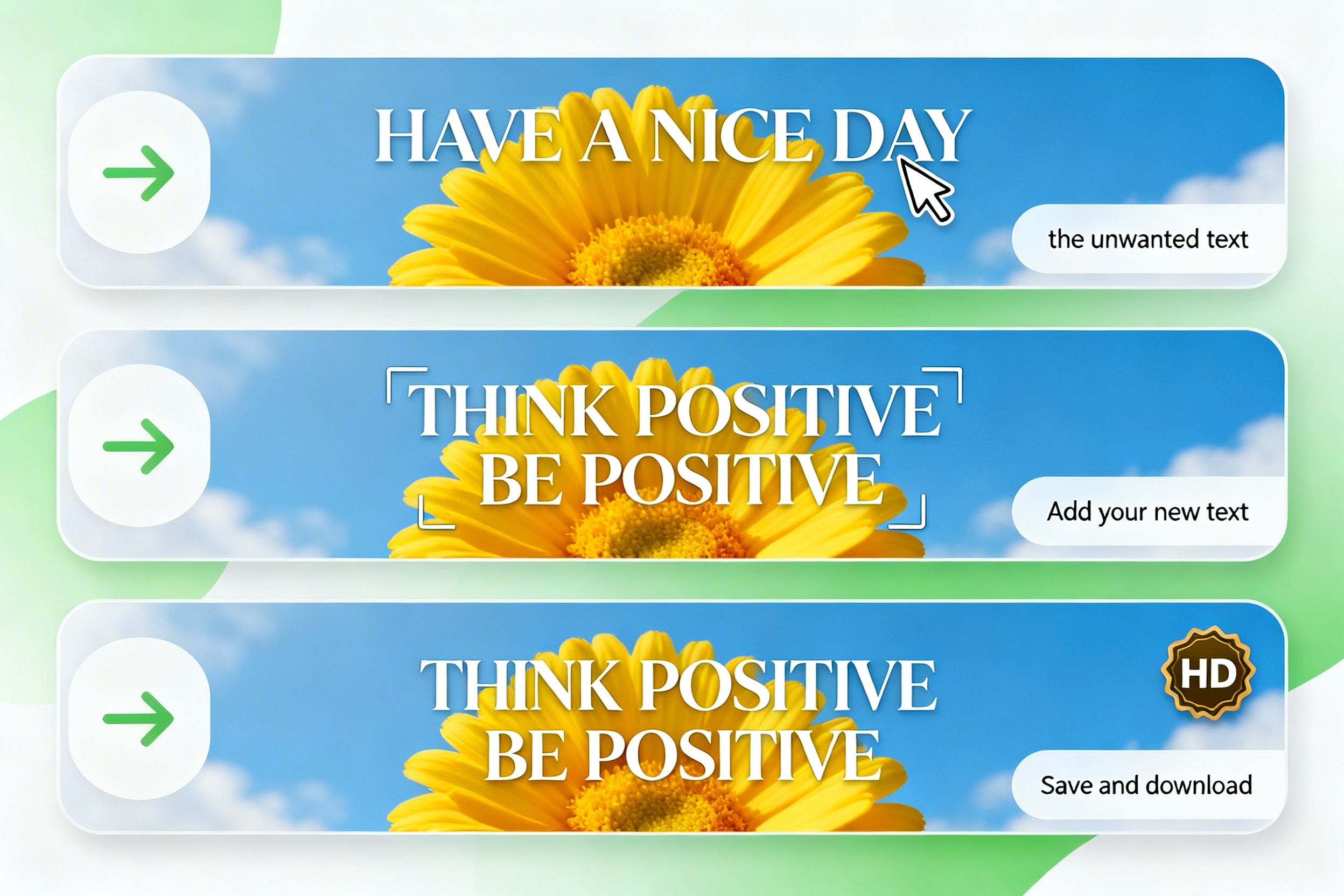
RoboNeo removes existing text from images and reconstructs the background automatically. New text is inserted in a way that fits the original layout, spacing, and visual balance.
Match font, style, and perspective automatically
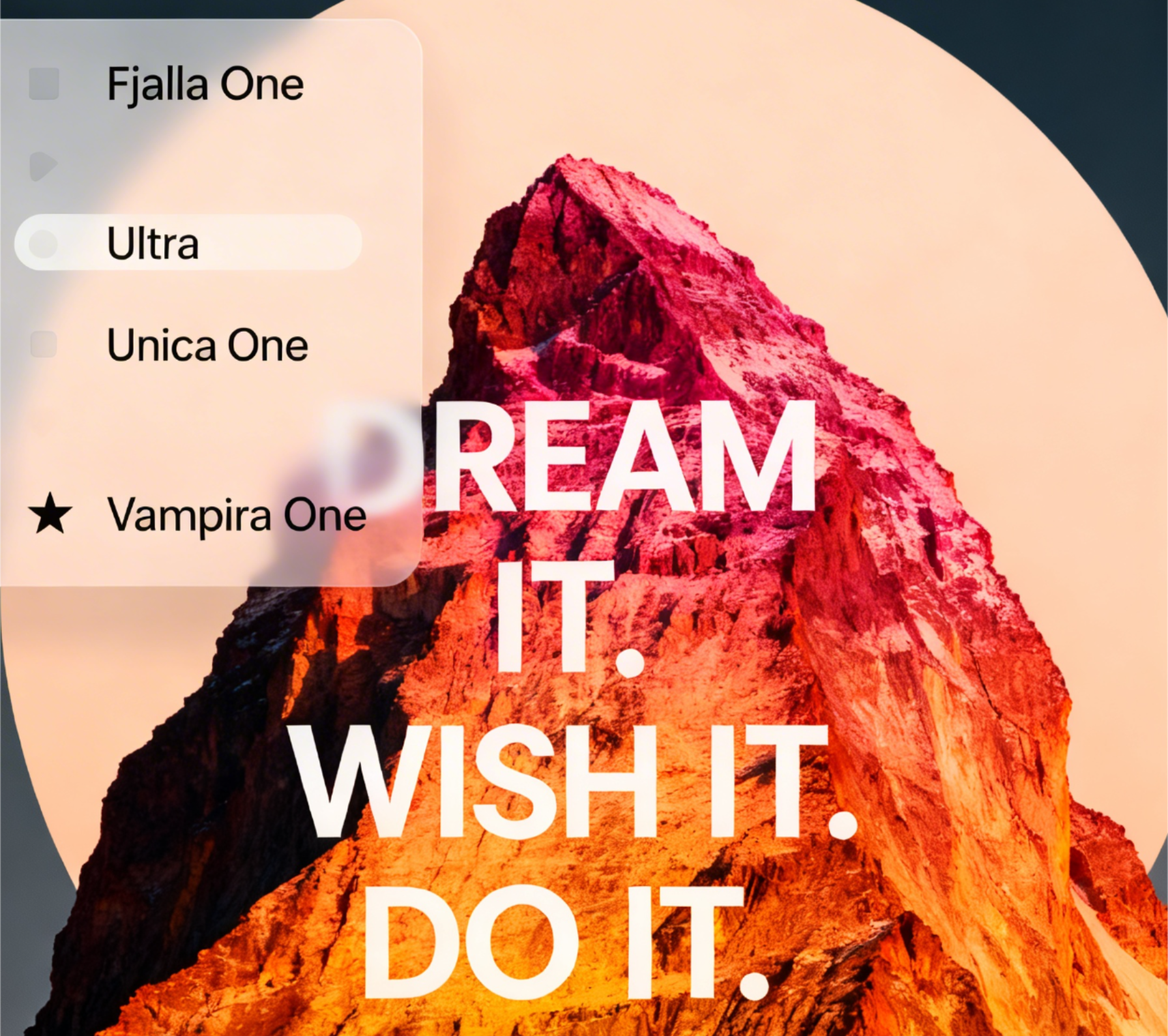
Text inside images often follows specific fonts, colors, angles, and distortions. RoboNeo analyzes the original typography and applies the same style to the new text, including size, color, alignment, and perspective.
Translate and localize image text with AI
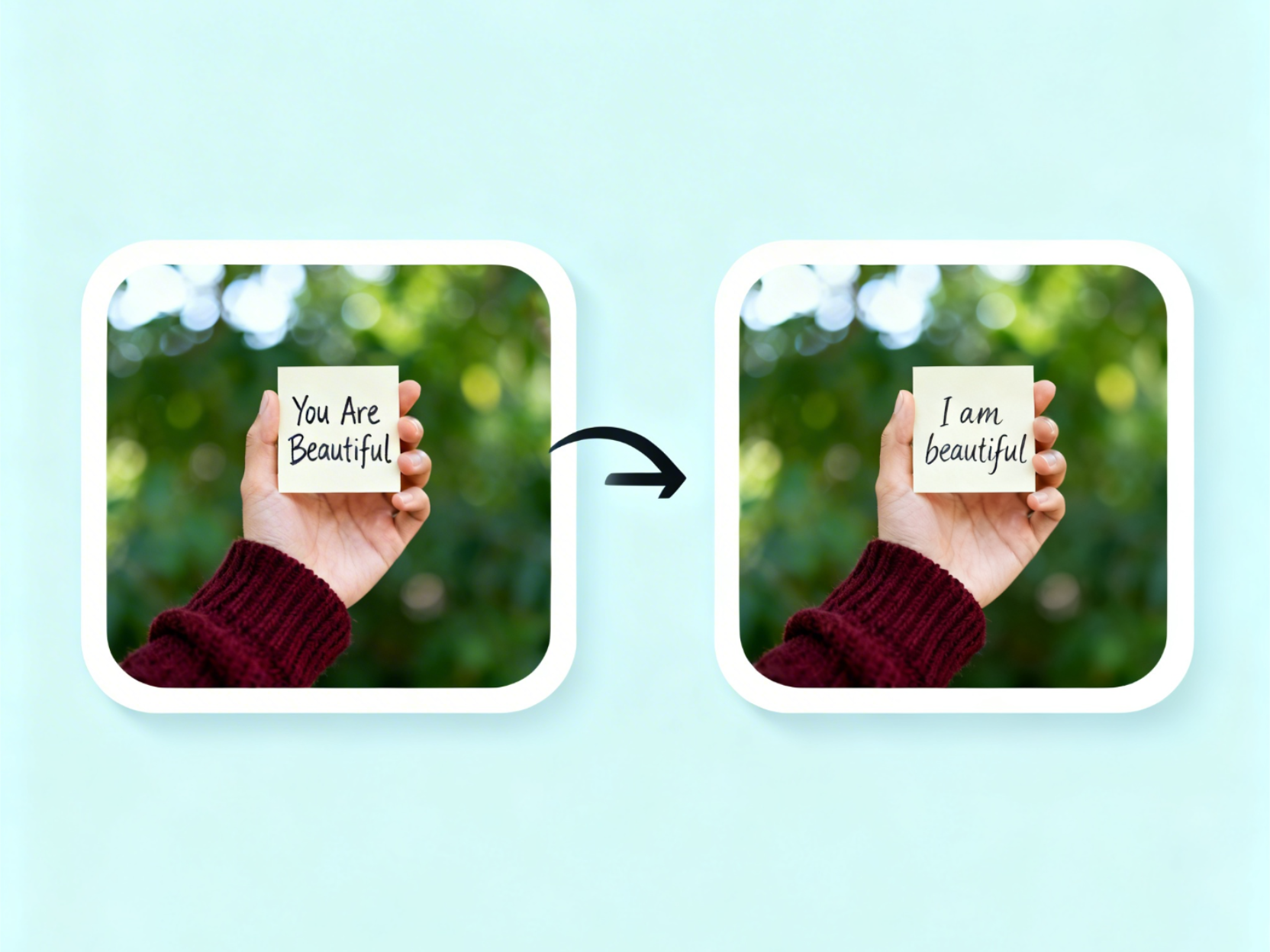
RoboNeo allows you to replace image text with translated or localized versions for different languages and markets. The AI preserves layout and design while adapting text length and spacing naturally.
Use Cases
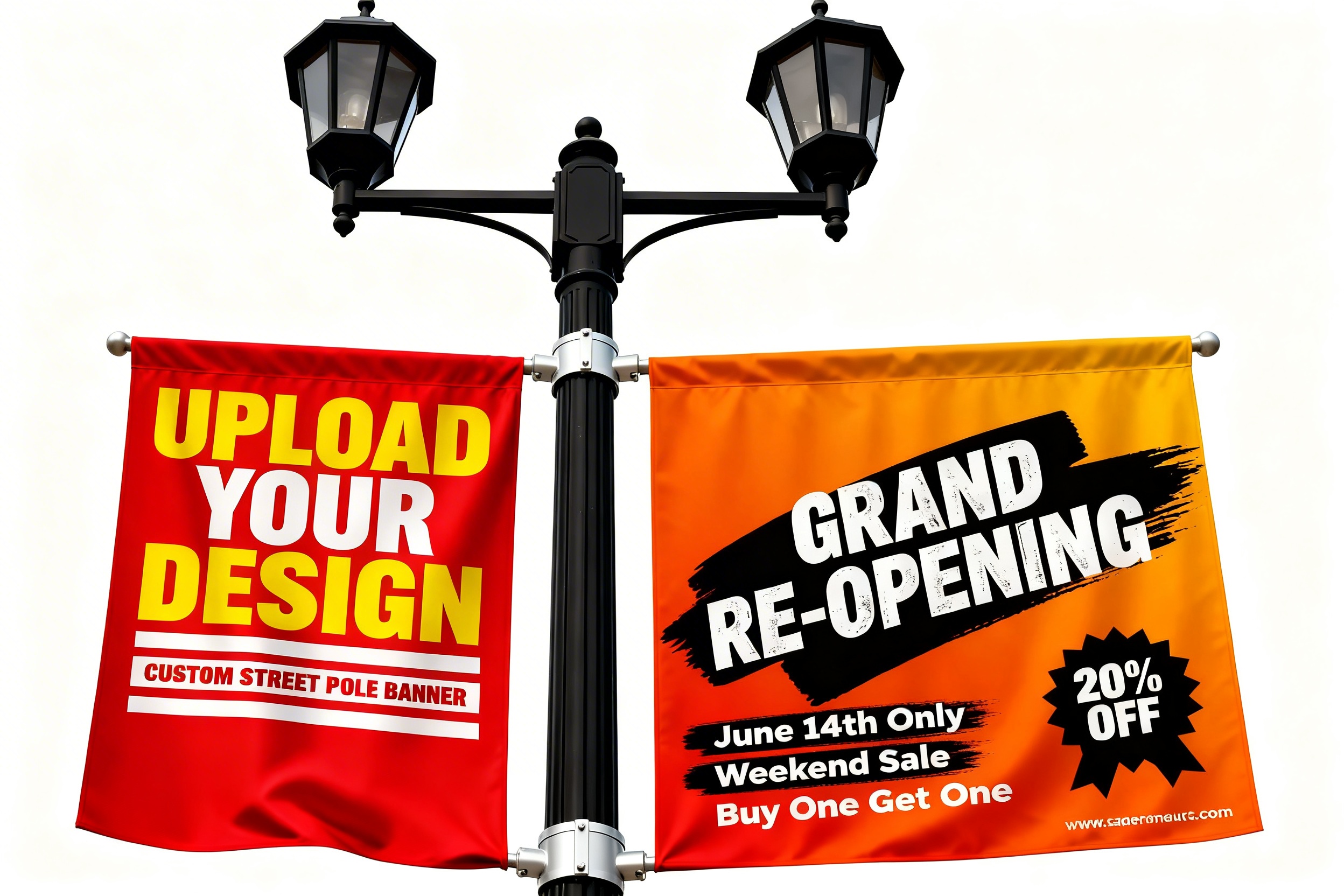
Marketing and advertising visuals
Marketing teams use RoboNeo to update headlines, CTAs, and promotional copy inside ads and banners. This enables fast iteration and A/B testing without rebuilding creatives.

Frequently Asked Questions
What is Edit Text in Image on RoboNeo?
Can RoboNeo remove existing text from images?
Yes. RoboNeo removes the original text and reconstructs the background naturally before inserting new text.
Does RoboNeo match the original font and style?
Yes. RoboNeo analyzes typography and visual context to match font style, size, color, and perspective automatically.
Can RoboNeo translate text inside images?
Yes. RoboNeo can replace image text with translated or localized versions while keeping the original design intact.
Do I need design skills to edit text in images?
No. RoboNeo works through simple instructions. The AI agent handles text removal, placement, and styling automatically.