
AI Video Enhancer for YouTube Creators
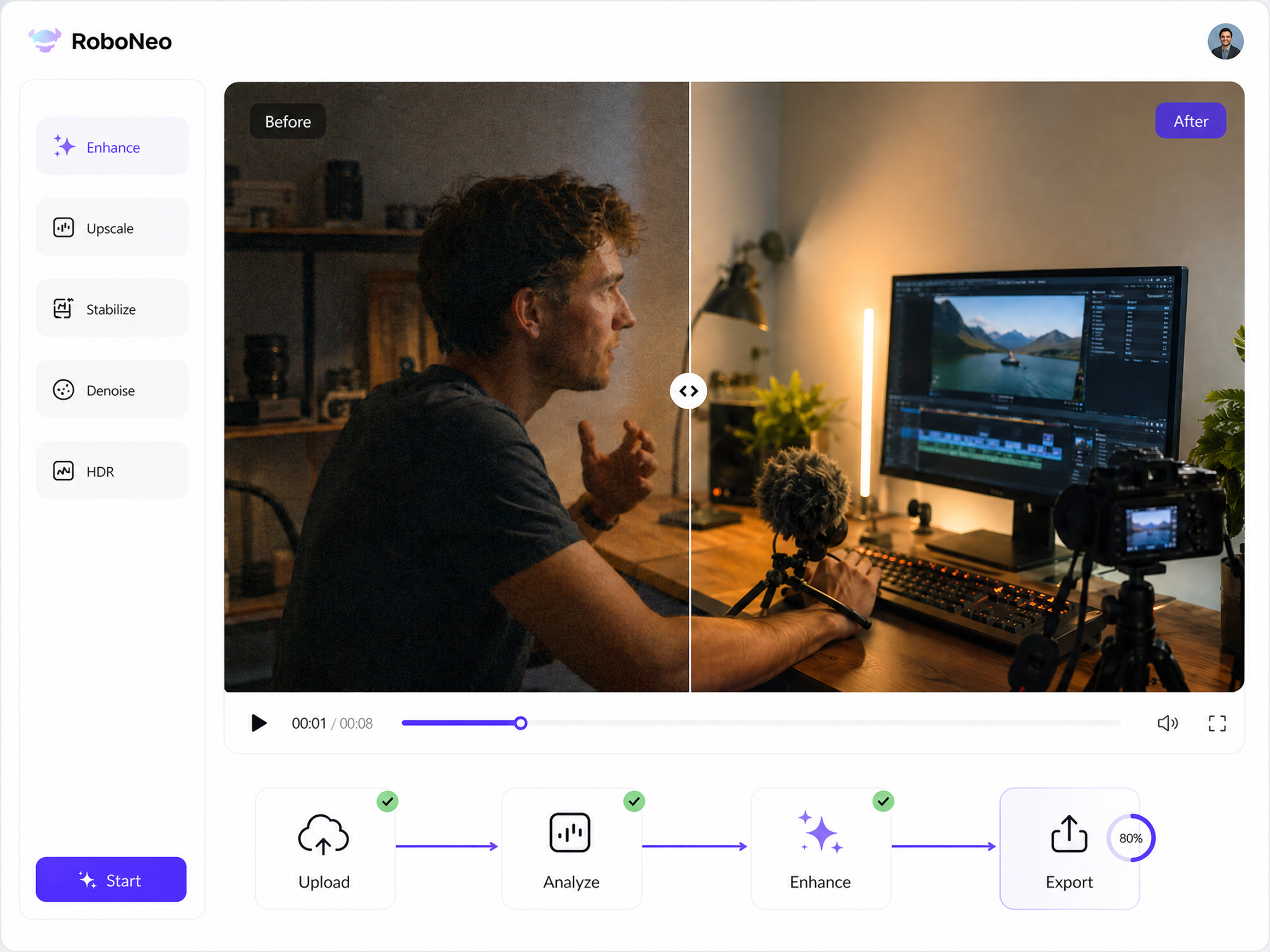
How to Use RoboNeo Enhancer for YouTube
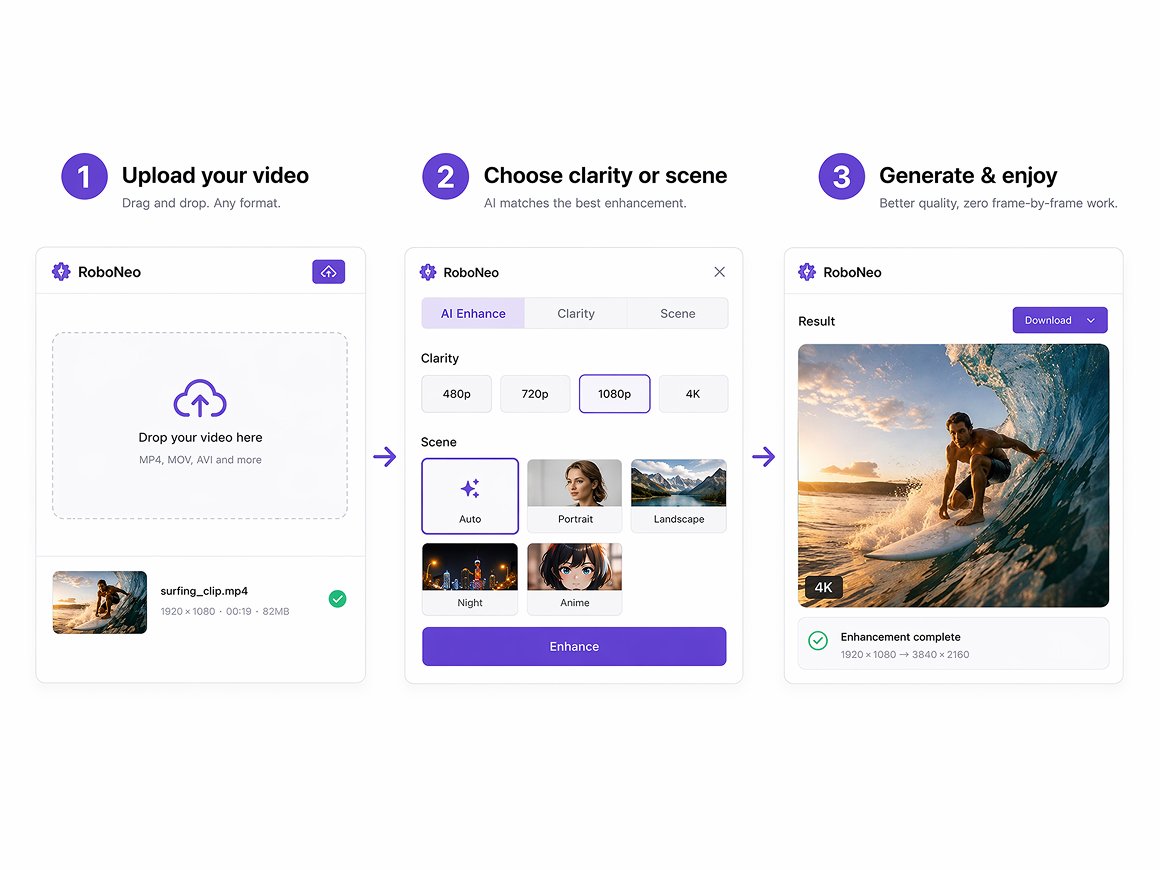
Upload Your Video
Add the video you want to improve to RoboNeo. The uploaded clip, allowing you to work directly from the footage prepared for YouTube.
Describe the Improvements
Upload your video. AI can auto-detect clarity grade, or you can choose image quality from 2K, 4K, or AI 4K. Use specialized models for product text, old photos, and portraits.
Preview and Export
Review the enhanced video and choose the format. When the result looks ready, export the finished file for your next YouTube upload.
Why YouTube Creators Use RoboNeo to Enhance Video
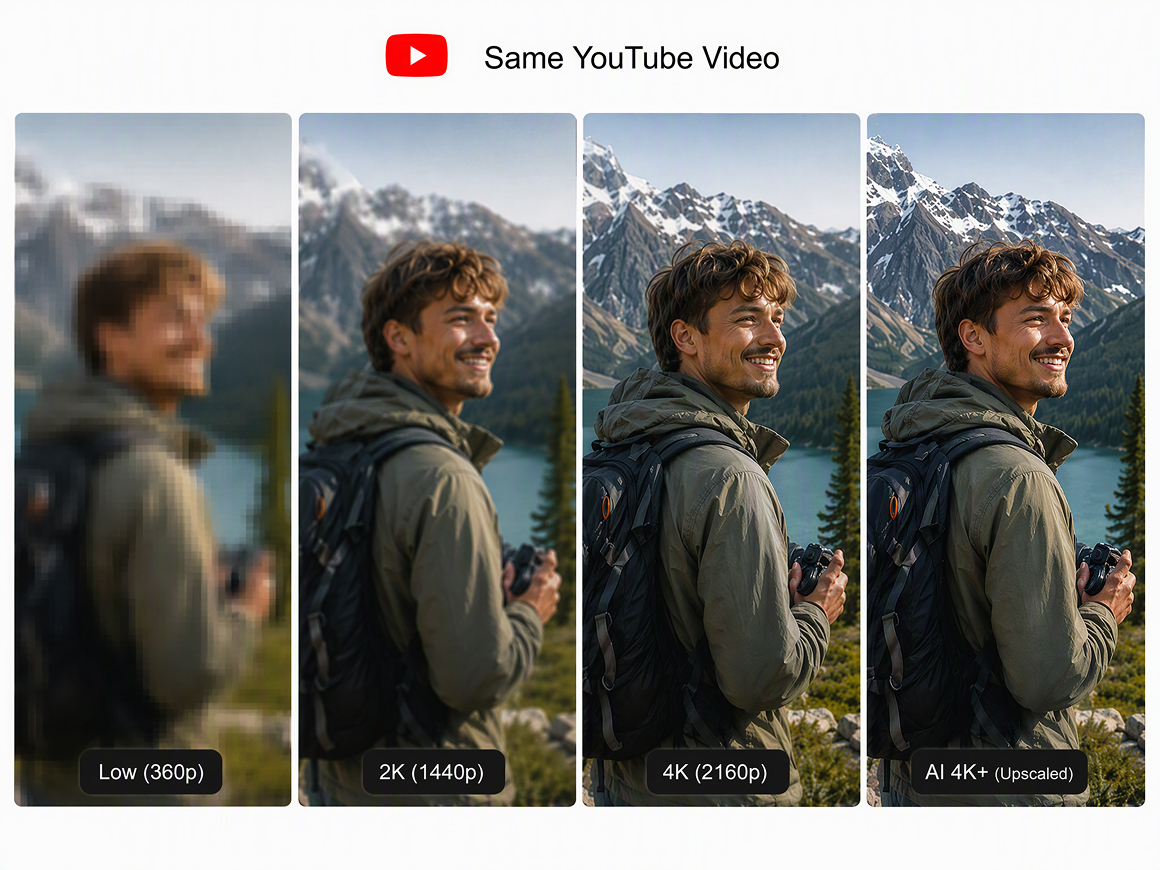
Upscale YouTube Videos to 2K, 4K, or Higher
Choose 2K, 4K, or AI 4K+ based on your source and publishing needs. RoboNeo restores clearer detail while upscaling, helping soft, compressed, or low-resolution footage look sharper on YouTube watch pages, TVs, and full-screen playback without appearing artificially sharpened or overprocessed.
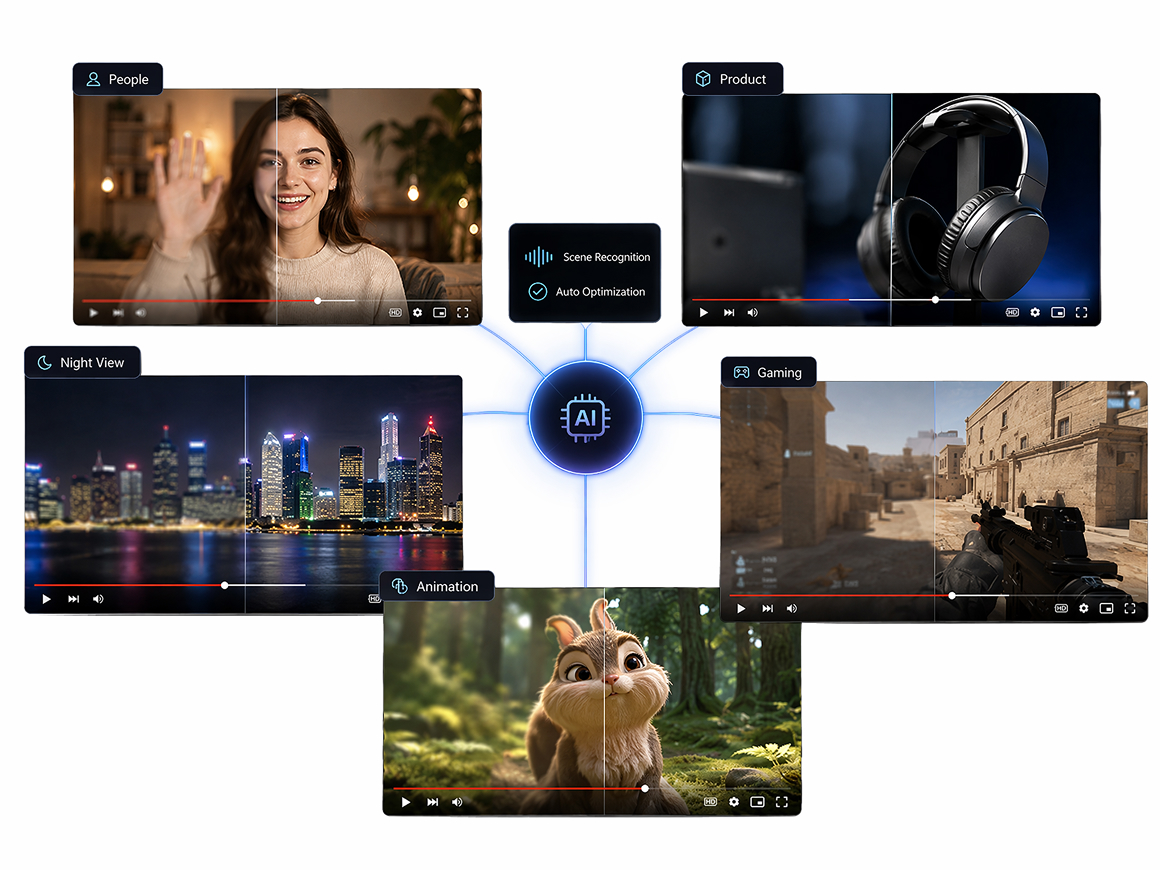
Match Clarity to Every YouTube Video Scene
Use Auto-Detect to match enhancement settings to Portrait, Product, Night View, Natural, Game, or Animation footage. Each YouTube clip receives scene-appropriate clarity, so faces, products, gameplay, and dark scenes avoid the flat results of a single generic enhancement pass across different uploads.
Keep Enhanced Videos Ready for Future Edits
Save the enhanced video directly to your RoboNeo workflow as a reusable asset. Bring it back for Shorts, long-form edits, ad cutdowns, thumbnail testing, or future uploads without repeating the upload and enhancement process whenever your content plan or publishing schedule changes.
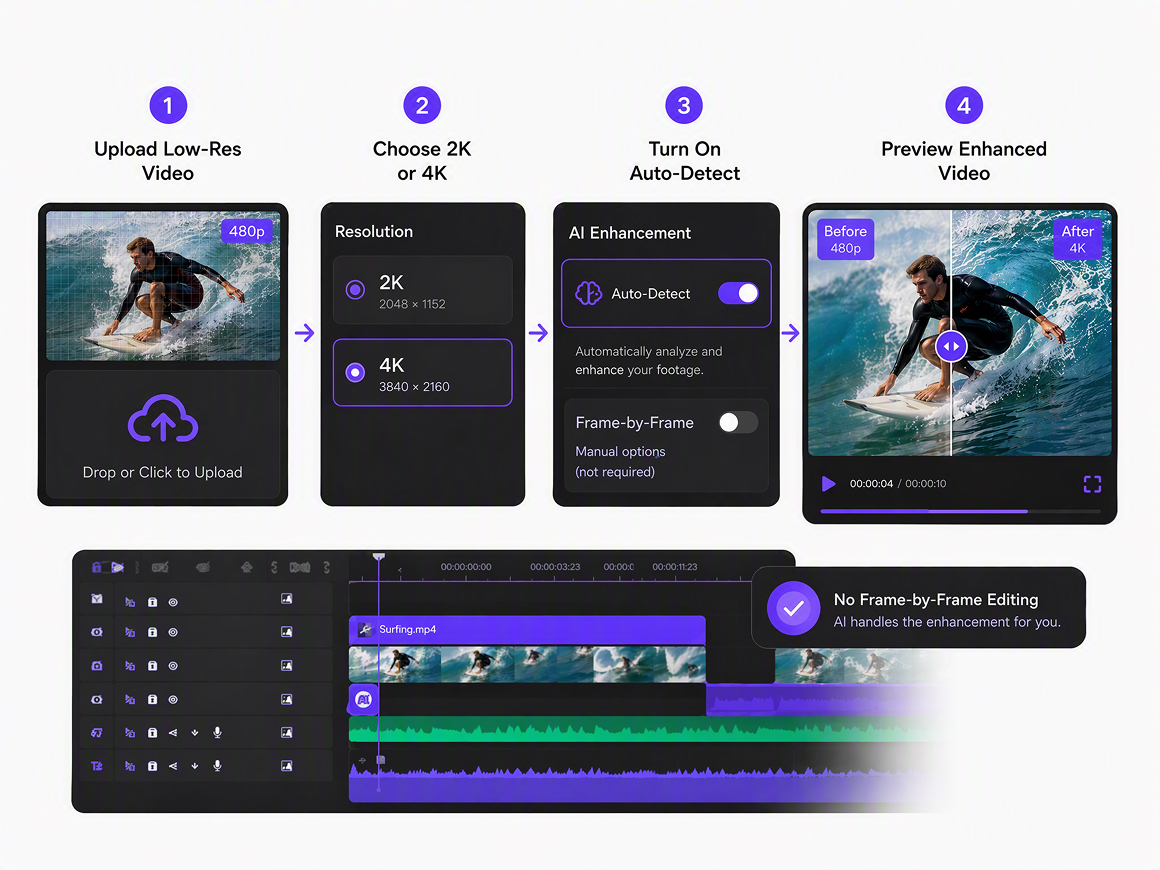
Get Cleaner Video Without Timeline Editing
Skip frame-by-frame cleanup in a traditional editor. Select an output resolution, turn on Auto-Detect or choose a scenario preset, and generate cleaner footage for YouTube videos, Shorts, tutorials, reviews, and channel updates with fewer manual editing steps before final export.
Who Can Use RoboNeo for YouTube Videos?
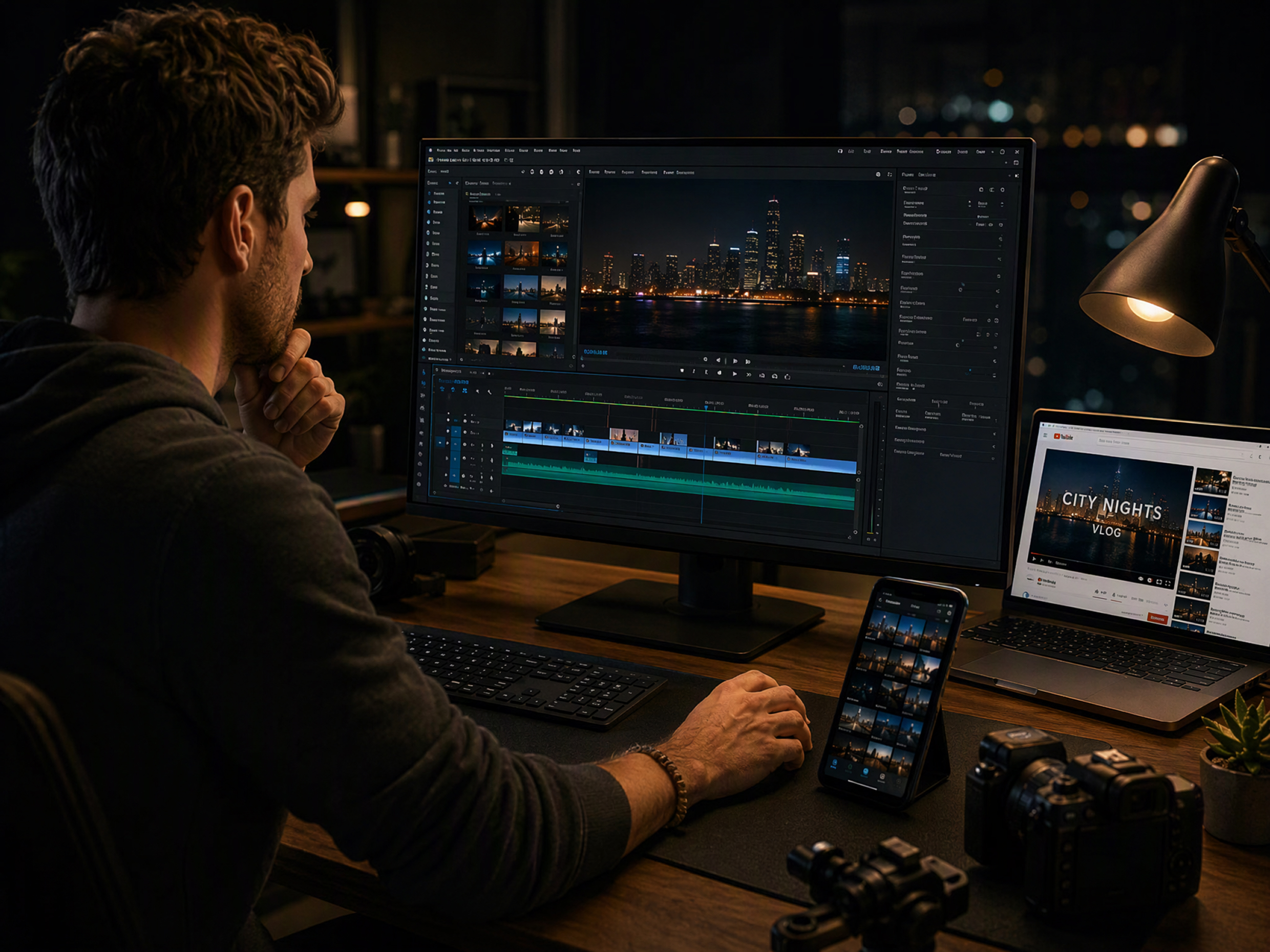
Weekly YouTube Creators
Creators working on frequent uploads can clean up soft phone footage, low-light clips, or compressed edits before publishing. The enhancer for YouTube reduces time spent correcting each issue separately, helping them maintain a more consistent look across tutorials, vlogs, interviews, and commentary videos.
FAQ
What is an enhancer for youtube?
Is youtube enhancer safe?
A reputable YouTube enhancer is generally safe when used through an official website or trusted extension store. Check its permissions, privacy policy, and user reviews before uploading files or installing software.
Do video enhancers work?
Yes. Video enhancers can reduce noise, improve sharpness, balance lighting, and clean up compression artifacts. Results depend on the source quality, and severely damaged or missing details may not be fully recoverable.
Does enhancer for youtube block ads?
Some browser-based YouTube enhancers include ad-blocking features, but not all do. RoboNeo improves uploaded video footage and does not function as a YouTube ad blocker.
Can AI increase video quality?
Yes. AI can sharpen edges, reduce noise, correct color, balance exposure, and rebuild likely textures. The original file still determines how much visible detail can be improved or recovered.
Can video enhancers fix blurry videos?
Video enhancers can improve mild blur by sharpening edges and restoring visible detail. Heavy motion blur, missed focus, or extremely low-resolution footage may remain limited because the original frames contain too little usable information.
Make Every YouTube Upload Look More Polished
Use RoboNeo video enhancer for YouTube to clean up blur, noise, weak lighting, and dull color before you publish. Turn mixed-quality footage into a clearer, more consistent video without rebuilding your edit from scratch.
What Users Say About RoboNeo’s YouTube Enhancer
My indoor footage often looked noisy once I viewed it on a larger screen. RoboNeo gave me a faster way to clean it up before uploading, and the result still looked like my original video.
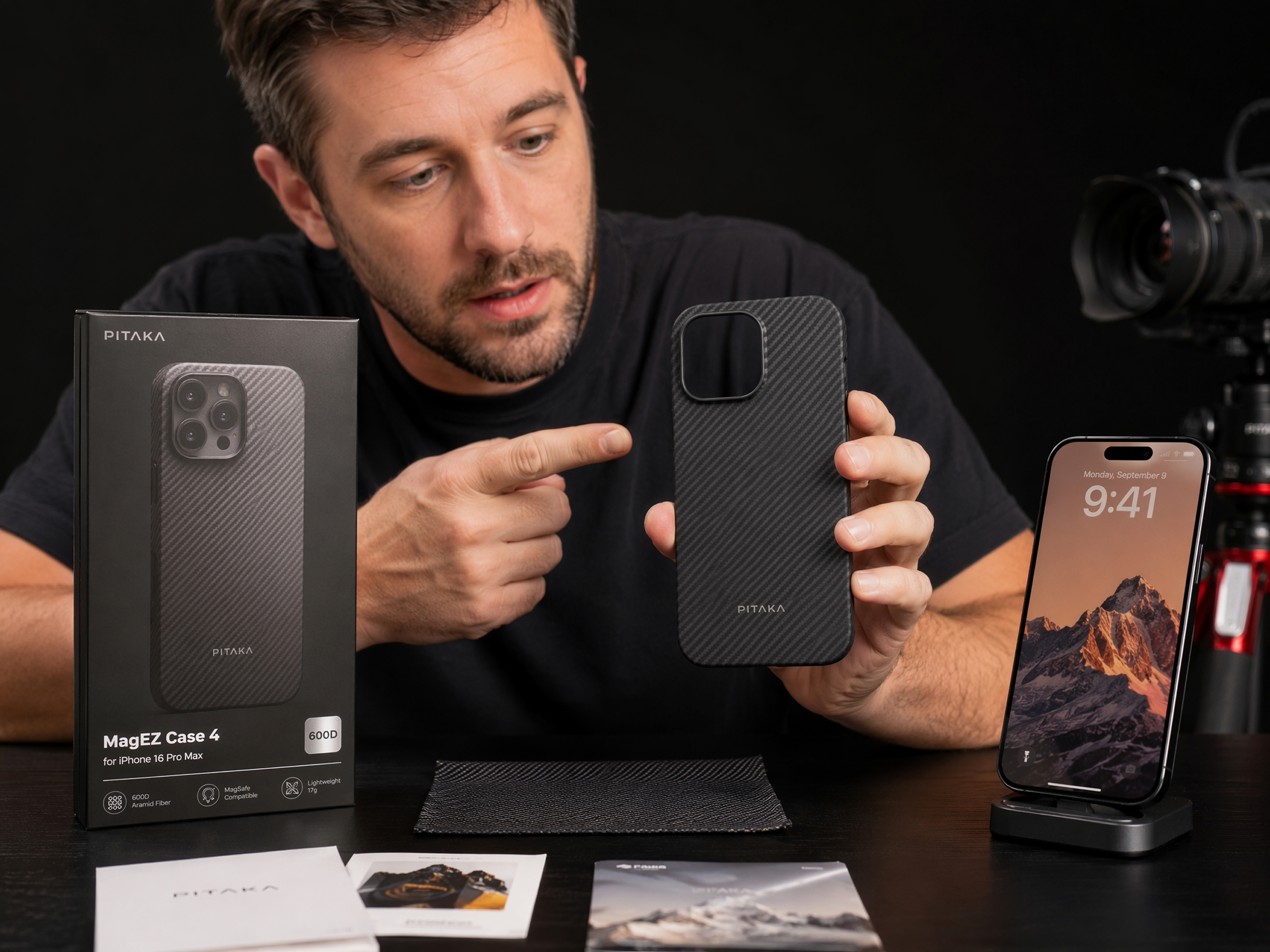
I liked being able to describe the problems instead of building a long stack of effects. It helped me improve product details and lighting without turning a quick review edit into a full restoration project.
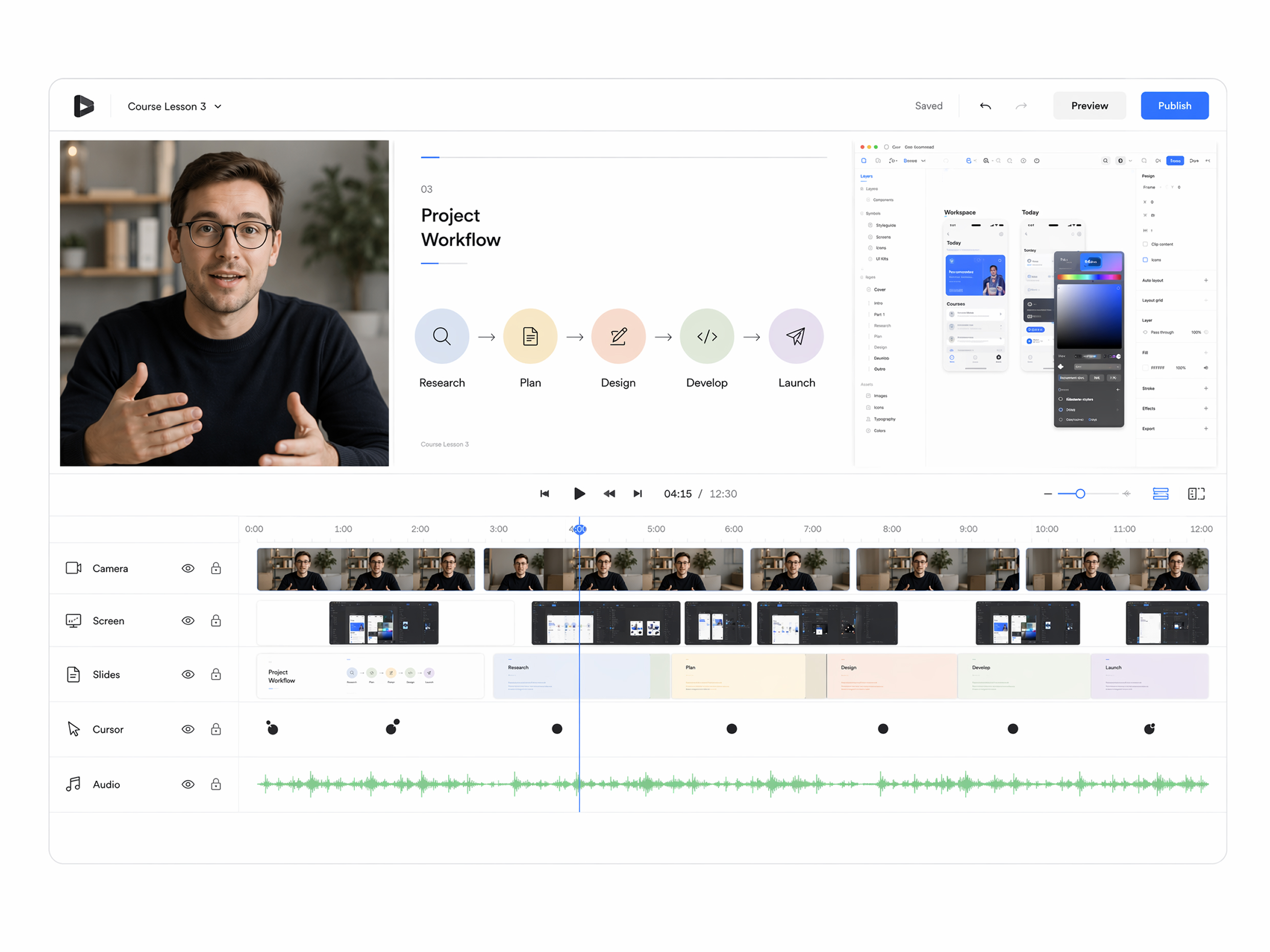
Our lessons come from different cameras and recording setups, so the quality can feel uneven. RoboNeo made it easier to prepare cleaner source files before the final YouTube export.