
AI Drama Script Generator
Write a drama script with characters who have clear motives, scenes that build on one another, and conflicts that keep the story moving. RoboNeo organizes the writing process on a visual canvas, where you can review the plot, rewrite individual scenes, and develop the script for video production.
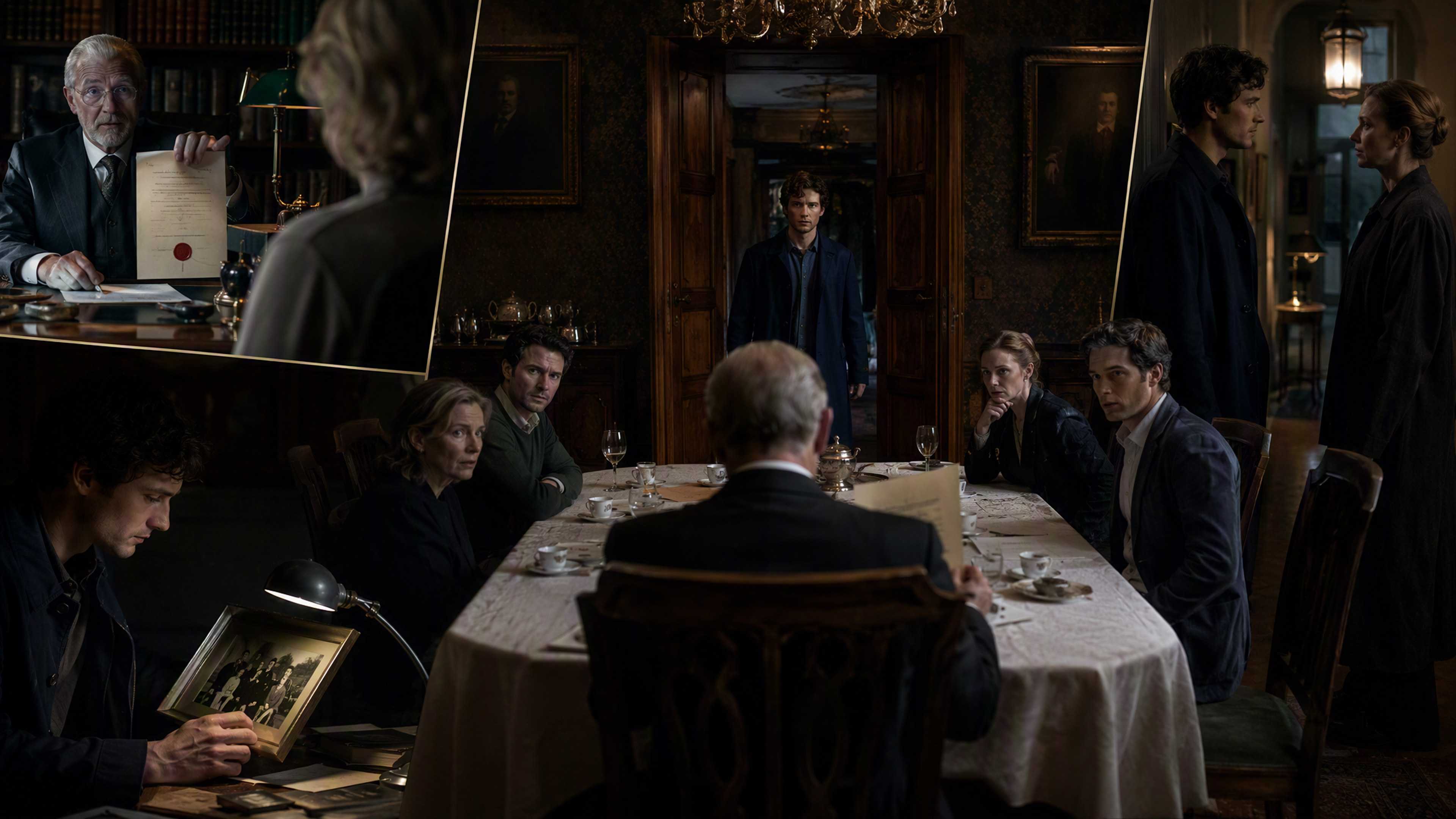
How to Write a Drama Script With RoboNeo
Describe the Drama
Enter the main characters, setting, conflict, genre, and tone. Your brief can be a detailed outline or a single premise, such as a new employee discovering that her manager is the sister she has never met.
Check the Story Plan
A team of specialized Agents develops the characters, relationships, and main plot points. Review the proposed direction and request changes if the conflict feels weak, a character lacks motivation, or the ending does not fit your idea.
Generate the Script
After you approve the direction, the AI drama generator writes the story as connected scenes with dialogue, character actions, and dramatic turns. The completed drama script appears on the visual canvas, making the full storyline easy to review.
Rework Individual Scenes
Select the section you want to change or send new instructions through the Agent panel. Tighten a slow conversation, reveal a secret earlier, give a character a stronger reaction, or replace the ending without rewriting the entire script.
A More Flexible Way to Develop Drama Scripts
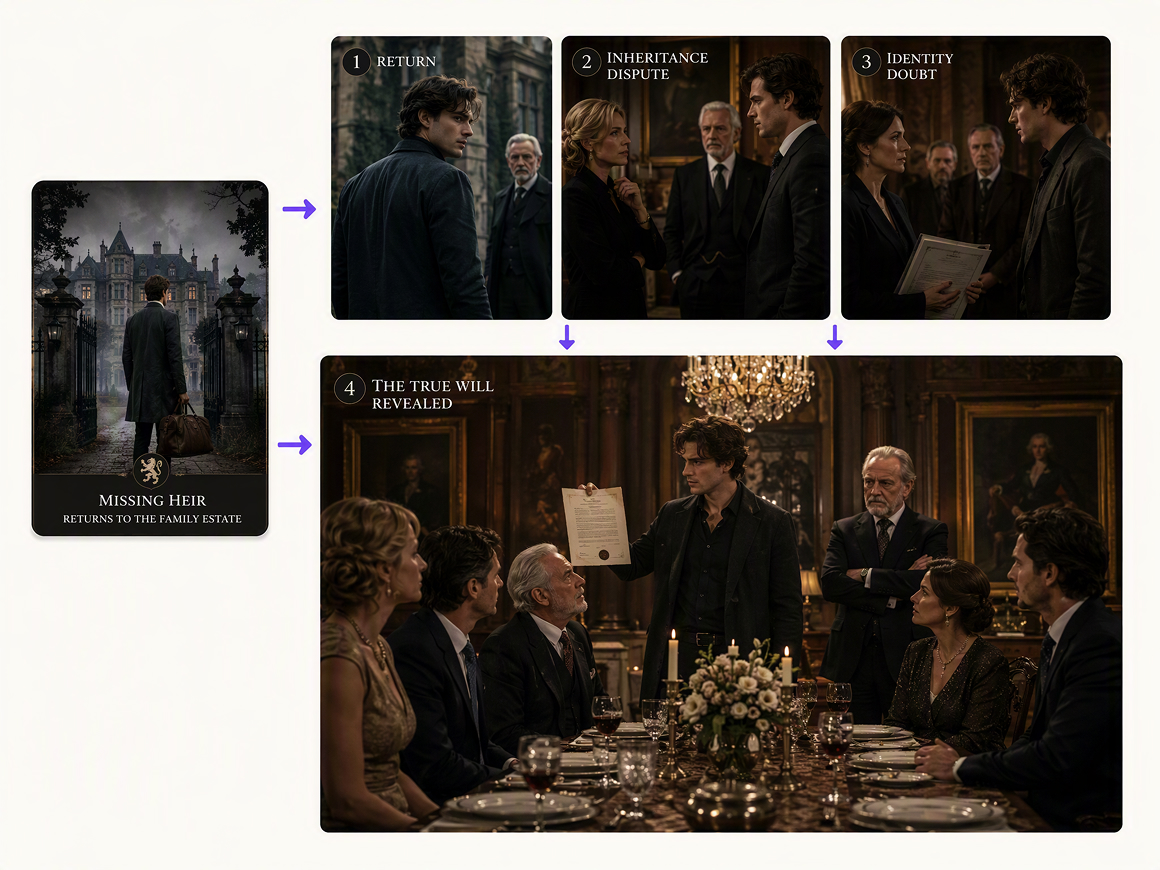
Build the Story Beyond the Opening Premise
A missing heir returns during a family inheritance dispute. RoboNeo develops that opening into character goals, rising tension, reversals, and an ending. You get a workable Drama Script even when you begin without a full outline or scene-by-scene plan.
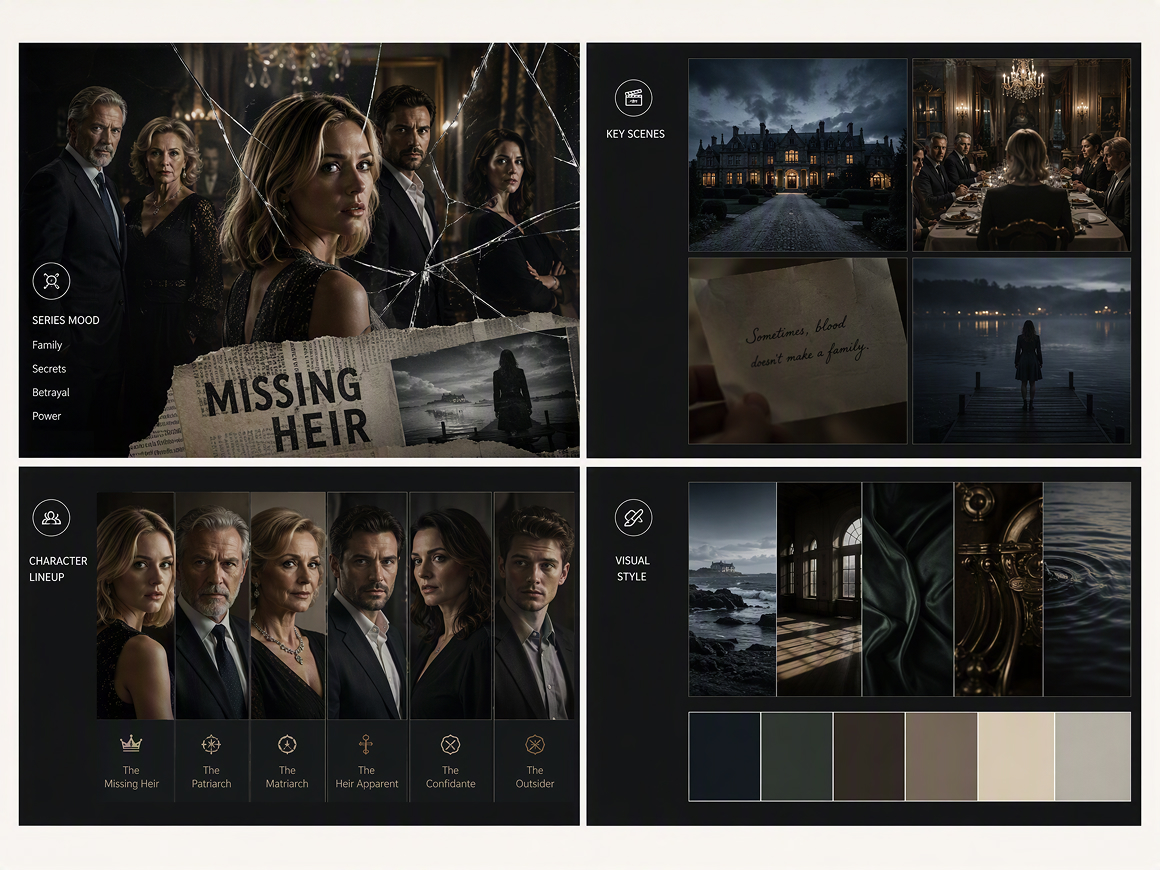
Give Different Creative Tasks to Each Agent
The Chief Screenwriter handles the story, while the Art Director, Video Director, and Editing Assistant support later production stages. Keeping these roles inside one project makes it easier to carry important story decisions into the characters, visuals, shots, and final edit.
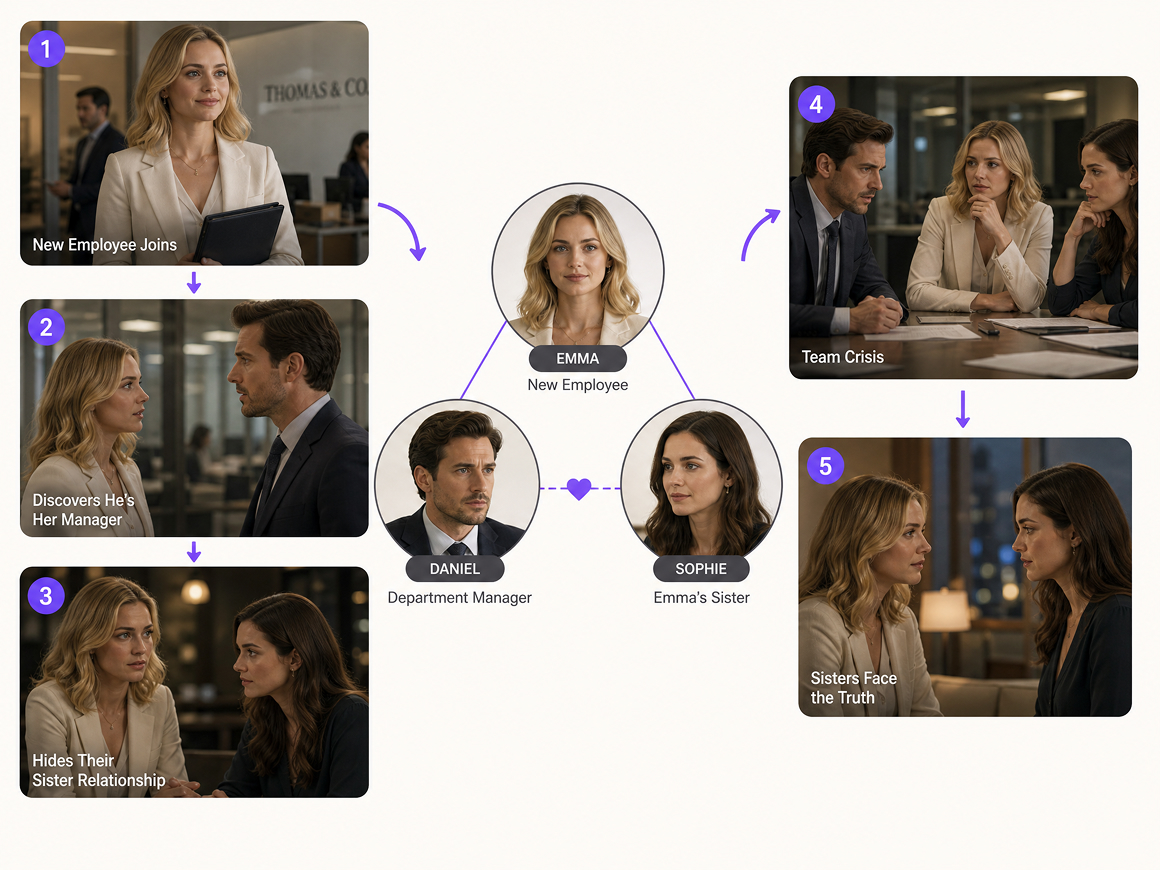
See the Whole Story on a Visual Canvas
Characters, plot points, and script sections appear in the same workspace rather than being buried in one long response. You can follow each relationship across the story, compare earlier and later scenes, and spot continuity problems before they reach production.
Change the Weak Parts Without Starting Over
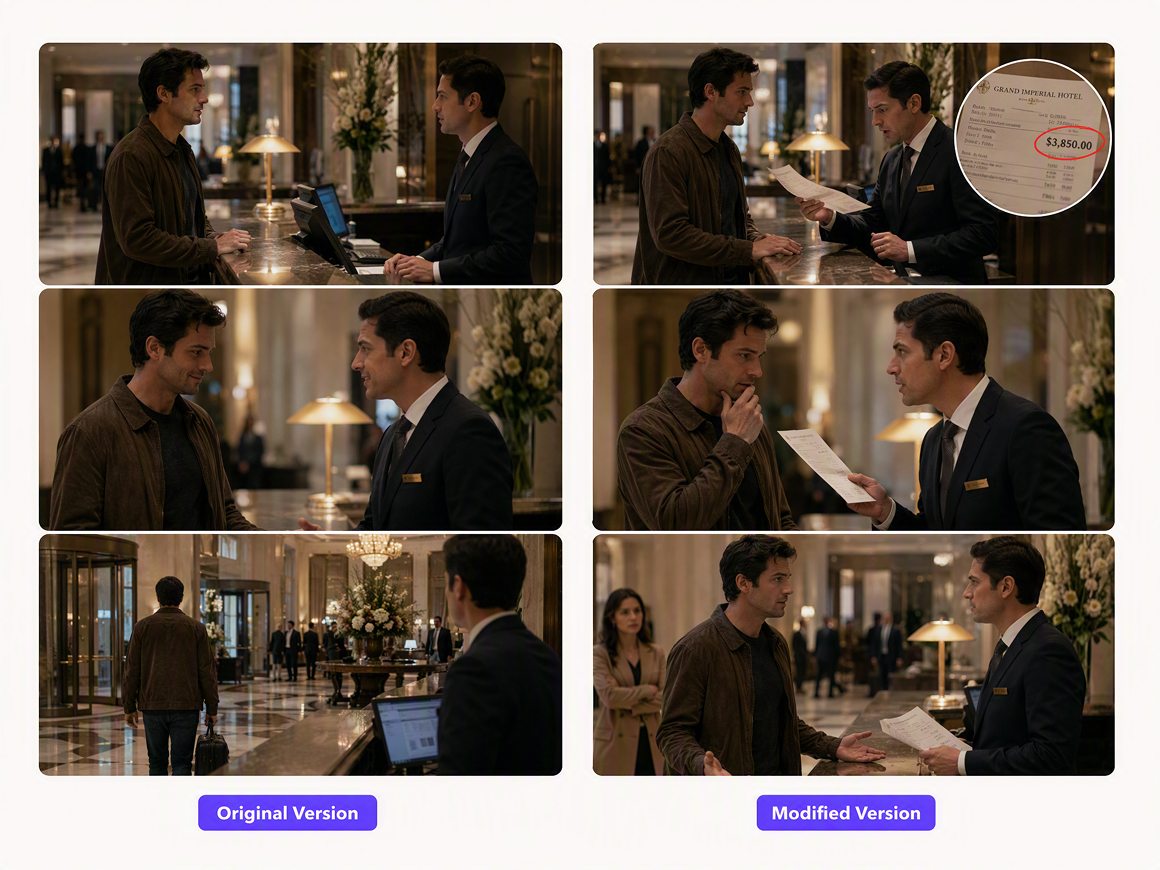
When a confrontation ends too quickly or a reveal comes too late, edit that specific section. The rest of the drama script stays in place, so you can test new dialogue, pacing, or character choices without losing the material that already works.
Drama Writing for Different Formats and Genres
Short Drama Episodes
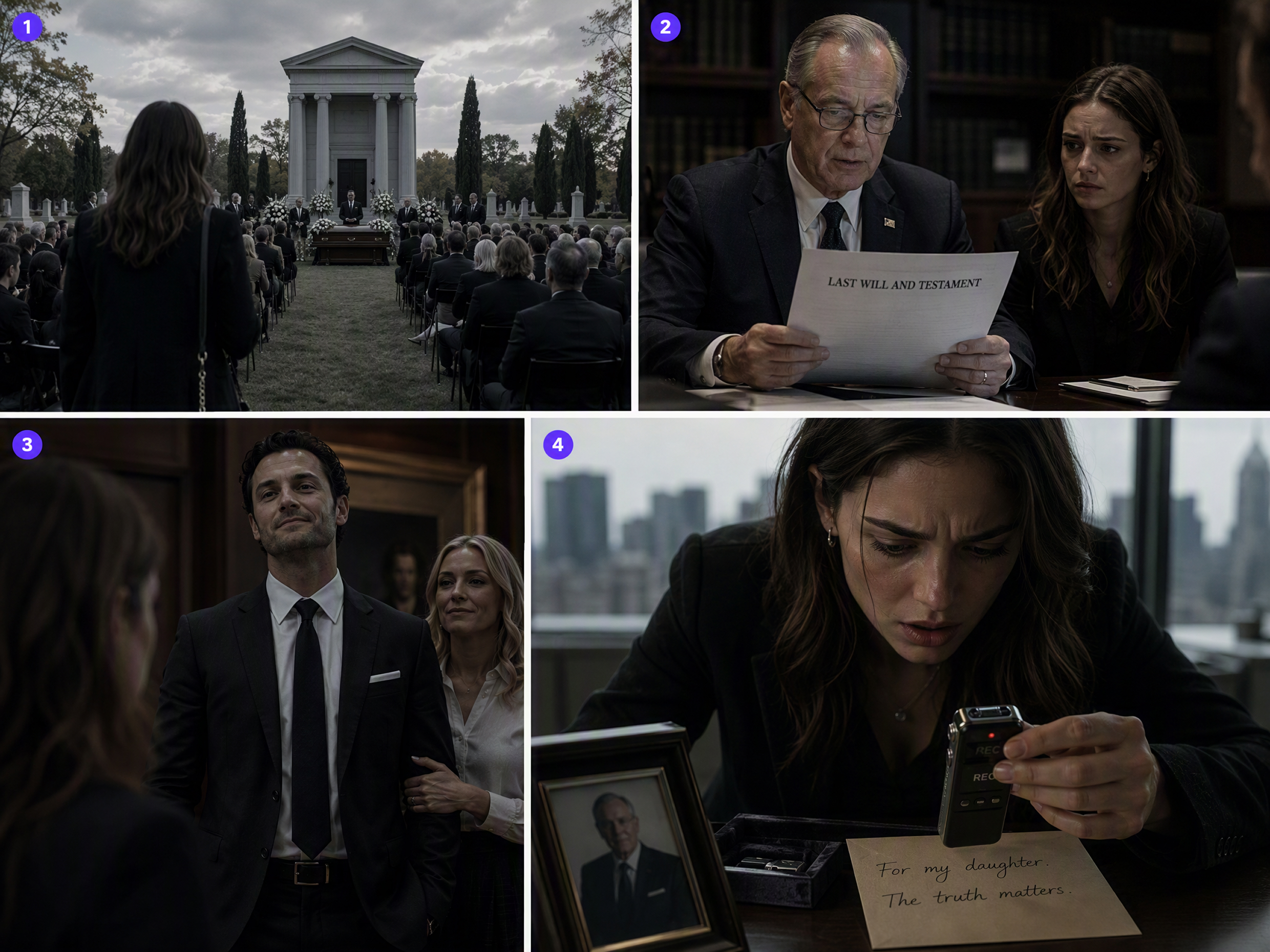
A daughter arrives at her father's funeral and learns that the family business now belongs to a stranger. Short-drama writers can break this conflict into focused episodes, placing a discovery, betrayal, or difficult choice near each ending to keep the larger story moving.
Frequently asked questions
What are drama scripts?
How to start a drama script?
Open with a moment that creates tension or raises a question. A bride spots an unexpected guest in the front row; a detective gets a call from a missing witness. Then establish what the characters want and what stands in their way.
How to read a drama script?
Start with the scene heading to identify the location and time. Then follow the character names, dialogue, action lines, and directions in order. Notice what each character does, not only what they say.
How many pages should a drama script be?
Length depends on the format. A one-minute short may need about one page, while a 30-minute episode often runs 22 to 35 pages. A feature-length drama script commonly falls between 90 and 120 pages.
What makes a good drama script?
A good drama script gives its characters clear goals, builds pressure through meaningful choices, and makes each scene affect what follows. Strong dialogue sounds natural while revealing personality, changing relationships, or moving the conflict forward.
Can AI write a complete drama script?
Yes. An AI drama generator can produce a complete drama script with scenes, dialogue, and plot turns. Writers should still revise the draft for pacing, continuity, emotional depth, and a voice that fits the story.
Find the Version of the Story That Works
A first draft rarely gets every scene right. Use RoboNeo to strengthen the conflict, sharpen the dialogue, and try different turns until the story feels ready for production.
What Writers Say About the Drama Script Tool
I usually have the beginning of a story figured out, but connecting everything in the middle takes forever. RoboNeo gave me a solid direction pretty quickly. I still changed some of the dialogue, but at least I was not staring at a blank page anymore.
I like being able to see the characters, plot, and scenes together instead of digging through one long chat. Some parts needed another pass, especially the pacing, but revising one section was much easier than generating the entire script again.
I was surprised by how quickly it put together the first version. The free access gave me enough room to try a few directions before deciding which one worked. It did not write the final script for me, but it made planning the series a lot less messy.