
Free AI Image Editor
RoboNeo’s AI Image Editor lets you edit, enhance, and transform images using AI instead of traditional design tools. As an AI agent, RoboNeo understands intent and context, allowing teams to remove distractions, add elements, change backgrounds, and refine visuals in a few steps.

Core Features
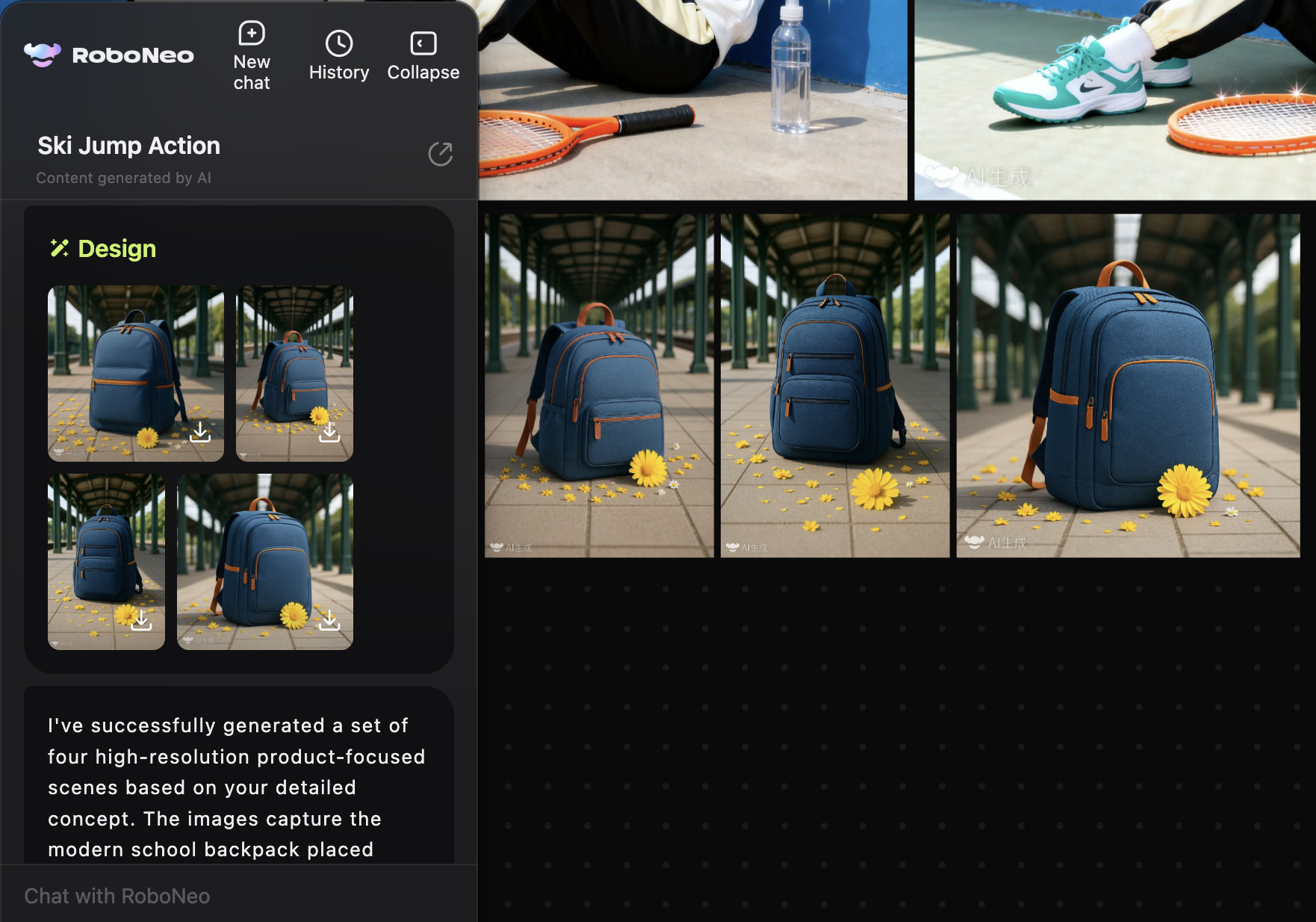
Edit images with AI, without manual tools
RoboNeo’s AI Image Editor lets you edit, enhance, and transform images using AI instead of traditional design tools. As an AI agent, RoboNeo understands intent and context, allowing teams to remove distractions, add elements, change backgrounds, and refine visuals in a few steps.
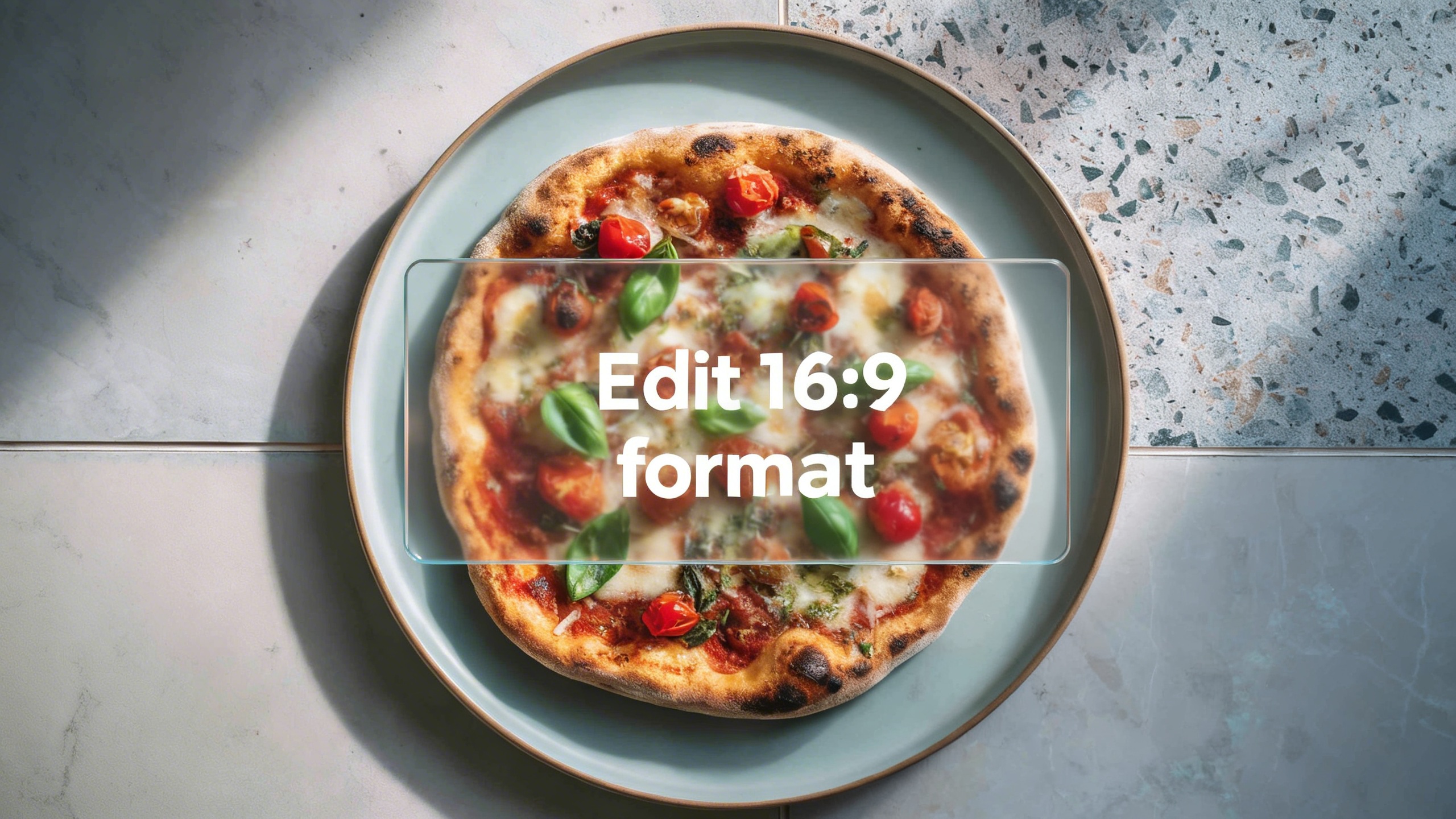
Edit images by describing what you want
With RoboNeo, image editing starts with intent, not tools. Describe what needs to change and the AI agent handles selection, blending, lighting, and reconstruction automatically.
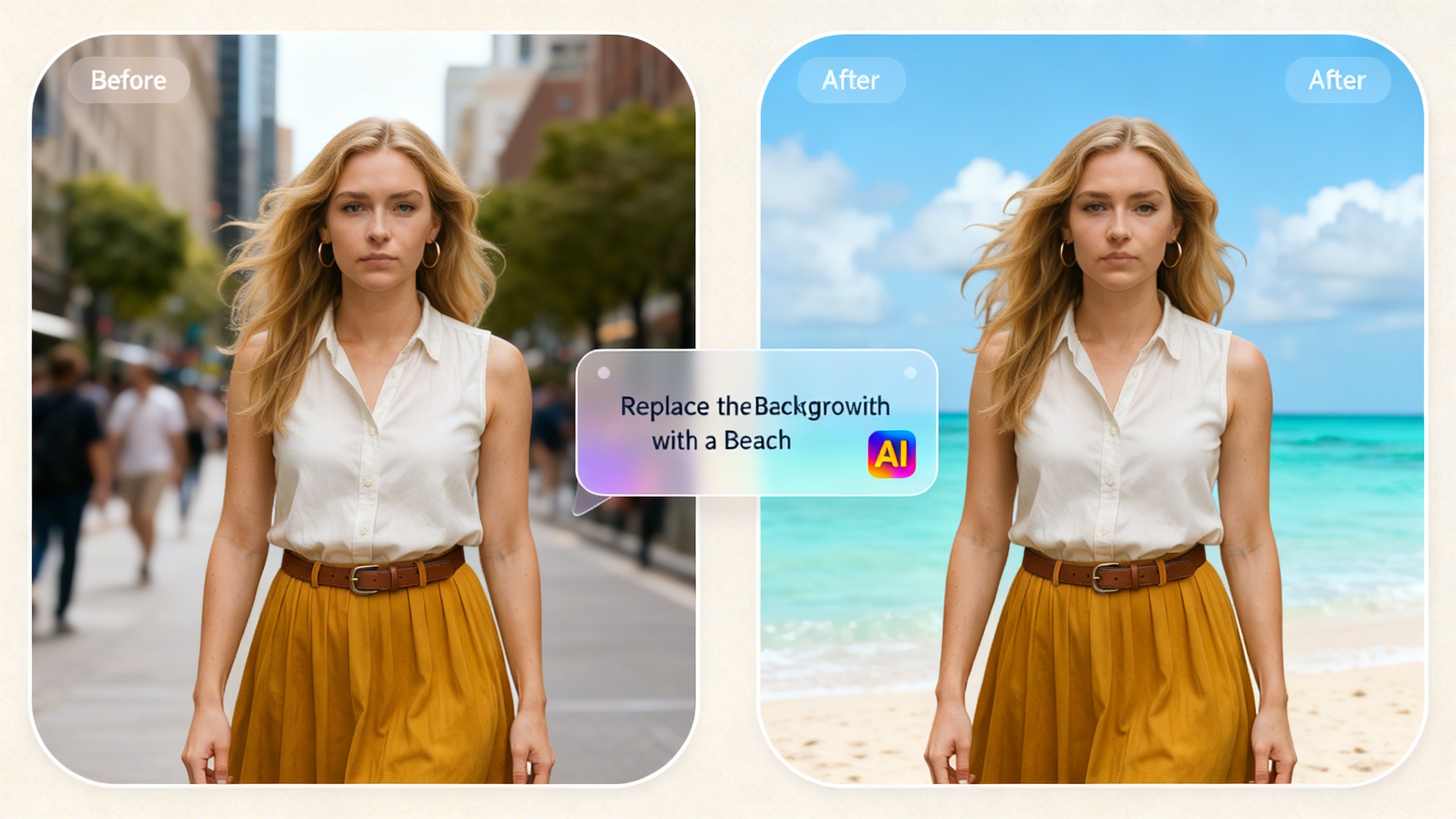
Remove, replace, and extend visual content
RoboNeo can remove unwanted objects, replace elements, or extend images beyond their original borders. Roboneo understands surrounding context and reconstructs missing areas naturally, preserving realism and visual continuity.
Use Cases
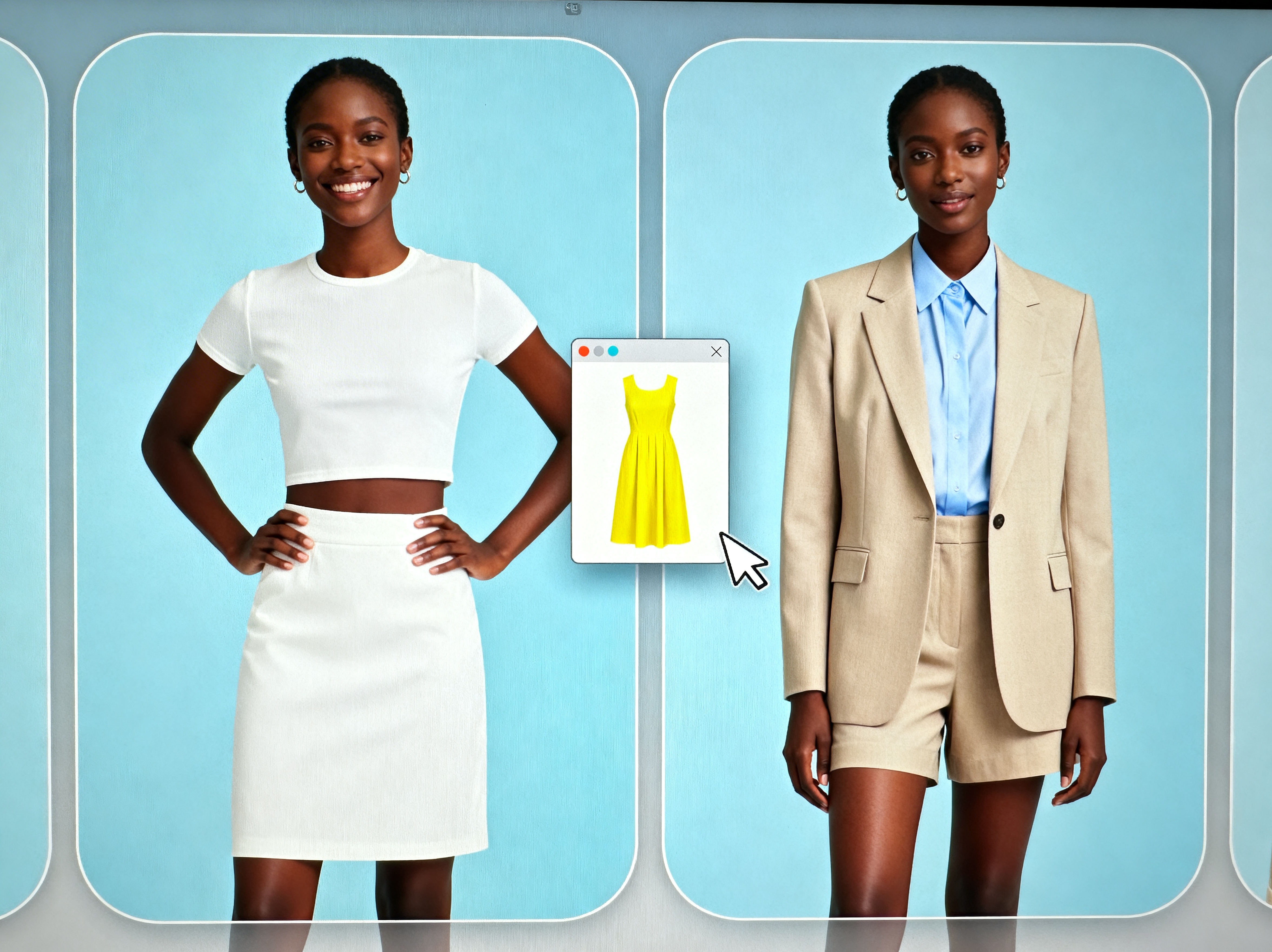
E-commerce Teams
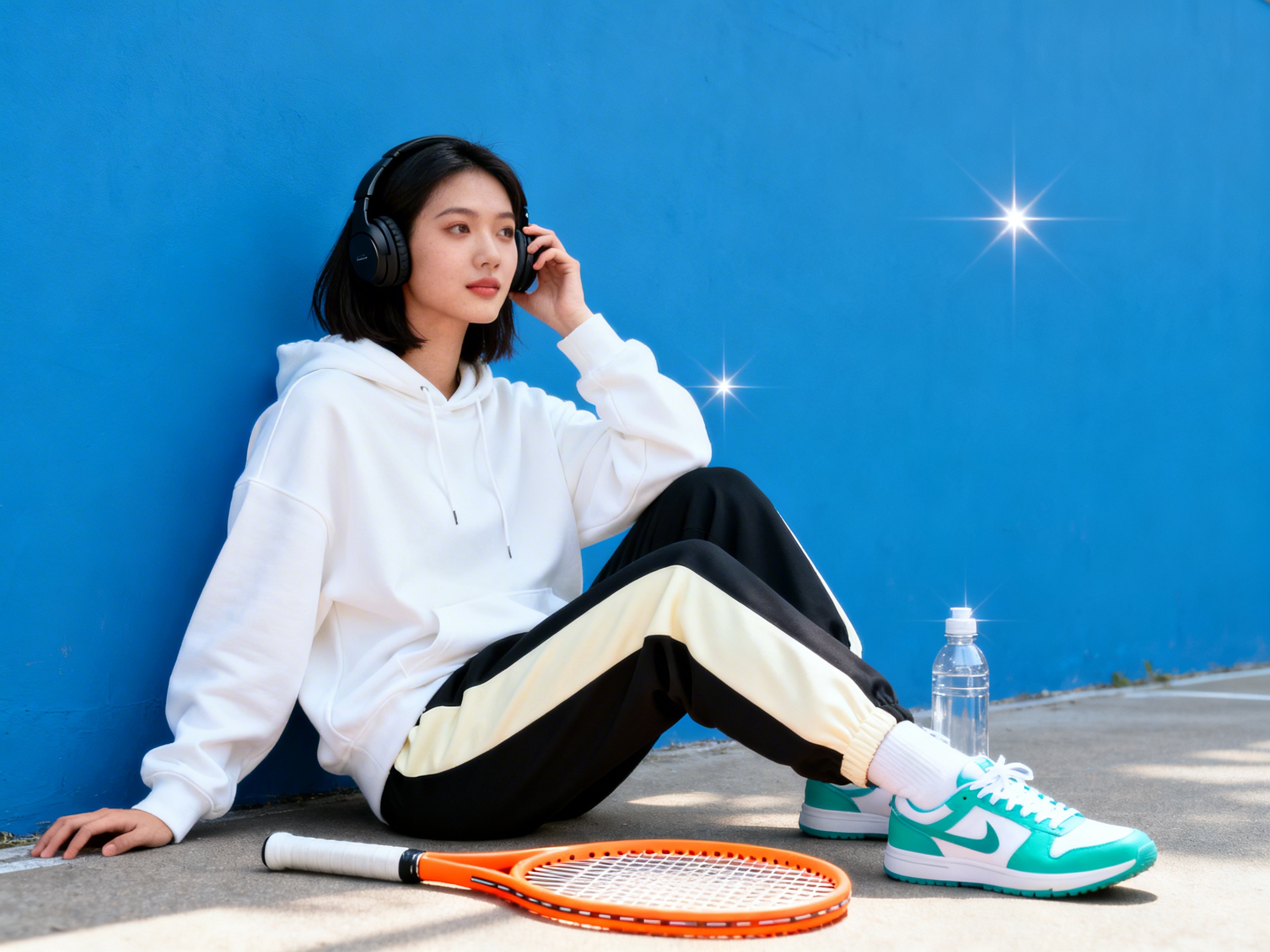
E-commerce teams generate clean, consistent product visuals using RoboNeo’s AI Image Editor. This helps standardize presentation across storefronts and marketplaces.

Frequently Asked Questions
What is RoboNeo’s AI Image Editor?
How is RoboNeo different from traditional photo editors?
Traditional editors require manual selection and pixel-level work. RoboNeo uses AI to understand context and perform edits automatically, reducing time and complexity.
Can RoboNeo remove objects from images?
Yes. RoboNeo can remove unwanted objects, people, text, or distractions while reconstructing the background naturally.
Can I change backgrounds using RoboNeo?
Yes. RoboNeo can replace backgrounds while preserving subject edges, lighting, and perspective.
Do I need design experience to use RoboNeo?
No. RoboNeo is designed for non-designers and teams that need professional image edits without manual work.