
How to Turn Photos Into an Engaging Video
 RoboNeo TeamApril 28, 2026
Before You Animate Anything, Ask This One Question
Before you touch any tool, answer this question: what do I want the viewer to feel in the first three seconds? Motion without intent is just animation. Motion with intent is storytelling. The tools are sophisticated enough to execute either. Only you can decide which one you are making. Write your answer in one sentence before you start. That sentence is your brief.
Which Photos Actually Work
The photos that convert best into video tend to share four traits. Before you decide how to animate a photo, identify what wants to move in the image. If the answer is nothing, consider choosing a different photo or adjusting your approach significantly.
- They contain elements that move in the real world.
- They have visible depth.
- They carry atmospheric weight.
- They separate subject from environment.
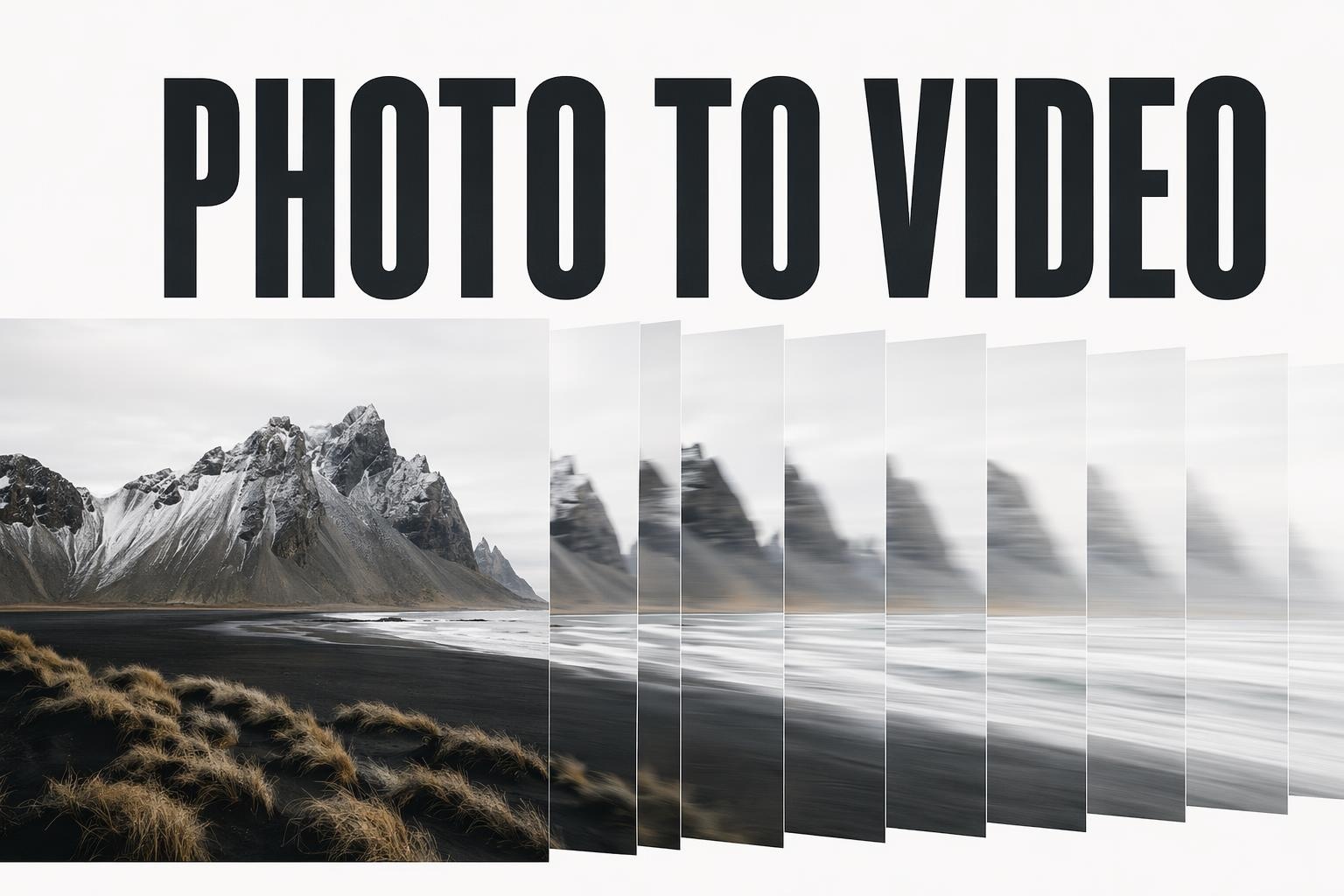
The 5 Motion Styles That Make Photos Feel Cinematic
Style 1: Physics-Based Full Animation
The entire image is analyzed for natural motion. Water ripples. Hair flows. Fabric drapes with authentic weight. Steam drifts upward. The motion is material-specific rather than applied uniformly.
Best for: Fashion, beauty, food and beverage, nature, lifestyle. Any image where organic texture is the main event. Works exceptionally well on Instagram and TikTok where immersive atmosphere drives saves.
Style 2: Cinematic Camera Movement
A virtual camera moves through the image using depth simulation. Push in slowly toward a subject. Pull back to reveal a scene. Pan across a landscape. The photo becomes a three-dimensional space rather than a flat surface.
Best for: Travel, real estate, brand lifestyle imagery, product hero shots. This style is the backbone of high-converting paid social ads because it feels expensive without costing anything to produce.
Style 3: Selective Motion
Only specific zones of the image animate. A candle flame flickers in the corner. Steam rises from a coffee cup. A curtain moves at the edge of frame. Everything else stays perfectly still.
Best for: Product photography, food and beverage, interior scenes, any content intended to loop. Because most of the image is static, the loop point is invisible. The contrast between stillness and motion creates visual hierarchy without chaos.
Style 4: Atmospheric Shift
The light and atmosphere of the image evolve over time. Midday becomes golden hour. Clear becomes overcast. Day transitions into night while city lights gradually appear.
Best for: Brand storytelling, hospitality, real estate, seasonal campaigns. This style is consistently underused. It communicates the passage of time, which creates a cinematic emotional response that no other approach quite replicates.
Style 5: Morphing and Transition Storytelling
Two images are connected through a calculated physical transformation. One becomes the other through a smooth, physics-aware bridge. A raw ingredient becomes a finished dish. A before becomes an after. A sketch blooms into a finished illustration.
Best for: Before and after content, product launches, educational content, brand transformation narratives. This style is inherently story-driven. It communicates change, which is among the most compelling things content can show.
How to Go From Photo to Video in Under 5 Minutes
Physics-based Animation
For physics-based animation, upload your photo and RoboNeo's engine analyzes the specific materials in the scene. It recognizes fabric versus water versus hair and applies the correct physical behavior to each. The output moves the way the real thing would move, not the way a generic animation filter thinks it should.
Cinematic Camera Movement
For cinematic camera movement, choose your camera path direction and scale. RoboNeo uses depth analysis to simulate a three-dimensional space within your flat photograph. A slow push-in on a product shot produces the same gravitas as a professionally filmed product video.
Selective Motion
For selective motion, use the motion brush to paint the specific zones you want to animate. The zones you leave unpainted stay completely still. This level of control is what separates intentional creative direction from generic AI output.
Teams and Brands
For teams and brands that need consistency across multiple videos, RoboNeo's reference image-to-video feature preserves your color palette, lighting, composition, and aesthetic across every output. The visual language stays locked regardless of how many variations you produce.
Frequently Asked Questions (FAQ)
Can I turn photos into a video for free?
What is the best app for making a video with pictures and music?
The best app depends on your needs, but for those who want professional results with minimal manual effort, the RobeNeo video creator stands out. It combines ease of use with powerful generative AI that perfectly times transitions to music tracks.
How long should my photo-to-video montage be?
For social media like TikTok or Reels, aim for a fast-paced 15 to 30 seconds. For a personal vacation recap hosted on YouTube or shared privately with family, 2 to 3 minutes is generally the sweet spot before viewer fatigue sets in.
Can AI actually animate a still photo into a moving video?
Absolutely. Modern photo to video AI technology can map the depth of a 2D image and apply 3D parallax effects, generate moving elements (like water or smoke), or even utilize generative video models to create a few seconds of realistic motion from a single picture.