
AI Script Generator
Quickly create scenes, dialogue, and full scripts for short videos with RoboNeo AI Script Generator. All from a simple idea.
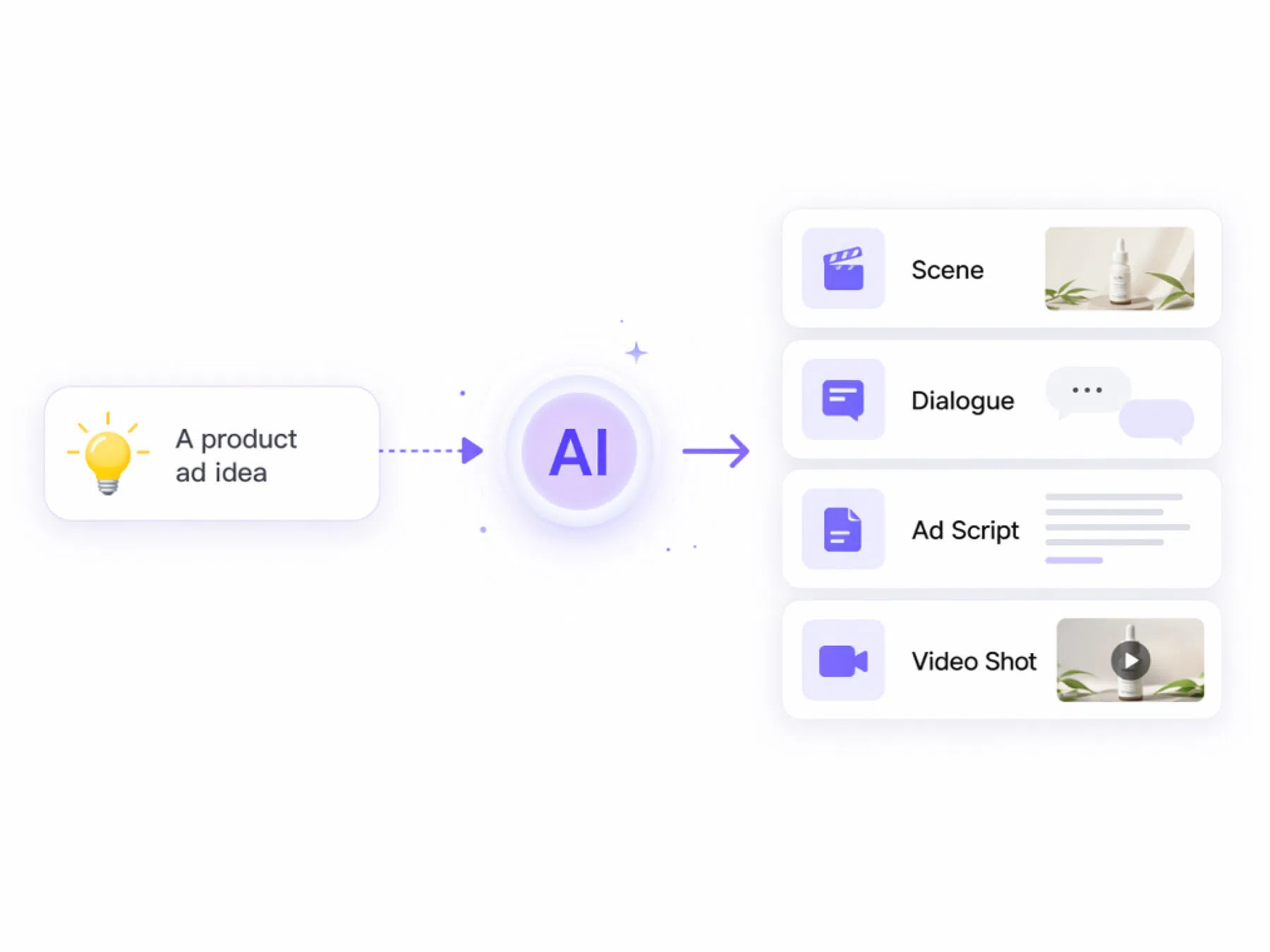
How to Use RoboNeo AI Script Generator
Add Your Script or Reference
Enter a completed script, upload a character image, or connect a reference video to the script node.
Generate the Script and Storyboard
Run the script to generate a structured script. Includes: shot number, duration, scene type, character, prompt and more.
Prepare Character and Scene Assets
Add new characters manually or generate multiple assets at once.
Review and Confirm the Shots
Open the storyboard table to edit individual cells, reference assets with @, adjust sound effects or voiceovers, and shots.
Generate Prompts and Videos
Select shots or the full storyboard to generate prompts, then download, create visuals, generate videos, or regenerate the script and assets.
Create Scripts for End-to-End Video Workflows
Turn Scripts Into Storyboards
RoboNeo transforms a completed script into a clear storyboard with ordered shots, scene breakdowns, character actions, dialogue, and transitions. Creators can move from written ideas to a visual production faster, reducing manual planning before filming, animation, or AI video generation.
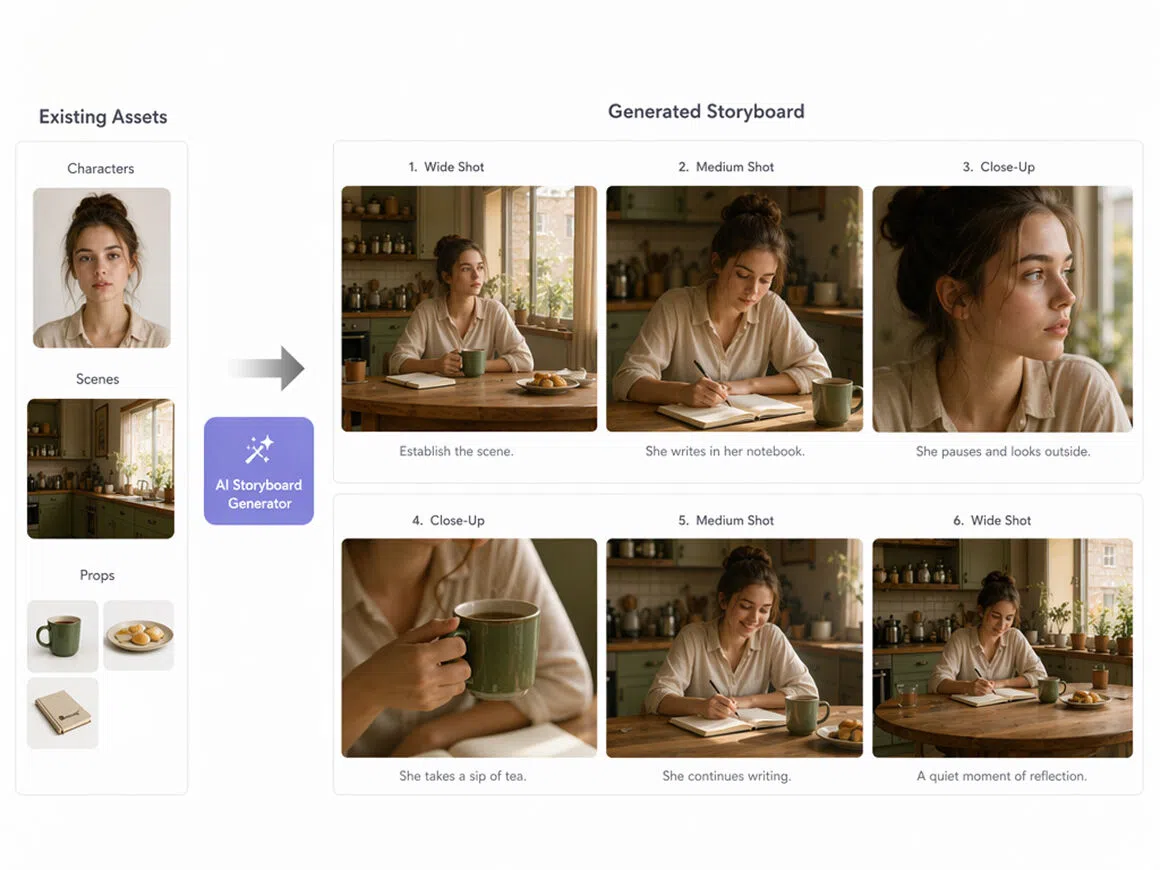
Generate Storyboards From Existing Assets
RoboNeo can use approved characters, locations, props, and visual references when generating each storyboard. Reusing existing assets helps teams maintain consistent appearances, environments, and brand details across scenes, avoiding repeated redesign work and reducing visual drift during longer productions overall.
Fine-Tune Every Shot With Precise Controls
Creators can control composition, lighting, camera movement, pacing, transitions, and audio cues for individual shots. These structured settings make each storyboard more production-ready, while giving directors clearer control over how scenes should look, move, sound, and connect in the final video.
Edit and Regenerate Script Nodes on a Free Canvas
Rework any script node right on same canvas. Edit the text, adjust the scene, or regenerate it entirely without breaking the flow of your storyboard.
Use RoboNeo for Different Script Projects
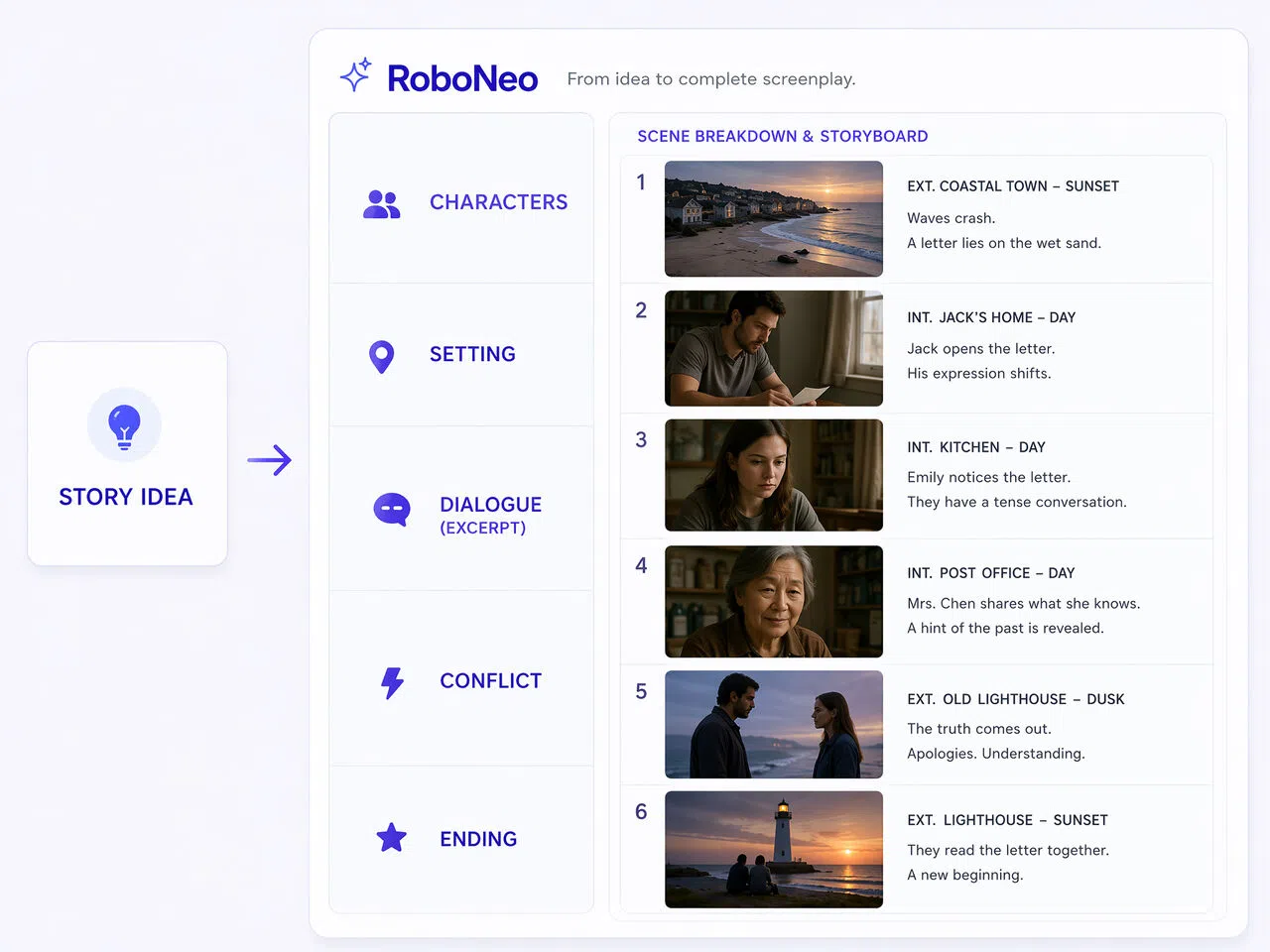
Short Drama Teams
RoboNeo helps short drama teams turn rough episode ideas into clearer scene-by-scene scripts. When teams need fast hooks, conflict, emotional turns, and cliffhanger endings, it gives them a stronger draft to work from.

FAQ about AI script generator
How to ask AI to make a script?
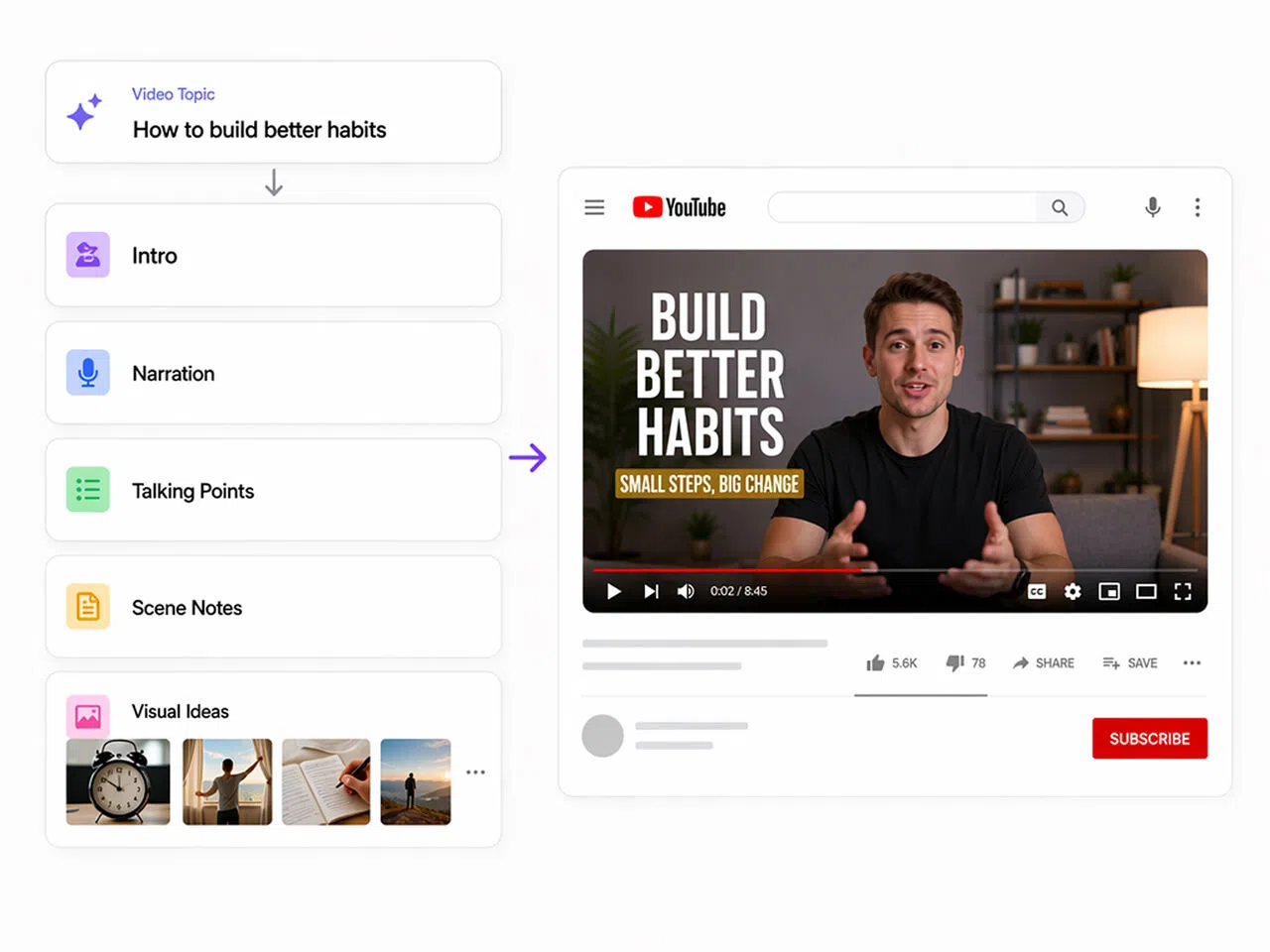
Can I use RoboNeo for YouTube scripts?
Yes. RoboNeo can help create YouTube intros, talking points, narration, scene notes, and transitions for tutorials, reviews, explainers, storytelling videos, and other content formats.
Can AI script tools support batch video production?
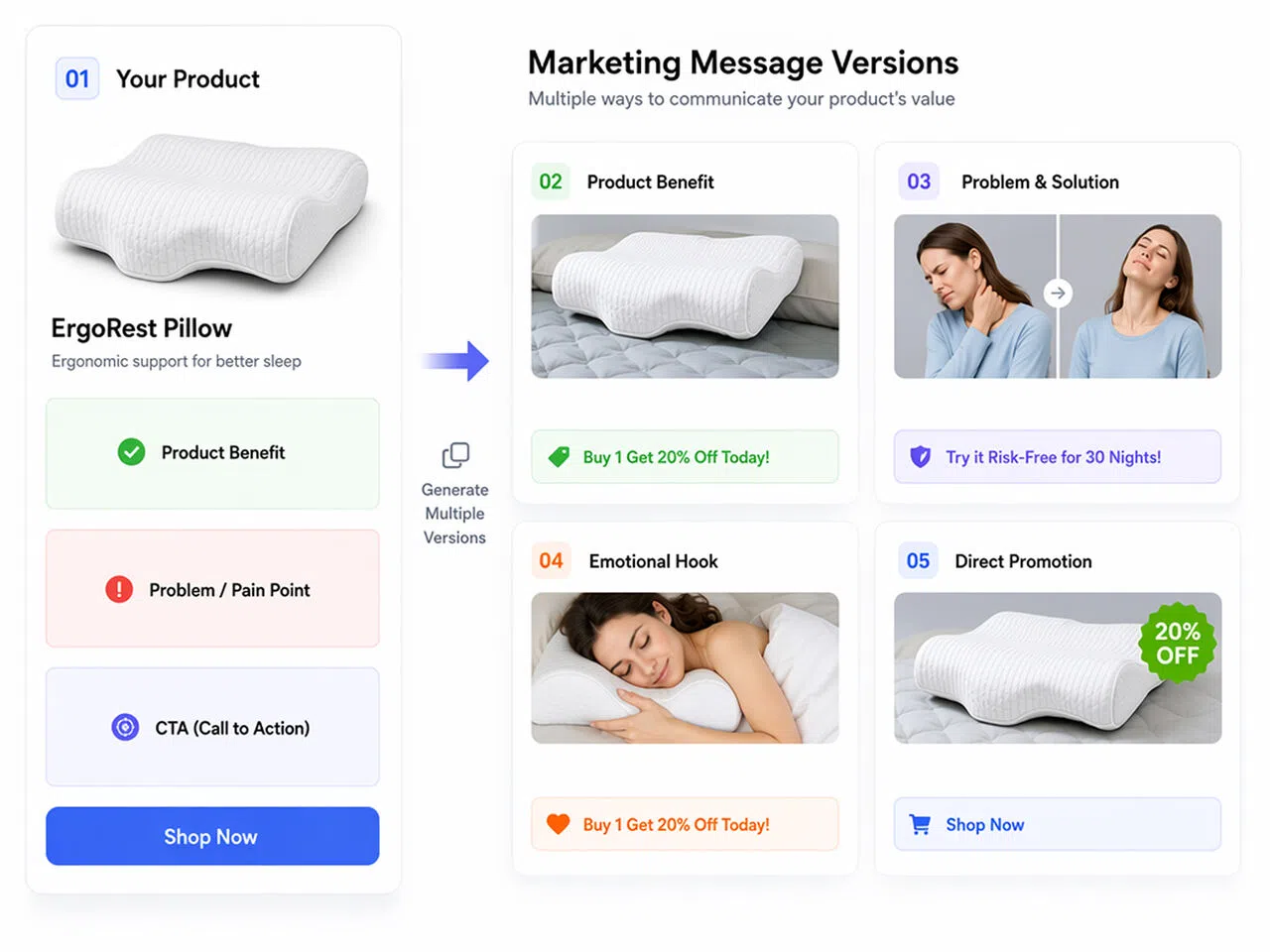
Yes. AI script tools can help generate multiple hooks, ad angles, scene drafts, or video script versions. This makes it easier to test ideas and prepare content for batch video production.
Will AI-generated scripts sound generic?
They can sound generic if your prompt is too broad. Add audience details, tone, examples, product benefits, story direction, and platform needs to make the script more specific and natural.
Start Writing Video Scripts with RoboNeo AI
Turn your ideas into structured scripts for short dramas, YouTube videos, ads, and social content.
What Users Say About RoboNeo AI Script Generator
I usually have the main conflict in mind, but turning it into scenes takes time. RoboNeo helped me build a clear episode draft with dialogue, actions, and an ending beat, so I could move into video planning much faster.
RoboNeo is useful when I need to turn a messy topic idea into a real script. It gives me a stronger intro, cleaner talking points, and scene notes that make recording and editing easier.
We use RoboNeo to test different ad script directions before production. It helps us compare hooks, product messages, and CTAs quickly, so the team can choose a better version before making the video.