
AI Character Voice Generator
RoboNeo AI character voice generator turns written dialogue into distinct voices for animation, games, short dramas, and social content.
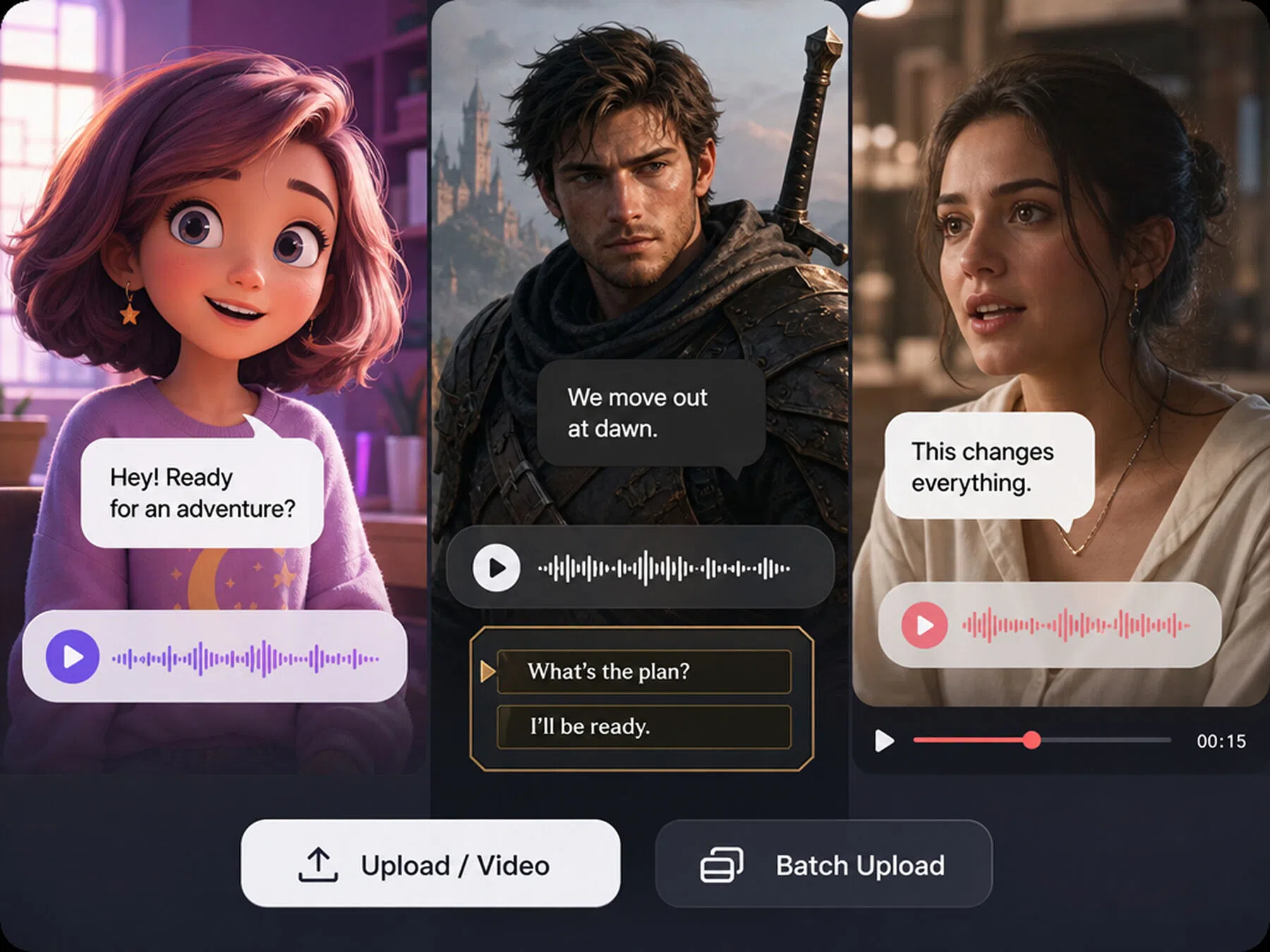
How to Create Character Voices with RoboNeo
Start a New Project
Open the workspace, then fill in the character concept or scene you want to turn into spoken dialogue.
Add Characters and Dialogue
Enter each speaker's lines and lable their personality, age, emotion, and speaking style so RoboNeo can tell them apart.
Generate and Review the Voices
Generate the voice lines, then listen to each speaker in context. Check whether the voices fits matches each character’s role.
Refine and Export the Result
Adjust the prompt or settings to change the emotion, pace, or delivery. C hoose the strongest result.
What You Can Do with RoboNeo Character Voices
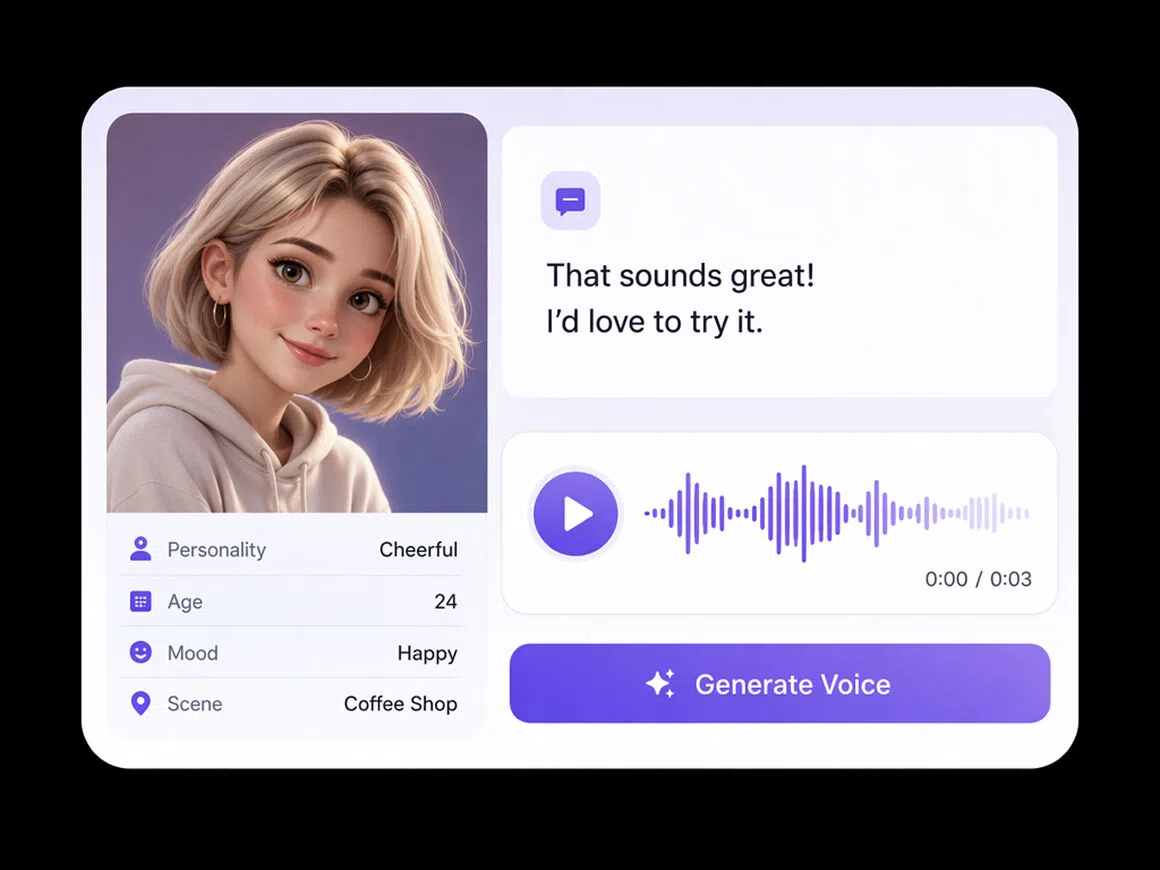
Create Character Voices with Simple Prompts
Describe a character’s personality, age, mood, and scene in plain language. RoboNeo AI voice generator for characters turns that prompt into a usable voice take, helping animators and game creators shape performances without complex audio controls or repeated studio recording.
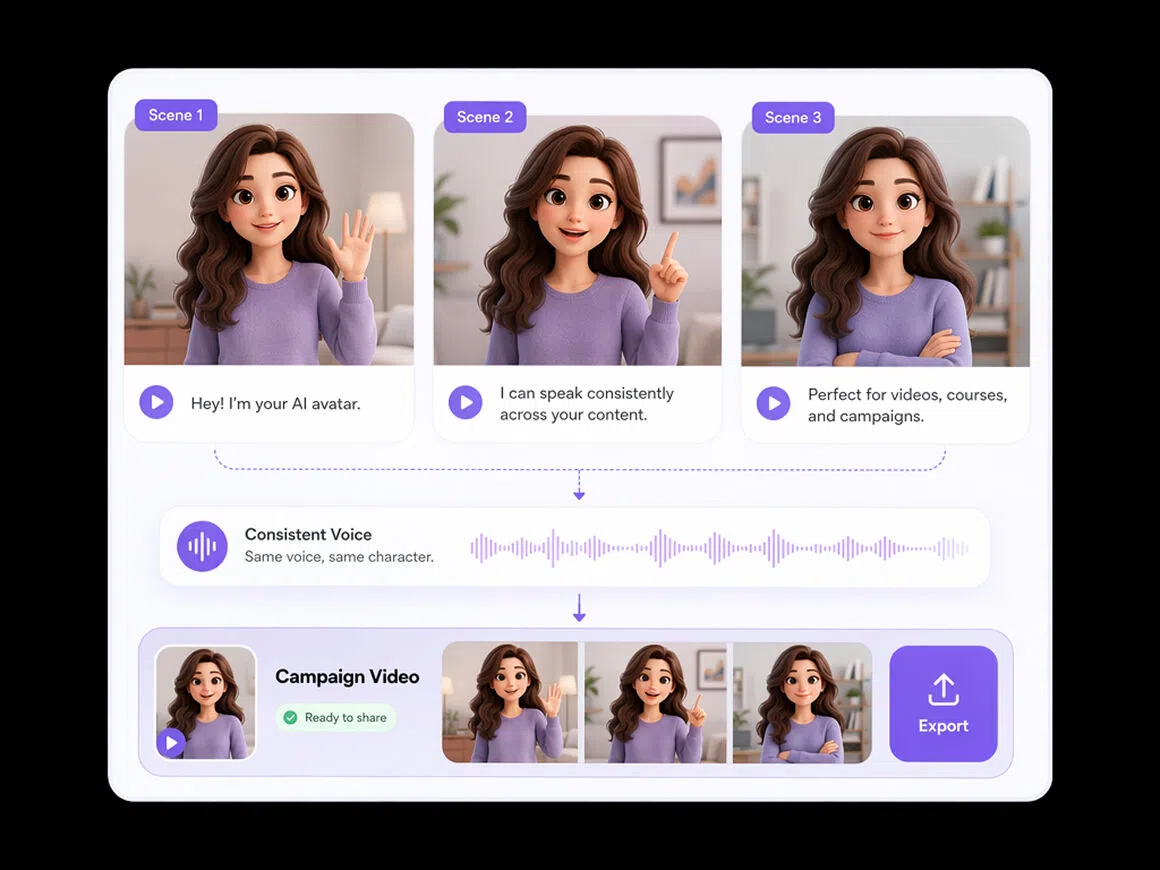
Keep Every Character’s Delivery Consistent
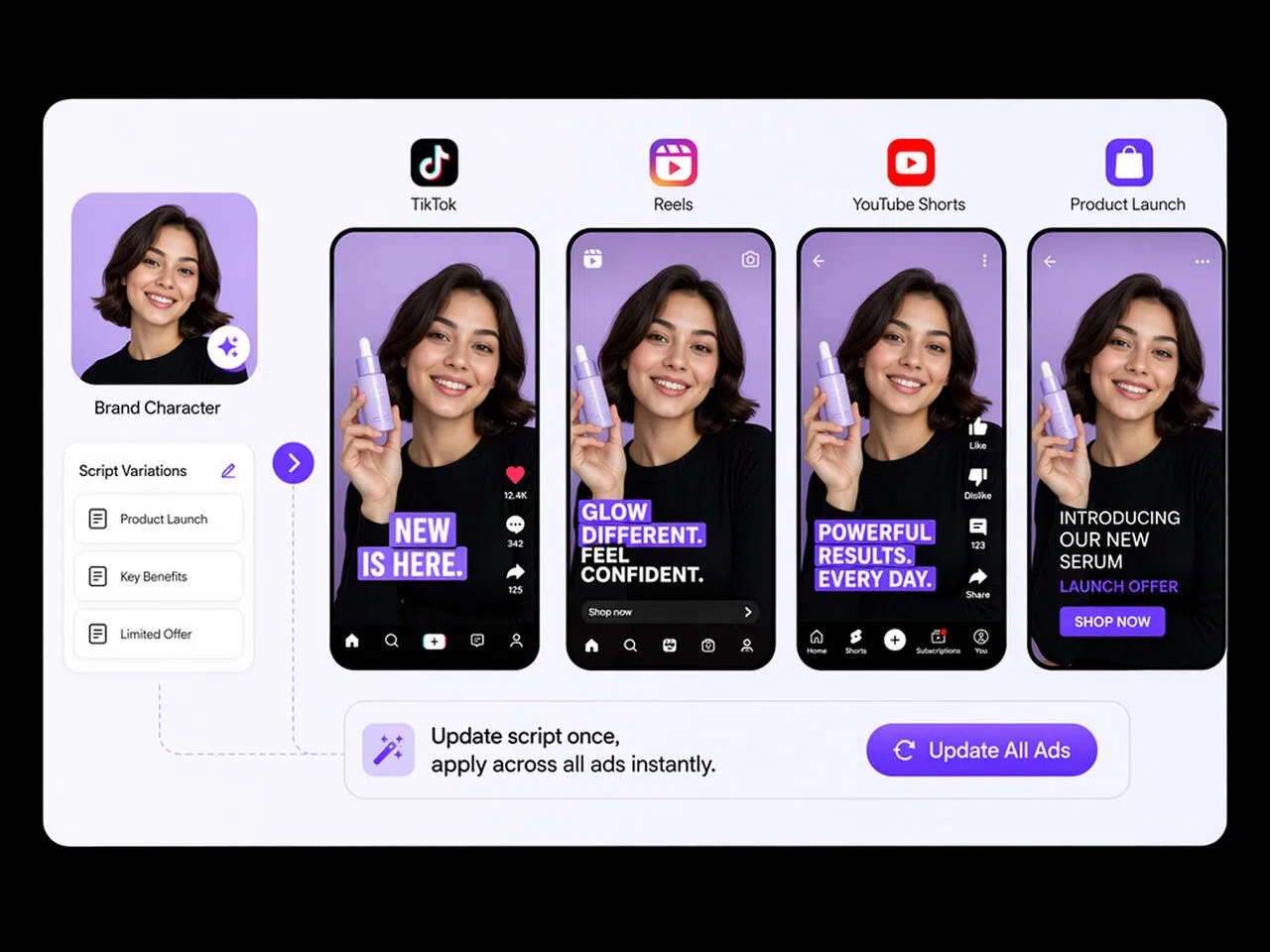
Reuse the same character brief across scenes, episodes, and campaign assets to maintain a recognizable delivery. This helps animation teams, storytellers, and brand content creators avoid distracting voice changes when recurring characters appear in longer projects, serialized content, or ongoing campaigns.
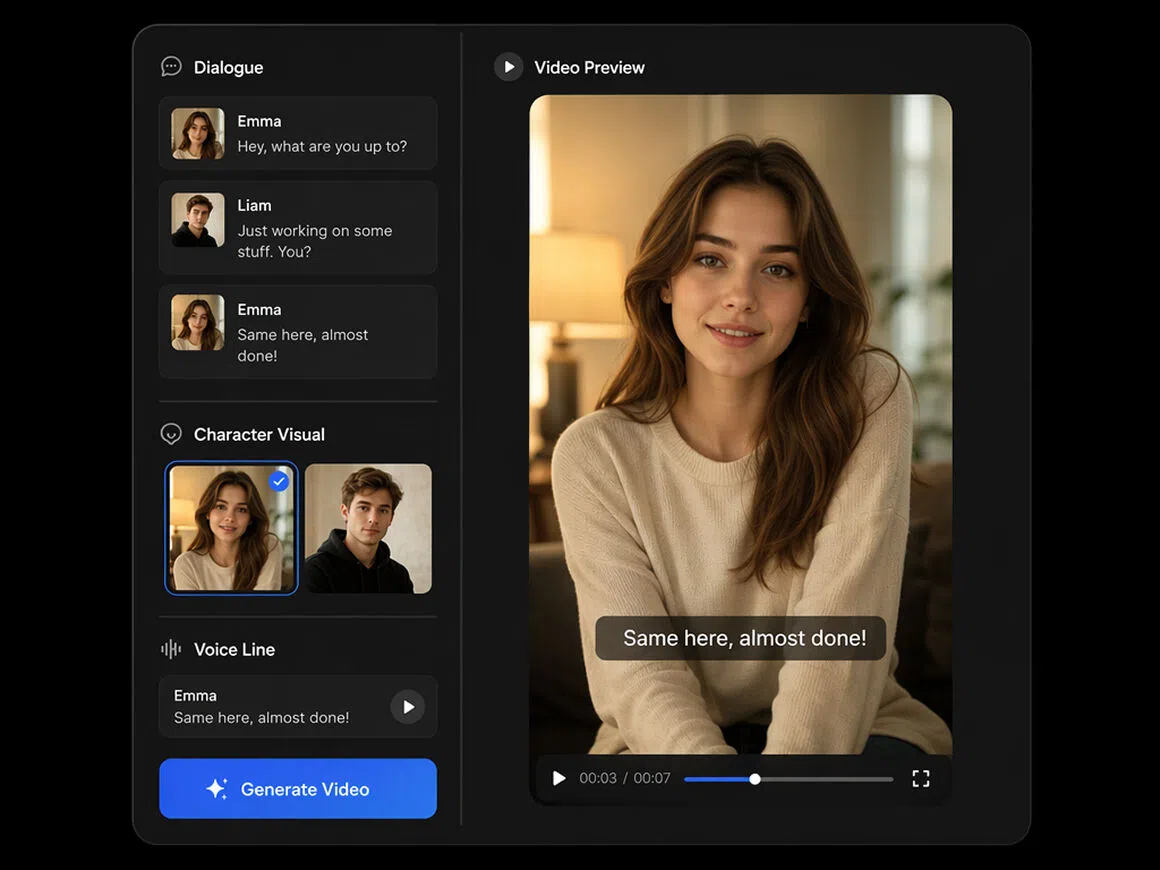
Turn Dialogue into Finished Videos Faster
Write dialogue, create character visuals, generate voice lines, and assemble scenes in one connected workspace. RoboNeo reduces tool switching and version confusion, helping short-drama teams and social creators move from an early script to publish-ready video with fewer production handoffs.
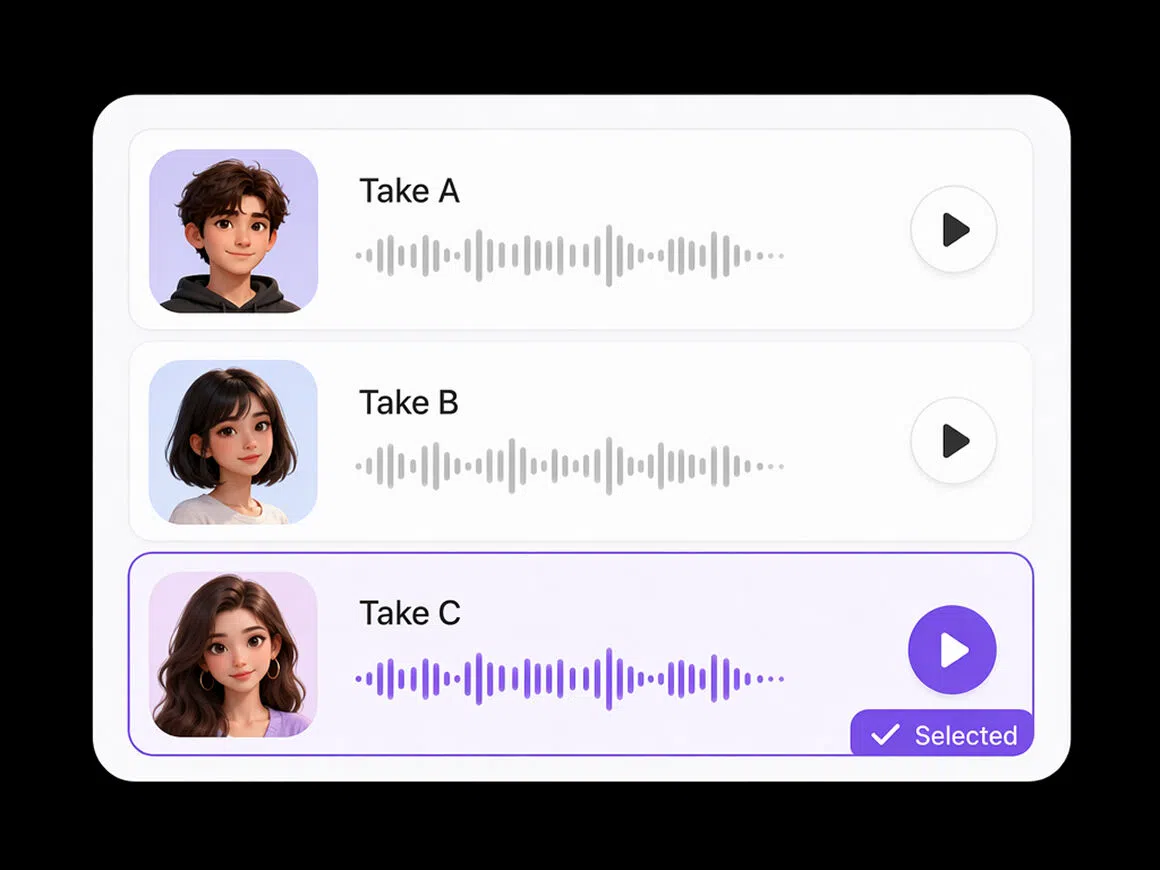
Generate Multiple Character Takes in One Flow
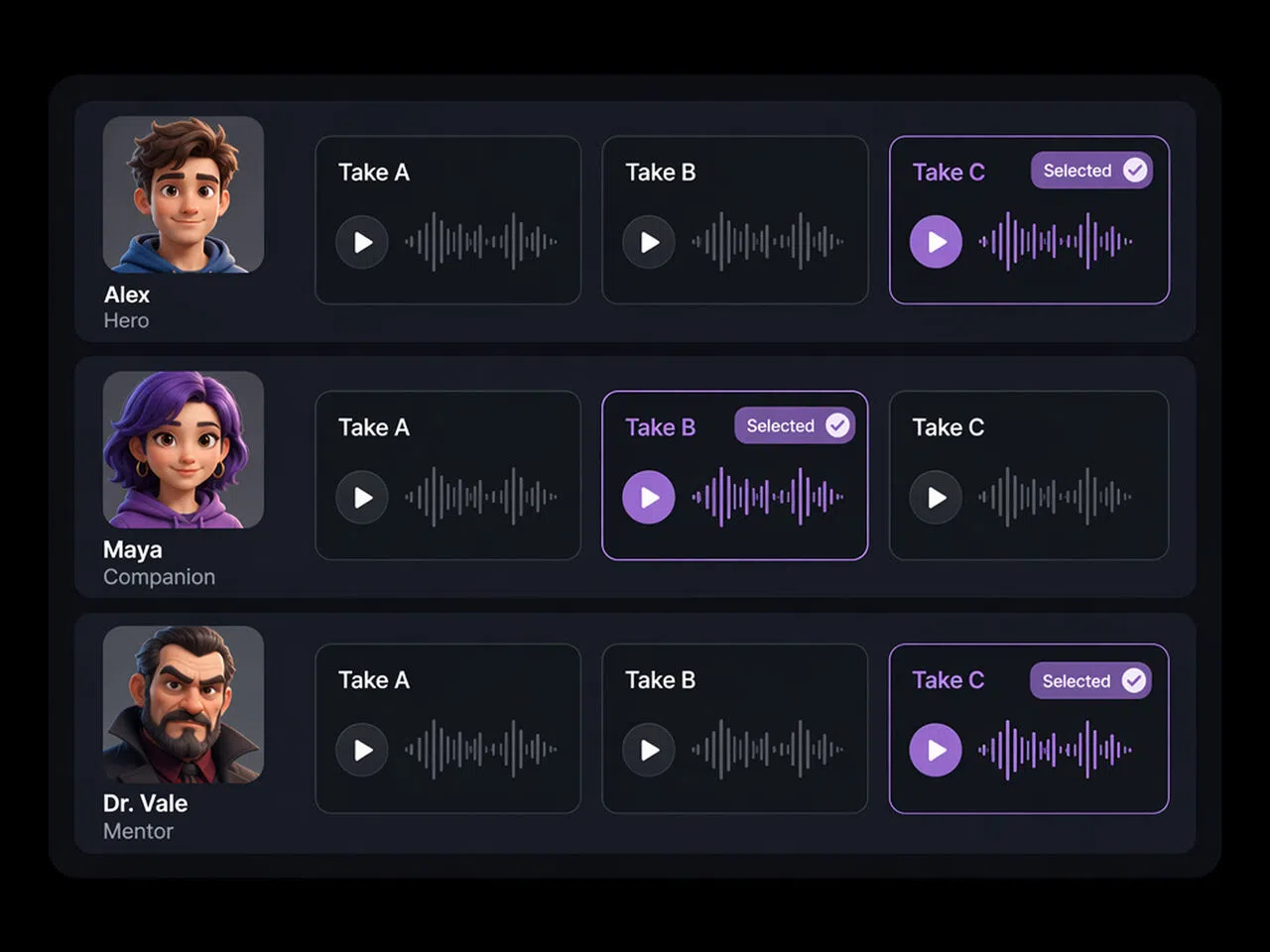
Generate alternate takes for multiple characters, compare different deliveries, and keep the strongest option for each line. This gives game teams, ensemble productions, and social series more creative choices without arranging repeated recording sessions or rebuilding the project for every.
Character Voices for Every Format
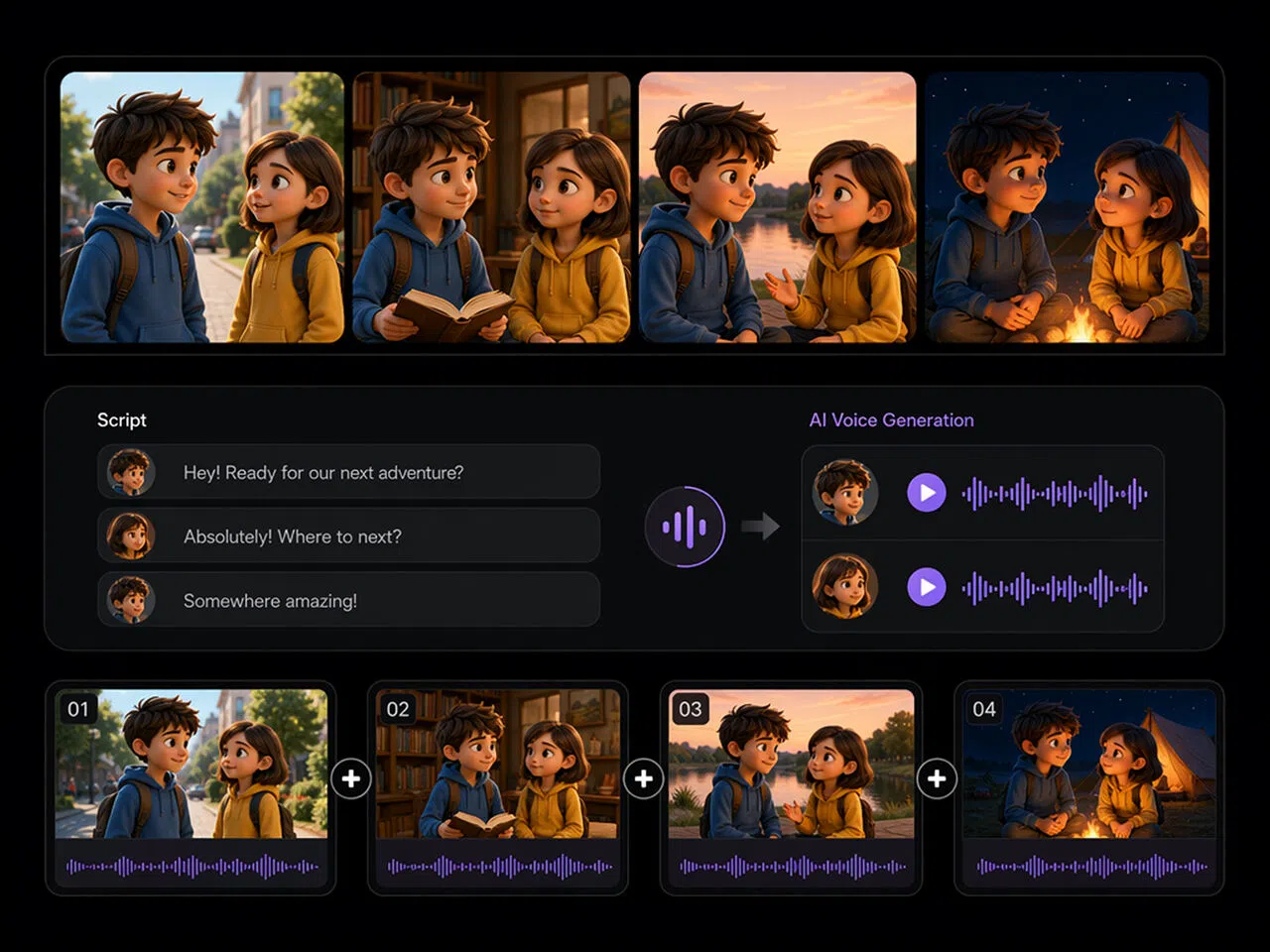
Animated Shorts and Web Series
Turn a finished script into character dialogue without booking a recording session. Compare performances, match each voice to the character, and get animated shorts or episodic content out faster
FAQ about AI character voice generator
What is an AI character voice generator?
Can AI voices be detected?
Sometimes. Detection tools can flag synthetic speech using audio patterns, metadata, or provenance signals, but accuracy varies with the model, recording quality, and editing. Treat detection results as evidence rather than absolute proof.
What are the privacy concerns with character voice AI?
Key concerns include uploading someone’s voice without consent, storing identifiable voice data, unclear model training, data breaches, impersonation, and reuse beyond the original purpose. Check retention, deletion, sharing, and training policies before uploading recordings.
Which AI voice is most commonly used?
There is no universal answer. Creators often choose clear, neutral voices for narration and more distinctive voices for characters.
Can I create voices for multiple characters?
Yes. Create a separate brief for each character, including personality, age, accent, and delivery style. Label every speaker and review lines individually to keep voices distinct.
Can I adjust the emotion, pace, and tone?
Usually yes. Describe the desired emotion, pace, and tone in plain language, then generate several versions and compare them in context. The available level of control may vary by voice model and language.
Start Creating Character Voices with RoboNeo
Turn your script into distinct character voices for animations, games, and short-form videos. Set the tone, personality, and delivery, then generate voice lines that are ready to use in your next scene.
What Users Say About RoboNeo AI Character Voice Generator
“I used RoboNeo to test voices for a short animated pilot before hiring actors. A few takes needed adjusting, but it was much easier to hear whether the dialogue matched each character than to judge everything from the script alone.”
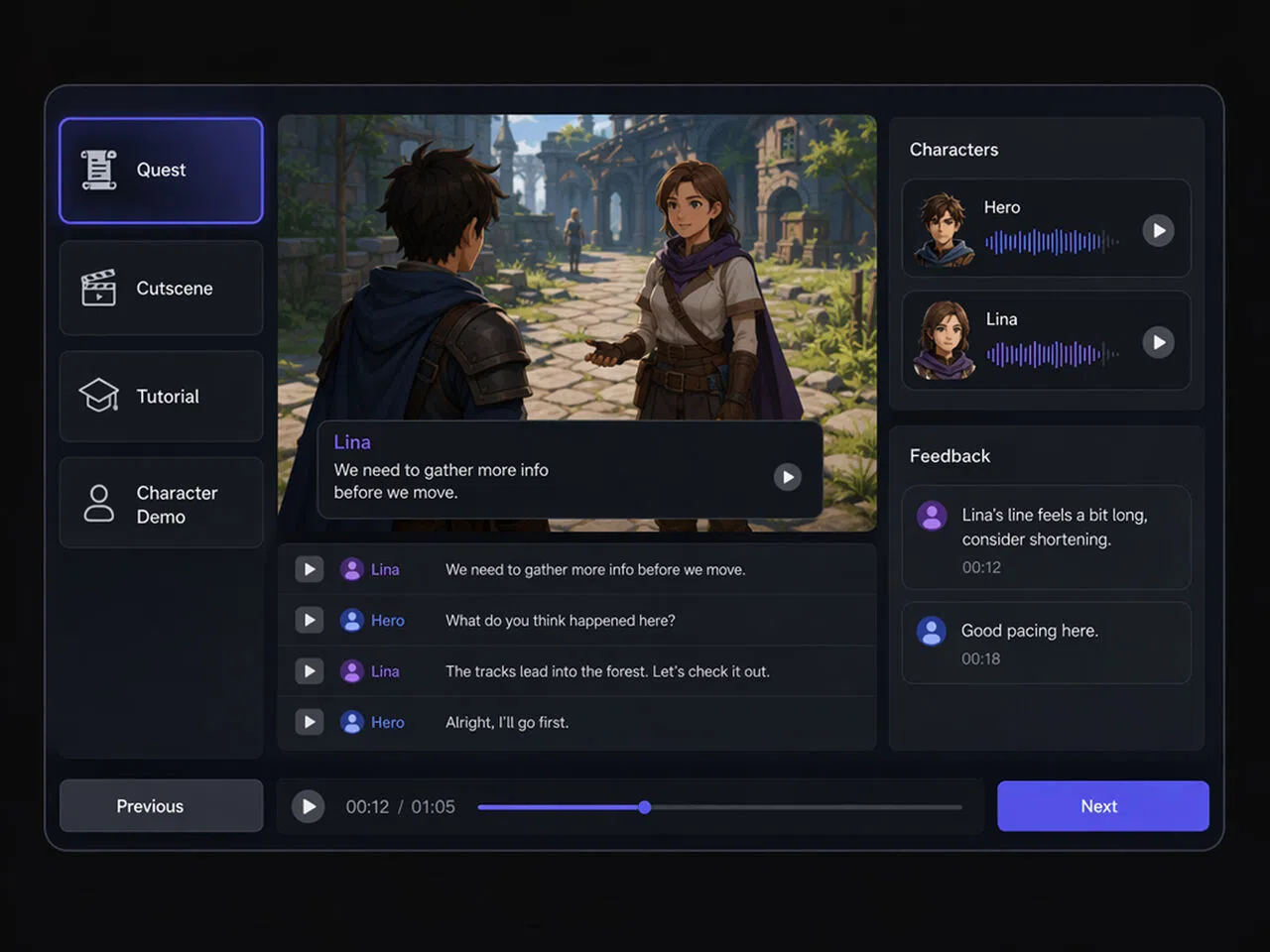
“We added temporary character voices to an early game demo so the team could review the scenes properly. It helped us catch lines that sounded too long or too formal before we moved on to final casting.”
“A client changed the personality of our virtual host halfway through the project. I tested a few new voice directions and updated the dialogue without booking another recording session, which saved us a lot of back-and-forth.”